
 Get it for my Mac (2 GB)







 Perennial Order
1.0.4

- Version
- 1.13.4
- Developer
- Default Cube Games
- Interface in
- English
- Licence on file
- Not required
- Chip support
- Intel 64-bit
- Edited with it on
- macOS Tahoe, Mac mini 2024 M4
- Out on
- 19.11.2025
- Voices in
- English
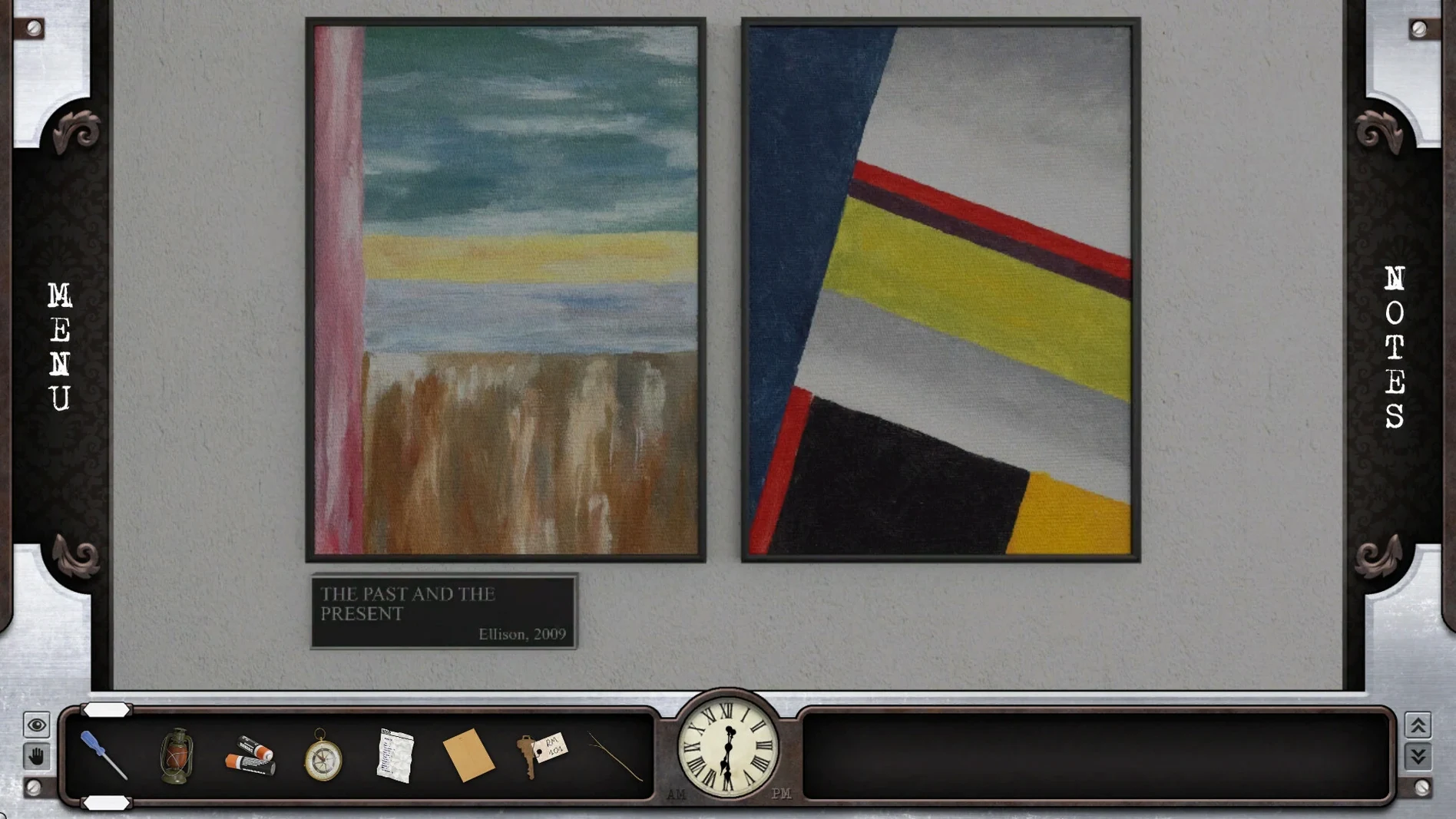
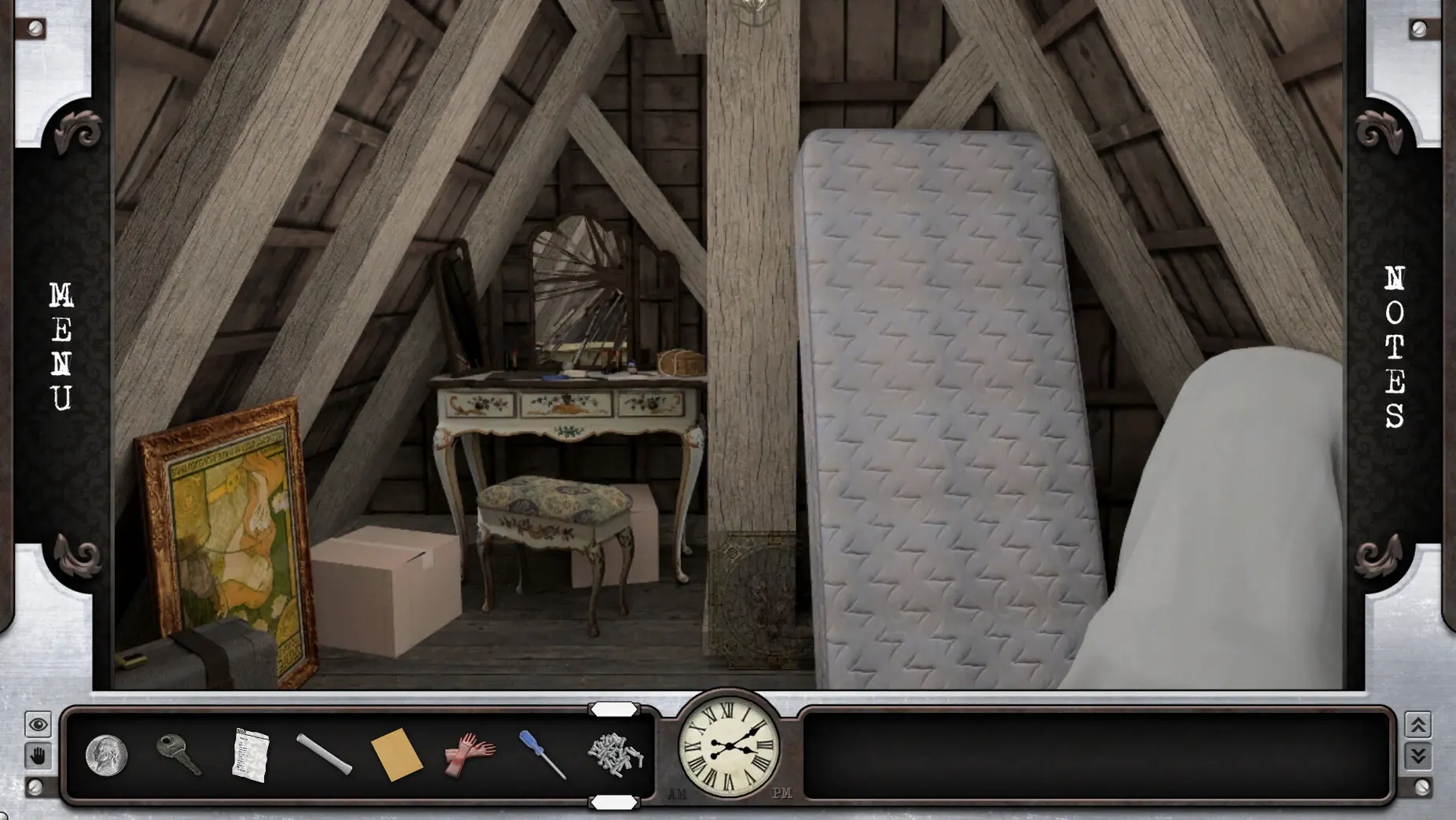
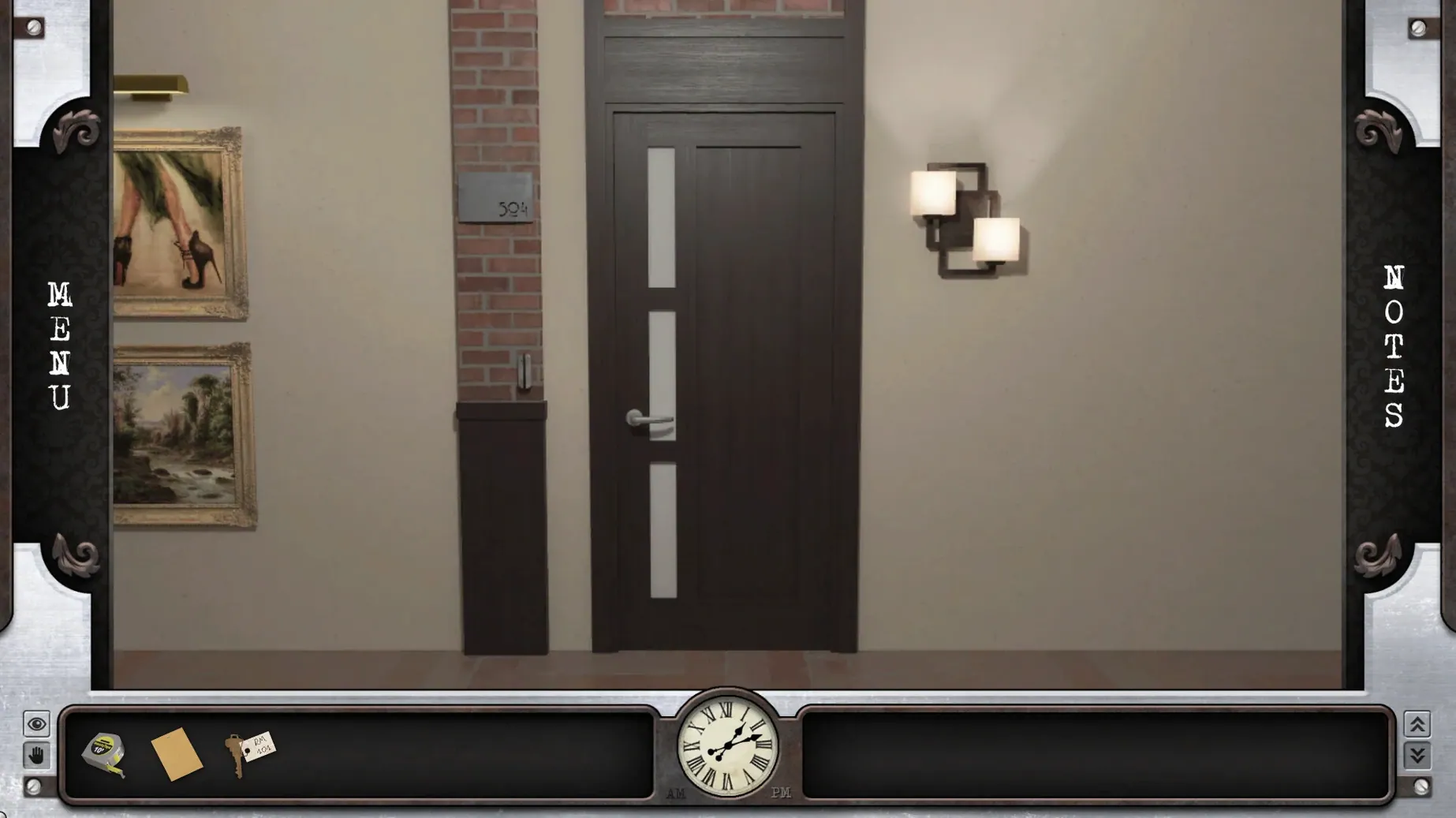
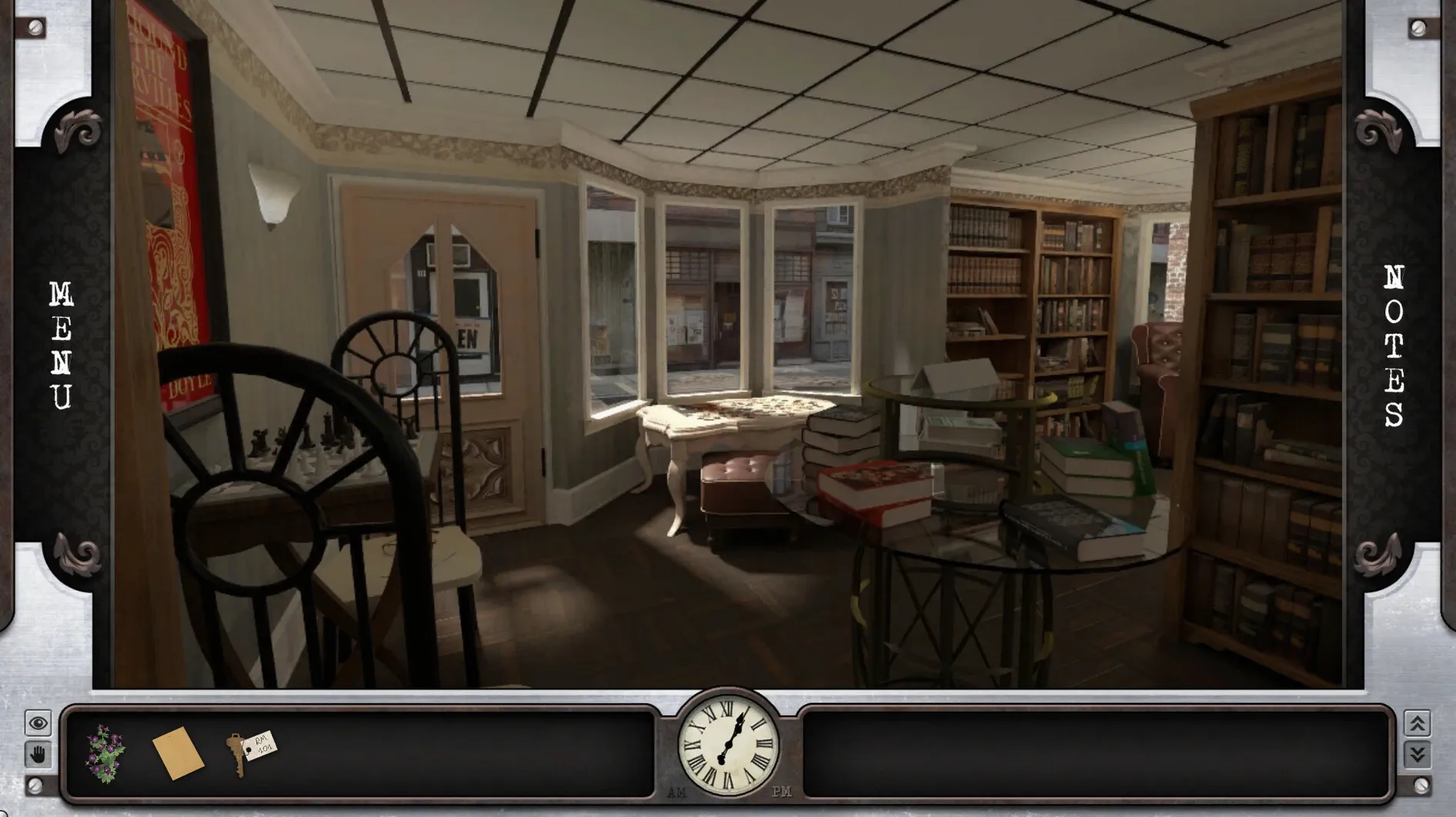
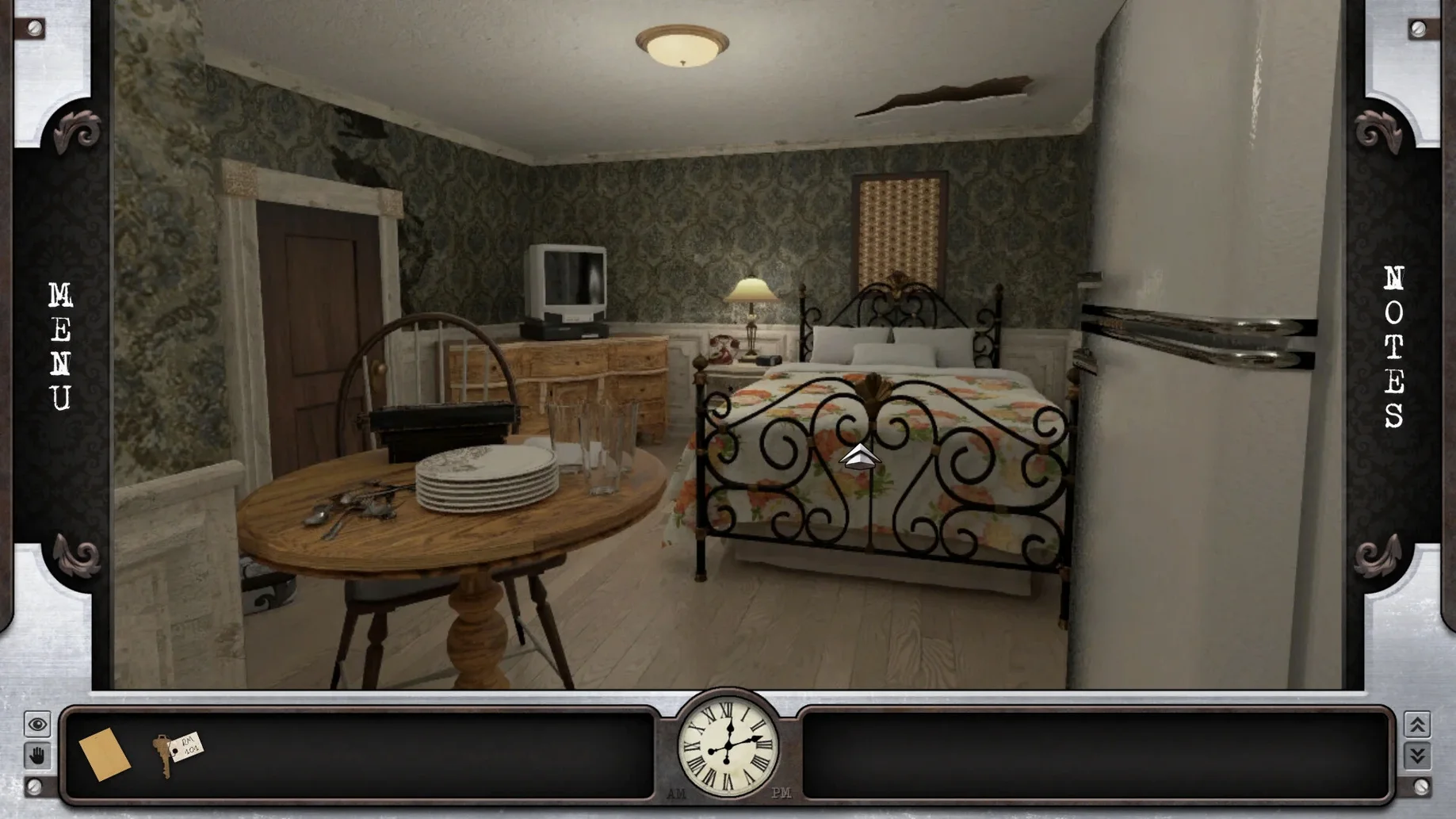
In the edit
Three suspects, one locked room, and a writer who sees more than she lets on. Penelope Pendrick and the Art of Deceit is a first-person point-and-click mystery adventure from Default Cube Games, part of the ongoing Penelope Pendrick series. You step into the shoes of a writer turned detective, moving through hand-crafted scenes to collect clues, interrogate suspects and solve puzzles that push the story forward. The voice acting is in English and the whole thing runs on Unity, so it feels like a classic adventure game with a modern coat of paint.
| Detail | Info |
|---|---|
| Developer | Default Cube Games |
| Current version | 1.13.4 |
| Engine | Unity |
| Voice language | English |
| Interface language | English |
| Architecture | Intel |
Who will enjoy this? Anyone who grew up on point-and-click adventures and likes a good mystery without combat or time pressure. You click, you think, you move the story forward at your own pace. Who might not? Players who need constant action or open-world freedom will find it too quiet and linear. It is a story-first experience, and it expects you to pay attention.
The cursor shape tells you what to click
A few things about Penelope Pendrick and the Art of Deceit are worth knowing before you start, because they make the difference between a frustrating search and a satisfying one. First, the cursor changes shape when you hover over something interactive — a subtle shift, but it saves you from clicking every single bookshelf in the room. Second, the game keeps a running log of your conversations. If you zone out during a suspect's rambling answer, you can pull it up and re-read it later. That log also records the text of notes and documents you find, so you never have to memorise a date or a name.
The inventory screen is straightforward: click an item, then click where you want to use it. There is no combining system that requires pixel-perfect dragging, and the game highlights valid targets when you have an item selected. For people who play on a trackpad, that is a welcome relief. The save system is manual, but the game prompts you at natural break points — before a major conversation or after solving a puzzle — so you never lose much progress if you forget to save yourself.
No internet or login needed after installing
Does it need an internet connection? No. Once it is installed, the game runs entirely offline. There is no online activation, no launcher login, no background downloads. You install it, you play it.
Is it a long game? The story is built around a single mystery — three people missing from Carlisle — and it is designed to be finished in one or two evenings. If you take your time and read everything, expect around four to six hours. There is no padding, no fetch-quest repetition.
Will it run on an older Mac? The architecture is Intel x86, and the build was tested on macOS Tahoe. If you are on a Mac with an Intel chip and a recent version of macOS, you are in the supported group. On Apple Silicon, it runs through Rosetta 2, which the Unity engine handles without issue for a game like this — there is no 3D action to worry about.
Is there a point of no return? The game does not lock you out of previous areas arbitrarily. You can backtrack and re-examine scenes if you think you missed something. The only real progression gate is solving the puzzles, and the game is generous about letting you revisit locations.
It runs like any old-school Mac app from the Applications folder
Because the game does not use a launcher or require a persistent internet connection, it slots into your Mac like any old-school app. You can keep it in the Applications folder, launch it from Launchpad, and drag it to the Dock if you play it regularly. The disk image install is the same drag-and-drop process that has worked on Macs for decades.
If you like to keep notes while you play — mapping suspects, noting contradictions in their stories — you can run the game in a window and keep a simple text editor or Notes app open beside it. The game does not force fullscreen mode, and it respects Mission Control and Spaces, so switching between the game and a reference window is quick.
For players who record gameplay or stream, the game runs well with screen capture tools. Because it is built on Unity, it works with macOS screen recording and with third-party apps like OBS without extra configuration. The English voice acting and clear interface text mean you do not need subtitles unless you prefer them, and the game respects the system volume controls.
If you download Penelope Pendrick and the Art of Deceit for Mac, you get a self-contained folder with the app inside. No registry edits, no secondary installers, no background services. It is the kind of game you can install, play through in a weekend, and delete cleanly when you are done. That simplicity is part of what makes it a good fit for Mac users who just want to play a mystery without fighting the machine.
Mac it needs
- macOS (version not specified by developer)
- Intel processor
- English interface and voice
Questions I actually get
How long does it take to finish Penelope Pendrick and the Art of Deceit?
A typical playthrough runs between three and five hours, depending on how quickly you solve the puzzles.
Does the game run on Apple Silicon Macs?
The game is listed as Intel only, so it will run through Rosetta 2 on Apple Silicon machines.
Installing on a Mac
- Open the downloaded disk image.
- Drag the app into the Applications folder alias.
- Once the copy finishes, launch the app from Launchpad.
Notes from photographers
Sign in or create your account to leave a comment.
No notes from photographers yet. If you have used this on a real folder, say which camera and which Mac.
