Get it for my Mac (95 MB)
 Screen Studio
4.1.0-5005
Screen Studio
4.1.0-5005
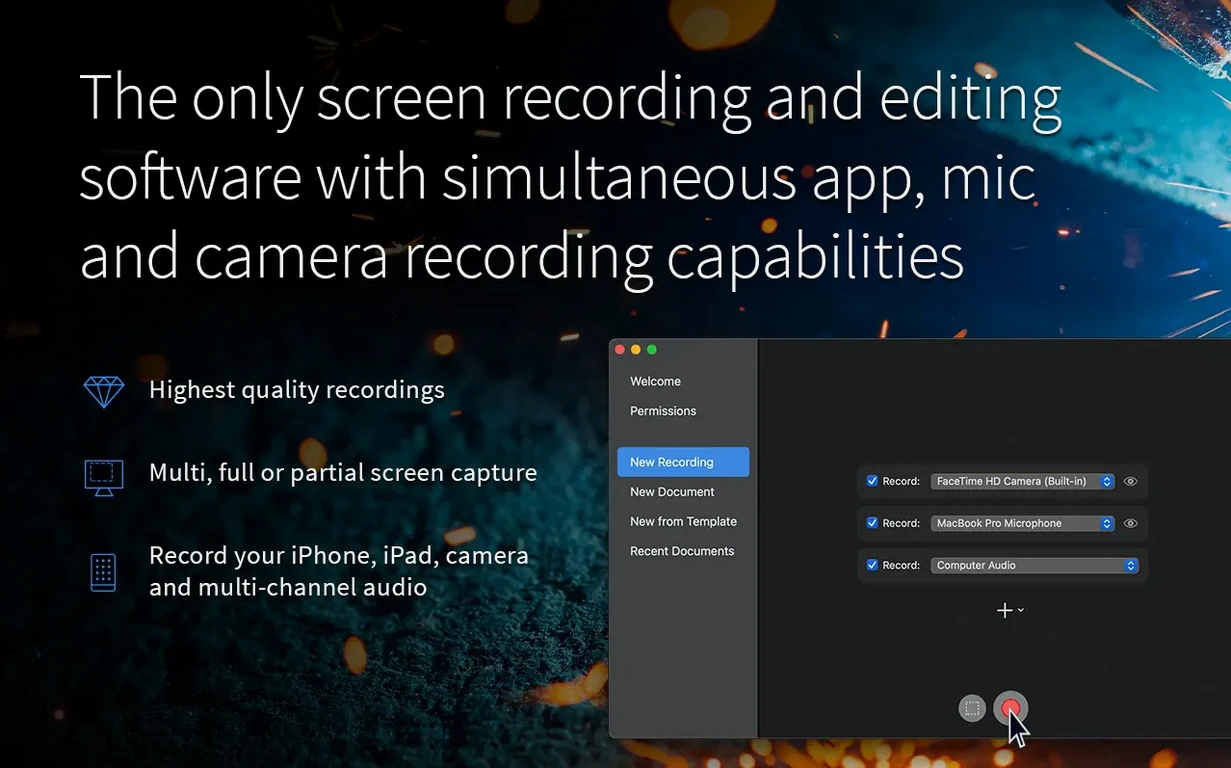
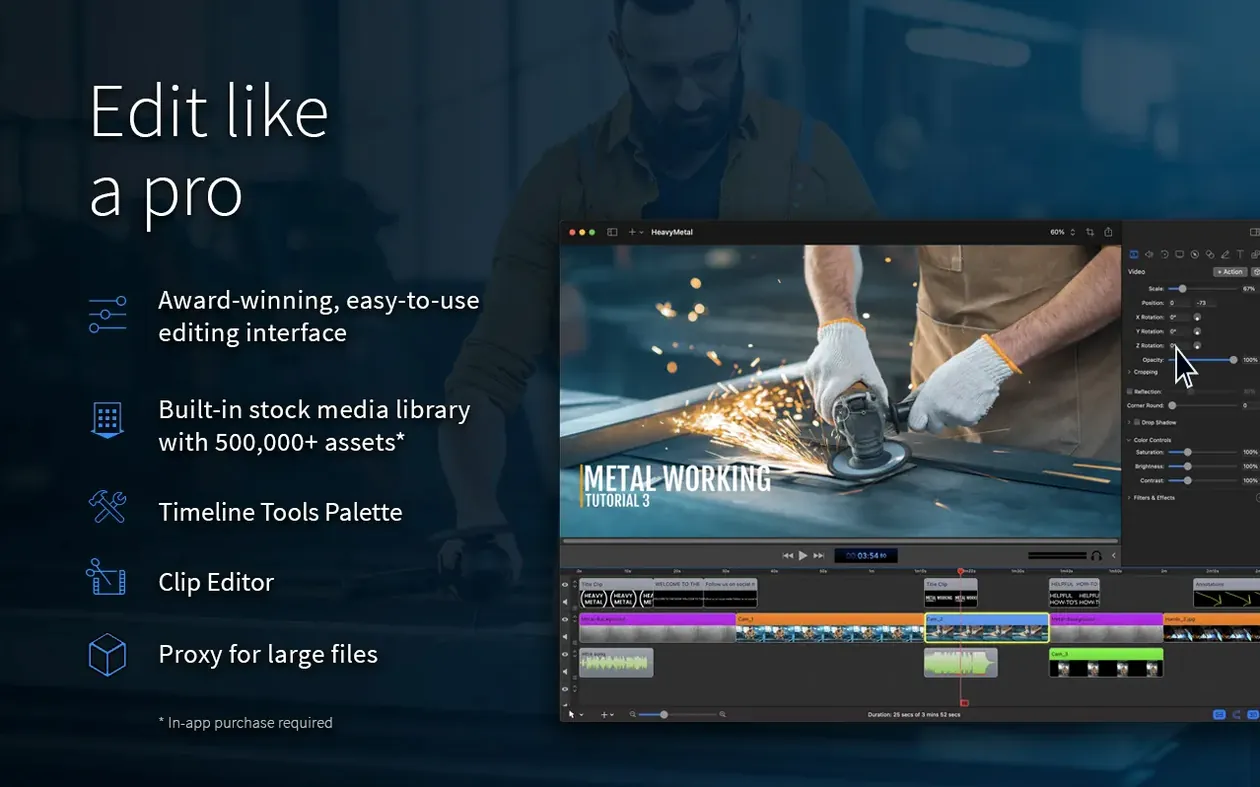
ScreenFlow is the kind of app that finds a home on the Macs of people who need to show others what is happening on their screen and do it well. Tutorial makers, course creators, software demo producers, and anyone who records a lot of macOS sessions reach for it because it does not just grab the display; it can also capture your camera feed, an iPad or iPhone screen, a microphone, and system audio all at the same time. That makes post-production a lot simpler when you already have everything on the same timeline.
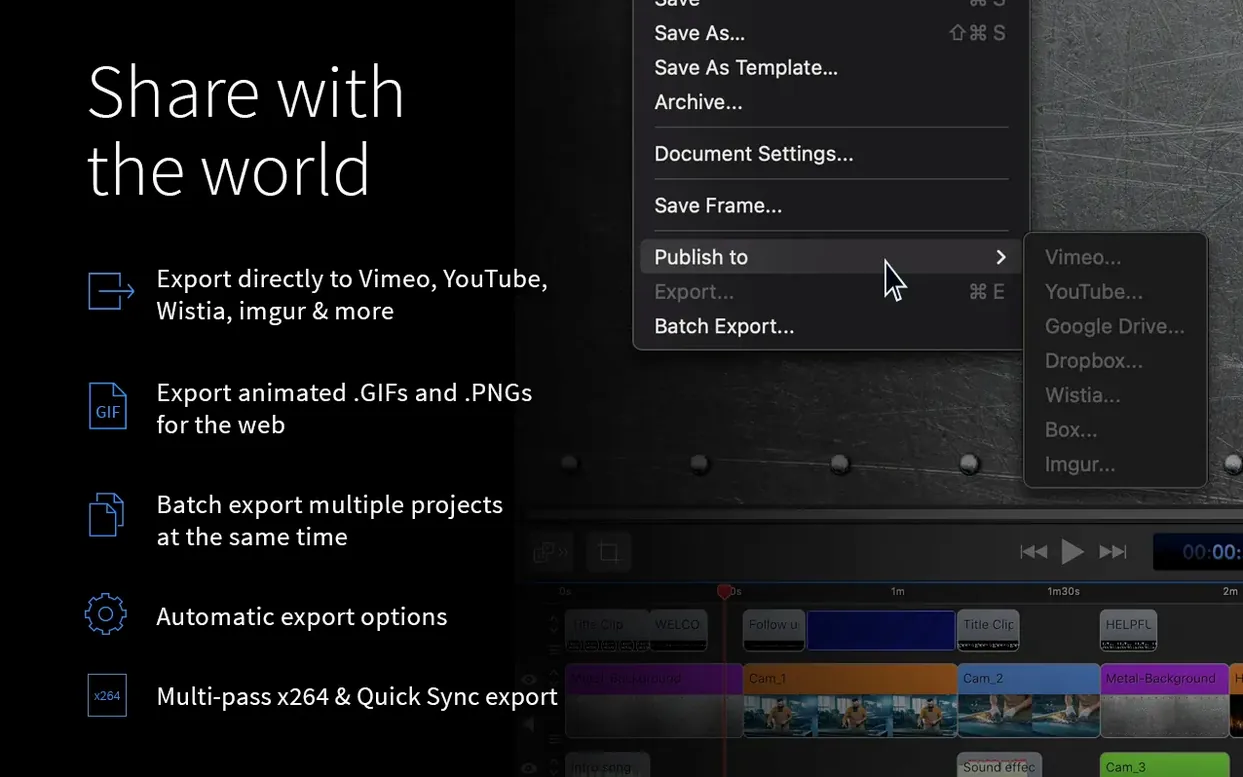
The recording side covers screen, video, audio, and iOS capture, with support for multichannel audio input and computer audio simultaneously. Once you have your footage, the built-in video editor lets you trim, arrange, and apply effects. For delivery, ScreenFlow can export ProRes and MP4 files, and it can also produce animated GIF and APNG files when you need something lightweight for the web. It is designed exclusively for macOS and runs on Intel and Apple Silicon machines from macOS 10.15 onward.
If you regularly record your screen for work, training, or support, and you want a tool that handles both capture and editing without switching apps, ScreenFlow is a solid choice. It is especially useful if you record iOS devices alongside your Mac or need clean exports with Chroma Key. The current version, 10.5.2, keeps things stable on recent macOS releases and fixes a few export and interface issues.
Even a well-built app can throw a curveball now and then. One thing people sometimes hit is the Chroma Key export issue, which version 10.5.2 specifically addresses for certain screen recordings. If you have an older version and your green-screen clips look odd on export, that fix is exactly what you need. Another common snag involves the manage button under licenses going nowhere; again, that is sorted in the current release. If you find the app behaves oddly after a macOS update, particularly on macOS 26.2 or higher, the crash fix in 10.5.2 should have you covered. And if you are running into Gatekeeper on first install, the process is straightforward: mount the disk image, then open Terminal and press Enter to bypass it, then drag the app to your Applications folder. It sounds a bit technical, but it takes about ten seconds.
ScreenFlow has a few touches that do not get talked about much but make a real difference when you are in the thick of editing. The ability to capture an iPad or iPhone screen alongside your main recording is one of them — it saves you from syncing separate footage later. Another is the direct sharing to services like Vimeo, YouTube, Wistia, Facebook, Google Drive, Dropbox, Box, and Imgur. Instead of exporting a file, finding it on your drive, and uploading it manually, you can send it straight from the app. The animated GIF and APNG export is also handy if you need a lightweight preview for a quick reply or a forum post. And if you work in a team, the five interface languages — English, German, Spanish, French, and Japanese — mean it is easier to hand off to colleagues who prefer a different locale.
A few things trip up new users regularly. One is forgetting to check what is being recorded before hitting the red button. If you have multiple displays or a specific window selected, it is worth a quick look to confirm the right area is captured, especially if you are also piping in an iOS device. Another common mistake is neglecting to set up audio sources before recording. ScreenFlow can grab microphone input, system audio, and multichannel input at the same time, but you need to select them in the recording panel first. If you realise halfway through that your voice track is missing, there is no way to get it back. Beginners also sometimes overcomplicate the editing timeline by adding too many effects or callouts early on. It is better to get the basic cut right, then layer in zoom and pan effects, subtitles, or chroma key later. And a final one: not using the built-in annotations and callouts for tutorials. They are right there in the editor and can save you from having to switch to another app for simple text overlays.
Yes, ScreenFlow supports iOS device capture, so you can record an iPhone or iPad screen directly alongside your Mac display.
It can export ProRes and MP4 files, and it can also create animated GIF and APNG files.
ScreenFlow 10.5.2 is designed for macOS 15 and macOS 26, and it runs on both Intel and Apple Silicon Macs.
Sign in or create your account to leave a comment.
No notes from photographers yet. If you have used this on a real folder, say which camera and which Mac.