
 Get it for my Mac (73 MB)
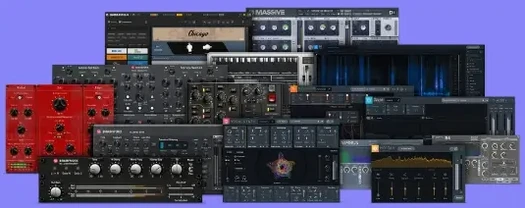 Plugin Alliance Brainworx Bundle
2025.06.16
Plugin Alliance Brainworx Bundle
2025.06.16

- Version
- 1.0.0
- Developer
- Plugin Alliance, Brainworx
- Interface in
- English
- Licence on file
- K'ed by TEAM HCiSO
- macOS it runs on
- macOS 12 or later
- Chip support
- Apple Silicon, Intel 64-bit
In the edit
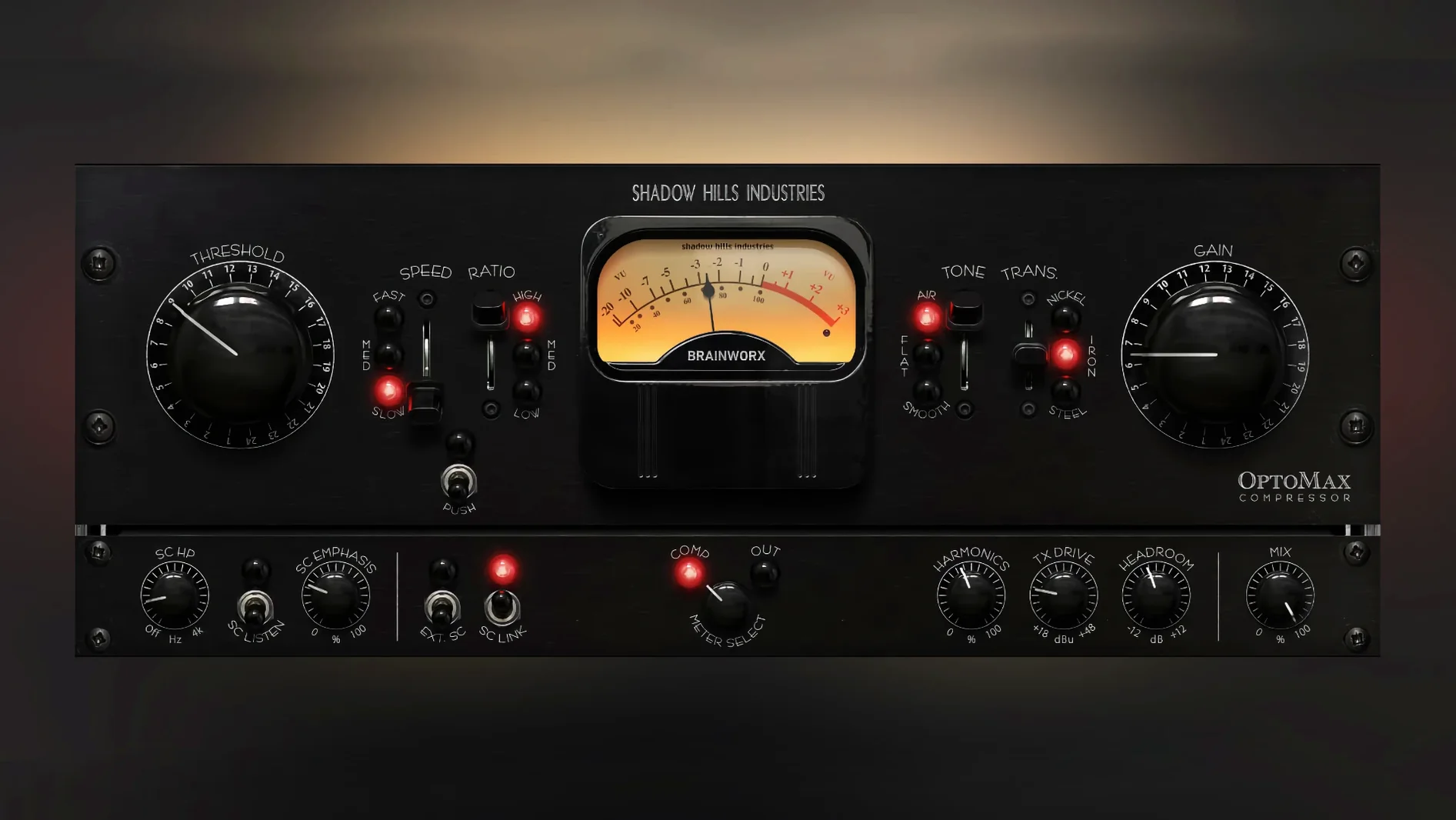
Two optical stages, three transformer types, and a high-frequency softness mode. That is the Shadow Hills OptoMax, a plugin that takes the optical section of the Shadow Hills Mastering Compressor and puts it in your session. Developed with Brainworx, it is designed to even levels without crushing the life out of your track. On a vocal bus or a drum room, the OptoMax smooths dynamics while keeping the transient feel intact. The nickel, iron and steel transformers each colour the signal differently — nickel for air, iron for weight, steel for something in between. The parallel mix control means you can blend in the uncompressed signal, and the advanced sidechain filtering lets you tune what triggers the compression. The softness mode rolls off the top end before the detector, so the compressor reacts less to sibilance and cymbal wash. It is a subtle tool for mix buses and a more obvious one for individual sources, depending on how deep you dig into the threshold. For a plugin that does one thing and does it well, the OptoMax earns its place on the master bus or anywhere you want optical-style control.Putting the OptoMax to work on a vocal
Let me walk through a typical vocal chain with the OptoMax. I start with the response set to medium — it catches the broad dynamic shifts without reacting to every syllable. The threshold comes down until the gain reduction meter shows about three to four decibels of reduction on the loudest phrases. From there, I flick through the three transformer types. Nickel keeps the vocal open and present, iron adds a bit of heft in the low-mids, and steel sits somewhere useful if the source feels unbalanced. The Shine mode, when engaged, lifts the upper register just enough to help a vocal cut through a dense mix without reaching for a separate EQ.
For a verse that stays fairly consistent, the slow response works better. It lets the compressor behave almost like a manual fader ride, smoothing out the performance without grabbing at individual words. If the chorus jumps up in level, the fast response catches those peaks more decisively. The parallel mix control lets me bring back some of the uncompressed attack, which keeps the vocal from sounding too polite.
Sidechain filtering makes the low end stop over-pumping
The sidechain filtering is one of those features you might skip on first use, but it makes a real difference once you dial it in. Rolling off the low end from the detector stops the kick drum from pumping the compressor on a bass part or a full mix. It is not a dramatic effect — more of a cleaning up of the trigger signal so the compression responds to the parts you actually want it to follow.
The softness mode is another detail worth mentioning. It attenuates high frequencies before they reach the detector, which means the compressor treats sibilant vocals and bright cymbals more gently. It is not a de-esser, but it does similar work without the surgical feel. On a bright acoustic guitar, it can keep the compressor from overreacting to string noise.
OptoMax won't give you fast FET-style compression
One thing people hit is expecting the OptoMax to act like a fast FET compressor. It does not. Optical compression is slower and smoother by design, so if you are looking for aggressive, pumpy compression, this is not the tool. If you push the threshold too hard with the fast response engaged, the compressor can start to sound like it is struggling to keep up — the fix is to back off the threshold or switch to medium response and let the optical cell breathe.
Another snag is forgetting to adjust the makeup gain. The OptoMax reduces level as it compresses, and without makeup gain the track can disappear in the mix. Some users compensate by boosting the output, but it is worth checking the bypass button to make sure the compressed version is not quieter than the original by more than a couple of decibels.
A final note on the transformer selection: the differences are subtle, not night and day. If you cannot hear a change between nickel and steel at first, try soloing the track and listening to how the low end behaves. Nickel lets the lows breathe more, iron firms them up, and steel sits in the middle. It is the kind of detail that becomes more apparent the longer you listen.
Mac it needs
- macOS 12 or later
- Intel or Apple Silicon Mac
- English interface
Questions I actually get
What transformer types are included in Shadow Hills OptoMax?
It includes three transformer types: nickel, iron and steel, each offering a different tonal character.
Does the OptoMax include a mix control?
Yes, it has a parallel mix control so you can blend the compressed and uncompressed signals.
What is the softness mode for?
Softness is a high-frequency mode that rolls off the top end before the detector, reducing sensitivity to sibilance and cymbal wash.
Installing on a Mac
- Open the downloaded disk image.
- Run the standard installer.
- Follow the normal installation prompts.
Notes from photographers
Sign in or create your account to leave a comment.
No notes from photographers yet. If you have used this on a real folder, say which camera and which Mac.
Next to it in VST Plugins
All VST Plugins picks
Plugin Alliance Brainworx Bundle
2025.06.16
 Pulsar Audio IPA
1.0.9
Pulsar Audio IPA
1.0.9
 Output Portal
1.2.1
Output Portal
1.2.1
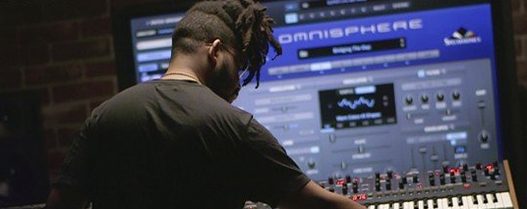 Omnisphere
3.0.2c
Omnisphere
3.0.2c
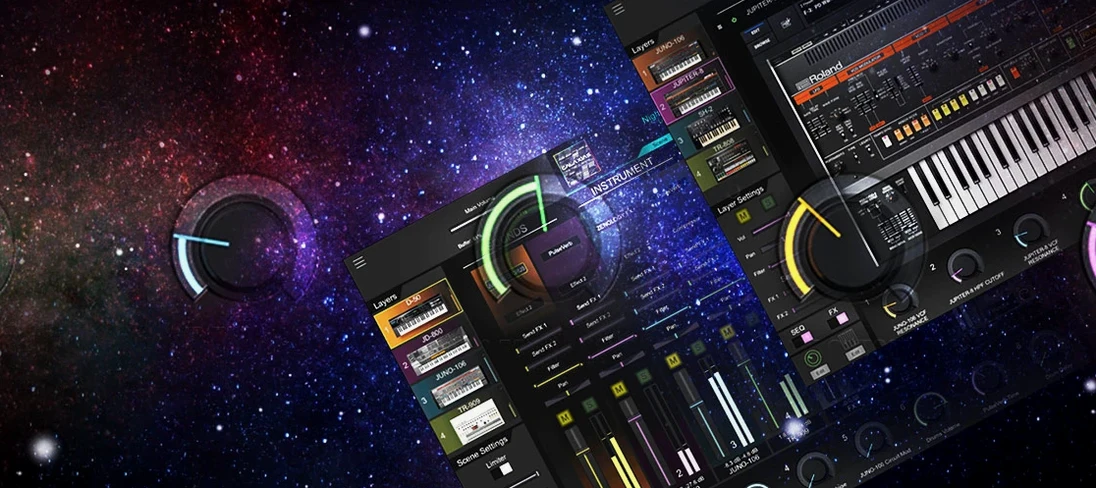 Roland Cloud Legendary Series
2025.06.29
Roland Cloud Legendary Series
2025.06.29
 Roland ZENOLOGY Pro
2.0.7
Roland ZENOLOGY Pro
2.0.7
 Nudist Audio Nudistort
1.2.5
Nudist Audio Nudistort
1.2.5
 Safari Pedals Everything Bundle
2026.05
Safari Pedals Everything Bundle
2026.05
