Get it for my Mac (1.8 GB)
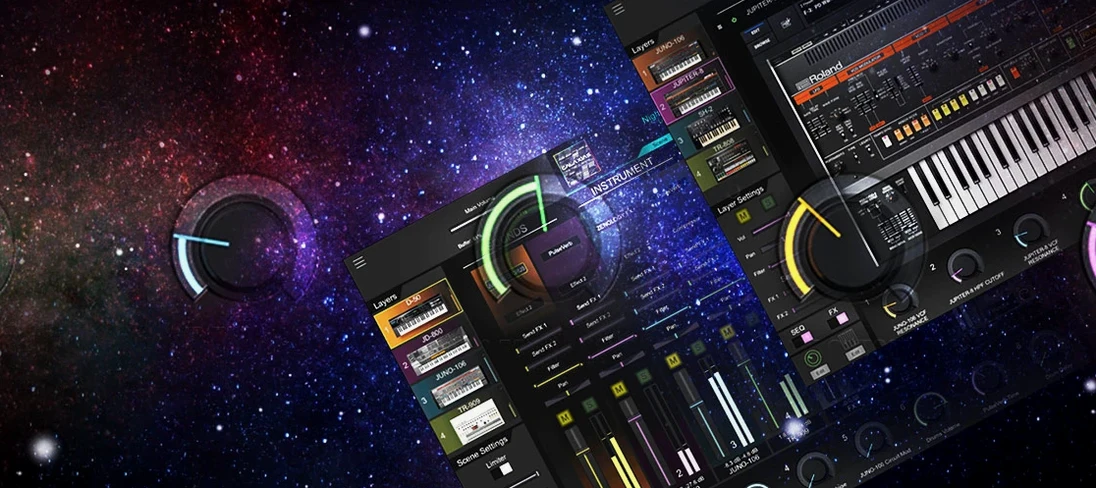 Roland Cloud Legendary Series
2025.06.29
Roland Cloud Legendary Series
2025.06.29

- Version
- 2.0.7
- Developer
- Roland Cloud
- Interface in
- English
- Licence on file
- k'ed by Team V.R
- macOS it runs on
- macOS 11 or later
- Chip support
- Apple Silicon, Intel 64-bit
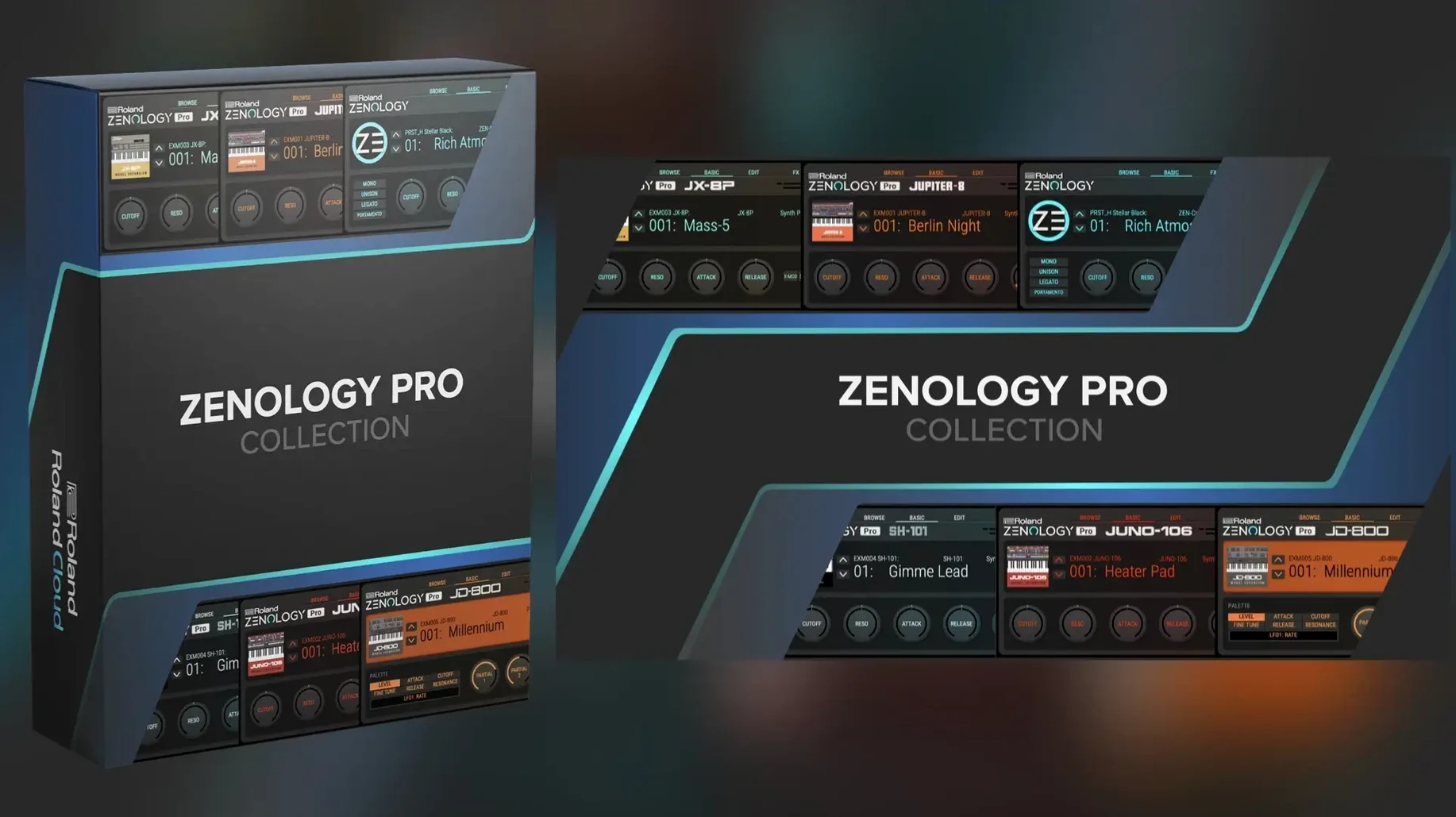
In the edit
If you record music on a Mac and have spent time with Roland hardware like the JUPITER-X or FANTOM, ZENOLOGY Pro will feel familiar from the first note. It is the ZEN-Core Synthesis System repackaged as a plugin that runs inside your DAW, no separate box required.
The same ZEN-Core engine as Roland's flagship keyboards
- Producers who want the same sound engine as Roland's flagship keyboards without the desk space.
- Anyone building a go-to synth library: 4,000+ tones and 200 drum kits cover a lot of ground.
- Layering sounds — each tone can have up to four parts, each with its own oscillator, filter, amp, two LFOs and EQ.
Runs on macOS 11+ and Apple Silicon, English only
- It runs on macOS 11 and later, on both Apple Silicon and Intel Macs.
- The interface is in English only.
- It is an expandable platform, so the tone count grows if you add Roland Cloud content.
Installs as a standard DAW plug-in with a resizable interface
ZENOLOGY Pro installs as a standard plug-in through the Roland Cloud installer. Once mounted and run, it appears in your DAW's instrument list as you'd expect. The interface is resizable, which matters more than you might think when you are working on a 13-inch screen or a single external monitor — you can scale it to sit comfortably alongside your mixer or arrange window.
The plug-in supports both Apple Silicon and Intel 64-bit Macs, so whether you are on an M-series machine or an older Intel model, it will load without translation layers. It needs macOS 11 or later, which covers everything from Big Sur through the current releases. The interface language is English, no localised versions available at this point.
Roland describes ZENOLOGY Pro as an advanced software synthesiser, and that is not marketing fluff. You get the full ZEN-Core engine inside a DAW window: four-part tones, ten filter types including JUPITER models, 11 LFO shapes, more than 90 effects and four oscillator types that cover virtual analogue waveforms, Supersaw, noise, PCM and PCM SYNC. The 1,840 PCM waveforms give it a huge sonic palette right out of the box.
Build personal banks from 4,000 tones before you start writing
After installing, spend some time with the tone browser before you start writing parts. It lets you browse sounds, mark favourites and create custom banks. Building a couple of personal banks early on saves you scrolling through 4,000 tones when inspiration hits in the middle of a session.
If you own any ZEN-Core hardware like the JUPITER-X or FANTOM, you can edit sounds in ZENOLOGY Pro and share them with the hardware. That workflow is worth testing early — create a patch on the Mac, transfer it to the keyboard, see how it translates. It works both ways, so you can also record hardware patches into your DAW through the plug-in.
Try the four-part layering from the start. Each tone supports up to four parts, each with its own oscillator, filter, amplifier, two LFOs and EQ. That is where ZENOLOGY Pro separates itself from simpler synths. A single patch can be a pad, a bass and a rhythmic layer all at once. Map each part to a different MIDI channel or stack them for thickness.
Browse the drum kits early too. The 200 kits are not an afterthought — they cover electronic and acoustic styles, and you can trigger them from a MIDI controller or program them in the piano roll. If you produce genres that rely on hybrid drum sounds, these kits save a lot of layering work.
More than the standard ZENOLOGY plug-in with full synthesis editing
People often wonder whether ZENOLOGY Pro is just a bigger version of the standard ZENOLOGY plug-in. The standard ZENOLOGY offers the core ZEN-Core sounds in a streamlined interface. ZENOLOGY Pro gives you the full synthesis engine with deeper editing, more filter types, more LFO shapes, the four-part architecture and the ability to expand with Sound Packs and Wave Expansions from Roland Cloud. If you want to design your own sounds from the oscillator up, you want Pro. If you mainly need the preset library in a clean window, the standard version covers that.
Another common question is whether it works alongside other Roland Cloud instruments. It does — you can run ZENOLOGY Pro, a separate ZENOLOGY instance and other Roland Cloud plugins in the same project. Each instance loads independently, and the tone browser keeps everything organised.
People also ask about the expandable nature of the plug-in. Out of the box you get more than 4,000 tones and 200 drum kits. With Roland Cloud Sound Packs and Wave Expansions, that can grow to more than 10,000 total variations. The plug-in is built to accommodate that library without slowing down or becoming unwieldy — the browser handles the sorting.
Some users ask whether the interface feels cramped on smaller screens. The resizable window helps here. You can drag it to a size that works for your setup, and the layout scales cleanly. There is no fixed resolution that forces you to squint or scroll inside the plug-in.
Works in any major DAW that supports AU or VST on Mac
ZENOLOGY Pro runs as a standard plug-in in any major DAW that supports AU or VST formats on Mac — Logic Pro, Ableton Live, Cubase, Studio One, Digital Performer and others. It loads like any other instrument plugin, and its MIDI mapping works through your DAW's normal routing. If you already have a template project with your usual instruments, adding ZENOLOGY Pro is straightforward.
Because it is part of the Roland Cloud ecosystem, it shares content with other Roland plugins you might have installed. That means a sound pack designed for the JUPITER-X hardware also loads in ZENOLOGY Pro, which keeps your library unified.
On macOS, the plug-in behaves well with standard system features. It does not require disabling Gatekeeper or lowering security settings. The installer runs through the normal Roland Cloud process, and the plugin files go into the standard component and VST folders. If you use multiple Macs in a studio setup, you can install it on each machine through your Roland Cloud account.
For those who use hardware MIDI controllers, the four-part architecture maps naturally. You can assign each part to a separate MIDI channel and control them from a keyboard or a control surface. That makes ZENOLOGY Pro a viable live-performance tool inside a DAW, not just a studio production synth.
Expanded tone library and deeper editing in version 2.0.x
Version 2.0.7 is the current release as of late May 2026. It continues the development of the ZEN-Core plugin platform that Roland started with earlier versions. The most noticeable change in the 2.0.x line is the expanded tone library — more than 4,000 tones and 200 drum kits are included by default, which is a significant jump from earlier builds.
The version also solidifies compatibility with macOS 11 and later on both Apple Silicon and Intel architectures. Earlier versions of the plugin went through a period where Apple Silicon support was still maturing. By 2.0.7, the architecture support is fully stated as ARM and x86 64-bit, so it runs natively on M-series Macs without Rosetta translation.
For sound designers, the four-part tone architecture and the expanded oscillator options — virtual analogue, Supersaw, noise, PCM and PCM SYNC with 1,840 PCM waveforms — have been refined through the 2.0 updates. The ten filter types including JUPITER models and the 11 LFO shapes are all present and integrated into the same workflow. The effect count sits at more than 90, covering everything from reverb and delay to distortion and modulation effects.
The tone browser in 2.0.7 remains the central way to navigate sounds. Marking favourites and building custom banks works the same way it did in the 2.0 release, but the library size makes those organisational tools more useful than ever. If you updated from an earlier version, the first thing you will notice is simply having more sounds to choose from without installing additional packs.
For users who also own ZEN-Core hardware, the ability to edit and share sounds between the plugin and instruments like the JUPITER-X or FANTOM is consistent across the 2.0.x versions. Version 2.0.7 does not introduce a new hardware compatibility layer — it maintains the integration that was already there, which is exactly what you want from a software update that focuses on expanding the sound set and polishing the engine.
If you are coming from the standard ZENOLOGY plugin, the jump to Pro in version 2.0.7 gives you the full synthesis engine rather than the streamlined preset player. That means access to the oscillator-level editing, the four-part layering, the full filter and LFO selection, and the expandable architecture that takes Roland Cloud content. It is the same ZEN-Core system found in the flagship hardware, running natively on your Mac.
Mac it needs
- macOS 11 or later
- Apple Silicon or Intel 64-bit Mac
Installing on a Mac
- Mount the downloaded disk image.
- Run the standard installation procedure.
Notes from photographers
Sign in or create your account to leave a comment.
No notes from photographers yet. If you have used this on a real folder, say which camera and which Mac.