Get it for my Mac (198 MB)
 Toontrack EZkeys
2.1.5
Toontrack EZkeys
2.1.5
- Version
- 1.0.2
- Developer
- Tone Empire
- Interface in
- English
- Licence on file
- K'ed by MORiA
- macOS it runs on
- macOS 10.14 or later
- Chip support
- Apple Silicon, Intel 64-bit
In the edit
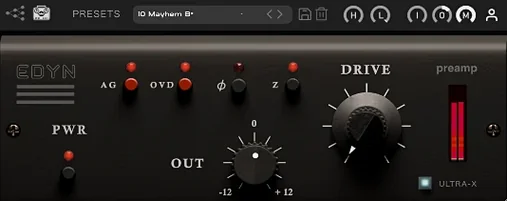
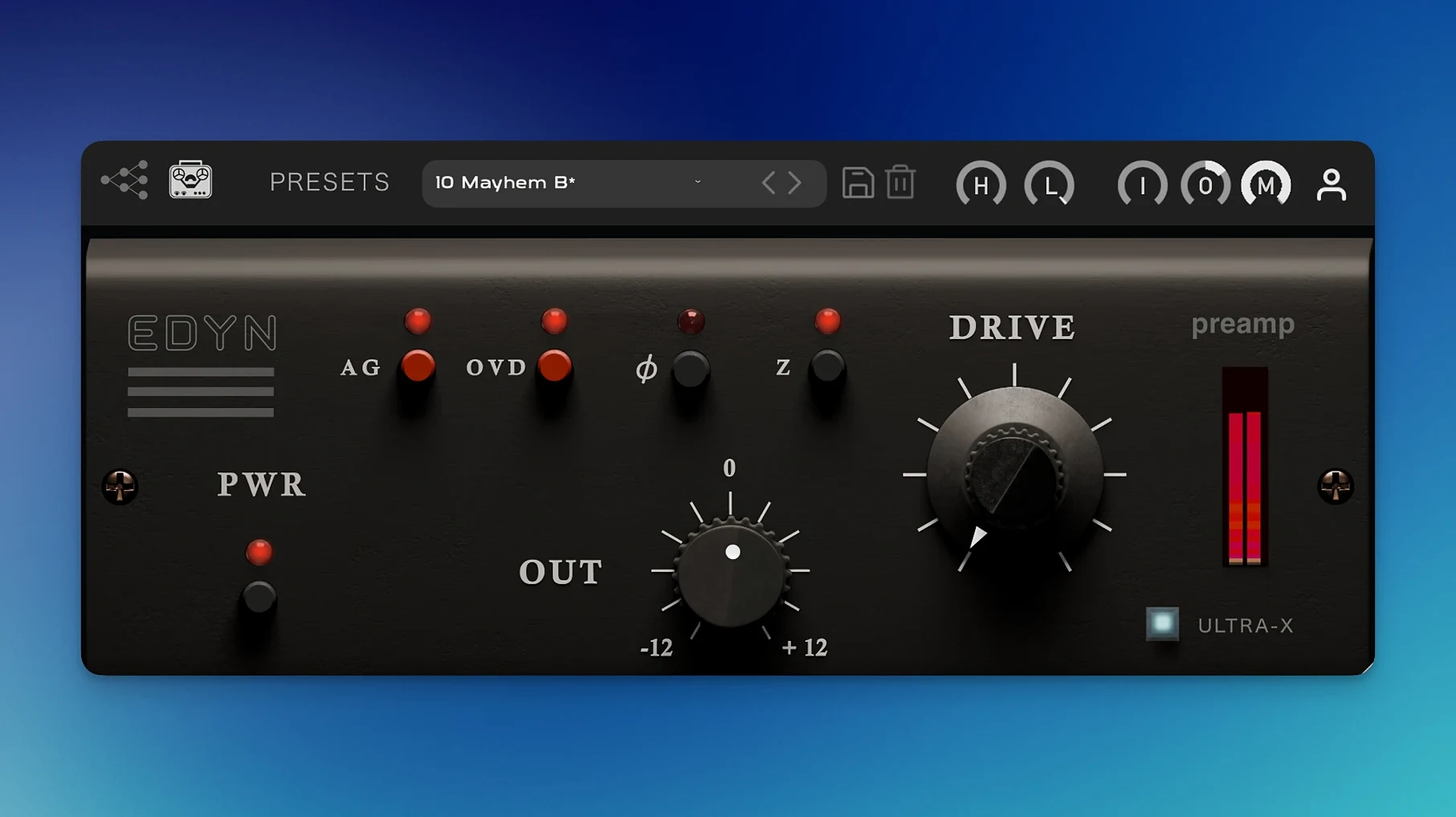
Version 1.0.2 of Tone Empire EDYN brings a handful of refinements that matter when you’re deep in a session: AU validation is fixed in Logic Pro on macOS Sequoia, parameter automation works properly in Pro Tools, and the interface now scales cleanly on high-resolution displays. The plugin itself is an emulation of the Electrodyne 1204 console, that classic American preamp sound from the 60s and 70s. For an experienced user, the real value lives in the details.
- Switchable input impedance (50 or 200 ohms) changes how the preamp loads your source — useful for shaping tone at the front end before any EQ touches it.
- The OVD overdrive mode introduces saturation that responds to playing dynamics, not just a fixed distortion curve.
- High-pass and low-pass filters let you clean up the signal before it hits the rest of your chain, saving a plugin slot.
- Automatic gain compensation keeps output levels consistent as you drive the input harder, so you’re judging the tone, not the volume jump.
- A Mix control handles parallel processing internally — no need for an extra bus or a dry/wet knob on a separate track.
Turn the Drive knob after these quick input adjustments
When you open EDYN for the first time, it’s tempting to just turn the Drive knob and see what happens. But a few quick adjustments upfront make a real difference to how the plugin behaves with your material.
The input impedance switch is the one I’d set before anything else. At 50 ohms, the preamp loads the source more heavily, which tends to roll off a little top-end air and tighten the low end — good for bright sources or tracks that need to sit back in a mix. At 200 ohms, you get the full frequency range and a more open sound. Try both on the same vocal take; the difference is subtle but audible, and it changes how the Drive section responds later.
The high-pass filter is worth engaging early too, especially on bass-heavy sources like kick drums or electric bass. Rolling off subsonic rumble before the saturation stage keeps the low end tight and prevents the overdrive from getting muddy. The low-pass filter is more of a character tool — pulling it down a bit on a harsh synth or a brittle acoustic guitar can soften the edge without reaching for a de-esser.
Finally, turn on automatic gain compensation. It stops you from being fooled by level changes when you push the input. Without it, louder sounds better almost every time, and that’s not a useful way to judge saturation.
Best for mixing engineers working with recorded rock, indie, or soul
EDYN fits most naturally into the workflow of mixing engineers who work with recorded audio rather than virtual instruments. If you’re mixing rock, indie, soul or anything that started life in a room with microphones, this preamp character belongs on your tracks. Vocals, snare drums, overheads, DI’d bass — any source that needs weight and presence without becoming harsh benefits from the Electrodyne circuit.
Producers working on Apple Silicon machines will notice the version 1.0.2 optimisation. The plugin runs natively, which keeps CPU usage low enough that you can drop it on multiple channels without thinking twice about performance. That matters when you’re printing a whole drum bus or stacking vocal layers.
Logic Pro users, especially those who’ve moved to macOS Sequoia, should find the AU validation issues from earlier versions are gone. Pro Tools users get proper automation behaviour now, so riding the Drive or Mix parameter across a session won’t produce unexpected jumps. If any of those scenarios sound familiar, this update is worth your time.
Adding weight to a flat vocal track from a small studio
I’m working on a mix that came in from a small studio. The vocal track was recorded through a decent microphone but it feels flat — present enough, but lacking the weight that makes a lead vocal sit forward in the chorus.
I insert EDYN on the vocal channel. First, I set the input impedance to 200 ohms — the singer has a naturally dark voice, so I want to keep the upper mids open. I engage the high-pass filter at around 80 Hz to cut some proximity effect, and I turn on automatic gain compensation so I’m not fooled by level changes.
I start with the Drive at about 30 per cent. The vocal gains a subtle density, like the track has been pushed through a good console preamp. The transient response is fast — the consonants stay clear, nothing gets smeared. I bring the Drive up to around 55 per cent and the vocal starts to saturate gently on the loudest phrases. The OVD mode adds a different flavour here, more aggressive, so I leave it off for now.
With the Mix control at 100 per cent, I adjust the Output level to match the bypassed signal. Then I pull the Mix back to about 70 per cent, blending the saturated signal with the clean one. The vocal is now fuller without sounding over-processed. I leave the low-pass filter off — the track doesn’t need it.
Later, I copy the plugin to the snare drum channel. This time I use 50 ohms input impedance to tighten the low end, and I push the Drive harder, around 70 per cent. The snare gets a gritty attack that sits well against the kick. The phase inversion switch comes in handy here — the snare was a bit out of alignment with the overheads, and flipping the phase on EDYN fixed it without adding another plugin.
By the end of the session, I’ve used EDYN on five tracks: vocal, snare, overheads, DI bass and a backing vocal group. The CPU hit is low enough that I don’t think about it, and the tonal consistency across those channels ties the mix together in a way that EQ alone wouldn’t.
These aren’t headline features, but they’re the kind of thoughtful touches that keep a plugin in your channel strip long after the novelty wears off.
New this release
- Bug fixes for offline rendering on the master output
- AU validation fixes in Logic Pro on macOS Sequoia
- Crash fixes for multiple instances in Logic Pro
- Parameter automation fixes in Pro Tools
- Apple Silicon performance optimisation and reduced CPU load
- Improved support for high-resolution displays with a scalable interface
Mac it needs
- macOS 10.14 or later
- Intel or Apple Silicon
Questions I actually get
What is Tone Empire EDYN based on?
It is modelled on the Electrodyne 1204 console, a vintage American preamplifier design from the 1960s and 1970s.
Does EDYN work natively on Apple Silicon Macs?
Yes. Version 1.0.2 includes native Apple Silicon support with optimised performance and reduced CPU load.
What DAW formats does EDYN support on Mac?
It supports VST3, AU, and AAX formats. The AU validation fix in version 1.0.2 ensures smooth operation in Logic Pro on macOS Sequoia.
Installing on a Mac
- Install and activation instructions are included with the package.
Notes from photographers
Sign in or create your account to leave a comment.
No notes from photographers yet. If you have used this on a real folder, say which camera and which Mac.