
 Get it for my Mac (781 MB)




 Nova Roma
0.7.2988
- Version
- 1.6
- Developer
- Mobge Ltd
- Interface in
- Russian, English, German, Spanish, Italian, Chinese (Traditional), Chinese (Simplified), Korean, Portuguese, French, Japanese
- Licence on file
- Not required
- Chip support
- Apple Silicon, Intel 64-bit
- Edited with it on
- macOS Sonoma, MacBook Air (M1. 2020)
- Out on
- 19.04.2018
- Voices in
- Music only
In the edit
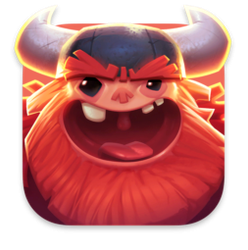
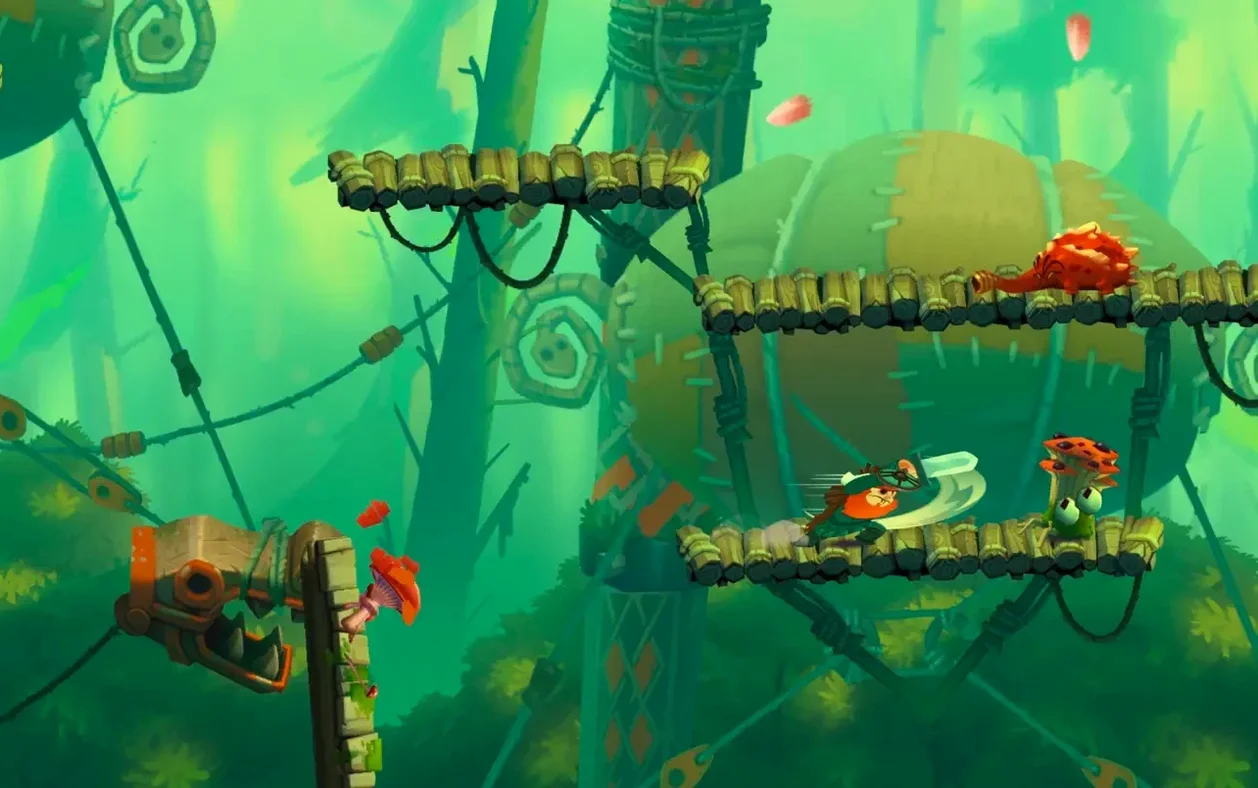
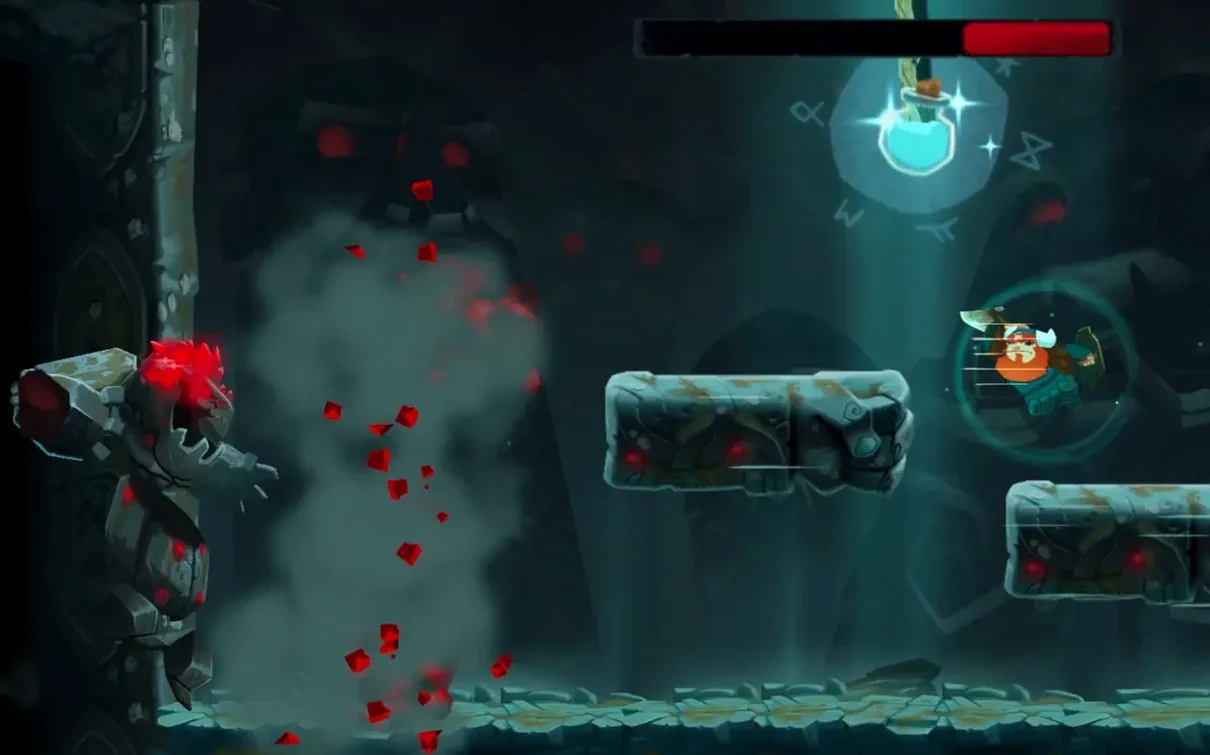
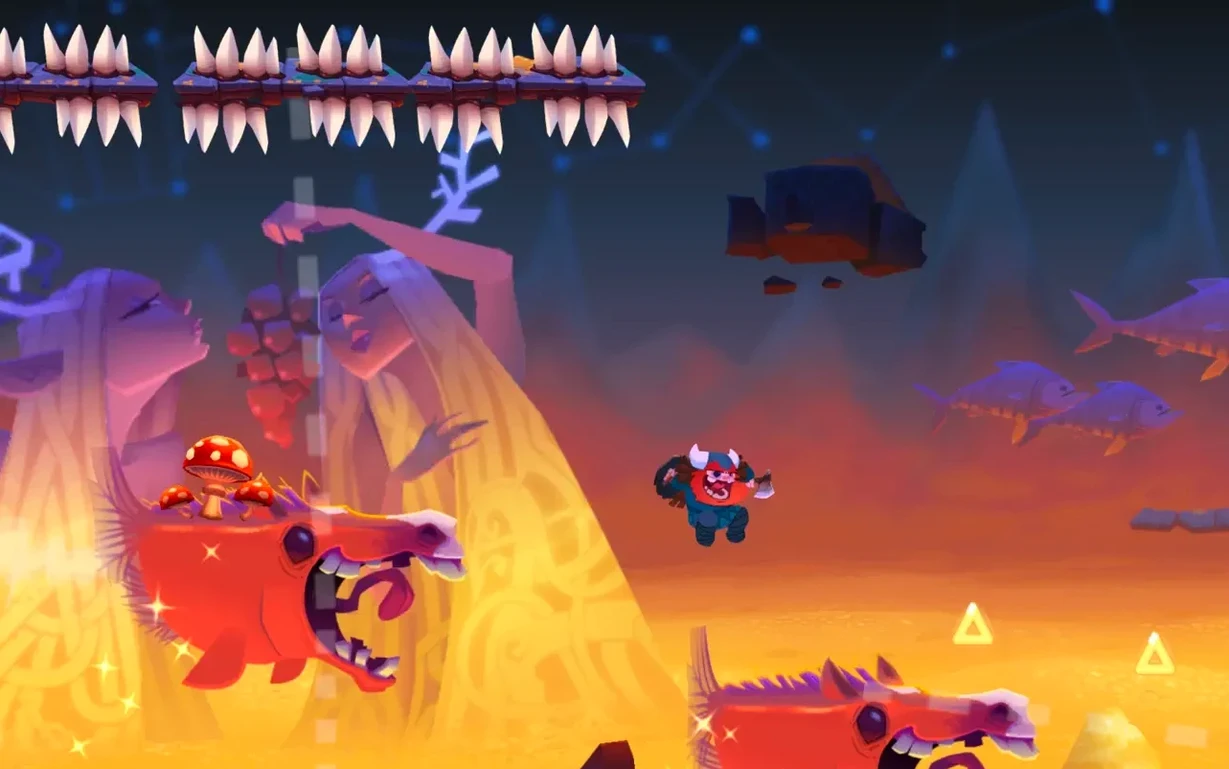
Oddmar+ is a side-scrolling action game about a Viking who hasn't quite earned his place in Valhalla. It comes from the team behind Leo's Fortune, so the polish is there from the first frame.
One playthrough from start to finish
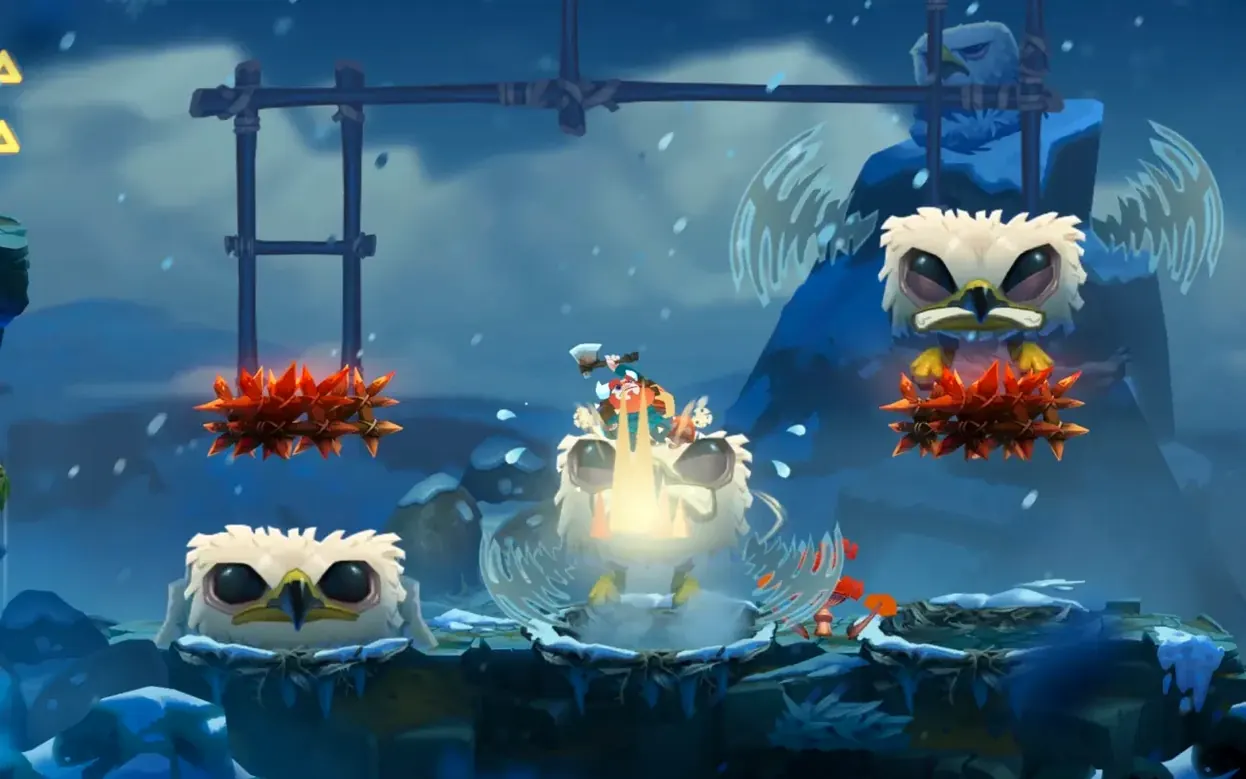
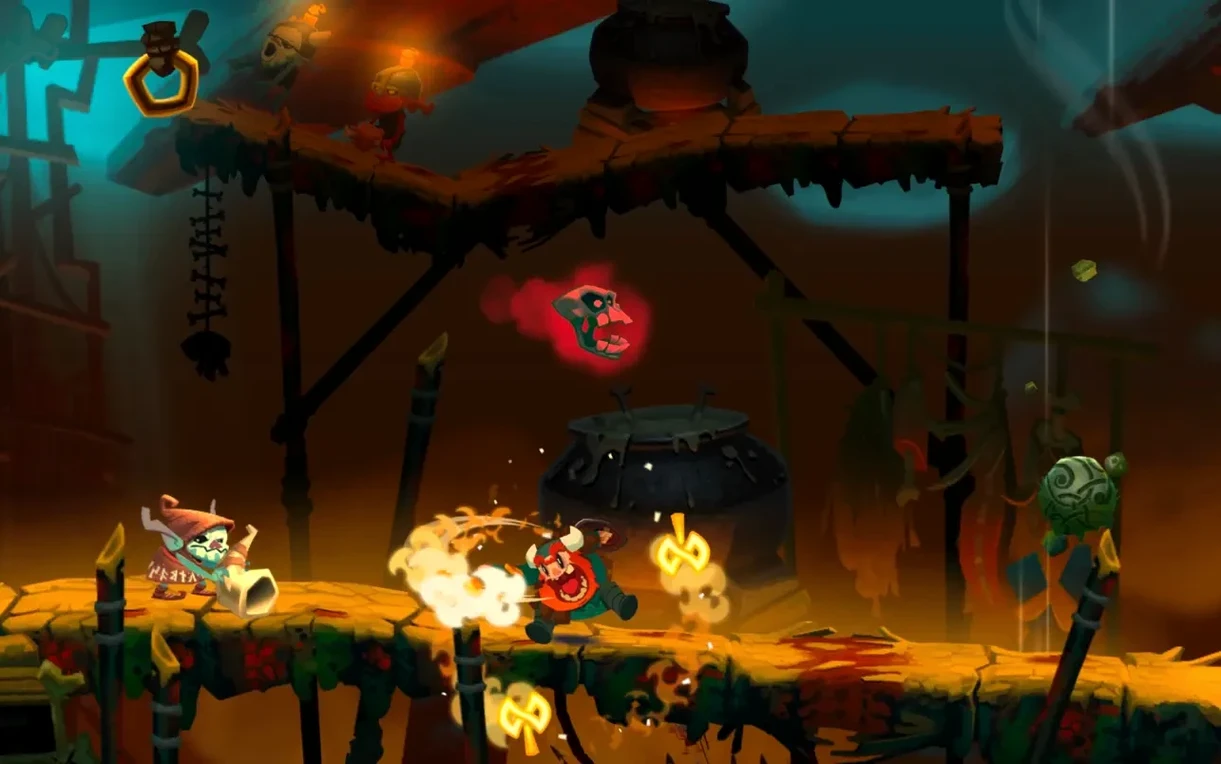
You start as Oddmar, a Viking struggling to prove himself. The story unfolds like an animated comic, which keeps things moving between levels. You'll run, jump and fight through forests, snowy mountains and dangerous caves, meeting new friends and enemies along the way. Physics-based puzzles break up the action, so it's not just about timing your jumps. Magical weapons and shields give you options when the fighting gets tougher.
Plays across Mac, iPhone, iPad, and Apple TV
Oddmar+ runs on Mac, iPhone, iPad and Apple TV, so your progress carries across devices if you want it to. On a MacBook Pro it plays with keyboard controls, and the hand-drawn art style looks sharp on a bigger screen. It's a solid pick for a lunch break or a lazy Sunday afternoon when you want something that respects your time.
iCloud game saves keep your progress between devices
A few touches in Oddmar+ don't get much attention but save you from irritation. The game supports iCloud game saves, so if you start on an iPad and pick up on a Mac later, you're not replaying the same stretch. It also works with game controllers, which matters if you prefer a proper feel over a keyboard. The animated comic story panels let you advance at your own pace, which is handy when you want to soak in the art without being rushed.
There is no spoken dialogue across the eleven language options. The game relies on music and sound design instead, so the experience stays consistent whether you set it to English, Japanese or German. That also means you never lose the atmosphere because of a mismatch between text and voice.
Things that trip people up
One common snag is forgetting that iCloud saves need the same Apple ID signed in on every device. If you play on a Mac at home and an iPhone on the train but the saves don't show up, that's usually the cause. Another is controller pairing. The game recognises most Bluetooth controllers, but if nothing happens after connecting, check that the controller is in a compatible mode before launching Oddmar+.
On Macs with Apple Silicon, the game runs natively. On Intel Macs it works just as well. If you see any hesitation in the first level, it's often because the app is still indexing in the background after a fresh copy. A quick restart of the game sorts it out. For the install itself, mount the downloaded disk image, drag the app into the Applications folder alias, then open it from Launchpad once the copy finishes. That's all there is to it.
More consistent physics puzzles and tighter controller support
The current release, version 1.6, arrived after the game's initial 2018 launch and brought refinements rather than new chapters. The physics puzzles feel a bit more consistent, and the controller support was tightened up across the board. For someone playing through the 24 hand-drawn levels again, the improvements are subtle but welcome. The game remains the same Oddmar story, just with fewer rough edges.
If you are looking to download Oddmar+ for Mac, version 1.6 is the one to get. It covers both ARM and Intel architectures, supports macOS 11.0 and later, and keeps everything that made the original worth a playthrough.
Mac it needs
- macOS 11.0 or later
- Works on both Intel and Apple Silicon Macs
Installing on a Mac
- Mount the downloaded disk image.
- Drag the app into the Applications folder alias.
- Once the copy finishes, open the app from Launchpad.
Notes from photographers
Sign in or create your account to leave a comment.
No notes from photographers yet. If you have used this on a real folder, say which camera and which Mac.
