Get it for my Mac (24 GB)
 Nova Roma
0.7.2963 Native
Nova Roma
0.7.2963 Native
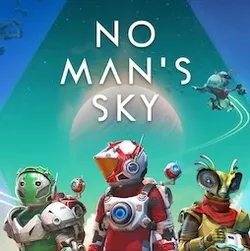
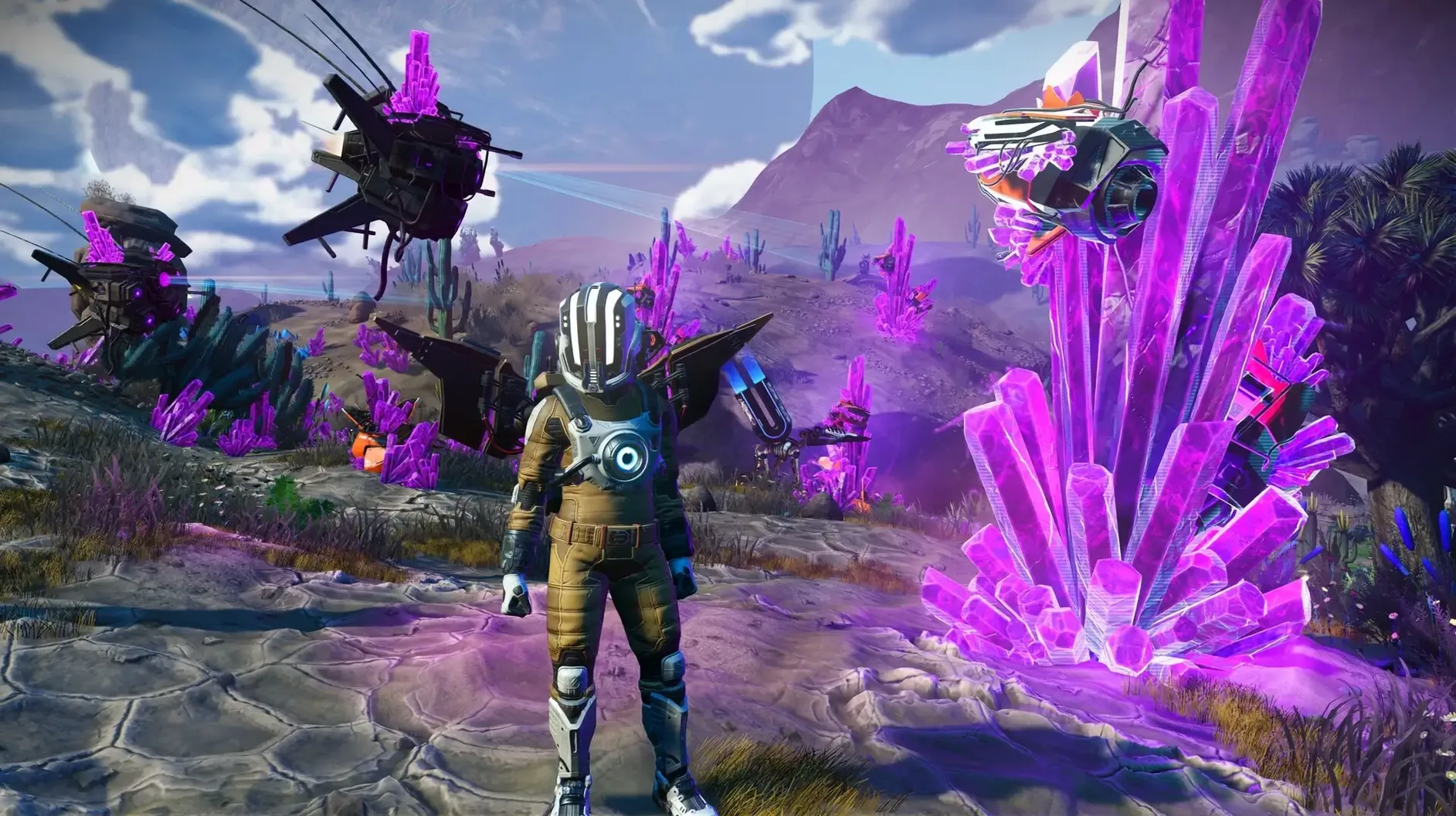
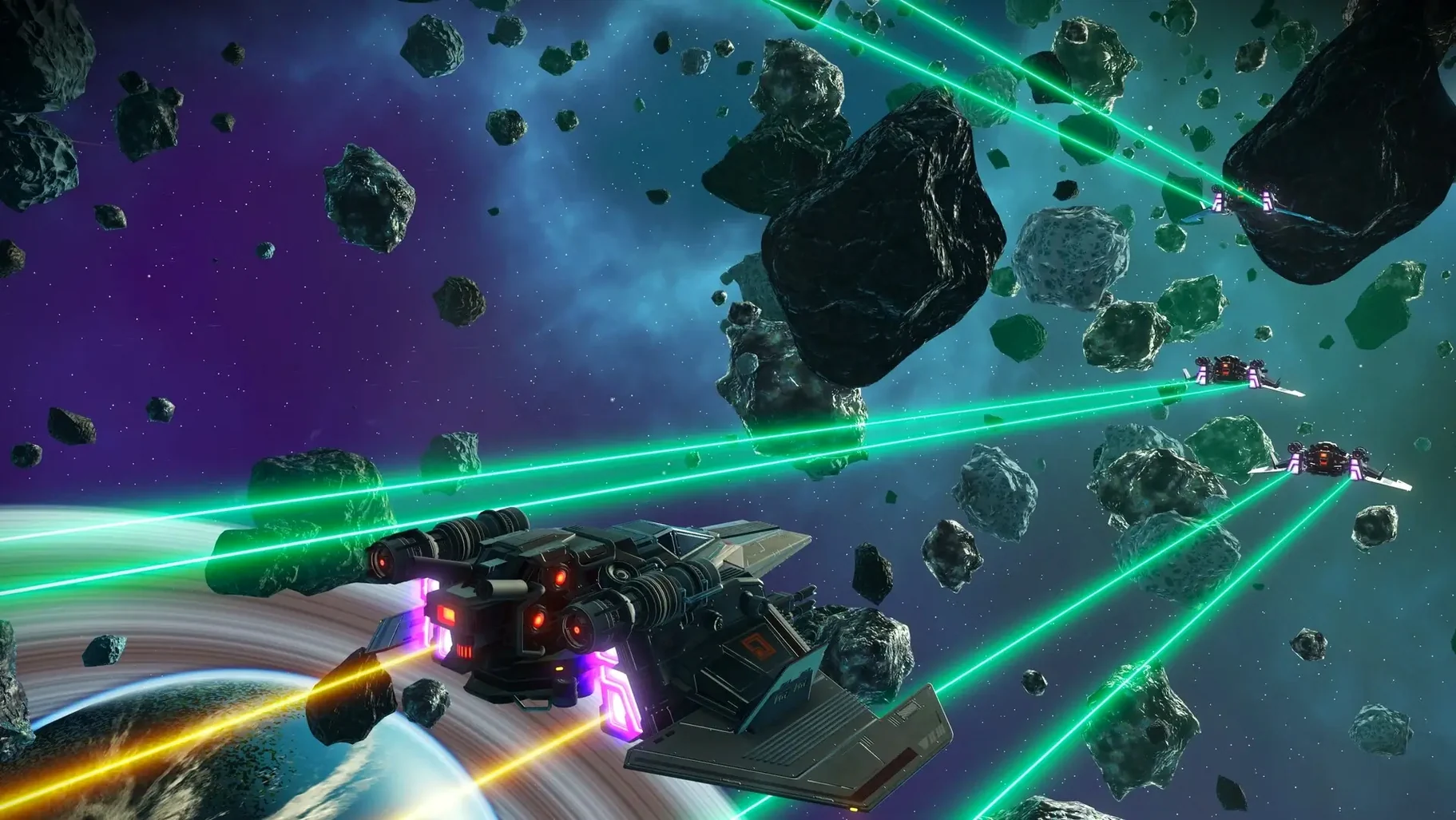
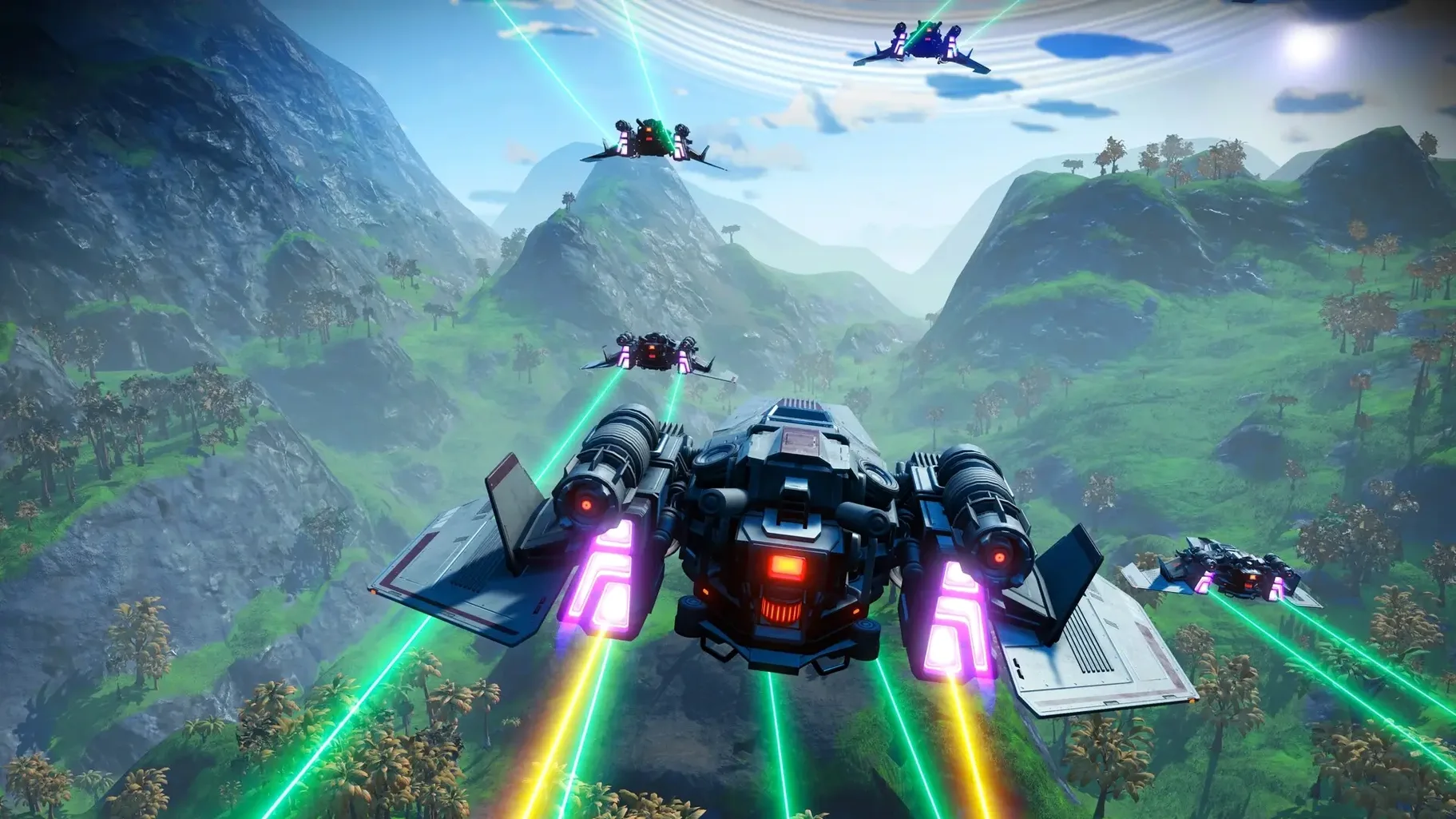
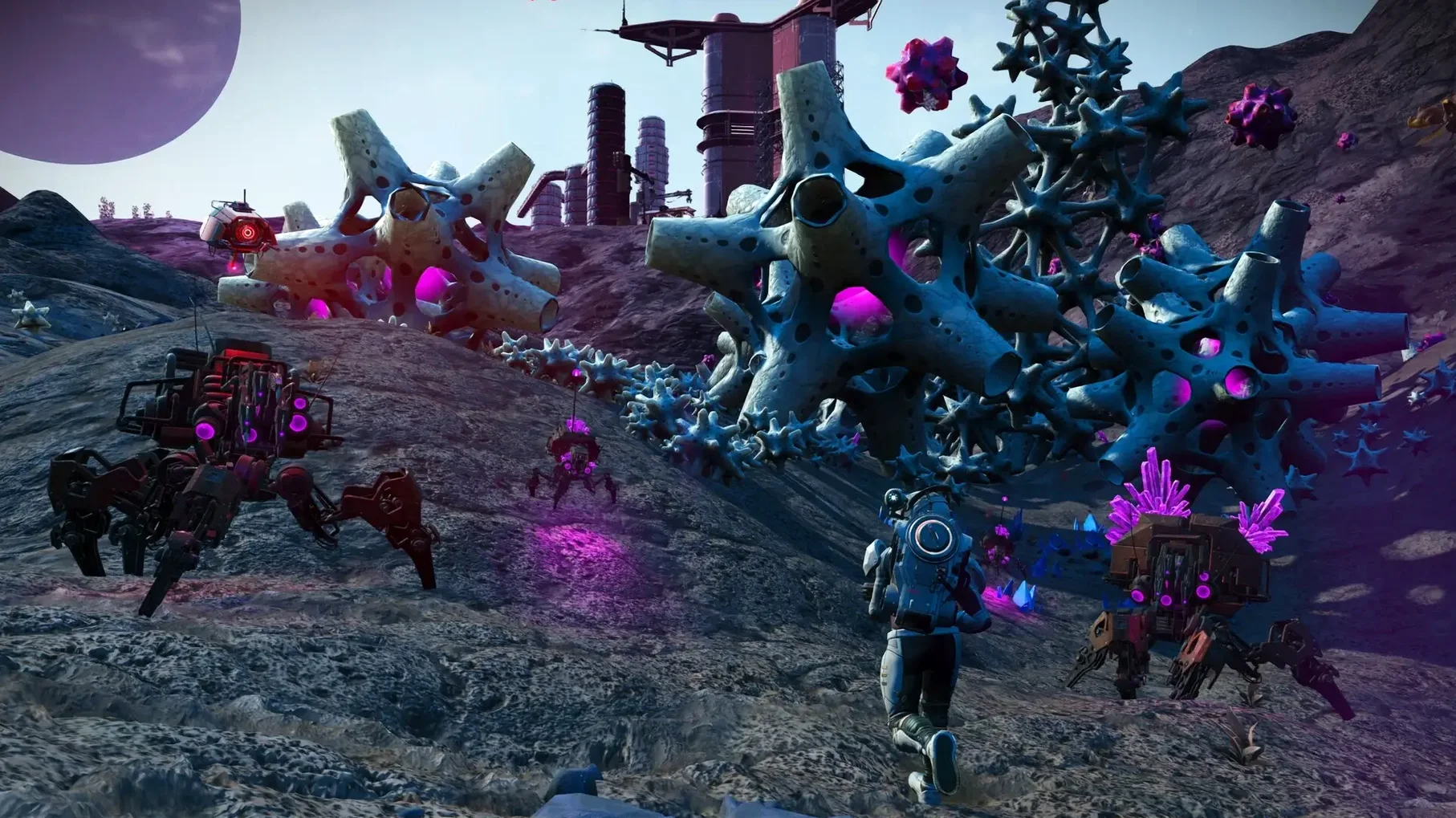
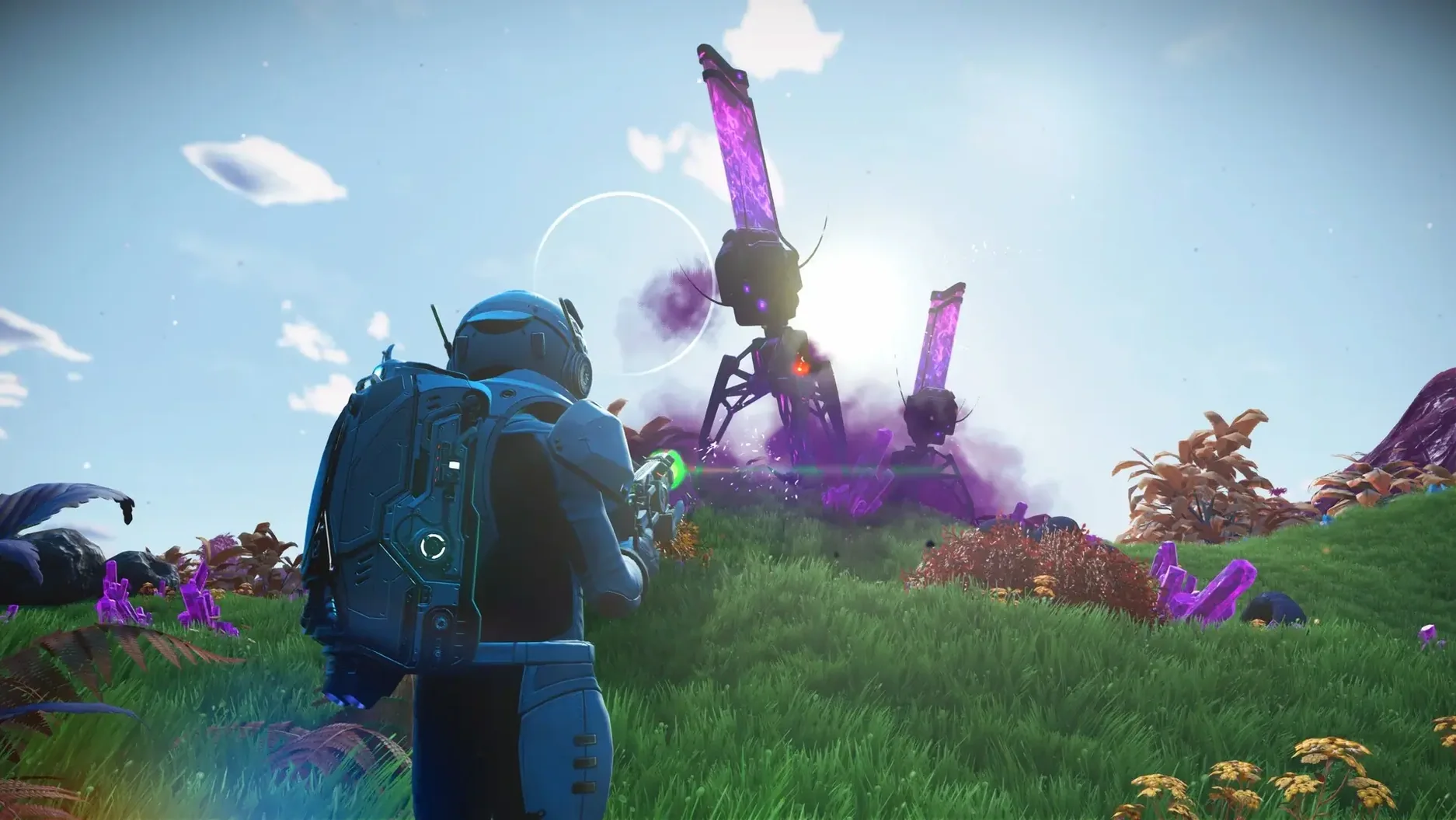
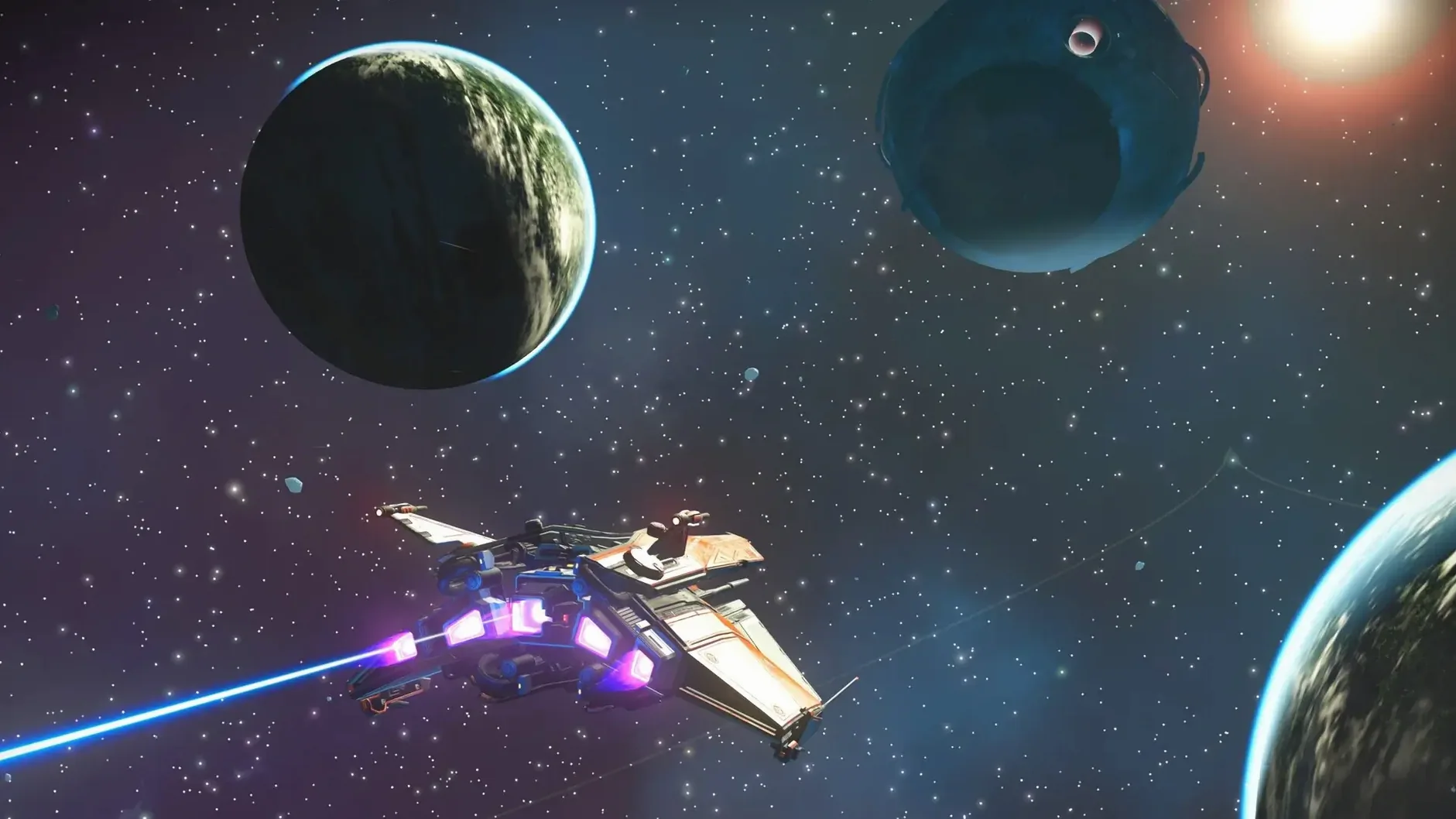
Every time you warp into a new system in No Man’s Sky, the game builds that star, its planets and the creatures wandering them from scratch — no two players see the same thing unless they choose to share coordinates. That procedural generation is the engine of a game that has grown steadily since launch, and the current version 7.04 (part of the Cosmos update) brings all seven years of that content to the Mac.
Hello Games rewrote the rendering pipeline to run on Metal and Apple silicon, so the game takes advantage of the M-series chips directly. It supports both ARM and 64-bit x86 Macs, though the experience is smoother on the newer hardware. Controls map well to a keyboard and mouse, but a controller makes flying between planets feel more natural. The game gives you three broad paths — fight, trade, or explore — and you can switch between them as you like.
The Mac release includes every content update from the past seven years, so you are not missing expeditions, base-building parts or the multiplayer features that let you bump into other travellers in the same galaxy. Cross-play works across platforms, and discoveries get shared on a community map of known space. If you prefer text or voice in another language, the game offers English, French, German, Spanish, Italian, Russian, Polish, Dutch, Portuguese, Japanese, Korean, Traditional Chinese and Simplified Chinese.
A session usually begins on the last planet you left — maybe a frozen world with aggressive sentinels, maybe a lush paradise with rolling blue grass. You check your hazard protection first, then your ship’s launch fuel. If you are low on either, you spend the first few minutes gathering ferrite dust and di-hydrogen from the rocks and crystals around you. That routine never gets old because the landscape is different every time.
Once the ship is ready, you pick a direction. Sometimes you follow the mission marker for the Artemis storyline; sometimes you just pick a star on the galaxy map that looks promising — a yellow star with four or five planets. You warp in, and the system scanner shows you what is there: a radioactive world, a barren moon, a planet with ancient bones buried in the dirt. You pick one and descend through the atmosphere without a loading screen, which is still the best part of the game on Mac.
On the surface you might hunt for salvageable scrap, scan new fauna for units, or build a small base if the view is good. If pirates show up, you either outrun them or fight — your ship’s weapons and shields improve as you go. After an hour or two, you find a trading post, sell your haul, and save at the beacon before quitting. That loop — arrive, explore, survive, leave — is the same every time and different every time.
Take a player who focuses on building rather than exploring. They find a planet with mild weather and plenty of resources — maybe a verdant moon with star brambles and paraffinium deposits — and drop a base computer. From there, the game becomes a construction sim: wooden walls give way to concrete, then to alloy and glass. They run power lines from electromagnetic generators to a row of hydroponic trays, growing gamma root and frostwort for trade.
That kind of player rarely follows the main quests. They spend sessions hunting for salvageable data to unlock new blueprints at the Space Anomaly, or flying between space stations to buy storage augmentations for their exosuit. The game lets you play it as a quiet farming and building sim if you want, and the Mac version handles the base complexity well because the rendering pipeline keeps draw calls efficient even with a dozen rooms and solar panels.
The game does not hold your hand after the first few minutes, and that trips people up. A common mistake is ignoring the exosuit upgrade stations on space stations — you can buy one extra inventory slot per system, and new players often fly past them for hours, wondering why they run out of space so fast.
Another one is selling rare materials like uranium or phosphorus for quick units early on, not realising they are needed later for hazard protection and warp hyperdrive refuelling. You end up stuck on a planet with a broken ship and no fuel, which is a good story but a frustrating first hour. The game expects you to hoard a little of everything until you know what each element does.
Finally, many beginners ignore the terrain manipulator tool entirely. They see it as optional when it is actually the way to mine deep deposits, carve out shelters from extreme storms, and create paths through mountains. Once you realise you can reshape the ground, the game opens up in a way the first few prompts never explain.
Sign in or create your account to leave a comment.
No notes from photographers yet. If you have used this on a real folder, say which camera and which Mac.