
 Get it for my Mac (551 MB)
 Imagenomic Portraiture
4.5 Build 4501
Imagenomic Portraiture
4.5 Build 4501

- Version
- 7.3.2
- Developer
- Exposure Software LLC
- Interface in
- English, German, French
- Licence on file
- K'ed by TNT team
- macOS it runs on
- macOS 10.13 or later
- Chip support
- Apple Silicon, Intel 64-bit
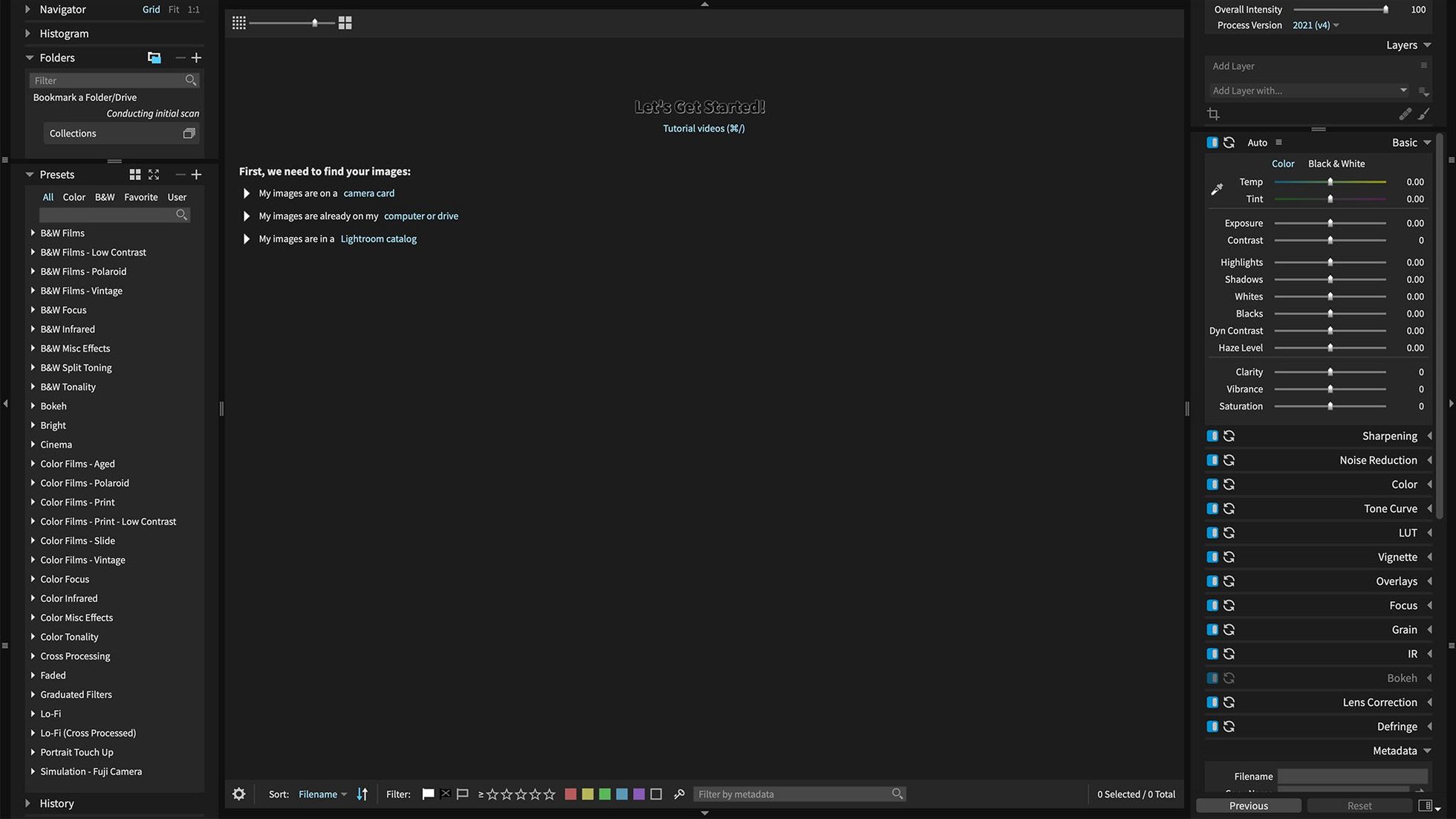
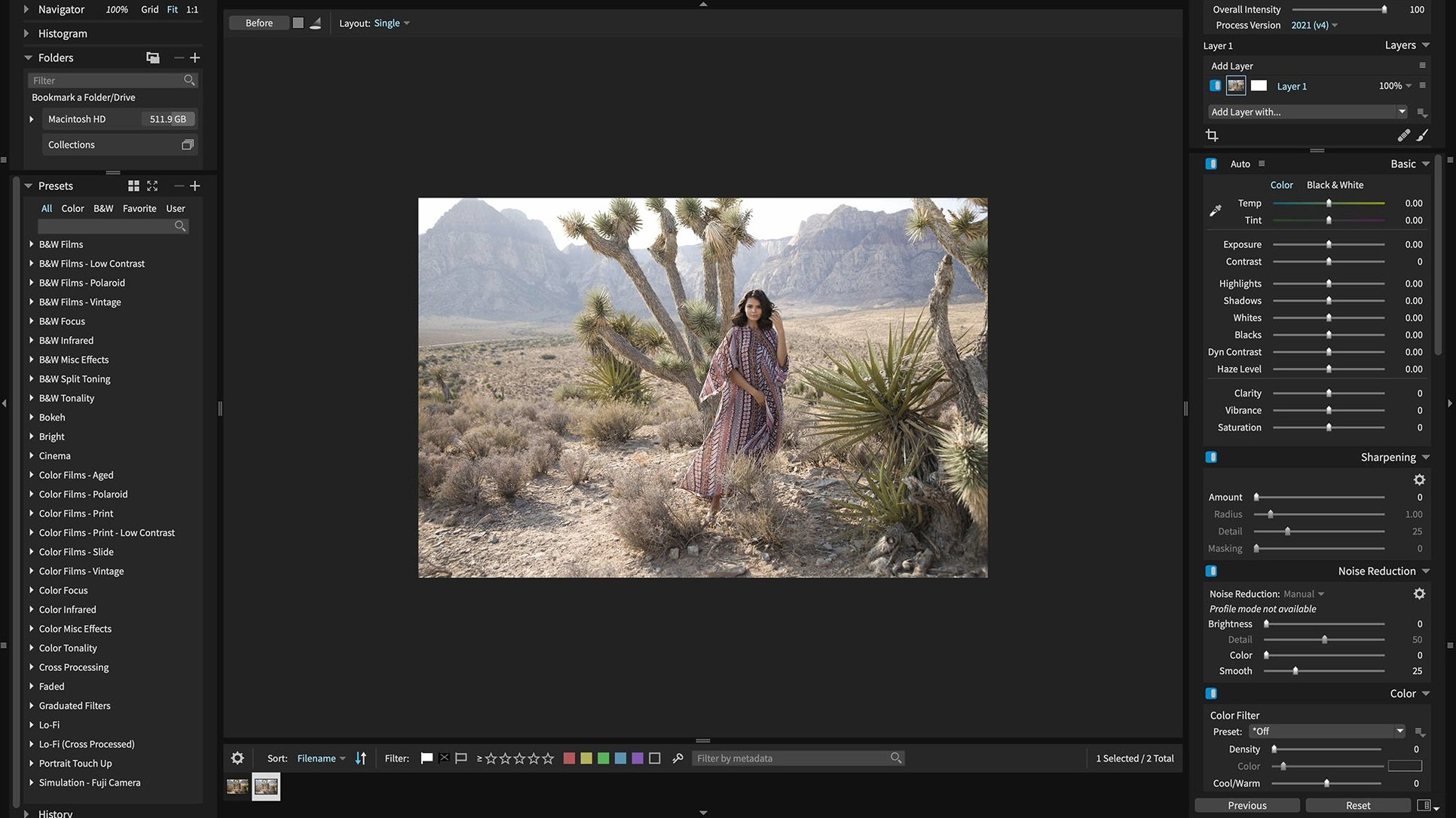
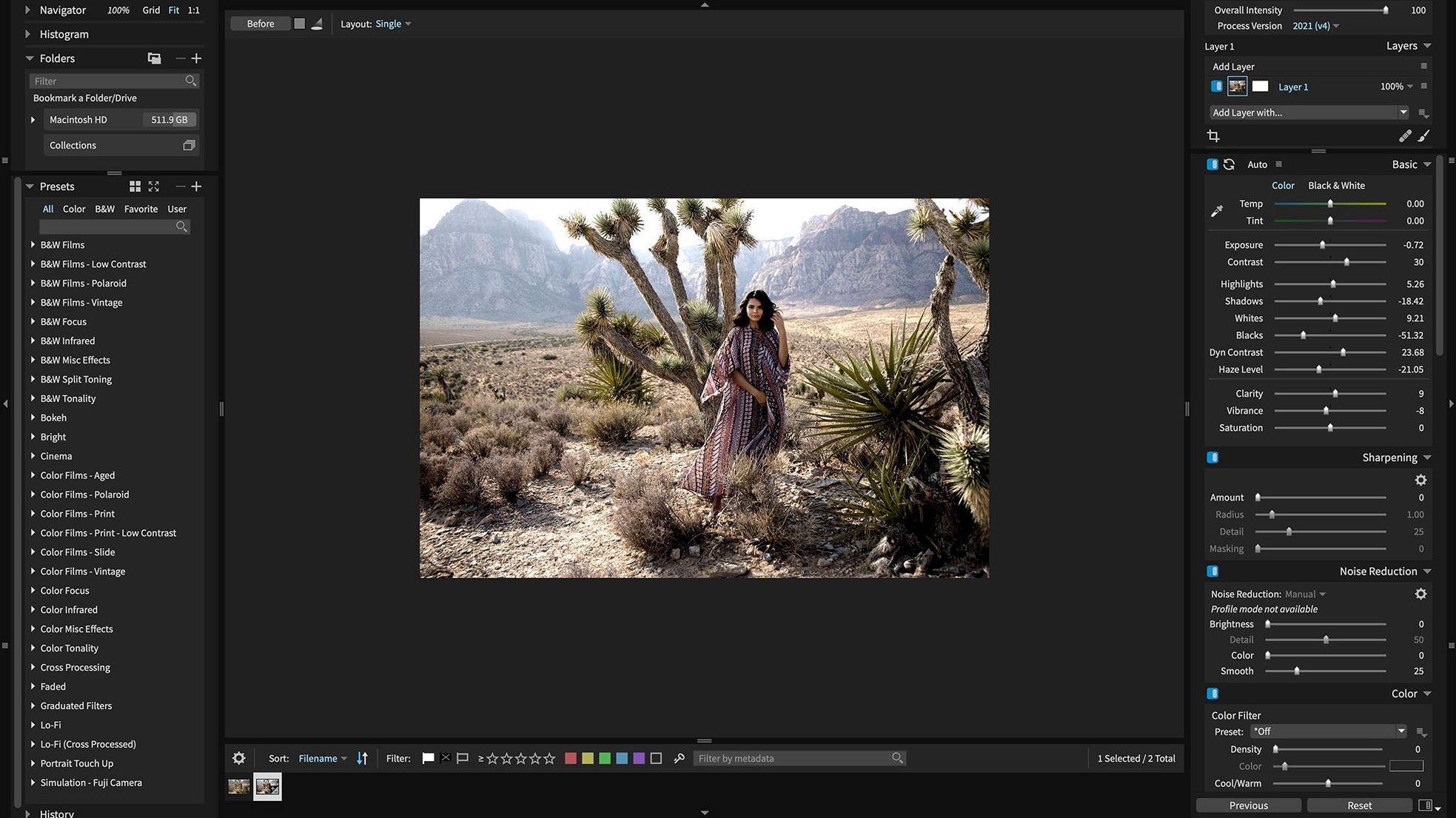
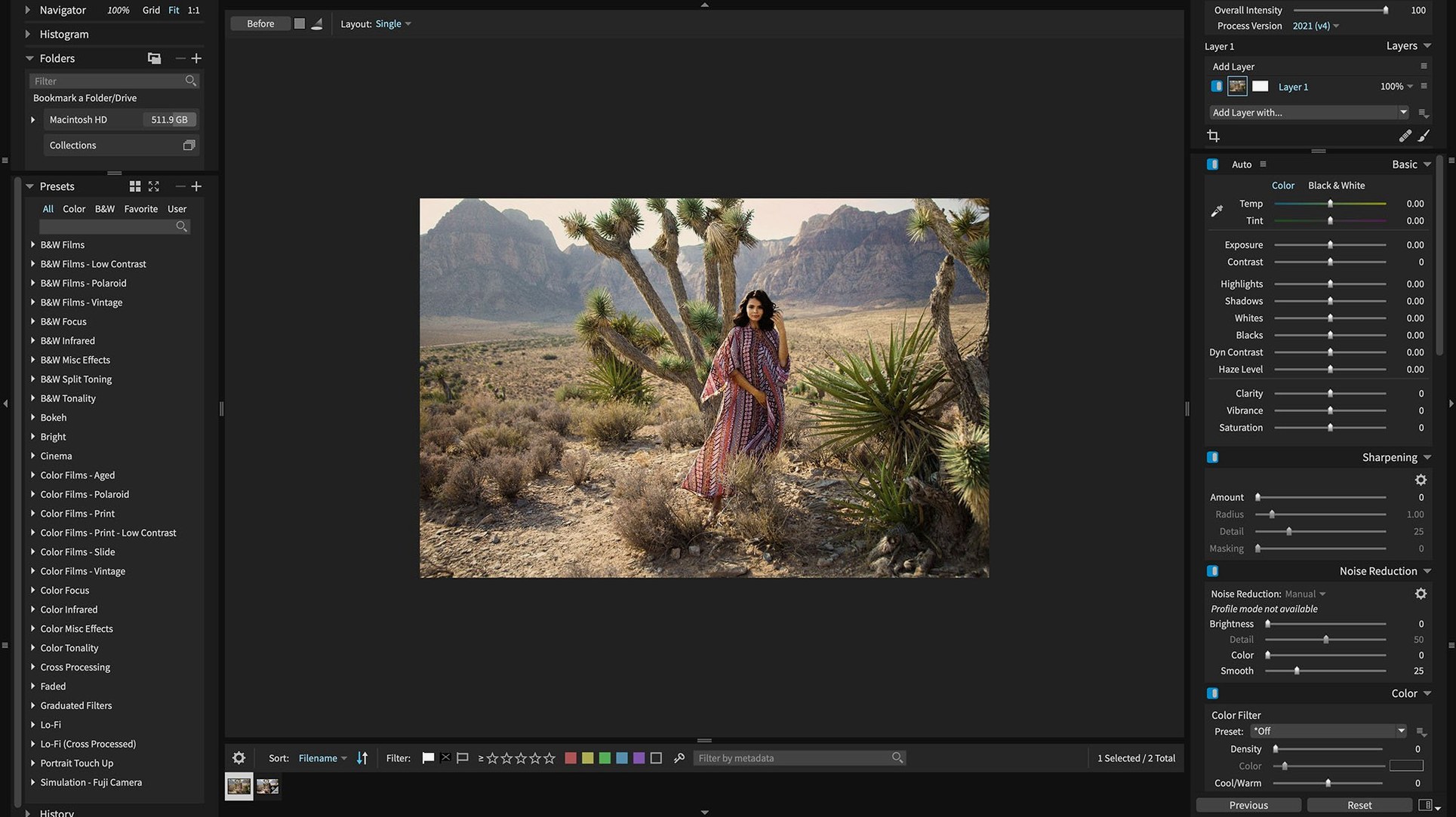
In the edit
You’ve just pulled a batch of wedding portraits off the card — some Sony A7 IV lossless compressed RAWs, a few HEIC shots from an iPhone, and the usual mix of Canon and Fuji files. Exposure X7 is the tool that handles them all without a second thought, whether you’re working standalone or inside Lightroom Classic.
Standalone editor — opens and edits RAW, HEIC and most camera formats on its own. No need to launch another app unless you want to.
Lightroom / Photoshop plugin — sends images from Lightroom 6 or Lightroom Classic CC straight into Exposure X7 for masking and retouching, then back to your library.
3D colour masking — targets specific colours and tones in three dimensions, useful for isolating skin or a sky without clipping the rest.
Portrait retouching — built-in tools for skin smoothing and blemish removal, so you don’t need a separate plugin for headshots.
One-click automatic adjustment — analyses the image and sets exposure, contrast and white balance in one go. Good for getting a base to work from.
GPU optimisation — uses the graphics card to speed up brush strokes and mask previews, noticeable when editing large batches.
Runs on Intel and Apple Silicon Macs with macOS 10.13 or later
Exposure X7 runs on any Mac with macOS 10.13 or later, covering both Intel 64-bit machines and Apple Silicon. The installer is a straightforward disk image: mount it, run the Gatekeeper-friendly opener, press Enter in Terminal to bypass the usual warning, then complete the standard install. The app is ready to use after that.
The interface ships in English, German and French, so if you work with a team or prefer editing in a language other than English, those options are there from the start. The GPU optimisation kicks in automatically on supported hardware, handling brush strokes and mask previews behind the scenes. No extra configuration needed.
Because it supports both architectures, the same copy runs on an older Intel iMac in the studio and a newer MacBook Pro with Apple Silicon. No separate builds to track, no performance mode to toggle.
Editing 800 conference photos from mixed lighting and a product launch
Imagine you’ve just shot a two-day conference. Day one was a mix of keynote speakers under stage lighting and candid portraits in a breakout room with mixed fluorescent and window light. Day two was a product launch with bright LED panels and a demo area with unpredictable spill. You’ve got about 800 raw files to cull and edit before the client review on Wednesday.
Back at the desk, you import everything into Lightroom Classic, but the masking tools feel limited for the kind of selective colour work the product shots need. That’s where Exposure X7 comes in as a plugin. You select a set of images, send them over, and use the 3D colour masking to isolate the product’s blue packaging from the warm background spill. The one-click automatic adjustment gives you a solid starting exposure, and you fine-tune from there. The portrait retouching tools handle the speaker headshots in the same session — no need to open a separate app for skin work.
For the HEIC shots taken on an iPhone during the behind-the-scenes moments, Exposure X7 opens them directly, so you don’t have to convert files just to keep a consistent edit. When you’re done, the images go back to your Lightroom catalogue with the edits intact, and you move on to the next batch.
New camera support and stability fixes that matter in daily editing
The 7.3.0 update focused on camera support and stability, not a redesign. The practical differences show up when you’re working with specific files.
- Expanded camera support — Panasonic Lumix G95D, Lumix S5 IIX and Sony Cyber-shot DSC-RX100M7 are now recognised. If you use any of those bodies, the RAWs open without needing a workaround.
- HEIC support added — photos from current iPhones open natively. Useful if you’re mixing phone shots with camera files in a wedding or event gallery.
- Sony A7 IV lossless compressed raw fix — corrupt rendering on those files is resolved. Anyone shooting an A7 IV in lossless compressed mode will see the correct preview and edit output.
- Black and white film preset crash fixed — applying certain monochrome film presets no longer crashes the app. If you use those presets regularly, this saves a restart and a lost edit.
- Quick Export menu crash fixed — reordering export presets and then opening Quick Export no longer triggers a crash. Small change, but noticeable if you keep a custom export list.
- Translation refresh — Chinese, German, French and Japanese translations were updated. Nothing that changes how the app works, but the interface reads more naturally in those languages.
None of these are headline features, but they remove the kind of small frustrations that slow down a busy edit session. Exposure X7's 7.3.0 build delivers refined raw file handling for photographers who need precise results.
New this release
- New camera support: Panasonic Lumix G95D, Panasonic Lumix S5 IIX, Sony Cyber-shot DSC-RX100M7.
- Opens HEIC photos from current iPhone models.
- Updated translations for Chinese, German, French and Japanese.
- Fixed corrupt rendering of Sony A7 IV lossless compressed raw files.
- Fixed a crash when applying black and white film presets.
- Fixed a crash when opening the Quick Export menu after reordering export presets.
Mac it needs
- macOS 10.13 or later
- 64-bit Intel or Apple Silicon
- Interface languages: English, German, French
Installing on a Mac
- Mount the disk image and open the Gatekeeper-friendly launcher.
- Press Enter in Terminal to bypass Gatekeeper.
- Run the installer and follow the standard steps.
- The app is ready to use.
Notes from photographers
Sign in or create your account to leave a comment.
No notes from photographers yet. If you have used this on a real folder, say which camera and which Mac.
Next to it in Photoshop Plugins
All Photoshop Plugins picks
Imagenomic Portraiture
4.5 Build 4501
 Nik Collection
9.0
Nik Collection
9.0
