
 Get it for my Mac (253 MB)
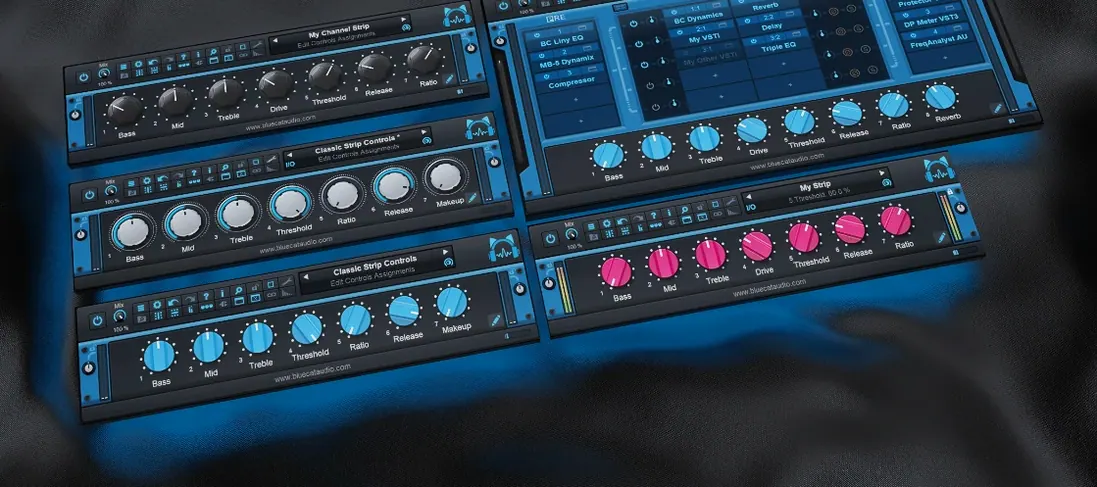 Blue Cat Audio Blue Cats PatchWork
2.7.5
Blue Cat Audio Blue Cats PatchWork
2.7.5
- Version
- 1.2.118
- Developer
- Bogren Digital
- Interface in
- English
- Licence on file
- K'ed by MORiA
- macOS it runs on
- macOS 10.13 or later
- Chip support
- Apple Silicon, Intel 64-bit
In the edit
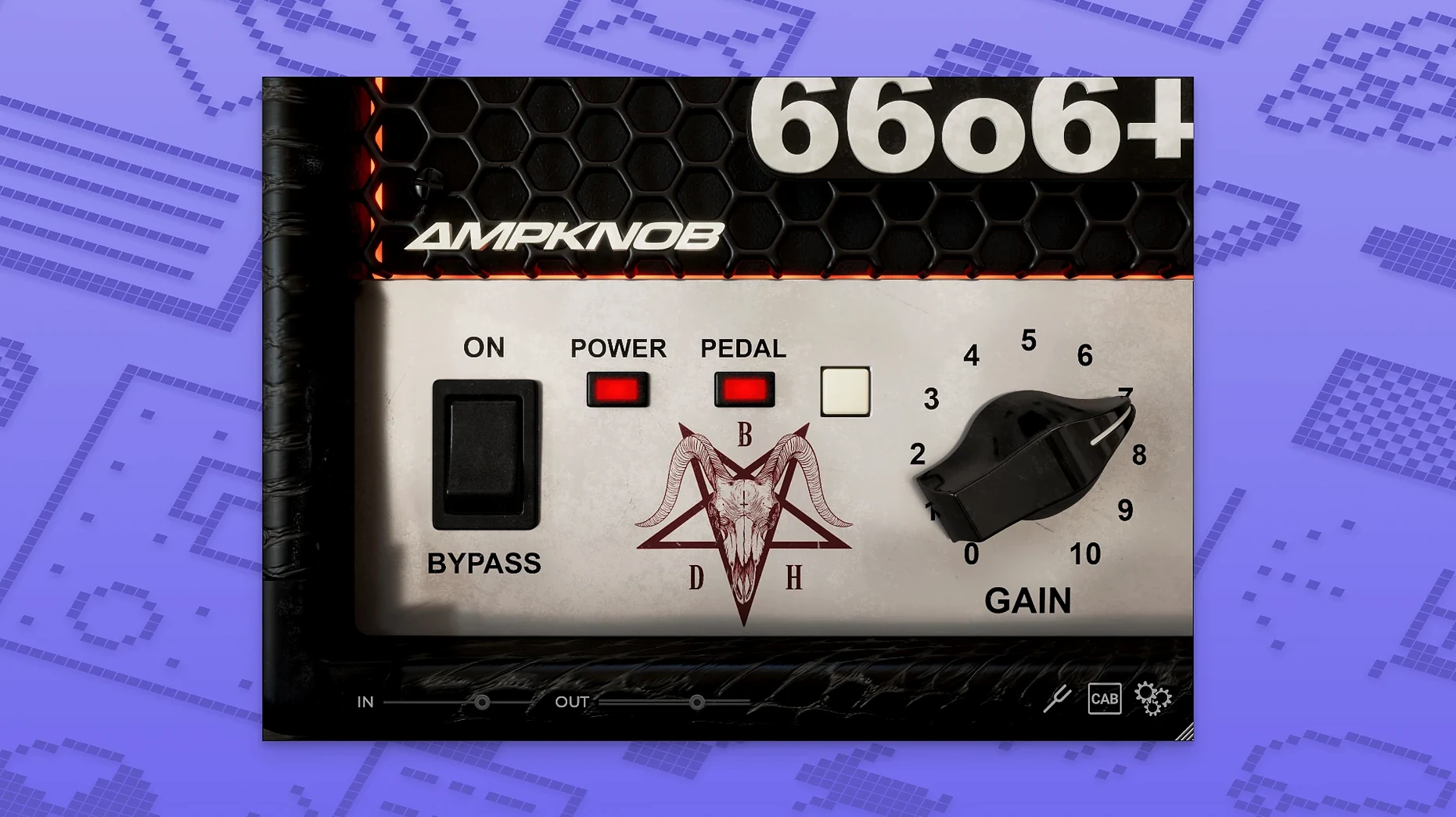
The Bogren Digital Ampknob BDH 66o6 Plus is built around a hot-rodded plus version of a late high-gain amp from around 2000. It adds density, clarity, and a more defined attack to guitar sound, and can shift from restrained and tight to saturated and energetic. Here is where it sits in a session.
Dialling in a rhythm track
Drop it on a guitar track and you get one main control plus a few extras. No deep menu diving. You can go from a tight, punchy rhythm to something that feels bigger and more open, all without losing the note definition.
On a bus for parallel grit
Send a clean or mildly distorted guitar to a bus with the 66o6 Plus and blend it back. The added density and attack cut through a mix without turning everything into a wall of fuzz. Good for adding weight to a solo or thickening a riff.
During a quick edit session
When you are comping takes and need to hear if the tone works, this plugin loads fast and responds to playing changes instantly. It works on both Apple Silicon and Intel Macs, so it fits into whatever machine you are editing on.
Runs on macOS 10.13 and later with a clean single-window setup
The plugin runs on macOS 10.13 and later, covering both Intel and Apple Silicon machines. It is a single-window plugin with a clean English interface, so no localisation to sort through. Version 1.2.118 is the current build, and the install comes with its own activation instructions. You drop it into your usual plugin folder and authorise it once; after that it behaves like any other amp sim in your chain.
Because it is a straightforward tone-shaping tool rather than a full amp room, it does not need a lot of screen space. The control set is minimal, which means it works well on a laptop screen when you are editing on the go. If you run a session with multiple instances across different guitar tracks, the low-fuss layout keeps the CPU hit sensible, though as always that depends on your session size and other plugins.
A real-world session: tracking a demo at home
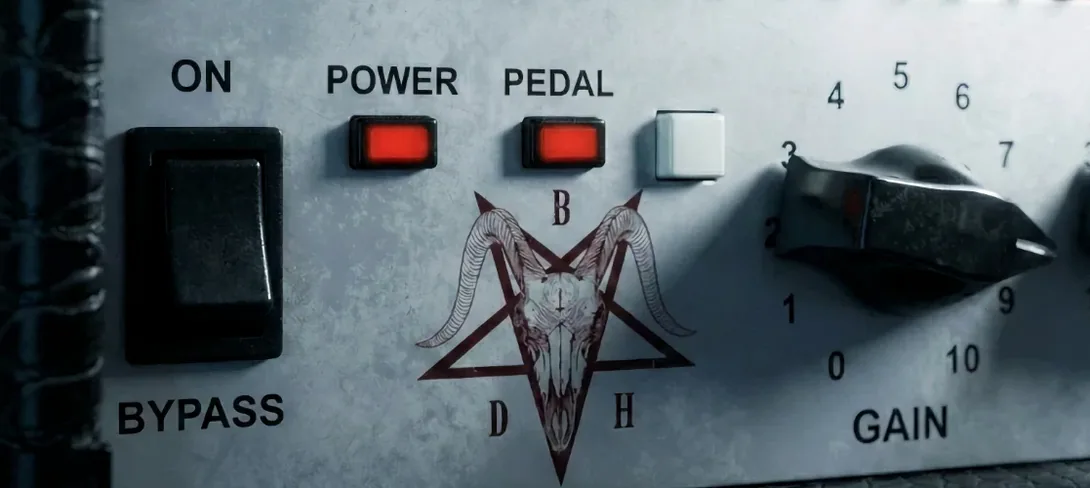
Say you are a guitarist who writes and records demos in a home studio. You have a DI box, an interface, and a few plugins. You want a guitar sound that sits right away without tweaking amp cabinets, microphones, or room mics. The 66o6 Plus lets you load it, flick the main switch, and hear whether the take has the right energy. If the riff needs more bite, the pedal switch adds gain without muddying the low end. You can record a whole song’s worth of rhythms in one sitting without stopping to adjust EQ or compression afterwards.
Best for rock, metal, and heavy mix engineers with strong DI signals
Mix engineers who work with rock, metal, or heavy alternative music will appreciate how the plugin adds clarity and attack to guitars that already have a good DI signal. It is less useful for someone building a clean pop or acoustic mix, where amp character is not the focus.
Guitarists who track at home and want a consistent, repeatable tone across sessions will find the simplified controls a relief. No scrolling through hundreds of presets. Just a few settings that change the character meaningfully.
Music producers who handle genre-hopping sessions will like that it can go from a tight, restrained sound to a saturated lead tone with one switch. It is not a do-everything amp modeller, but for the sounds it covers, it gets you there fast.
For anyone using an older Intel Mac or a newer Apple Silicon machine, the plugin supports both architectures, so compatibility is not something to worry about when moving between systems or upgrading your setup.
Mac it needs
- macOS 10.13 or later
- Intel 64-bit or Apple Silicon
- English interface
Questions I actually get
Does the Bogren Digital Ampknob BDH 66o6 Plus work on Apple Silicon Macs?
Yes, it supports both Apple Silicon and Intel 64-bit systems, so it runs natively on M-series Macs.
Installing on a Mac
- Follow the included installation and activation instructions.
- Use the included instructions to complete setup and activation.
Notes from photographers
Sign in or create your account to leave a comment.
No notes from photographers yet. If you have used this on a real folder, say which camera and which Mac.
Next to it in VST Plugins
All VST Plugins picks
Blue Cat Audio Blue Cats PatchWork
2.7.5
 Cableguys Snapback
1.1
Cableguys Snapback
1.1
 Arturia Pigments
7.0.1-6772
Arturia Pigments
7.0.1-6772
 Arturia Emulator II V
1.6.2
Arturia Emulator II V
1.6.2
 Arturia Efx AMBIENT
1.0.0
Arturia Efx AMBIENT
1.0.0
 Arturia Analog Lab V
5.12.6
Arturia Analog Lab V
5.12.6
 Ample Sound Ample Guitar LP III
4.0.1
Ample Sound Ample Guitar LP III
4.0.1
 Cymatics QUAKE
1.0.0
Cymatics QUAKE
1.0.0
