Get it for my Mac (270 MB)
 Komplete FX Bundle
2026.1

- Version
- 1.0.17.0
- Developer
- Kalifornia Dynamic
- Interface in
- English
- Licence on file
- k'ed by GUISEPPE
- macOS it runs on
- macOS 11 or later
- Chip support
- Apple Silicon
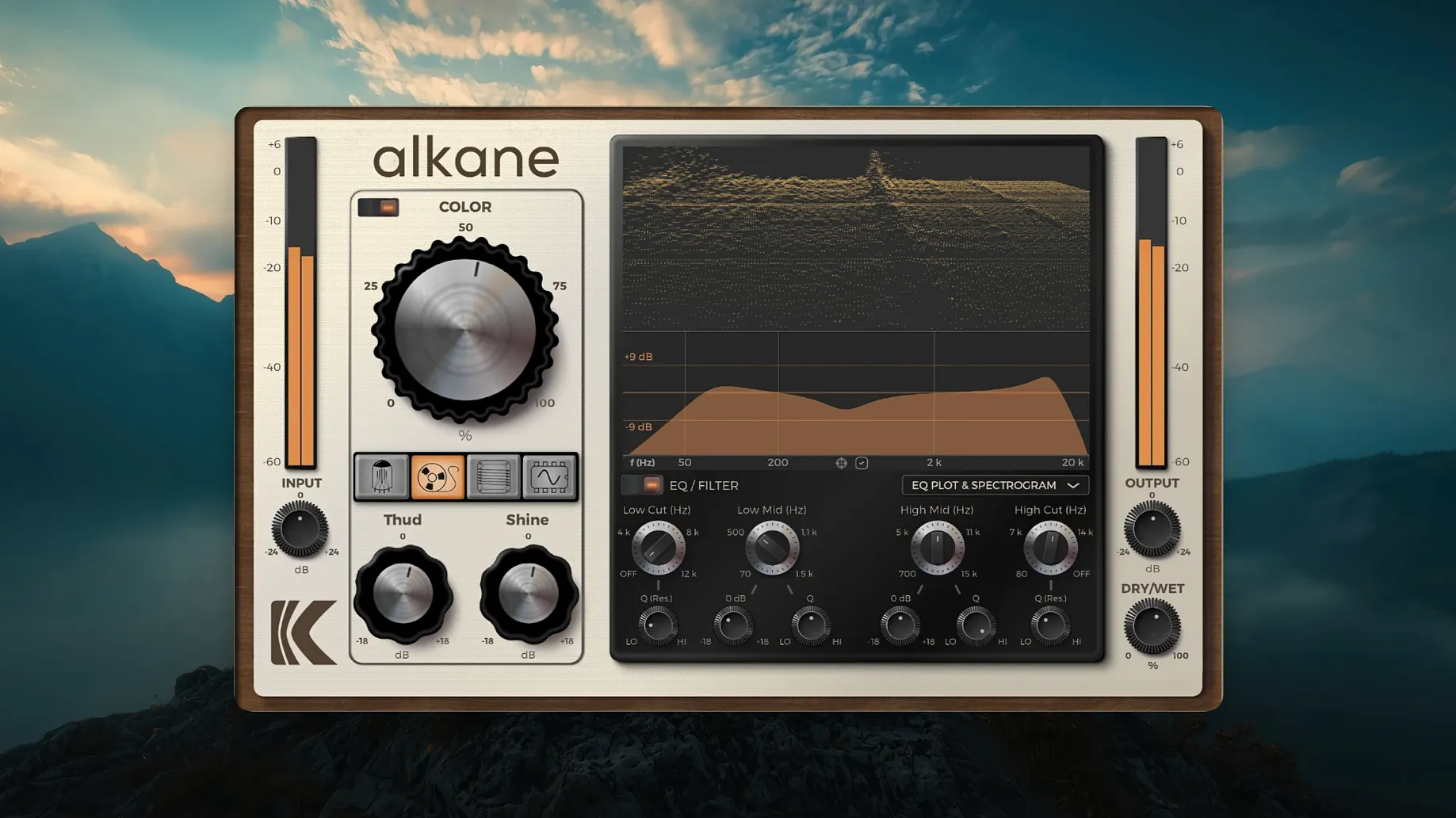
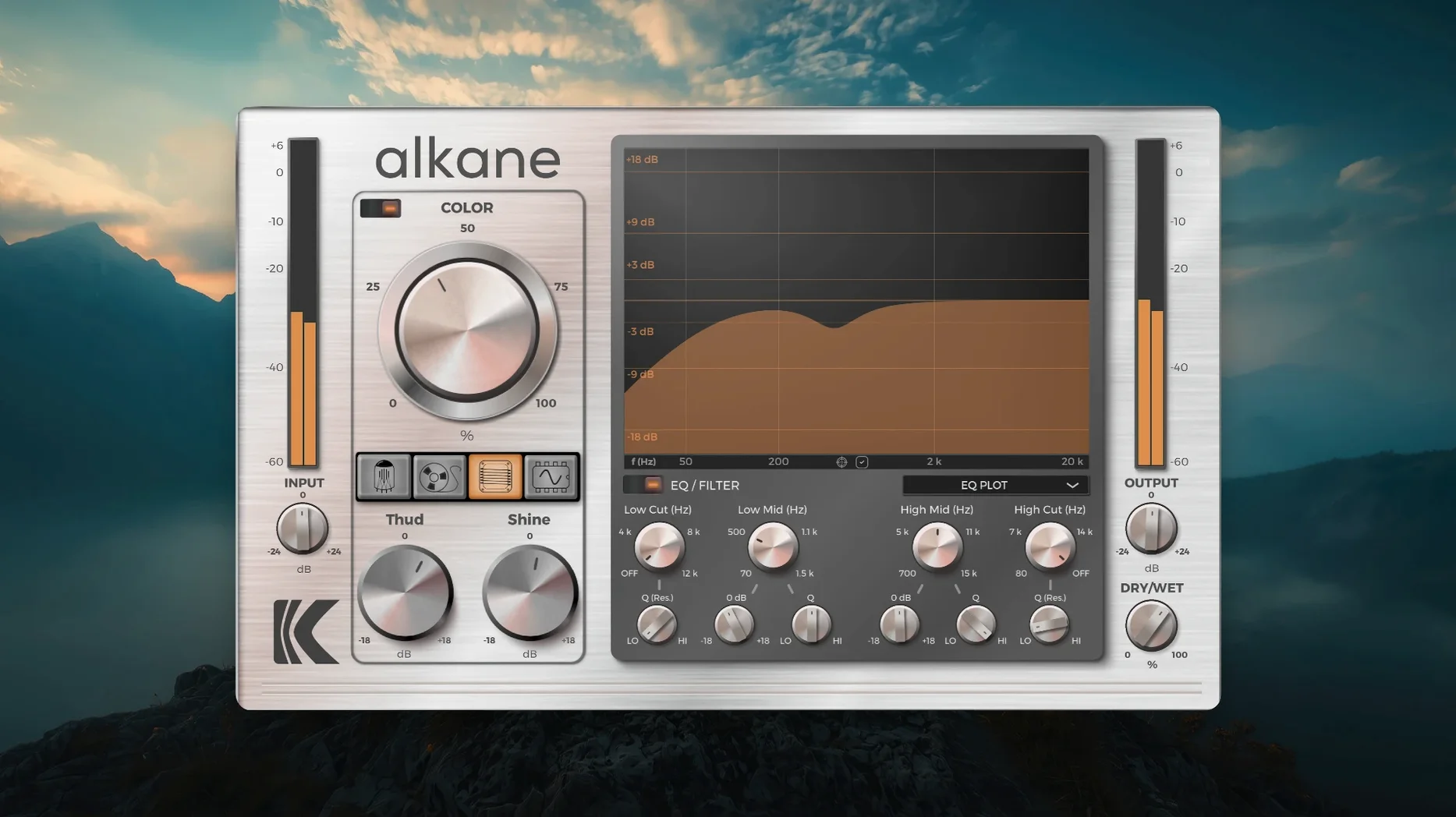
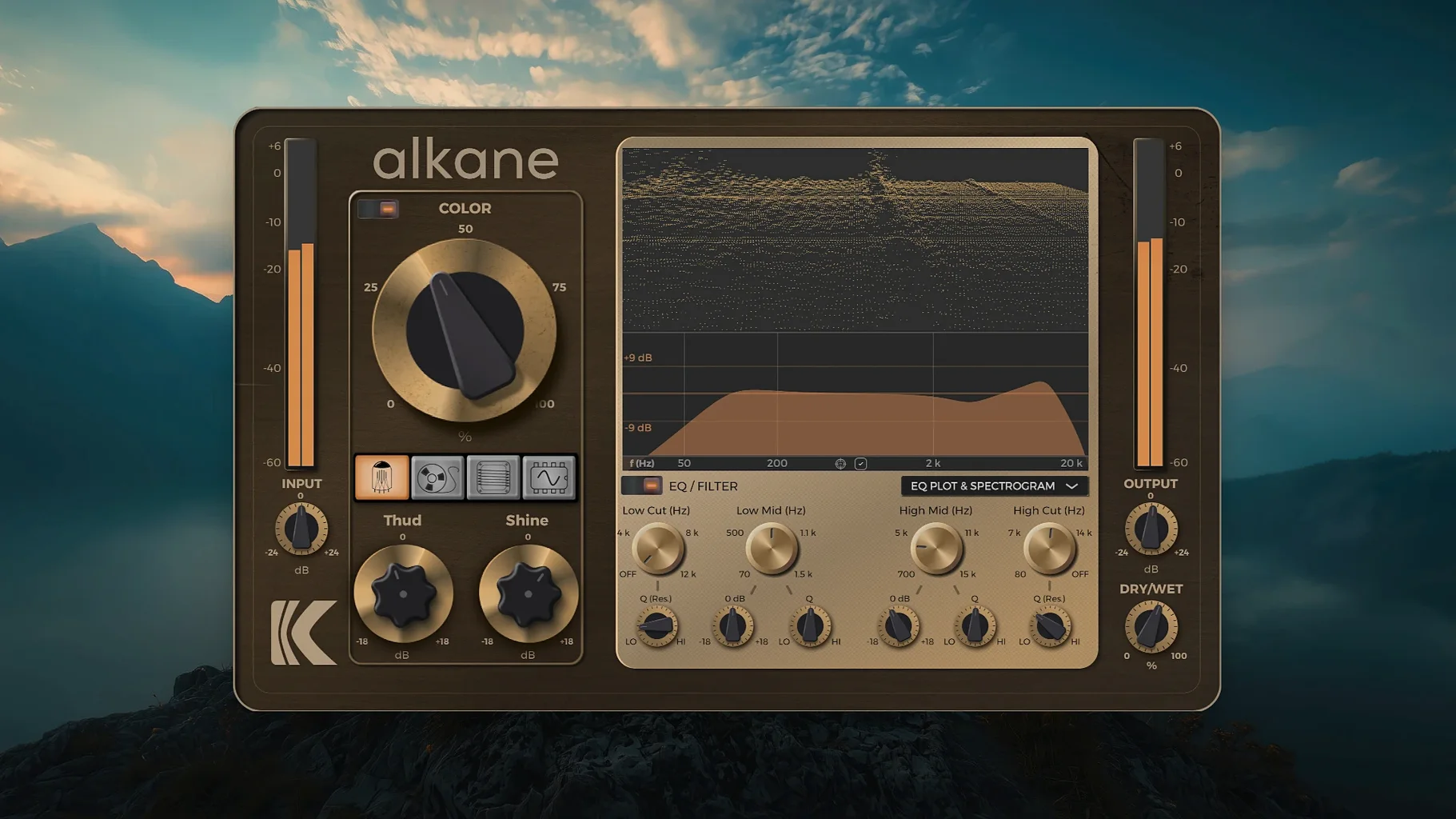
In the edit
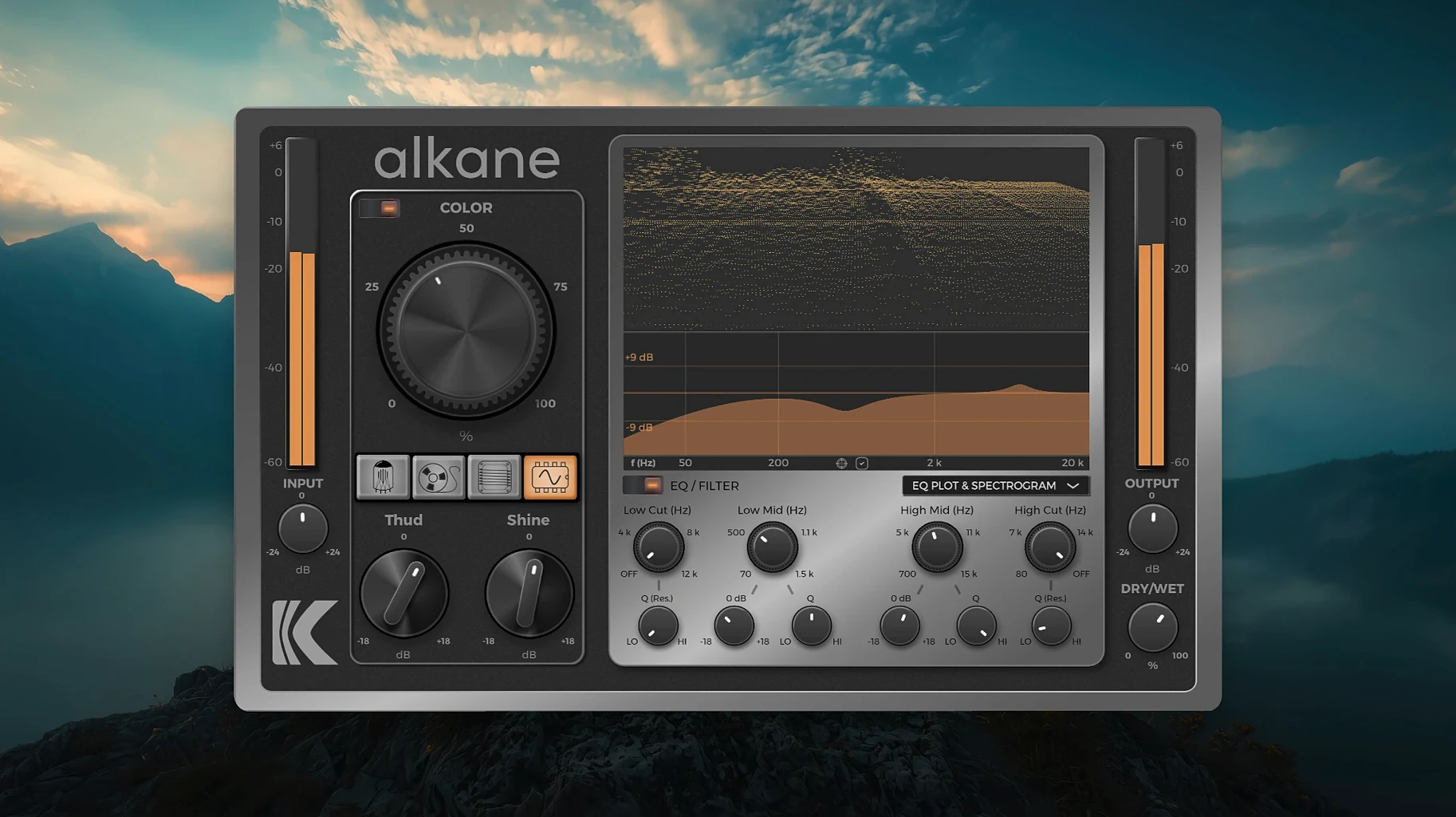
KD Alkane 1.0.17.0 doesn't bring a changelog of new features, but the quad-circuit harmonics processor itself is already a dense piece of work. It runs on Apple Silicon natively, uses 8x oversampling internally, and presents a human-centred GUI with high-resolution scaling. The core idea is simple: four circuits treat your audio in parallel, each adding its own flavour of harmonic distortion, and you blend them to taste. A Color module lets you lean into a specific character, while a built-in two-band parametric EQ shapes the harmonics before they hit the output. The visualiser — a 3D spectrogram with an EQ plot and parameter editor — makes it easy to see what the circuits are doing to the signal. It works inside Logic, Pro Tools, Cubase and any other DAW that hosts AU or VST plugins on macOS 11 and later.
Getting going in the first few sessions
After installing, spend a bit of time with a single track you know well — something you’ve already mixed or processed. Open KD Alkane on it and cycle through each of the four circuits individually before you start stacking them. Tube on its own is useful for vocal warmth; Tape gives you a subtle compression feel; Transformer brings a little weight to low end; Synth can be surprisingly musical on synth pads or even bass guitar. Getting a feel for each circuit in isolation helps you hear what they do before you blend.
Try the Color module early. It works on transients without squashing them, so it’s a good way to add presence to a snare or a vocal without making everything harsh. Keep the two-band EQ set flat at first and only adjust it once the harmonics are where you want them. That way you’re shaping the harmonic content rather than trying to fix a muddy mix with EQ alone.
What to do when KD Alkane doesn't show in your DAW
One thing people run into is not seeing the plugin in their DAW’s list after installation. The standard installer places it in the usual system locations, but sometimes a DAW needs a rescan. In Logic, open the Plugin Manager and run a validation. In Cubase or Pro Tools, check the plugin preferences for a rescan option. If it still doesn’t appear, make sure you’re running the AU or VST3 version that matches your DAW’s format.
Another snag: the visualiser looks busy at first. The 3D spectrogram and EQ plot sit together in one panel, and if you’re new to the plugin it can feel like a lot of information at once. You don’t have to watch it constantly. Set the circuit blend by ear, then glance at the visualiser to confirm what you’re hearing. Over time it becomes a useful second opinion rather than a distraction.
Some users find the plugin uses noticeable CPU on older Apple Silicon Macs when running across many tracks. That’s the 8x oversampling at work. If you’re using it on a full mix, try one instance on a bus rather than multiple instances on individual tracks. You get the character across the whole mix with less processing overhead.
A real-world scenario: mixing a vocal chain
Consider a producer working on a pop vocal in Logic. They’ve got a recorded take that sounds clean but flat — no character, no air. They insert KD Alkane on the vocal track, start with the Tube circuit at a low blend, and bring in a little Transformer to add weight around 200 Hz. The Color module adds a touch of non‑linear harmonics that makes the vocal sit forward without extra compression. The two-band EQ rolls off some low end below 80 Hz and adds a gentle shelf around 8 kHz. The 3D spectrogram shows the harmonics spreading evenly, and the vocal feels fuller without being harsh. It’s a small chain, but it changes the feel of the whole mix.
Mac it needs
- macOS 11 or later
- Apple Silicon
- Interface language: English
Installing on a Mac
- Close all open DAWs or music applications.
- Download the installer package.
- Open the downloaded disk image.
- Double-click the installer package to start installation.
- Follow the on-screen prompts.
Notes from photographers
Sign in or create your account to leave a comment.
No notes from photographers yet. If you have used this on a real folder, say which camera and which Mac.