
 Get it for my Mac (785 MB)
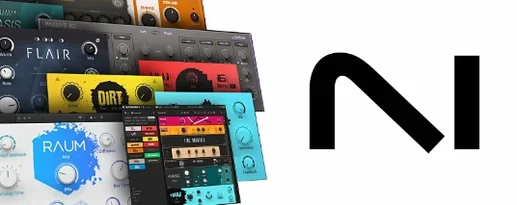 Komplete FX Bundle
2026.1
Komplete FX Bundle
2026.1
- Version
- 3.5.4
- Developer
- Native Instruments
- Interface in
- English
- Licence on file
- K'ed by TEAM HCiSO
- macOS it runs on
- macOS 12 or later
- Chip support
- Apple Silicon, Intel 64-bit
In the edit
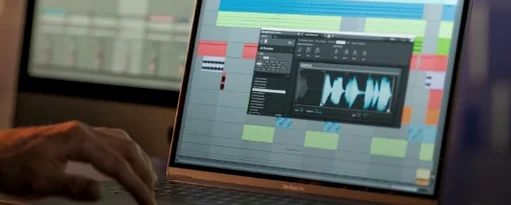
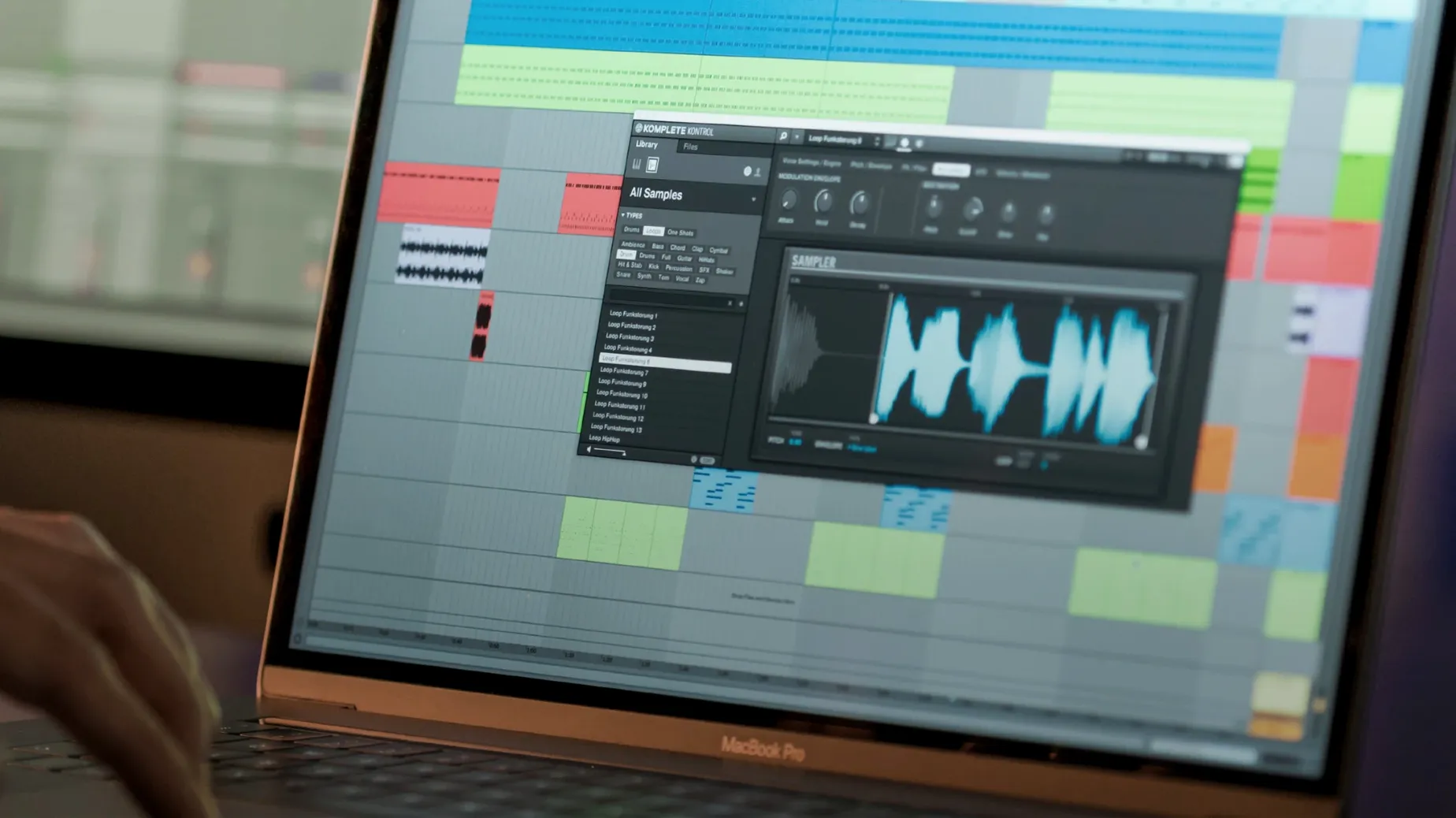
Komplete Kontrol is a music production plugin that lets you browse, load, and control instruments and effects without leaving your DAW.
runs in any DAW that supports VST, AU or AAX
Komplete Kontrol 3.5 runs as a plugin inside any DAW that supports VST, AU or AAX. It handles Native Kontrol Standard (NKS) mapping for supported instruments and effects, so parameters map to your controller automatically. Version 3.5.4 fixes a performance issue when changing plugin parameters from a Kontrol S-Series MK3 keyboard.
play sounds, build ideas
The plugin includes a built-in sampler, so you can play sounds straight away. You can trigger chords with one finger, drag loops and one-shots to the DAW timeline, and sync collections with Sounds.com. It works with MIDI controllers, a mouse, or the keyboard — whichever you have handy.
nks connect and new features
Version 3.5.4 adds NKS Connect support inside Komplete Kontrol, plus NKS Mode integration for compatible NKS Connect controllers. That means a tighter link between the plugin and the hardware when you’re working fast.
find a warm synth pad and lay it down fast
Let’s say you’ve opened a new session in your DAW and you want a warm synth pad. You load Komplete Kontrol as an instrument track. The browser shows you all your NKS-ready instruments, effects, loops and samples in one place. Type “pad” into the search bar and the list narrows down. Click a preset to hear it — the Light Guide on an S-Series keyboard lights up with the key range, so you know where the sound sits.
Once you’ve picked one, the plugin loads the instrument and maps its main controls to your hardware automatically. You tweak the filter and envelope using the knobs on the keyboard, or with your mouse if you’re not using NKS hardware. When the part sounds right, you record your MIDI performance straight into the DAW timeline. If you want to add a loop or a one-shot sample from the browser, you can drag it directly onto an audio track — no file hunting.
For chord work, Smart Play is there: pick a scale from over 100 options and play single notes to trigger full chords. It’s useful when you’re sketching an idea quickly and don’t want to stop to voice every chord by hand.
adds NKS Connect support for direct hardware control
The headline addition is NKS Connect support. If you own a compatible NKS Connect controller, the plugin now talks to it directly through NKS Mode integration. That means you can browse, load and control sounds from the hardware without extra setup steps. For anyone using a Kontrol S-Series MK3, the 3.5.4 update also fixed a performance hiccup when changing plugin parameters — something that slowed down workflow in previous builds. And if you’re on a Kontrol S-Series MK2 in Cubase on Windows, the level meters no longer freeze. It’s a small fix, but the kind that keeps a session moving.
works alongside Logic, Ableton, Cubase, and Pro Tools
Komplete Kontrol sits inside your DAW as a plugin, so it works alongside whatever else you’ve got in the mix — Logic Pro, Ableton Live, Cubase, Pro Tools. It doesn’t replace your DAW’s own browser; it just gives you a dedicated space for NKS-tagged content. On macOS, the plugin runs natively on both Apple Silicon and Intel Macs, so there’s no Rosetta overhead if you’re on an M-series machine. You can also run it standalone, which is handy for auditioning sounds without opening a full session.
If you use Sounds.com, your collections sync through Komplete Kontrol, so new loops and samples you’ve saved appear in the browser automatically. The drag-to-DAW feature works across applications, so you can pull a loop from the plugin into Logic or Ableton without exporting files first.
offers hardware mapping that UVI Workstation lacks
Komplete Kontrol is not the only way to organise sounds on a Mac. UVI Workstation is a free plugin that loads UVI soundbanks and third-party instruments, and it has a solid browser. But it doesn’t offer hardware mapping the way NKS does, and it doesn’t tag loops or samples from external libraries. Kontakt (also from Native Instruments) is deeper for sample-based instrument building, but it’s a sampler first — you don’t get the same unified browser for effects, loops and presets from multiple developers. Komplete Kontrol fills the middle ground: it’s not a full sampler like Kontakt, and it’s not a universal soundbank player like UVI Workstation. It’s a control layer that brings instruments, effects and sounds into one window, with hardware integration that the other two don’t match.
Arturia Analog Lab is another contender, focused on Arturia’s own synth library. It has a clean interface and preset browsing, but it doesn’t support third-party NKS content or loop tagging. If you work mainly with Native Instruments gear and a mix of third-party NKS plug-ins, Komplete Kontrol is the more flexible choice. If you’re all-in on Arturia, Analog Lab might be enough. For most producers who own a mix of libraries, Komplete Kontrol 3.5 keeps everything in one browser.
New this release
- Added NKS Connect support in Komplete Kontrol.
- Added NKS Mode integration for compatible NKS Connect controllers.
- Fixed performance issues when changing plug-in parameters from Kontrol S-Series MK3.
Mac it needs
- macOS 12 or later
- Intel or Apple Silicon
- Interface language: English
Questions I actually get
Does Komplete Kontrol 3.5 work with any MIDI controller?
It works with MIDI controllers, mouse, and keyboard, but the full NKS mapping and hardware control are designed for Native Instruments Kontrol S-Series keyboards.
What changed in version 3.5.4?
Version 3.5.4 adds NKS Connect support, NKS Mode integration for compatible controllers, and fixes performance issues when changing plugin parameters from Kontrol S-Series MK3.
Installing on a Mac
- Mount the downloaded disk image.
- Run the standard installation process.
Notes from photographers
Sign in or create your account to leave a comment.
No notes from photographers yet. If you have used this on a real folder, say which camera and which Mac.
Next to it in VST Plugins
All VST Plugins picks
Komplete FX Bundle
2026.1
 KORG TRITON
1.4.7
KORG TRITON
1.4.7
 LFOTool
1.768
LFOTool
1.768
 iZotope Tonal Balance Control
3.0.0
iZotope Tonal Balance Control
3.0.0
 iZotope RX
12.1.0
iZotope RX
12.1.0
 iZotope Insight
2.4.0
iZotope Insight
2.4.0
 Melodyne
5.4.2.006
Melodyne
5.4.2.006
