Get it for my Mac (1.4 GB)
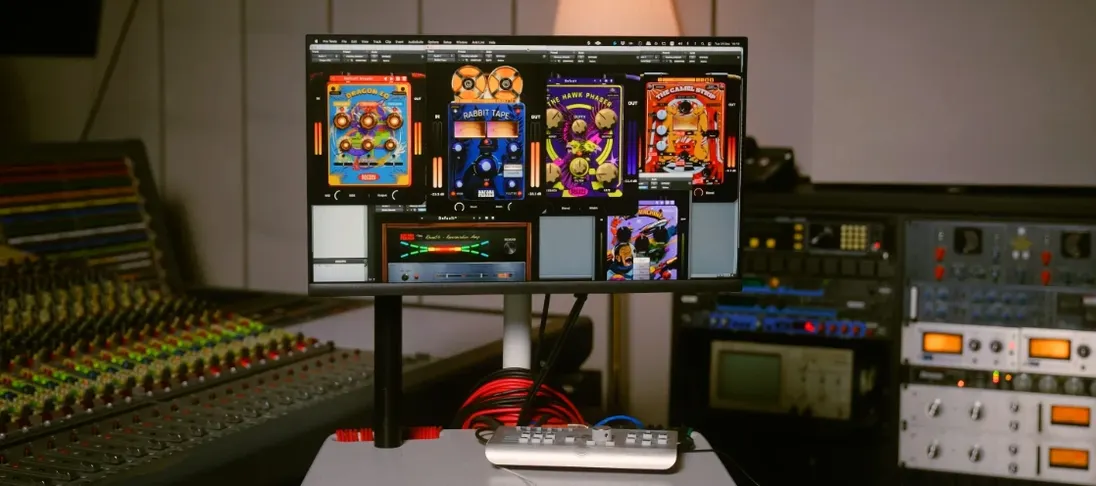 Safari Pedals Everything Bundle
2026.05
Safari Pedals Everything Bundle
2026.05

- Version
- 3.3.2
- Developer
- Plugin Boutique
- Interface in
- English
- Licence on file
- K'ed by MORiA
- macOS it runs on
- macOS 10.15 or later
- Chip support
- Apple Silicon, Intel 64-bit
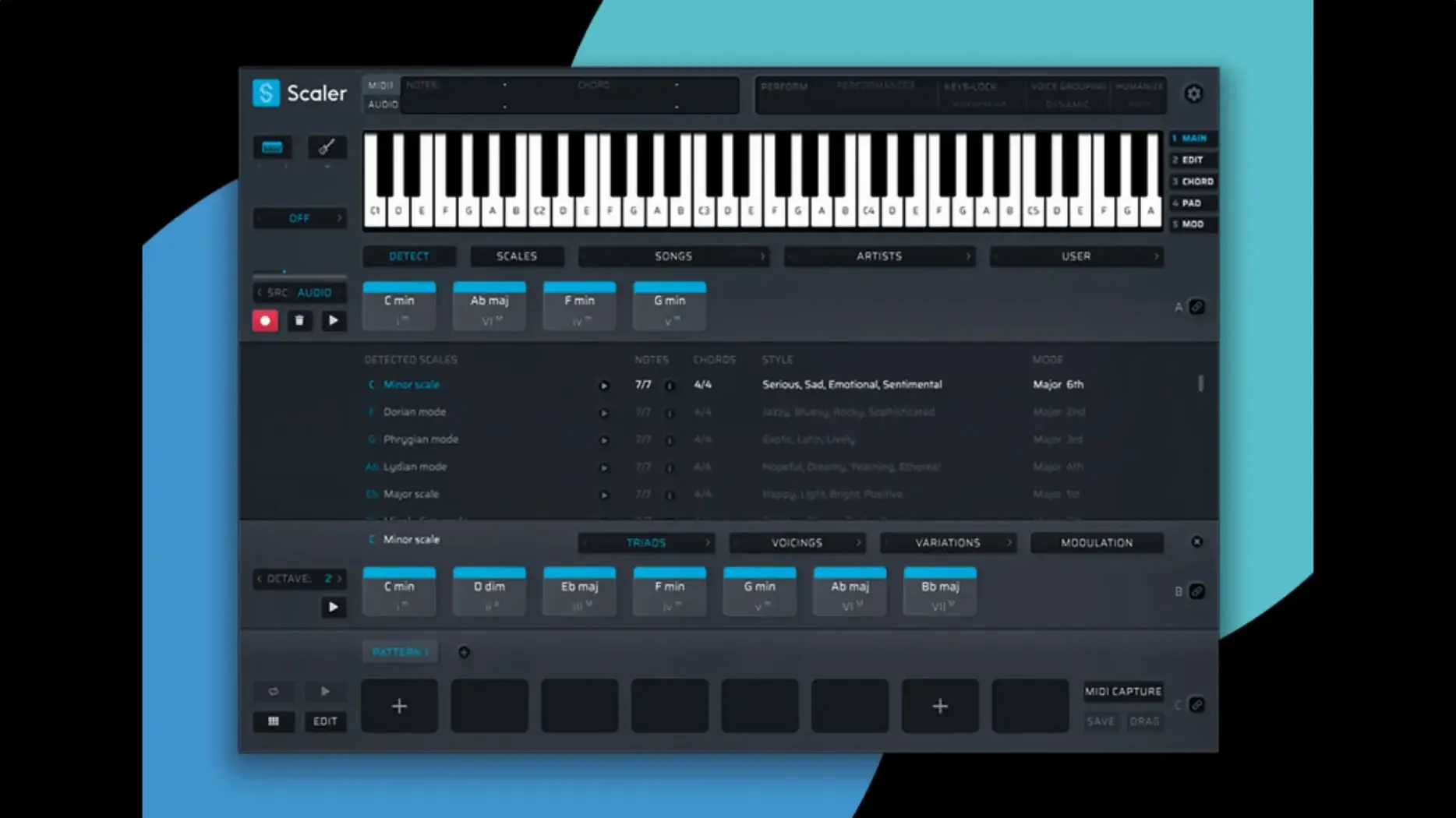
In the edit
Scaler 3 is the sort of tool that finds a home with producers, composers and songwriters who want to move beyond guessing at chords. It is a music theory workstation — think chord progressions, MIDI editing and composition aids all in one plugin or standalone app. The people who reach for it tend to be the ones who know what they want to hear but need a hand getting the theory to match the feeling in their head.
What does Scaler 3 do that a regular MIDI plugin doesn't?
It treats chord progressions as the main event. You can build, audition and edit chords, then send the MIDI out to any instrument. Version 3 also lets you host VST and AU plugins inside the chord and MIDI sections, so you hear the right sounds as you work.
Is Scaler 3 compatible with Apple Silicon and Intel Macs?
Yes. Scaler 3 runs on both ARM and 64-bit x86 architectures. It is 64-bit only, so it will not work on older 32-bit-only hosts, and it needs macOS 10.15 or later. It supports VST, VST3, AU and AAX formats.
Missing notes and wrong chords now fixed
The update fixed MIDI Editor display issues — notes that went missing, chords shown incorrectly and blank space appearing before chords. Exported MIDI now also crops the empty space at the start of a sequence automatically.
Building a chord progression from scratch
Here is a typical start-to-finish workflow in Scaler 3, the way I might use it when I am stuck on a track's harmonic direction.
Open Scaler 3 in standalone mode or load it as a plugin on a MIDI track. The first thing I do is choose a key and scale from the browser — I tend to start with something like D minor or E major, but the library of scales covers everything from common major and minor to more exotic modes. Once the key is set, the chord suggestions that appear are all relative to it, so there is no accidental clash later.
Next, I browse the preset chord groups. Scaler 3 comes with a library organised by artist styles and genres. I might pick a "cinematic" set or something labelled "pop ballad" and listen through the chord changes. When I hear a four-chord loop that fits the mood, I drag it onto the Multi-Lane Timeline. That timeline is where the real composition happens — it has separate lanes for chords, melody, bass and phrases.
With the chord progression in place, I switch to the melody lane and let Scaler 3 generate a few melodic lines. It can create melodies, bass lines and arpeggios in any key, so I audition a handful until one sits right with the chords. I edit the MIDI notes directly in the editor if I want to shift a phrase or change a note's length. The Multi-Bind feature lets me link tracks together, so if I adjust the chords later, the linked melody lane updates to stay in the same key.
Finally, I export the MIDI sequence. The latest version 3.3.2 crops any empty space at the start automatically, so the exported file starts right on the first note with no silence. I drop that MIDI into my DAW's instrument track and carry on from there.
Set MIDI output channel to match your DAW
When I first set up Scaler 3, I head straight to a few preferences that make the most difference to how I work.
- MIDI output channel — I set this to match the channel my DAW expects, so I do not have to fix routing later.
- Scale locking — I turn this on by default. It keeps all chord suggestions and generated melodies within the chosen key, which saves me from accidentally auditioning out-of-key ideas.
- Snap to grid — I enable this in the MIDI Editor so that note positions and lengths align to the beat grid. It keeps exported phrases tight and ready to play.
- Plugin hosting — I load a favourite synth or piano into Scaler 3's built-in host slot. That way I hear the chords and melody with the actual sound I intend to use, not a generic piano tone.
These are small changes, but they remove the friction of fixing things after the fact.
Revived a dead track in A minor with Scaler 3
Wednesday afternoon, I have a track that has been sitting with a basic beat and a single bassline for two days. I load Scaler 3 as a plugin on a new MIDI track and set the key to A minor, which matches the bass. The chord library suggests a few progressions under "neo soul" — I click through a couple and land on one that has a nice pull between the ii and V chords. I drag it onto the timeline.
I spend the next twenty minutes in the melody lane, letting Scaler 3 generate phrases and muting the ones that feel too busy. The Multi-Lane Timeline shows the chords above the melody, so I can see exactly where each phrase lands. I trim a few notes in the editor and duplicate one phrase across the second half of the progression.
Then I switch to the bass lane and let the tool generate a bassline that mirrors the root notes of the chords. I use Multi-Bind to link the bass lane to the chord lane, so any future edits to the chords will shift the bass notes too. I export the whole thing as MIDI, drag it into my arrangement and replace the placeholder bassline with the new part. The track has direction now.
MIDI Editor display bugs that slowed my workflow
Version 3.3.2 fixed two things that affected how I work day to day. The MIDI Editor display issues were the main one — notes that would sometimes vanish from view, chords showing the wrong voicing on screen, and a strip of blank space before the first chord that made editing feel laggy. Those are gone now. The editor shows exactly what is in the sequence, and I can trust what I see.
The other change is the exported MIDI cropping. Before 3.3.2, every export had a short silence at the start, which meant I had to open the MIDI file in my DAW and trim it manually. Now the sequence starts right on the first note. It is a small fix, but it saves a step on every export, and those add up over a session.
Musicians seeking a scaler 3 mac crack should know Scaler 3 detects chords and suggests progressions for your compositions.
New this release
- Fixed MIDI Editor display issues that could cause missing notes, incorrect chord representations, and unwanted blank space before chords.
- Exported MIDI now automatically crops empty space at the start of the sequence.
Mac it needs
- macOS 10.15 or later
- 64-bit only (Intel or Apple Silicon)
- Interface language: English
Questions I actually get
Can I use Scaler 3 as a standalone app?
Yes, Scaler 3 works both as a standalone application and as a plugin inside your DAW.
Does Scaler 3 support multiple tracks at once?
Version 3 includes Multi-Bind, which lets you link multiple tracks together.
What plugin formats does Scaler 3 support?
It supports VST, VST3, AU and AAX formats.
Installing on a Mac
- Mount the downloaded disk image.
- Run the standard installer.
Notes from photographers
Sign in or create your account to leave a comment.
No notes from photographers yet. If you have used this on a real folder, say which camera and which Mac.