Get it for my Mac (18 MB)
 AIMP
5.40.2675
AIMP
5.40.2675

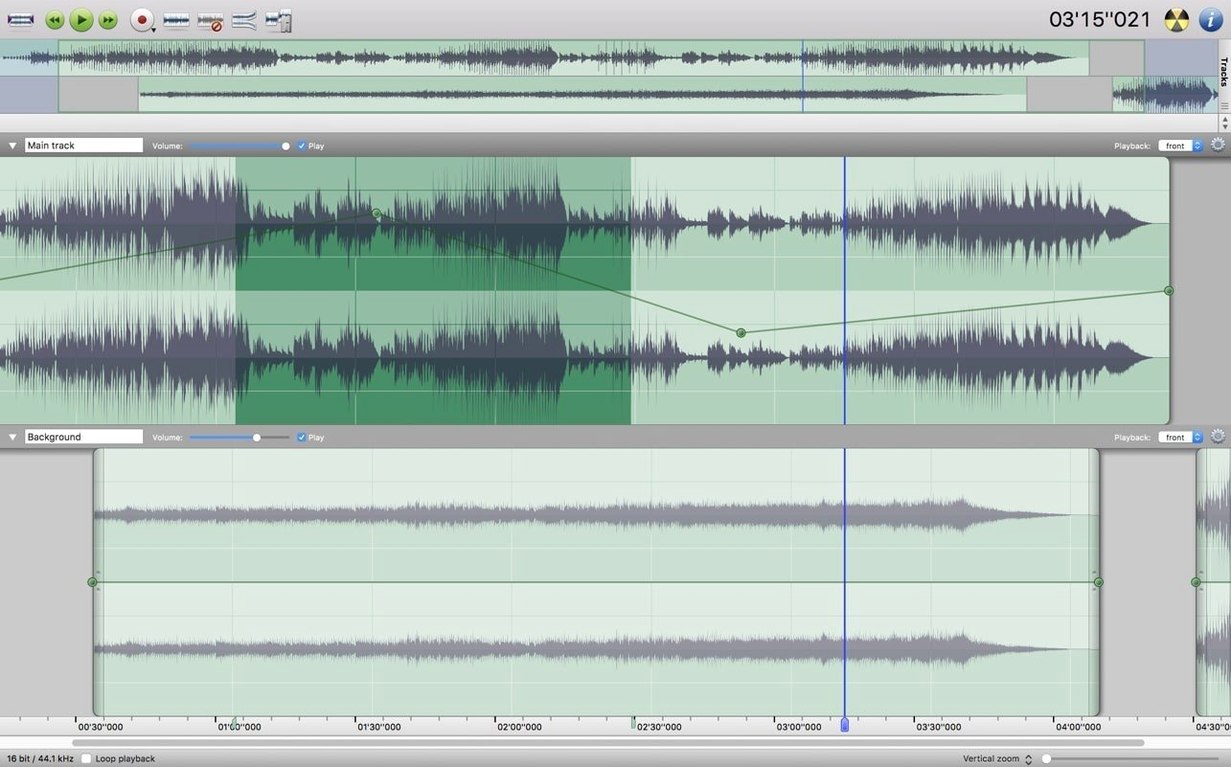
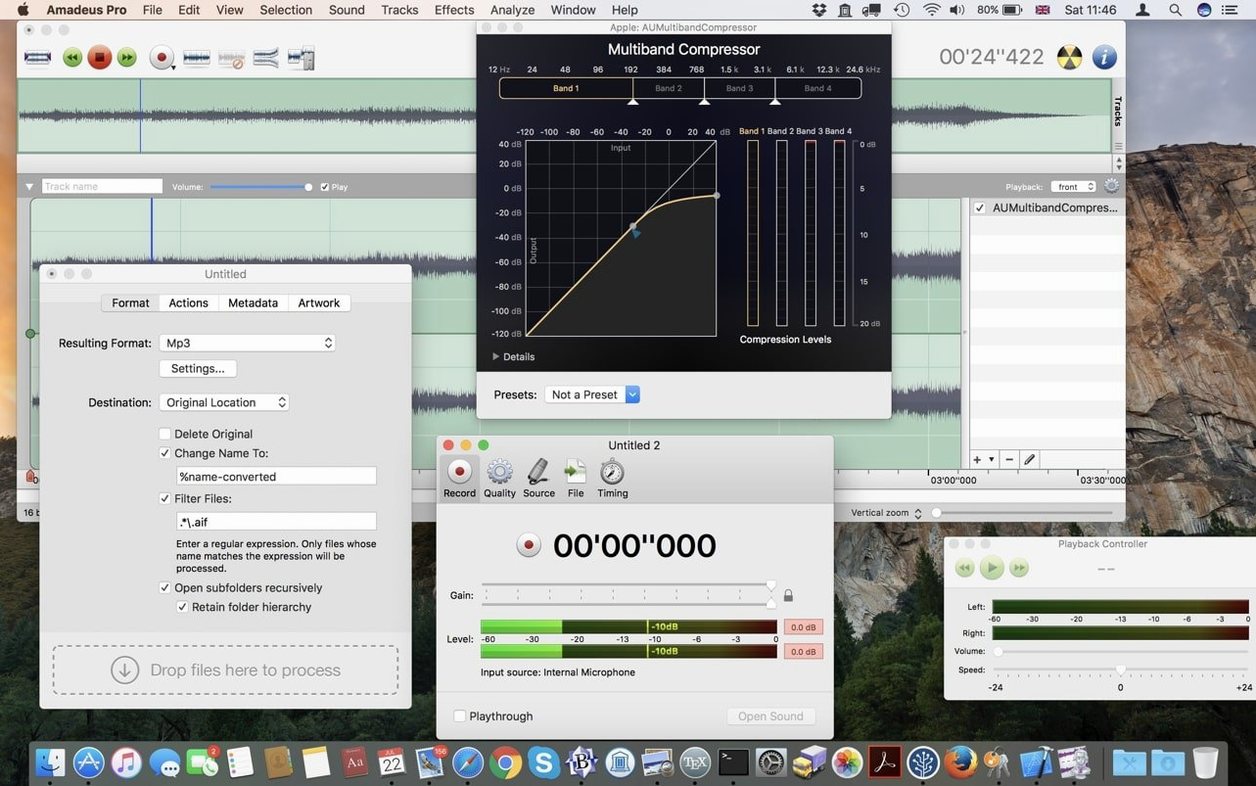
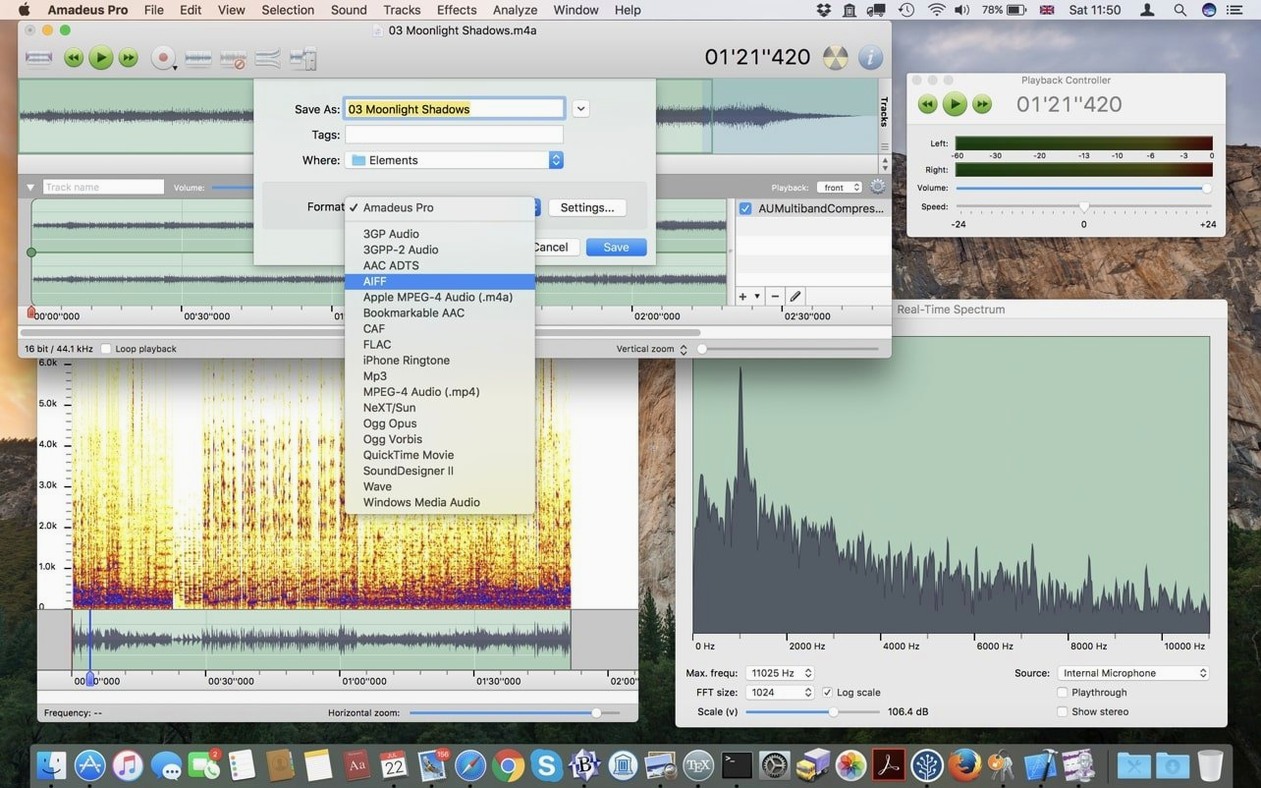
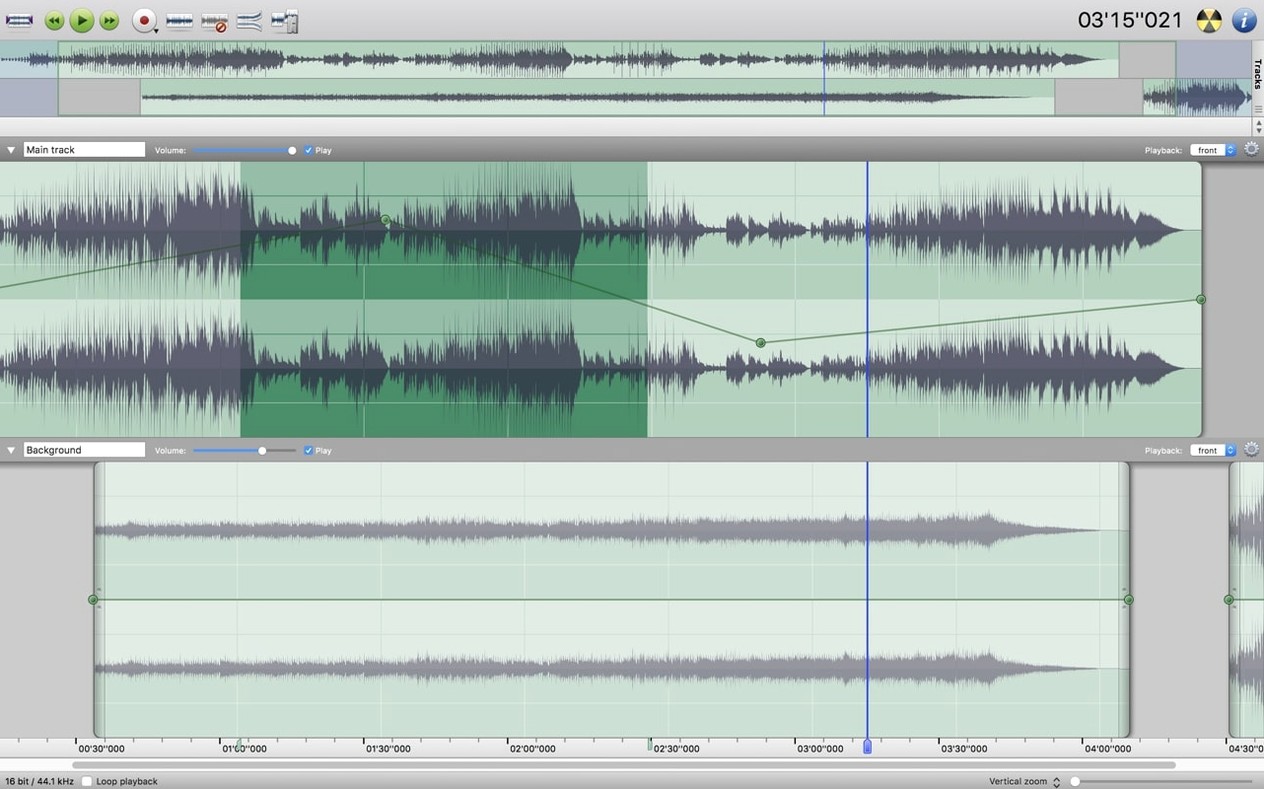
It’s a multi-track editor that sits nicely alongside the tools a working Mac user already keeps around: quick for a fade or a batch of files, deep enough when you need noise reduction on a single section or the whole track.
If you already work with Audacity or Logic Pro, Amadeus Pro fits as a lighter companion for the jobs that don’t need a full DAW. Batch processing and plugin support make it a practical extra on the shelf.
Amadeus Pro works well alongside the audio tools you probably already have. I keep it open next to QuickTime Player when I'm pulling audio from a video file — record the stream in Amadeus, edit out the silence, export as MP3 or AAC, all without opening a full video editor. The direct-to-disk output means I can process a long recording and still use my Mac for other things while it runs.
If you use Audio Unit plugins from Logic Pro or GarageBand, they show up in Amadeus Pro without any extra setup. Same for VST plugins you might have installed for other hosts. That makes it a decent second editor for plugin testing or quick processing jobs. The Favourite Actions panel also works with macOS Services if you've set any up, so repetitive tasks like normalising a batch of voice memos can live one click away.
For anyone digitising tapes or records, Amadeus Pro can record live audio directly and save straight to disk. Pair it with an external USB interface and you've got a simple transfer station. The waveform caching helps when you're scrubbing through a twenty-minute side of vinyl looking for the track gaps.
The most common slip I see is forgetting that noise reduction works on selected sections as well as entire tracks. New users often apply it to the whole file when only a few seconds need cleaning, which can soften the rest of the audio unnecessarily. Select just the noisy bit — it keeps the rest of your recording punchy.
Another one is ignoring the batch processing feature until halfway through a project. If you've got ten interview files to trim or convert to FLAC, doing them one by one is a waste of time. Set up a batch action before you start and let Amadeus Pro chew through them while you make tea.
People also tend to skip the marker system on longer edits. Dropping markers at important points — a song change, a spoken intro, a loud section you'll fix later — saves you scrolling around later. It's a small habit that pays off fast.
Trim a song section, export as AAC, and drop it into your phone via iTunes or Finder. Once you've done it once, it's a thirty-second job.
Yes, it supports both Audio Unit and VST plugins, so you can use your existing effects and instruments.
Sign in or create your account to leave a comment.
No notes from photographers yet. If you have used this on a real folder, say which camera and which Mac.