Get it for my Mac (3.2 GB)
 Adobe Audition
26.5.0
Adobe Audition
26.5.0

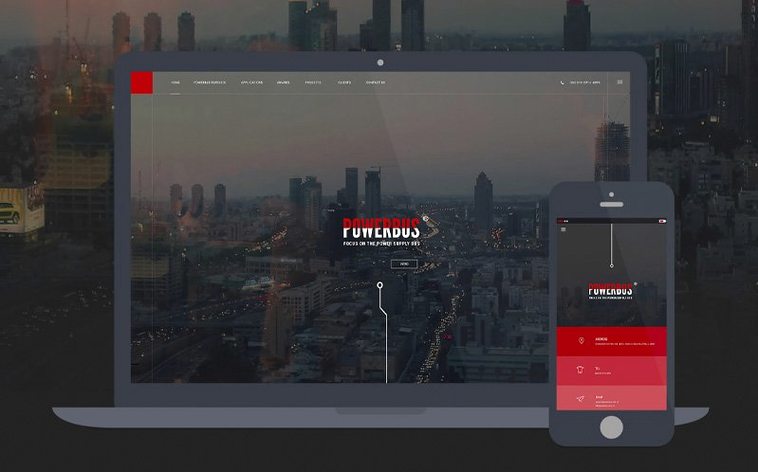


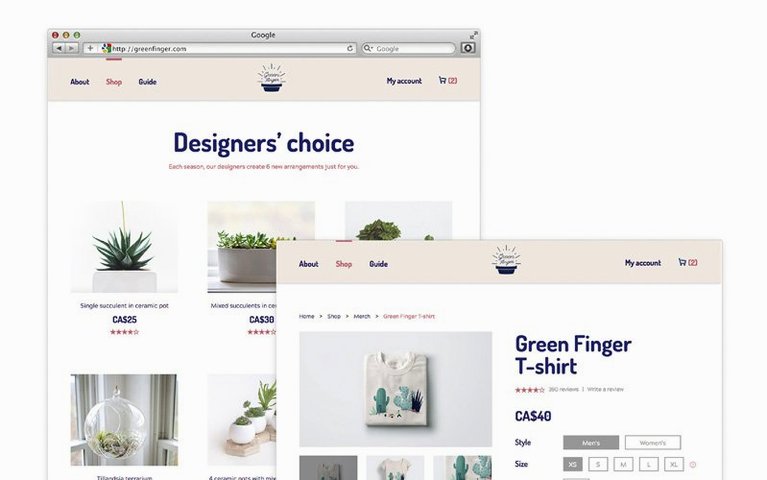
The April 2026 release of Adobe Dreamweaver (version 21.8) brings built-in server behaviours and database bindings straight into the app, which saves digging through documentation when you need to hook a site up to a backend. The libraries underneath got a refresh too — OpenSSL, Libcurl, CEP, jQuery, Lodash, RequireJS, Node.js, and Zlib are all updated.
Dreamweaver handles both design and code sides of web work. You can build responsive layouts that adjust to different screens, and the live view uses Chromium Embedded Framework so you see changes without refreshing. It works on Apple Silicon and Intel Macs, needs macOS 13 or later, and about 3 GB of free space to install. There’s a known quirk: file modification times may not match your local time zone, and site sync won’t auto-refresh those times after a time zone change.
People often ask if it runs on newer Macs — yes, native on Apple Silicon and 64-bit Intel. Another common one is whether you can preview work live. You can, thanks to the embedded Chromium engine, so edits show up without a manual refresh each time. Adobe Help Center has tutorials and support built in, which helps when you’re learning or stuck.
When you open Dreamweaver for the first time after installing, a few default settings are worth adjusting before you start a project. The code colouring scheme is personal, but the default theme can feel heavy on the eyes after a long session. Switch to a lighter or darker preset under Preferences depending on your room lighting and how much time you spend in Split view.
Another early stop is the file comparison tool. If you use a diff app like Kaleidoscope or Beyond Compare, Dreamweaver can launch it directly from the Site panel. Point it at your preferred tool in Preferences under File Compare and save yourself the extra clicks when you need to spot changes between versions.
Automatic line numbers and word wrap are worth turning on early — they’re off by default. Line numbers help when you’re tracking down a CSS selector or a closing bracket, and word wrap keeps long lines readable without horizontal scrolling. Both live under the Code Format category. While you’re there, set your indent to tabs or spaces and pick the width; most front-end teams use two spaces, but if you work alone, pick whatever keeps your markup tidy.
The most common slip is treating Dreamweaver like a visual page builder and ignoring the code panel. You can drag elements around in Design view, but the result is often verbose, inline markup that’s hard to maintain. Better to use Design view as a quick preview and do the real work in Code or Split view. That way you keep control of your class names and structure.
Another one is forgetting to set up a local site definition. Beginners often open a single HTML file, edit it, and wonder why images and CSS paths break. Define a local site folder through the Site menu so Dreamweaver understands your file structure. Relative links work properly, and the Files panel becomes useful for managing assets.
People also miss the built-in Git support. They stage and commit through a separate app when Dreamweaver can handle basic operations right inside the interface. It won’t replace a full Git client for complex workflows, but for committing daily changes and checking logs, it’s enough. Just initialise a repo in the Site panel and you’re set.
Beginners sometimes jump straight into server behaviours without testing static pages first. The new database bindings in 21.8 are powerful, but they assume your local setup matches the live server. Test your HTML and CSS locally, then add backend logic. It saves time tracking down whether the issue is PHP or a missing closing tag.
You might build a mockup in Photoshop or Adobe XD, export assets, and drop them straight into your Dreamweaver site folder. The Files panel makes it easy to drag in images and link CSS files without leaving the app.
On the code side, you can pair Dreamweaver with a code editor like Sublime Text or VS Code for heavy scripting, then switch back to Dreamweaver for the layout and publishing steps. The live preview means you don’t need a separate browser tab for every minor CSS tweak — just edit in Split view and watch the Chromium-based preview update.
macOS features work as expected. Split View on the Mac lets you run Dreamweaver on one half of the screen and a browser or terminal on the other. Quick Look in Finder works for HTML and CSS files, so you can check a file’s content without opening the app. And if you use Time Machine, your site folder is backed up automatically — handy when a Git commit goes wrong or you delete a file by accident.
Adobe Dreamweaver download suits web designers who need a visual editor alongside code editing. The same goes for dreamweaver torrent and dreamweaver mac torrent searches — this release covers both architectures, so you’re not hunting for a separate build. And if you come across an adobe dreamweaver torrent that lists a different version number, check the architecture support before installing, because older builds may not run on newer macOS versions.
Yes, version 21.8 runs natively on Apple Silicon and 64-bit Intel Macs. macOS 13 Ventura or later is required.
Dreamweaver uses the Chromium Embedded Framework for live-view editing, so changes appear in the preview without you having to refresh.
Sign in or create your account to leave a comment.
No notes from photographers yet. If you have used this on a real folder, say which camera and which Mac.