
 Get it for my Mac (6.4 GB)



 Assassin's Creed Shadows
1.0.35
- Version
- 1.03 [Wineskin]
- Developer
- Ubisoft Montreal
- Interface in
- Russian, English, German, Danish, Spanish, Italian, Chinese (Traditional), Chinese (Simplified), Korean, Dutch, Norwegian, Polish, Portuguese, French, Swedish
- Licence on file
- Not required
- Chip support
- Apple Silicon
- Edited with it on
- macOS Tahoe, Mac mini 2024 M4
- Out on
- 1.12.2011
- Voices in
- Russian, English
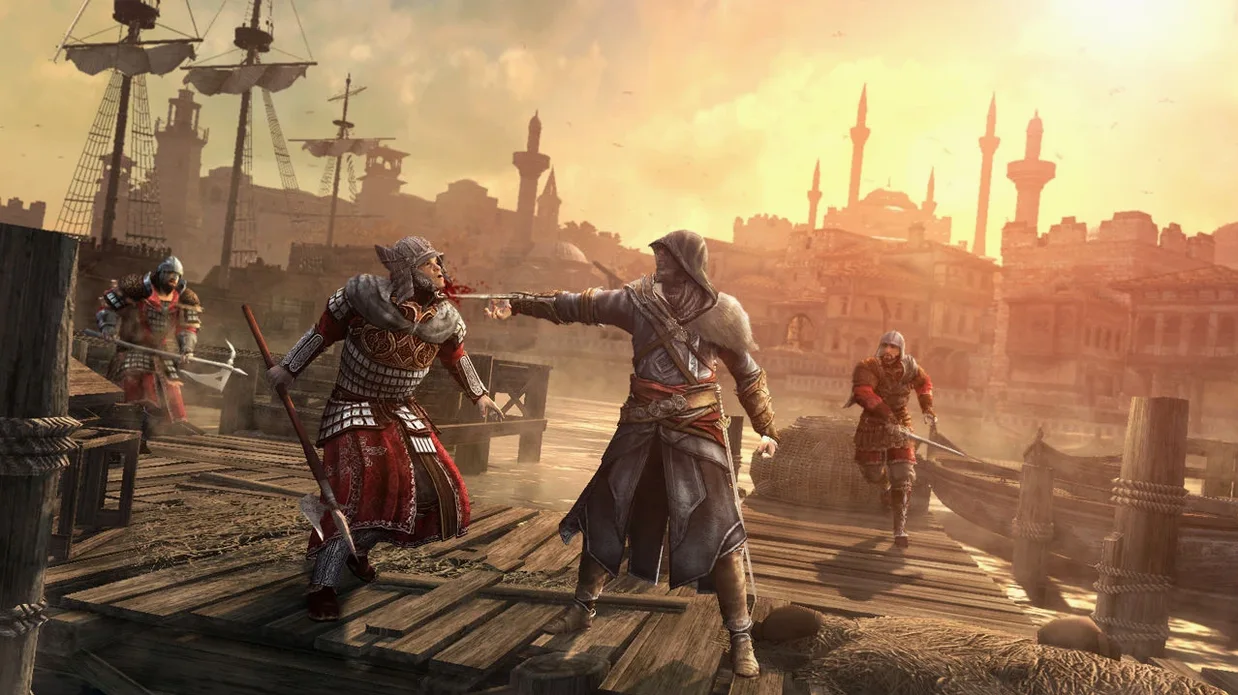
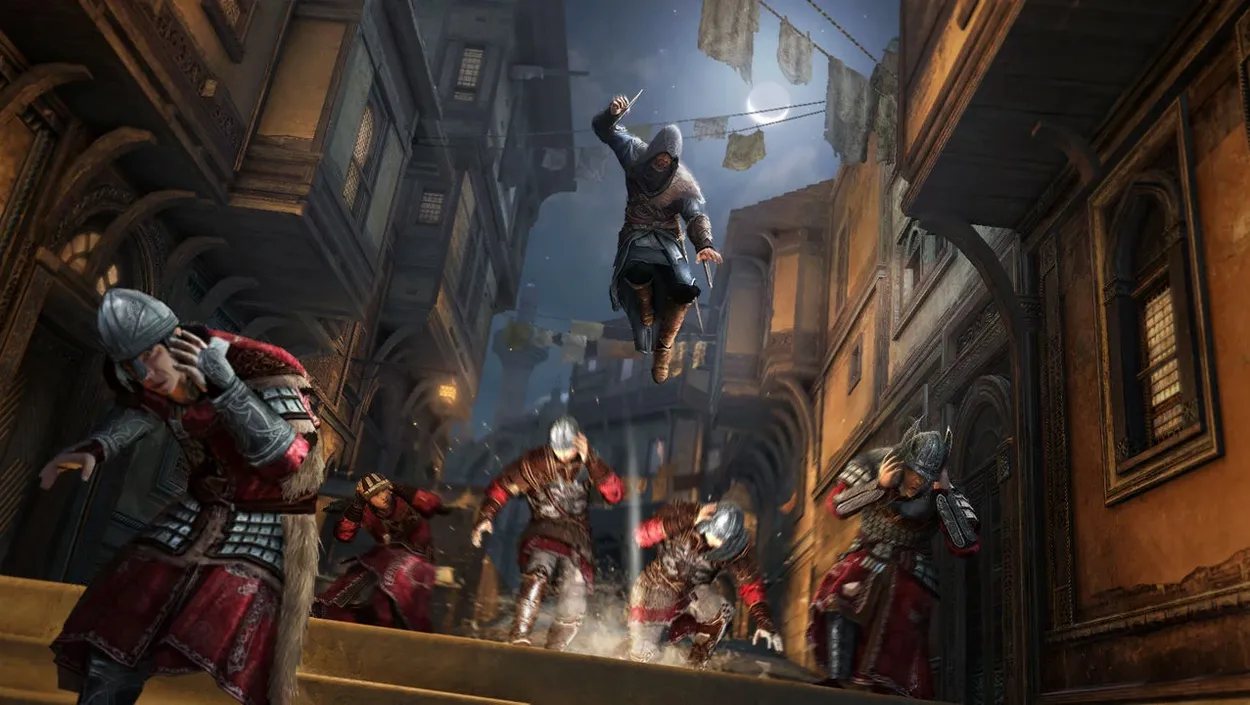
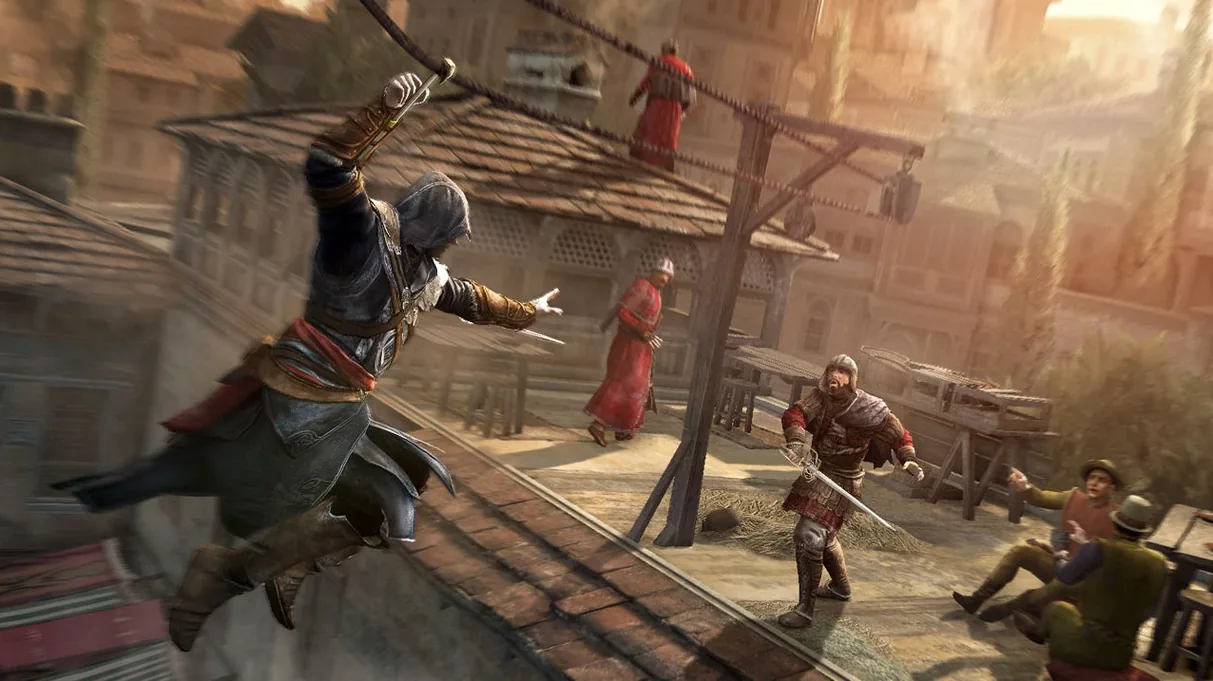
In the edit
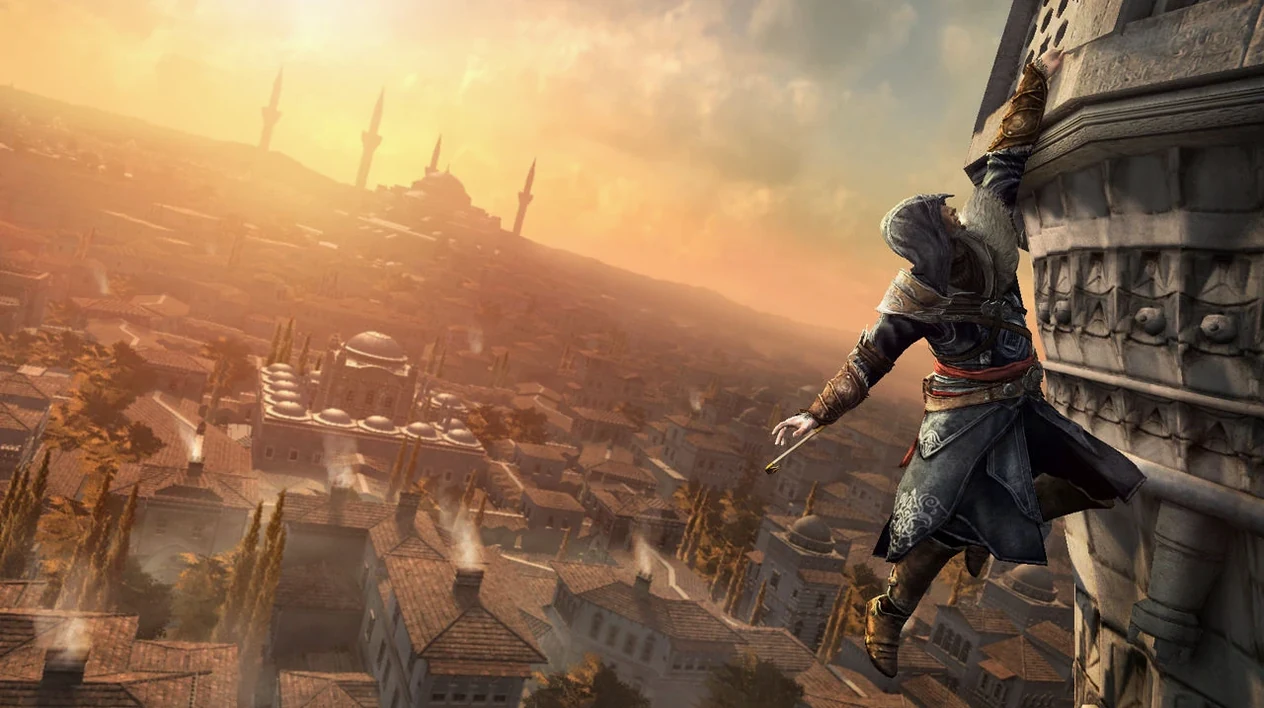
If you have spent time with the earlier Assassin's Creed games on a Mac, you know the series rewards patience and a good sense of direction. Assassin's Creed Revelations picks up Ezio Auditore's story in Constantinople, and the Wineskin build here runs on Apple Silicon machines. Before you get lost in the bazaars, here are the first things a newcomer should try.
Zip up walls and vault across gaps with the hookblade
The hookblade is the big new tool in this entry. It changes how you move through the city. Instead of just climbing and leaping, you can now zip up walls and vault across gaps in a single motion. Spend the first few missions practising the hook-and-run on the low rooftops. It makes chases feel faster and opens up shortcuts you would miss otherwise. Eagle Vision is still your friend for marking targets, but the hookblade is what sets this game apart from its predecessors.
Switch between Ezio and Altaïr early
The game lets you play as both Ezio and Altaïr, and the switch happens through the memory sequences. Do not rush past the Altaïr sections. They are shorter, but they give context to the whole series arc. The controls are slightly different, so take a moment to adapt. The Constantinople setting is dense with Templar activity, and the game does a good job of making the city feel alive. Stick with the main missions until you unlock the bomb crafting — it adds a layer of strategy to fights that is worth exploring.
Runs on Apple Silicon from MacBook Air to Mac mini
This version of Assassin's Creed Revelations is built as a Wineskin wrapper compiled for ARM architecture, so it runs on any modern Mac with Apple Silicon — from the MacBook Air to the Mac mini. The build was tested on macOS Tahoe and a Mac mini 2024 M4, and it uses the 1.03 version of the game. No activation is required, which means you can jump straight in after copying the app to your Applications folder. If the game throws an error on first launch, the Fix file included in the disk image usually sorts it out. The same disk image also contains a shortcut to drag into Applications, so the whole setup stays straightforward.
Keeps Lightroom and other apps open in the background
Because this is a Wineskin build, the game runs in its own environment without modifying system files or conflicting with other macOS software. You can keep Lightroom, Capture One or whatever else open in the background — the game does not mess with your photo library or your design tools. The in-game language settings cover fifteen languages for text (English, Russian, German, French, Spanish and more) and two for voice (English and Russian), so switching between them is done from the options menu, not from system preferences. If you use a gamepad, enable Wireless Controller in the game settings to get it recognised. The multiplayer and online features are no longer active, so this is purely a single-player experience — the way most of us remember it anyway.
Mac it needs
- macOS ? (tested on macOS Tahoe)
- Apple Silicon
Questions I actually get
Does this build support multiplayer?
No, multiplayer and online features are no longer available for this product.
What languages are available in the Wineskin build?
The game supports Russian, English, German, Danish, Spanish, Italian, Traditional Chinese, Simplified Chinese, Korean, Dutch, Norwegian, Polish, Portuguese, French, and Swedish.
Installing on a Mac
- Mount the downloaded disk image and drag the app into the Applications folder alias.
- After copying is complete, launch the app from Launchpad.
- If the game shows an error at startup, run the Fix file in the disk image.
- If the gamepad does not work, enable Wireless Controller in the game settings.
- To change the language, use the in-game settings.
Notes from photographers
Sign in or create your account to leave a comment.
No notes from photographers yet. If you have used this on a real folder, say which camera and which Mac.
