Get it for my Mac (75 GB)
 Angry Birds Reloaded
4.2
Angry Birds Reloaded
4.2
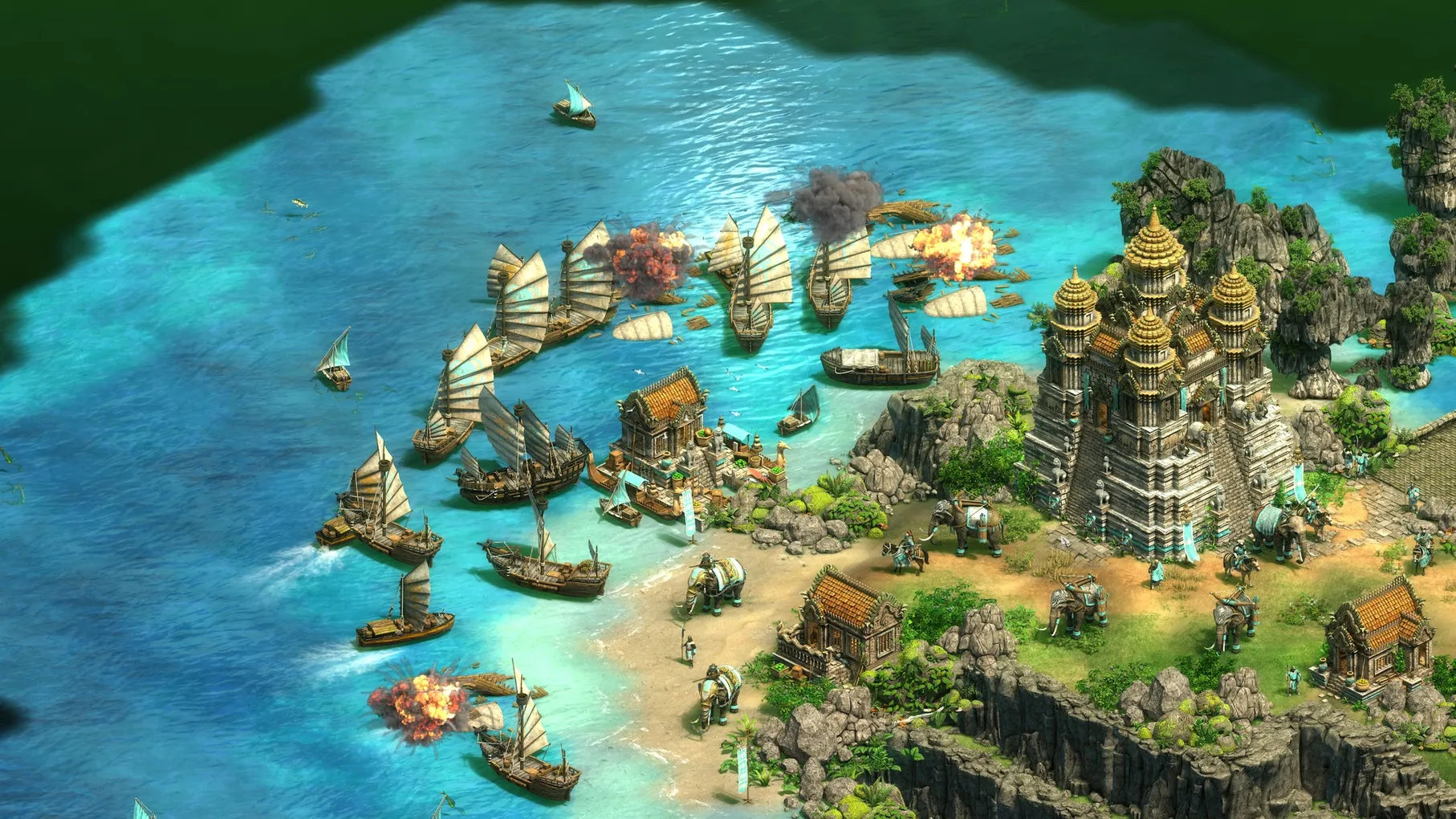
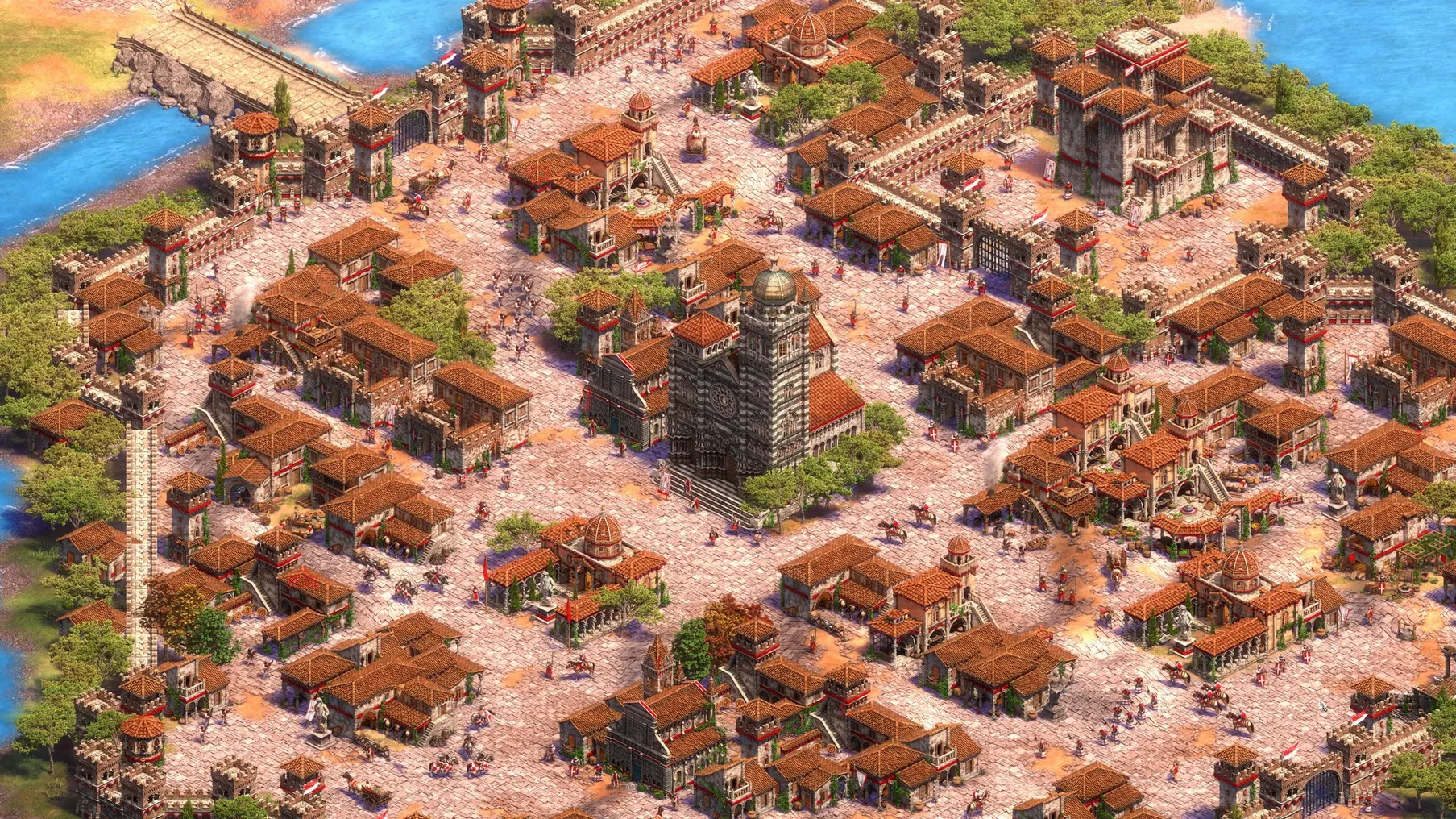
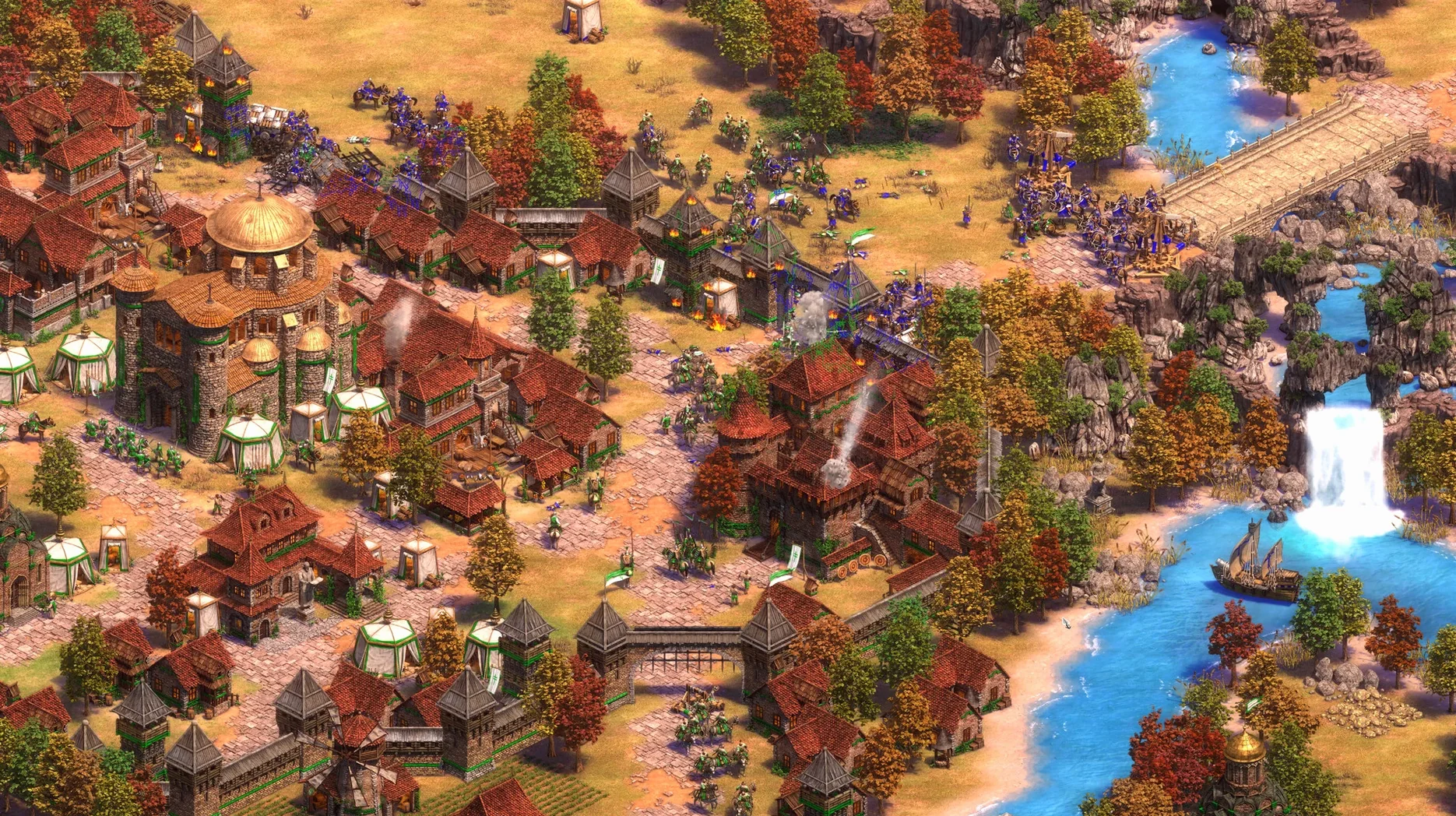
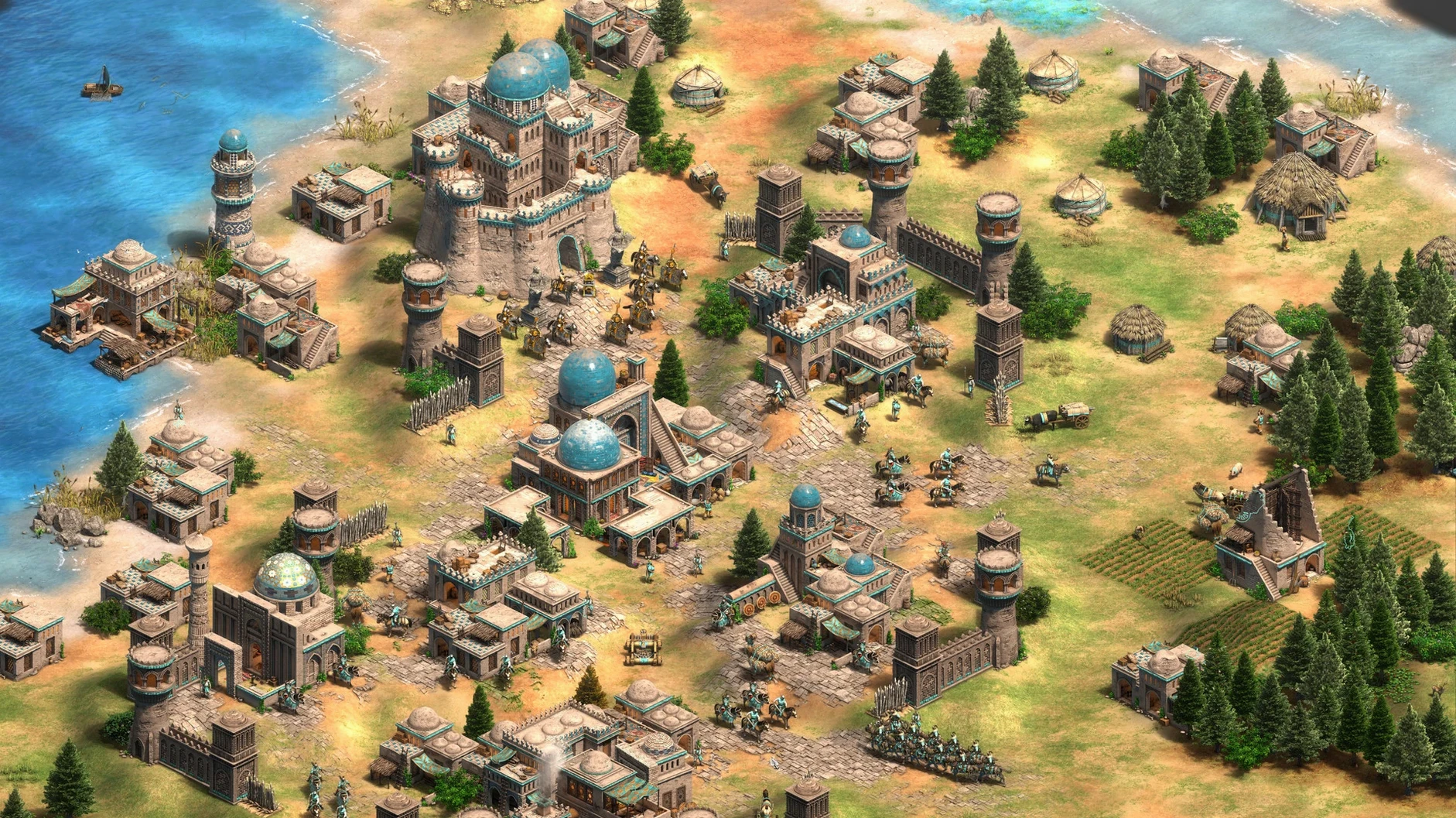
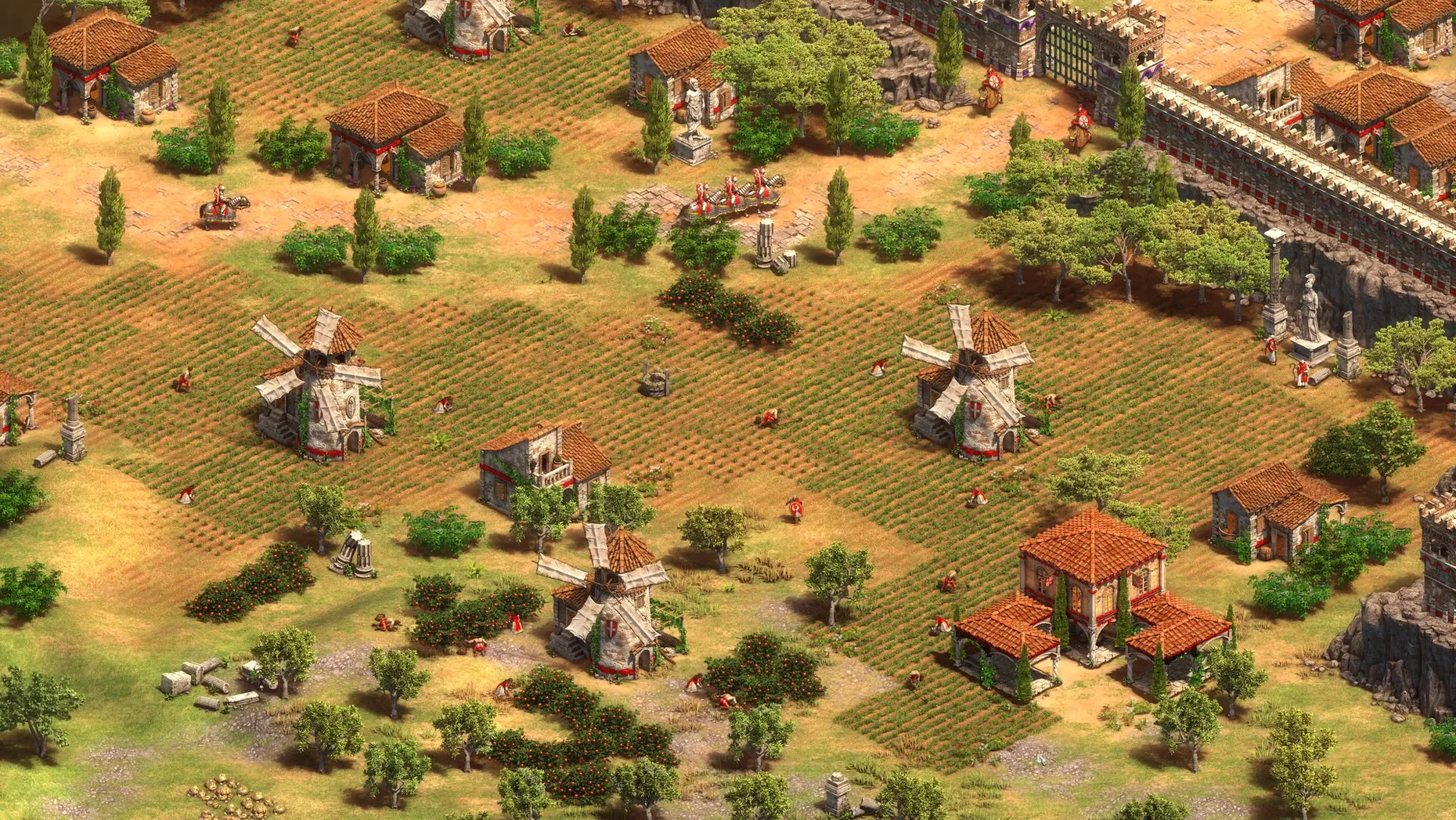
Anyone who spent school nights building palisades and rushing archers knows the pull of a good RTS. Age of Empires II: Definitive Edition is for the player who wants that same loop — gather food, chop wood, click through the tech tree — but on a modern Mac with crisp 4K visuals and a remastered soundtrack. The macOS release runs natively on Apple silicon, so no translation layers get between you and a fast Castle Age push.
| Detail | Info |
|---|---|
| Developer | World's Edge, Forgotten Empires, CaptureAge, Tantalus Media, Wicked Witch, Feral Interactive |
| Version | 1.2 |
| Architecture | Intel & Apple Silicon |
| Interface languages | 16 languages including English, French, German, Japanese, Korean, Portuguese, Russian, Spanish, Turkish, Vietnamese |
| Voice languages | English, German, Spanish, Italian, Traditional Chinese, Simplified Chinese, Korean, Portuguese, French |
Minute to minute, you are managing a small settlement through four ages. Send villagers to sheep, berries or boar. Scout the fog with your cavalry. Queue up militia while you decide between a Fast Castle into Knights or an archer rush. The Definitive Edition bundles the expansions — Lords of the West, Dynasties of India, Dawn of the Dukes, and The Last Khans — so you get the full set of campaigns and civs. Recent updates added a battle royale mode, quick play, and scenario editor support, which gives you room to build custom maps or replay historical battles your own way. The Mac version is native, tested on macOS Tahoe with a Mac mini 2024 M4, and activation isn't required.
The most common slip I see is treating it like a city-builder. You place a lumber camp, drop a mill, queue a few farms, and then sit back waiting for the numbers to tick up. That approach works in a sim game. In Age of Empires II, idle villagers are lost resources you never get back. New players often forget to keep their town centres producing constantly through the early minutes. A second mistake is ignoring the scout. That starting cavalry unit is your eyes on the map — if you leave it parked near your base, you miss sheep, boar and enemy positions that shape your whole opening.
Another trap is over-committing to one resource. Beginners pile into wood or food and then hit the Castle Age with no gold for knights or stone for a second town centre. Balancing the three early resources takes a few games to feel natural. The tech tree can also overwhelm you if you try to research everything. You do not need every blacksmith upgrade in the Feudal Age. Pick the ones that fit your planned unit composition and move on.
Wall-building is another habit that looks easier than it is. Dropping palisades around your whole base in the first ten minutes sounds safe, but it eats villager time and wood that could go towards military or a faster age-up. A few well-placed walls around your resources or a quick wall-in of your villagers against a rush is more efficient. The scenario editor is a good place to practise these openings without the pressure of a live opponent.
The Definitive Edition includes a few details that do not announce themselves. One is the idle villager button — it cycles through villagers who are standing around, which helps catch the ones you forgot about after a fight. The game also highlights the last notification on the left side of the screen, so you see which building finished or which tech completed without scanning the whole interface.
The quick play mode added in recent updates is another feature that does not get enough attention. It matches you into a game faster than setting up a custom lobby, and it works well when you only have time for one match. The scenario editor, meanwhile, is more than a map-maker. You can set triggers, script events and build custom campaign logic, which opens up the game for people who enjoy designing scenarios as much as playing them.
The game remembers your last civilisation choice between sessions, so you do not have to scroll through the list every time if you stick with the same civ for a few games. The soundtrack remaster is also worth noting — the original tracks are re-recorded, and they change with the ages, so the music shifts subtly when you advance, which reinforces that sense of progression without you having to look at the clock.
This is a native macOS application built with Feral Interactive, so it runs directly on both Intel and Apple Silicon Macs. The developers aimed for a baseline represented by a 2024 Mac mini M4 running macOS Tahoe, as the tested setup demonstrated. Because the game supports both ARM and x86 architectures, it works on the full range of modern Macs without requiring Rosetta or any compatibility layer.
The interface supports 16 languages, from English and French to Hindi and Japanese, and the voiceover is available in nine languages including Korean, Portuguese and Traditional Chinese. No separate language packs or downloads are needed — everything is included in the build. Activation is not required, so after you mount the disk image and drag the app to your Applications folder, you can launch it from Launchpad and start playing immediately. The game handles 4K resolution natively, so on a Retina display the UI scales cleanly without looking tiny or blurry.
Age of Empires II: Definitive Edition sits well alongside other Mac apps because it does not demand full-screen exclusivity. You can run it in a window and keep Discord, Safari or your music player open on another desktop. Mission Control makes switching between a multiplayer match and a browser tab fast, and the game respects the standard macOS window controls — minimise, close, full-screen — without any quirks.
The game uses standard macOS file locations for saved games and scenarios, which means you can find your custom maps in the Finder if you want to back them up or share them with another Mac user. The scenario editor exports files that sit in your Documents folder, so they are easy to locate without digging into hidden directories. For anyone who records gameplay or streams, QuickTime Player can capture the window without extra software, and the game’s performance in a windowed mode is consistent enough for casual recording.
If you are the type who keeps a notes app open for build orders or civ strategies, you can alt-tab freely. The game handles focus loss gracefully — it pauses in single-player and does not disconnect you from the menu in multiplayer. It also respects the system audio output, so if you use a USB headset or Bluetooth speakers, the sound switches automatically when you change it in macOS. The remastered soundtrack plays through whatever output you have set, and the voice lines in your chosen language stay clear even during larger battles.
Yes, the macOS release includes Lords of the West, Dynasties of India, Dawn of the Dukes, and The Last Khans, plus all the campaigns and civilizations from those packs.
Sign in or create your account to leave a comment.
No notes from photographers yet. If you have used this on a real folder, say which camera and which Mac.