
 Get it for my Mac (42 GB)




 Assassin's Creed Shadows
1.0.35
- Version
- 1.5 REV 1 [Wineskin] Fix
- Developer
- Ubisoft
- Interface in
- Russian, English, German, Arabic, Spanish, Italian, Chinese (Traditional), Korean, Dutch, Polish, Portuguese, French, Czech, Japanese
- Licence on file
- Not required
- Chip support
- Apple Silicon
- Edited with it on
- macOS Tahoe, Mac mini 2024 M4
- Out on
- 13.11.2014
- Voices in
- Russian, English, French
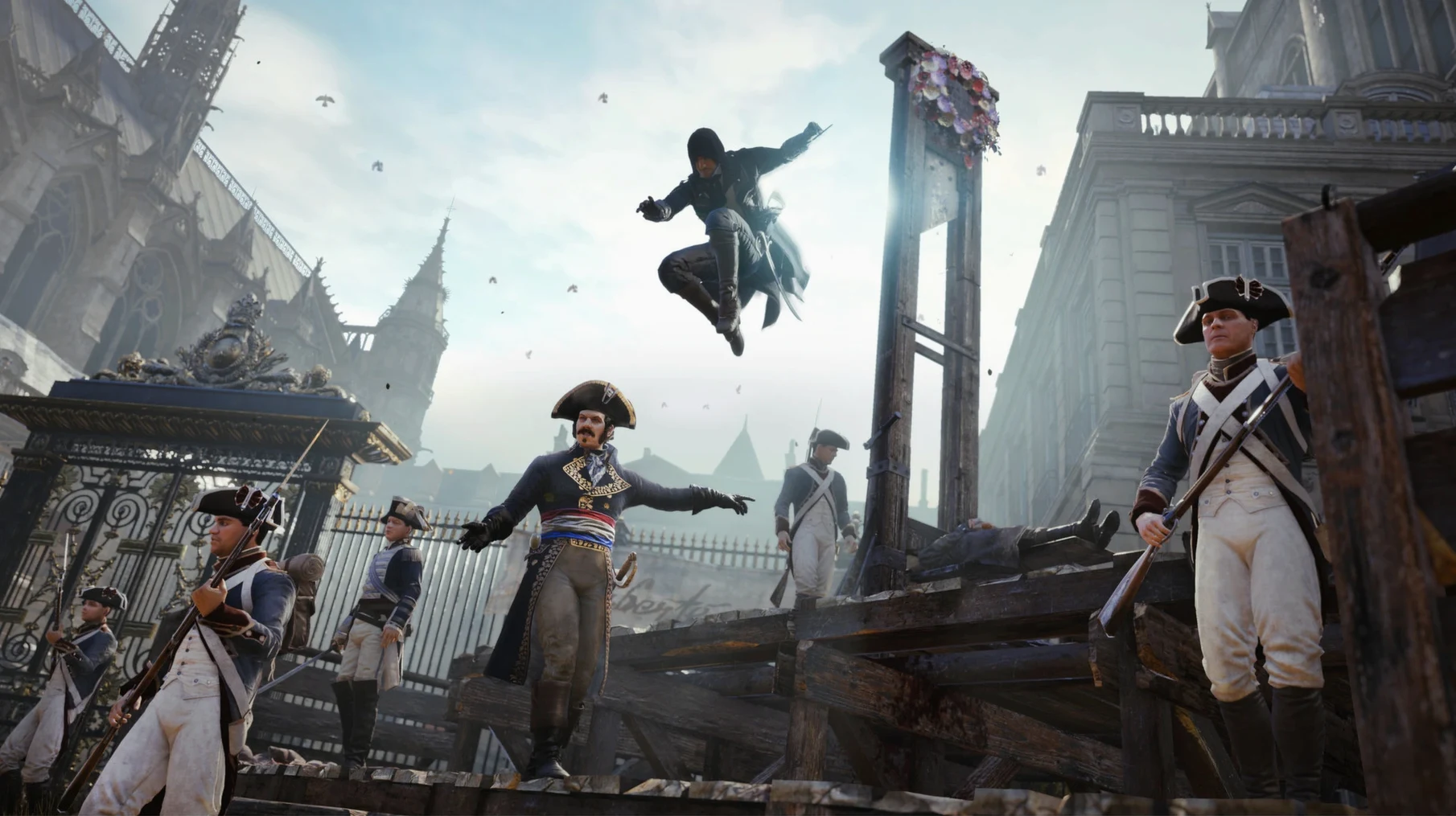
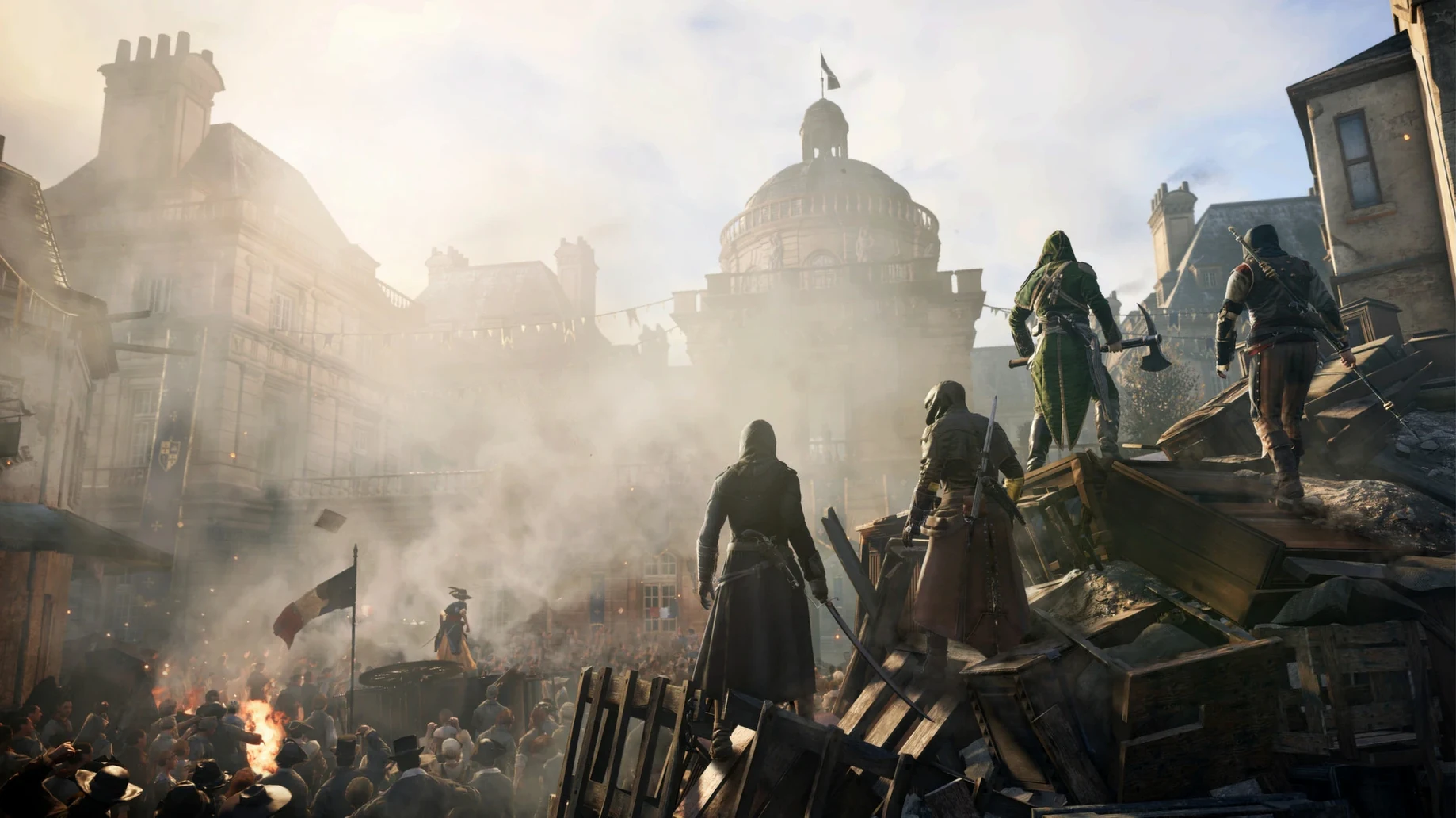
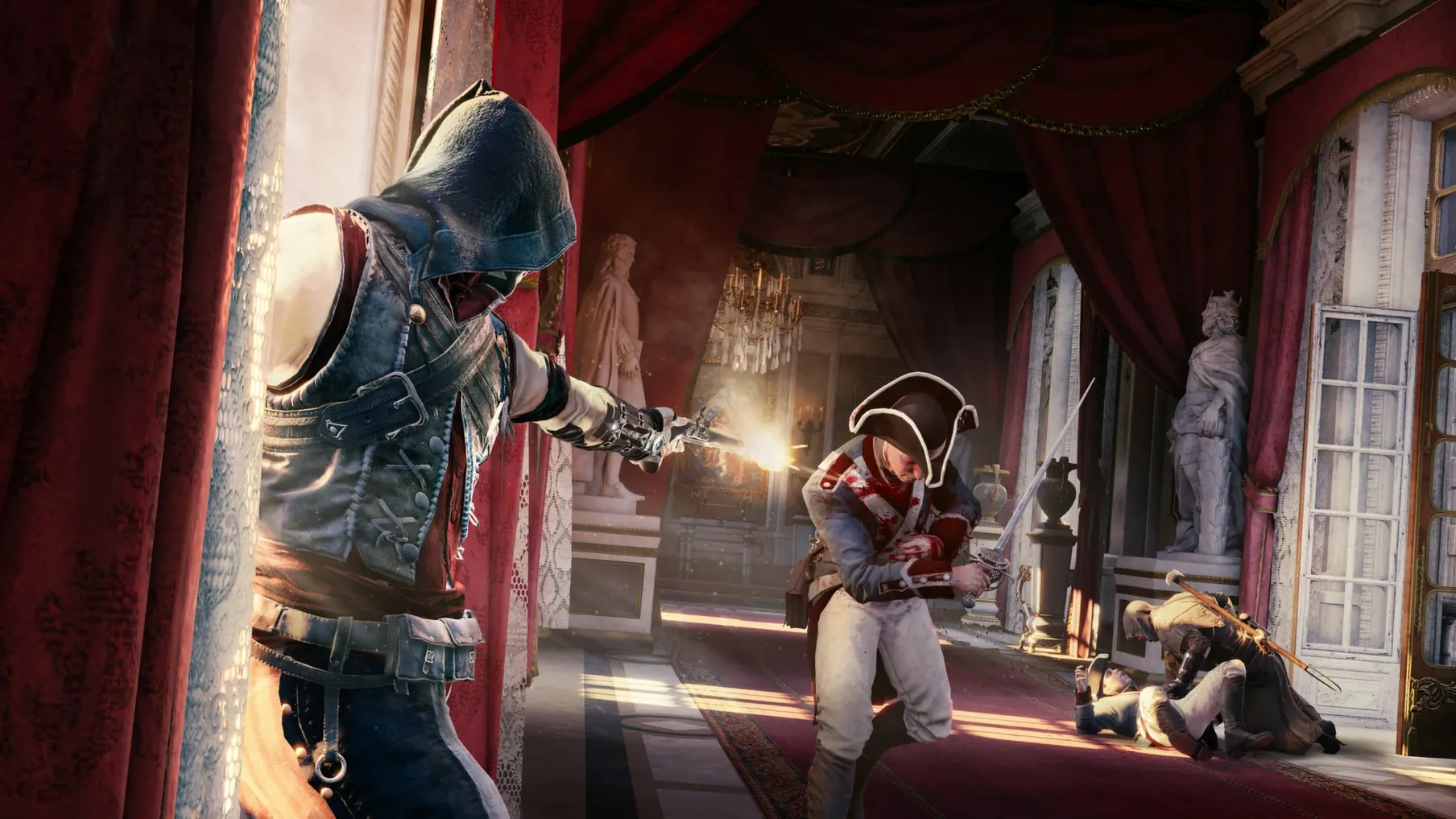
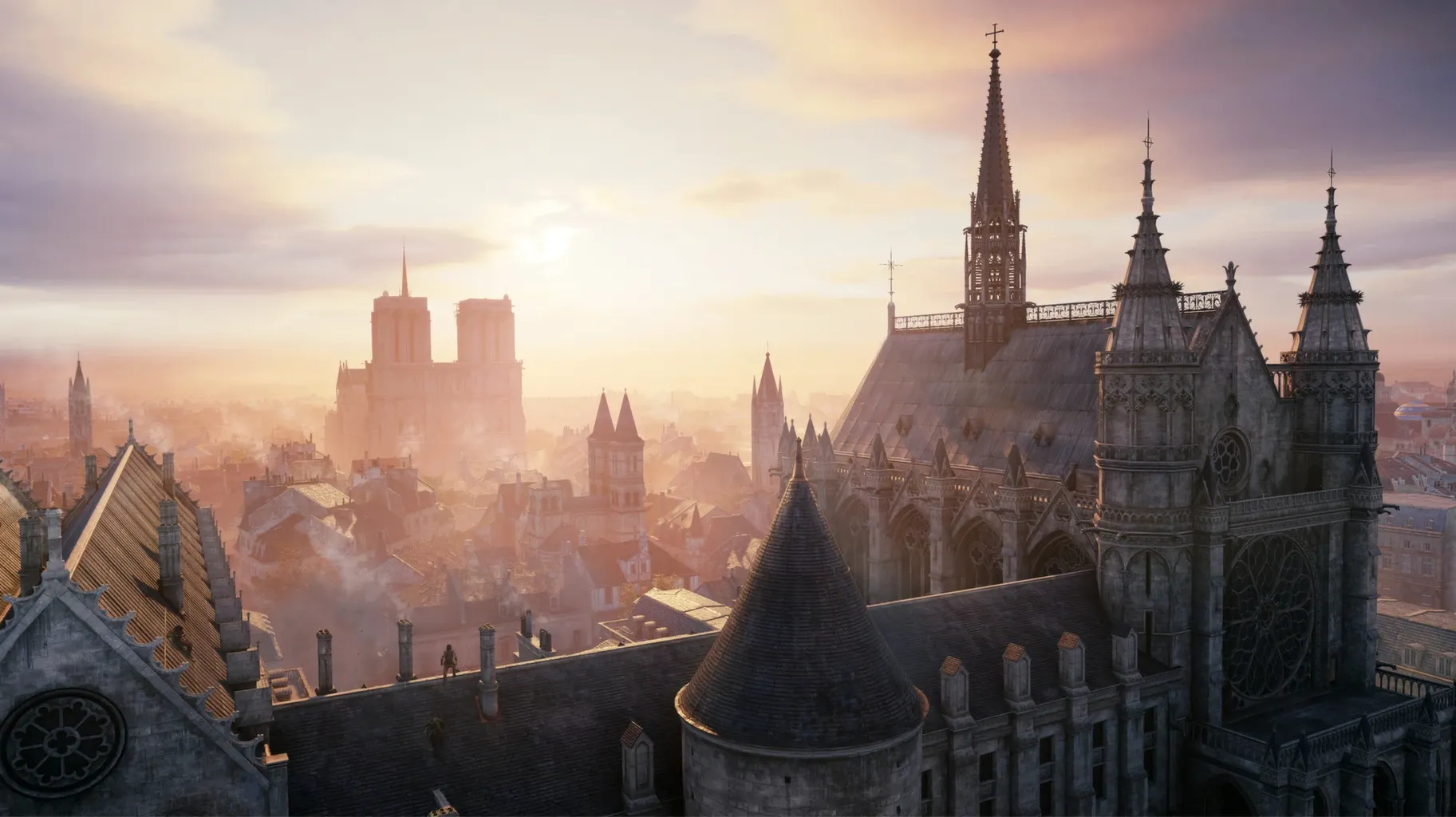
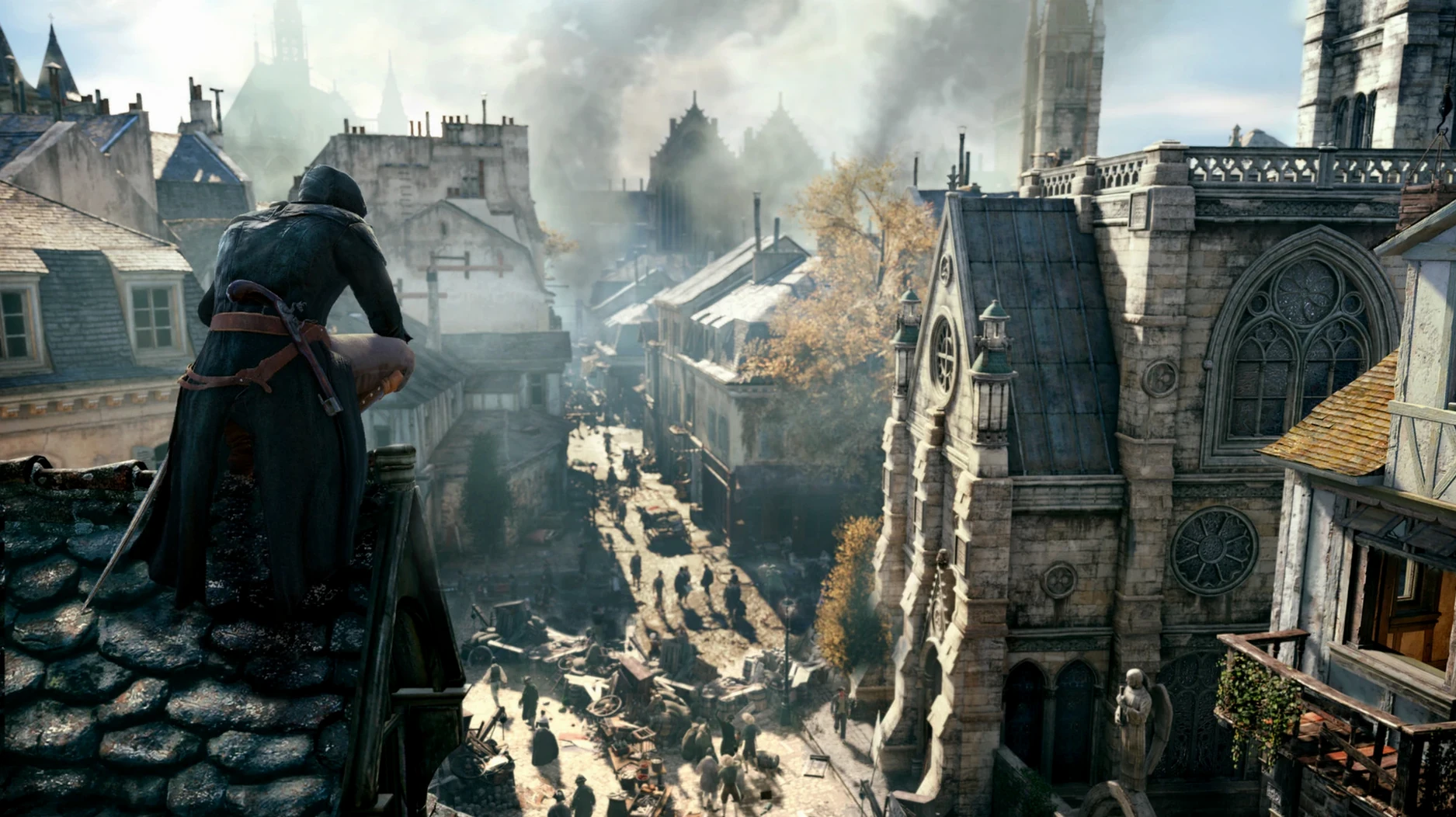
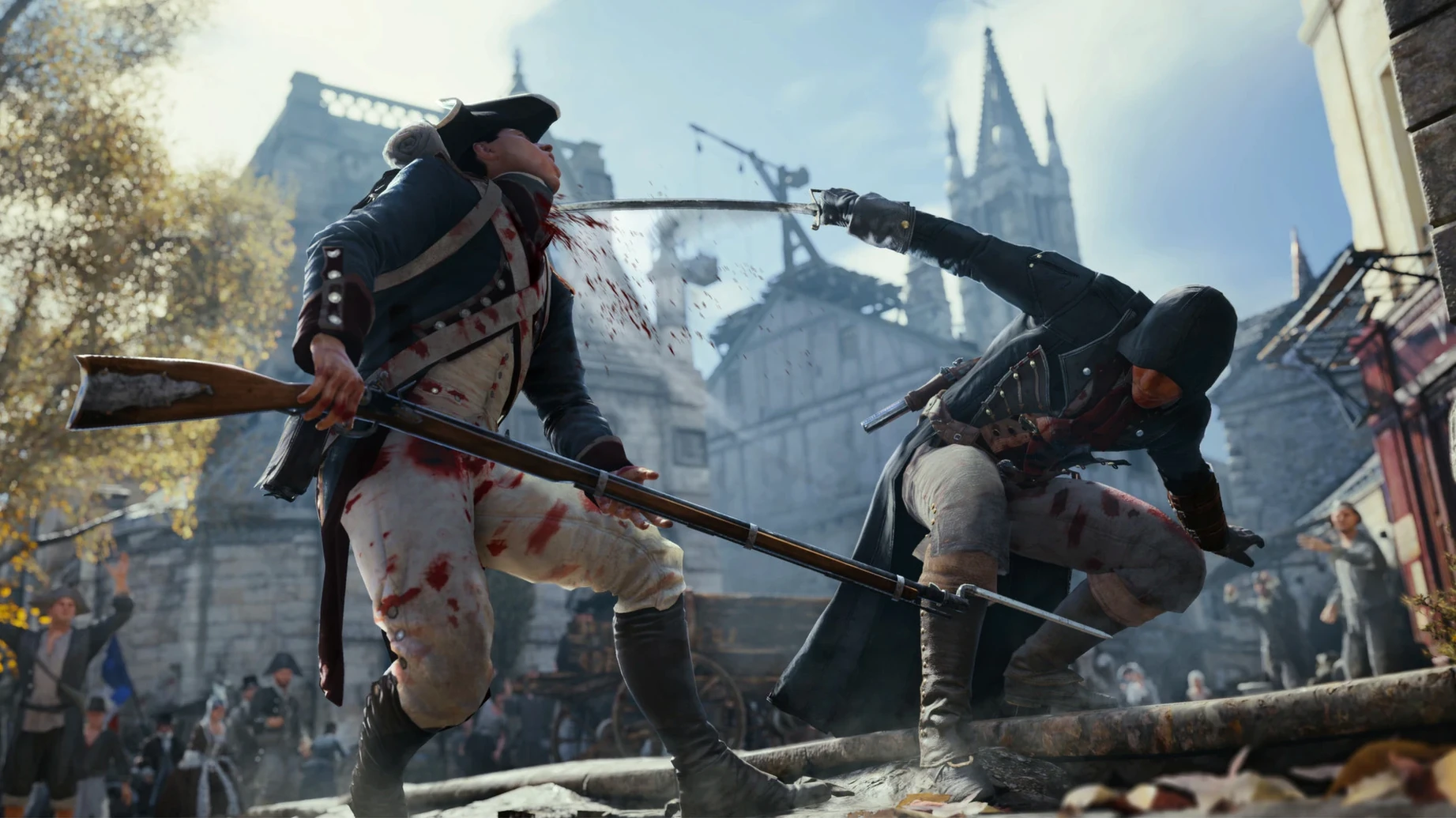
In the edit
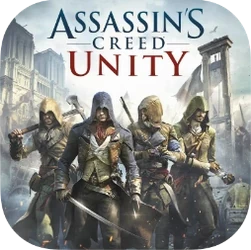
This build of Assassin's Creed Unity runs on Apple Silicon Macs — tested on a Mac mini 2024 M4 under macOS Tahoe. The version here is 1.5 REV 1 [Wineskin] Fix, so you skip the usual tinkering and get straight into Paris during the French Revolution.
Thousands of NPCs react to the revolution around you
Dynamic crowd system — thousands of NPCs on screen at once, reacting to the revolution around them. It's the game's signature feature and the reason older hardware struggles.
Single-player and co-op — the main story is solo, but four-player co-op missions are available for heists and assassinations.
Language control — interface supports English, French, German, Spanish, Italian, Russian, Polish, Dutch, Portuguese, Czech, Arabic, Korean, Japanese, Traditional Chinese. Audio comes in Russian, English, and French; subtitles follow your choice.
Wineskin wrapper — this is the Apple Silicon-native build, meaning no Rosetta translation layer for the game logic. The Fix file on the image handles the launch error some users hit on first run.
Built for M-series Macs to skip virtual machines
If you run an M-series Mac and you've wanted to play a historical open-world game without wrestling with virtual machines or dual-booting, this build is aimed at you. The Wineskin wrapper takes care of the translation layer that usually trips up Windows-native games on Apple Silicon, so the audience here is really anyone with an M1, M2, M3 or M4 Mac who wants to park the technical hassle and just play.
That said, the game shines most for co-op players. The four-player missions work well when you've got a few friends on similar hardware, and because this build doesn't need an activation check, you can set it up on multiple machines without a fuss. If you're the kind of player who revisits Parisian rooftops for the atmosphere rather than the completion percentage, the dynamic crowd system and the detailed Notre-Dame interior reward slow exploration.
A quick co-op heist start to finish
Say you want to run a co-op assassination mission with two friends. Here's how it goes with this build.
- Each person mounts the downloaded image and drags the app into their Applications folder. If the first launch throws an error, run the Fix file from the image once — that usually clears it.
- Before joining, check language preferences. Open the app package contents, find
saves.iniin TextEdit, and make sure everyone uses the same interface language so mission prompts match up. - Launch the game. From the main menu, select the co-op mode and either host a session or join an open one. The matchmaking is straightforward — no extra accounts or logins required.
- Pick a heist mission from the Paris map. The objectives are clear: infiltrate a restricted area, eliminate a target, extract without raising the alarm too high. Communication helps because the dynamic crowd can mask your approach or give you away if you're not careful.
- After the mission, rewards are shared. You can then return to the open world together or split off into single-player again.
The whole setup takes about five minutes per machine, and the co-op sessions I've seen hold together well — no desync issues that I've noticed.
Fix the first-run launch error with the included Fix file
Launch error on first run — this is the most frequent one. The Fix file on the mounted image is there for exactly this. Run it, then launch the app again. If it still doesn't start, make sure you copied the app to Applications before launching it from Launchpad, not directly from the image.
Language stuck on Russian — the default is Russian in this build. To change it, right-click the app, choose Show Package Contents, find saves.ini in the drive_c/users/ path, and edit Language=russian to Language=english or another supported language. Save and relaunch. Audio and subtitles are separate — those you can change inside the game settings once you're past the menu.
Game runs but feels sluggish — this build is tested on Apple Silicon, but the dynamic crowd system is heavy. If you're seeing stutter, check that no other intensive apps are running in the background. The game itself doesn't have a settings panel for crowd density, so the best you can do is close browsers, chat apps, and anything else using GPU cycles.
Co-op session won't connect — all players need the same build version and the same language setting in saves.ini. If one person is still on Russian and another switched to English, the session can fail to handshake. Match the language across machines, restart the game, and try again.
Mac it needs
- macOS version not specified
- Apple Silicon (ARM) architecture
Questions I actually get
Can I play Assassin's Creed Unity co-op on Mac?
Yes, the game includes co-op play for up to four players, so you can run heists and assassinations with friends.
What languages are available for audio and subtitles?
Voice languages are Russian, English, and French. Subtitles and interface support a wider set including German, Spanish, Italian, and Japanese.
Installing on a Mac
- Mount the downloaded image.
- Drag the app into the Applications folder alias.
- Launch the app from Launchpad after copying completes.
- If an error appears at launch, run the Fix file from the image.
- To change the language, open the app package contents and edit
saves.iniin TextEdit. - Replace
Language=russianwith another supported value, such asLanguage=english. - Save the file.
- Audio and subtitles can be changed in the game settings.
Notes from photographers
Sign in or create your account to leave a comment.
No notes from photographers yet. If you have used this on a real folder, say which camera and which Mac.
