
 Get it for my Mac (1.1 GB)




 Don’t Starve Together
760178

- Version
- 1.09
- Developer
- Blizzard Entertainment
- Interface in
- Russian, English
- Licence on file
- Not required
- Chip support
- Apple Silicon, Intel 64-bit
- Edited with it on
- macOS Sequoia, Mac mini 2024 M4
- Out on
- 31.12.1996
- Voices in
- Russian, English
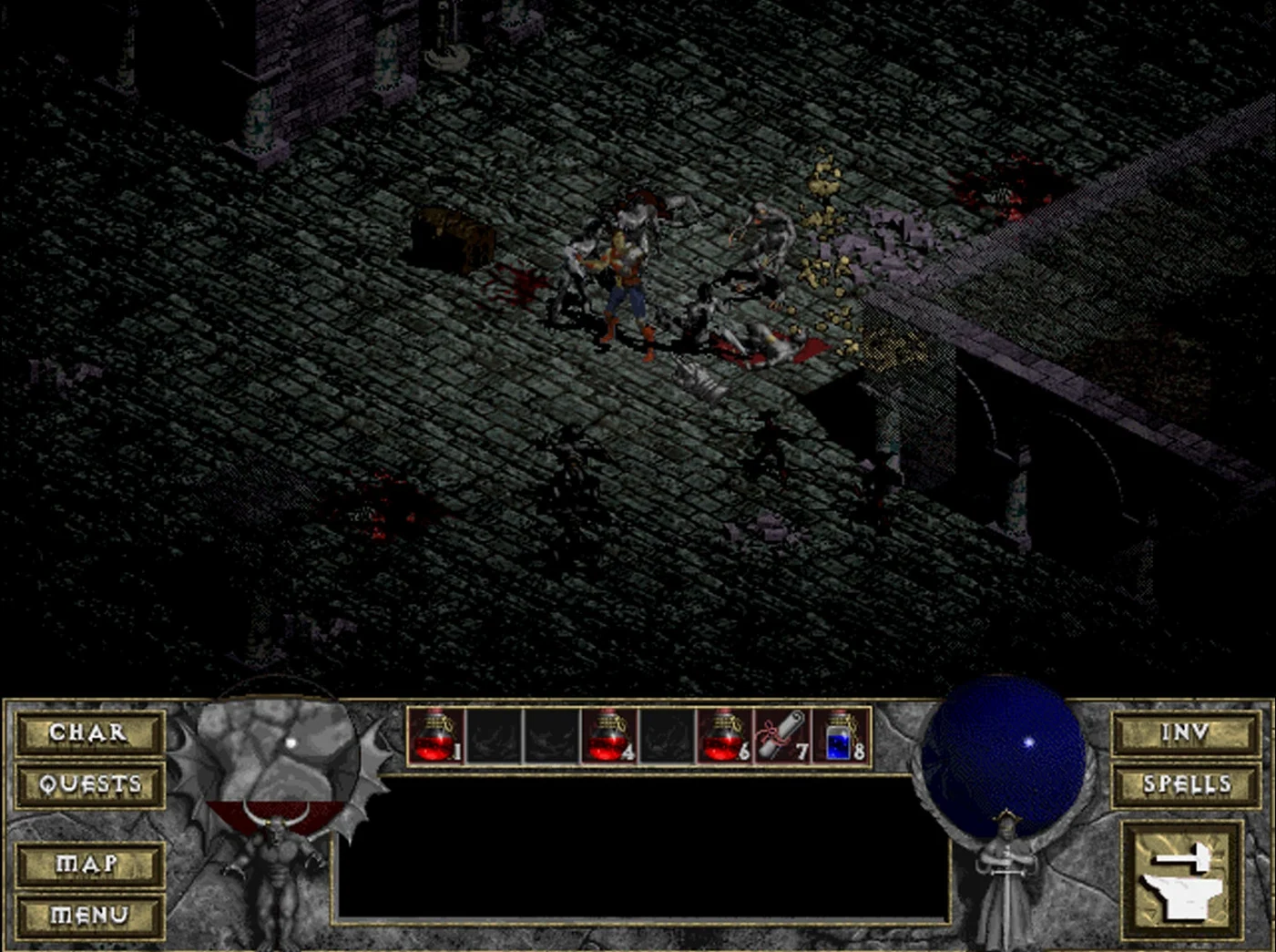
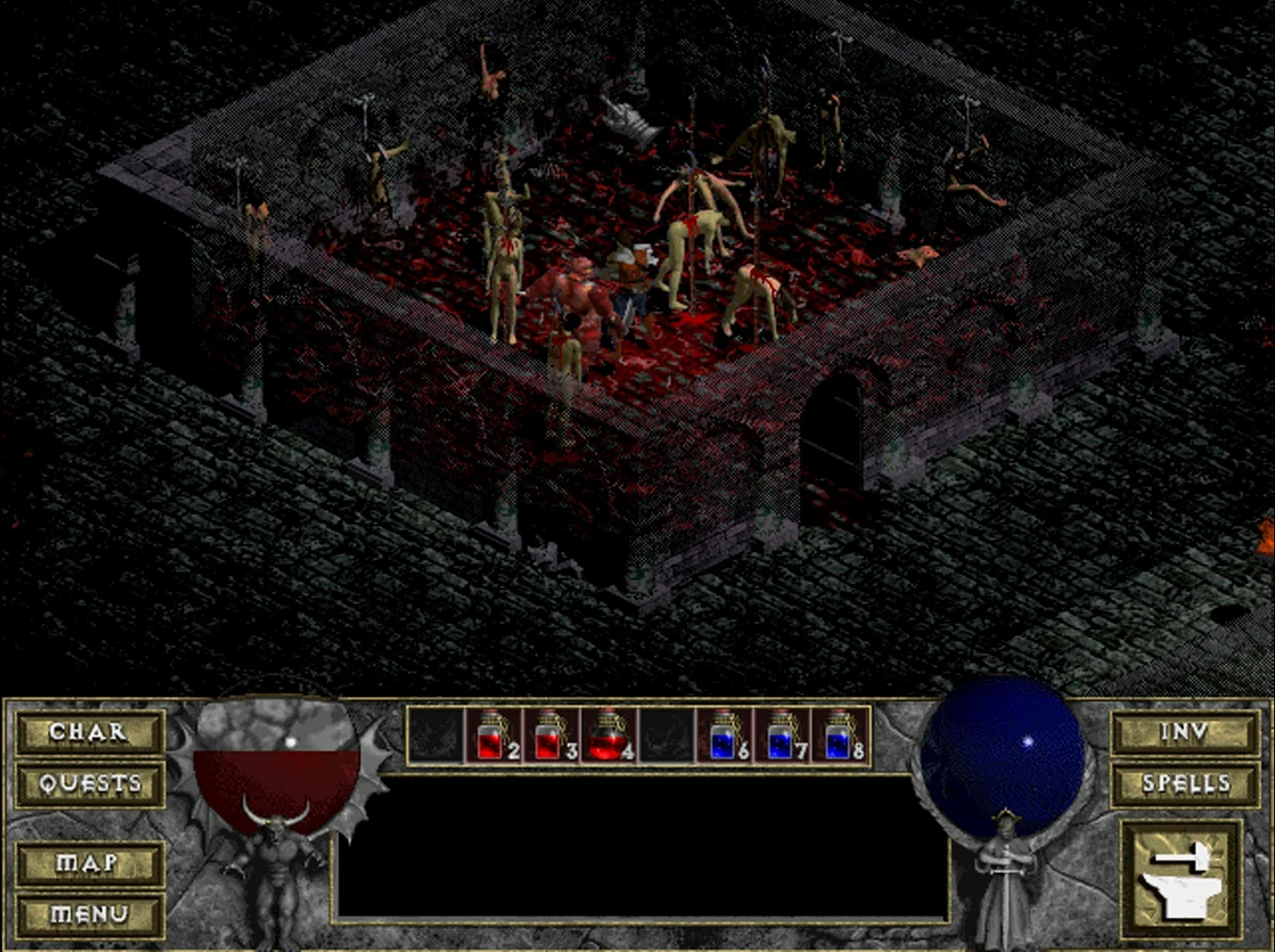
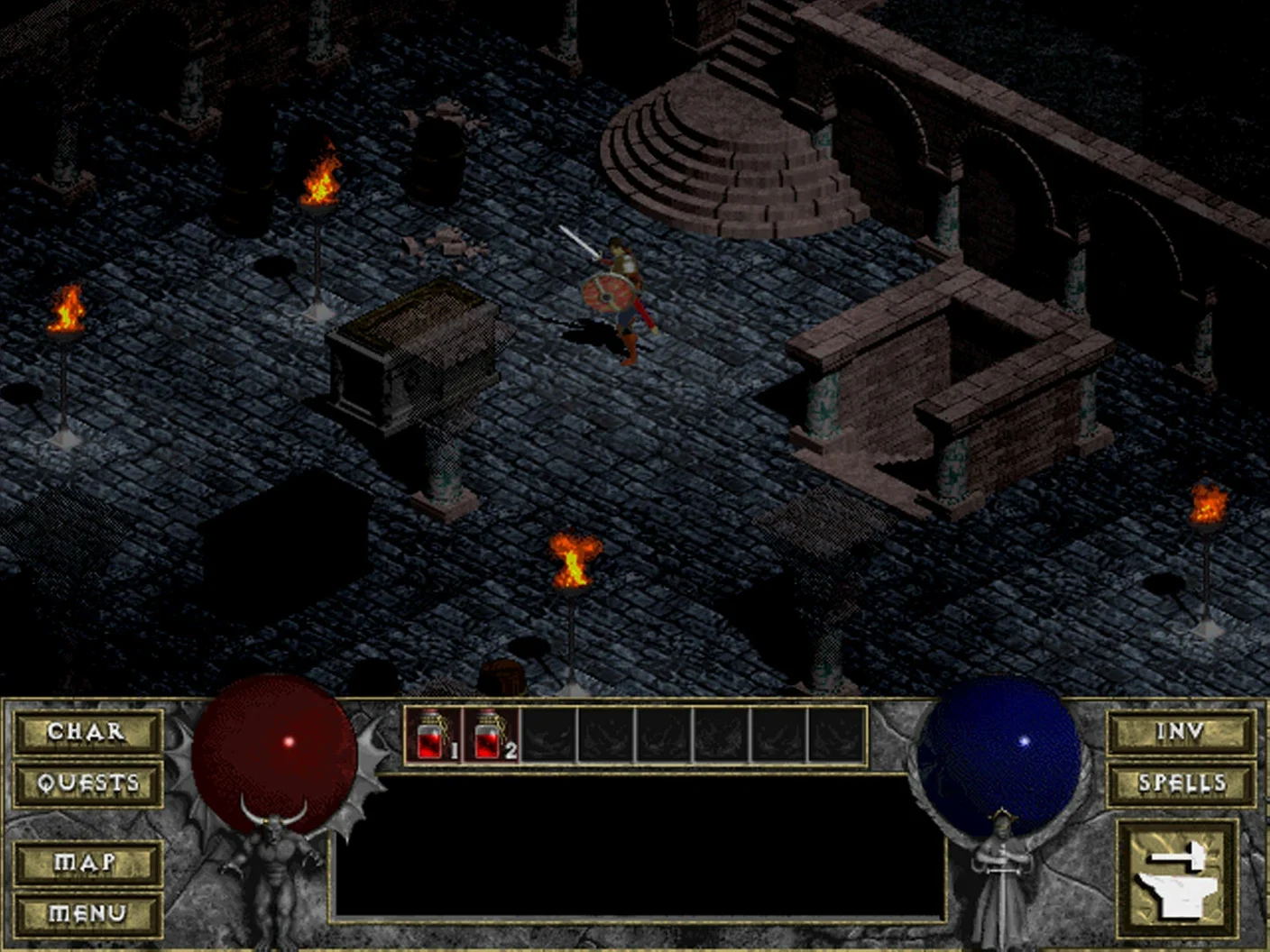
In the edit
The original Diablo is the kind of game that defined a genre. It drops you into the town of Tristram and sends you down into a cathedral full of demons, loot and traps. The problem it solves is simple: you want that classic dungeon-crawling fix without fighting old system compatibility. This updated version runs on macOS Sequoia, supports both ARM and x86 64-bit Macs, and includes the Hellfire expansion with the Monk class.
Late-90s dungeon crawlers feel right at home
Anyone who grew up clicking through randomised dungeons in the late 90s will feel right at home. It works for players who want a straightforward action RPG with co-op support for up to four people over the internet or a local network. If you prefer single-player campaigns with a dark atmosphere and no hand-holding, this is still a solid choice.
Why the original feels dated without modern conveniences
If you need modern conveniences like automatic loot sorting, a quest log or smooth 3D graphics, the original Diablo will feel dated. The resolution tops out at a modest setting and the gameplay is more about repetition than story depth. Players used to Diablo 3 or Diablo 2 Resurrected may find the lack of polish frustrating.
Is the Hellfire expansion worth it?
Hellfire adds a new Monk class and extra content, though it is non-canonical. For most players it is a welcome bonus that extends the base game without changing the core feel. If you are here for the authentic Diablo experience, it is a nice extra rather than a necessity.
Making Diablo actually run on modern hardware
The jump to version 1.09 is less about new features and more about making the game actually run on modern hardware. The main change you will notice is the high-resolution support with preserved aspect ratio. That means the game keeps its blocky, hand-drawn charm without stretching or squashing the image on a widescreen display. The bug fixes target the kind of crashes and graphical glitches that used to pop up when you tried to dual-boot or emulate the classic release. If you have ever seen the screen turn into a mess of corrupted pixels after opening a door in the cathedral, that is the sort of thing that 1.09 addresses. Support for new systems also means the installer correctly identifies your machine and configures the audio and input settings without manual tinkering.
Two things to do right after installing
Getting started is straightforward but a couple of things can save you time. Here are the notes I keep handy when I set this up for a friend:
- Run the Fix file in the disk image right after the PKG install, before you try to launch the game. It sorts out any launch errors caused by permissions or missing libraries.
- Check the README. It lists the exact steps for your specific macOS version, and because this package targets both ARM and x86 64-bit Macs, the instructions vary slightly depending on your machine.
- Set your display to 640 by 480 in 256 colours before the first launch. Modern Macs can handle it, but the game expects that resolution to render the menus and the town map correctly.
- If you plan to play co-op over a local network, make sure each machine has the same version of the game and that your firewall does not block the connection.
Friday evening: reinstalling and heading into the dungeon
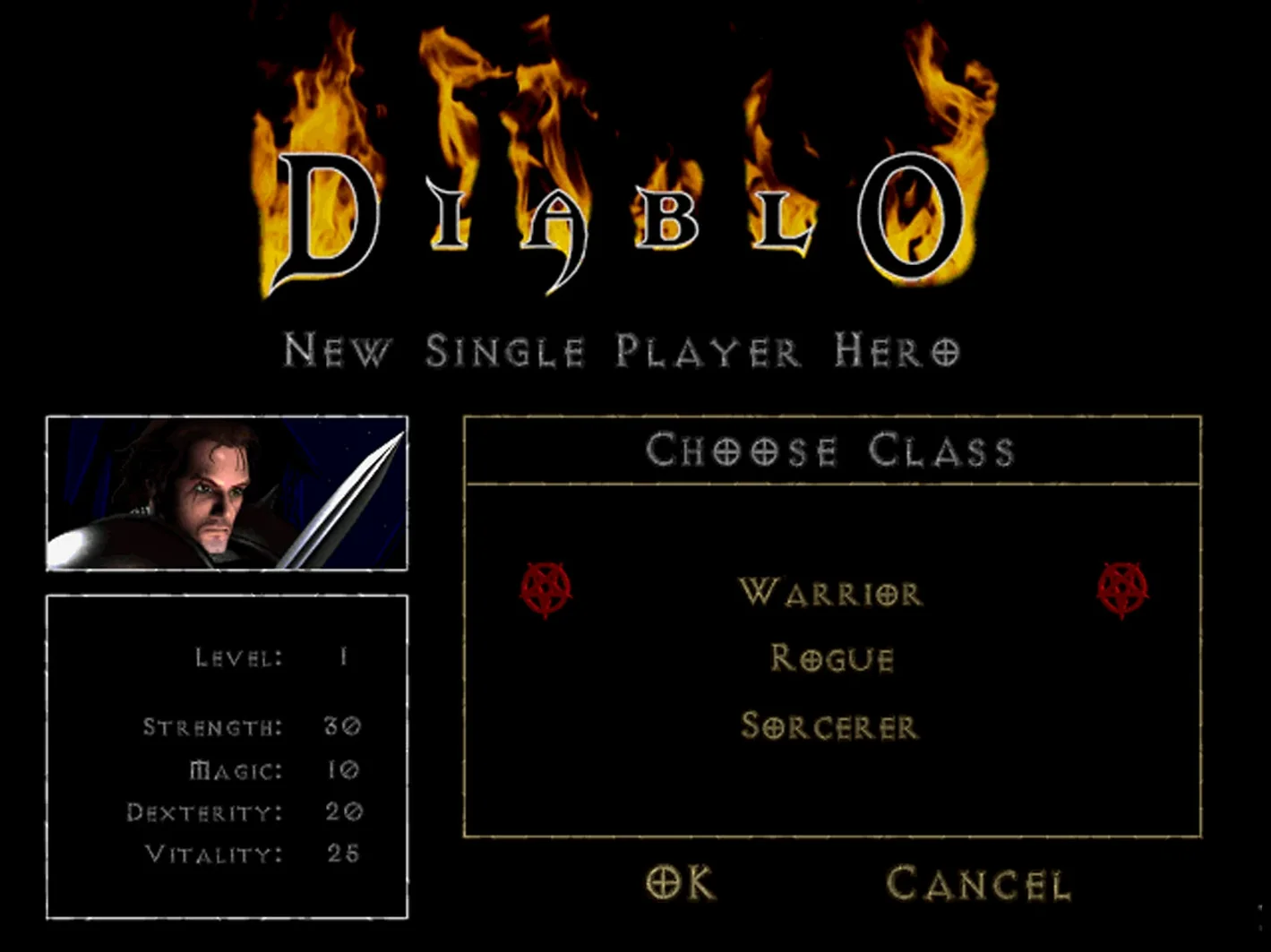
Friday evening, I have the house to myself. I open the Mac, apply the Fix file one more time because I reinstalled after a system update, and double-click the Diablo icon. The main menu appears, the music kicks in, and I select a new Rogue character because I have been playing the Sorcerer all week. I name her something stupid, pick single-player and hit start.
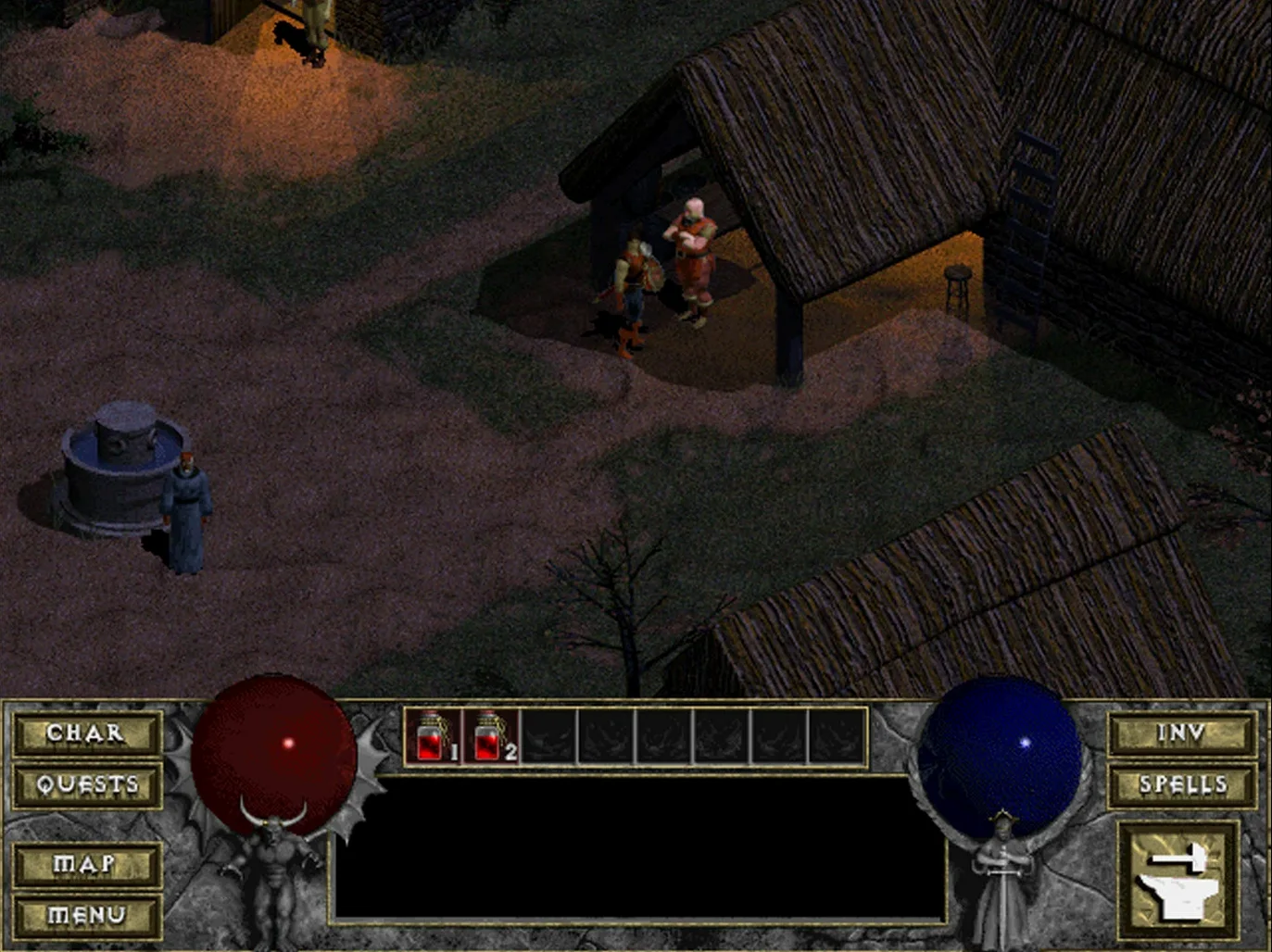
The first few minutes are about getting your bearings. I walk the Rogue down the path to the church entrance, click on the door and descend into level one. The dungeon layout changes every time, so even after all these years I do not know exactly what waits around the corner. I click on a few zombies, pick up a short sword and some gold, and then I remember I forgot to equip the short sword. I open the inventory, drag it over, and carry on.
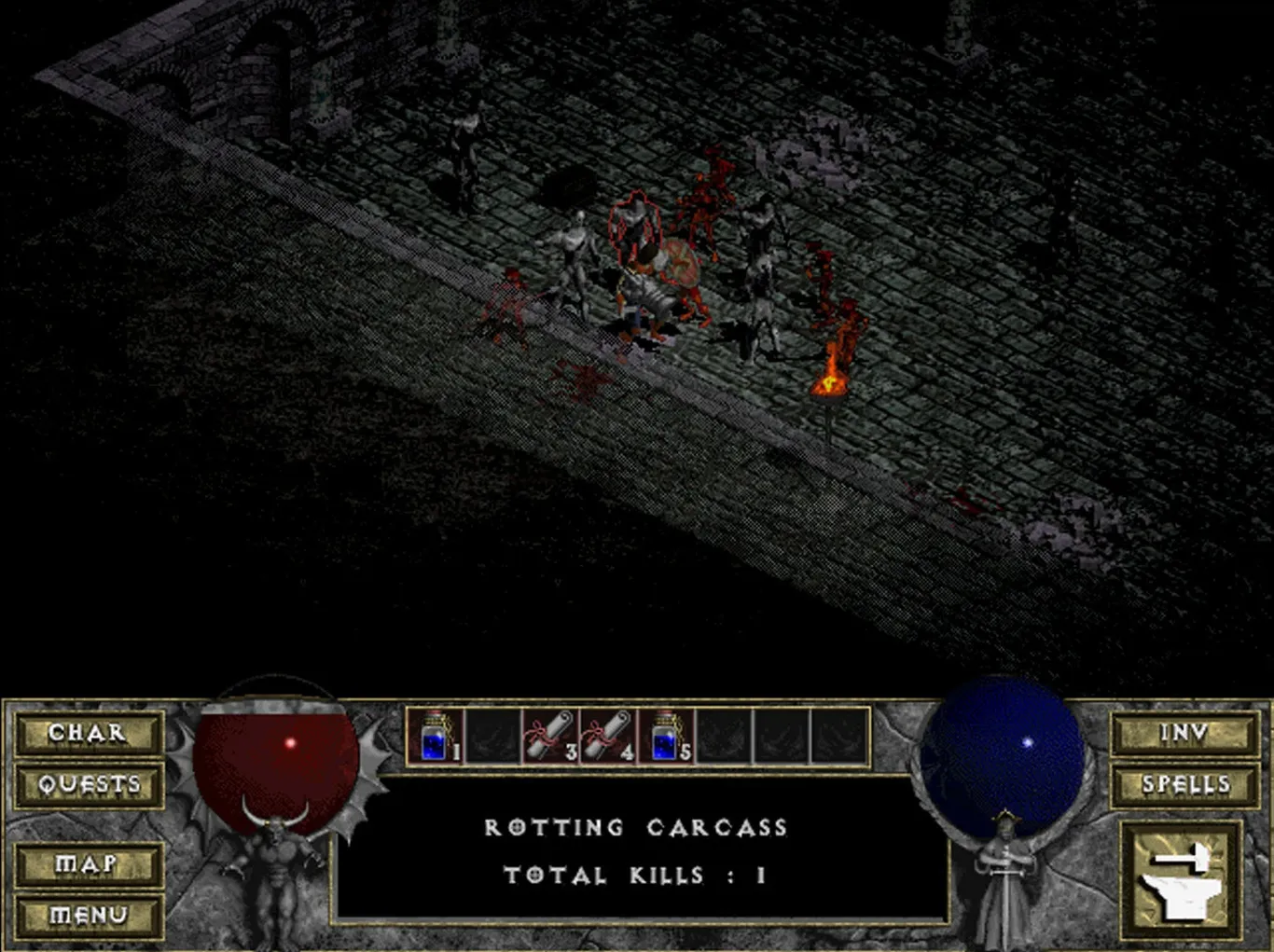
About half an hour in I hit a room full of acid spitters and a named enemy that takes forever to kill. I kite it back to a doorway, chug a health potion, and finally put it down. Then a unique weapon drops, a nice upgrade for my level. That moment, the one where a random monster drops exactly what you needed, is why I still play this game. I save and quit, satisfied with one floor cleared and a decent haul of loot.
New this release
- Support for new systems
- Bug fixes
- High resolution with preserved aspect ratio
Mac it needs
- macOS System 7.5 or later
- Keyboard and mouse required
- Hard drive required
- Double-speed or faster CD-ROM drive required
- Display support for at least 640 x 480 in 256 colours
Questions I actually get
Does this version work on Apple Silicon Macs?
Yes, the package is listed for both ARM and x86 64-bit Macs and has been tested on macOS Sequoia with a Mac mini 2024 M4.
Can I play with friends over the internet?
Yes, the game supports cooperative play for up to four players over the internet or a local network.
What languages are available?
Voice audio and text are available in English and Russian.
Installing on a Mac
- Perform a standard installation of the PKG file.
- Follow the detailed installation instructions in the README file.
- If the game shows an error at launch, run the Fix file in the disk image.
Notes from photographers
Sign in or create your account to leave a comment.
No notes from photographers yet. If you have used this on a real folder, say which camera and which Mac.
