Get it for my Mac (1.9 GB)
 Cuphead
1.3.3 DLC
Cuphead
1.3.3 DLC
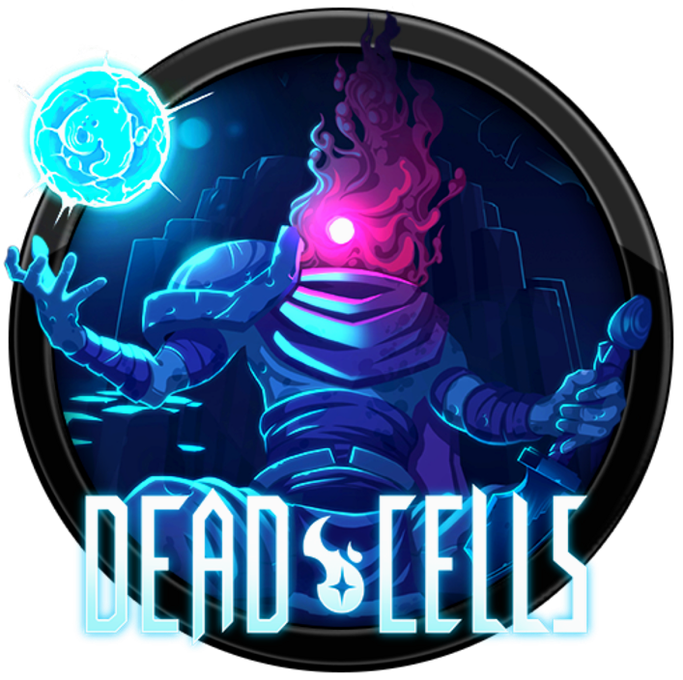
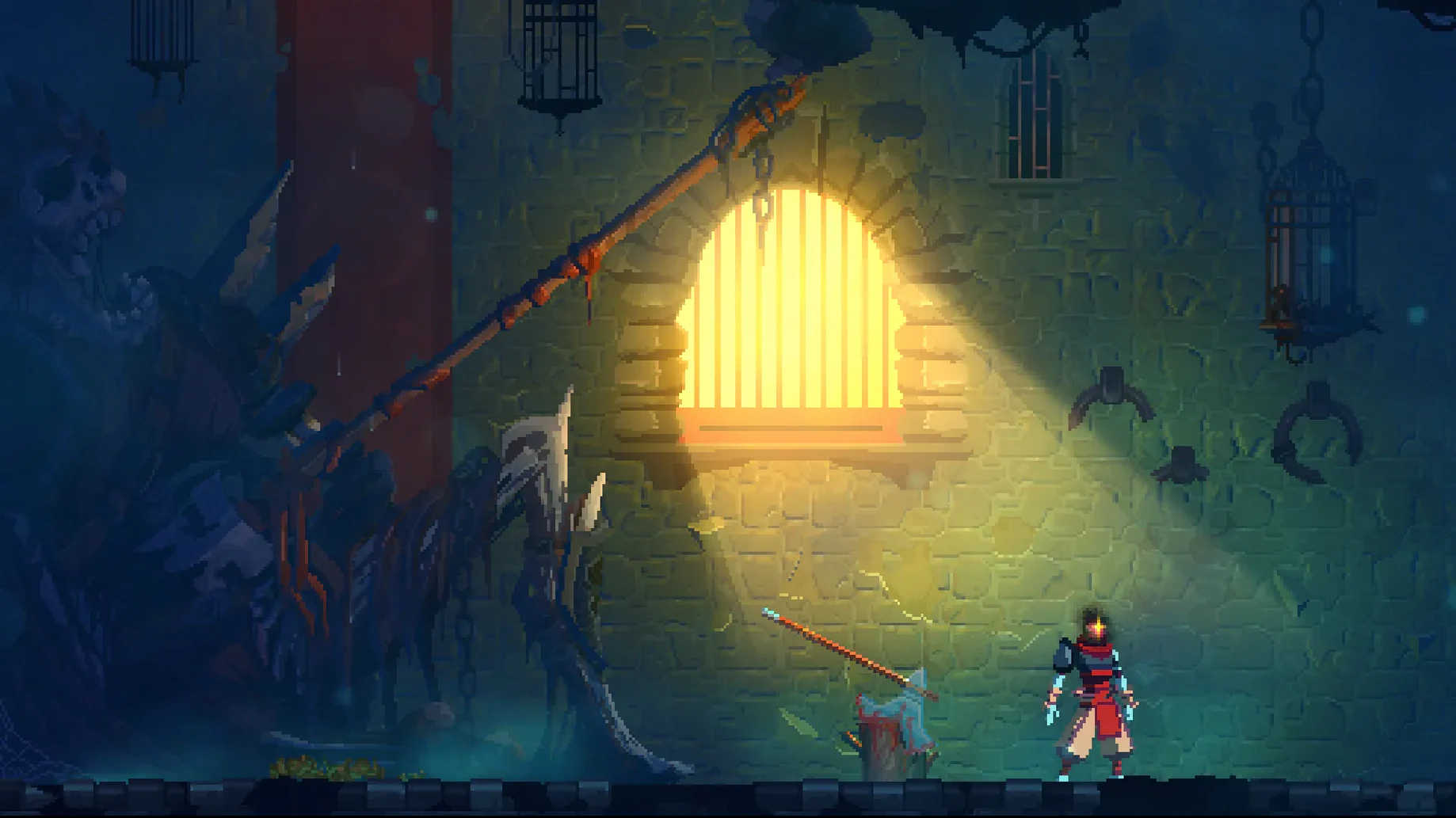
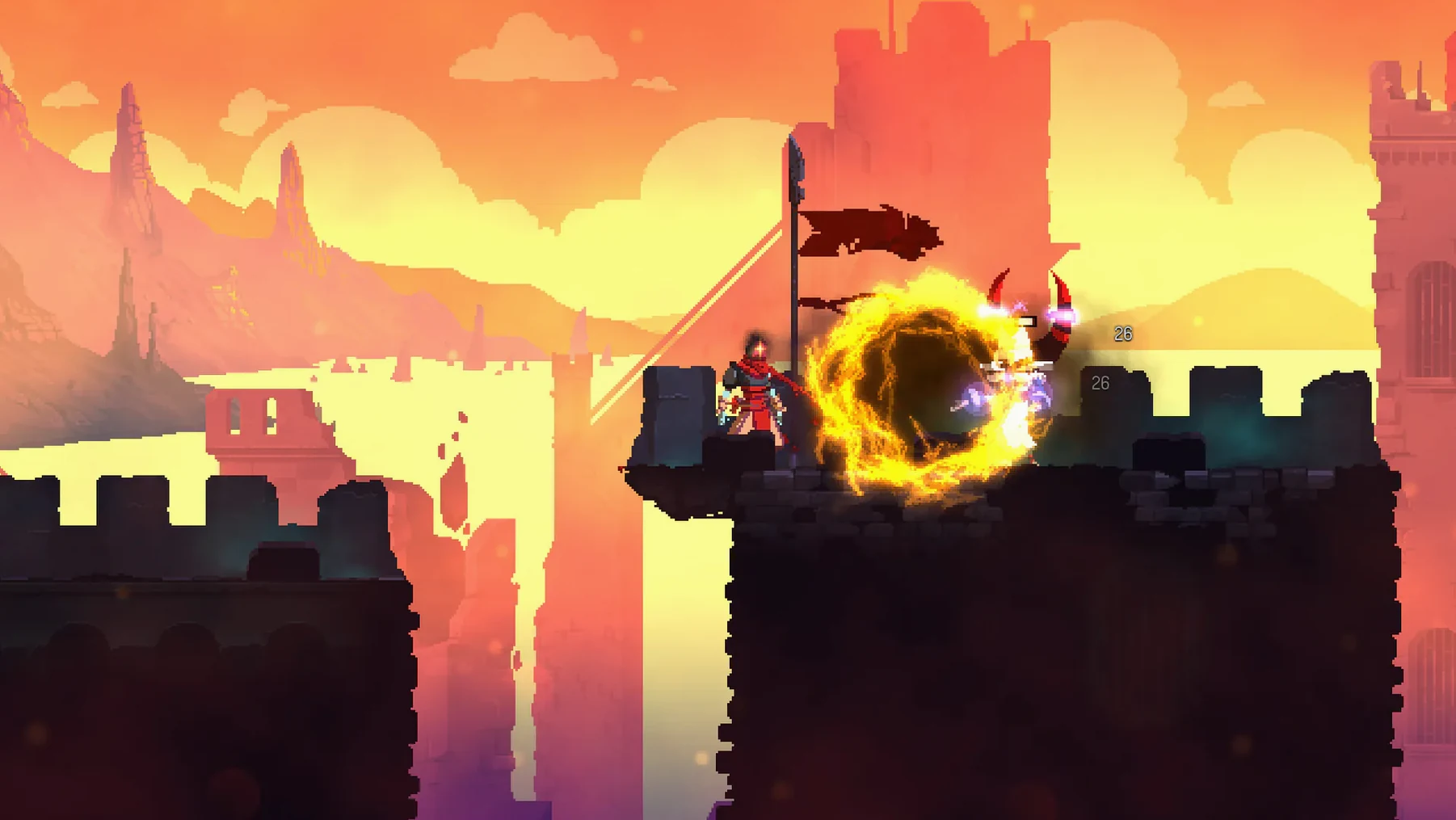
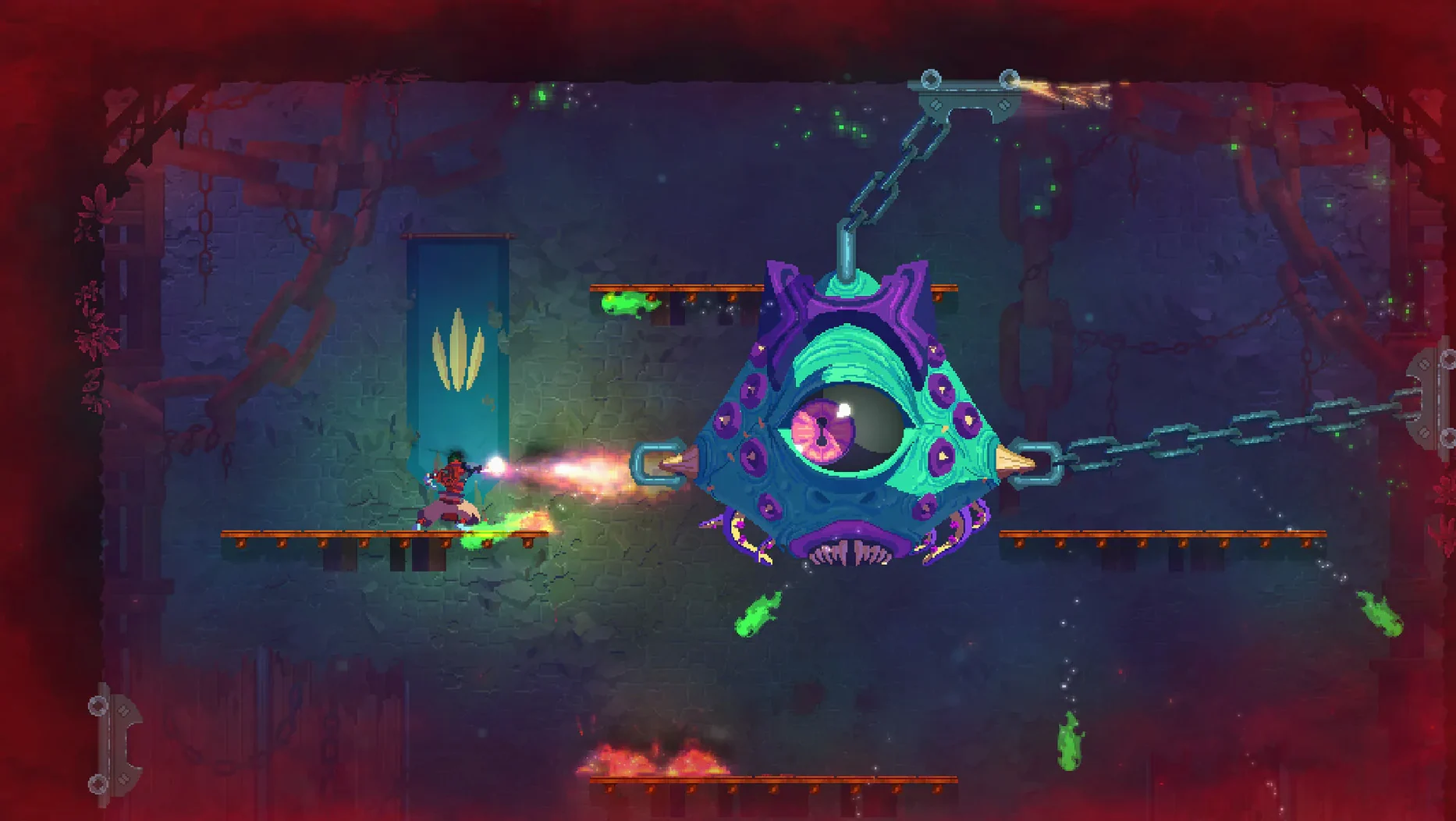
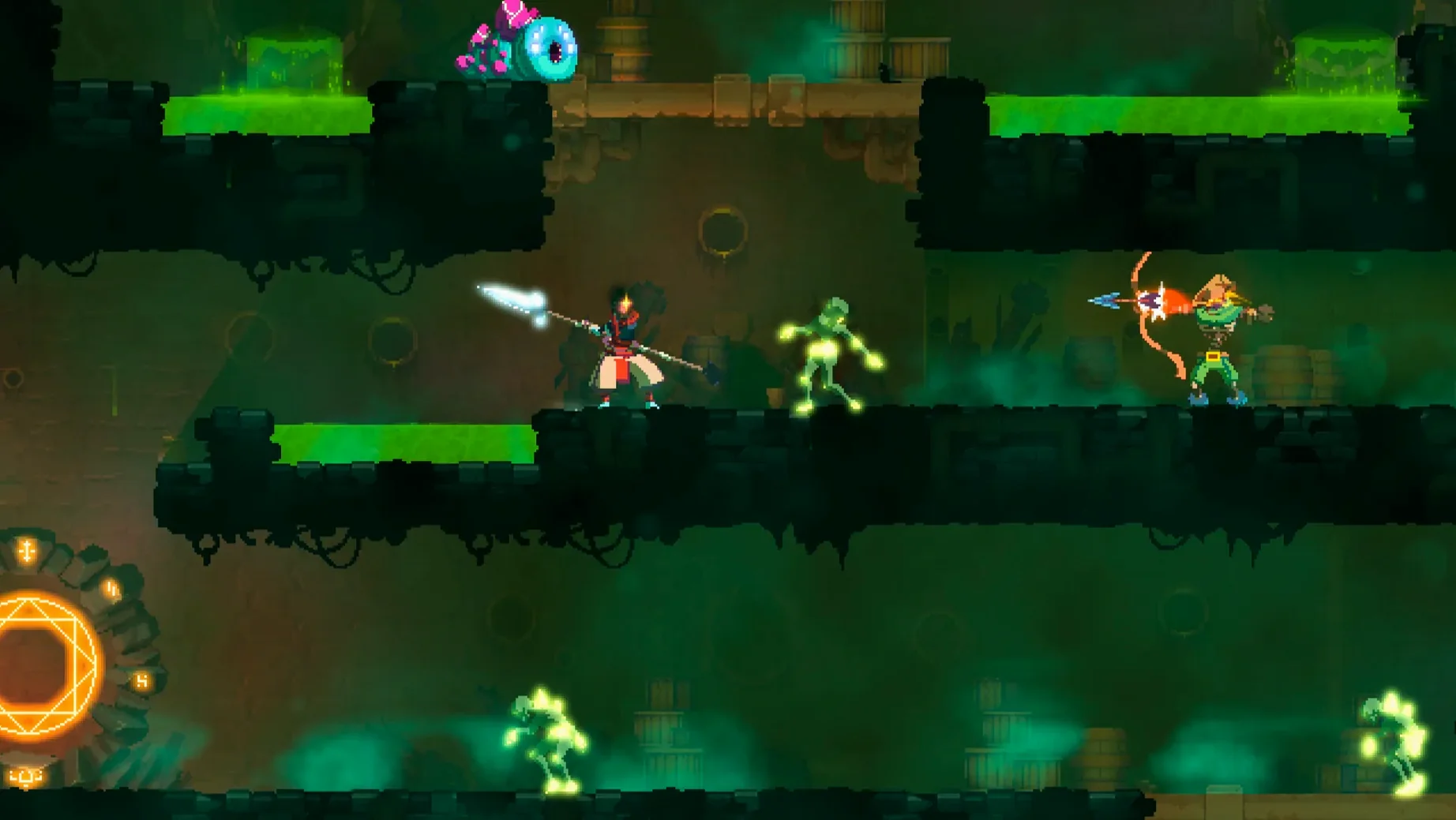
The current version of Dead Cells is 1.26.0 fix, and it keeps the same tight loop that has defined the game since launch: die, learn, upgrade, repeat.
Death sends you back to the start, but permanent weapon unlocks and character upgrades carry forward. The randomised levels mean no two attempts play the same way.
The world opens up as you gain new abilities, so you can revisit earlier areas. It borrows the map-and-key structure without the full interconnected sprawl of a true Metroidvania.
Enemy attacks hit hard. You learn patterns, time your dodges and parries, and accept that one mistake can end a run. It rewards patience over button-mashing.
Players who like fast 2D action, don't mind losing progress, and enjoy unlocking tools over time. The music-only audio and eleven interface languages make it widely accessible.
Dead Cells doesn't throw a wall of options at you, but a few tweaks make the early hours less punishing. Under the gameplay options, I'd turn on auto-hit if you find yourself mashing the attack button — it keeps the swing going without extra taps. The auto-aim setting for ranged weapons helps when you're still learning enemy timings; it locks onto the nearest threat rather than firing into empty air. For the controller crowd, check the button mapping early. The default layout works, but swapping dodge and jump to shoulder buttons can save you from accidental rolls off a ledge.
One more thing: the camera shake slider. Turn it down a notch or two if the screen feels busy during boss fights. It's a small change that makes reading attack tells easier.
Even after a few runs, Dead Cells has a habit of catching you out in the same ways. Here are the ones I see most often:
Version 1.26.0 fix is a maintenance release, so don't expect new biomes or weapons. What it does is clean up a few persistent annoyances:
If you were on an earlier build, you might notice fewer stutters during the loading screen between areas.
You launch Dead Cells from the deadcells file in the game folder. The menu music hits, and you pick your language from the eleven on offer — English works fine, but the French and Japanese options are worth a try if you want the original voice of the dev team.
First run of the day: you choose a starting weapon from the three the game offers. Today it's a balanced sword, a shield you barely know how to use, and a turret skill. You roll into the Prisoners' Quarters, kill a few zombies, and die to an elite enemy you should have dodged. That's fine. You unlock a new blueprint from the cells you collected.
Second run: you pick the shield again, determined to learn parry timing. You make it through the Promenade of the Condemned, find a cursed chest, and pick up a legendary bow. The run ends in the Black Bridge against the Concierge — you misjudge his AoE attack. Still, you unlocked a new mutation from the blueprints you earned.
Third run: you feel the rhythm now. You parry the Rampager, dodge the Grenadier's bombs, and reach the Clock Tower. The time keeper falls. You're in the castle, and the Hand of the King is waiting. You know the pattern. You win. The credits roll, and the game asks if you want to start again with a higher difficulty. You say yes.
That's the loop. Die, learn, upgrade, repeat. It never gets old.
Anyone looking for a story-driven campaign or a relaxed pace.
No. The game is light on narrative and focused entirely on gameplay loops, combat and progression through repeated runs.
Dead Cells does not include a traditional pause. The game continues in the background, so plan your sessions accordingly.
The interface is available in Russian, English, German, Spanish, Italian, Simplified Chinese, Korean, Portuguese, Turkish, French and Japanese.
deadcells file in the game folder.Sign in or create your account to leave a comment.
No notes from photographers yet. If you have used this on a real folder, say which camera and which Mac.