
 Get it for my Mac (801 MB)







 Whispering Lane: Horror
1.0.5

- Version
- 1.0.10.74
- Developer
- Moonlight Kids
- Interface in
- English, German, Spanish, Chinese (Traditional), Chinese (Simplified), Portuguese, French, Japanese
- Licence on file
- DRM-free
- Chip support
- Apple Silicon, Intel 64-bit
- Edited with it on
- macOS Golden Gate, Mac mini 2024 M4
- Out on
- 08.10.2026
- Voices in
- Music only
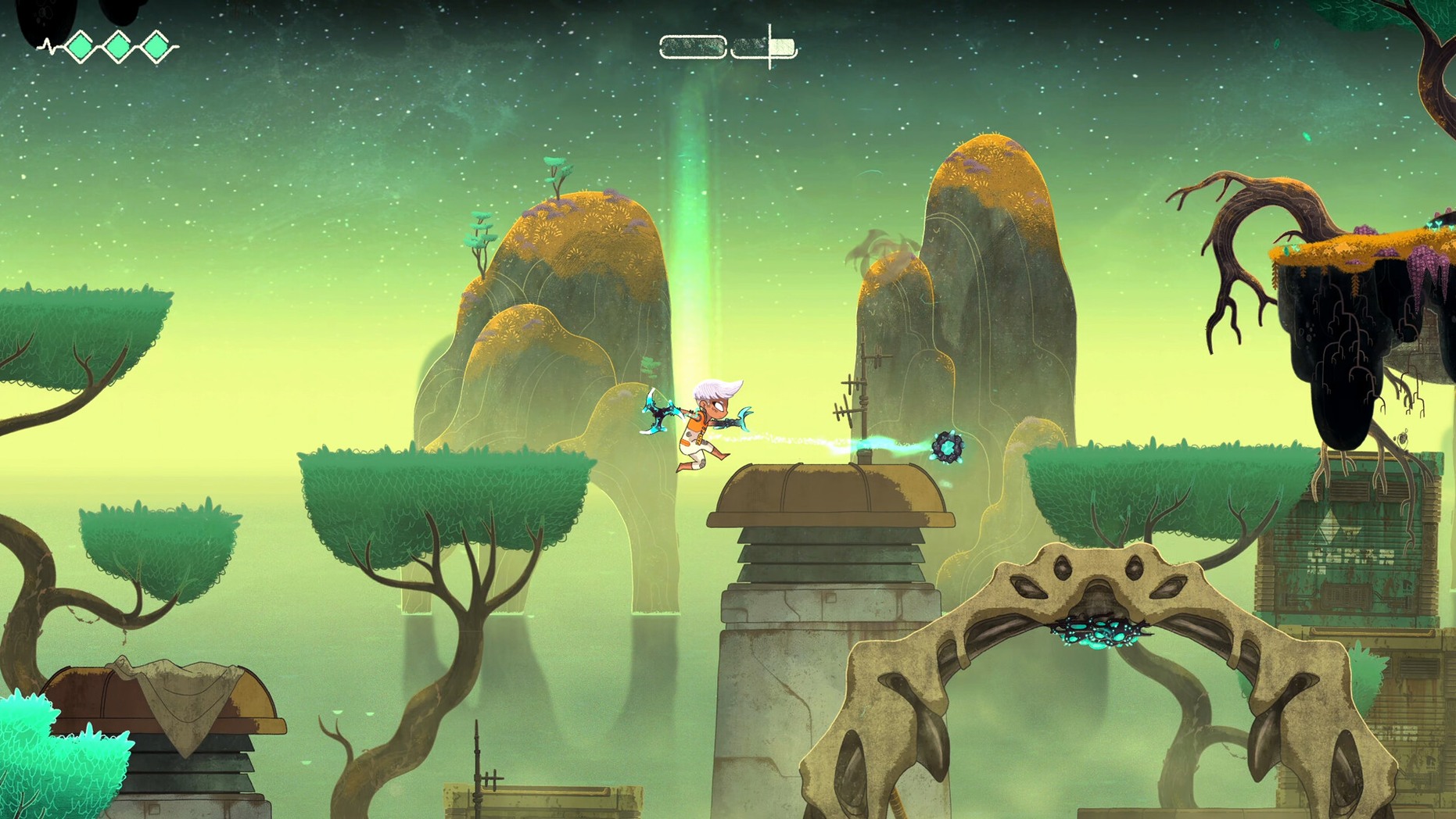
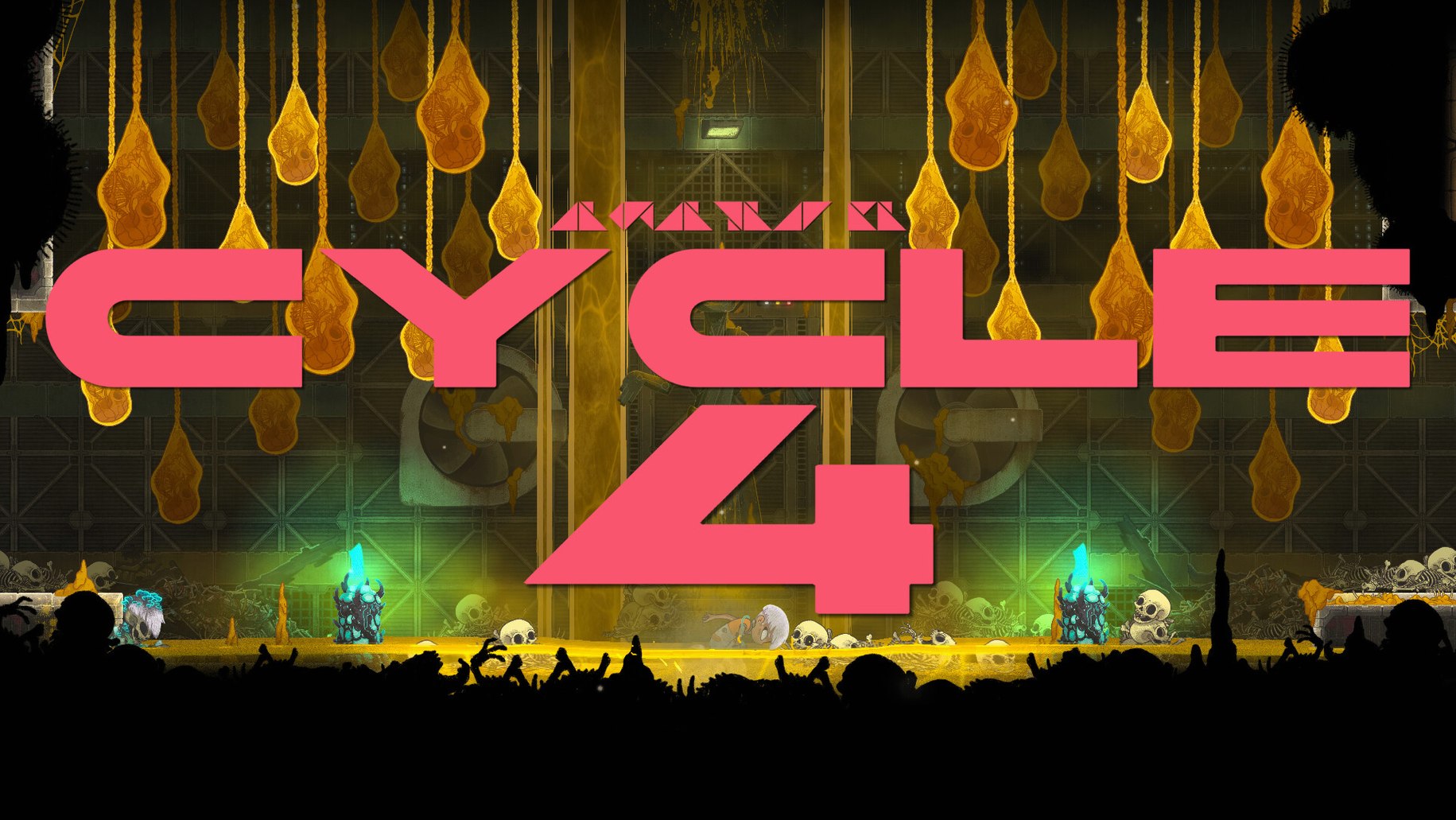
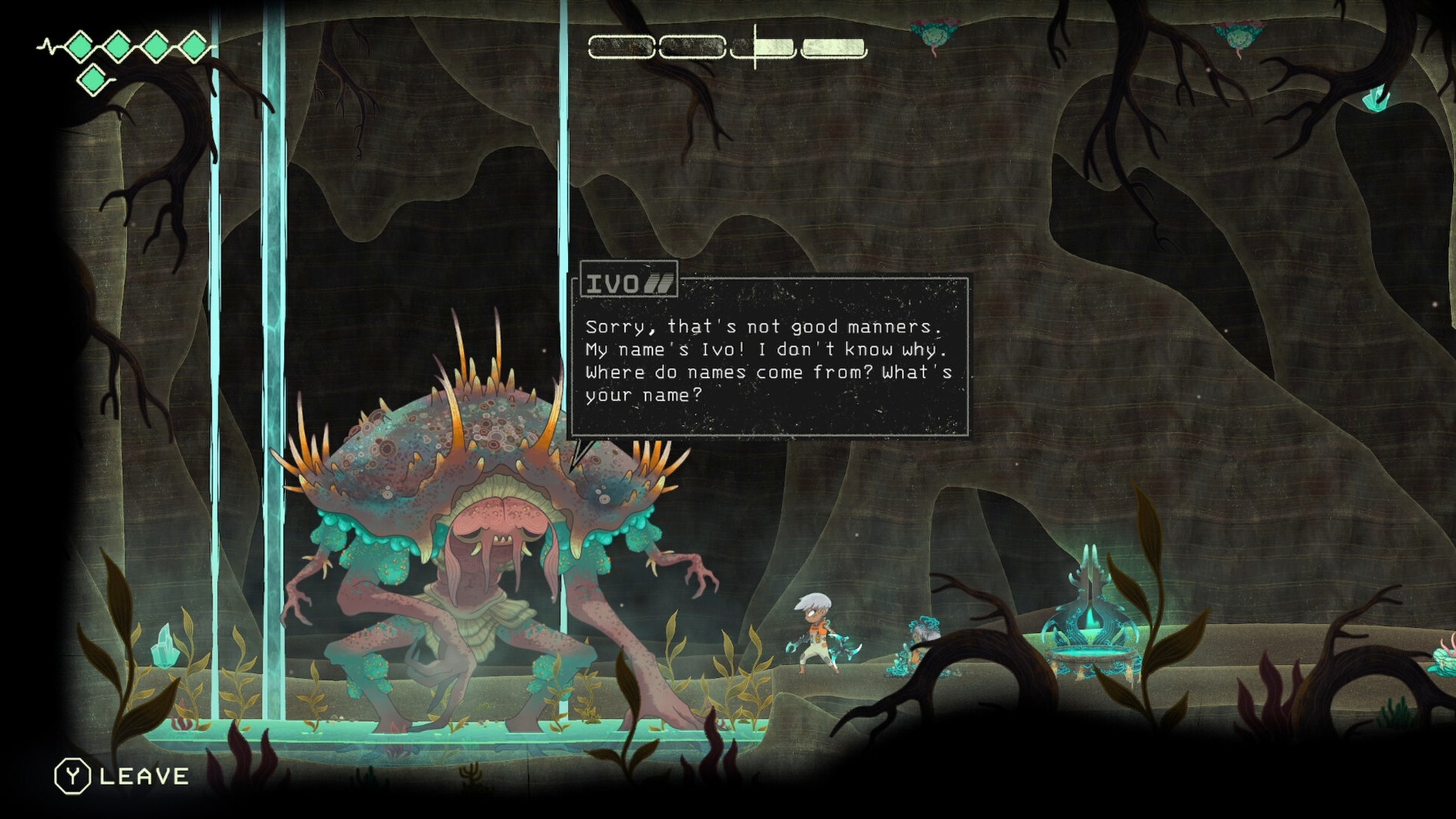

In the edit
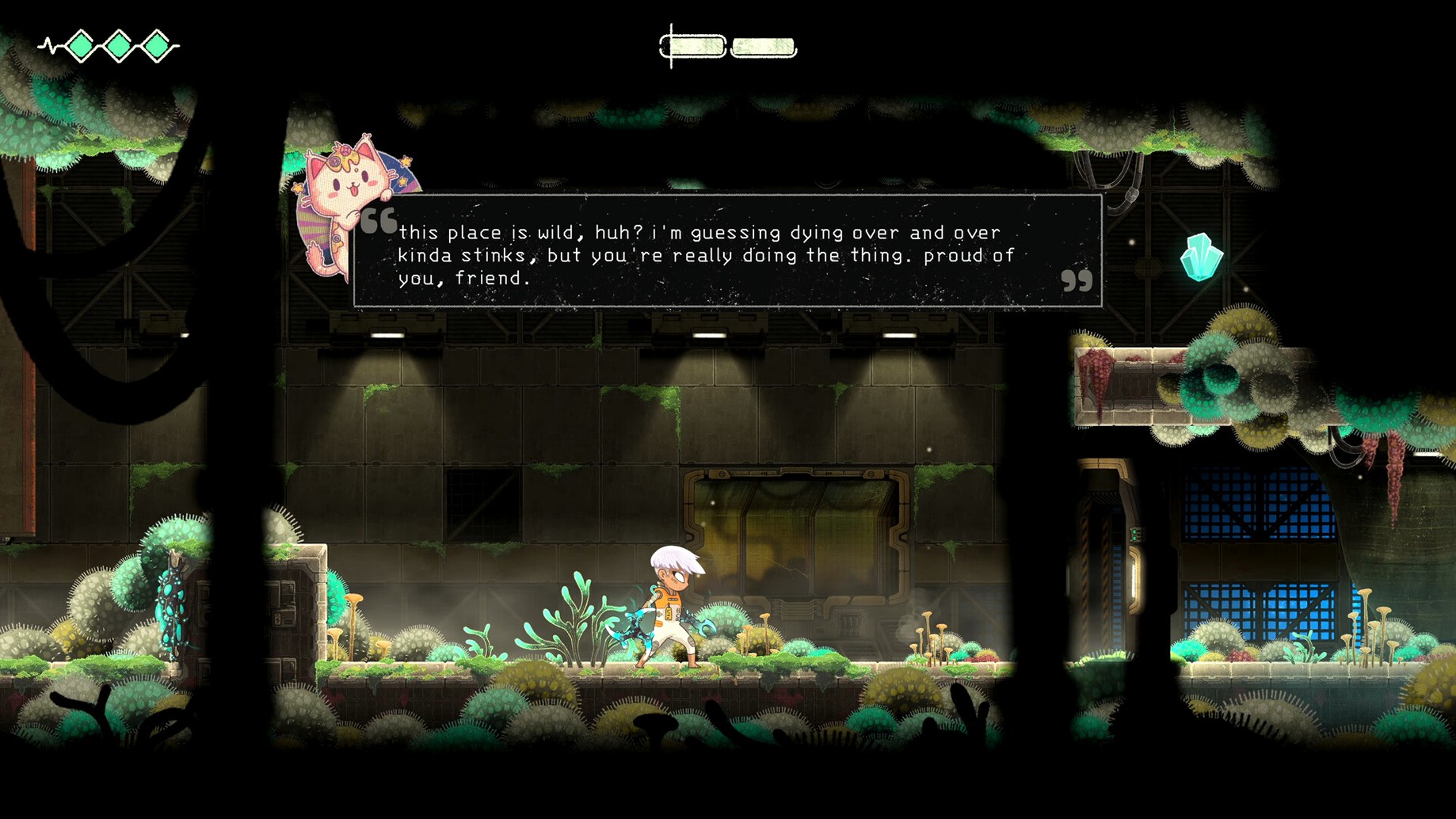
Eight languages, a cat that carries pizza, and a time loop that breaks through knowledge rather than keys. Echo Weaver landed on 8 October 2026, and it fits the Mac shelf of anyone who treats games the way they treat the rest of their tools: something that ought to work quietly alongside the editing suite, the browser and the file manager.
For metroidvania fans who unlock areas by learning, not looting
- Metroidvania fans who prefer a map that opens up because you learned something new, not because you found a grapple hook.
- Mac users on either architecture — ARM and 64-bit Intel x86 are both supported.
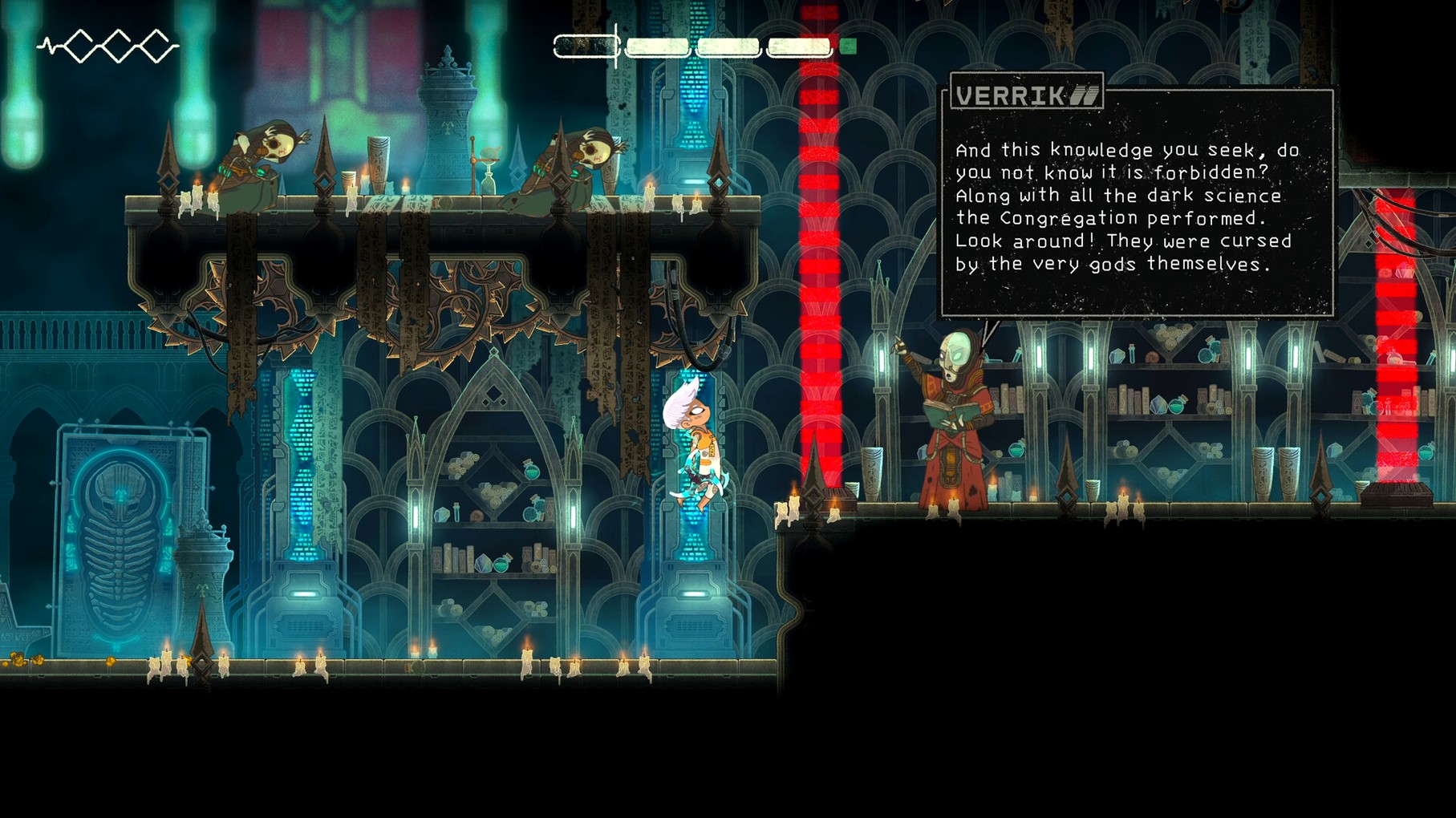
- Anyone who likes a narrative that treats time as a resource and an unholy priest as a character.
Progress comes from paying attention, not picking up items
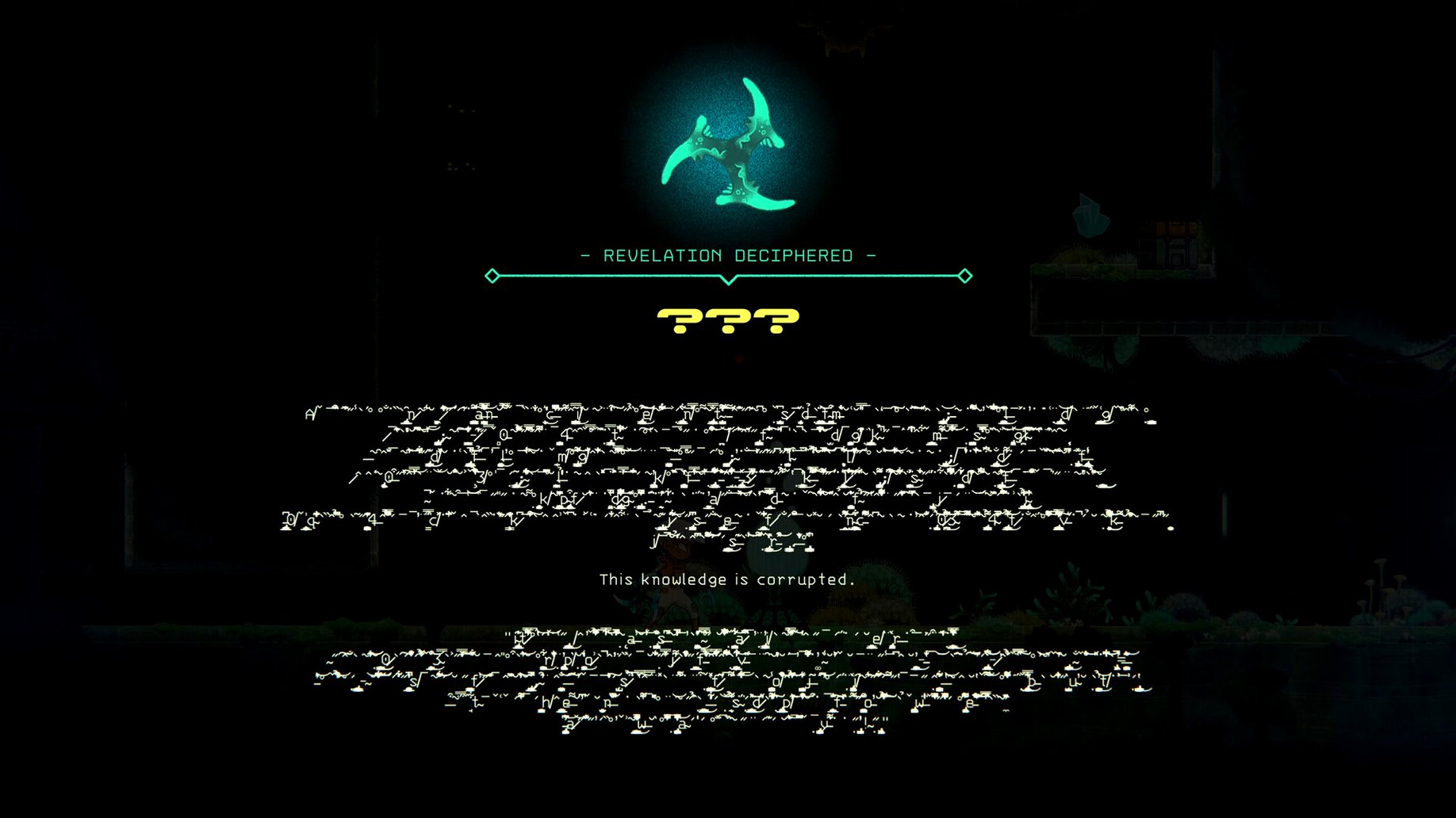
- Progress depends on information, not items. If you are used to unlocking abilities, this one rewards paying attention to anomalies and conversations.
- The game was tested on macOS Golden Gate on a Mac mini 2024 M4; it should run on similar recent hardware.
- Interface languages cover English, German, Spanish, Traditional Chinese, Simplified Chinese, Portuguese, French and Japanese.
Works on both Apple Silicon and Intel Macs from the start
Every game has its own logic, and Echo Weaver’s logic is built around knowledge. The first thing people want to know is whether it works on Apple Silicon. Yes, the installer runs on both ARM and 64-bit Intel x86 Macs, so it covers modern M-series machines and older Intel models alike. You do not need a specific macOS version beyond Golden Gate, which is the release it was tested on.
Another common question is whether the time loop means you lose progress. It does not work like a rogue-lite where a run ends and you start from scratch. Instead, the loop is a narrative and mechanical frame: you revisit areas, but you carry forward everything you have learned. Secrets act as your upgrades, and those stay with you. The only thing that resets is the state of the world around you, which is the whole point of a time loop.
People also ask about the language options. The game is fully localised in English, German, Spanish, Traditional Chinese, Simplified Chinese, Portuguese, French and Japanese. The audio is music, so there is no voice acting to worry about. You choose the text language at the main menu, and it sticks.
One last question that comes up: how much space does it need? We do not have an exact number, but it is a 2D metroidvania with a moderate scope. If you keep a few gigabytes free, you should be fine.
Stands apart by replacing ability gates with knowledge gates
There are a handful of metroidvanias that run on macOS, but Echo Weaver stands apart from most of them because of how it handles progression. Here are three comparisons to give you a sense of where it sits.
Hollow Knight
Hollow Knight is the obvious reference point for any 2D metroidvania, and the comparison is fair up to a point. Both games involve exploring a large, interconnected map and finding secrets. But Hollow Knight gives you new movement abilities like the Mothwing Cloak or the Monarch Wings to reach new areas. Echo Weaver does not. In Echo Weaver, you get information. A piece of dialogue or a time anomaly tells you that a door opens at a specific moment or that a certain enemy can be avoided. You do not need a new item; you need the right knowledge at the right time.
Ori and the Blind Forest
Ori is more about platforming precision and emotional storytelling. Echo Weaver is more about observation and deduction. Ori gives you spirit wells and new moves to expand your reach. Echo Weaver gives you secrets that act as upgrades, but the gates are always informational. If you enjoy Ori’s world design but wish the puzzles required more thinking about timing and cause and effect, Echo Weaver scratches that itch differently.
Environmental Station Alpha
This one is less well known but closer to Echo Weaver’s philosophy. Environmental Station Alpha has a map that changes based on your actions rather than your inventory. Echo Weaver shares that idea, but adds the time loop layer. The loop creates a natural cycle of exploration, death, and returning with new knowledge. Environmental Station Alpha does not reset its world, so the two feel different in practice, but the core principle of knowledge over items is there in both.
Three settings to adjust before you enter the ruins
Echo Weaver does not have a long list of settings, but the ones it has are worth tuning before you step into the ruins. Here are the three I would adjust on launch.
- Text language: pick yours from the available eight before you start your first loop. The game remembers your choice, but it is easier to set it upfront than to dig through a menu later.
- Audio language: since the game uses music as its voice, make sure your system audio output is set to something decent. Headphones help catch the subtle audio cues that hint at time anomalies.
- Install location: during the standard installation procedure, you are asked to choose a folder. The installer recommends Applications, and that is a good call. It keeps the game out of your Downloads folder and next to everything else you use regularly.
A workflow for exploring a new area
Here is a short workflow for entering a new ruin for the first time, from the moment you reach the entrance to the moment you leave with something useful.
- Pause at the entrance and look around. The game gives you visual and audio cues about what matters in a room. Take a note of anything that looks out of place.
- Walk through the area normally, but do not rush. Talk to every character you find, including the refugee leader and the unholy priest. Their dialogue often contains clues about timing or hidden paths.
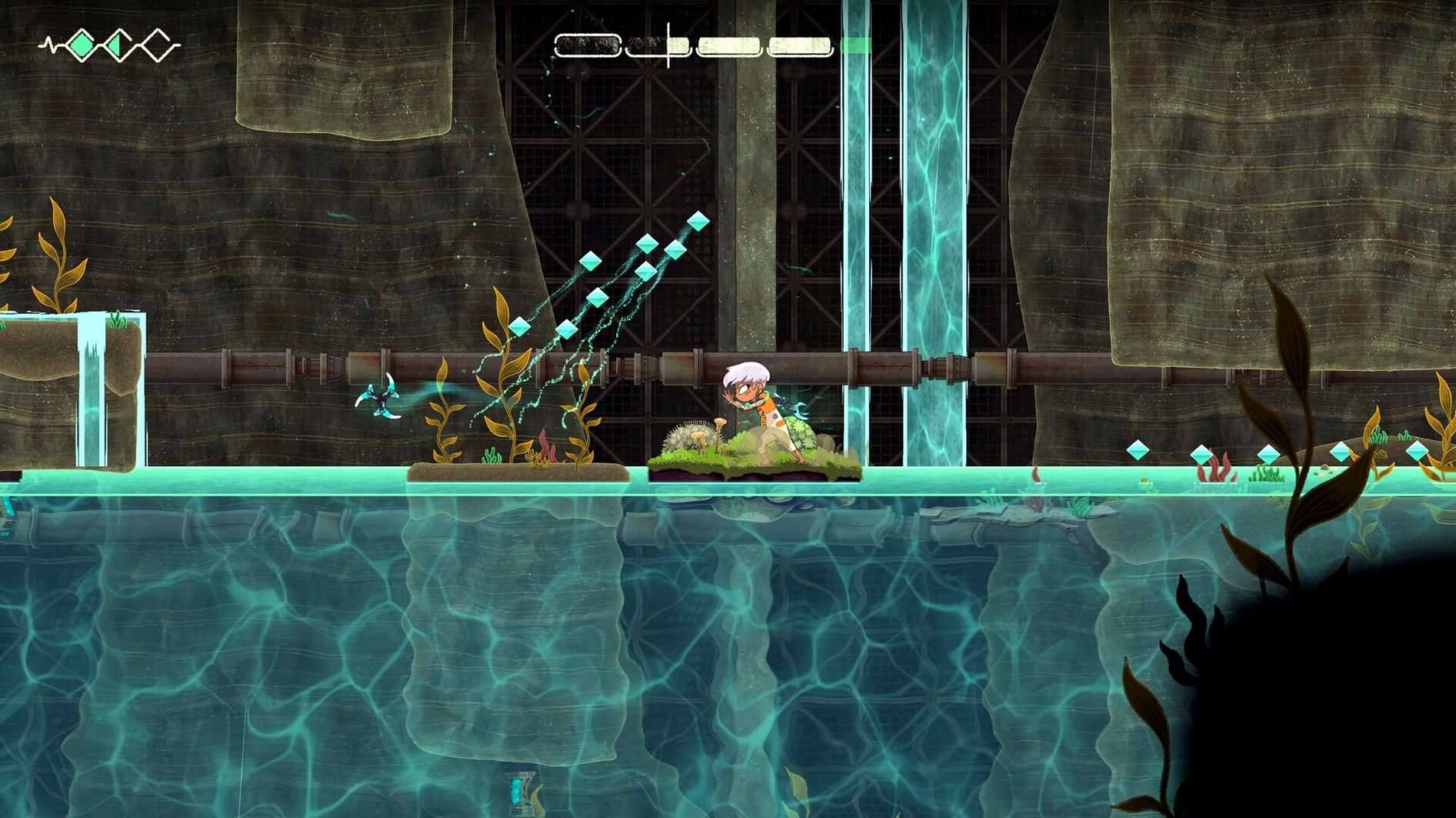
- When you reach a dead end or a blocked door, do not assume you need a new item. Instead, backtrack and see if the environment has changed. Time anomalies can alter a room’s layout or unlock a passage that was closed before.
- If you find a secret, treat it as an upgrade. It does not look like a health bar extension or a special attack, but it changes what you can do or know.
- When you hit the next loop, use what you learned in the previous cycle to access a new area. The map opens because you know the right moment or the right person to talk to.
A late-night session built on curiosity, not reflexes
Let me walk you through a session I had a couple of weeks ago. I launched the game after a late editing session, when I needed something that did not demand quick reflexes but still felt rewarding. The loading screen gave me a moment to settle in, and then I was back in the ruins near the starting area.
I already knew the layout from an earlier loop, but this time I noticed a glade-like alien glare near a broken wall. It had not been there before. I approached it and triggered a short sequence that revealed a hidden room. Inside, there was a note from a previous weaver. It mentioned a cat that carries pizza, which I had seen in passing but never followed. I made a mental note to track it on my next loop.
The session lasted about forty minutes. I spent the first fifteen minutes exploring the new room, talking to the refugee leader again to see if her dialogue had changed, and dying to an enemy I had not figured out yet. The death sent me back to the loop start, but I kept the note and the knowledge about the hidden room. The next fifteen minutes were spent applying that knowledge: I went straight to the cat, followed it to a locked door, and used the timing from the note to open it. Inside was a secret that permanently changed how I interacted with one of the area’s puzzles.
The last ten minutes were quieter. I went back to the unholy priest, who had new lines after my discovery. The conversation did not give me a quest marker or a key, but it added a piece of information that I stored for the next session. That is the rhythm of Echo Weaver: you gather, you apply, you return, and the loop keeps turning until the map is fully yours.
Mac it needs
- macOS compatibility: tested on macOS Golden Gate on a Mac mini 2024 M4
- Architecture: ARM and 64-bit Intel x86
Installing on a Mac
- Run the standard installation procedure.
- Choose a location for the game when the installer asks.
- Use the Applications folder if you can — keeps things tidy.
Notes from photographers
Sign in or create your account to leave a comment.
No notes from photographers yet. If you have used this on a real folder, say which camera and which Mac.
