
 Get it for my Mac (230 MB)
 True Fear: Forsaken Souls Part 1
2.0.10

- Version
- 3.2.13 fix
- Developer
- Gamious
- Interface in
- Russian, English, German, Hungarian, Spanish, Italian, Chinese (Simplified), Korean, Dutch, Polish, Portuguese, Turkish, French, Japanese
- Licence on file
- Not required
- Chip support
- Apple Silicon, Intel 64-bit
- Edited with it on
- macOS Tahoe, Mac mini 2024 M4
- Out on
- 2.06.2016
- Voices in
- Music only

In the edit
Turmoil works on both Intel and Apple Silicon Macs, so whether you are on an older Intel machine or an M-series chip, the game should run without fuss. The current build is 3.2.13 fix.
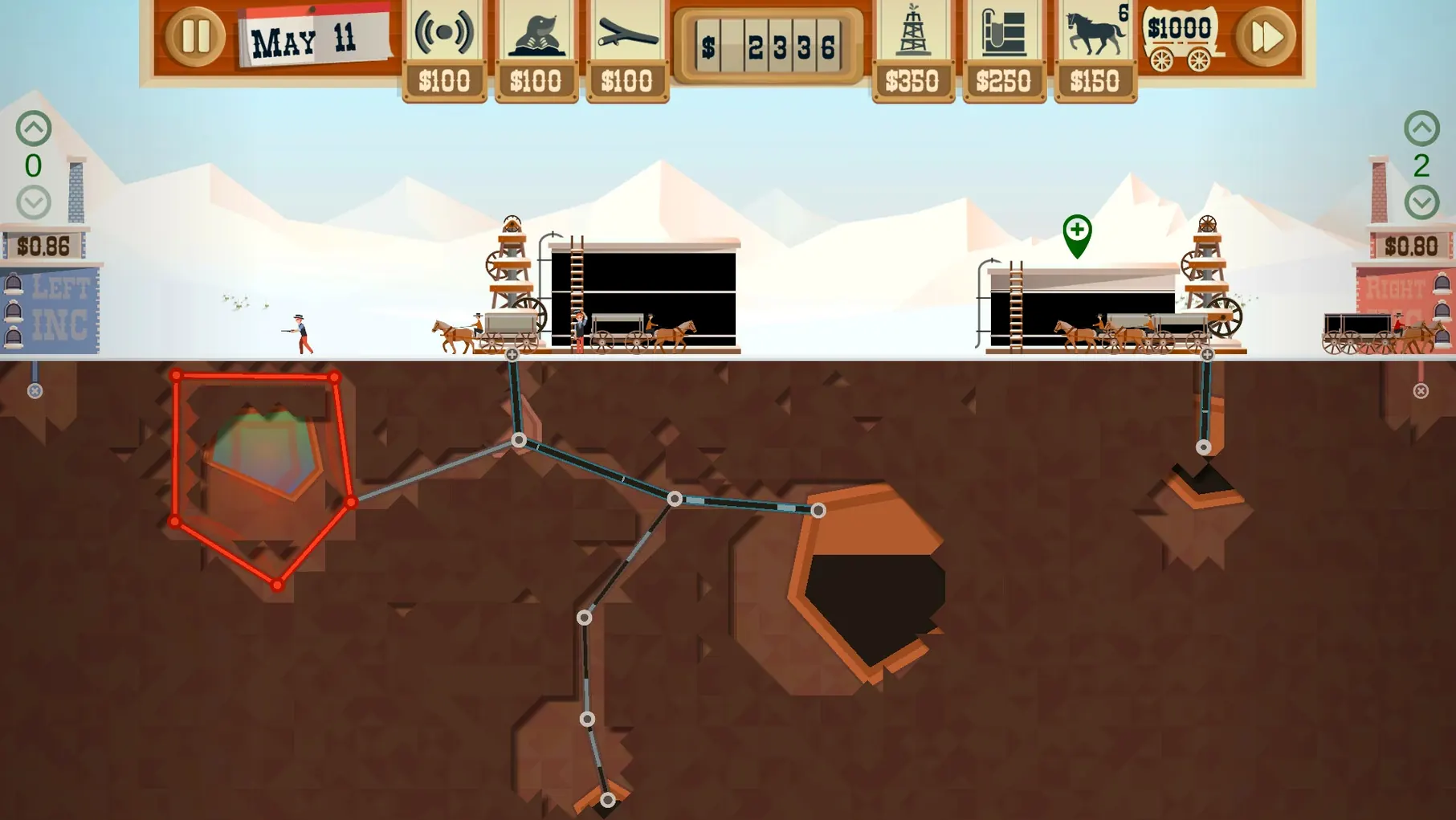
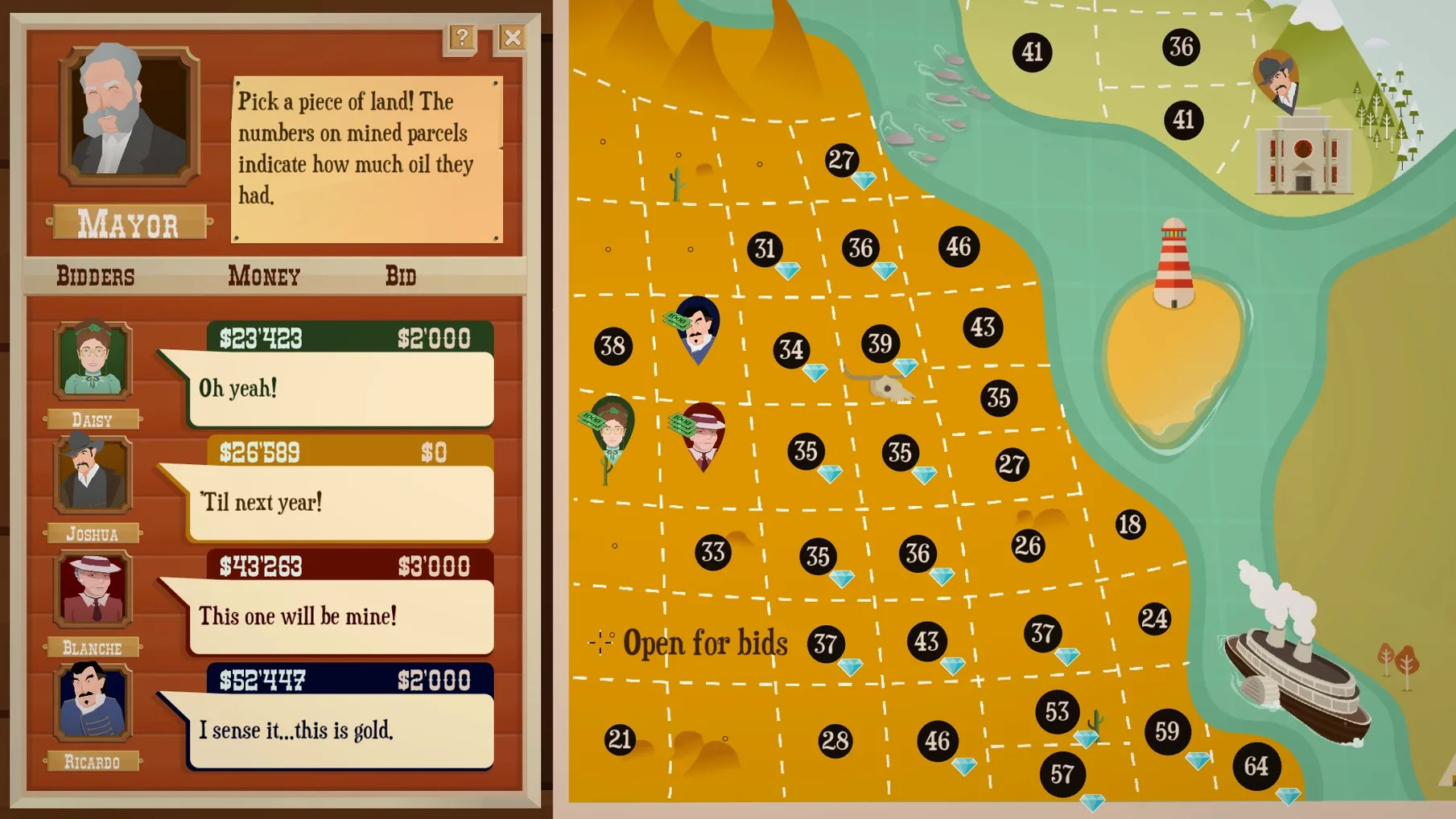
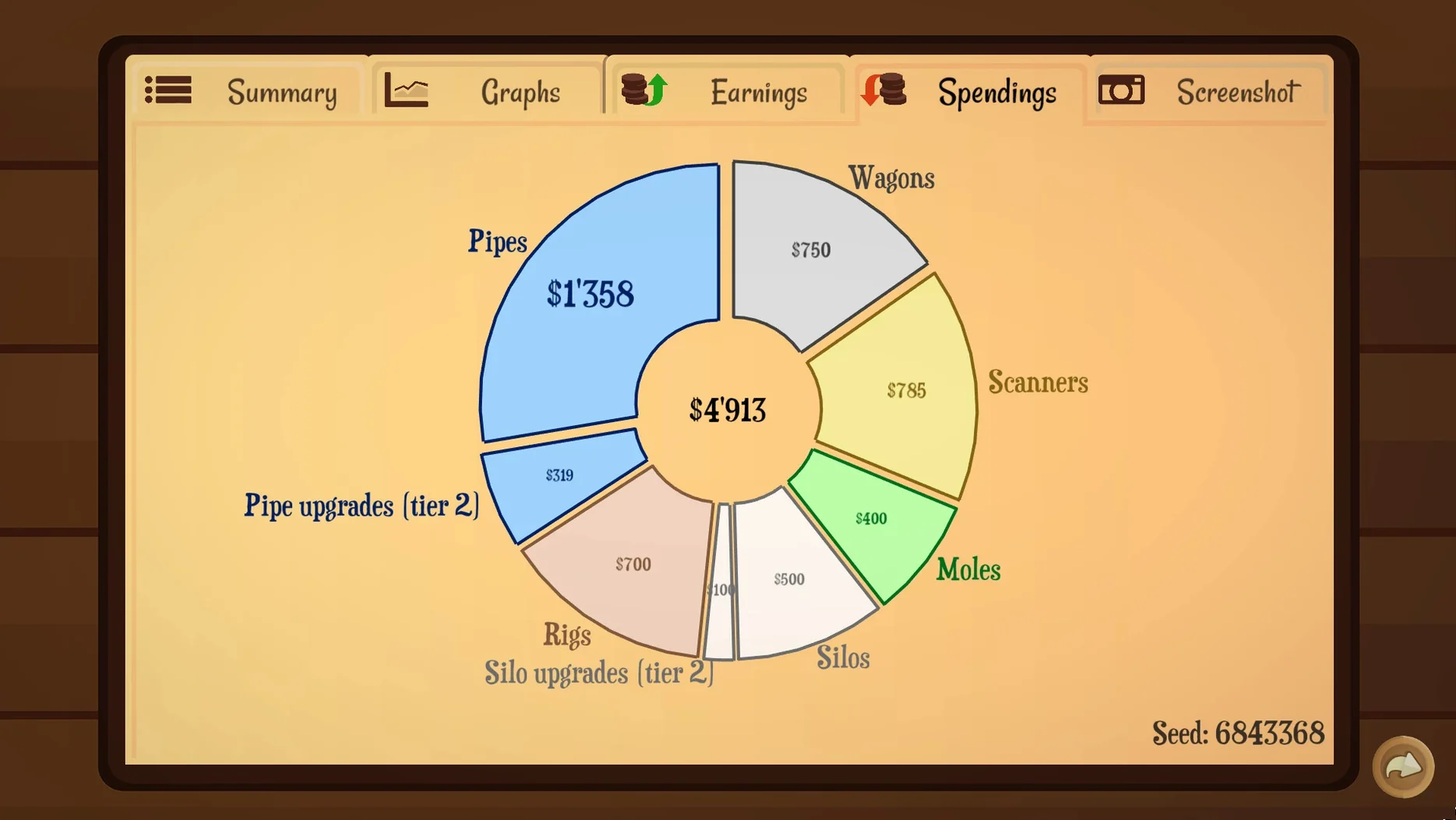
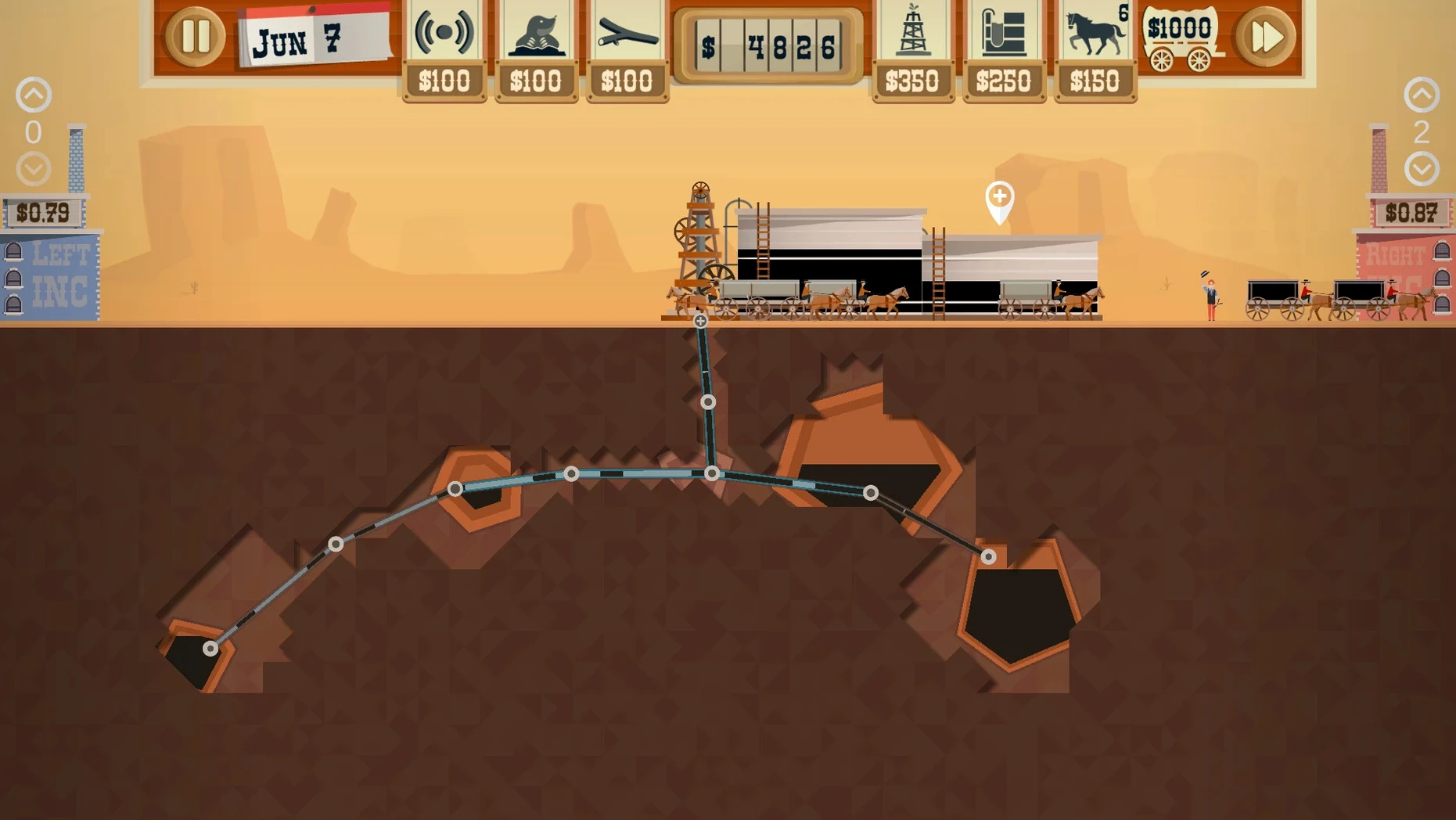
This is a simulation game about building an oil business in 19th-century North America. You rent land at a town auction, search for oil, then build a drill and a pipeline network to move crude into storage tanks. Along the way you buy upgrades in town to handle rocks, gas, and ice, and you stop by the saloon for characters and deals. The key is selling oil at the best possible time to maximise profit.
If you enjoy resource management, auctions, and timing markets — think of it as a light tycoon game with a Wild West coat of paint — you will probably like Turmoil. If you prefer fast action, deep storylines, or multiplayer, it might feel too straightforward. It is a single-player game through and through.
Runs natively on both ARM and Intel Macs
Turmoil runs natively on both ARM and 64-bit Intel architectures, so the same build works on an M-series Mac and on an older Intel machine. The current build 3.2.13 fix was tested on macOS Tahoe (the version that ships with Apple Silicon), but the game is compatible with earlier versions of macOS too — check the requirements for your specific system. The download is a standard disk image: mount it, drag the app into Applications, and you are ready. If the game does not start after that, a quick Terminal command handles the necessary permissions and code signing.
The interface supports fourteen languages, including English, German, French, Spanish, Italian, Dutch, Polish, Portuguese, Turkish, Russian, Hungarian, Simplified Chinese, Korean, and Japanese. Audio is music only, so language never gets in the way of gameplay. No activation is required — just copy and play.
A quiet strategy game for quick sessions or long evenings
Turmoil suits anyone who likes a quiet, single-player strategy game they can pick up for twenty minutes or sink into for an evening. If you enjoy resource management, timing markets, and outbidding opponents at an auction, this is your kind of thing. It is particularly good for Mac users who want a game that does not demand a constant internet connection or a powerful GPU — the oil fields, pipelines, and town scenes are not graphically intensive, so even a base MacBook Air handles them fine.
People who play through a campaign in short sessions will appreciate the procedurally generated levels: no two oil rushes play out the same way. And if you like the idea of becoming mayor by buying more town shares than your competitors, there is a satisfying layer of local politics on top of the drilling and selling. For someone who wants a light tycoon game with a 19th-century setting and a bit of humour, Turmoil is worth a look. You can download Turmoil for Mac from the catalog and see if you have what it takes to build an oil empire.
Mac it needs
- macOS version not specified by the developer
- Architecture: Intel (64-bit x86) and Apple Silicon (ARM)
Questions I actually get
Can I play Turmoil on an M-series Mac?
Yes, the game supports both ARM and 64-bit x86 architecture, so it runs on Apple Silicon and Intel Macs alike.
What languages does Turmoil support?
The interface is available in Russian, English, German, Hungarian, Spanish, Italian, Simplified Chinese, Korean, Dutch, Polish, Portuguese, Turkish, French, and Japanese.
Installing on a Mac
- Mount the downloaded disk image and drag the app into the Applications folder alias.
- After copying is complete, open the app from Launchpad.
- If the game does not start, run
xattr -cr /Applications/Turmoil.app && codesign --force --deep --sign - /Applications/Turmoil.appin Terminal.
Notes from photographers
Sign in or create your account to leave a comment.
No notes from photographers yet. If you have used this on a real folder, say which camera and which Mac.
Similar apps
Next to it in Games
All Games picks
True Fear: Forsaken Souls Part 1
2.0.10
 Two Point Museum
12.1.247768
 Tropico
t6 1290
 Ugoku Sushi Bar
1.1.1
 Totally Accurate Battle Simulator
1.1.8
 Total War: PHARAOH
1.2.3
 Vasilisa and Baba Yaga
1.5.7
 Victoria
1.15.0
