Get it for my Mac (4 GB)
 Tropico
t6 1290
Tropico
t6 1290

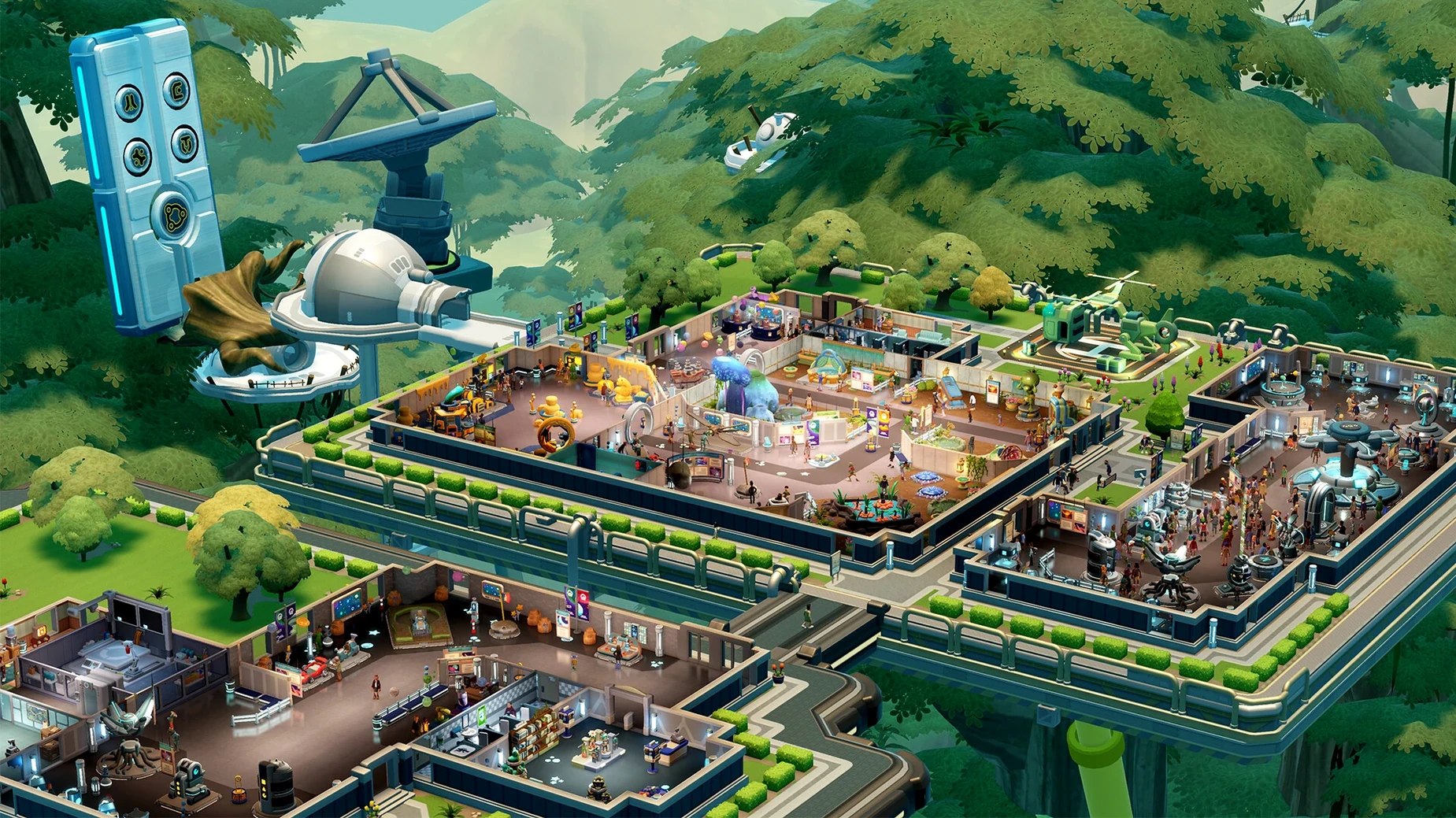
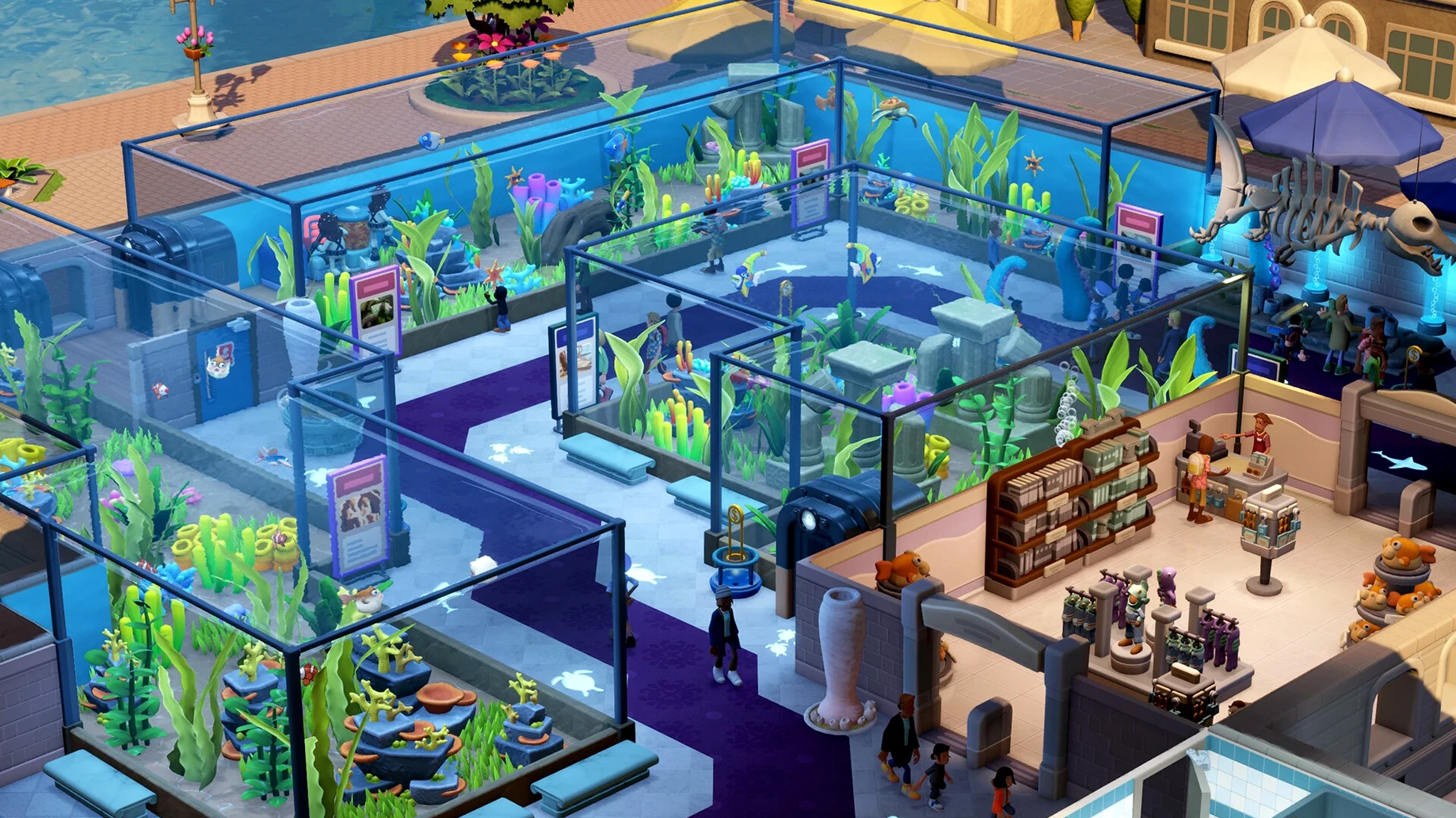
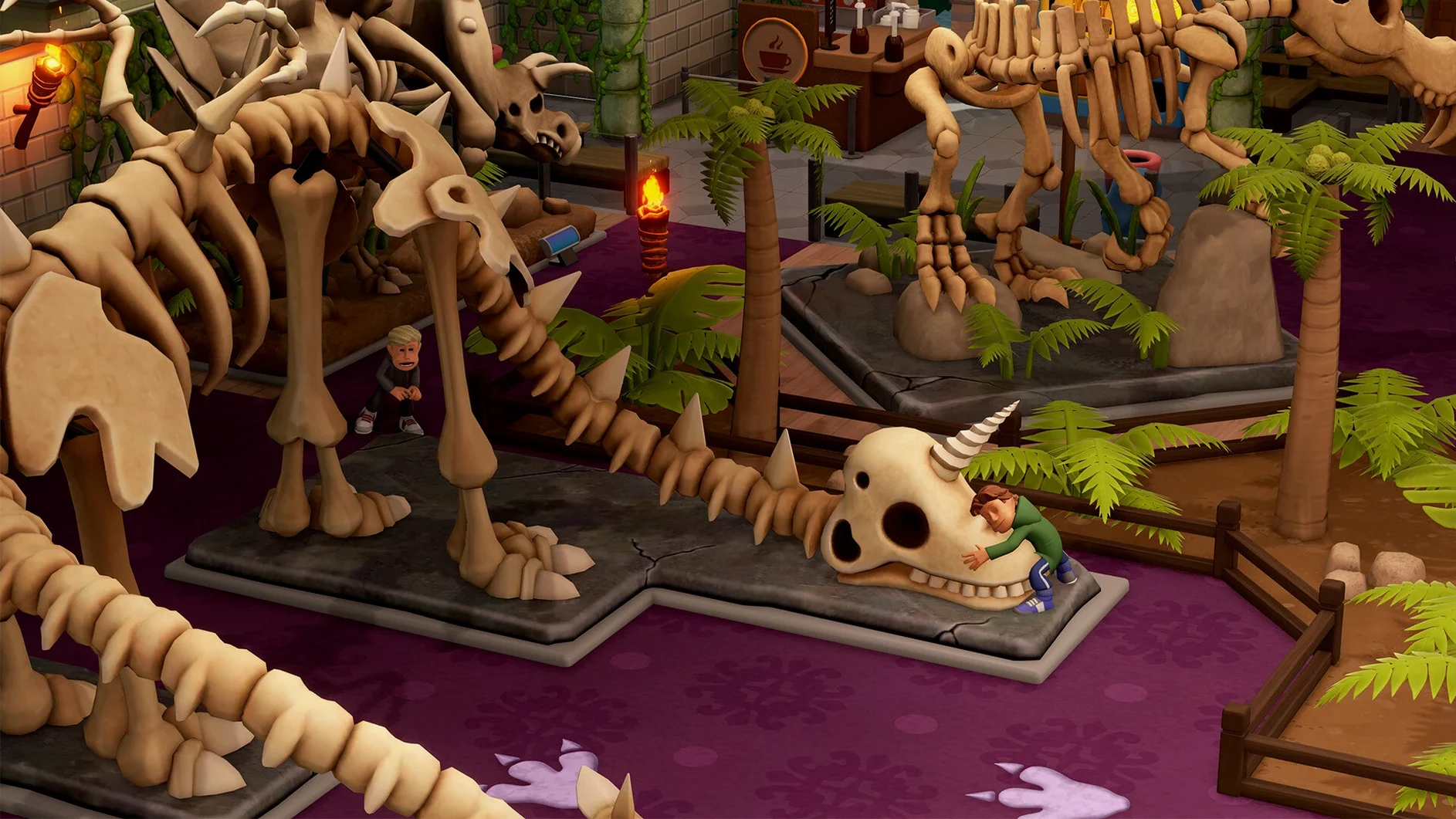
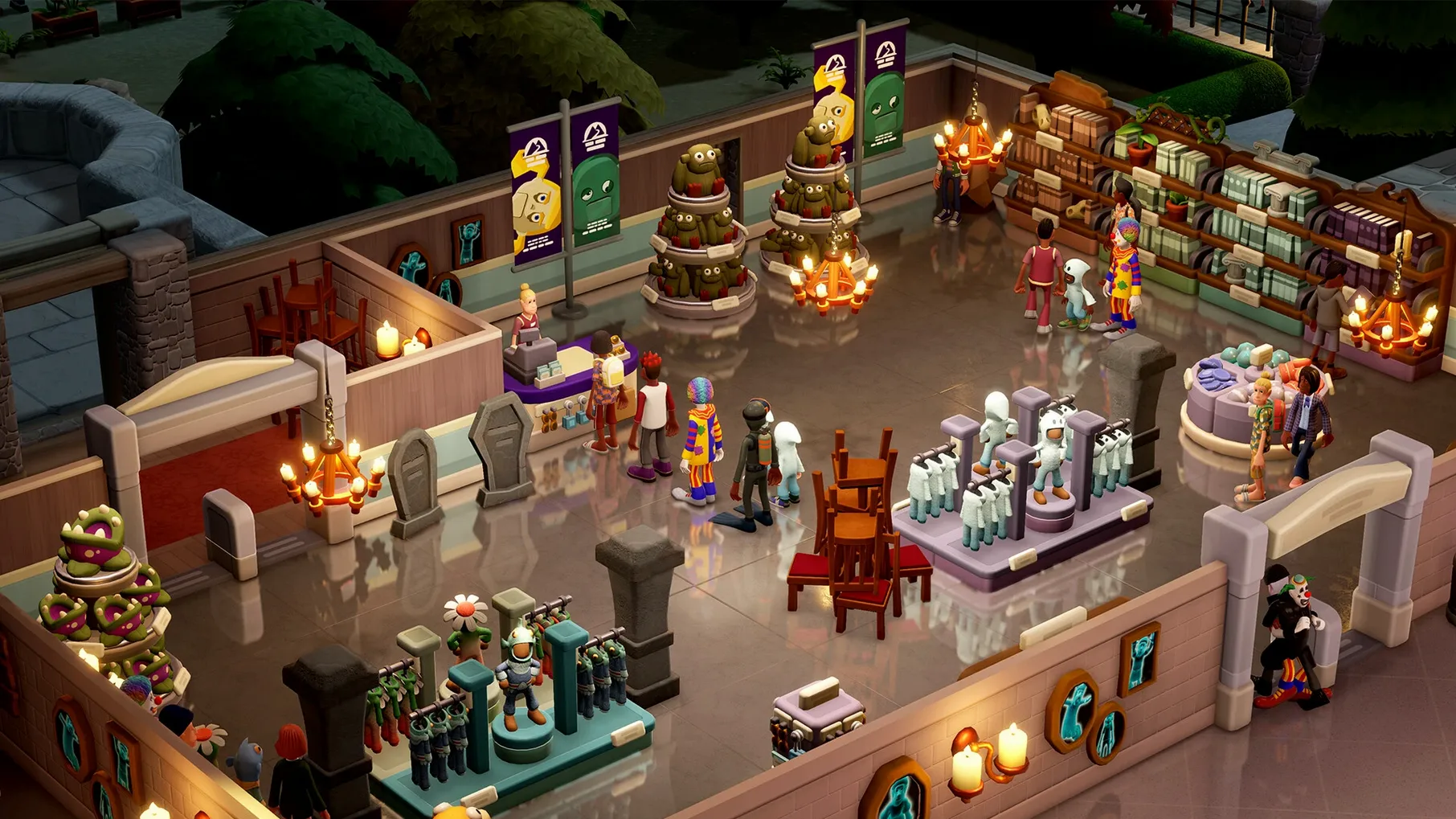
Two Point Museum is for the player who enjoys a good management sim without the stress of a ticking clock. If you spent hours in Two Point Hospital tweaking room layouts and watching your staff bumble about, this one will feel familiar in the best way. It’s also for anyone who ever played RollerCoaster Tycoon and wished they could run a natural history museum instead of a theme park.
If you need a tight narrative or character-driven story, this isn’t that game. It’s a systems sandbox, not a plot. Likewise, if you prefer action or combat, the slow pace of exhibit placement and visitor management will likely bore you. And anyone hoping for a deep historical simulation should know that Two Point County’s five museum locations — from a prehistoric hall to a space museum — are charmingly silly, not educational.
Mac users who already enjoy the Two Point formula will feel right at home, but this one also suits a slightly different crowd. If you are the type who likes to build a space, then sit back and watch how visitors move through it, Two Point Museum rewards that patience. It works well for anyone who finds joy in the logistics of guest happiness — keeping toilets clean, the gift shop stocked, and the tour guide on schedule. That sounds mundane on paper, but the game’s personality makes it click.
It is also a good fit for Mac users who play in short bursts. The five museum locations let you save and step away between expeditions, and the three temporary exhibits give you contained objectives you can finish in a single session. If your MacBook shares time between Lightroom and a management sim, this one respects your schedule.
Players who enjoyed the creative side of Two Point Campus — the room design, the decorative freedom — will find more of that here. The 350 decorative items and 18 visitor types give you room to make each museum feel distinct, even if the underlying systems repeat across locations.
Here is one way it might play out. You have an hour after dinner. You open your save at the aquarium location. The first ten minutes go to sending an expedition team out to a new point of interest on the map — you need more fish exhibits because your last batch of visitors complained about a lack of variety. While they travel, you rearrange a few exhibit stands to improve foot traffic near the gift shop, and you assign a cleaner to the wing that keeps getting messy. The expedition returns with a new tank display. You place it, watch a few guests stop and take photos, and then save. No rush, no unmet deadline, just quiet progress.
Before you get deep into exhibit placement, a few settings are worth adjusting. The game does not explain everything upfront, and a couple of defaults can slow you down.
None of these are essential, but they shave off small frictions that add up over a full game. Two Point Museum is patient with you, so you might as well return the favour.
Yes, the game includes a sandbox mode where you can design and build large custom museums without the constraints of the main campaign.
There are five museum locations in Two Point County, including a prehistoric museum, an aquarium, a supernatural history museum, a science museum, and a space museum.
Sign in or create your account to leave a comment.
No notes from photographers yet. If you have used this on a real folder, say which camera and which Mac.