
 Get it for my Mac (6 GB)


 Victoria
1.15.0
- Version
- 1.14.0
- Developer
- Evil Twin Artworks
- Interface in
- Russian, English, German, Chinese (Simplified), French
- Licence on file
- DRM-free
- Chip support
- Intel 64-bit
- Edited with it on
- macOS Sonoma, MacBook Air (M1. 2020)
- Out on
- 14.09.2018
- Voices in
- English
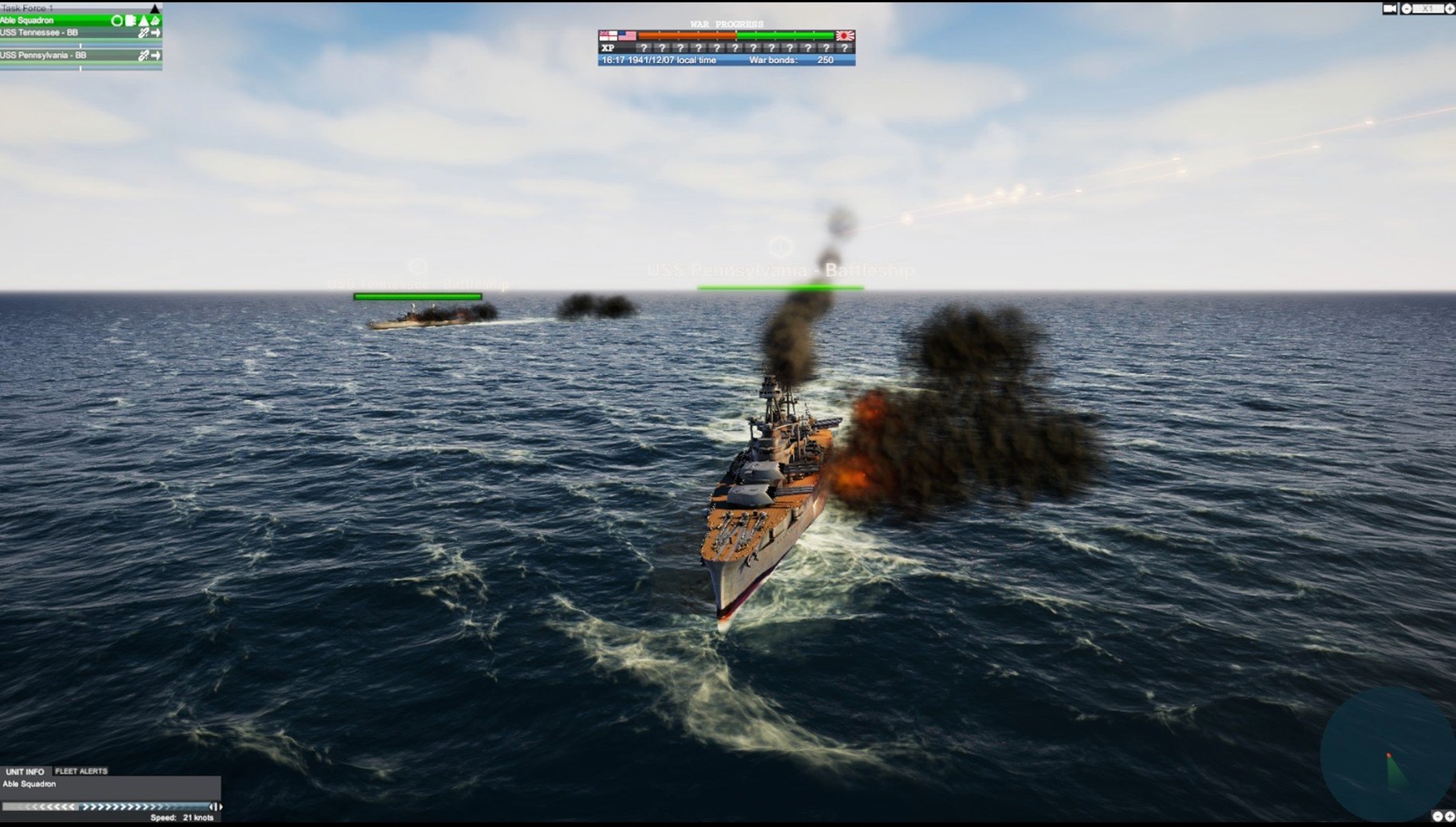
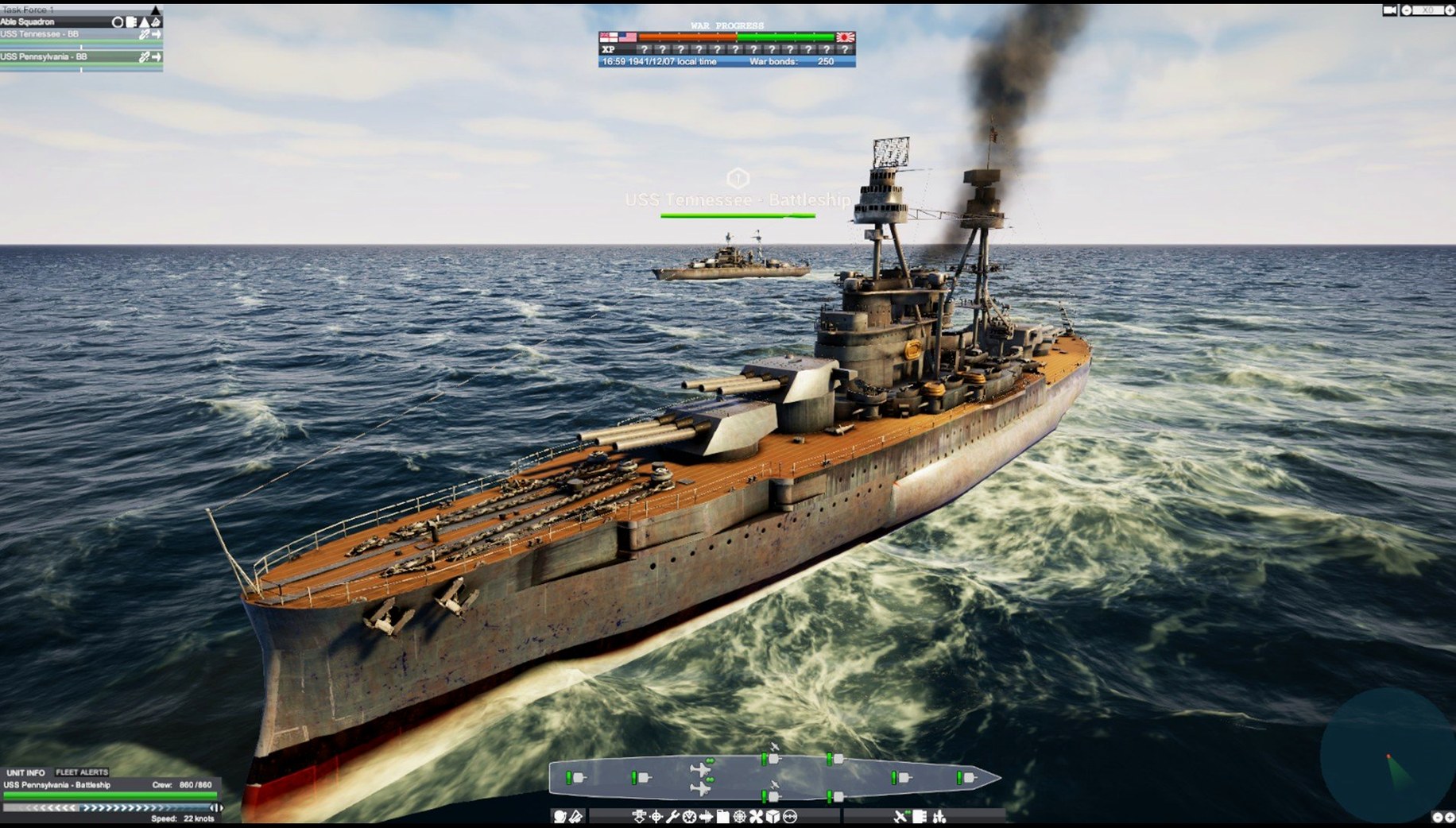
In the edit
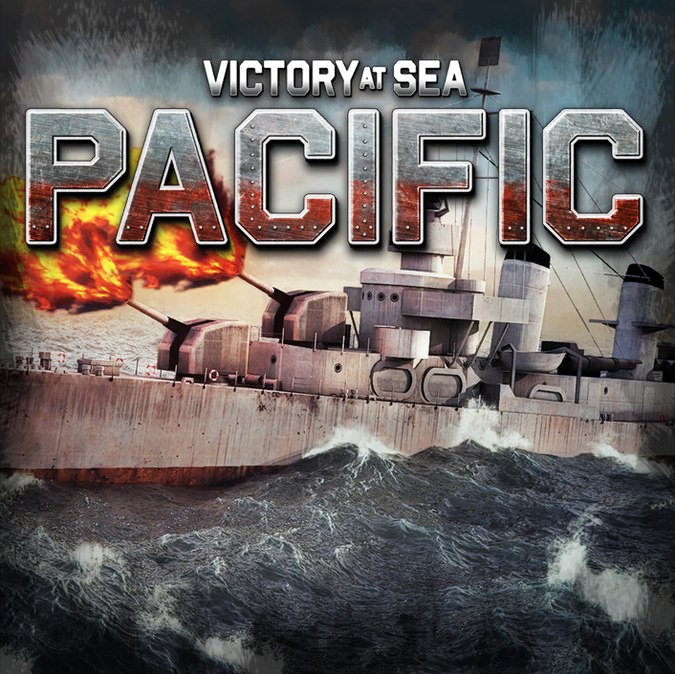
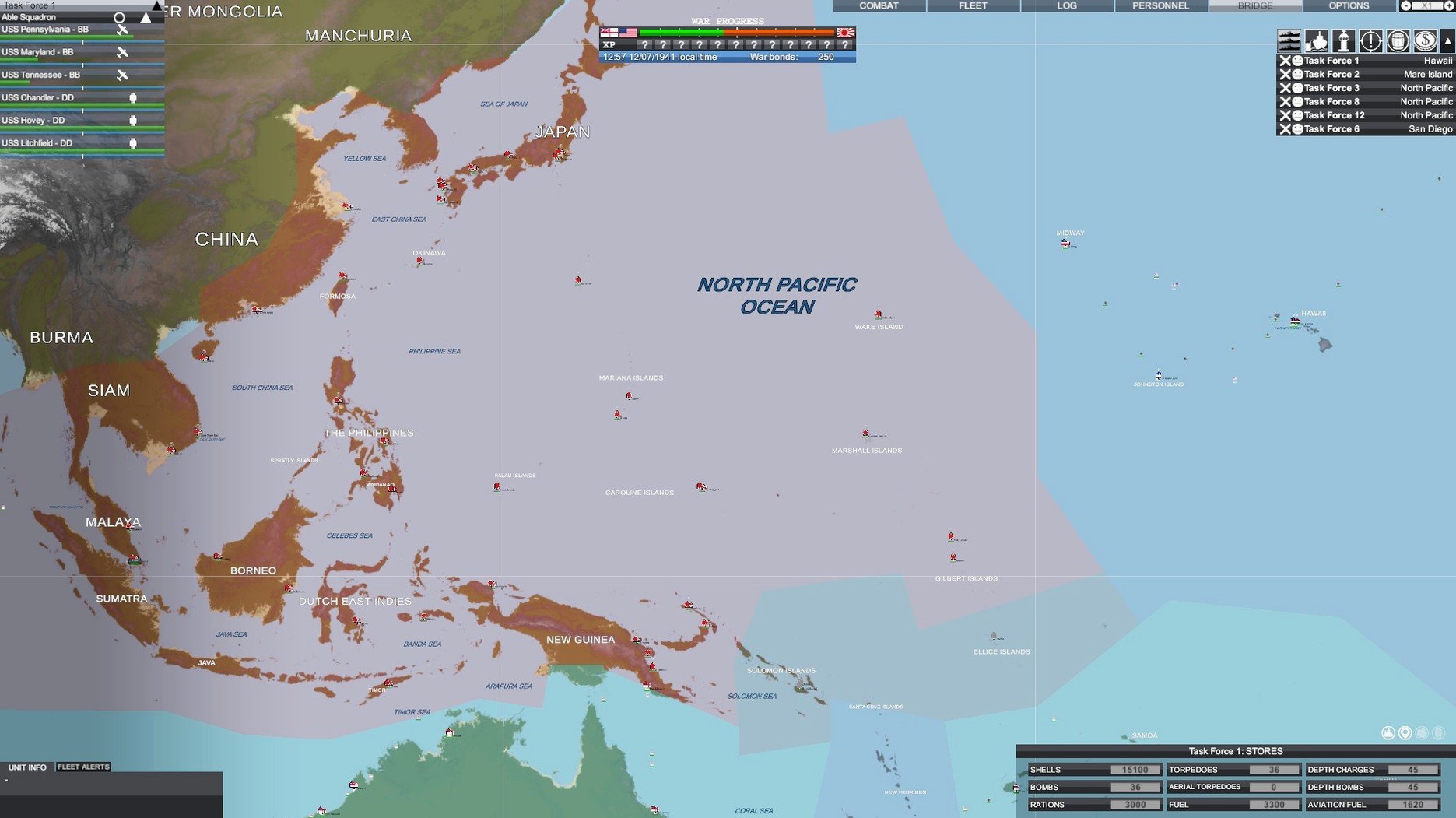
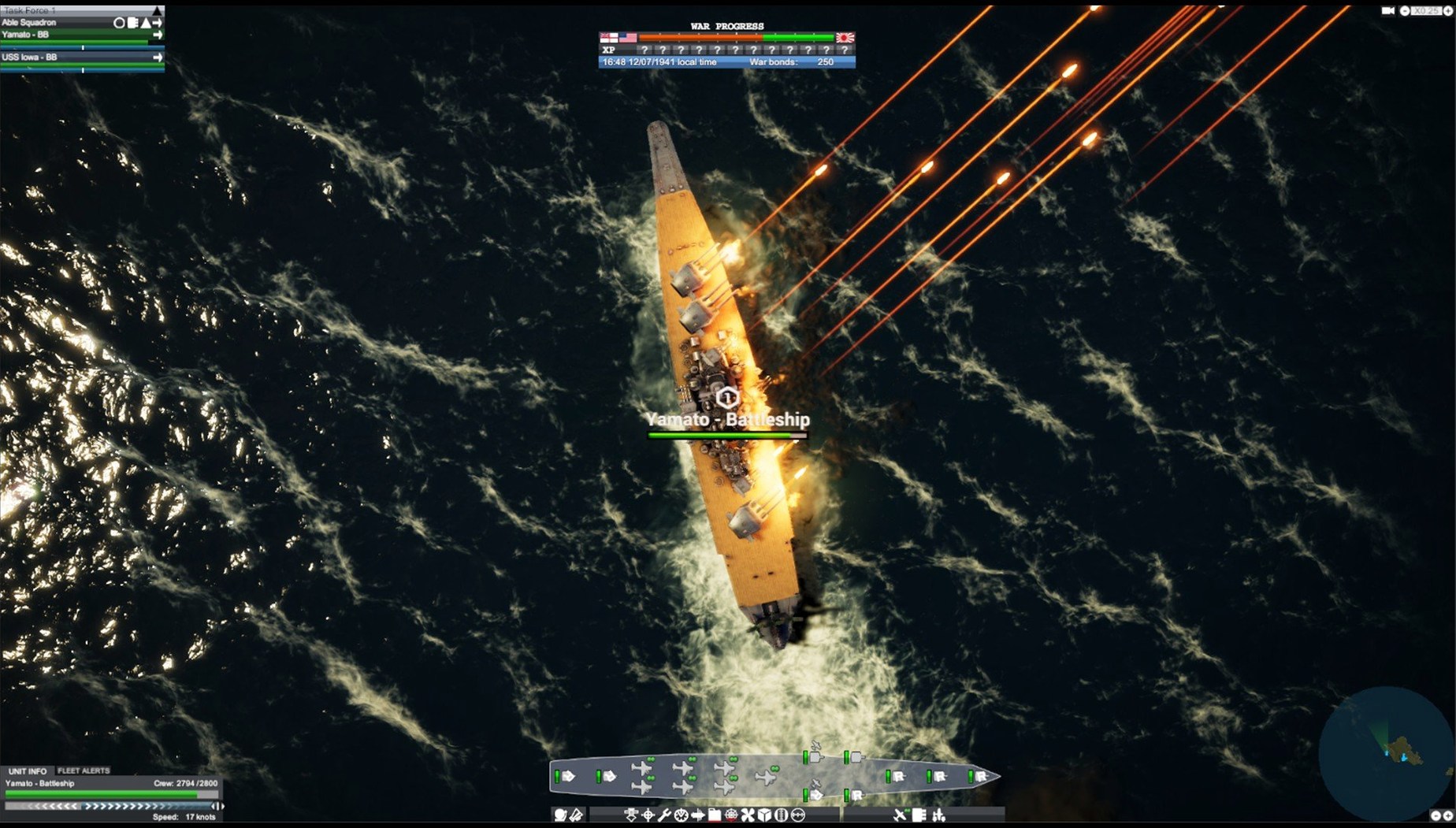
Victory at Sea Pacific lets you command the entire Pacific Theatre of World War II, from the bridge of a single destroyer to a full-scale amphibious assault on a major port. As part of the Victory at Sea series, this real-time strategy game focuses on hunting down enemy fleets across the ocean. You can switch between commanding the big picture and taking direct control of individual ships and aircraft, which keeps things interesting between editing sessions on the MacBook Pro.
| Detail | Info |
|---|---|
| Developer | Evil Twin Artworks |
| Version | 1.14.0 |
| Architecture | Intel (64-bit) |
| Interface languages | English, Russian, German, Simplified Chinese, French |
| Voice language | English |
If you are used to giving orders and watching them play out, the active pause mode is a solid fit — issue your commands, then watch the naval combat unfold in real time. Train your crew as you go, and work your way across the Pacific. It is a straightforward RTS that sits comfortably next to the photo and design tools on a working Mac, ready for when the editing queue is empty.
War on the Sea compared: submarine sims vs. grand fleet action
If you have looked for naval warfare on macOS, you have probably run into a few names. War on the Sea covers similar Pacific Theatre ground but leans heavier into submarine and convoy simulation, with a more granular approach to damage control and fuel management. Victory at Sea Pacific gives you the broader theatre-level view — you are not just a captain, you are the admiral planning the whole campaign. Atlantic Fleet takes the turn-based route, which is a different rhythm altogether. For a photographer who wants real-time action without micromanaging every rivet, Victory at Sea Pacific hits the middle ground: strategic enough to feel like a proper command, simple enough to pick up after a long day of culling RAWs.
A typical evening campaign: from port to Pacific assault
Here is how a session might play out when you have an hour free. You start by picking the Allied side and surveying the map. Your first move is to check which ports are under your control and which are running low on supply. Send a convoy from a well-stocked port to a forward base — this keeps your shipyard building and your crew training active.
While that convoy is underway, switch to a small task force of destroyers and a cruiser. Set a patrol course near a known enemy shipping lane. Use the active pause mode here: stop the action, plot waypoints for each ship, assign targets if any enemy vessels are in sensor range, then unpause and watch the engagement. The I-400 submarine aircraft carrier is a fun wildcard if you have one available — launch its aircraft for reconnaissance, then strike whatever it finds.
Once you have weakened the local enemy presence, assemble a larger fleet for an amphibious assault on a major port. Land your troops, capture the port, and immediately start upgrading it with shipyards and defensive batteries. The whole sequence — convoy management, patrol, scouting, and invasion — takes about forty minutes and leaves you with a stronger foothold in the Pacific. It is satisfying without demanding the kind of deep focus that a wedding edit does.
Built for the busy creative who wants the Pacific War in a session
This one is for the strategy player who wants the Pacific War on a grand scale but does not have the time for a hundred-hour grand strategy campaign. If you are a working creative — photographer, designer, video editor — who keeps a MacBook Pro or iMac at the centre of your setup, Victory at Sea Pacific fits into the gaps between projects. It runs on Intel architecture, so it works on older Macs that still handle Lightroom and Photoshop fine, and the DRM-free build means no launcher or account dance when you just want to start a battle.
It also suits the player who enjoys the planning side of RTS games more than the click-speed micro-management. The active pause and theatre-level commands let you think through your moves without pressure. If you already play games like Company of Heroes or Total War on your Mac, the scale here is different — ocean rather than battlefield — but the decision-making carries the same weight.
New this release
- Build 1.14.0 is the current version.
Mac it needs
- macOS (version not specified)
- Intel processor (64-bit)
Questions I actually get
What kind of game is Victory at Sea Pacific?
It is a real-time strategy game set in the Pacific Theatre of World War II, where you search for and destroy enemy fleets.
Can I control individual ships or just the whole theatre?
You can switch between commanding the entire Pacific theatre and taking direct control of individual ships and aircraft.
What languages does the interface support?
The interface is available in Russian, English, German, Simplified Chinese, and French. Voice is in English only.
Installing on a Mac
- Unpack the archive and run the standard installation procedure.
- Choose the installation location when prompted.
- The Applications folder is the recommended destination.
Notes from photographers
Sign in or create your account to leave a comment.
No notes from photographers yet. If you have used this on a real folder, say which camera and which Mac.
