
 Get it for my Mac (270 MB)





 Heavy Metal Death Can
1.07
- Version
- 1.3.9
- Developer
- Lonely Troops
- Interface in
- Russian, English, German, Hungarian, Danish, Spanish, Italian, Chinese (Simplified), Dutch, Polish, Portuguese, Slovak, Turkish, Ukrainian, French, Czech
- Licence on file
- DRM-free
- Chip support
- Apple Silicon, Intel 64-bit
- Edited with it on
- macOS Sonoma, MacBook Air (M1. 2020)
- Out on
- 20.02.2015
- Voices in
- Music only
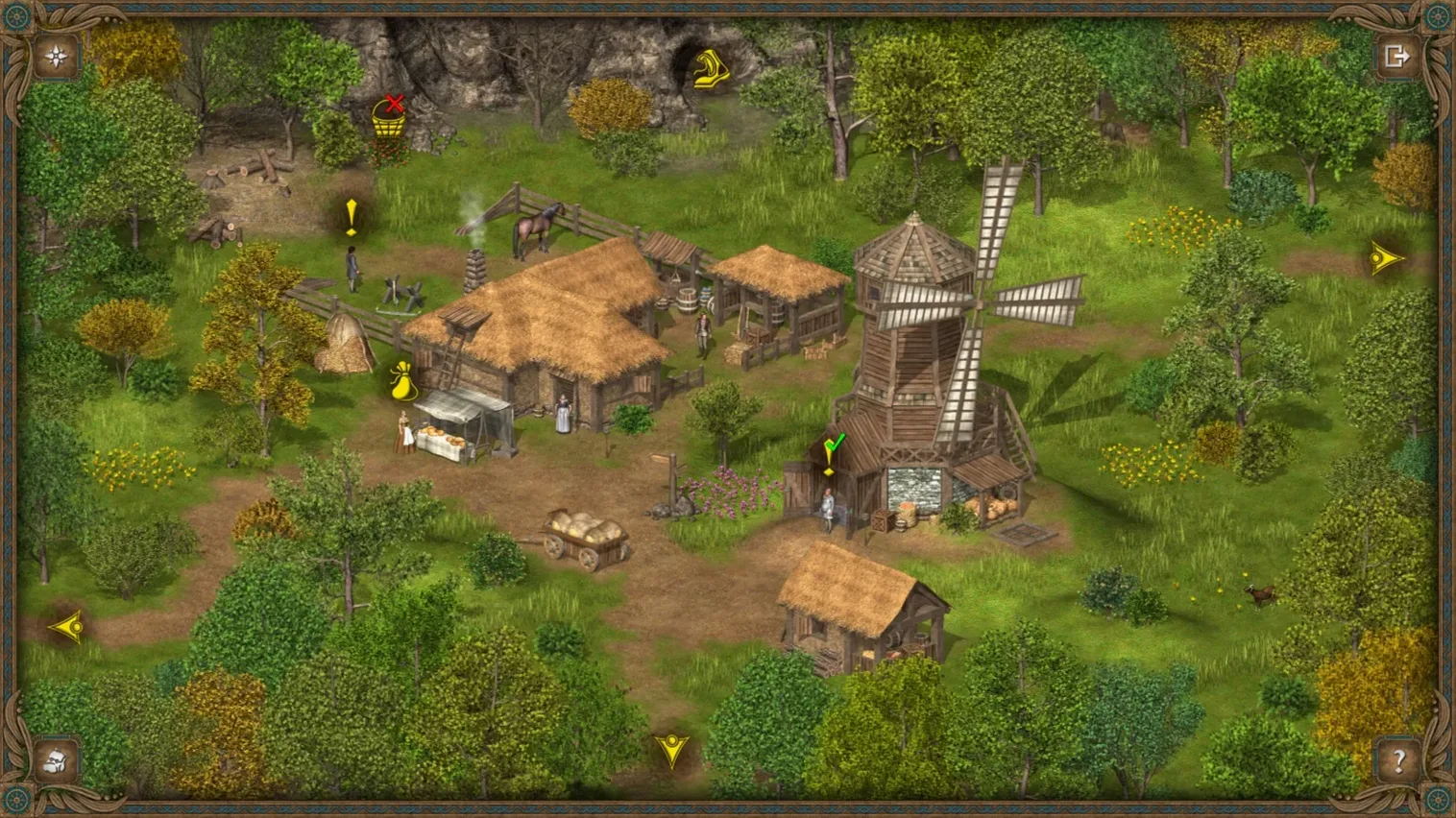
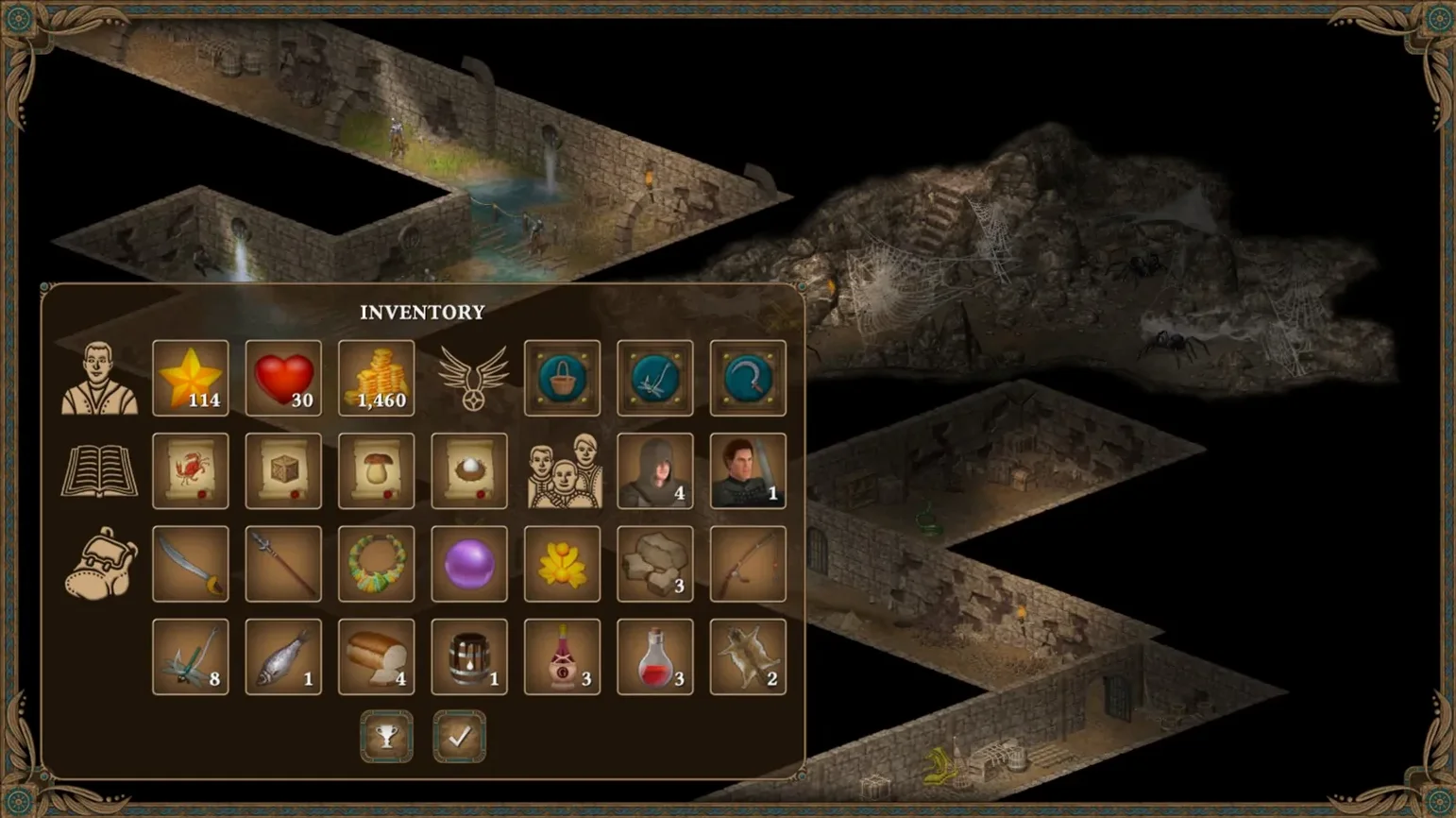
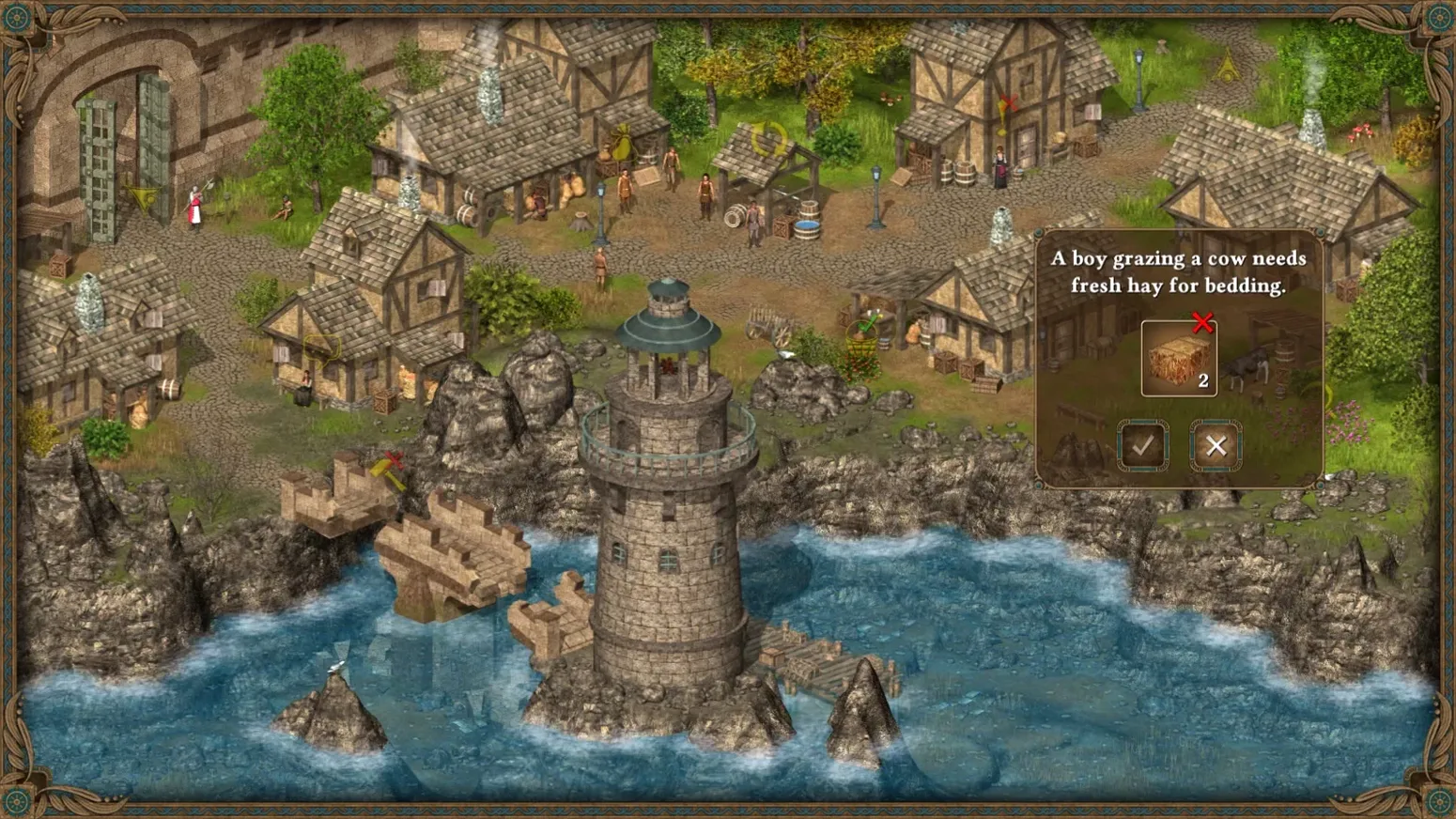
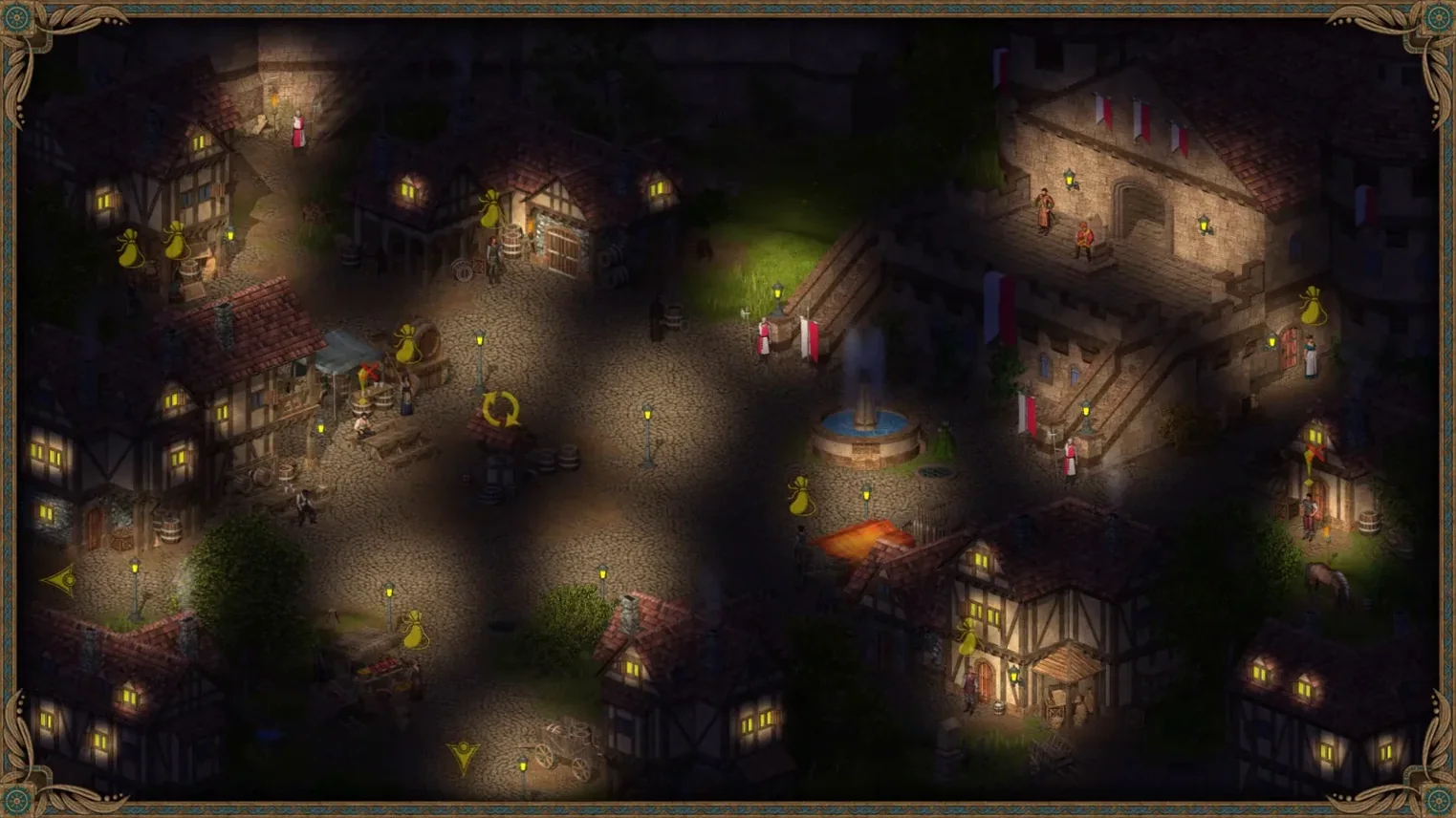
In the edit
The point-and-click exploration style in Hero of the Kingdom II sets the pace. You travel across islands, learn fishing, hunting and gathering, and slowly piece together a way to rescue your sister from pirates. Before you install the game, a few questions tend to come up.
Hero of the Kingdom II works offline and offers 48 achievements
- Does it work offline? Yes. The game is single-player and runs without an internet connection.
- How long is it? There are up to 48 achievements to unlock, so expect a solid few sessions of exploration.
- What languages are supported? English, French, German, Spanish, Italian, Russian, Polish, Dutch, Portuguese, Turkish, Ukrainian, Czech, Slovak, Hungarian, Danish, and Simplified Chinese.
Where the story takes you
The game is set around a journey to distant islands. Pirates have taken your sister, and the only way to get her back is to explore, gather supplies, and help the people you meet. It belongs to the Hero of the Kingdom series and keeps the same gentle, story-driven feel as the first game.
Fix a language mix-up in the first launch on your Mac
A few things trip people up when they first get Hero of the Kingdom II running on a Mac. The most frequent one is the game launching in a language you do not recognise. The fix is straightforward: go into the settings menu from the main screen and switch to English (or whichever of the sixteen supported languages you prefer). The change sticks once you start a new game.
Another hiccup happens when the game window feels too small on a modern Retina display. The game was released a while back, so it does not automatically scale up. You can adjust the screen resolution from the settings menu before you begin playing. A 1280×720 window usually balances readability with keeping the art looking right.
If the game does not respond to mouse clicks, check that you have actually selected the game window. It sounds obvious, but the game needs focus before it registers clicks. A single click on the window frame sorts it out.
Your cursor highlights hidden objects you might otherwise miss
Because the game is built around exploration, you spend a lot of time scanning the scenery for useful items. There are hundreds of hidden objects scattered across the islands, and some are well camouflaged. One detail that helps: your cursor changes shape when it hovers over something you can pick up or interact with. Keep an eye on the pointer rather than scanning the whole screen at once.
The game also saves your progress automatically as you move between areas. You do not need to hunt for a save point or remember to save manually before closing the game. If you quit mid-quest, you will pick up roughly where you left off when you relaunch.
For anyone playing on a MacBook, the game works fine without a mouse attached. The trackpad handles the point-and-click movement well enough, though a mouse makes the hidden-object hunting a bit easier.
Version 1.3.9 keeps the game stable on Intel and Apple Silicon Macs
The current version, 1.3.9, dates back to early 2015, so the changes are mostly about stability rather than new features. The game runs on both Intel and Apple Silicon Macs, and it has been tested on macOS Sonoma without issues. If you are coming from an earlier version, the main difference you will notice is that the game does not need any extra compatibility layers or wrappers to start up on a modern system.
Version 1.3.9 is also DRM-free, which means no activation step or online check when you launch it. You install it, choose the Applications folder when prompted, and play. For a game from 2015, that simplicity is still welcome.
New this release
- Version 1.3.9 is the current release.
Mac it needs
- macOS 11 or later
- Intel or Apple Silicon (ARM 64-bit and x86 64-bit supported)
Questions I actually get
Does Hero of the Kingdom II work on Apple Silicon?
Yes. The game supports both Intel and Apple Silicon Macs on macOS 11 or later.
Can I play Hero of the Kingdom II without an internet connection?
Yes. The game works fully offline in single-player mode.
How many achievements does the game include?
Hero of the Kingdom II includes up to 48 achievements.
Installing on a Mac
- Use the standard installation procedure.
- When installation finishes, choose where to place the game.
- Installing it in the Applications folder is recommended.
Notes from photographers
Sign in or create your account to leave a comment.
No notes from photographers yet. If you have used this on a real folder, say which camera and which Mac.
