
 Get it for my Mac (853 MB)





 House Flipper
1.26252
- Version
- 1.0 [Wineskin]
- Developer
- Dennaton Games
- Interface in
- Russian, English, German, Italian, Polish, Portuguese, French
- Licence on file
- Not required
- Chip support
- Intel 64-bit
- Edited with it on
- macOS Sonoma, MacBook Air (M1. 2020)
- Out on
- 23.10.2012
- Voices in
- Russian, English, German, Italian, Polish, Portuguese, French
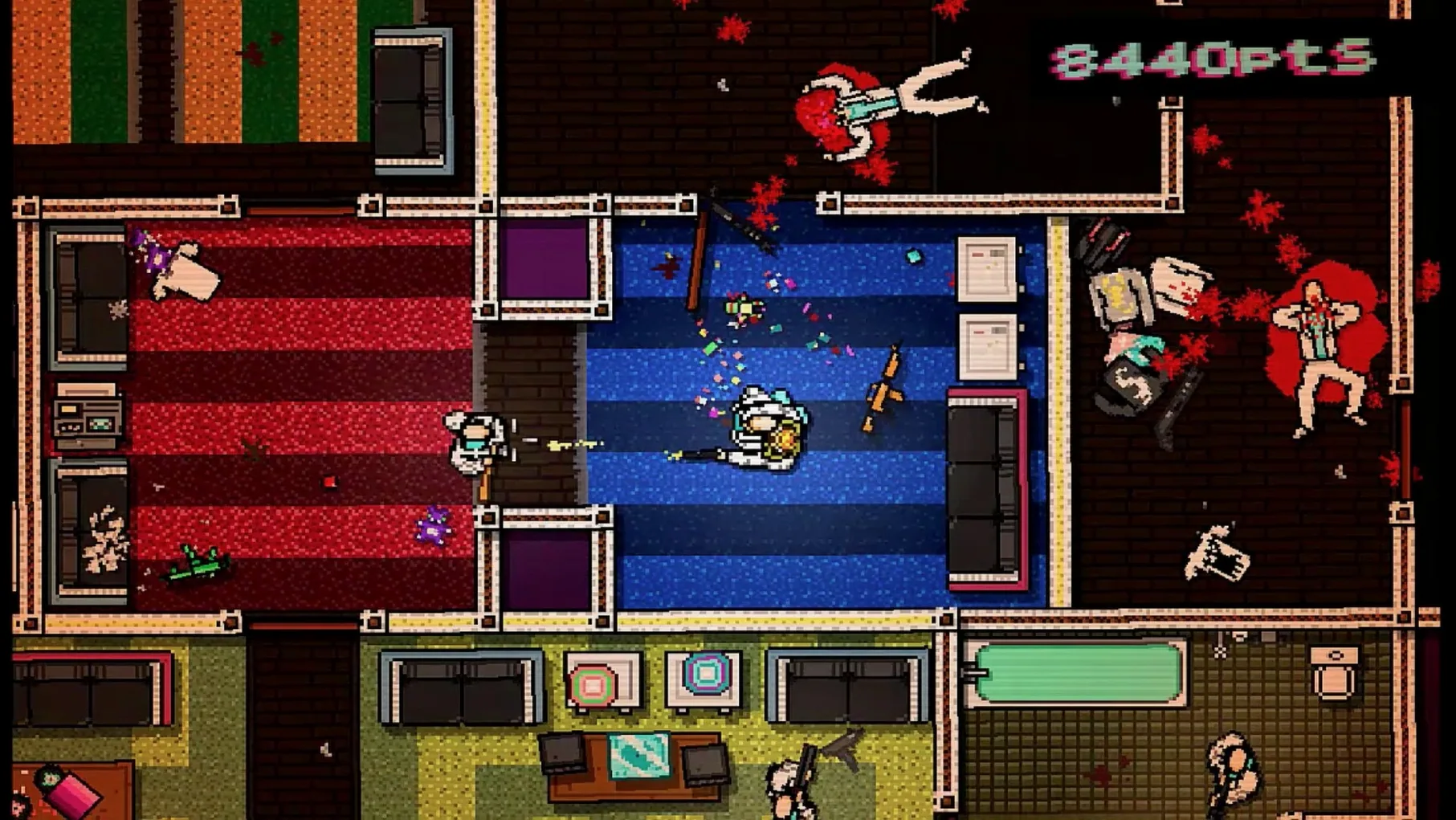
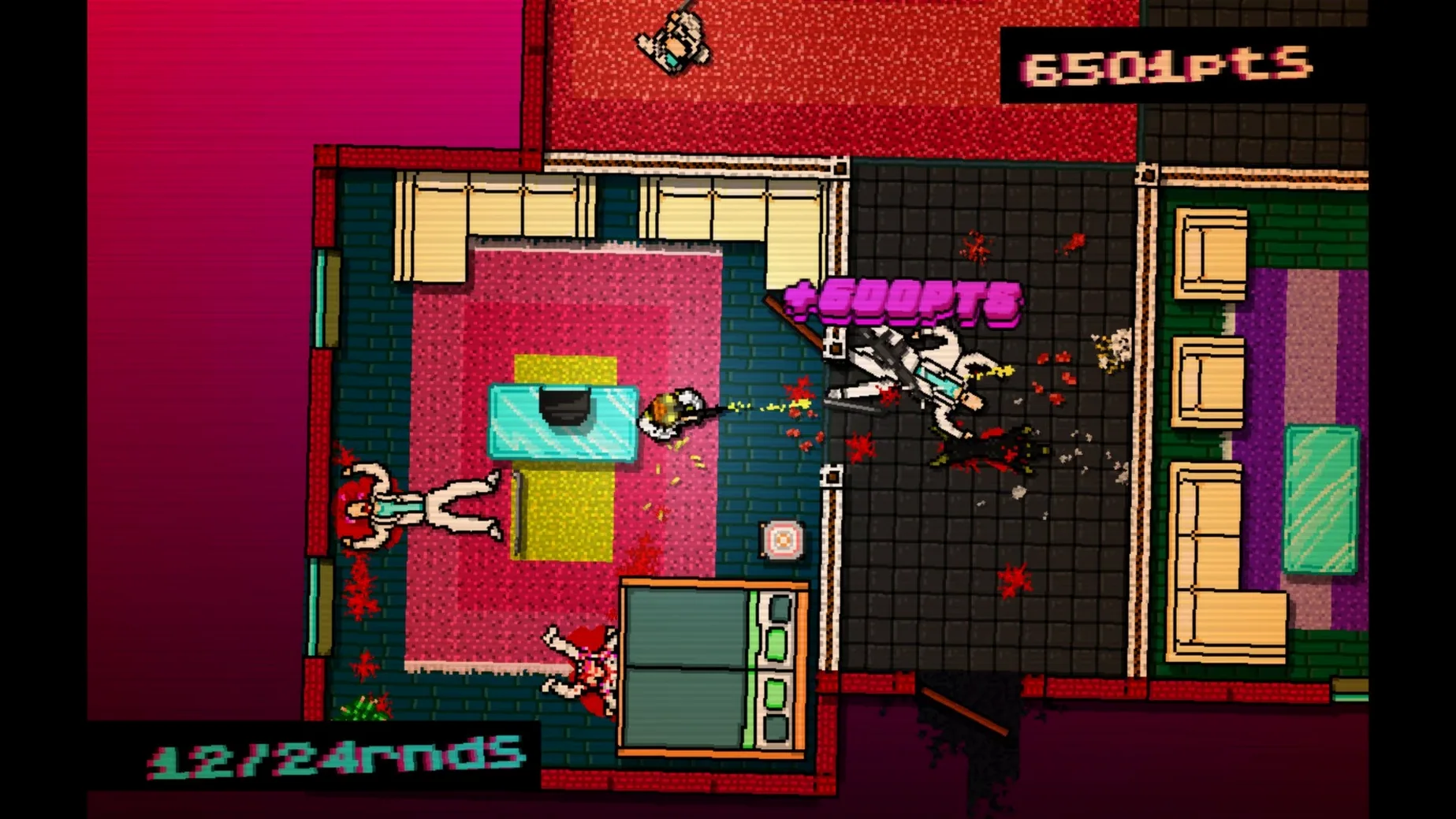
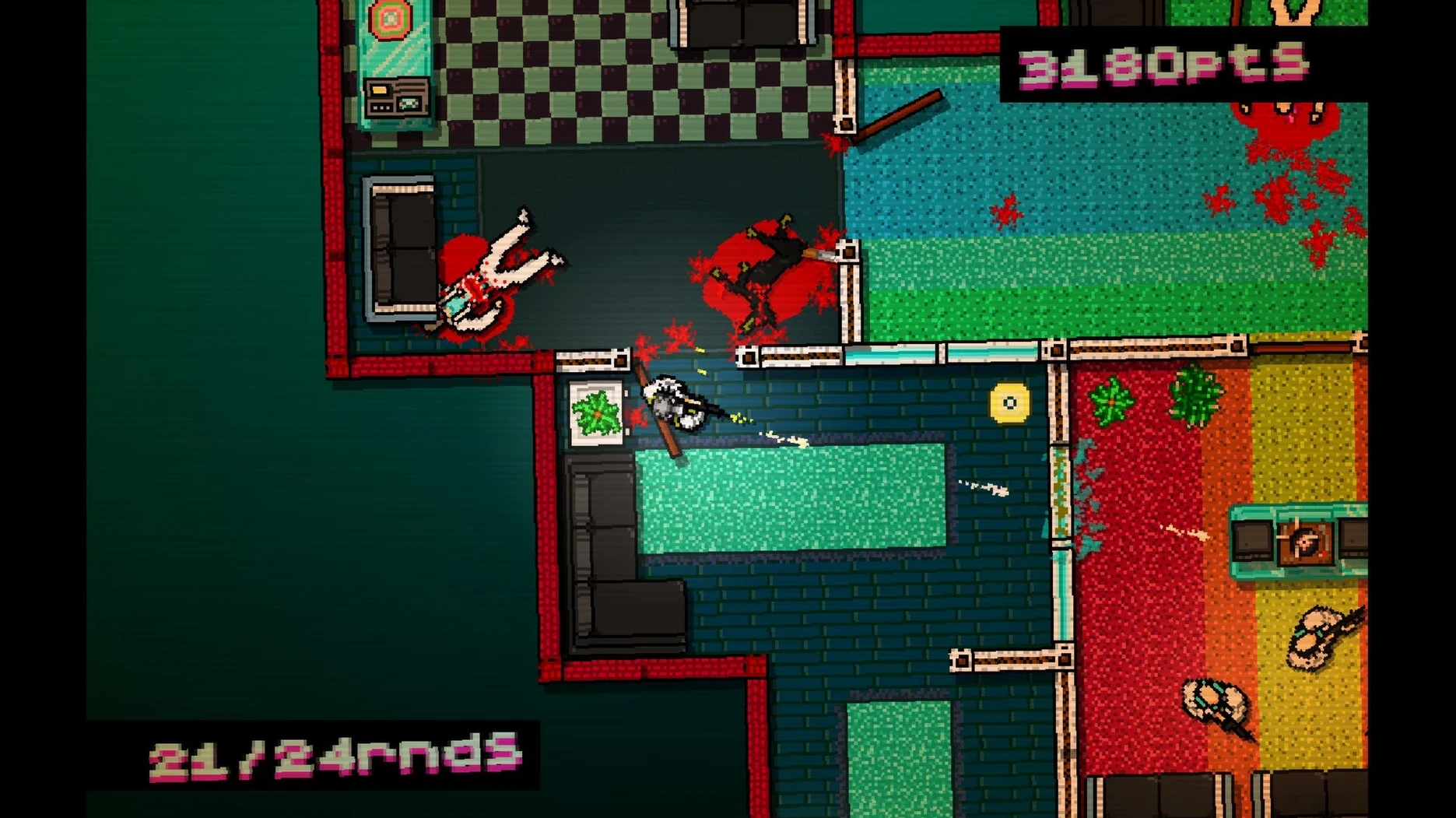
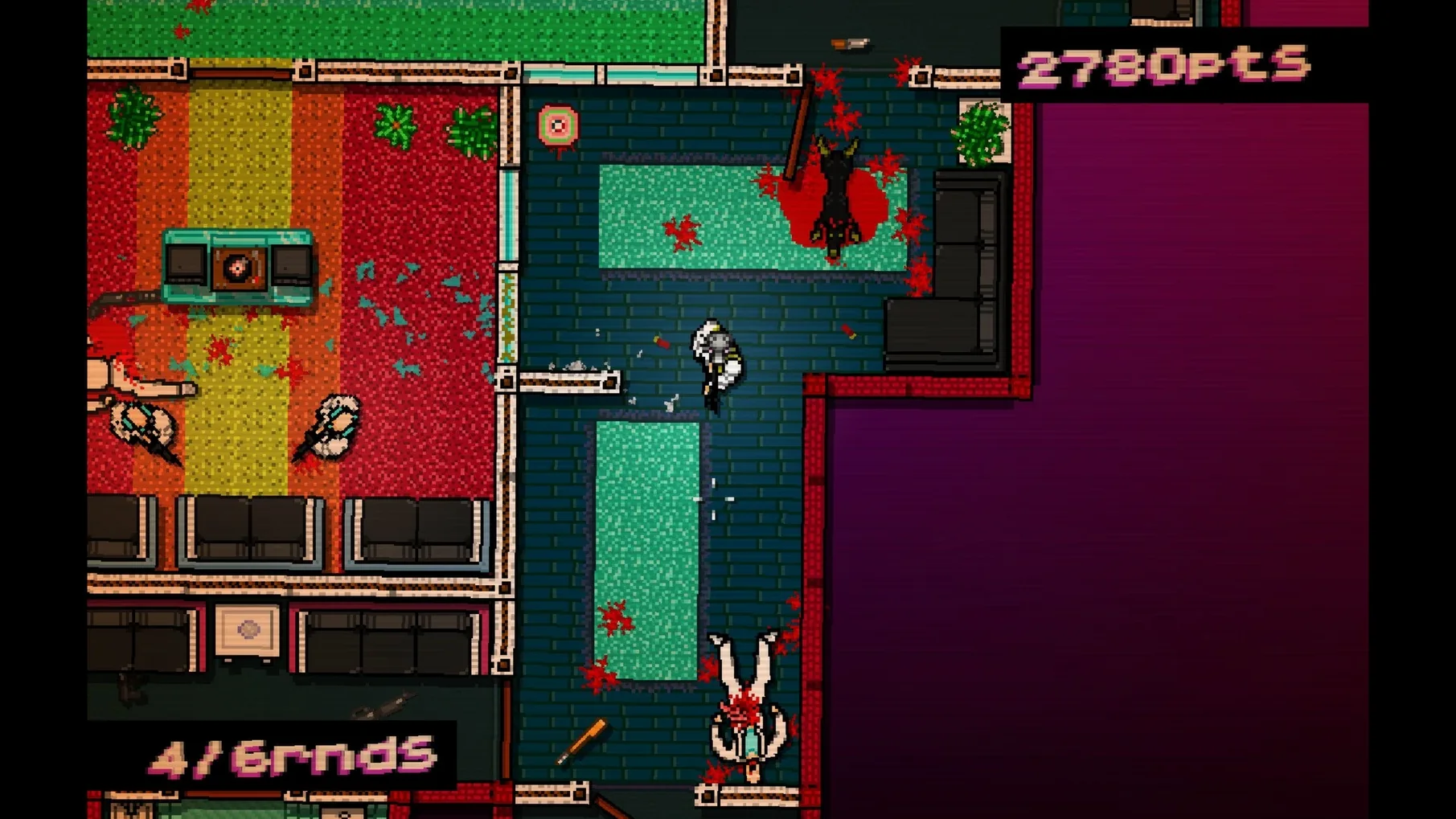
In the edit
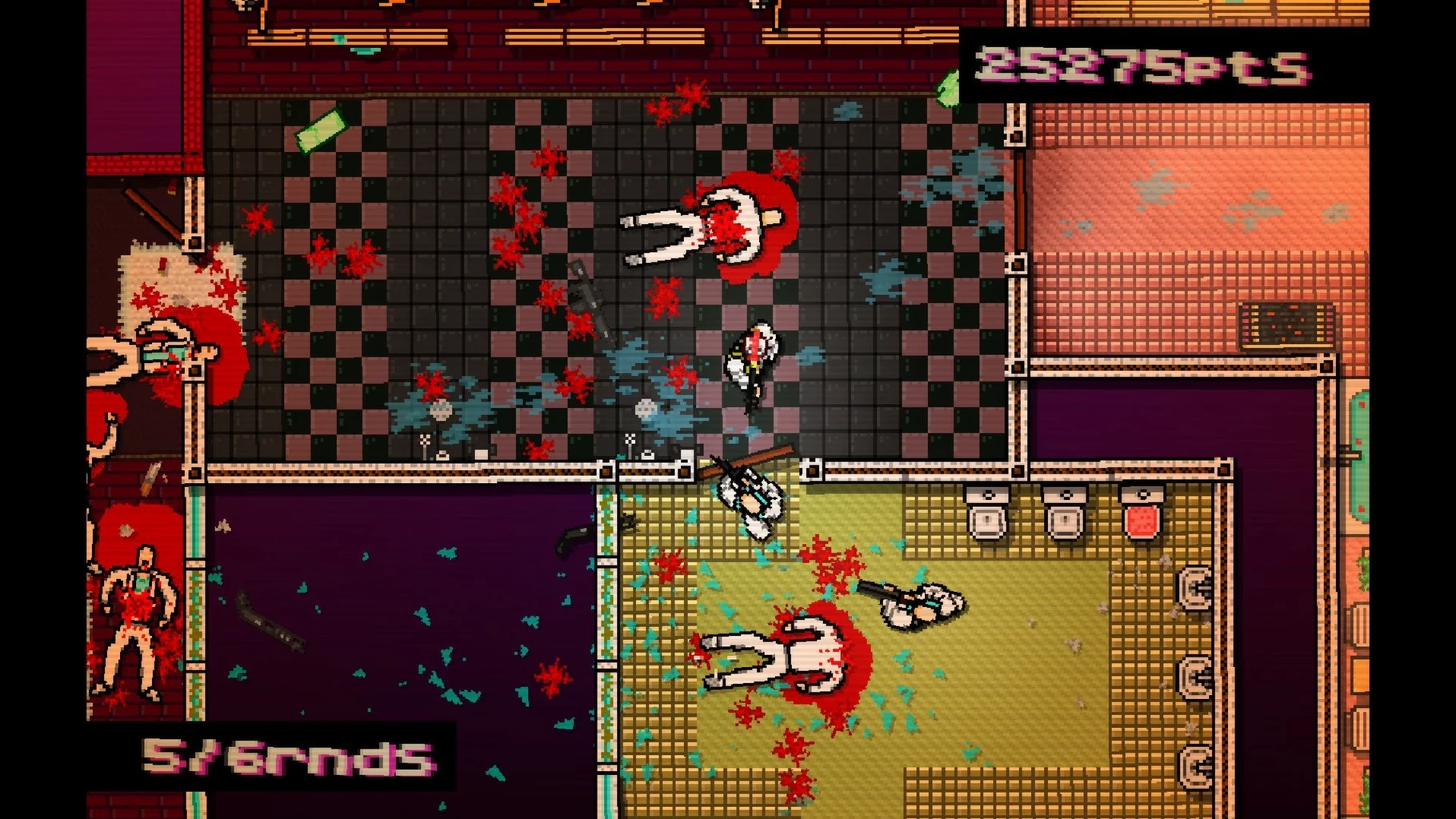
The answering machine crackles. A voice gives you orders, and you pull on one of 25 masks before stepping into the neon-lit chaos of an alternate 1989 Miami. That is the hook of Hotline Miami, Dennaton Games’ top-down action title — and the 1.0 Wineskin build runs on Intel Macs without much fuss.
Wineskin build — the app is packaged with Wineskin, so it runs Windows code on macOS. No extra emulation layer needed beyond what is in the bundle.
Intel-only — the game is x86 64-bit. Apple Silicon Macs will not launch it without Rosetta, and even then compatibility is not guaranteed. Stick to an Intel machine.
Controls — keyboard and mouse work out of the box. The top-down view and fast movement mean a controller can help, but the default mapping is fine for the first few levels.
The art style is deliberately low-fi, so even integrated graphics cope well.
Voice and interface languages — Russian, English, German, Italian, Polish, Portuguese, French.
The 2012 Wineskin build that finally works on macOS
This Wineskin build is version 1.0, which is the same release that landed back in 2012. The difference for Mac users is the wrapper itself — earlier attempts to get Hotline Miami running on macOS often involved fiddling with separate WINE installations or manually configuring bottles. The Wineskin package handles all that in one drag-and-drop step, so the time between downloading and playing is shorter.
The Repair file is a practical addition. If the game throws an error on first launch — common with Wineskin builds when the wrapper can't find its own libraries — running Repair fixes the path without you having to dig into the bundle contents. That saves beginners a fair amount of head-scratching.
What stays the same — the 20 levels, 35 weapon types and the full soundtrack by Sun Araw, M.O.O.N., Perturbator and the rest are all present. No content was cut to make the Mac build smaller.
Why Hotline Miami feels tighter than other top-down Mac action games
If you are after that same fast, top-down violence on macOS, you have a few options. Hotline Miami is the tightest of the bunch — each level is a small puzzle of movement and timing, and restarting after a death takes a couple of seconds. The 25 masks add replay value, since each one changes how you approach a room.
Hyper Light Drifter shares the top-down view and the pixel art, but its pace is more measured. Combat is deliberate, and exploration matters more. Hotline Miami is sprint-and-kill; Hyper Light Drifter is dodge-and-study. Both are good, but they scratch different itches.
Katana Zero is closer in spirit — one-hit kills, instant restarts, a neon-soaked story. It runs on macOS and does not need a wrapper. The trade-off is length: Katana Zero is shorter and more scripted, whereas Hotline Miami gives you more levels to tear through.
Rushing into rooms without peeking first gets you killed
The most common slip is rushing into rooms without checking the doorway. Hotline Miami punishes impatience. Peek first, then move. The enemies have set patrol patterns, and you can usually take them one at a time if you wait a second.
Another one is ignoring masks. The default mask is fine, but some levels are easier with a mask that gives you better throwing range or a starting weapon. Experiment early — the game does not punish you for restarting a level to swap gear.
Beginners also miss the Repair file. If the game shows a blank screen or a Windows-style error after you drag it into Applications, go back to the disk image and run Repair. It is the first thing to try before reinstalling.
Finally, people assume the game supports controllers automatically. It can, but the Wineskin build sometimes needs a bit of mapping. If your controller does not respond, stick with keyboard and mouse — the controls are snappy enough once you get used to them.
Mac it needs
- macOS version not specified
- Intel Mac (x86 64-bit architecture)
Questions I actually get
Will Hotline Miami run on an Apple Silicon Mac?
The game is built for x86 64-bit Intel Macs only. Apple Silicon users may try it through Rosetta, but the developer does not guarantee it will work.
How do I fix a startup error?
If the game shows an error at launch, open the disk image again and run the file named Repair before trying to start the app.
Can I use a controller with Hotline Miami on Mac?
The game supports keyboard and mouse by default. A controller may work if macOS recognises it, but it is not required to play.
Installing on a Mac
- Mount the downloaded disk image.
- Drag the app into the Applications folder alias.
- Launch the app from Launchpad after copying finishes.
- If the game shows an error at startup, run the file named Repair in the disk image.
Notes from photographers
Sign in or create your account to leave a comment.
No notes from photographers yet. If you have used this on a real folder, say which camera and which Mac.
