
 Get it for my Mac (1.2 GB)







 Insider Trading
1.5

- Version
- 0.2.7
- Developer
- Benjamin Voráč
- Interface in
- Russian, English, German, Czech
- Licence on file
- Not required
- Chip support
- Apple Silicon, Intel 64-bit
- Edited with it on
- macOS Tahoe, Mac mini 2024 M4
- Out on
- 20.06.2025
- Voices in
- Music only
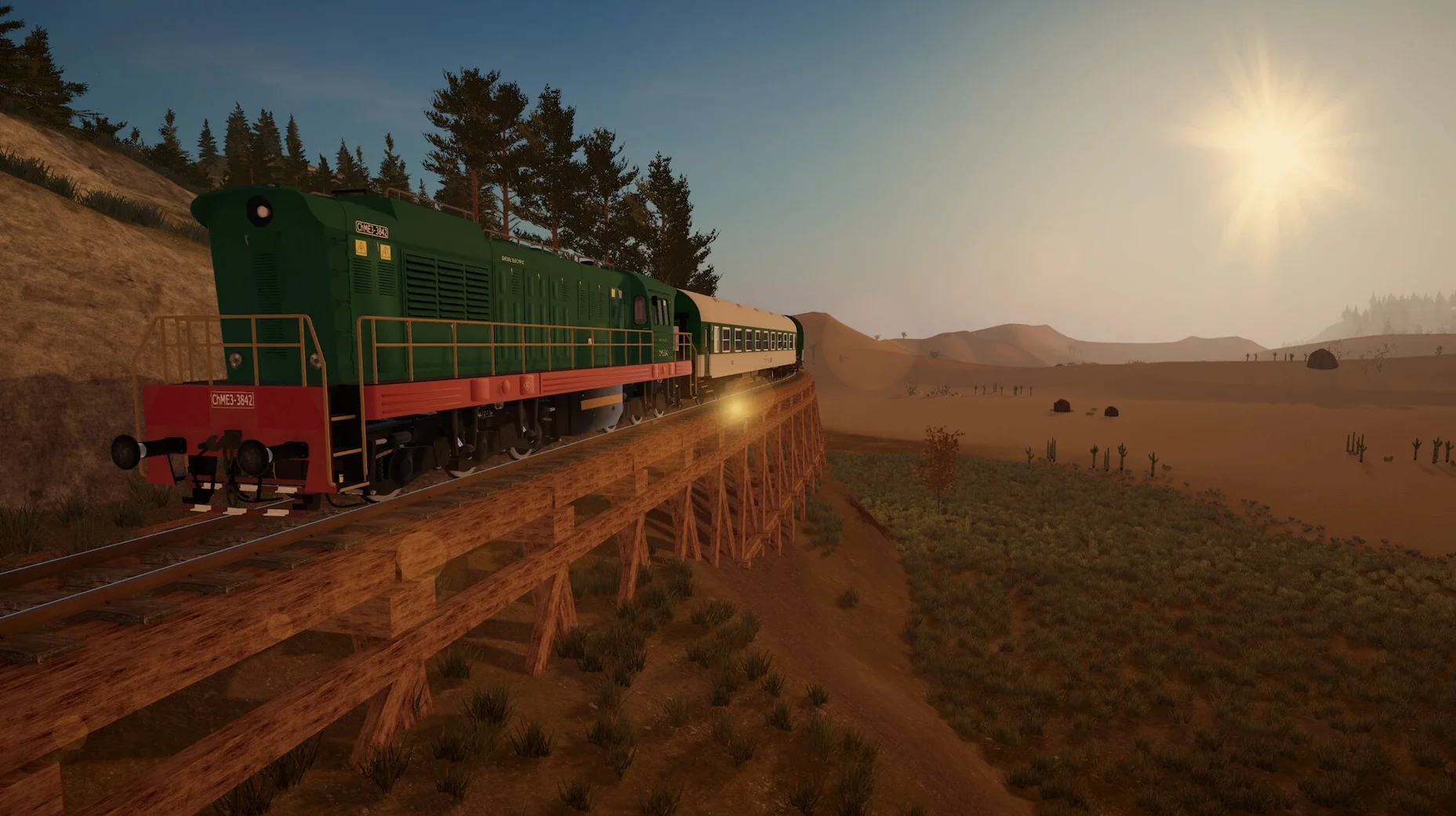
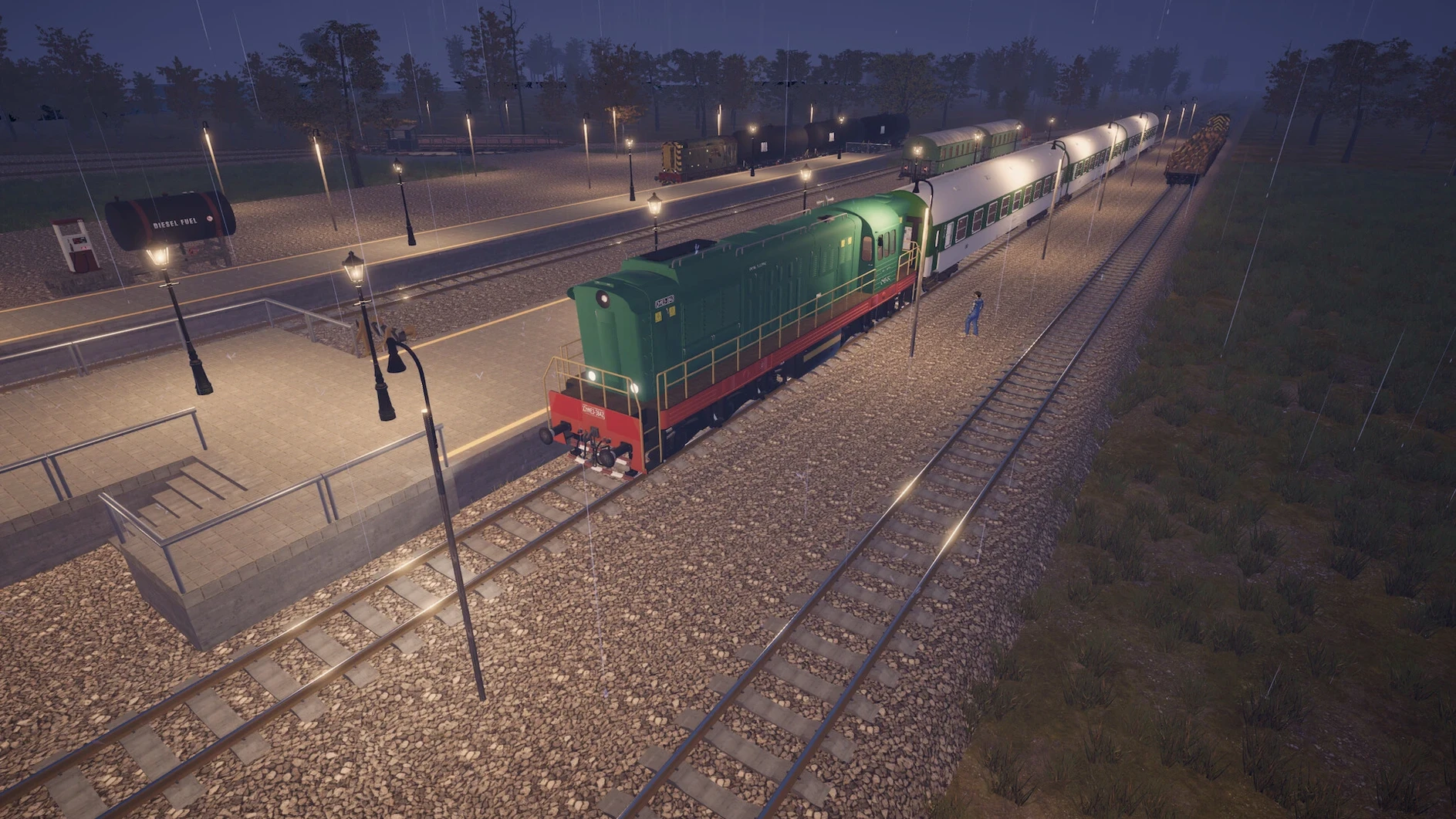
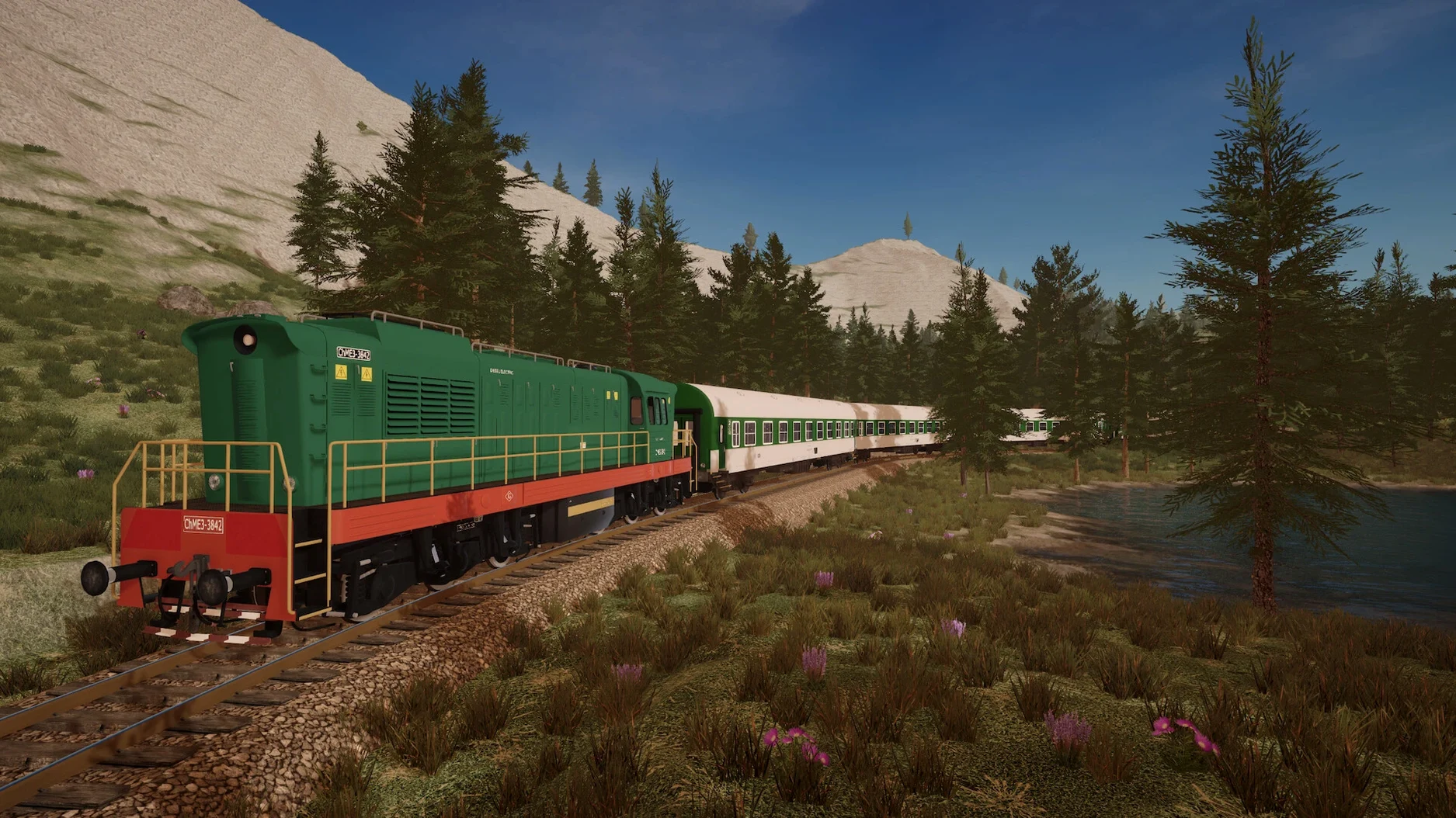
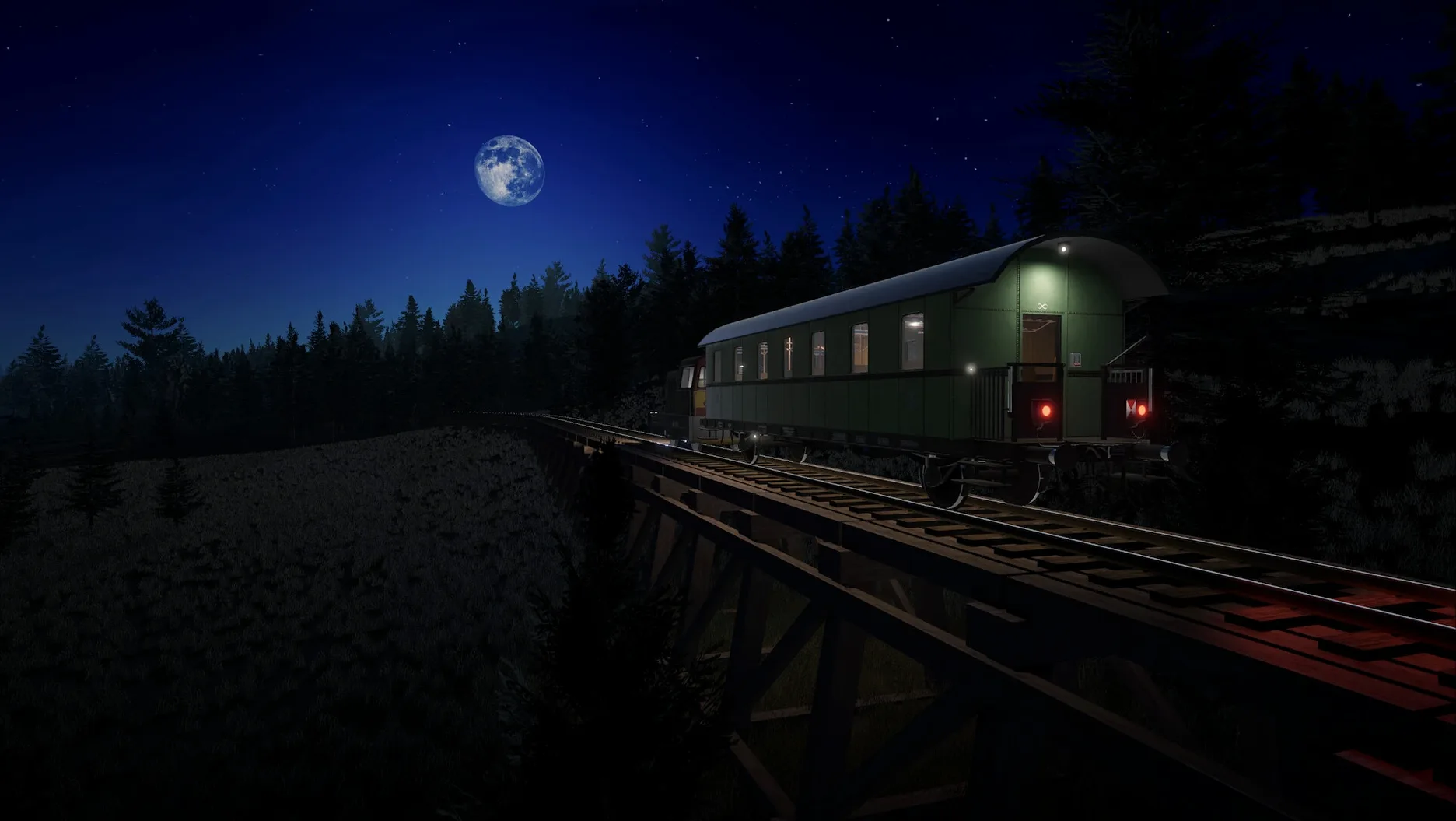
In the edit
The current version of Infinite Rails, 0.2.7, builds on the foundation laid earlier with a focus on refining the core loop rather than adding new features. So what is actually in the box?
Procedural endless world — every game starts in a unique, randomly generated landscape. No two playthroughs are the same, and there is no edge to the map.
Track building — lay rails across the terrain to connect points of interest. The system is straightforward: pick a start, drag a line, and the track follows.
Stations — place them anywhere along your routes. They can be upgraded over time to handle more traffic or different cargo types.
Passenger and cargo transport — move people and goods between stations. Each type has its own demand and reward structure.
Missions — optional objectives that give direction when you want it. They range from simple delivery jobs to more complex logistics puzzles.
Unique locomotives — a small but characterful set of trains, each with different stats. Choosing the right one for the job matters.
Laying track without a plan leads to a tangled mess
When you first drop into that endless world, it is tempting to just start laying track everywhere. That is the first mistake. Without a plan, you end up with a tangled mess of rails that is a nightmare to unpick later. A little forethought about where stations will go and how routes connect saves hours of track-laying frustration.
Another common one is ignoring the terrain tools early on. Beginners often try to force tracks over hills rather than cutting through them, or they avoid bridging rivers because it feels fiddly. But the game gives you those tools for a reason. A small investment in levelling a path or spanning a river makes your routes cleaner and your trains faster.
Then there is the locomotive choice. It is easy to grab the first train available and run everything with it. But each locomotive has different fuel and handling characteristics. Using a heavy freight engine on a passenger route wastes fuel and slows your schedule. Matching the train to the cargo type is a habit worth building from the start.
Start with two close points of interest for a cargo line
Let me walk you through the process I use when I start a new game and want to get a simple cargo line running from scratch.
First, scan the starting area for two points of interest that are reasonably close together — a settlement and a resource node, for example. Place a station at each. Do not worry about upgrading them yet; a basic platform is enough to begin.
Next, open the terrain tool and check the ground between the two stations. If there is a hill in the way, cut a shallow pass through it. If a river blocks the path, build a bridge. This step is quick but makes the track itself much simpler to lay.
Now lay the track. Click at the first station, drag towards the second, and let the game guide the rails. Keep the route as straight as you reasonably can — long curves look nice but slow your trains down. Add a switch or two if you think you will extend the line later, but for a single route, keep it simple.
With the track down, assign a train to the route. Pick a locomotive suited to the cargo: a general-purpose engine works for mixed loads, but if you are hauling ore, choose one with good torque. Set it to run the route automatically, and watch the first deliveries come in.
Once the money starts flowing, upgrade the stations to handle more cargo at once. That is the moment the route becomes self-sustaining, and you can start thinking about the next line.
Built with Unity, the game runs on macOS (both Intel and Apple Silicon) and is available in English, Russian, German, and Czech.
Mac it needs
- macOS version: not specified by the developer
- Architecture: Intel and Apple Silicon
Questions I actually get
Can I play Infinite Rails on an M1 or M2 Mac?
Yes, the game supports both Intel and Apple Silicon Macs natively.
Is the world really endless?
The world is procedurally generated and has no fixed boundary, so you can keep building outward as long as you like.
Installing on a Mac
- Open the downloaded disk image file.
- Drag the app into the Applications folder alias inside the disk image.
- Once copying finishes, launch the game from Launchpad.
Tip: If macOS warns you about an unidentified developer, right-click the app and choose Open from the context menu.
Notes from photographers
Sign in or create your account to leave a comment.
No notes from photographers yet. If you have used this on a real folder, say which camera and which Mac.
