
 Get it for my Mac (16 GB)







 Garbanzo Quest
1.3.0
- Version
- 1.6.1
- Developer
- 11 bit studios
- Interface in
- Russian, English, German, Spanish, Italian, Chinese (Traditional), Chinese (Simplified), Korean, Polish, Portuguese, Turkish, Ukrainian, French, Japanese
- Licence on file
- Not required
- Chip support
- Apple Silicon
- Edited with it on
- macOS Tahoe, Mac mini 2024 M4
- Out on
- 20.09.2024
- Voices in
- English, Chinese (Simplified)
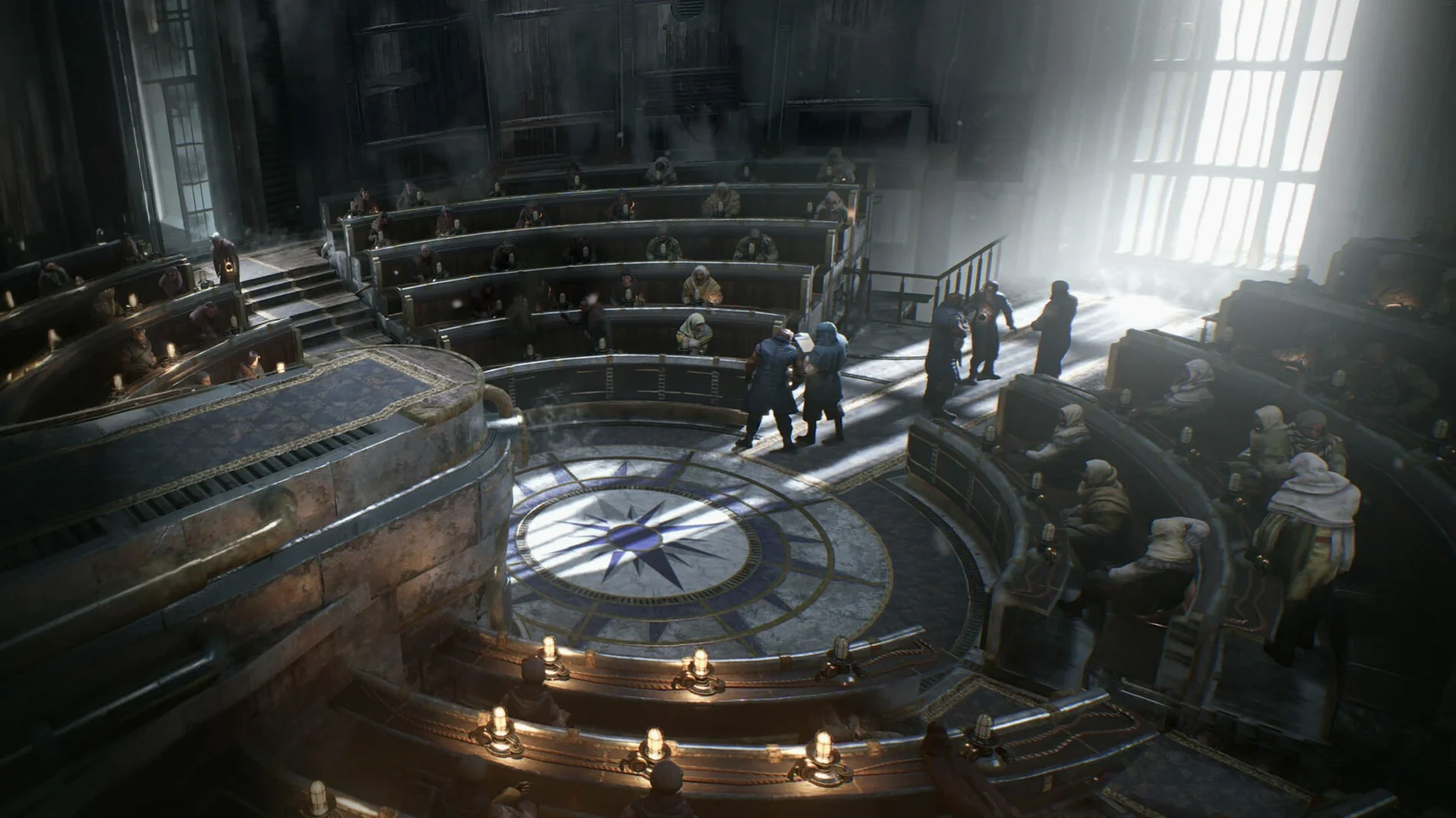
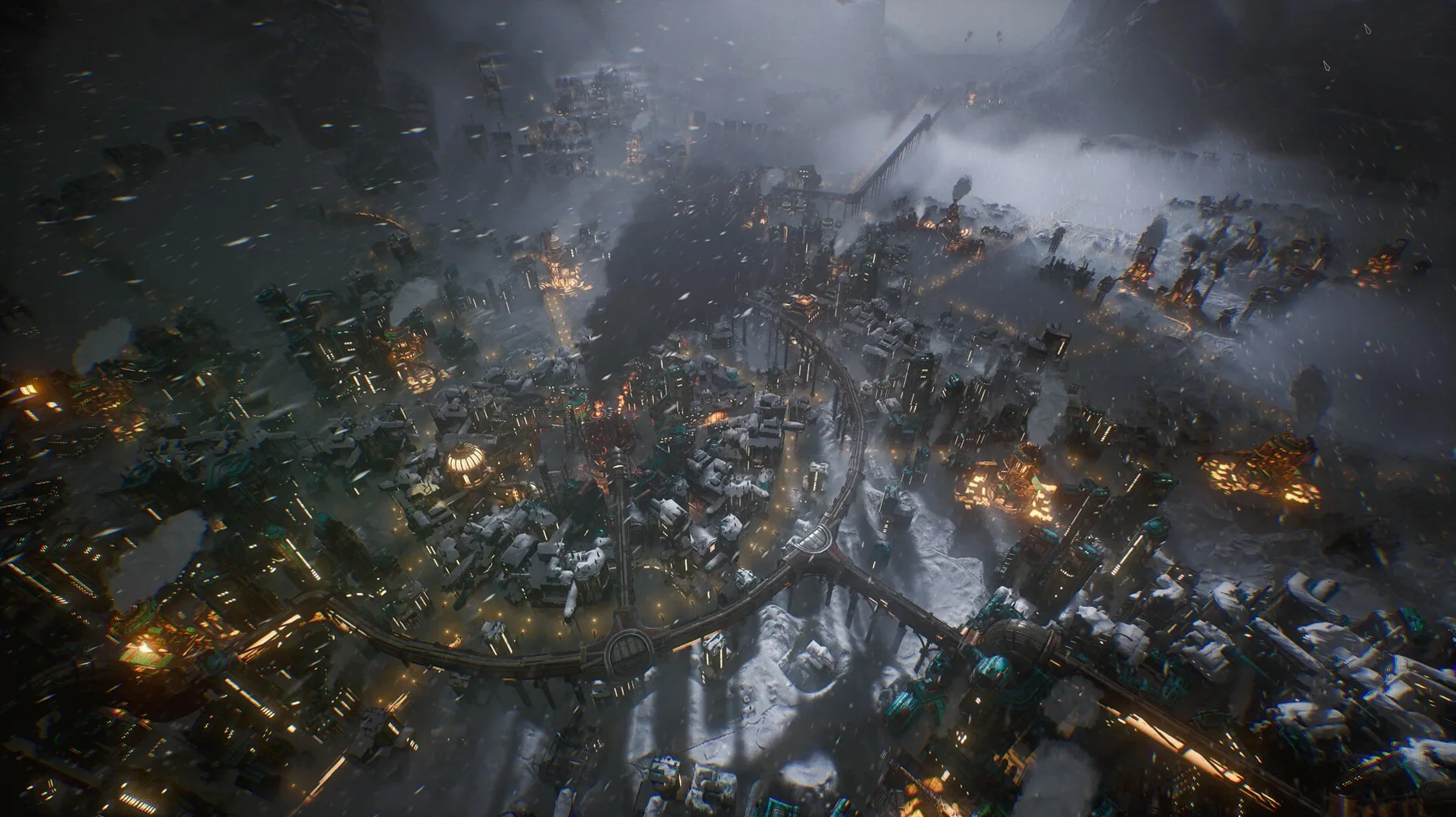
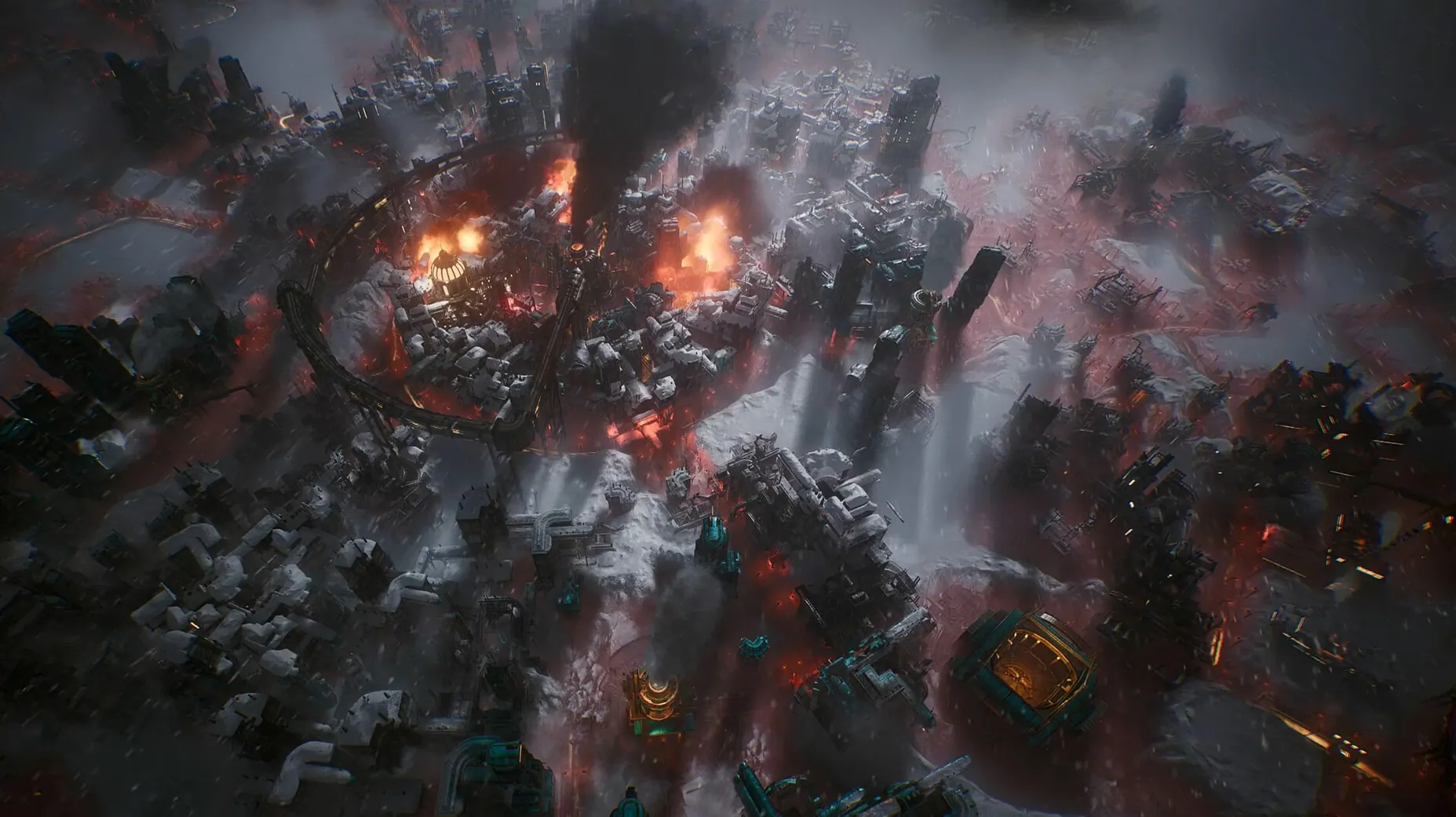
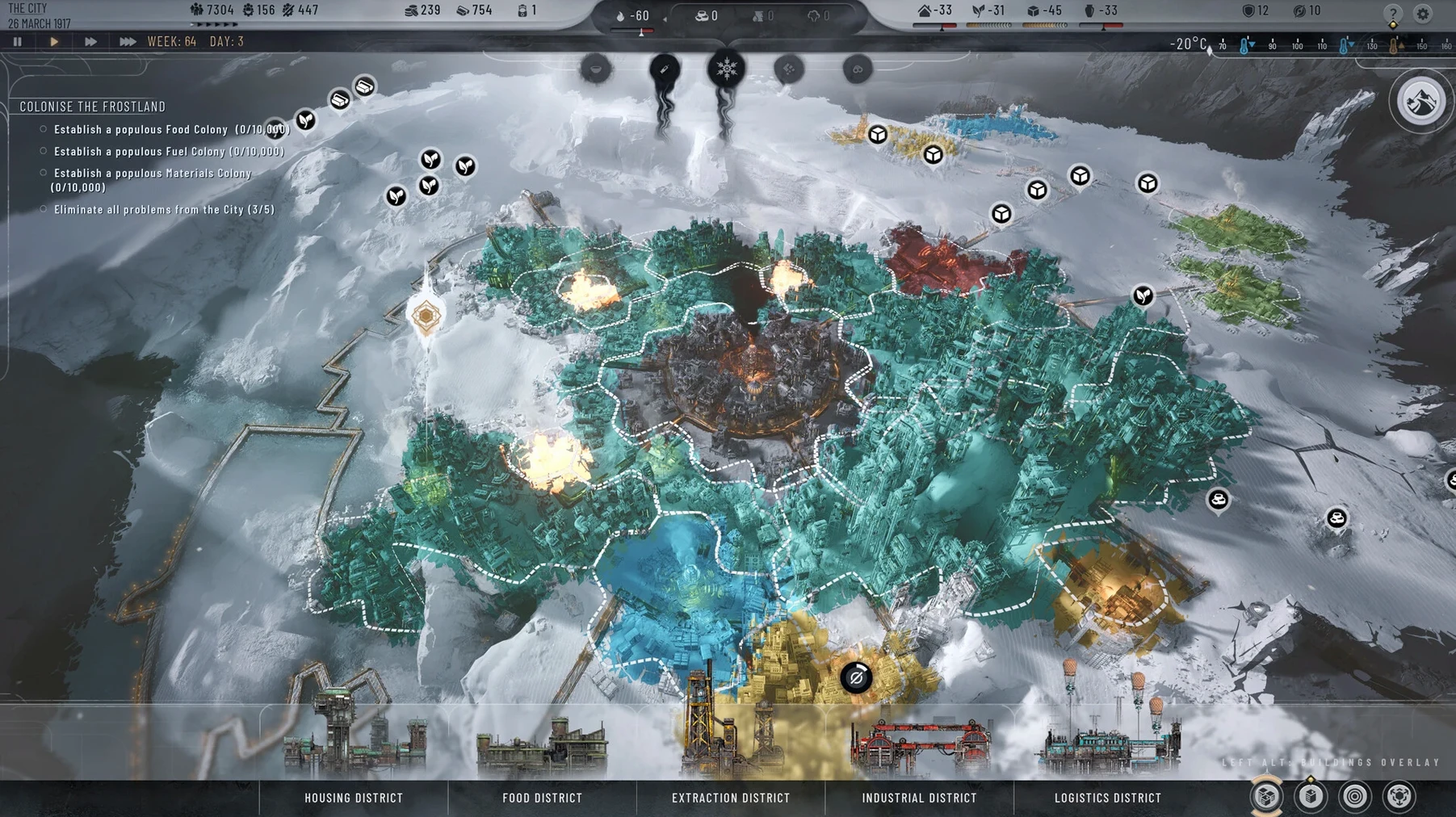
In the edit
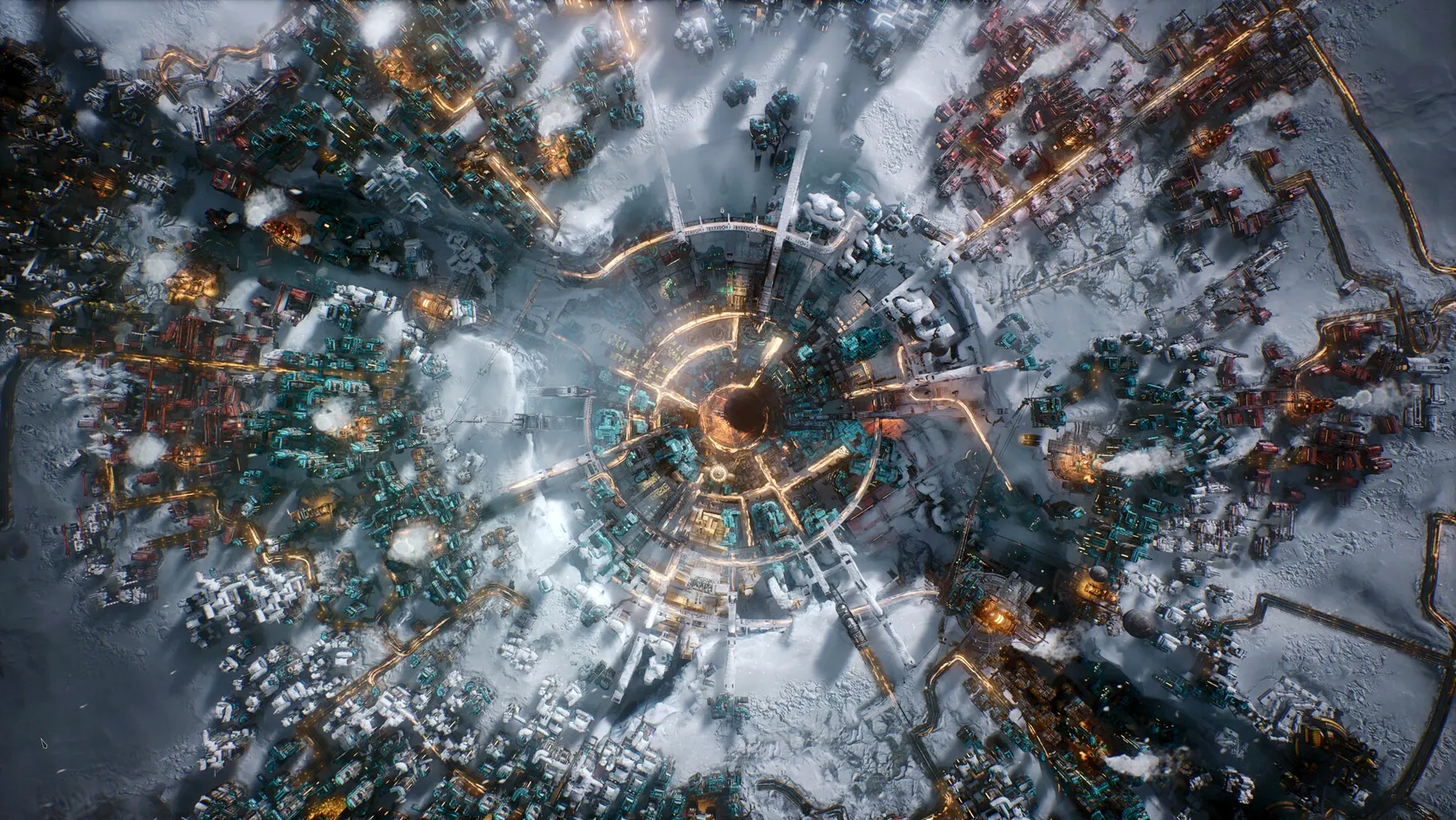
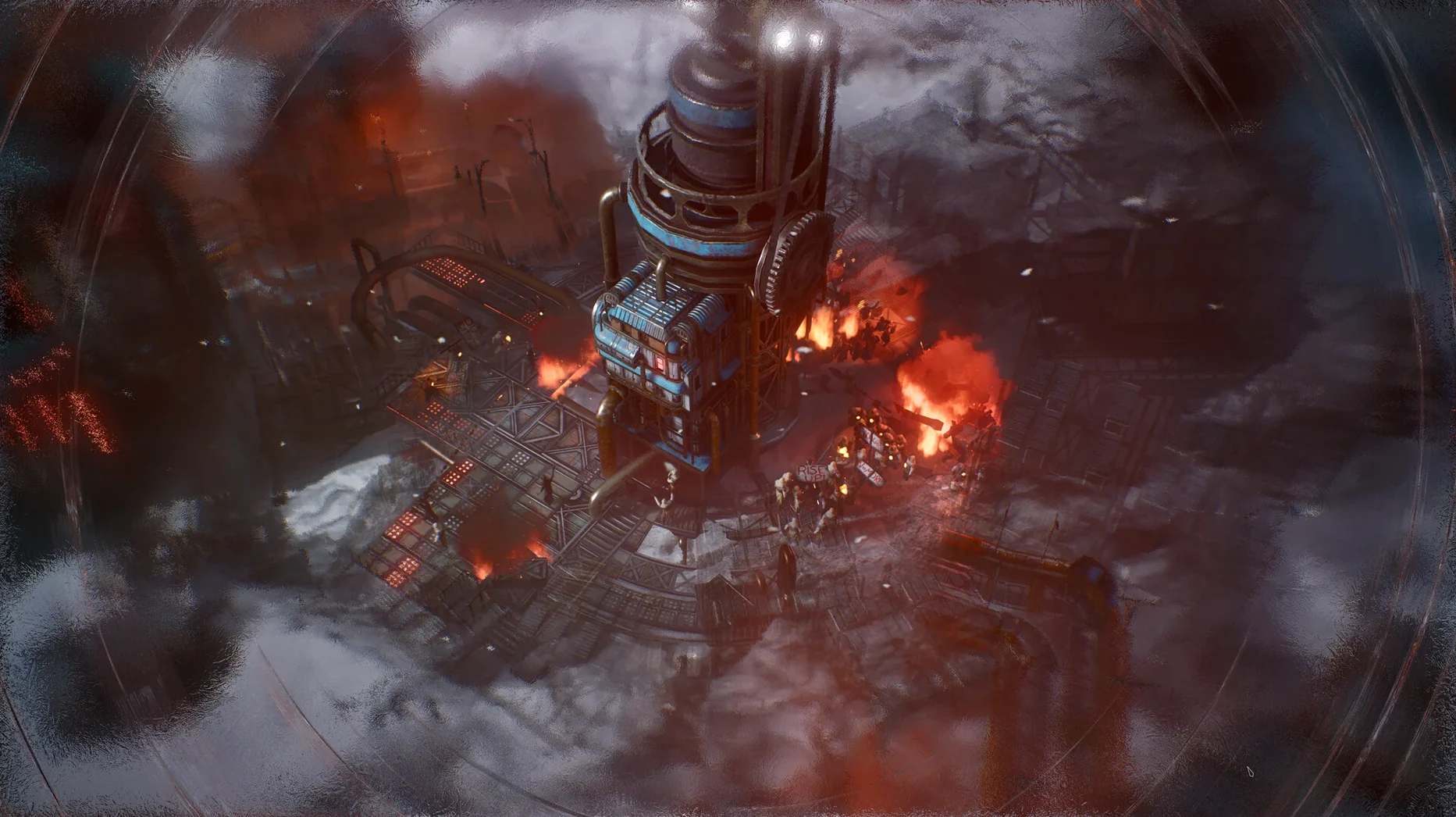
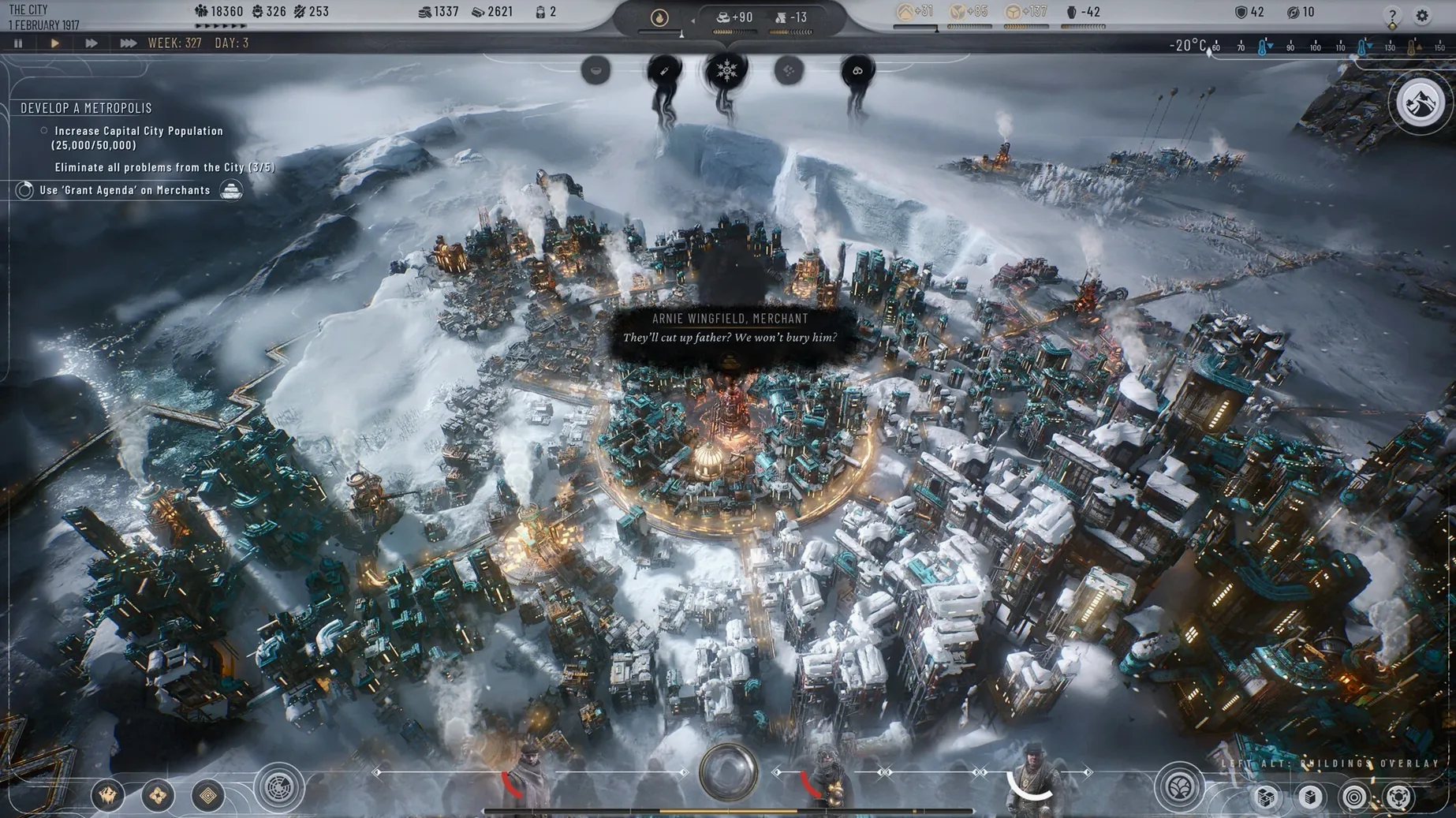
If you’ve spent hours tweaking district layouts in a city builder or balancing resources through a long winter, Frostpunk 2 feels like a natural next step — except the cold never lets up and every decision has weight. You’re the Steward, managing a post-apocalyptic city where territory expansion and cooperation between districts matter as much as keeping the heat on. The game is built for ARM architecture, so it runs natively on Apple Silicon Macs running macOS 14.5 Sonoma or later. Voice is in English or Simplified Chinese, and the interface supports fourteen languages including Russian, German, French, Japanese, and Korean. If you’re wondering whether the Utopia Builder sandbox mode is included — yes, it’s there alongside the main campaign, so you can experiment without the story pressure.
Audio and interface options before your first city layout
Before you commit to a city layout, take a moment to look through the audio and interface options. The 1.6.1 update brought improvements to both, so the defaults might not reflect the best setup for your way of playing. If you prefer reading laws and faction dialogue rather than listening to it, switching the voice language is straightforward — English and Simplified Chinese are the two options, and the choice is made before you start a new game, so decide early if you want the spoken tone to match the text.
The interface language list is long, so pick the one you actually think in during a crisis. I’ve seen people leave it on English because they assume it’s the only polished option, but the Russian, Polish, and German localisations are handled by 11 bit studios themselves — they tend to be solid. If you’re playing on a Mac with a smaller screen, check whether the UI scaling works for you early in the first chapter; it’s easier to adjust before you’ve built six districts and lost track of where the Council Hall is.
Rushing territory before districts can cooperate
The most common slip is treating Frostpunk 2 like a straightforward city builder where you expand until you run out of space. Districts need cooperation, not just placement. New players often rush to claim territory without considering how the new districts will interact with existing ones, then wonder why resources dip or why a faction starts pushing back. The Council Hall isn’t just decoration — ignoring faction representatives early means you’ll face laws that work against your plans later.
Another mistake is neglecting the research institute. It’s easy to focus on immediate survival and put off new projects, but the game expects you to invest in research from the start. If you wait until a crisis hits, you’re already behind. Beginners also tend to build colonies too late. Establishing a colony to secure new resources might feel like a distraction when you’re struggling to keep the main city warm, but it’s often the difference between scraping through a chapter and having breathing room. The 1.6.1 crash fixes and balance changes make the experience more forgiving than the launch version, but the core lesson stays the same: plan ahead, even when things seem stable.
Requires macOS 14.5 Sonoma and Apple Silicon chips
Frostpunk 2 needs macOS 14.5 Sonoma or later and an Apple Silicon chip — the M1 or anything newer. The build was tested on macOS Tahoe with a 2024 Mac mini M4, so compatibility with the latest macOS version is confirmed. The game size sits at 15.6 GB, which is reasonable for a city survival game with this scope. No activation is required, so you’re not tied to an online check after installation.
Frostpunk 2 challenges you to lead a frozen city through survival and moral choices, and it runs via frostpunk 2 mac free download. The ARM-native build means you won’t be dealing with translation layers, which is one less thing to troubleshoot when the cold sets in.
New this release
- Balance changes in the 1.6.1 update
- Several crash issues fixed
- Audio and user interface improvements
Mac it needs
- macOS 14.5 Sonoma
- Apple Silicon
- 15.6 GB storage space
Questions I actually get
Does Frostpunk 2 run on Intel Macs?
No, the build is for ARM architecture only, so it requires Apple Silicon and macOS 14.5 Sonoma.
Installing on a Mac
- Open the downloaded disk image.
- Drag the app into the Applications folder alias.
- After copying finishes, launch the app from Launchpad.
Notes from photographers
Sign in or create your account to leave a comment.
No notes from photographers yet. If you have used this on a real folder, say which camera and which Mac.
