
 Get it for my Mac (152 MB)






 House Flipper
1.26252

- Version
- 1.5.0
- Developer
- 5minlab Corp.
- Interface in
- Russian, English, German, Spanish, Chinese (Traditional), Chinese (Simplified), Korean, Polish, Portuguese, Turkish, Japanese
- Licence on file
- Not required
- Chip support
- Apple Silicon, Intel 64-bit
- Edited with it on
- macOS Sequoia, MacBook Pro (M3 Pro 2023)
- Out on
- 21.08.2023
- Voices in
- Music only
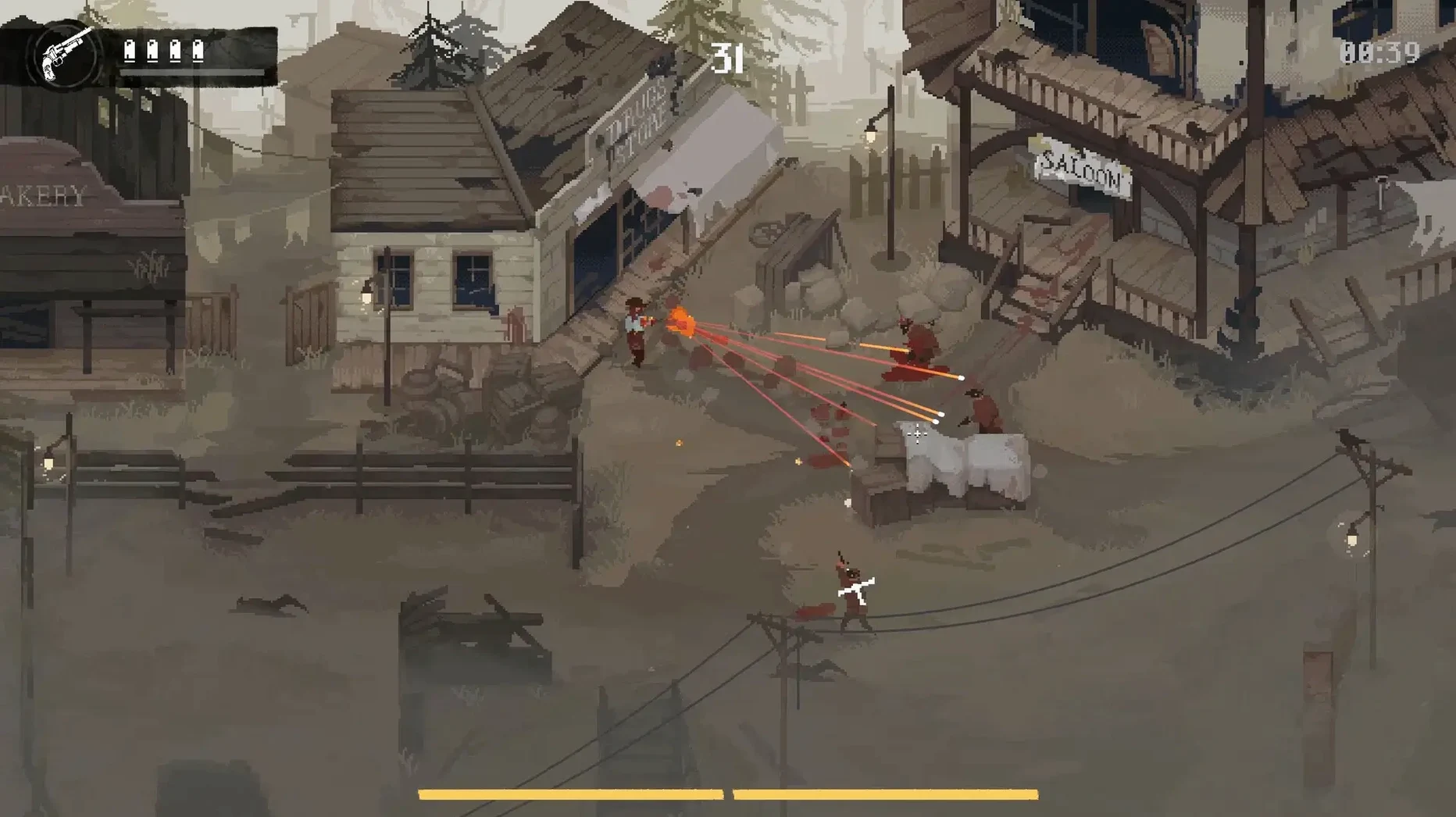
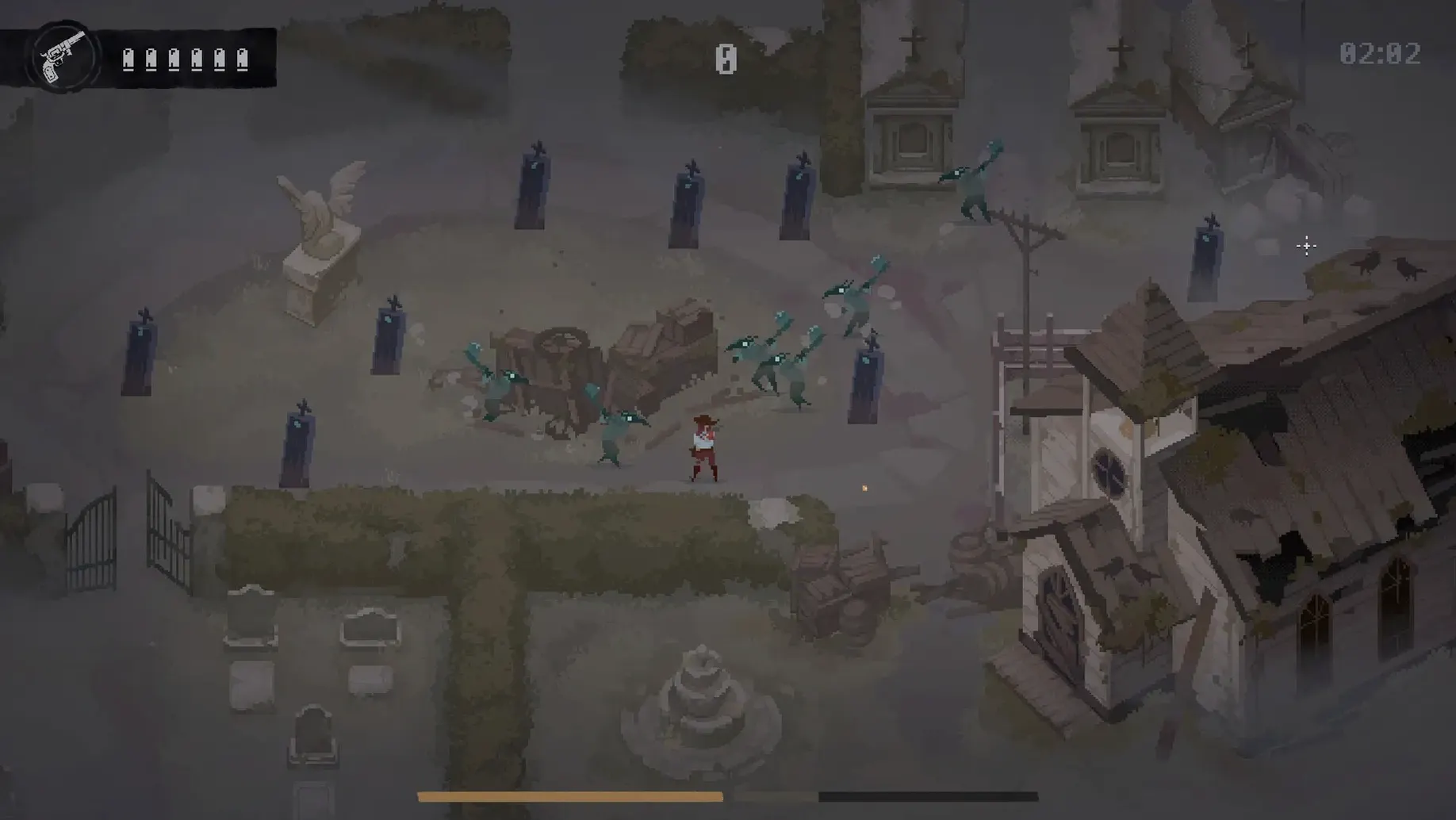
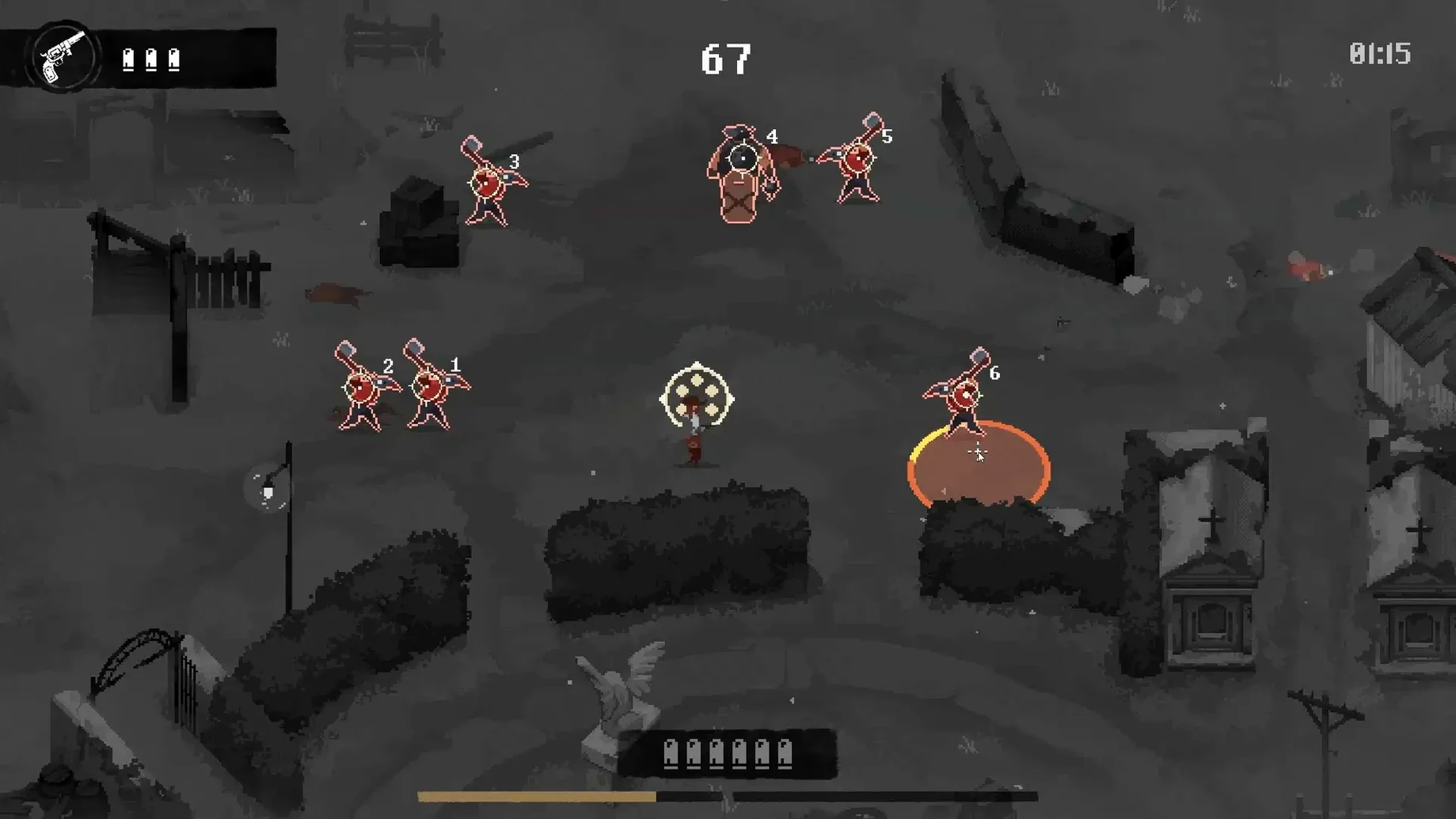
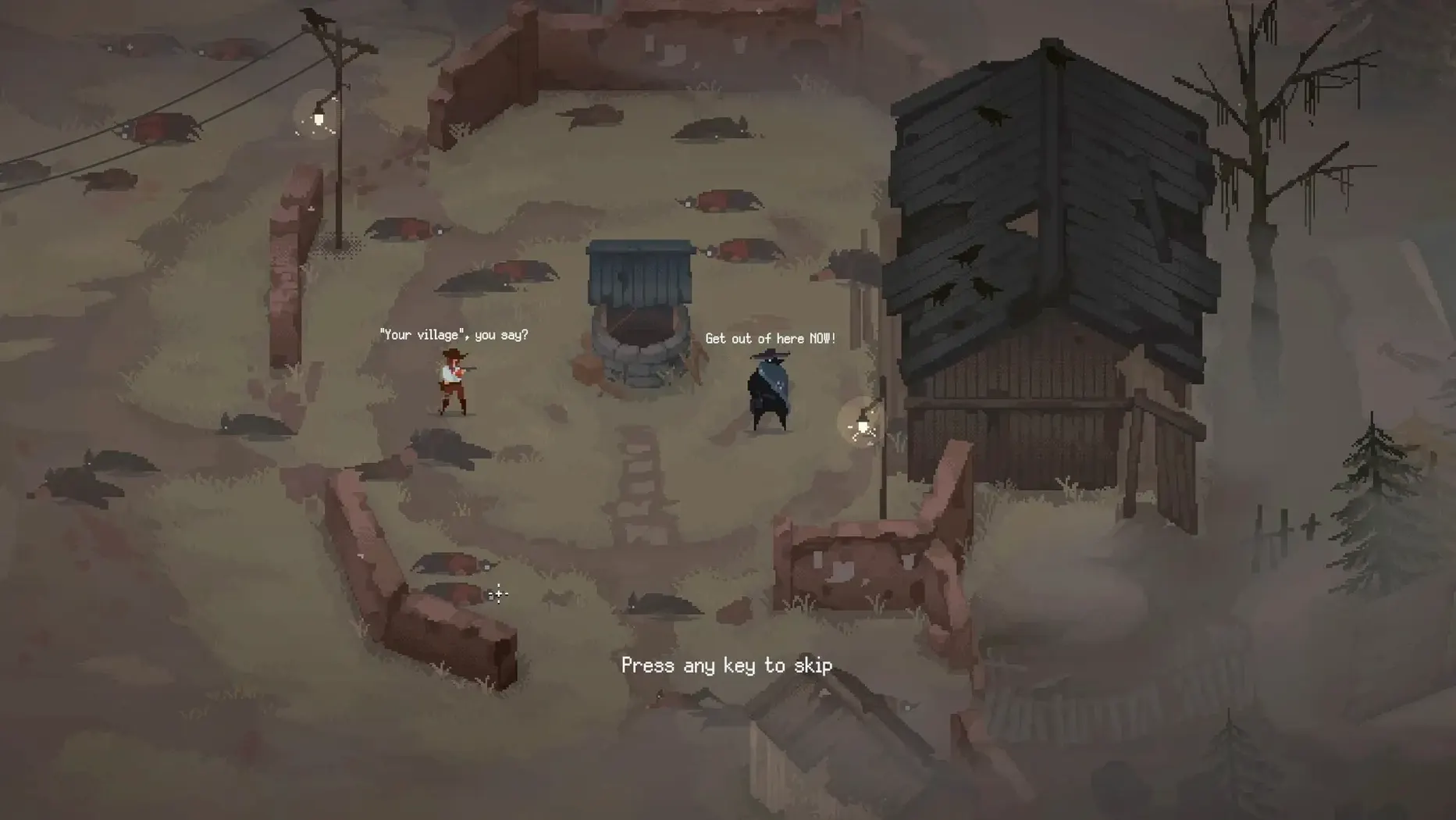
In the edit
The Crimson Moon Rising update just landed, and with it, Curse Mode — a system that unlocks after you’ve got ten pieces of equipment under your belt. Thirteen new curses twist every encounter, so let’s walk through what a typical run actually looks like.
- Drop into the ruined settlement. You’re Isabella, and the cults have already made a mess of things. Twelve enemy factions and their leaders are scattered around the map, each with its own tactics. Snipers pin you from range; explosive enemies force you to keep moving.
- Clear a zone. Every engagement is a top-down firefight. You’re dodging, aiming, and prioritising targets — the cults don’t stand still, and their behaviour shifts as you push deeper.
- Complete missions mid-run. Objectives pop up as you go. Finish them, and you unlock new gear that changes how you handle the next wave.
- Manage the curse. With Curse Mode active, you’re working around 13 different negative modifiers. Some slow you down, others mess with your aim — you learn to play around them or risk getting pinned.
- Rinse and repeat. The loop is tight: fight, adapt, gear up, fight again. The settlement doesn’t change much, but the cults and curses keep each run feeling fresh.
It’s not a long-haul strategy game. You drop in, shoot your way through a few zones, pick up better equipment, and see how far you get before the cult leaders catch you out. If you download Kill The Crows for Mac, expect quick sessions that reward fast reflexes and smart positioning.
For action-game players who don't mind dying a lot
This one lands squarely with action-game players who don't mind dying a lot. Single-hit kills mean you're never safe, and that tension is the whole point. If you grew up on arcade shooters or enjoy games where positioning matters more than grinding health bars, you'll feel at home here.
Top-down shooter fans should pay attention too. The camera angle gives you a clear view of the battlefield, which you'll need when snipers and explosive enemies are working together. Magic skills sit alongside your revolver, so you're balancing cooldowns with reloads rather than just pointing and clicking.
Single-player players who prefer shorter sessions will find the loop fits between other tasks. A run doesn't demand an evening — you can clear a few zones, unlock a piece of gear, and step away. The twelve cults and their leaders give you variety without needing to memorise complex lore.
How Curse Mode rewrites each run after ten unlocks
The Crimson Moon Rising update is the biggest shift so far. Curse Mode is the headline: after you unlock ten pieces of equipment, the game starts applying one of 13 curses during a run. Some of these are straightforward handicaps — slower movement, reduced accuracy — but they force you to adapt mid-fight rather than relying on a single strategy.
Before this update, progression was mostly about gear. Now curses add a layer that changes how you approach each cult encounter. The convenience and accessibility tweaks that came alongside are smaller but noticeable — menu navigation and targeting feel a bit more polished than in earlier versions.
If you download Kill The Crows for Mac and haven't played since before the update, expect a tougher, more varied experience. The curses don't replace the core loop; they sit on top of it, making runs that used to feel familiar suddenly demand new tactics.
New this release
- Version 1.5.0 — The Crimson Moon Rising
- Adds Curse Mode with 13 new curse types
- Curse system unlocks after obtaining 10 pieces of equipment
- Minor convenience and accessibility improvements
Mac it needs
- macOS version not specified by the developer
- Supports both Intel and Apple Silicon Macs
Installing on a Mac
- Open the downloaded disk image.
- Drag the app to the Applications folder alias.
- After copying finishes, launch the app from Launchpad.
Notes from photographers
Sign in or create your account to leave a comment.
No notes from photographers yet. If you have used this on a real folder, say which camera and which Mac.
