Get it for my Mac (45.2 GB)
 Metro Exodus
1.0
Metro Exodus
1.0
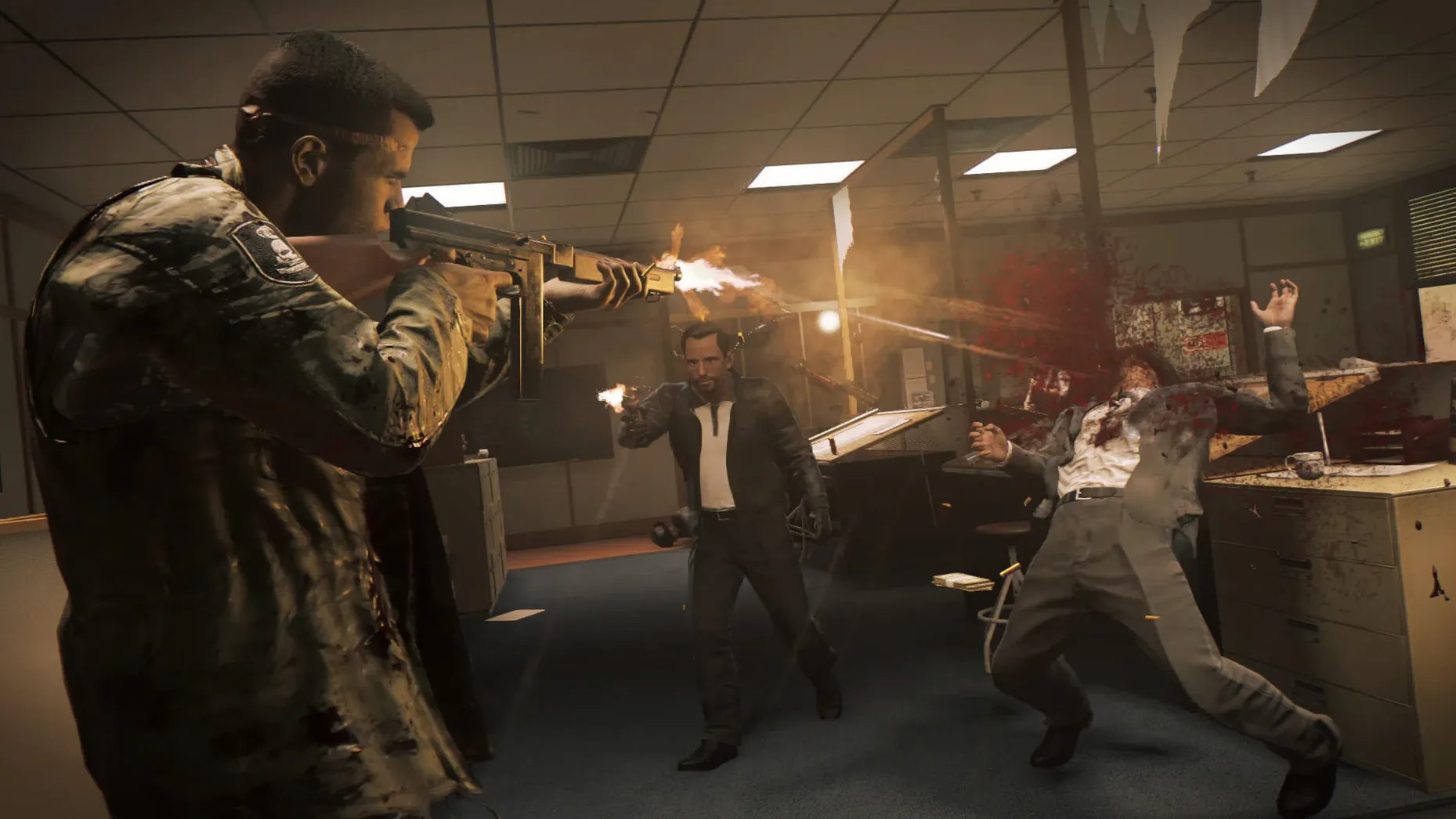
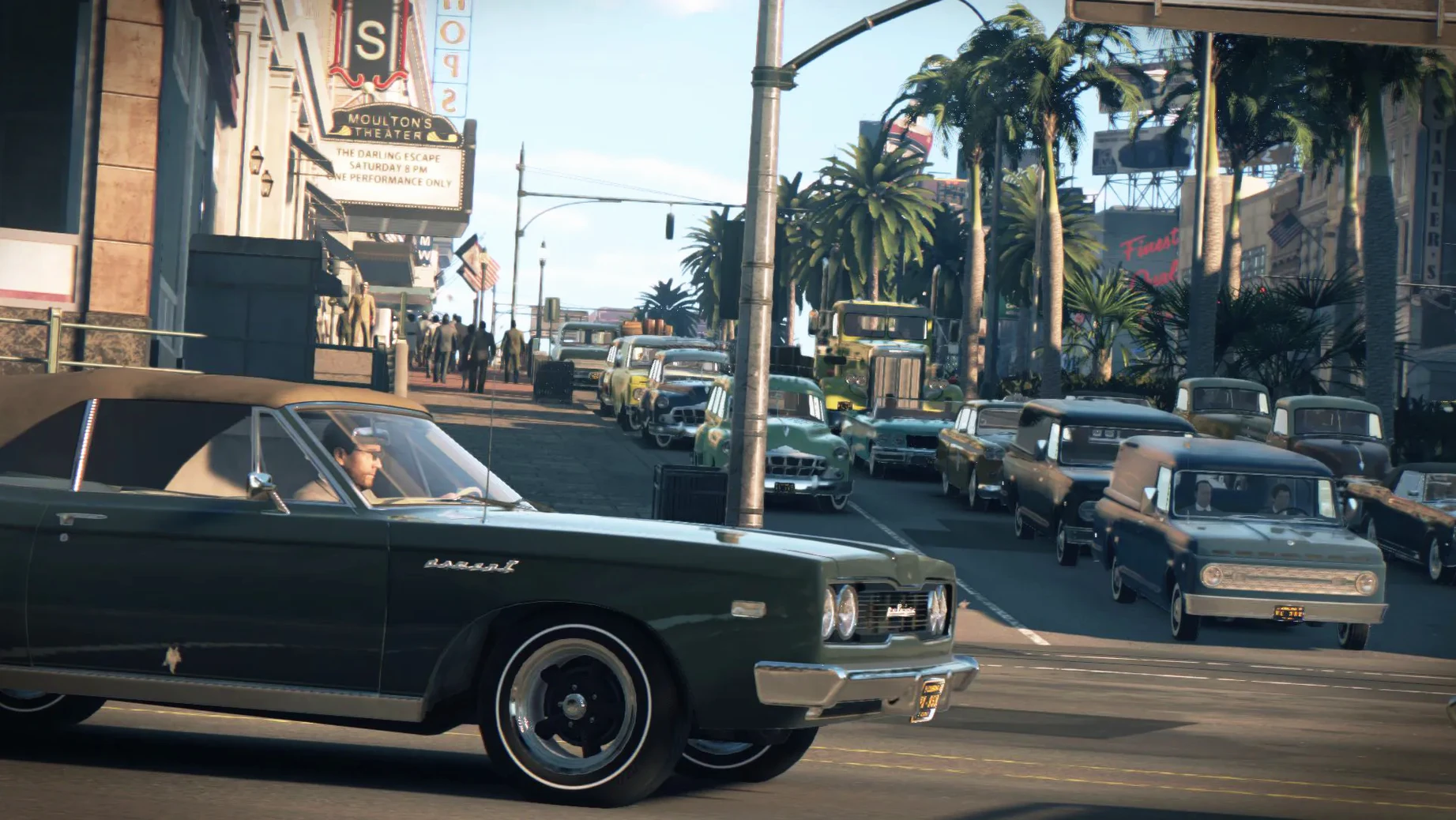
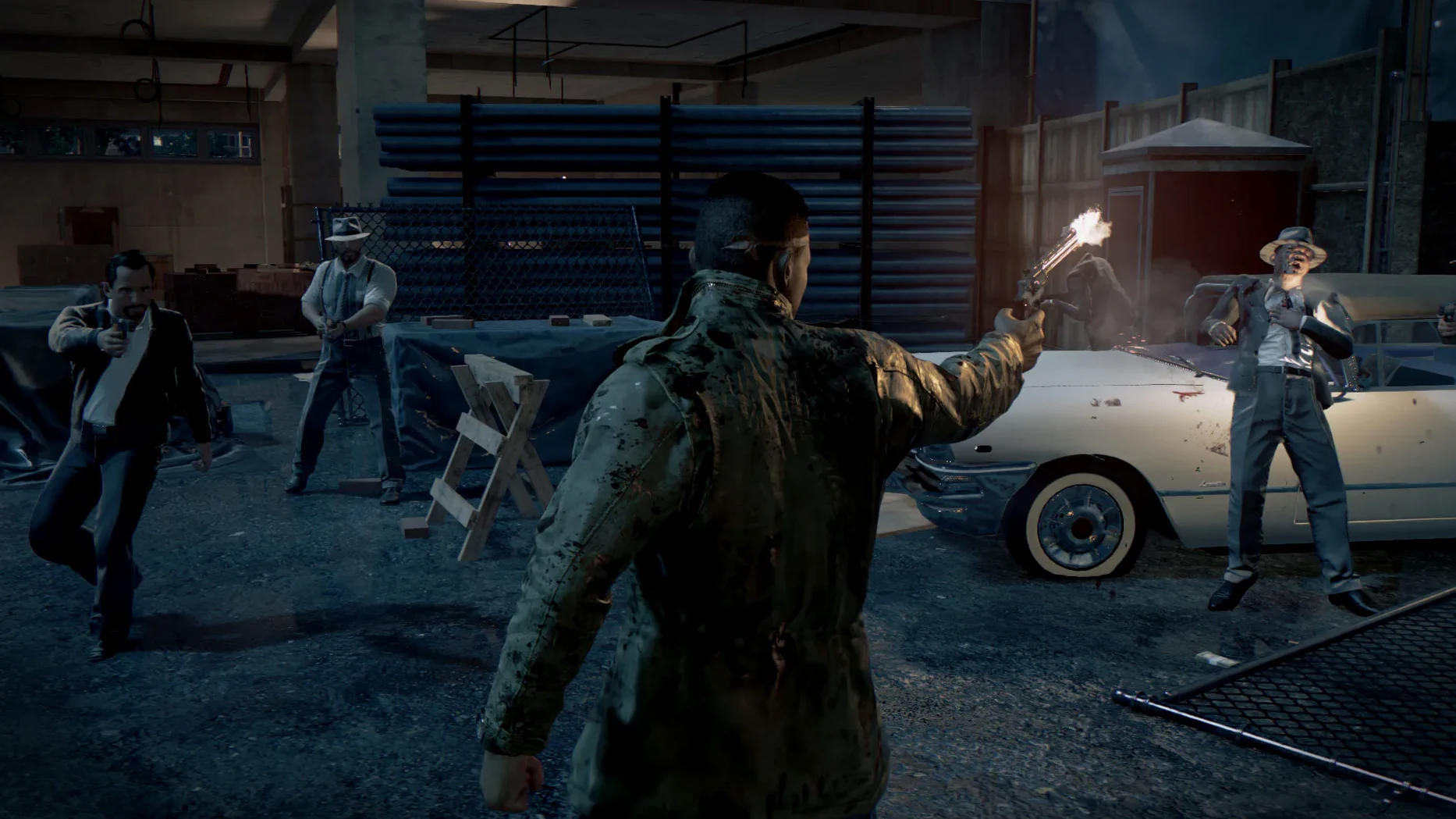
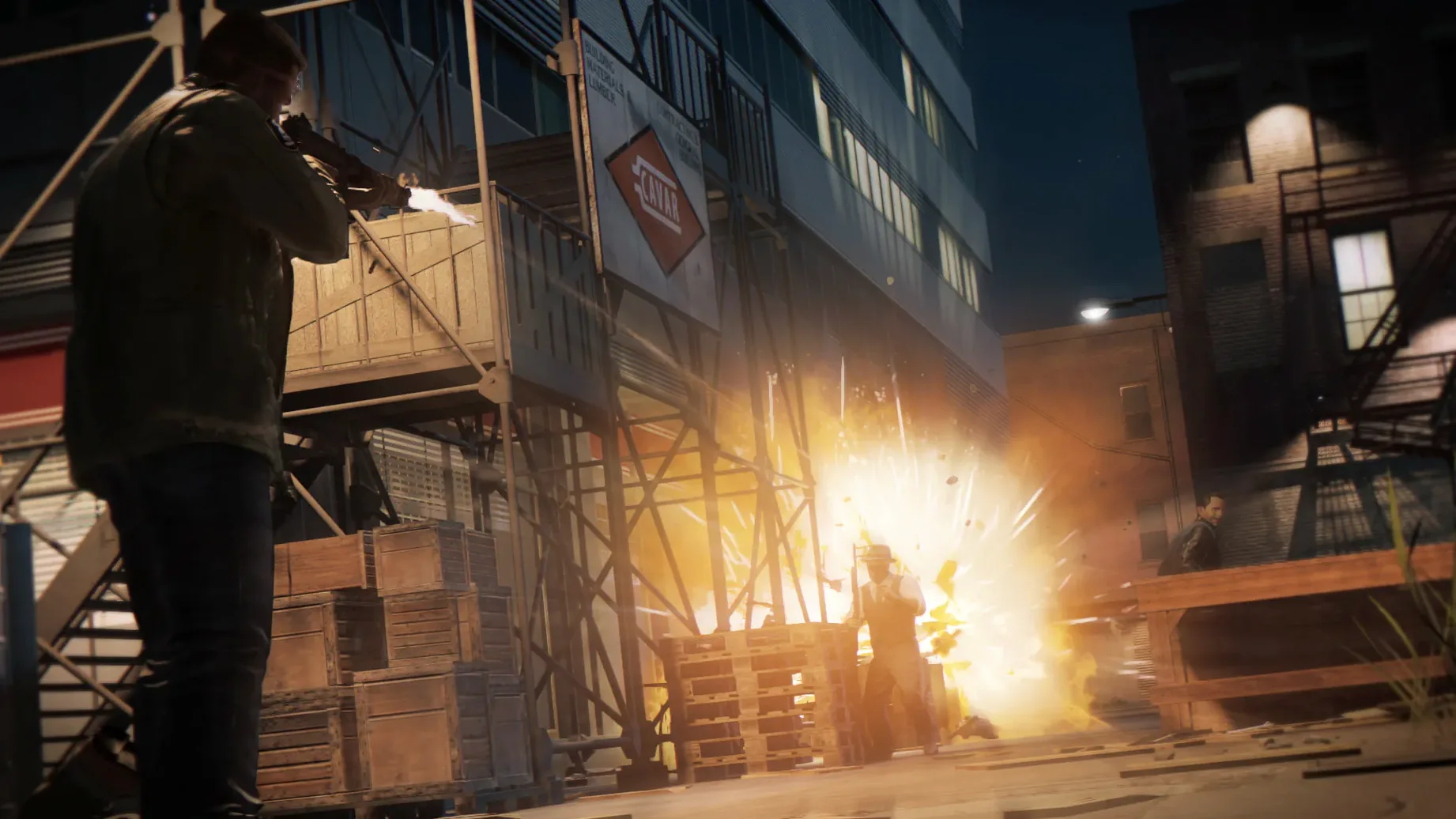
Mafia 3 on Mac is for the player who wants a heavy, story-driven open world with consequences. You step into Lincoln Clay, a Vietnam veteran carving a path through New Bordeaux – a version of New Orleans in 1968. Missions can be tackled with guns, stealth, car chases, or surveillance, and the decisions you make shape the story. Three DLCs are included: Judge, Jury & Executioner, Family Kickback, and Faster Baby, so there’s plenty to work through.
The Mac edition imposes a strict condition: Intel and NVIDIA GPUs are unsupported, so verify your equipment prior to beginning. If your machine is older or doesn’t meet the 8 GB RAM and 50 GB storage minimum, this one won’t run well. The game also leans into violence and moral ambiguity – it’s not a light shoot-’em-up. If you prefer tight, linear campaigns or something more arcade-like, the pace and tone here might feel heavier than expected.
After the opening cutscenes and the first mission, you’re dropped into New Bordeaux with a map full of rackets, informants, and wiretaps. My approach for the first couple of districts goes like this: drive to a new area, find the nearest wiretap point, and use surveillance to mark enemies and objectives. This lets you see patrol routes and alarm boxes before you commit to a plan. From there, decide whether you want to go in quiet or loud. A silenced pistol can clear a compound room by room if you’re patient. If you get spotted, fall back to a car and circle around – the AI doesn’t follow forever, and you can re-enter stealth once the heat dies down. After you take down the racket leader, assign the district to one of your underbosses. This unlocks their perk and starts generating income. Rinse and repeat for the next district, but try a different approach – maybe drive a truck through the front gate or use a sniper rifle from a rooftop. The variety keeps the gameplay fresh.
The current build is labelled 1.0.0 [MAS] Fix. There aren’t any public patch notes for this release, so you won’t find a list of bug fixes or new features. What you will notice is that the game runs on Apple Silicon natively – the architecture is listed as ARM, and it was tested on macOS Sequoia with an M4 Mac mini. For someone downloading mafia 3 mac torrent today, that means you don’t need Rosetta 2 translation, which used to be common for older Mac ports. The install process hasn’t changed: mount the disk image, drag the game into the Applications folder, and launch from Launchpad. The DLCs are bundled in, so you don’t need to hunt for separate downloads. Voiceovers are in English, German, Spanish, Italian, and French, while text covers Russian, Korean, Polish, Czech, Japanese, and more. If you’re after mafia 3 utorrent for a language not in that list, you may need to look for a separate language pack, but for most European and Asian players the options are solid.
Once the game is copied and launched, head straight to the graphics settings. The Mac version needs an AMD card with at least 2 GB VRAM, so dial in the resolution and detail level to match your hardware. Next, check the control layout. The game supports Xbox 360, Xbox One, DualShock 4, DualShock 3, Logitech RumblePad 2, and Logitech Dual Action controllers. If you’re using a keyboard and mouse, rebind the cover and sprint keys to something comfortable early on – the defaults can feel awkward during chases. Finally, look at the language selection. The menu lets you set text and audio separately, so you can play with English voices and Japanese subtitles if that’s your preference. Save these settings before you start the first mission, because changing them mid-combat is a hassle.
Beyond the obvious resolution and controller mapping, a few settings make a real difference to how the game feels. Turn off motion blur if you’re sensitive to it during car chases – it helps keep your bearings when you’re cornering at speed. Set the camera sensitivity a notch higher than default for both on-foot and driving; the default is a bit sluggish for quick turns. If you’re playing with a controller, check the dead zone adjustment if it’s available in your version. A small dead zone makes aiming more precise without the stick drifting. Audio mixing is worth a tweak too – turn the music volume down slightly and keep dialogue and effects at full, so you catch story details during firefights. These are small changes, but they add up over a long session.
The Mac version supports English, French, Italian, German, Spanish, Russian, Chinese (Simplified), Korean, Polish, Portuguese, Czech, and Japanese for text and audio.
Mafia 3 requires macOS 10.12.4 or later and Apple Silicon architecture. Intel and NVIDIA graphics cards are not supported on the Mac version.
The Mac version includes three DLCs: Judge, Jury & Executioner, Family Kickback, and Faster Baby.
Sign in or create your account to leave a comment.
No notes from photographers yet. If you have used this on a real folder, say which camera and which Mac.