Get it for my Mac (73 GB)
 Minecraft
1.21.7
Minecraft
1.21.7

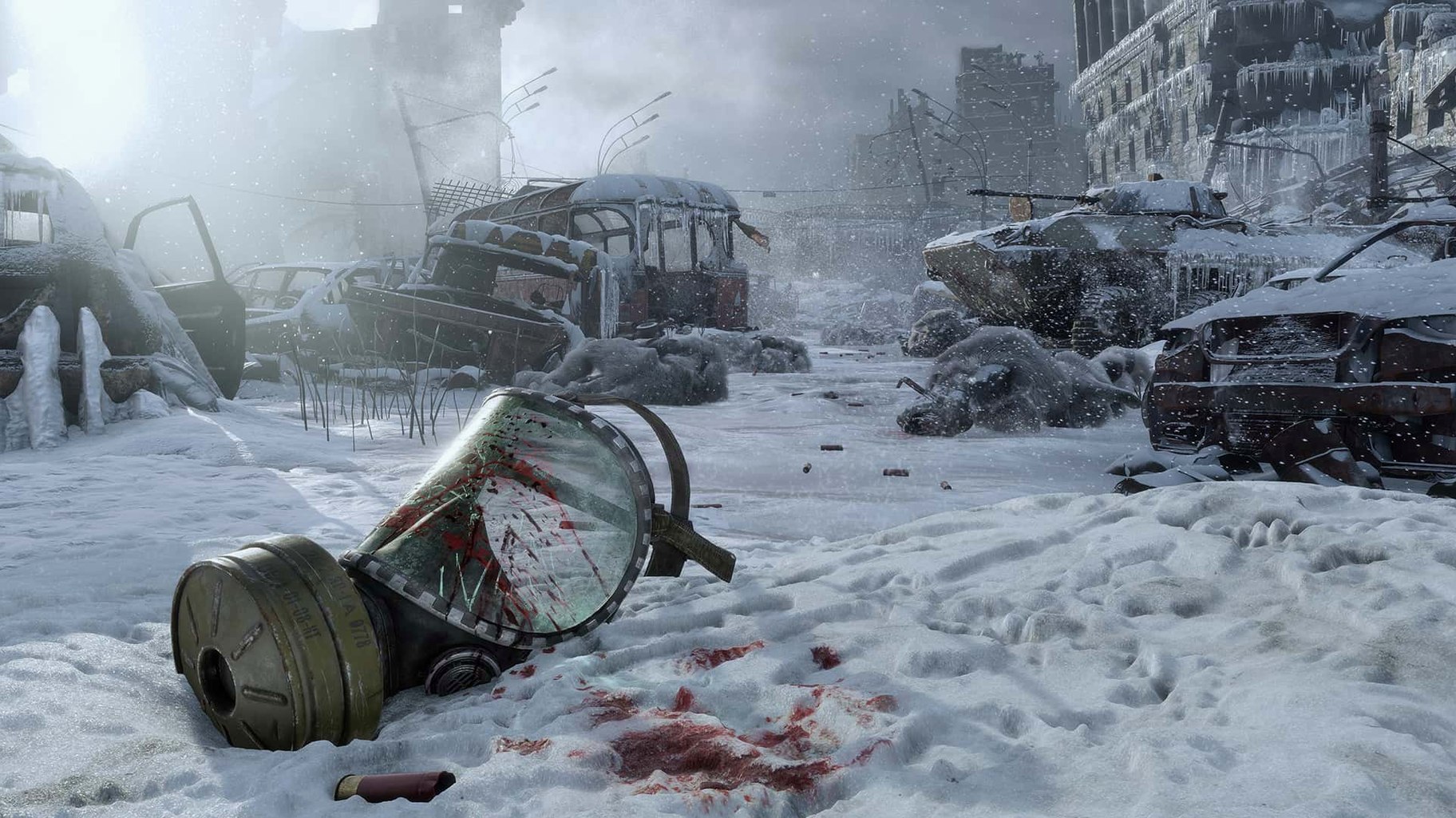
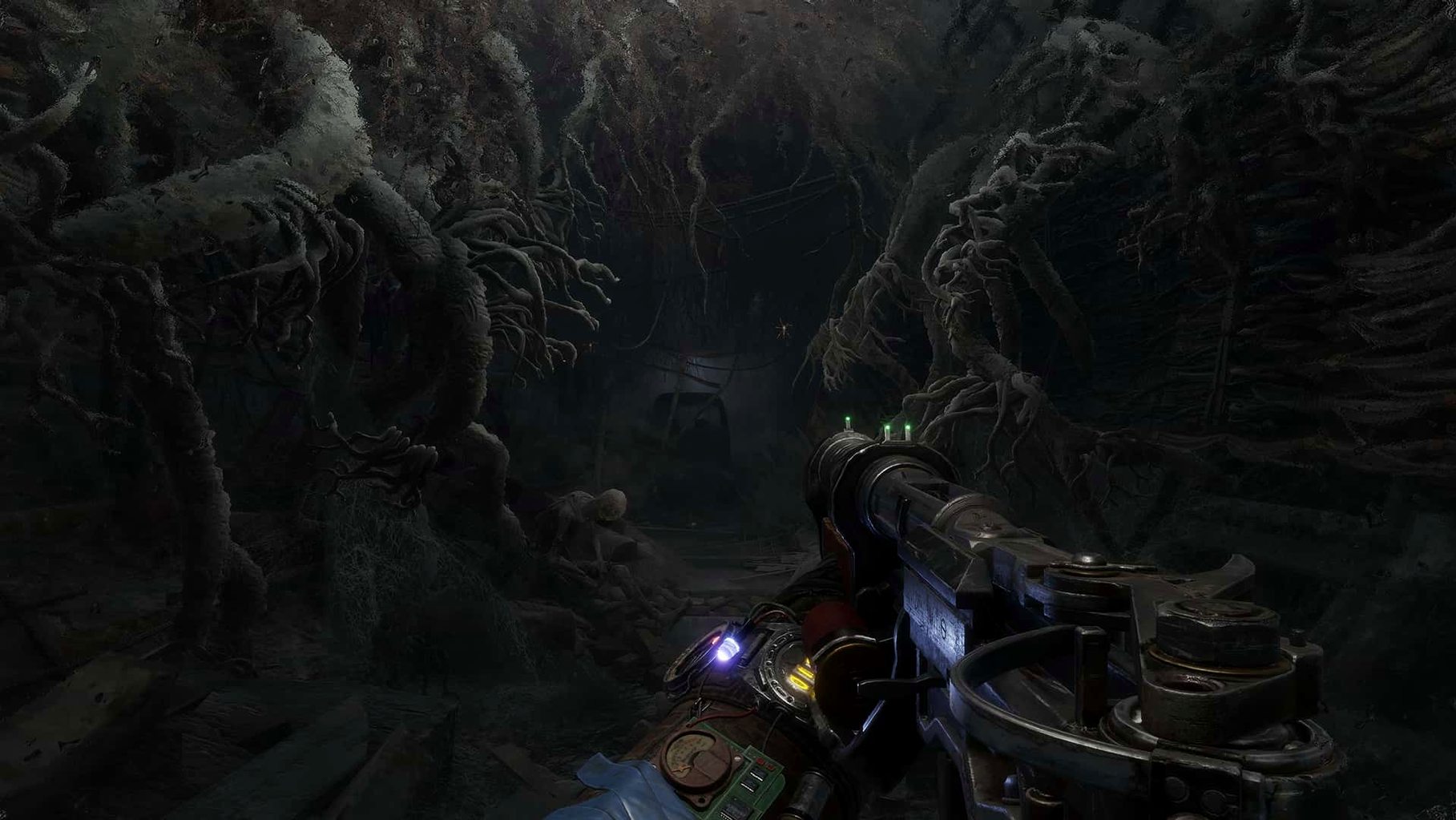
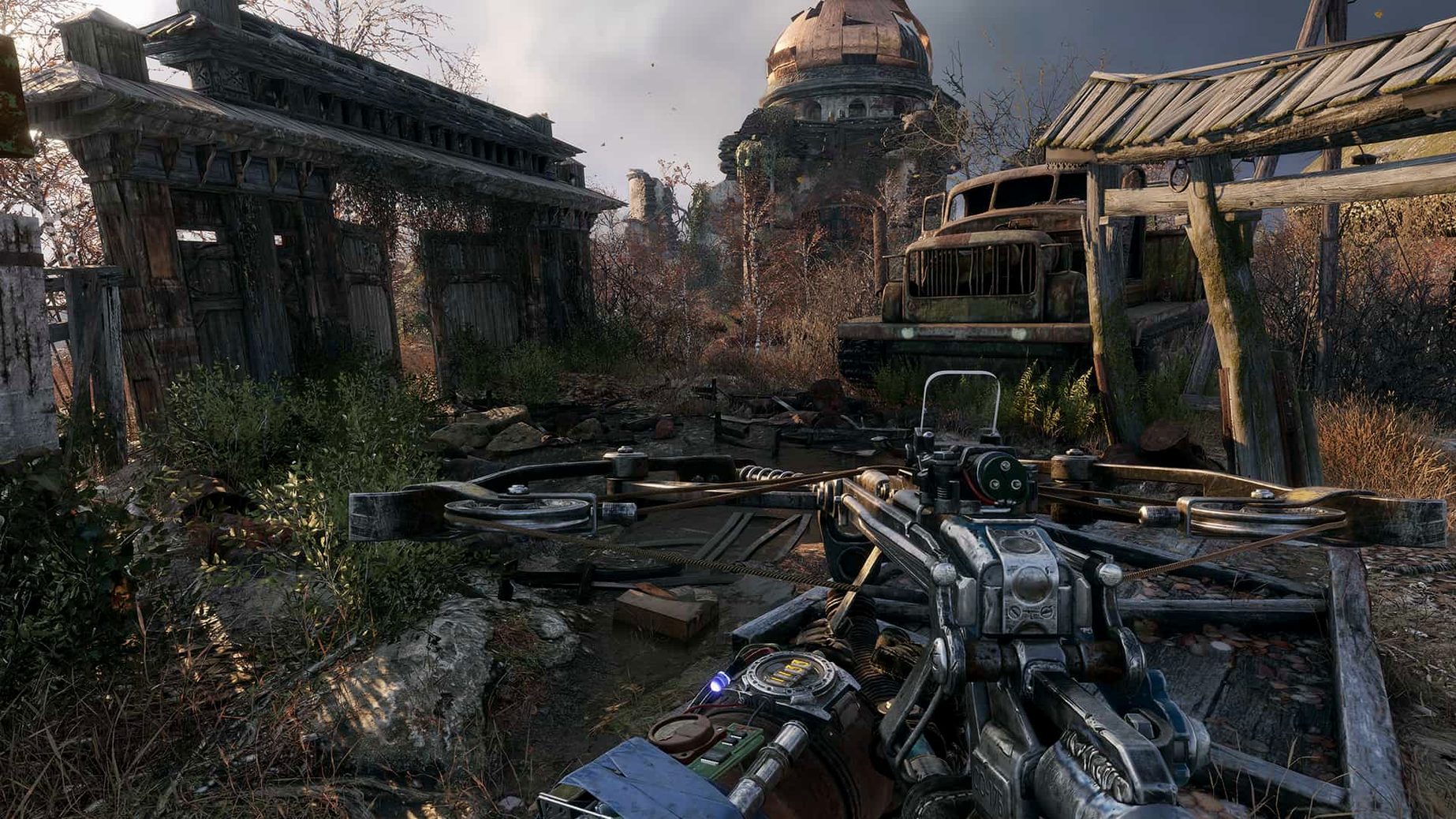
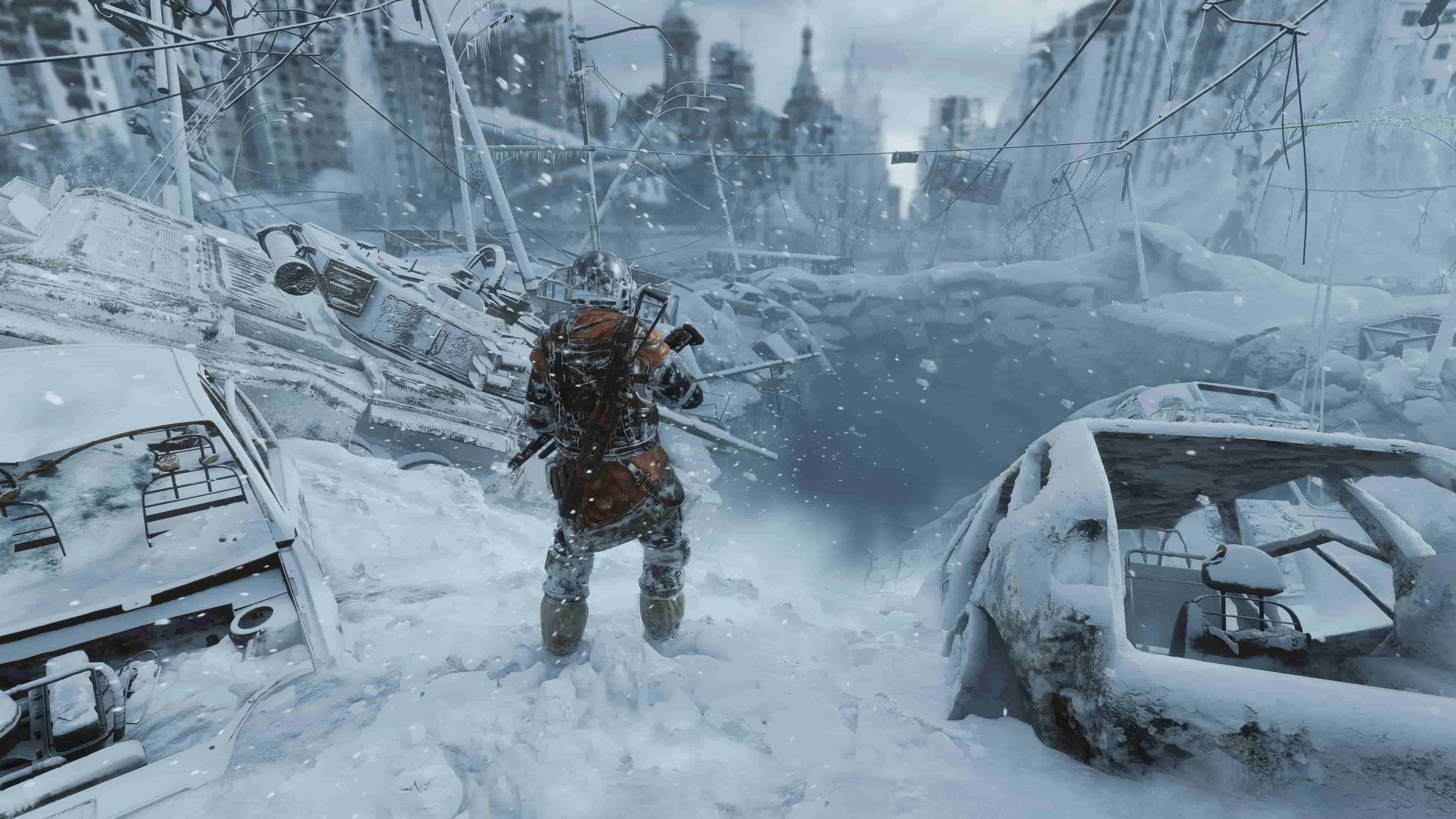
You crouch in the dark of a derelict train carriage, listening. Something scratches at the metal outside. Your mask fogs as you check your last filter — ten minutes, maybe twelve. A single shot could bring every mutant in the station down on you, but the crate ahead might hold ammunition. That’s a typical minute in Metro Exodus for Mac.
The Mac version runs natively on Intel-based systems with macOS 10.15 or later. It supports a dozen interface languages, including English, Russian, German, French, Japanese and Chinese. Metro Exodus brings its post-apocalyptic first-person shooter story natively to Mac players.
You start a session on the Aurora, the train that carries the Spartan crew across post-apocalyptic Russia. The first thing you do is check your workbench. Filters are low, so you break down some spare parts you scavenged in the last level and craft a handful of new ones. You top up your Tikhar with steel balls — it is quieter than a rifle and uses ammunition you can find in the field. Then you speak to the crew, one by one. Anna mentions a signal tower up ahead. Miller grumbles about the route. Every conversation gives you a sense of what is coming.
When you leave the train, the game opens up. You step into a marsh under a grey sky, and the map shows two or three points of interest. You pick the one that looks like an abandoned depot because you need gunpowder. On the way, you spot a pack of watchmen drinking from a stream. You could circle wide through the reeds, or you could take the high ground and pick them off one by one. You choose the reeds — quieter, cheaper on ammunition. Inside the depot you find a workbench, a few rounds of ammunition and a note from a dead ranger that hints at a cache nearby. You mark it on the map for later.
Back on the Aurora you clean your weapons, store the salvage, and save the game. That is the rhythm: prepare, move, scavenge, return. A good session lasts about an hour and leaves you knowing more of the map and a little less afraid of the surface.
When you arrive at a new open level, the game drops you at an entrance point with a distant objective. Here is how you clear a bandit camp from start to finish without wasting resources.
This approach uses almost no ammunition and leaves the camp intact for a thorough search. You can then work the workbench inside, take the loot, and move on to the next objective with a full inventory.
I know a player who only plays story-driven shooters on Mac because that is what he has. He played the earlier Metro games on a Windows laptop years ago and had been waiting for a native port. When he found a metro exodus torrent that worked on his Intel MacBook Pro, he spent a weekend in the Volga chapter. He told me the thing that hooked him was not the shooting but the quiet moments — repairing his gas mask at a workbench while the wind howled outside, or reading a dead stalker’s diary by the light of a lantern. He plays with Russian voice acting and English subtitles because it sounds right for the setting. The game runs as a native Mac app, so he does not have to deal with translation layers or boot camp. For him, Metro Exodus is the kind of game that makes you forget you are playing on a Mac at all.
No, the Mac version is a native port for Intel-based Macs (x86 64-bit) and requires macOS 10.15 or later.
Sign in or create your account to leave a comment.
No notes from photographers yet. If you have used this on a real folder, say which camera and which Mac.