Get it for my Mac (164 MB)
 Metro Exodus
1.0
Metro Exodus
1.0
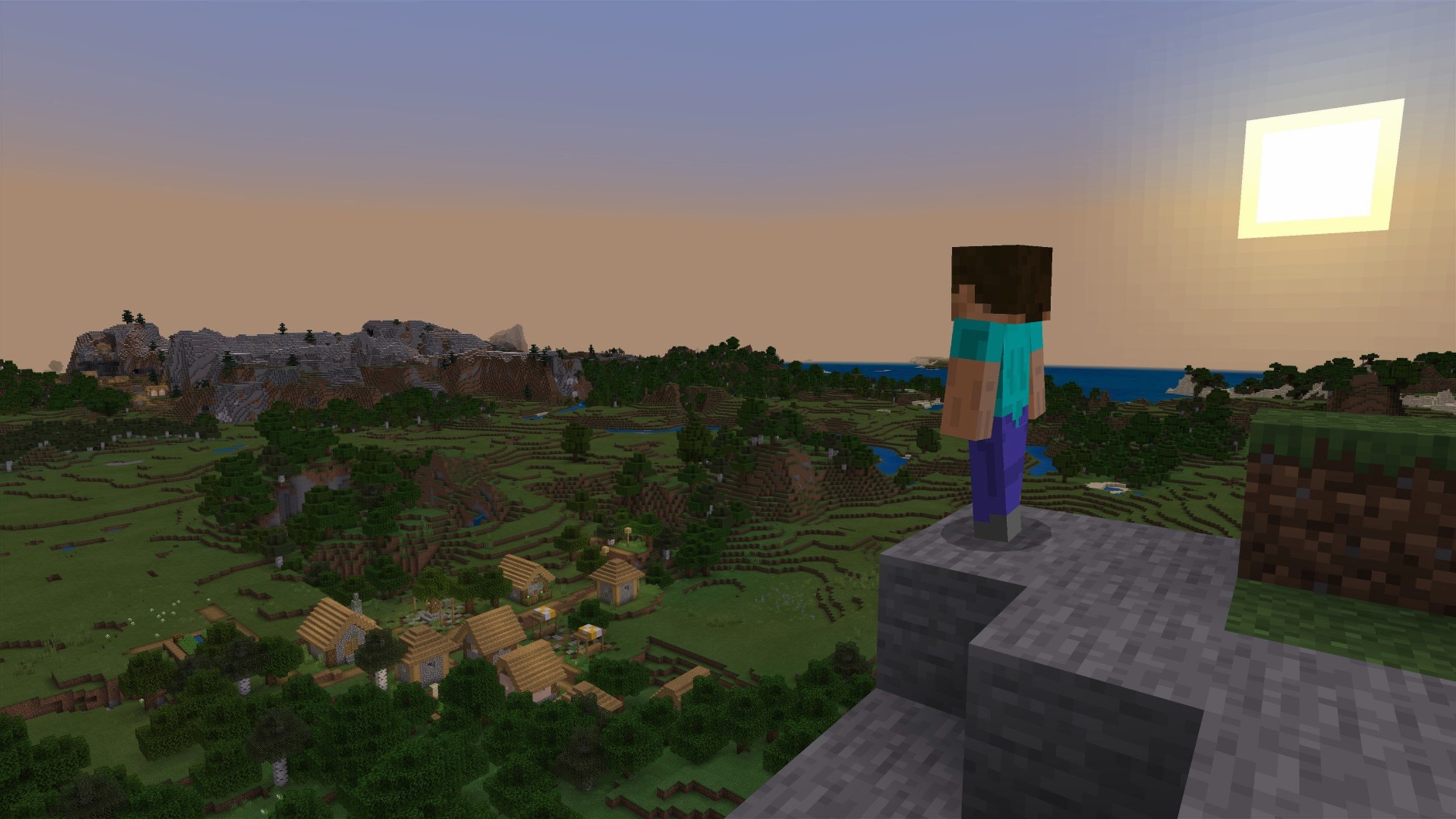
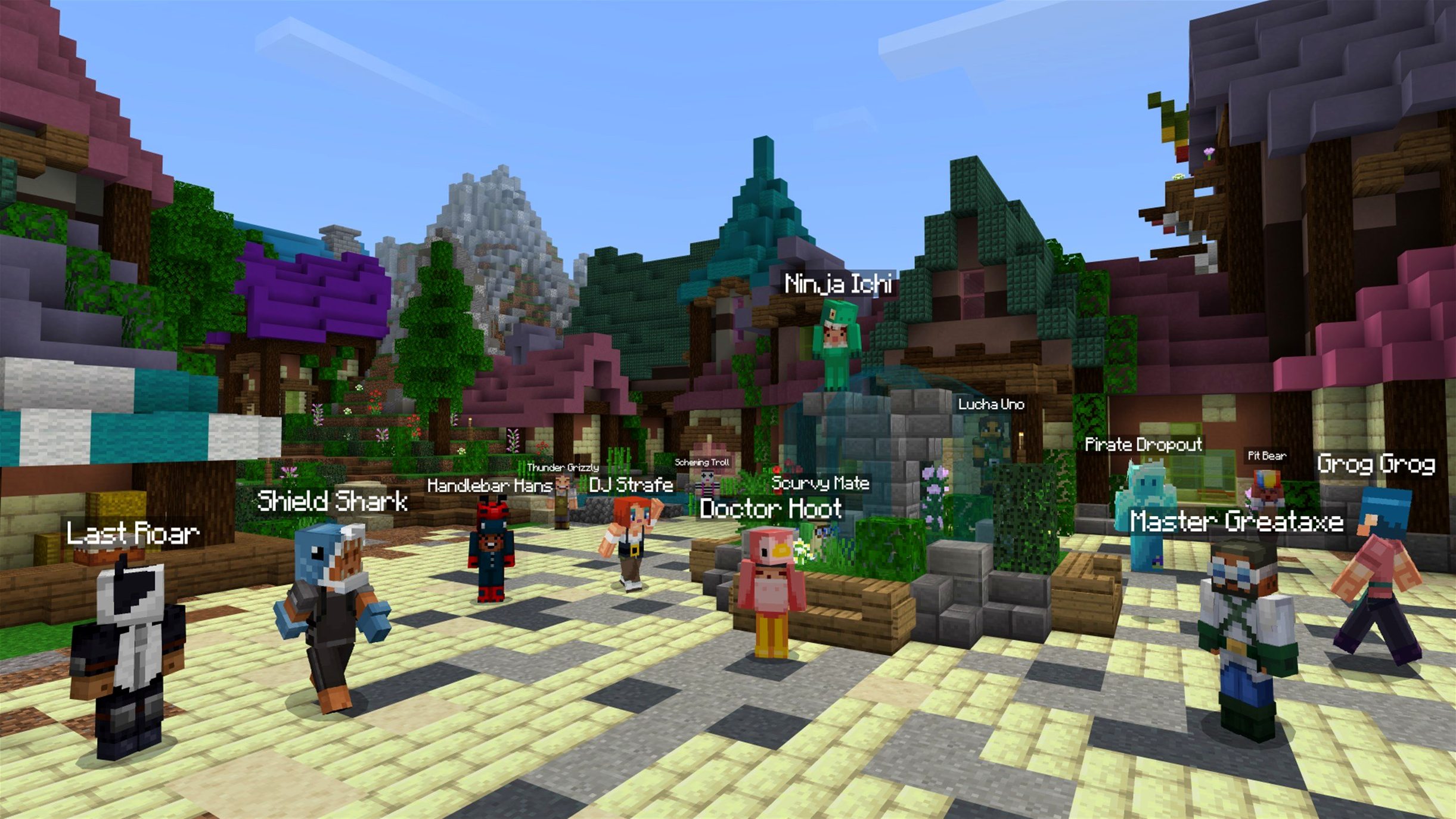
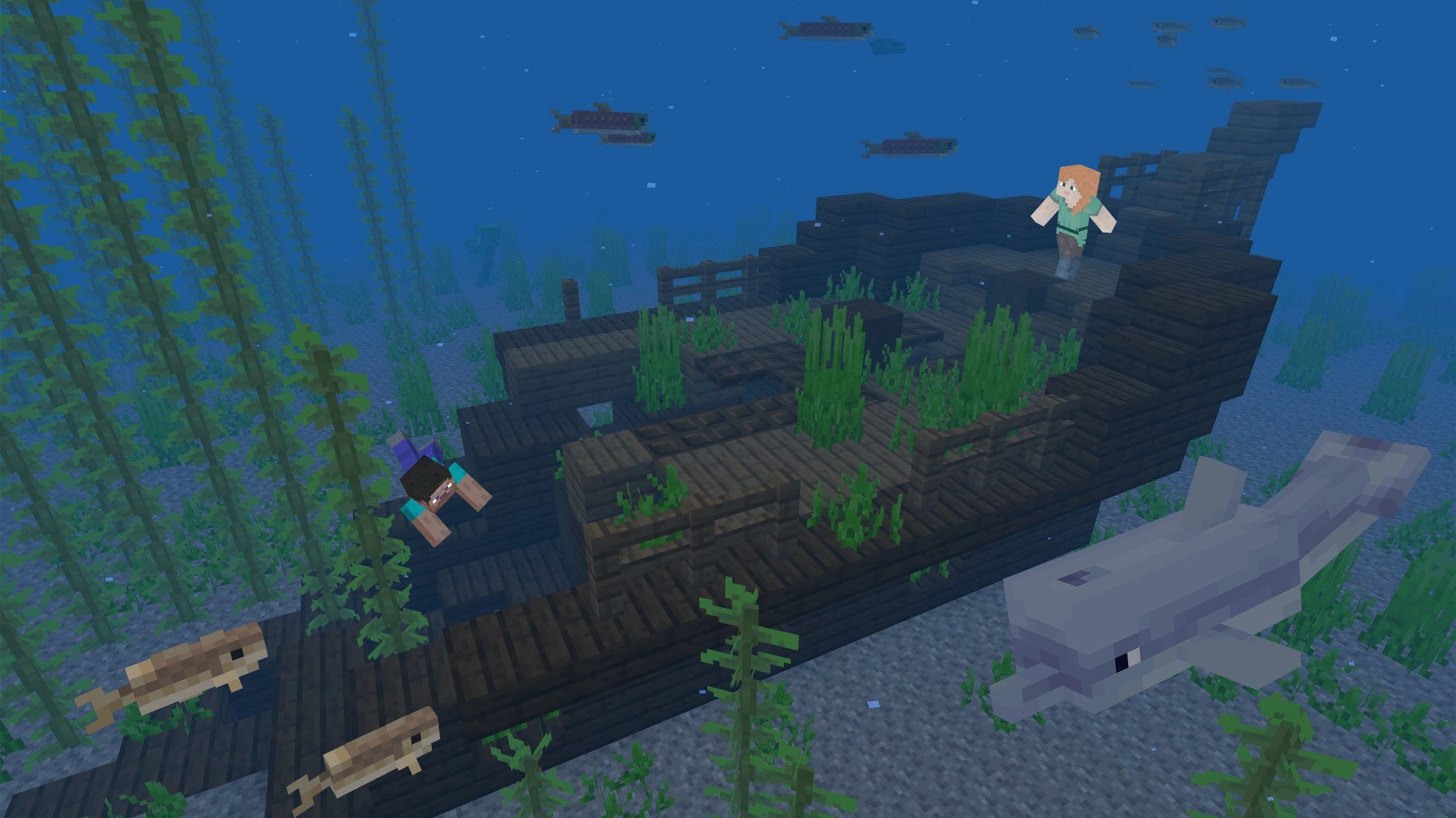
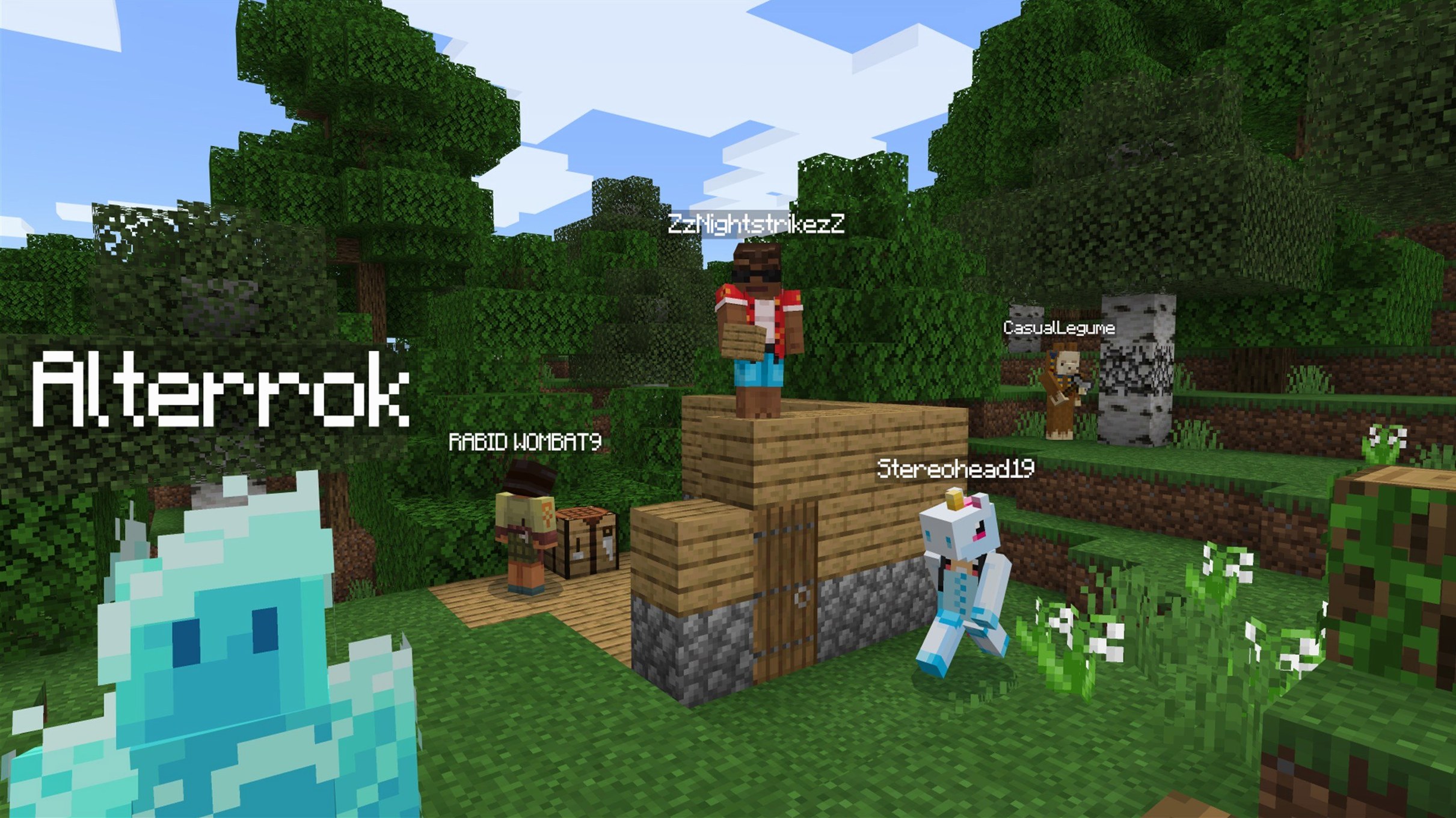
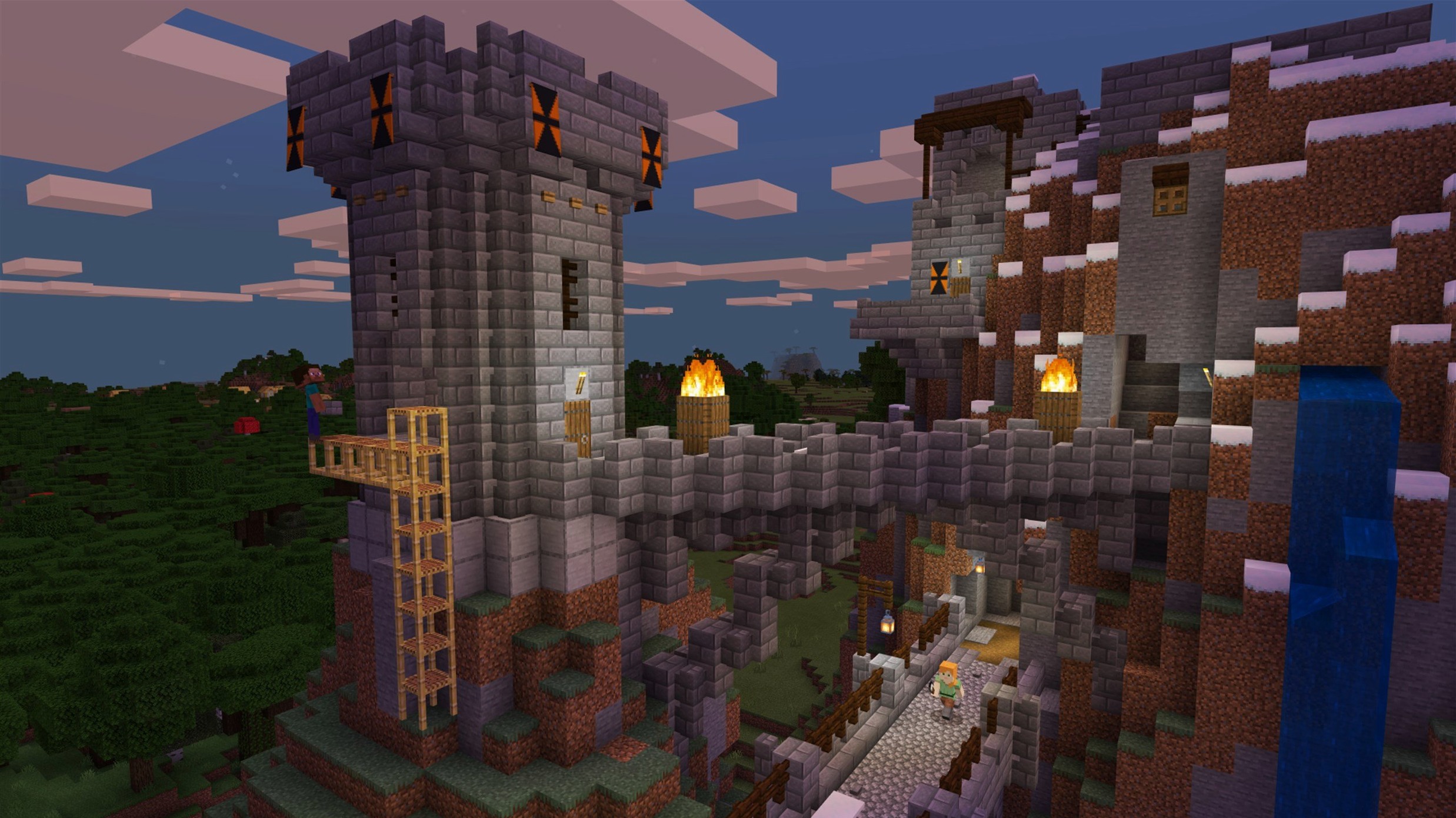
You know that feeling when you have spent an evening editing a wedding gallery in Capture One, and you just need to switch off completely. For me, that is Minecraft. The recent update added a new 3x3 painting and the Lava Chicken music disc, but the real draw is still the sandbox: explore, build, fight.
Let me walk you through a concrete task I did last weekend. I wanted a Nether portal near my base. First, I mined obsidian with a diamond pickaxe — you need at least ten blocks. I arranged them in a vertical rectangle four blocks wide and five tall, leaving the centre empty. Then I used a flint and steel on the bottom block inside the frame. The purple portal appeared instantly. That is the whole process: gather, place, ignite. No redstone, no fuss.
Version 1.21.7 fixed a few things that affect Mac players specifically: resource pack loading, text rendering, and startup crashes on some AMD graphics. It also bumped the data pack version to 81. If you have had trouble with textures after a resource reload, this update should sort it. The launcher picks up the latest release automatically, so you are good to go.
I have watched a fair few people start their first Minecraft world and trip over the same things. The biggest one is forgetting to allocate enough memory in the launcher settings. The game runs fine out of the box, but if you start adding mods or resource packs, the default allocation can choke. Open the launcher, go to Installations, edit the latest release, and bump the JVM arguments if you know what you are doing. Most players never need to touch it, but it is worth knowing where the setting lives.
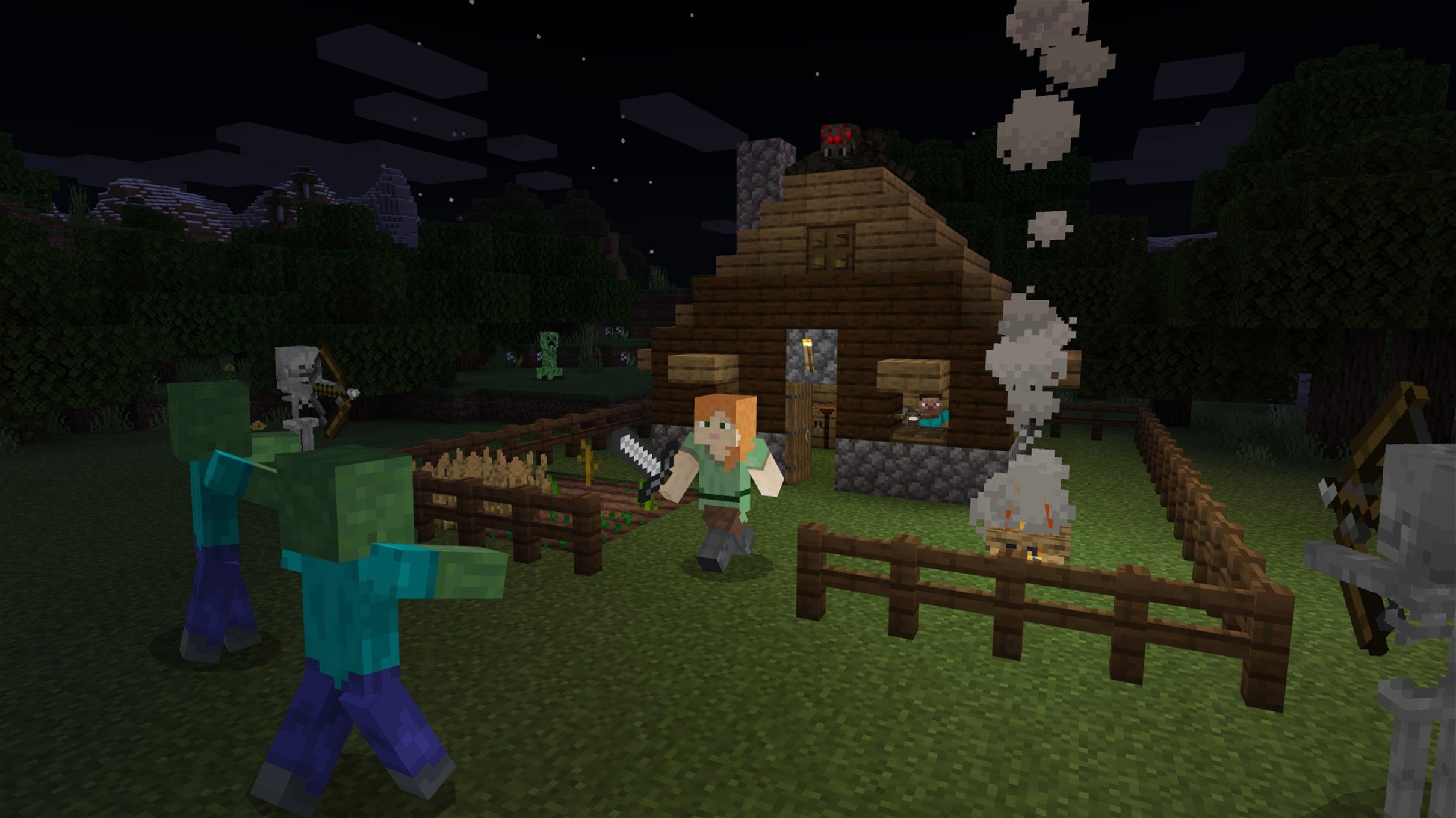
Another mistake is building without a plan for night time. New players often spend their first day gathering wood and stone, then realise they have no shelter when the sun goes down. A dirt hut with a door and a torch will keep you alive, but many beginners wander too far from their spawn point and lose their way back. Drop a bed early. Sleep resets your spawn point, so you do not respawn in the middle of nowhere after a creeper gets you.
Beginners also underestimate how much food matters. You can survive on rotten flesh from zombies for a while, but it drains your hunger bar fast. A simple wheat farm — hoe some dirt near water, plant seeds, wait — gives you bread. Or find a village and steal their crops. Starvation is a slow death that catches people off guard.
Lastly, do not dig straight down. It sounds obvious, but every veteran has lost a set of diamond tools to a lava pool because they dug beneath their feet. Step to the side, dig a staircase. It takes an extra ten seconds and saves your gear.
Do I need a Microsoft account to play? Yes, these days Minecraft Java Edition requires a Microsoft account to log in. The launcher handles the sign-in process, and once you are authenticated, you can download and play. No extra steps after that.
Can I play with friends who are on Windows or Linux? Absolutely. Minecraft Java Edition is cross-platform between Mac, Windows and Linux. You can join a friend's server or host your own using the built-in LAN option or a third-party server. The version numbers need to match, but the launcher keeps you on the latest release by default.
Will it run on an older Intel Mac? The game supports both Apple Silicon and Intel 64-bit Macs. I have seen it run on a 2015 MacBook Pro with integrated graphics — not at high render distance, but playable. The 1.21.7 update fixed startup crashes on some AMD graphics, which helps older machines too. Lower your graphics settings if things feel sluggish.
Do I need to install Java separately? The Minecraft launcher bundles its own Java runtime. You do not need to download or configure anything extra. Just install the launcher, log in, and play.
What about mods and shaders? Mods are a big part of the Java Edition experience. You can install mod loaders like Fabric or Forge, then drop mods into the mods folder. Shaders require OptiFine or a similar mod. The 1.21.7 update changed the resource pack version to 64, so older packs might need an update. Check the mod pages before installing.
I have a friend who is a graphic designer by day and a Minecraft builder by night. She does not touch redstone or command blocks. Her thing is finding a pretty biome — flower forest, cherry grove, something with colour — and building a house that looks like it belongs in a Wes Anderson film. Symmetrical, pastel wool, lots of windows.
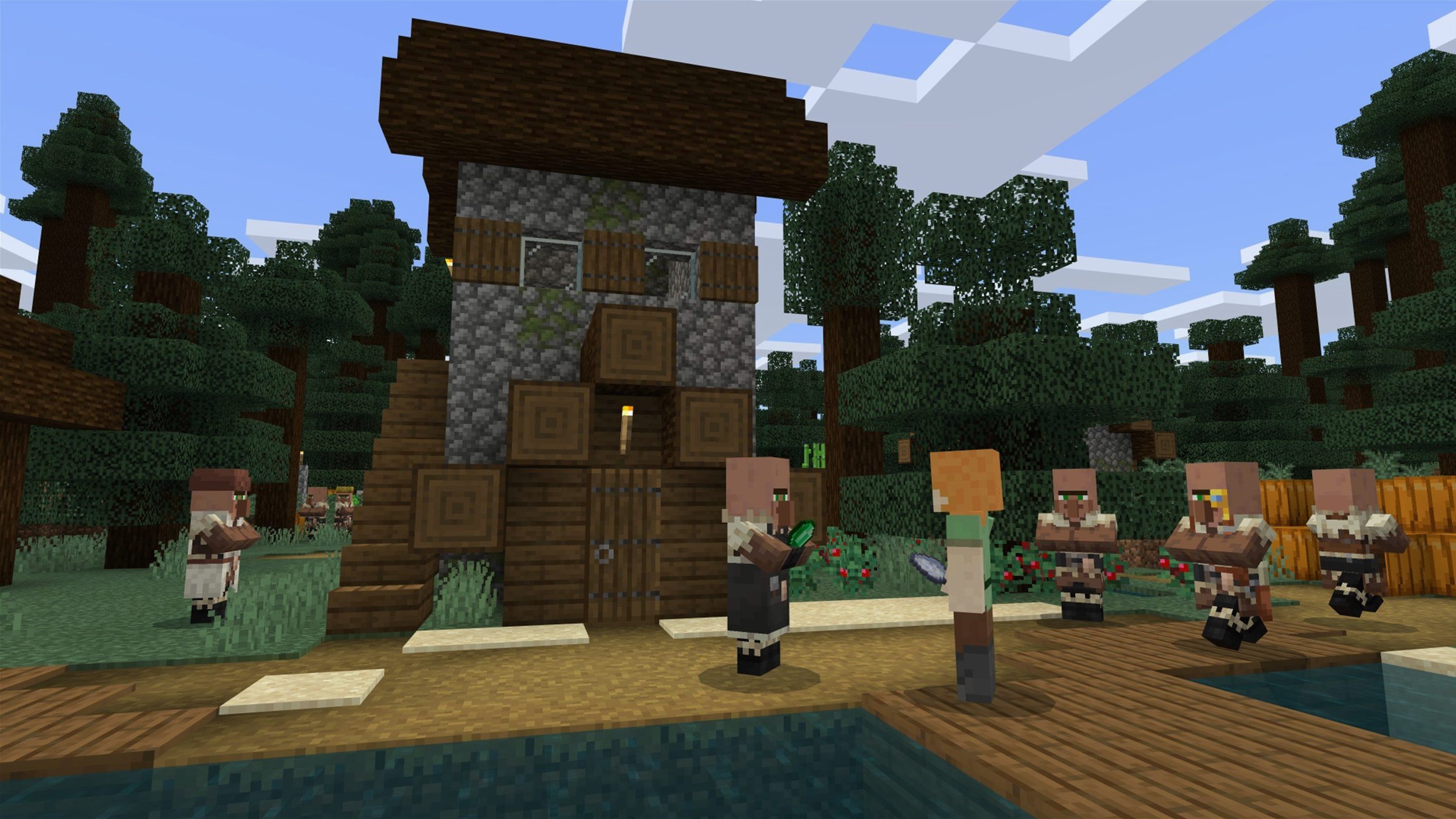
Last weekend she started a new world on 1.21.7. First hour: punch trees, make a crafting table, build a temporary dirt shack. Second hour: find a village, trade with a librarian for an enchanted book, steal all the hay bales for food. By hour three she had a stone pickaxe and enough iron for a shield. The new 3x3 painting went straight above her bed — a nice touch that adds character without needing a texture pack. She played for four hours, never went to the Nether, and called it a perfect Saturday. That is the beauty of Minecraft. You set your own pace.
Minecraft is not the only sandbox game on macOS, but it holds up well against the alternatives. Terraria is the closest in spirit — mining, crafting, combat, exploration. But Terraria is 2D side-scrolling, which changes the feel entirely. You dig left and right instead of down and up. The combat is tighter, the bosses are harder, and the progression is more linear. Minecraft gives you more freedom to build anything you imagine. Terraria gives you a world to conquer. Both are good, but they scratch different itches.
Vintage Story is a newer survival game that looks like Minecraft with a texture pack. It focuses on realism — temperature, nutrition, tool decay. The crafting system is deeper, with smithing and clay forming instead of simple recipes. It runs on Mac, but the player base is smaller and the modding scene is younger. Minecraft has a decade of community content behind it. If you want a survival challenge with more complexity, Vintage Story is worth a look. If you want to build a castle in the sky without worrying about your character freezing to death, stick with Minecraft.
Roblox is often mentioned in the same breath, but it is a platform, not a single game. You can find building games inside Roblox, but the block physics and creative freedom are not the same. Minecraft gives you a single consistent world with no monetisation or microtransactions. Roblox is a different beast entirely.
Friday evening, work is done. I select my survival world — a plains biome with a river cutting through the middle. The world spawns me at my base: a stone cottage with a wheat field out front and a mine entrance behind it.
First thing I do is check my chests. Food is low, so I harvest the wheat, craft bread, and replant the seeds. Then I head into the mine with a stack of torches and a iron pickaxe. I dig down to y-level -59, where diamonds spawn most often. I strip-mine in a straight line, placing torches every five blocks so I do not get lost. After twenty minutes I find three diamonds. Not a haul, but enough for an enchantment table later.
Back at the surface, the sun is setting. I hear a zombie moan nearby. I close the door, light up the area with torches, and spend the night reorganising my storage room. I craft a furnace and smelt the iron ore I collected. By dawn I have a new set of iron armour and a shield. I save the game and quit. An hour well spent, no stress, just blocks.
Sign in or create your account to leave a comment.
No notes from photographers yet. If you have used this on a real folder, say which camera and which Mac.