
 Get it for my Mac (7.9 GB)
 Swordhaven: Iron Conspiracy
1.1.3
- Version
- Build 23855847 [Wineskin]
- Developer
- Tuxedo Labs
- Interface in
- Russian, English, German, Spanish, Italian, Chinese (Simplified), Polish, French, Japanese
- Licence on file
- Not required
- Chip support
- Apple Silicon
- Edited with it on
- macOS Sequoia, MacBook Pro (M3 Pro 2023)
- Out on
- 21.04.2022
- Voices in
- Music only
In the edit
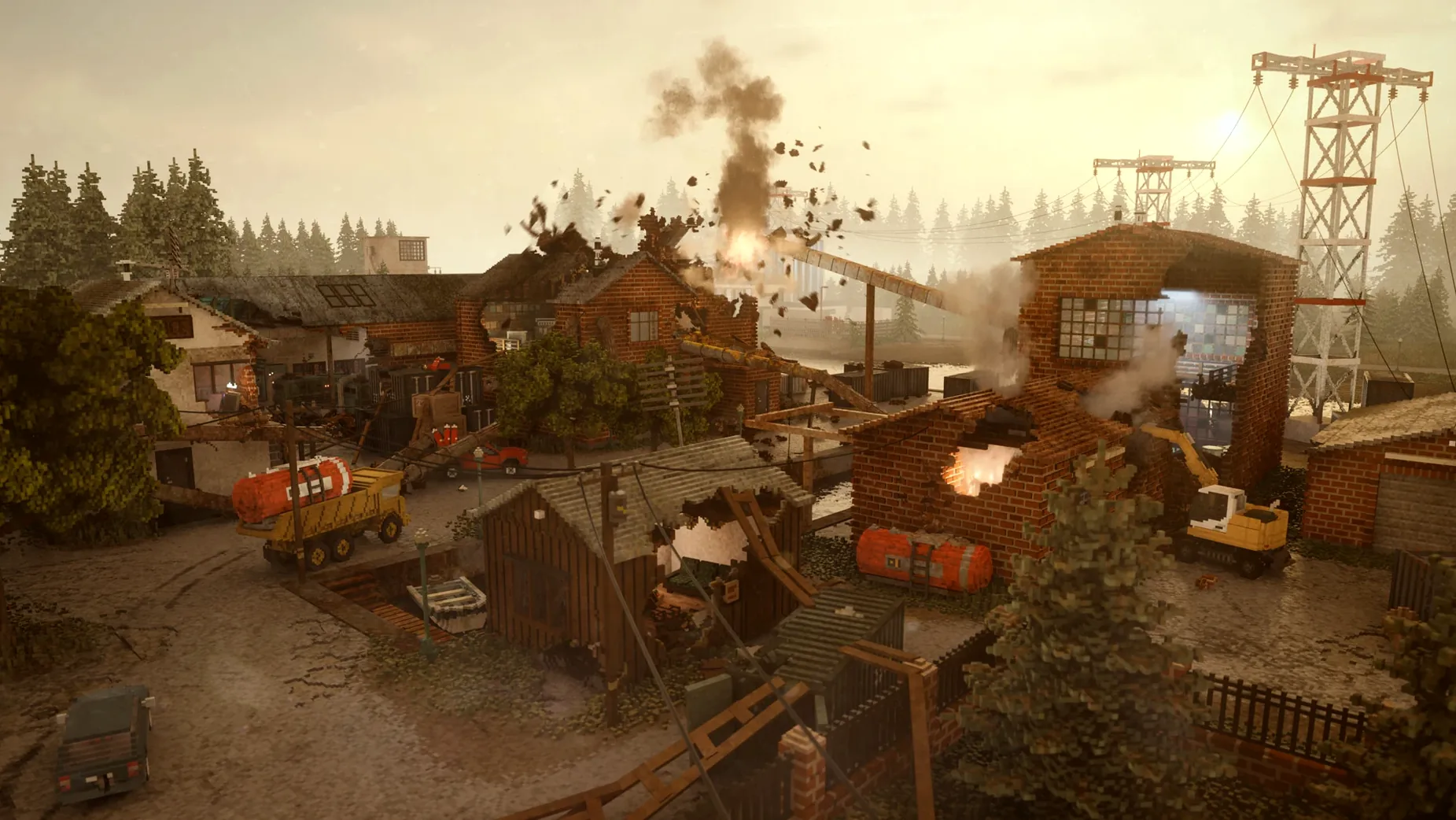
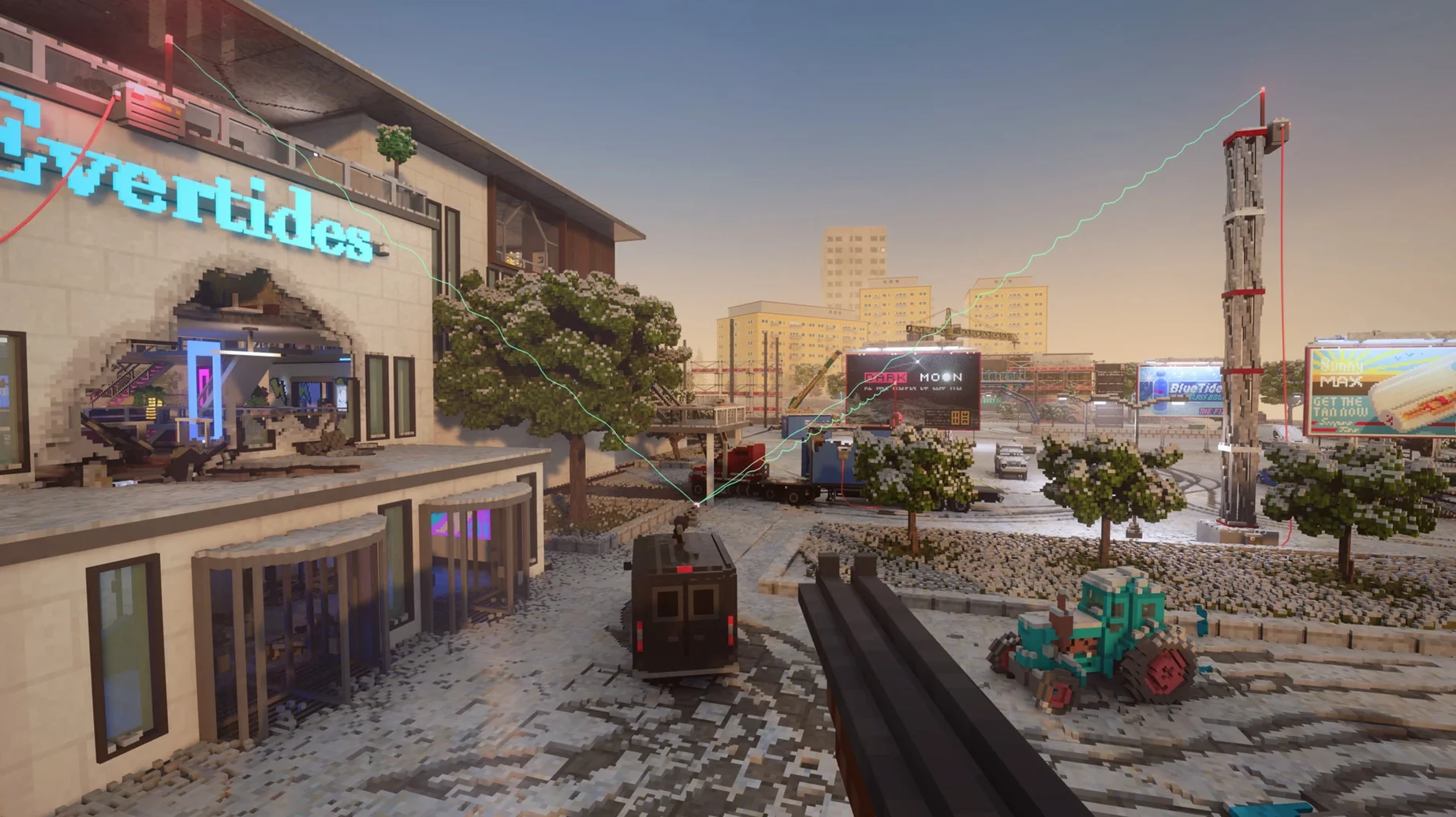
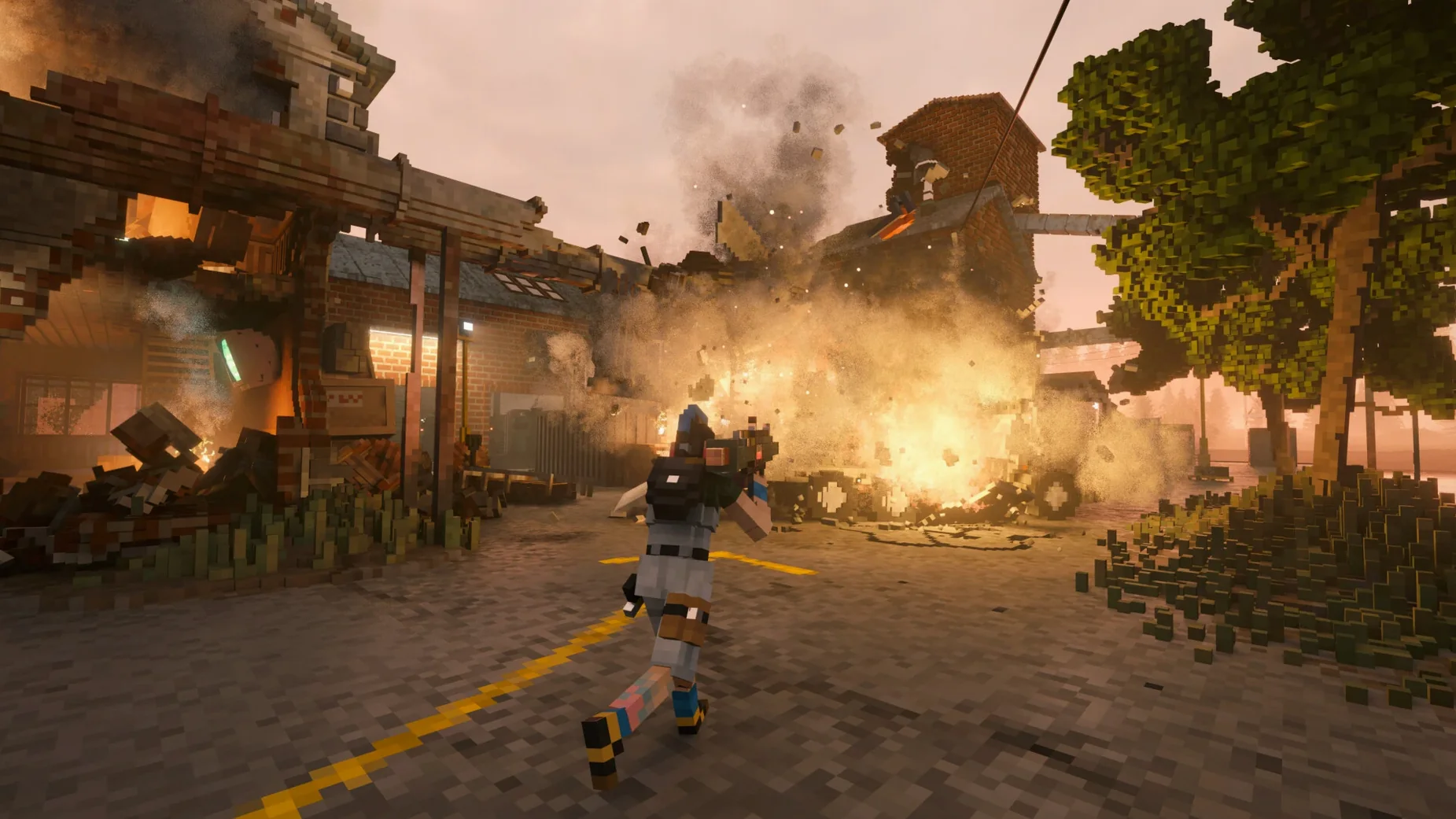
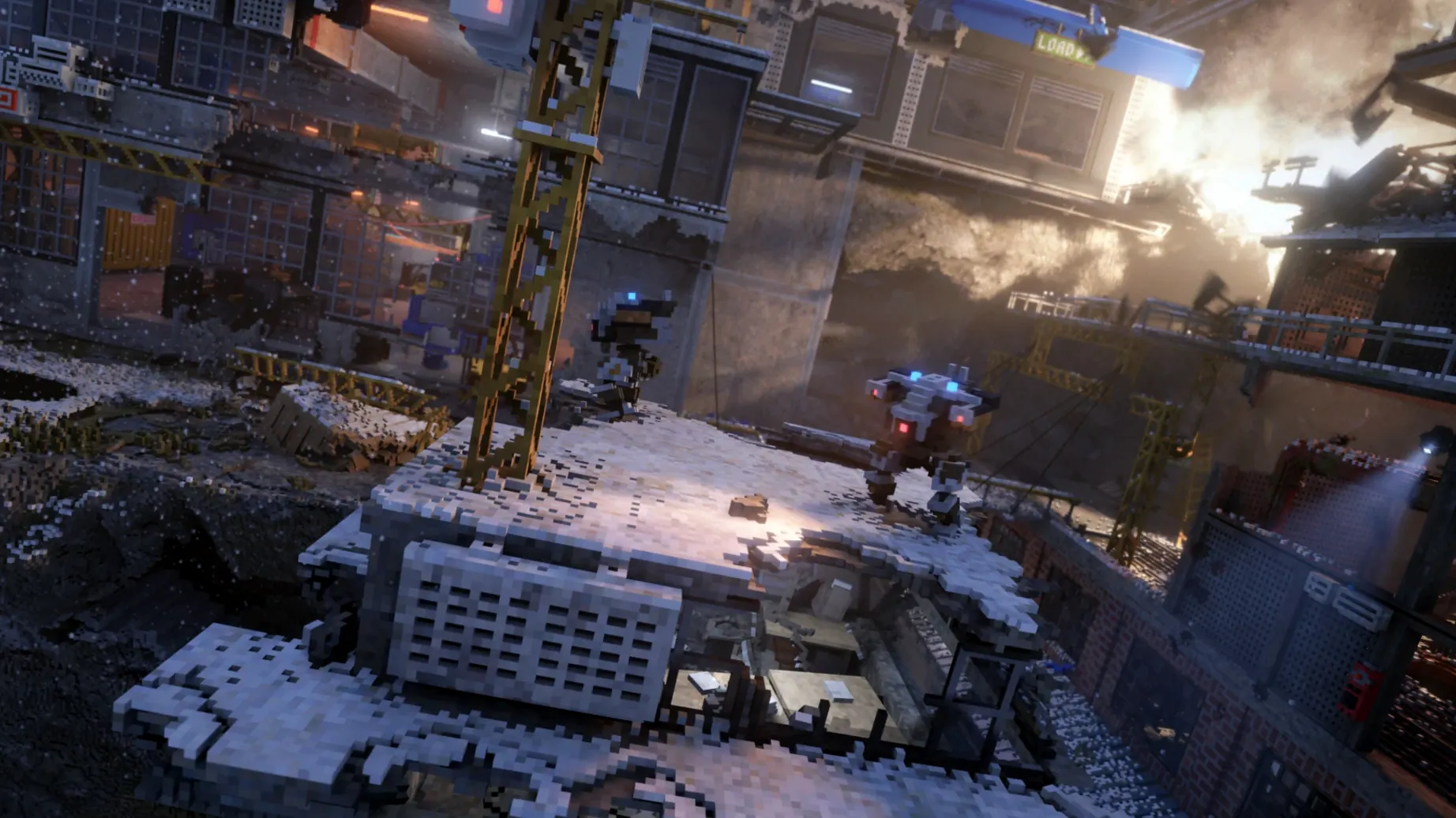
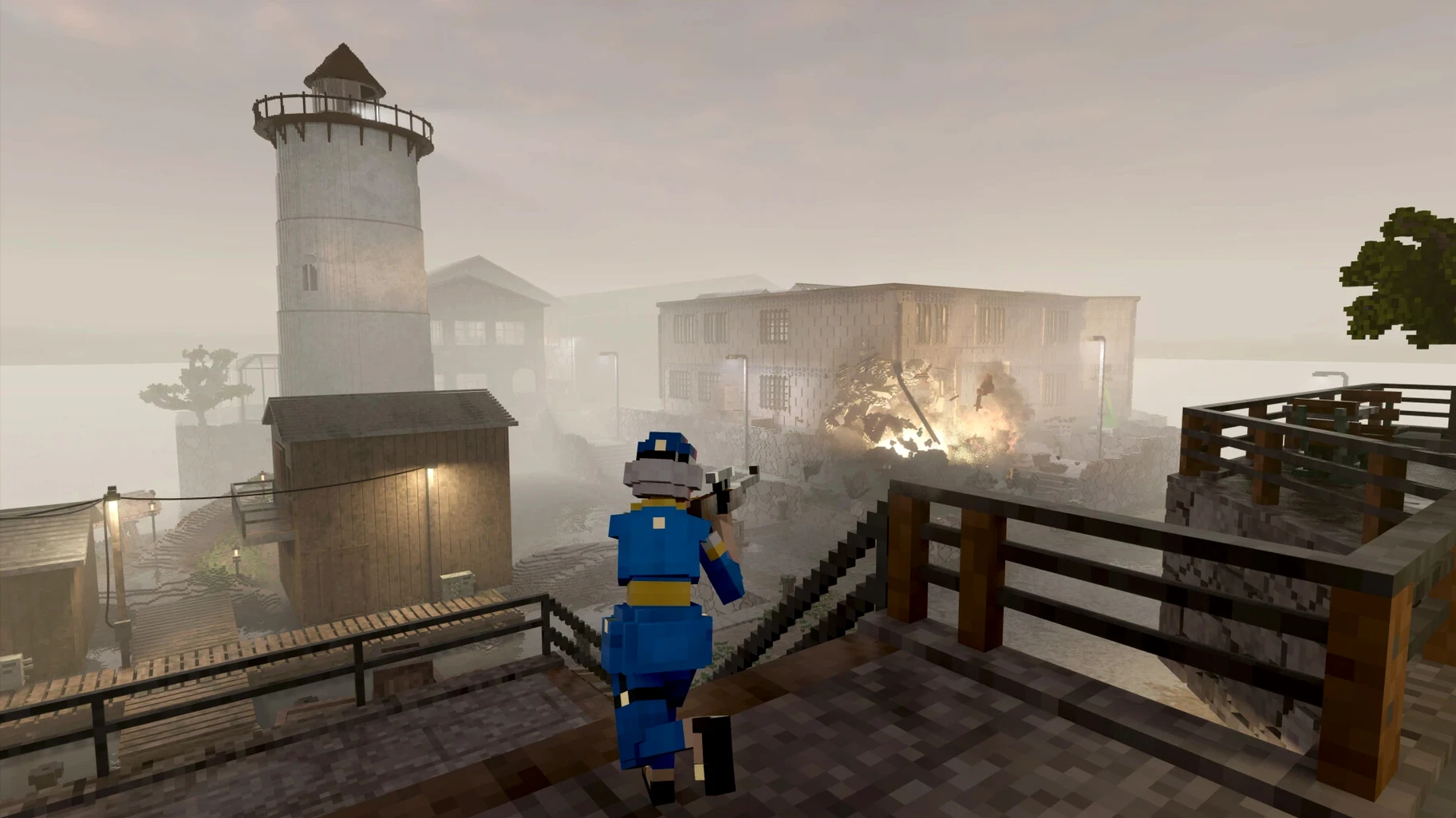
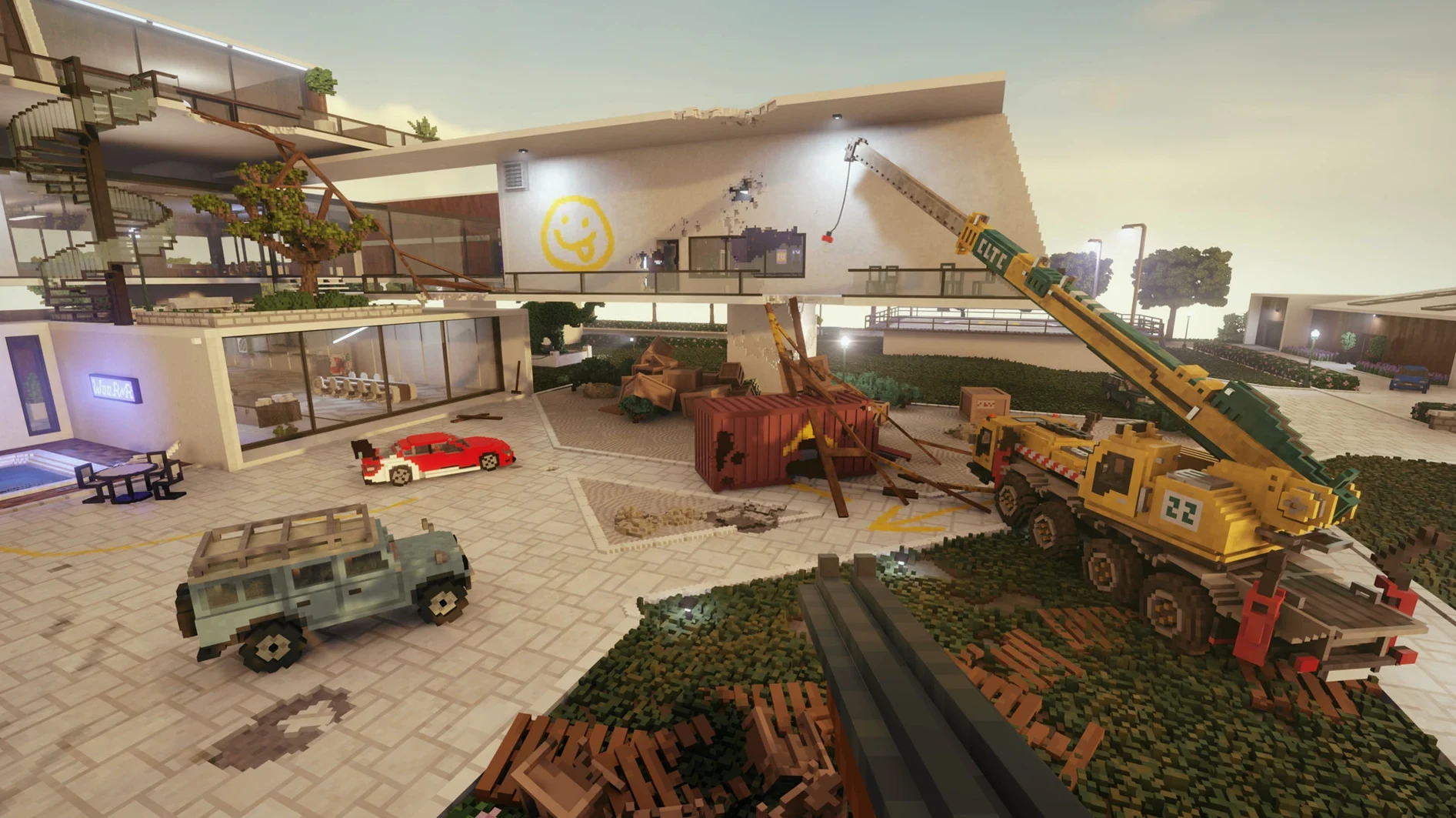
Most heist games give you a path and tell you to follow it. Teardown flips that: every wall, floor and fence can be broken, so the route is whatever you make. The campaign starts after your company falls into debt, and the jobs that follow involve planning entries, grabbing loot and getting out before lethal robots catch up. Challenge modes unlock as you progress, and the sandbox is wide open from the start.
| Detail | Info |
|---|---|
| Developer | Tuxedo Labs |
| Version | Build 23855847 |
| Architecture | Apple Silicon |
| Tested on | macOS Sequoia, MacBook Pro (M3 Pro, 2023) |
| Languages | English, French, German, Spanish, Italian, Polish, Russian, Japanese, Chinese (Simplified) |
You can blow up walls, ram vehicles through buildings or stack objects to reach a window. The freedom is the point. If you prefer tightly scripted levels with clear objectives, the open-ended nature might feel aimless. The destruction physics are the star, and the campaign leans on that more than a story. Anyone who liked the chaos of Red Faction or the tinkering of Besiege will feel at home here.
Smash castles in real time instead of building first
If you have played Besiege, you already know part of the appeal. Besiege gives you medieval parts and lets you build contraptions to smash castles. Teardown shares that love for destruction, but trades the build-first-then-test loop for real-time movement. You are inside the scene, running and driving through what you break, which changes the pace entirely. Besiege rewards careful construction; Teardown rewards quick improvisation.
Red Faction: Guerrilla is the other name that comes up often. That game let you demolish buildings with a hammer and explosives, and the physics felt hefty for its time. Teardown takes that idea further: everything is voxel-based, so destruction is not a scripted collapse animation but a real scatter of debris. Red Faction had a clear third-person shooter structure, while Teardown is first-person and leans harder on planning and tool use. If you liked swinging a sledgehammer through Martian walls, you will probably enjoy the finer-grained destruction here.
The Talos Principle and other puzzle games share the first-person perspective but not the philosophy. Talos wants you to solve a set puzzle with set tools. Teardown wants you to solve the objective your own way, even if that means driving a truck through a fence and stacking crates to reach a skylight. The two approaches appeal to different moods, but if you bounce off one, the other might be worth a look.
Resist the urge to destroy everything at once
When you start the campaign, resist the urge to destroy everything immediately. The game gives you tools, but ammo and fuel are limited in story missions. A few controlled breaches go further than levelling the whole building. Scout the location first, mark the target, then figure out the shortest path through the walls that matter.
That one toggle makes a noticeable difference on Apple Silicon machines. Also keep an eye on the save file location: it sits inside the Wineskin wrapper, so backing it up manually every few sessions is a good habit. Save files are at Teardown.app/Contents/SharedSupport/prefix/drive_c/users/Sikarugir/AppData/Local/Teardown.
Mods go in a different folder, and the game handles them well once you know the path. Place mods in Teardown.app/Contents/SharedSupport/prefix/drive_c/users/Sikarugir/Documents/Teardown/mods. The community has made plenty of extra tools and maps, so browsing for a few mods early on can add variety when the campaign missions start feeling familiar.
No Mission Control inside the game, but Cmd+Tab works
Teardown runs through a Wineskin wrapper, so it does not behave like a native Mac game. That means you cannot use macOS window management shortcuts or Mission Control gestures inside the game itself. You can still switch out with Cmd+Tab to check a walkthrough or a mod page, but treat the game window as a self-contained environment. The wrapper does not interfere with other apps, and you can run it alongside Discord or a browser without issues on a machine with enough memory.
For capturing clips or screenshots, macOS screen recording works fine. The game does not have a built-in replay tool, so QuickTime Player or the built-in screenshot shortcut (Shift+Cmd+5) are your friends. If you record gameplay for a portfolio or a tutorial, keep the resolution at 1080p or lower to avoid taxing the GPU unnecessarily.
The game also supports multiple languages, which is useful if you share the machine with someone who prefers French or Japanese. Change the language in Options, then Game, then Language. The setting sticks across sessions.
More physics than Minecraft, more structure than Garry's Mod
Teardown suits anyone who enjoys sandbox games but wants more physics than Minecraft and more structure than Garry's Mod. It fits well for players who like to experiment: blow a hole here, stack a few planks there, see if the car can make that jump. The campaign gives enough direction to keep things moving, but the real staying power is in the sandbox and creative modes.
If you are a modder or a tinkerer, the Creative mode lets you build objects from voxels, and the mod folder is easy to reach once you know the path. The game rewards patience and lateral thinking more than reflexes. If you tend to rush through levels, you might miss the clever solutions the physics allow.
For Mac users with Apple Silicon machines, the performance is solid enough that the game is playable from start to finish. The Wineskin wrapper adds a layer, but the game still runs without major hiccups on the tested hardware. If you are on an older Intel Mac, the experience may vary, but the game is worth a try if your machine meets the basics.
Ultimately, Teardown is for the player who looks at a locked door and thinks about the wall next to it instead. If that sounds like you, the download teardown for mac link is probably already open in another tab.
Mac it needs
- macOS (version not specified by developer)
- Apple Silicon processor
- Tested on macOS Sequoia and MacBook Pro (M3 Pro, 2023)
Questions I actually get
Can I change the language in Teardown?
Yes. Open Options, then Game, then Language and pick from the available list.
How do I install mods on the Mac version?
Place mod files in Teardown.app/Contents/SharedSupport/prefix/drive_c/users/Sikarugir/Documents/Teardown/mods.
Installing on a Mac
- Open the downloaded disk image and drag the app into the Applications folder shortcut.
- Once the copy finishes, launch the game from Launchpad.
- If the game shows an error at startup, run the Fix file from the disk image.
- If performance stays under 20 fps, disable Barrel Distortion in the graphics settings.
- To install mods, place them in
Teardown.app/Contents/SharedSupport/prefix/drive_c/users/Sikarugir/Documents/Teardown/mods. - Save files live in
Teardown.app/Contents/SharedSupport/prefix/drive_c/users/Sikarugir/AppData/Local/Teardown. - To switch language, open Options, then Game, then Language.
Notes from photographers
Sign in or create your account to leave a comment.
No notes from photographers yet. If you have used this on a real folder, say which camera and which Mac.
Similar apps
Next to it in Games
All Games picks
Swordhaven: Iron Conspiracy
1.1.3
 Super Movie Tycoon
1.2.6
 Stunt Paradise
1.0.5
 The Sims 4
1.127.41
 STORROR Parkour Pro
0.39.0
 Stellaris
4.5.3
 Tiny Bookshop
2026.05.11
 Starseed Pilgrim
1.51
