Get it for my Mac (21 GB)
 Stardew Valley
1.6.15.24357.8705766150
Stardew Valley
1.6.15.24357.8705766150

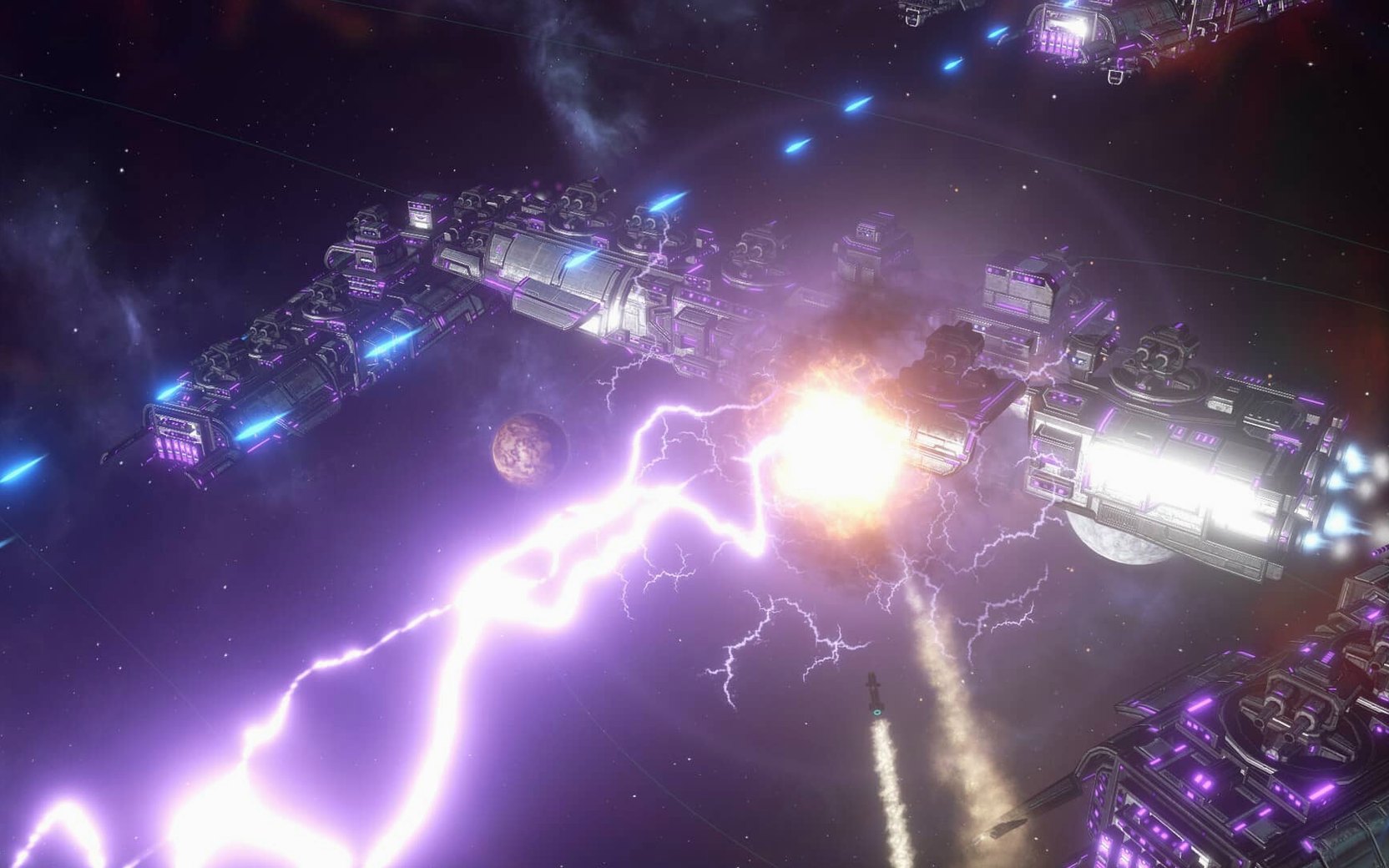
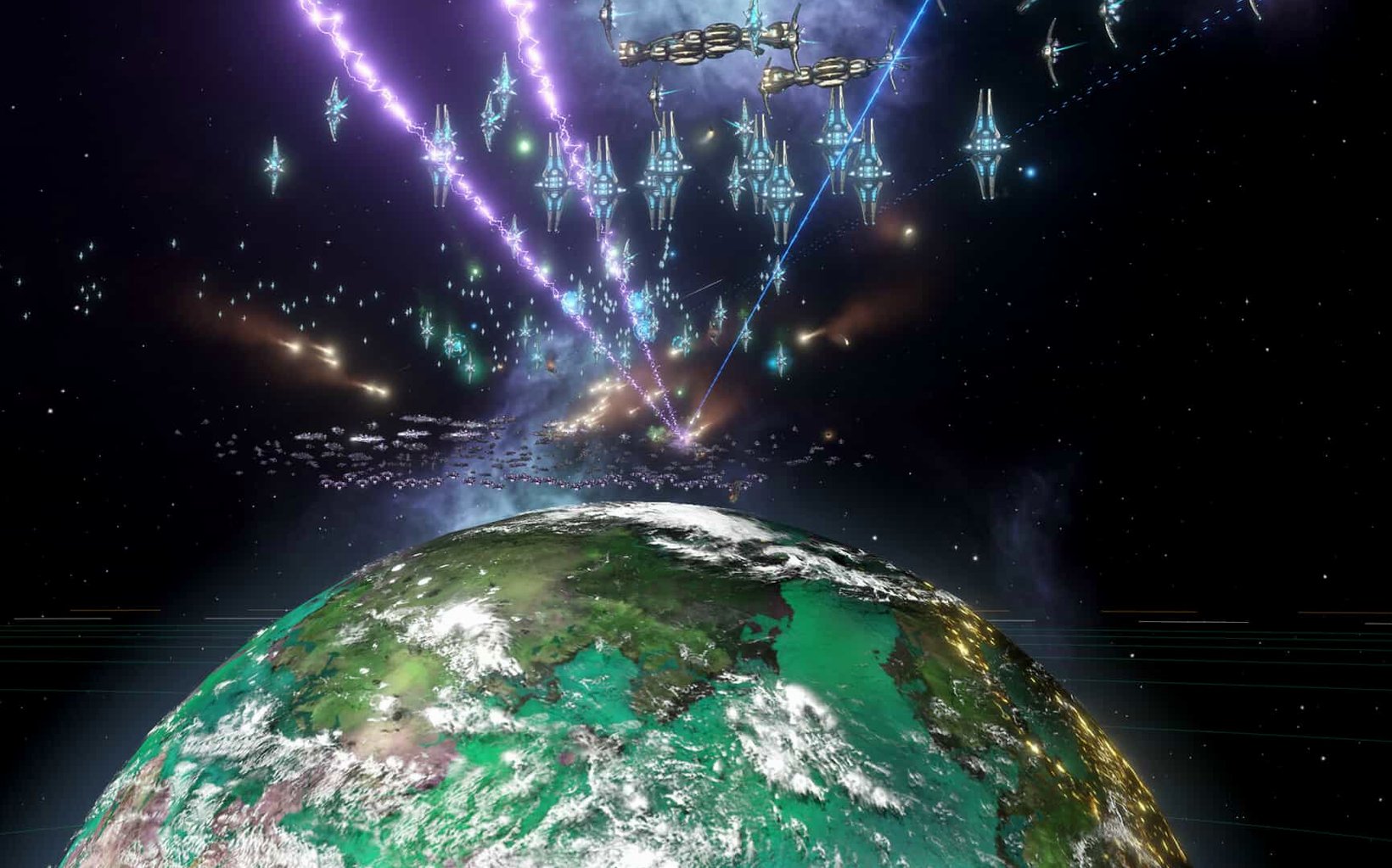
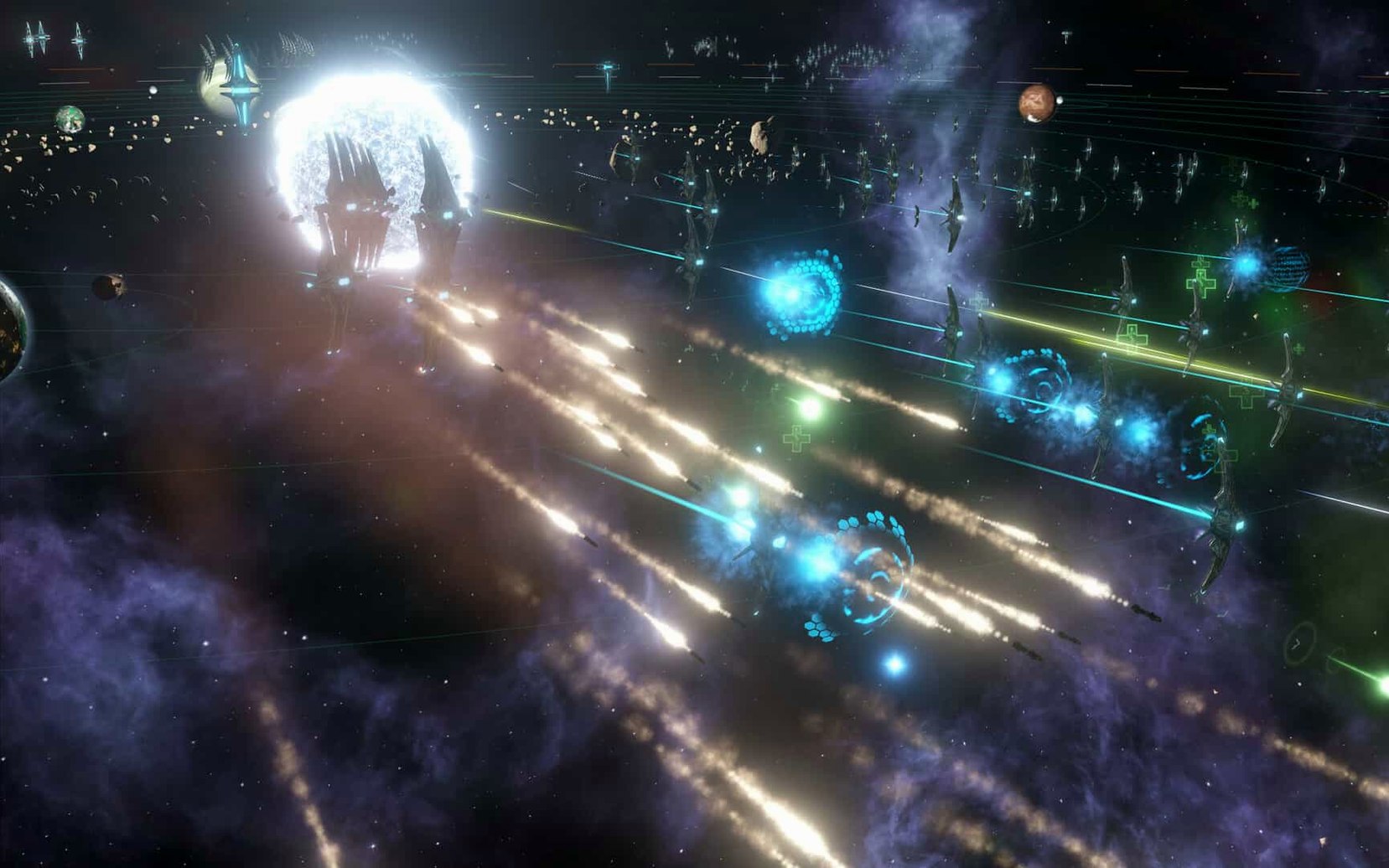
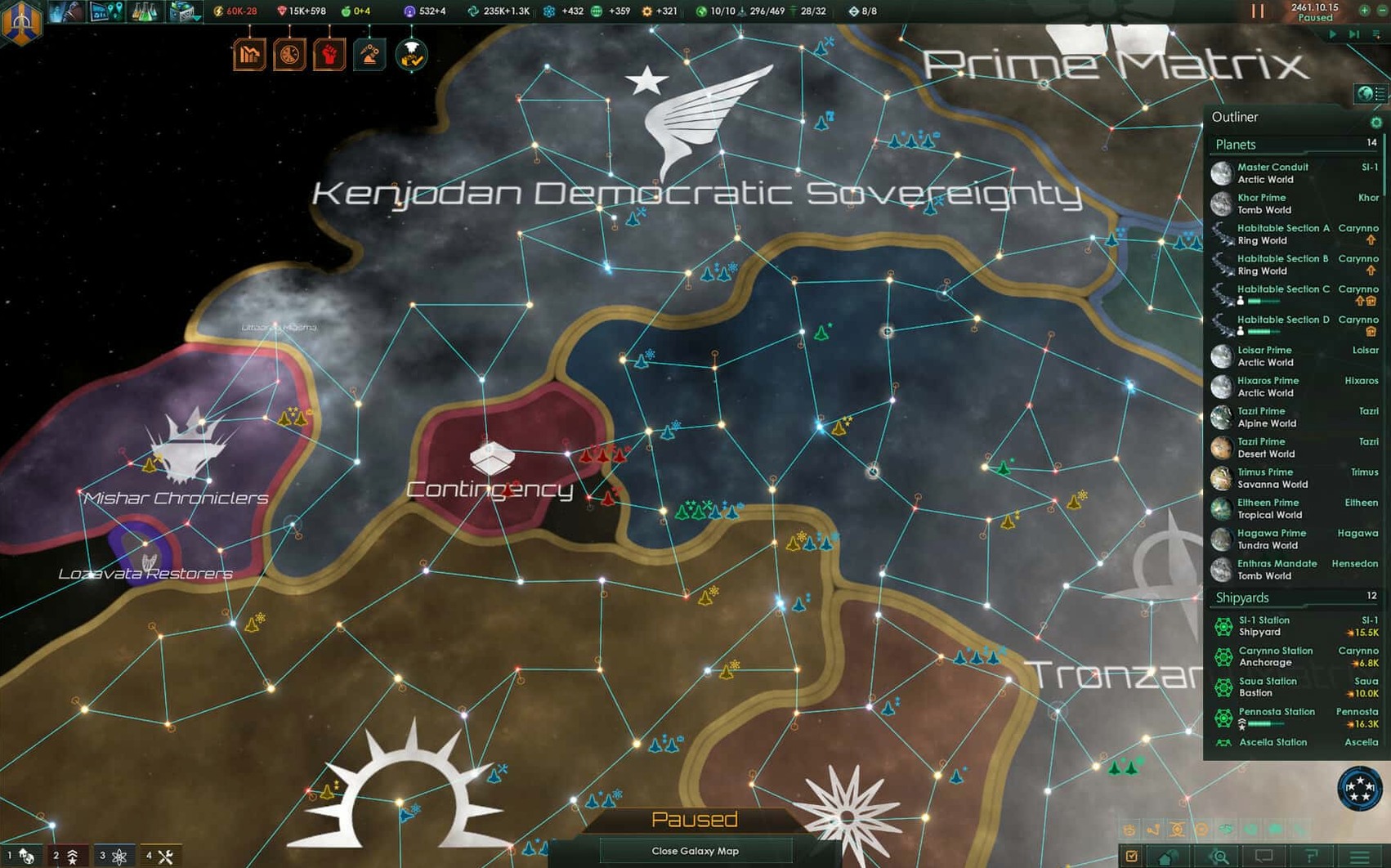
If you’ve spent time with something like Crusader Kings or Europa Universalis, you already know the kind of depth Paradox Development Studio brings to strategy games. Stellaris takes that same grand strategy DNA and moves it into space, trading medieval maps for procedurally generated galaxies and feudal lords for alien empires.
The setup is straightforward: you leave Earth to establish a colony, and from there the galaxy opens up. Not every planet is habitable, so exploration involves scanning and surveying before you commit to a new world. Successful colonies grow into industrial hubs, complete with bases and facilities that push your economy forward. But expansion comes with friction — as your society grows, internal conflicts become more common, and you’ll need to manage factions and unrest alongside external diplomacy.
You can hand over management of autonomous regions to the AI, letting it handle the busywork of resource allocation and development while you focus on broader strategy. The current version (4.5.1) is a hotfix that cleans up a Synaptic Lathe ownership bug, improves fleet automation behaviour, and resolves several multiplayer out-of-sync issues — including one specifically tied to custom AI empires.
One of the first things I hear from other strategy players is whether a game built for Windows will actually feel right on macOS. Stellaris is a native Mac application, not a wrapper or a port, so it behaves like any other Mac game. The installer runs through the standard process — mount the disk image, copy the app, and you’re done. No extra tools or compatibility layers needed.
Another common question is about save files and mods. Stellaris keeps its saves and configuration in the Documents folder under Paradox Interactive, which makes backing up or transferring a game straightforward. If you switch machines, copying that folder is usually enough to carry your empire with you. Mod support works the same way as the Windows version, so the Steam Workshop and manual mods are both available.
People also ask about performance on older Intel Macs. The architecture is listed as 64-bit x86, so it runs on Intel hardware.
Multiplayer stability is another frequent worry. Version 4.5.1 specifically addresses out-of-sync issues caused by custom AI empires, which was a pain point for groups running modded empires. The hotfix also clears up several crash cases tied to first contact, federation votes and subject release events, so the current build is the most stable one for multiplayer sessions.
Stellaris has a few touches that don’t get mentioned often but make a real difference over a long session. The clock in the upper corner of the screen is a small thing, but when you’re deep in a war or managing a dozen planets, it helps you keep track of real-world time without pausing the game. You can glance up and decide whether you have time for one more system survey before dinner.
The game includes budget allocation and diplomatic relations management as core systems, and they’re presented clearly enough that you don’t need a spreadsheet open on a second monitor. Everything lives in the same interface, so switching between checking your energy credits and negotiating a non-aggression pact takes a single click.
Autonomous regions with their own governors are another quiet feature. Instead of micromanaging every colony, you can let the AI handle internal development on planets that aren’t critical to your strategy. The system works especially well once your empire spans more than a handful of systems, because it frees you up to focus on exploration, research and the inevitable border conflicts.
If you want to switch the interface to Russian, the process is simple but not obvious. Launch the game once and close it after the menu loads. Then open Documents, Paradox Interactive, Stellaris, and find settings.txt. Change l_english to l_russian and save. Next time you start the game, the interface will be in Russian.
I know a player who treats Stellaris almost like a single-player narrative generator. They play on a medium galaxy with low AI aggression, focusing on exploration and roleplay rather than conquest. Their typical session goes like this: survey a cluster of systems, find a handful of habitable worlds, prioritise the one with the most strategic resources, then send out a colony ship. While the colony grows, they queue up research that extends their ship range and improves scanning efficiency, so the next wave of exploration covers more ground.
When internal conflicts start to appear — and they always do once a colony passes a certain population threshold — they assign a governor to that sector and let the AI manage the day-to-day. This keeps the empire stable without pulling them away from the frontier. They’ve told me the recent fleet automation changes in version 4.5.1 are a noticeable improvement, because now their science vessels actually follow the exploration orders they set instead of drifting into inactive patterns.
If that sounds like your style, Stellaris on Mac gives you the same tools to build a story at your own pace. No rush to conquer, just the quiet work of making a civilisation that feels like yours.
Interface languages include English, Russian, German, Spanish, Simplified Chinese, Polish, Portuguese and French. The game runs on 64-bit Intel Macs.
Yes, you can assign artificial intelligence to govern autonomous regions, handling resource production and development while you focus on other tasks.
The interface is available in Russian, English, German, Spanish, Simplified Chinese, Polish, Portuguese and French.
It fixes a Synaptic Lathe ownership issue, improves fleet automation behaviour, and resolves multiplayer out-of-sync problems including one involving custom AI empires.
Sign in or create your account to leave a comment.
No notes from photographers yet. If you have used this on a real folder, say which camera and which Mac.