
 Get it for my Mac (11 GB)


 Stellaris
4.5.2
- Version
- 1.1.3
- Developer
- AtomTeam
- Interface in
- English, Spanish, Chinese (Traditional), Chinese (Simplified), Ukrainian, Japanese
- Licence on file
- DRM-free
- Chip support
- Apple Silicon, Intel 64-bit
- Edited with it on
- macOS Tahoe, Mac mini 2024 M4
- Out on
- 12.12.2024
- Voices in
- English, Chinese (Simplified), Japanese
In the edit
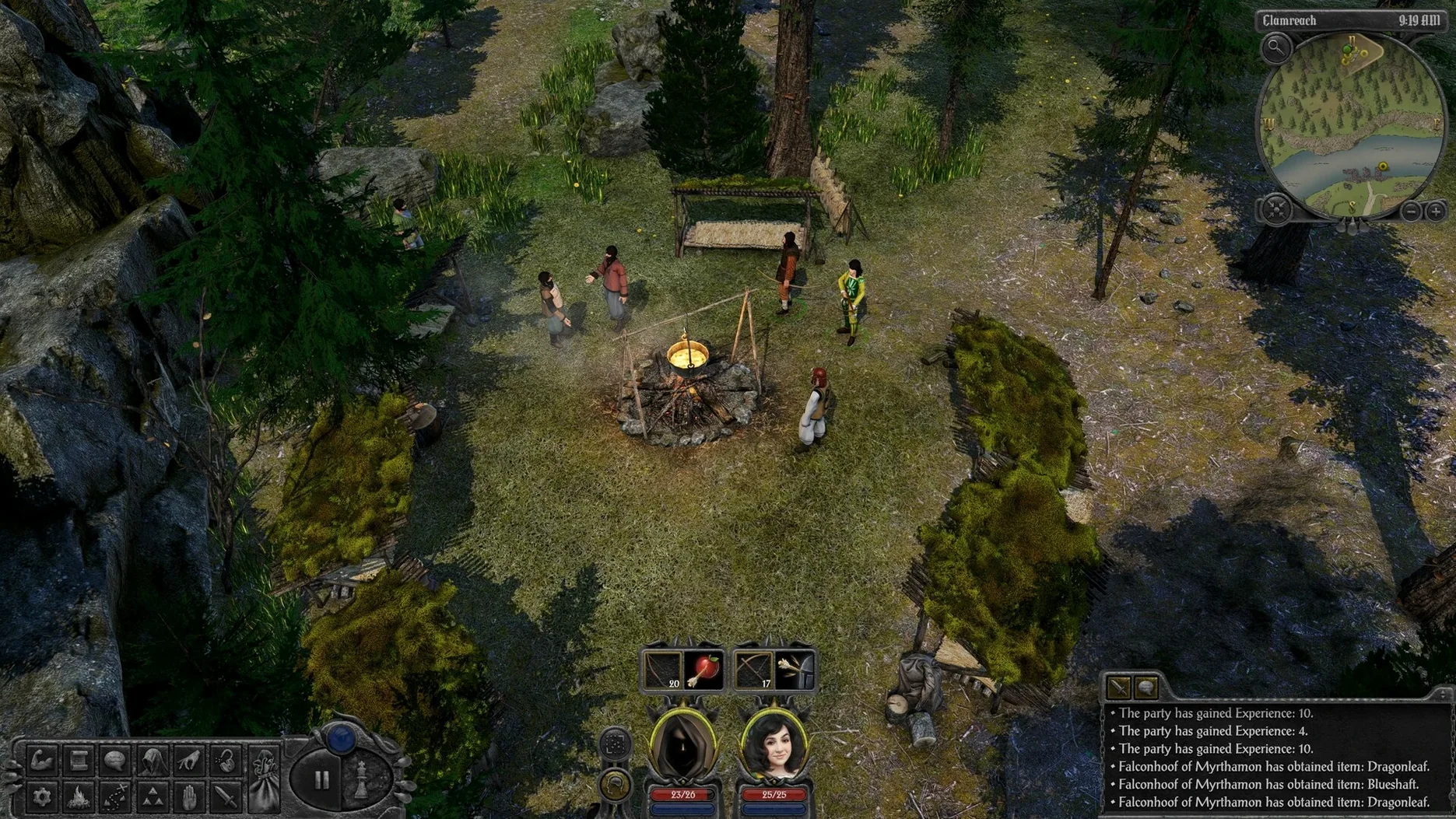
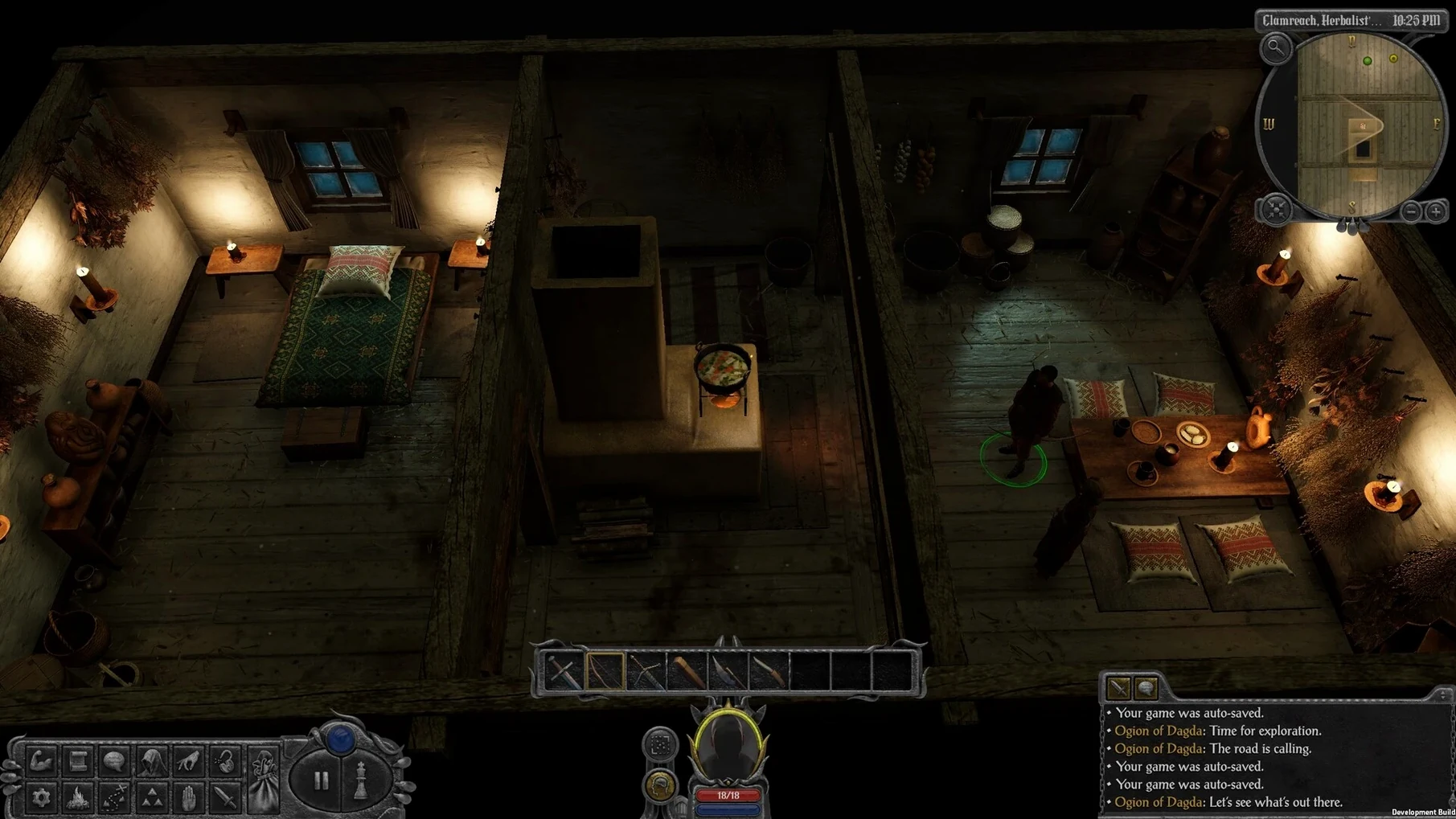
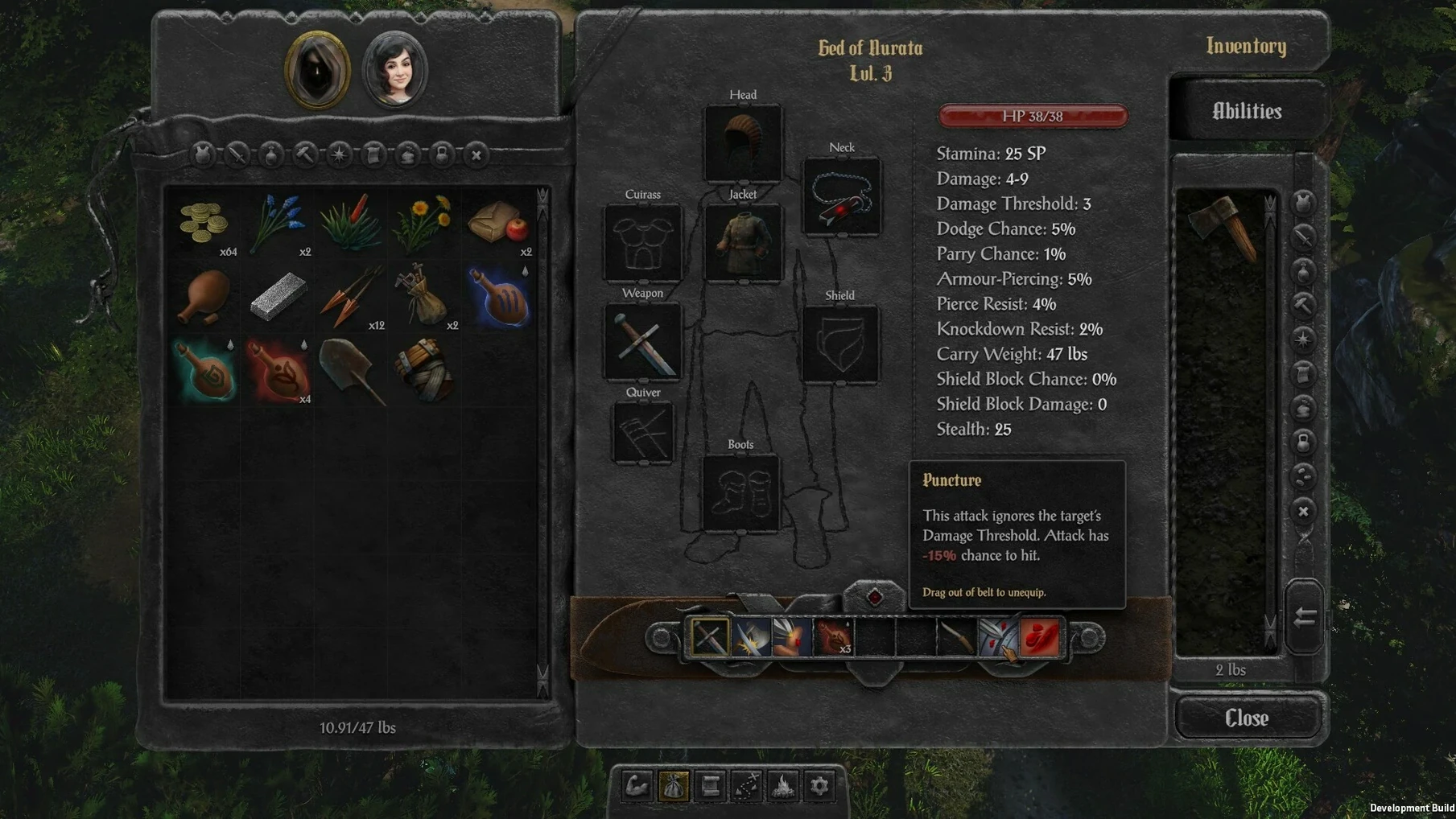
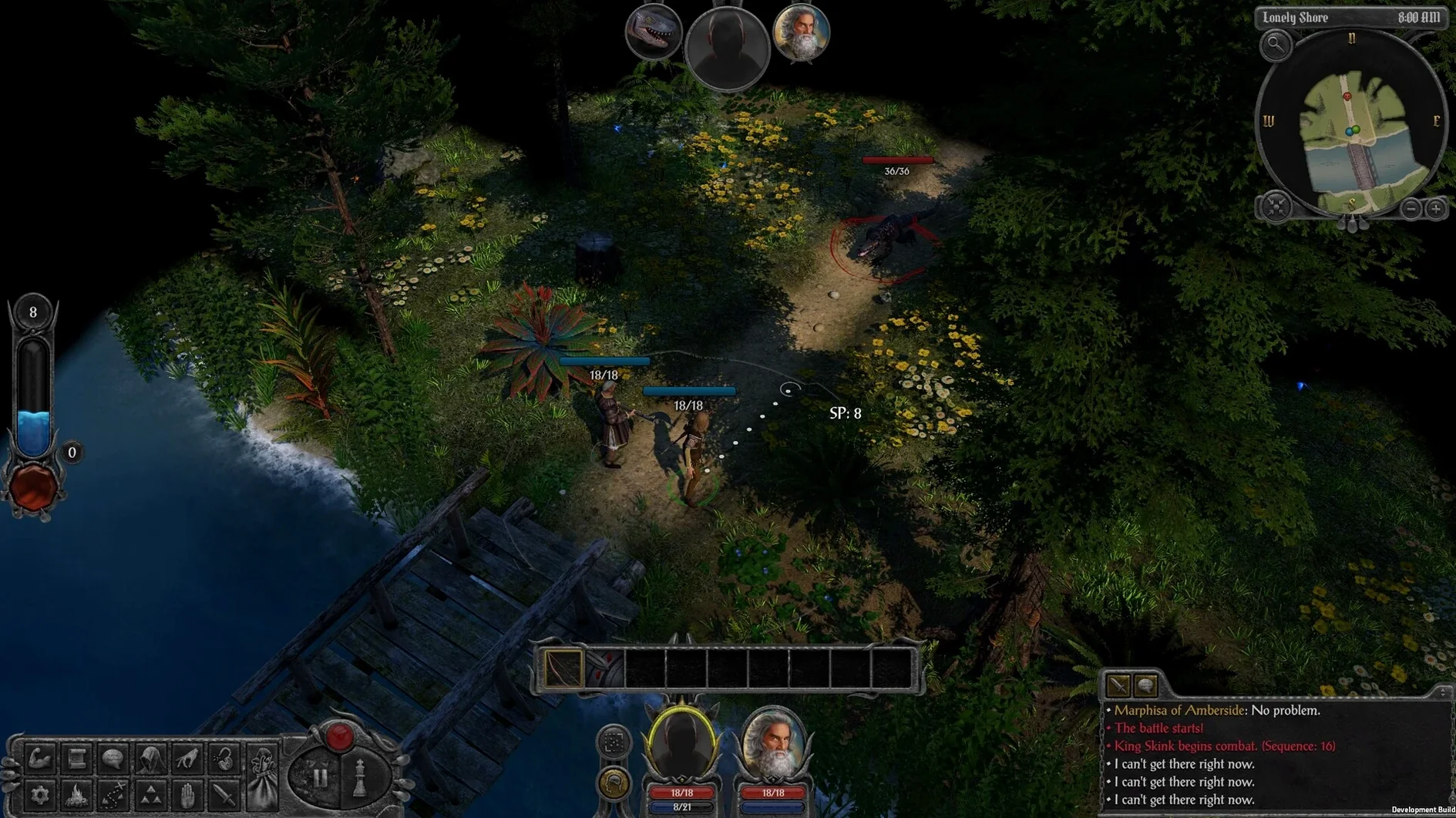
The faction reputation screen in Swordhaven: Iron Conspiracy updates in real time, which is a small detail that tells you AtomTeam thought about how a party-based cRPG should feel on a modern screen. This is a fantasy cRPG from the studio behind ATOM RPG, set in Nova Drakonia and built around a hidden conspiracy that unfolds over dozens of hours.
Turn-based and real-time-with-pause combat — You can switch between the two modes depending on the fight. Turn-based works well for tactical encounters; real-time-with-pause suits clearing weaker groups faster.
The Steam page lists the genre as Adventure and RPG, and the UI is customisable to your taste. Controls map to keyboard and mouse without issue.
Language support — English, Spanish, Traditional Chinese, Simplified Chinese, Ukrainian and Japanese are all available.
Inspired by Infinity Engine — The isometric view, party management and dialogue trees will feel familiar to anyone who played Baldur's Gate or Planescape: Torment, but the interface has been modernised.
Making it work with your Mac setup
Swordhaven: Iron Conspiracy is DRM-free, which means no extra launcher sitting between you and the game. Drop it into Applications as the install steps suggest, and it sits alongside everything else like a native app. The game runs on both ARM and x86 64-bit architectures, so whether you are on an M-series Mac or an older Intel machine, it should fire up without fuss.
If you use multiple monitors, the game respects your display arrangement out of the box. The customisable UI lets you tweak the interface size so it reads well on a smaller laptop screen or a larger external display. I tend to keep the dialogue panel slightly larger on a 27-inch screen, but the defaults work fine if you prefer to jump straight in.
Your classless build shapes how conversations play out
When you start a new game, spend a bit of time with the classless role-playing system. Stat combinations change dialogue options and quest solutions, so the way you build your character early on shapes how entire conversations play out later. Try a spread you would not normally pick in other RPGs — the game rewards experimentation.
Talk to every named NPC you come across in the first area. The conspiracy hooks start small, and missing an early conversation can close off a quest path you might have wanted later. The game autosaves at sensible points, but I still got into the habit of saving manually before entering a new building or starting a dialogue with someone important.
The nonlinear world means you can wander into a high-level area by accident. If a fight feels punishing, you are probably somewhere you should come back to later. The map is not punishing about it — you can usually retreat and return when you have levelled up a bit.
Patch 1.1.3 fixes quest flow for smoother playthroughs
Patch 1.1.3 landed in December 2024, and the changes are the kind that affect how the game feels across a full playthrough rather than adding flashy new features. Quest flow issues have been cleaned up, which means fewer moments where you are stuck wondering what to do next because a quest flag did not fire correctly. Dialogue and content polish makes conversations read more naturally, and some lines that might have felt awkward or incomplete are now tidied up.
Gameplay logic corrections cover things like skill checks triggering when they should and combat rules applying correctly. Stability improvements round out the patch, so the game runs a bit more reliably over a long session. If you downloaded an earlier build, updating to 1.1.3 is worth the time before you start a new game.
If you are already mid-playthrough, the patch should apply without breaking your saves, but backing up your save folder never hurts. The game stores saves in a standard location that you can find easily in Finder.
Adjust the UI scale on your MacBook for more isometric view
Head into the UI customisation options before you do anything else. You can adjust the interface scale, font size and panel layout to suit your screen. On a MacBook, a slightly smaller UI gives you more view of the isometric world; on a larger display, bumping it up makes tooltips easier to read at a glance.
The combat mode toggle is worth setting early. If you prefer turn-based, you can set it as the default and switch to real-time-with-pause only when you are clearing trash mobs. The opposite works just as well if you like the flow of real-time combat and only want turn-based for boss fights.
Audio levels for music, sound effects and voice can be set independently. Voice languages are available in English, Simplified Chinese and Japanese, so if you prefer the original voice acting for a particular language, you can keep the subtitles in your own language while the audio plays in another. It is a small touch that makes the world feel more lived in.
For anyone searching for swordhaven iron conspiracy for mac torrent, the DRM-free nature of this release means you can keep the game in Applications and launch it directly without extra steps. That simplicity carries through the whole experience — install, adjust a few settings, and you are in Nova Drakonia.
New this release
- Version 1.1.3 is now available — check the Steam community post for the full changelog.
Mac it needs
- OS: macOS (specific version not listed)
- Architecture: Intel and Apple Silicon
- Other: Rosetta may be needed for some configurations
Questions I actually get
Does Swordhaven: Iron Conspiracy support both Intel and Apple Silicon Macs?
Yes, the game runs on both architectures. If it freezes on launch, try running it with Rosetta.
What combat modes are available in the game?
You get turn-based combat and real-time-with-pause, and you can switch between them as needed.
Installing on a Mac
- Complete the standard installation process.
- When installation finishes, choose a destination folder — Applications is the recommended one.
- If the game freezes on launch, open it with Rosetta.
Notes from photographers
Sign in or create your account to leave a comment.
No notes from photographers yet. If you have used this on a real folder, say which camera and which Mac.
