
 Get it for my Mac





 Total War: PHARAOH
1.2.3
- Version
- 1.1.8.7
- Developer
- Landfall Games
- Interface in
- English
- Licence on file
- Not required
- Chip support
- Apple Silicon, Intel 64-bit
- Edited with it on
- macOS Sonoma, MacBook Air (M1. 2020)
- Out on
- 1.04.2019
- Voices in
- Music only
In the edit
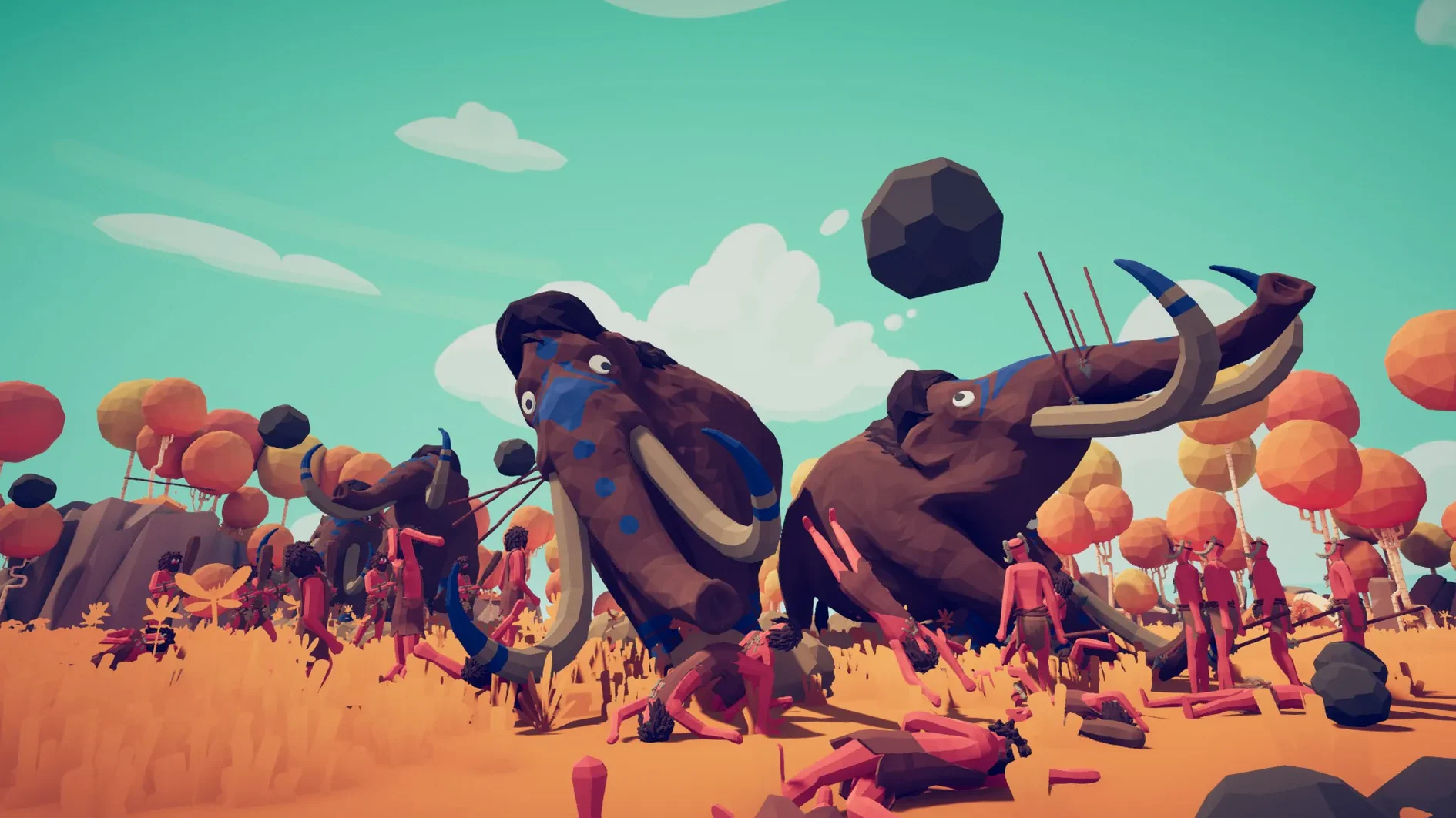
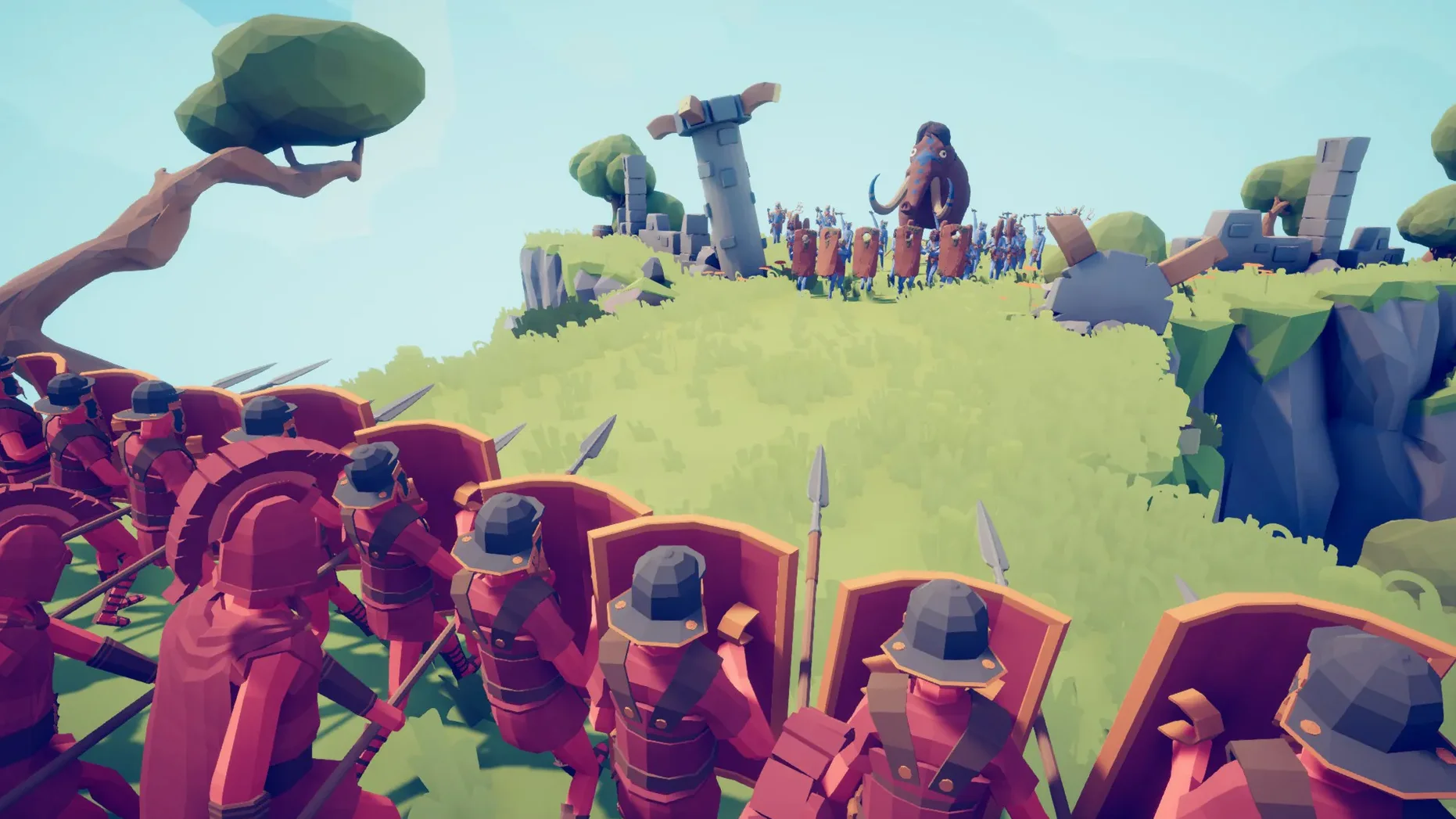
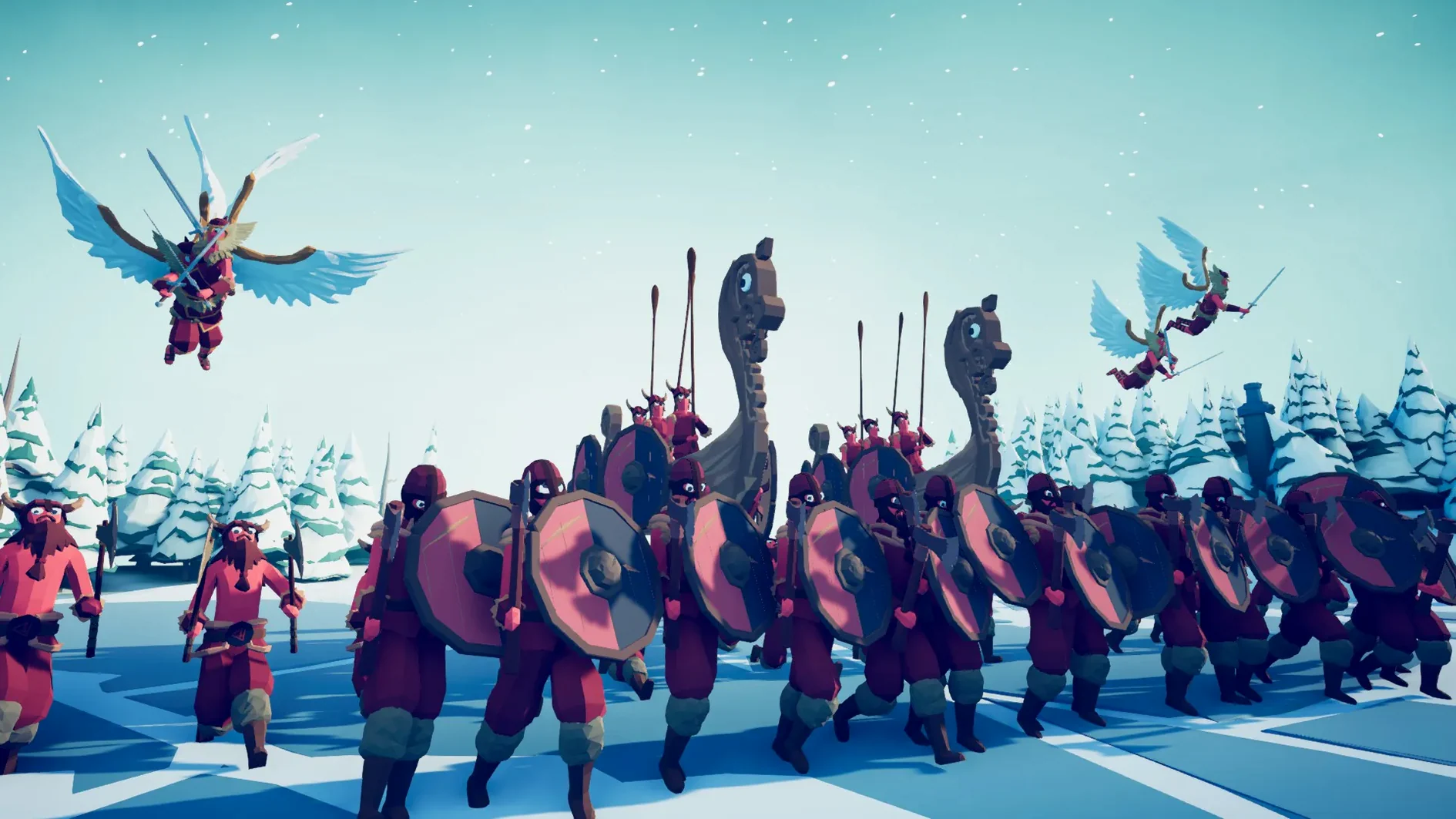
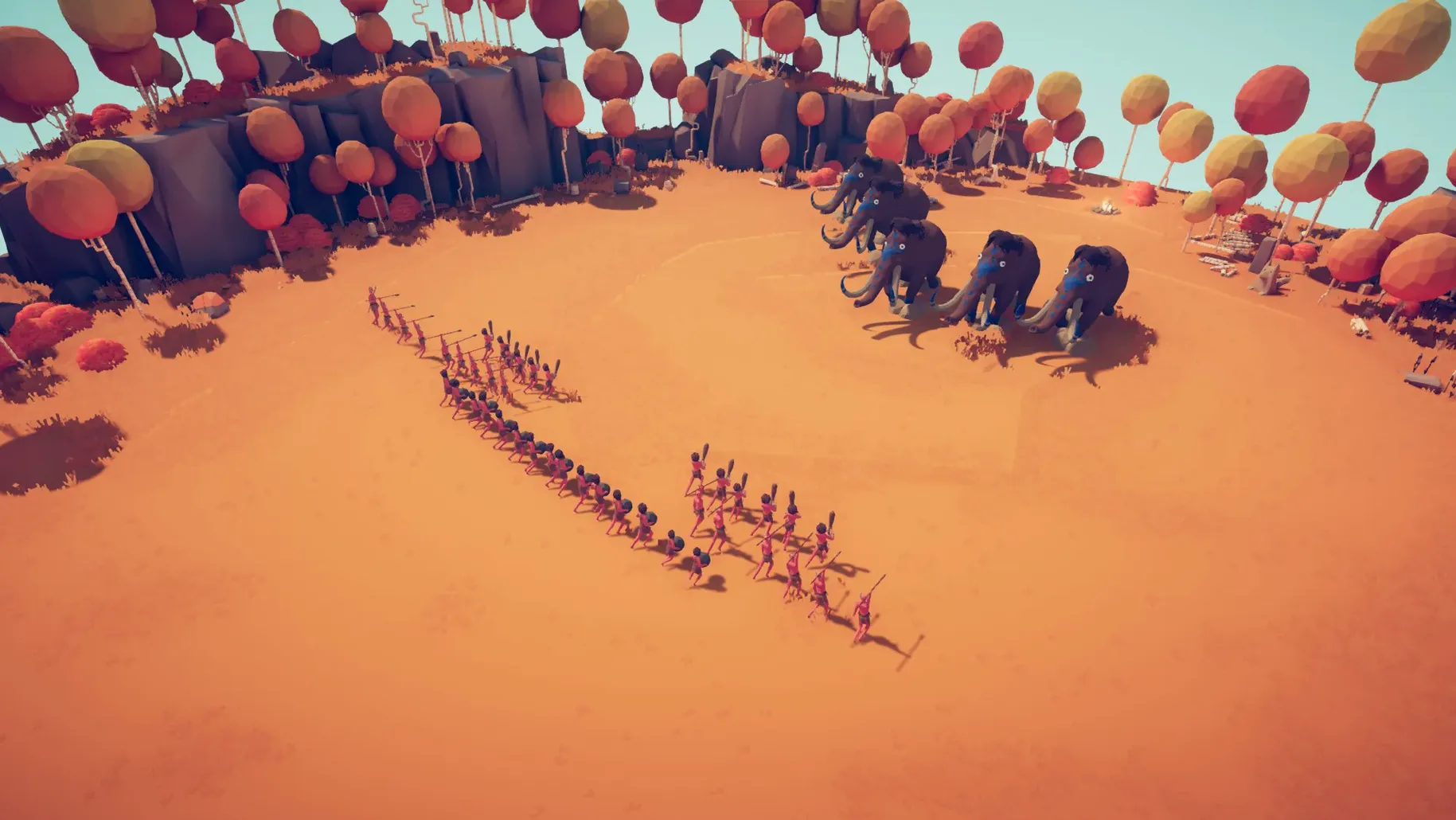
Not every battle game rewards careful planning. Some of them throw your carefully laid formations into a heap of wobbling limbs the moment the first punch lands. That is the point of Totally Accurate Battle Simulator, a physics-based tactics game where medieval units like punchers, heavy ballistae, villagers and giant catapults collide in simulations that never play out the same way twice.
If you enjoy experimenting more than winning — setting up a limited number of warriors and watching what the wobbliest physics system ever created does to them — this game will keep you busy for hours. The unit creator lets you build your own soldiers, and online multiplayer means you can share the chaos with someone else. The Mac build, tested on an M1 MacBook Air, runs on both ARM and 64-bit Intel machines.
Who might not like it? Players who want tight, predictable control over every unit. The physics here are deliberately loose, and battles often end in ways you did not expect. If that sounds frustrating rather than fun, this one is probably not for you.
Unit placement is a feature, not a restriction
Totally Accurate Battle Simulator hides a few useful touches behind its deliberately silly presentation. The limited number of warriors you start each battle with is a feature, not a restriction — it forces you to think about unit placement rather than just swarming the enemy. You will notice that stronger units cost more money, so the budget screen doubles as a balancing tool. Spend all your cash on one giant catapult and you might find yourself defenceless against a horde of cheap villagers.
If your army loses, you can change tactics and try again immediately. There is no menu to back out of, no loading screen between attempts — just adjust your lineup and hit go. The same applies when you win: unlocking the next, harder level and receiving additional money happens in one smooth transition, so the pace of progression stays quick.
The ragdoll physics do more than create comedy. They also mean that a glancing hit can knock a unit sideways into its own allies, which changes how you think about formation depth. Placing your punchers behind your villagers might seem sensible until the villagers stumble backwards and take everyone down.
No sign-in or code needed to start playing
Mount the downloaded disk image, then drag the game to your Applications folder. That is the whole installation. No activation is required, so you can open it straight from there without signing in or entering a code.
Start with the campaign rather than jumping into multiplayer. The early battles introduce you to the limited number of warriors and the money system in small doses. You will learn which units counter others — for example, heavy ballistae are devastating against slow formations but struggle against fast, spread-out groups. Experiment with the unit creator early. Even simple modifications can change how a soldier behaves, and you might discover a combination that works in a way the standard roster does not.
If a level feels impossible, change your approach completely. The game rewards lateral thinking. A line of villagers might fail, but a single well-placed catapult could tip the balance. Do not assume the obvious tactic is the correct one.
Runs on both Apple Silicon and Intel Macs
The Mac build supports both ARM and 64-bit Intel architectures, so it runs on Apple Silicon machines and older Intel-based Macs alike. It was tested on macOS Sonoma using an M1 MacBook Air, which means the game is compatible with the current generation of Mac operating systems. If you are on an earlier version of macOS, check the requirements before installing — the build was verified on Sonoma specifically.
The game is in English, with music as the primary audio component. There are no voice lines to worry about, so the file size stays reasonable and the performance demands are focused on the physics simulation rather than audio processing. The wobbliest physics system ever created is the main thing asking something of your hardware. Units, ragdolls and collisions all run through that engine, so expect the simulation to be the deciding factor in how the game feels on your machine.
Mac it needs
- macOS version not specified by the developer.
- Supports both Apple Silicon and 64-bit Intel architectures.
- Interface language: English.
Questions I actually get
Does the game include online multiplayer?
Yes, Totally Accurate Battle Simulator supports online multiplayer so you can battle against other players.
Installing on a Mac
- Mount the downloaded disk image.
- Drag the game to the Applications folder.
Tip: You can launch it straight from the Applications folder once the copy finishes.
Notes from photographers
Sign in or create your account to leave a comment.
No notes from photographers yet. If you have used this on a real folder, say which camera and which Mac.
