Get it for my Mac (40 GB)
 Two Point Museum
12.0.244870 Native
Two Point Museum
12.0.244870 Native
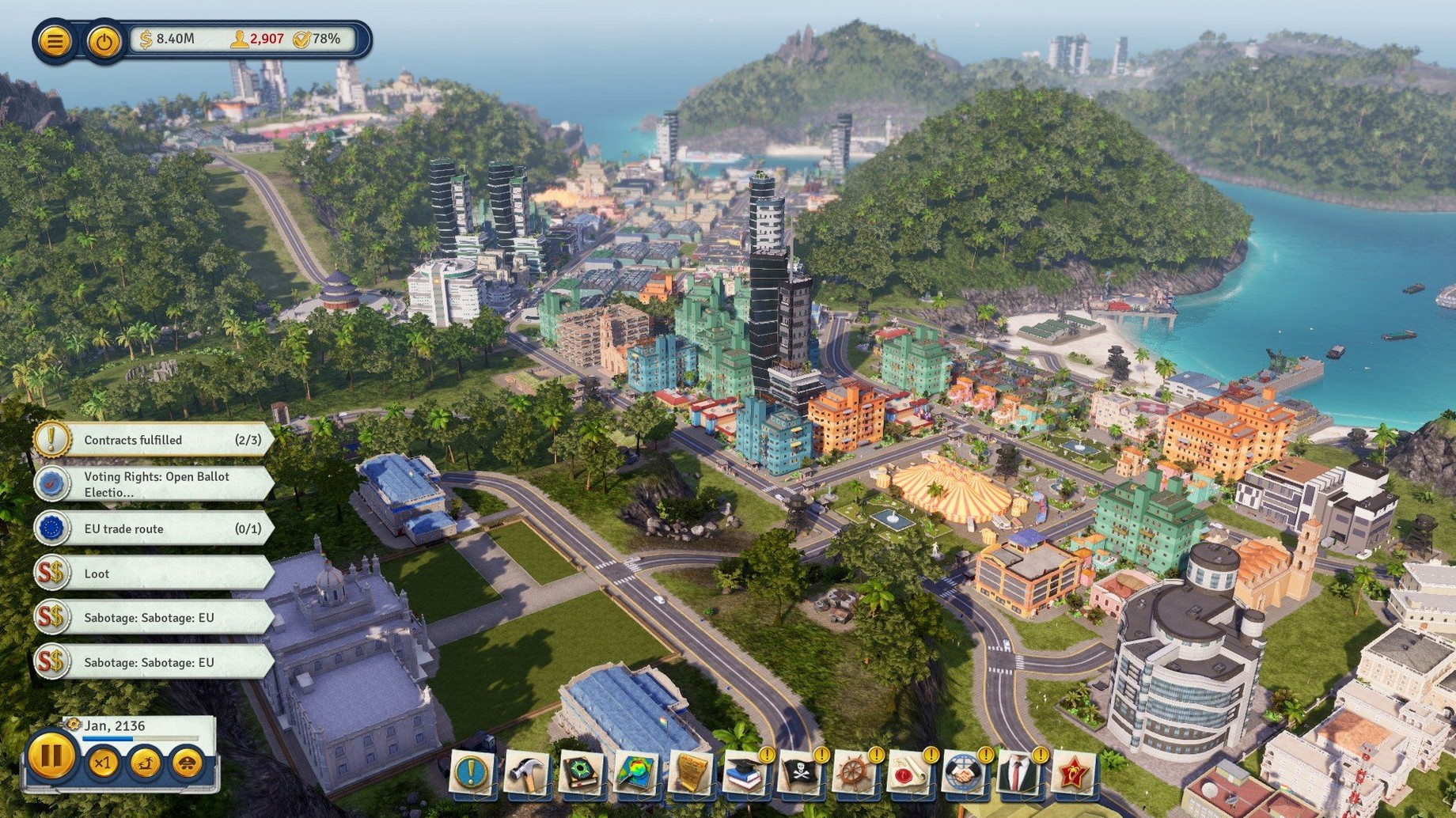
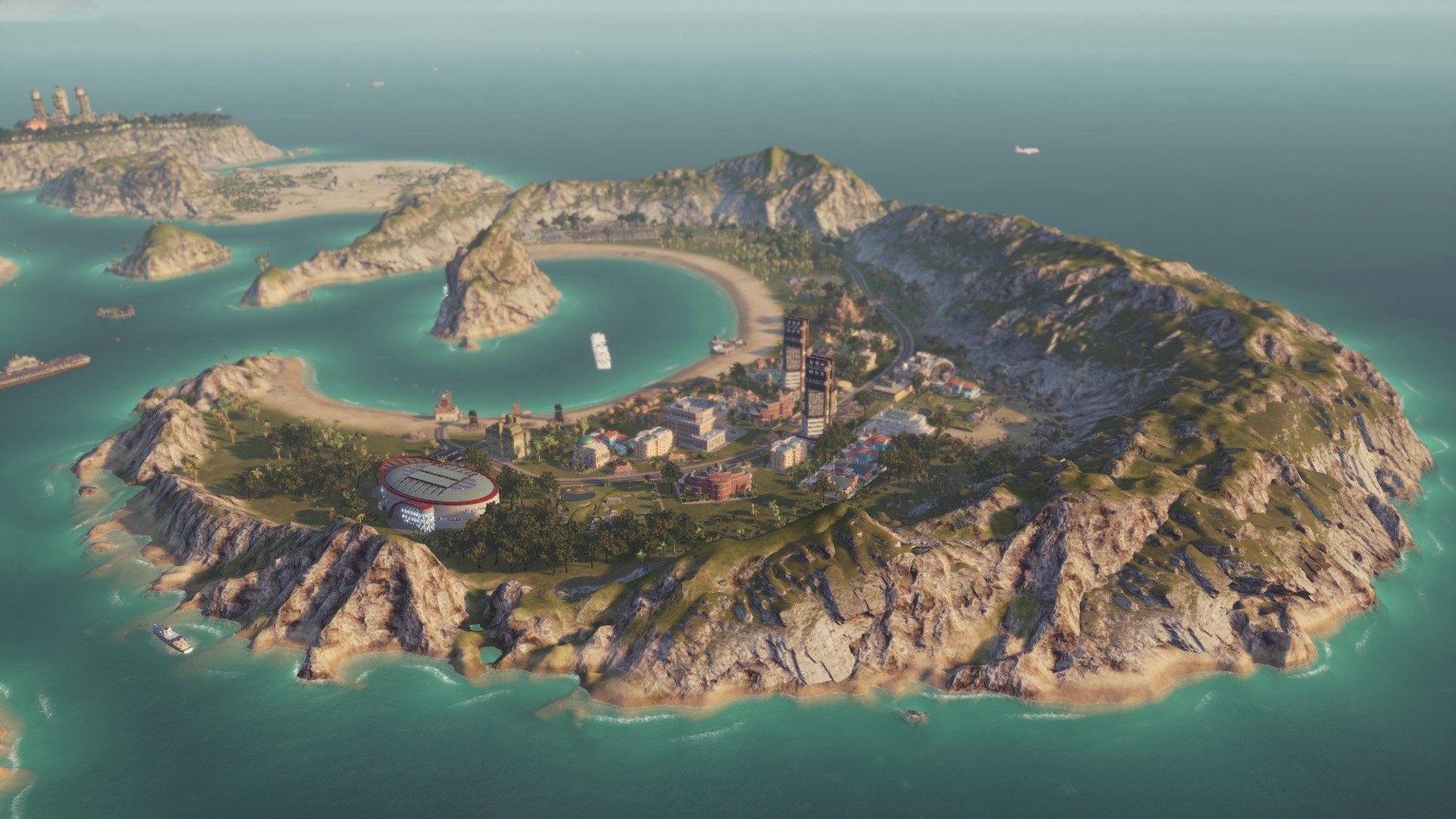
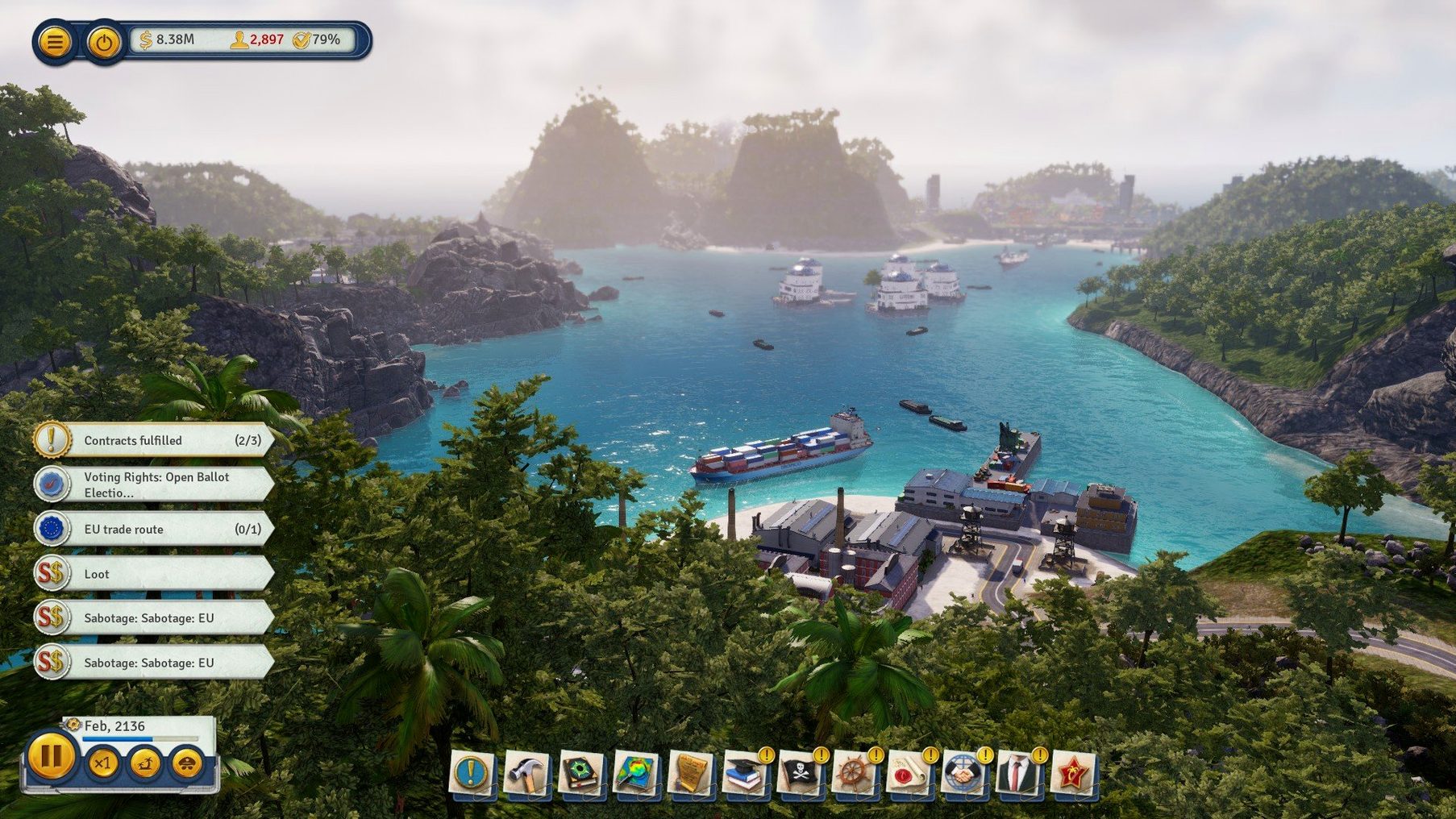
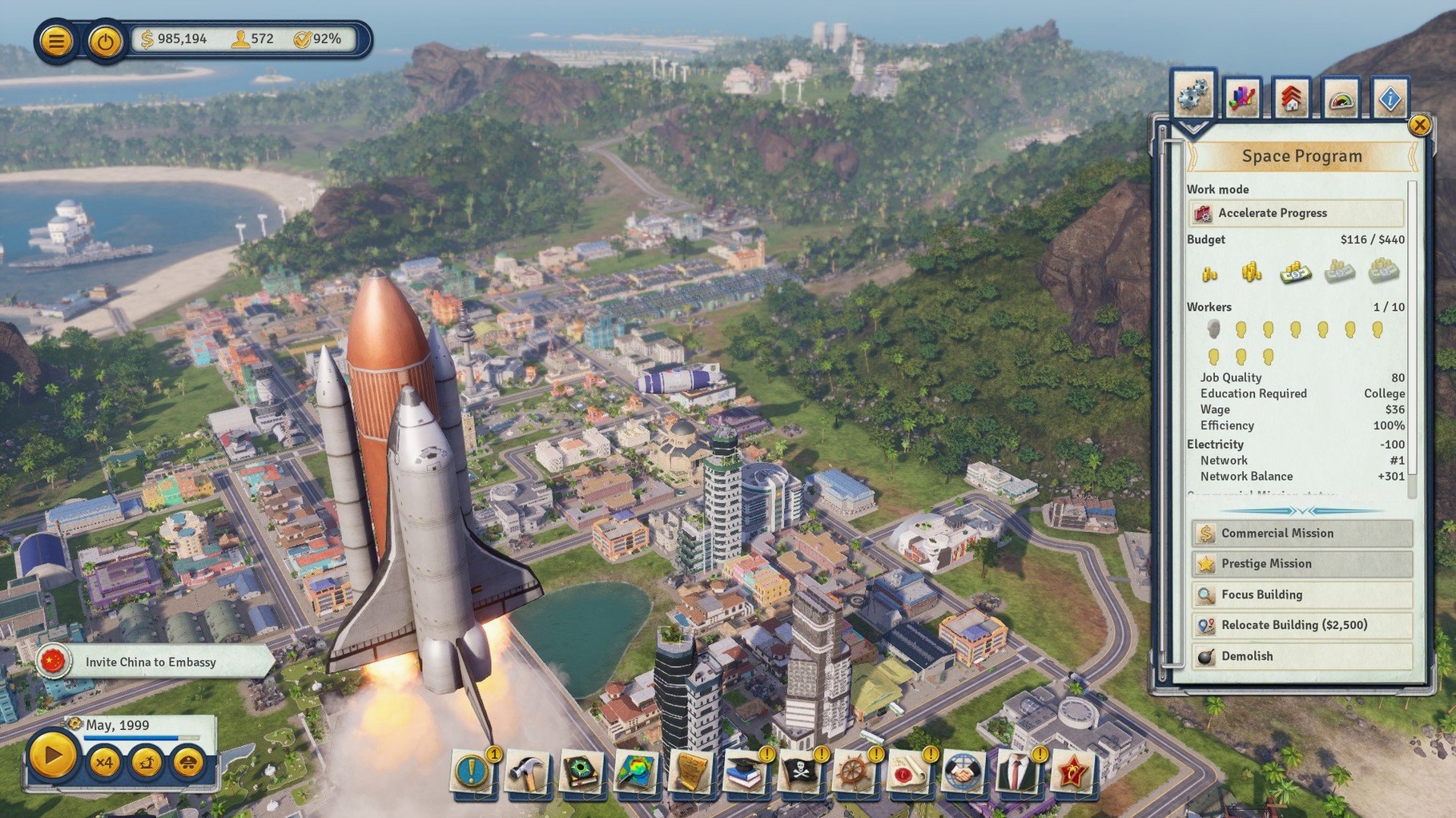
Tropico is a strategy game where you build and manage a tropical island state. You start with a patch of sand and a few buildings, and from there you decide how your island grows. Minute to minute, you are placing roads, power plants and houses, then watching your citizens react — happy workers produce more, unhappy ones cause trouble. The economic layer keeps you busy: you set production quotas, balance budgets and decide whether to export rum or process it into something pricier. And because not everyone loves your rule, you also strengthen defences and keep an eye on foreign powers.
Good for
Keep in mind
Tropico suits a few types of Mac users particularly well. If you are the sort who enjoys a game that does not rush you — where you can pause, adjust a tax rate, watch a cable car line connect two halves of your island and then unpause — this one sits comfortably in that slower, more deliberate lane. City-building fans will recognise the rhythm: zone some housing, add a farm, check the treasury, repeat. But Tropico adds a political layer that changes how you play. Your decisions as El Presidente affect how factions like the capitalists or the communists view you, and those opinions show up in your production numbers and your re-election chances.
For Mac users with older Intel machines, this is a rare treat. The system requirements are not asking for the latest silicon, so a quad-core i5 or i7 from a few years back, paired with 8 GB of RAM and a Metal-compatible GPU, will run it. That makes it a good fit for people who have not upgraded recently but still want a modern strategy game that does not feel compromised. And because the package is DRM-free, you are not tied to an online launcher or an internet check every time you want to play — install it, launch it, go.
The current version is marked t6 1290 fix. This is a maintenance update rather than a big content drop, so the changes are about stability and polish. The fix addresses specific issues that players reported in earlier builds — things like crashes on certain Mac configurations or quirks with the save system. In everyday use, that means fewer interruptions during long sessions. If you have played Tropico on Mac before and hit a wall where the game would stutter or drop out after a few hours, this version is meant to smooth that out. Nothing flashy, but the kind of update that keeps you in the game instead of restarting it.
Imagine you are the kind of player who treats Tropico like a logistics puzzle. You have an archipelago map with three islands, each with its own resources. One island has fertile soil for sugar and coffee, another has iron ore and coal, the third is mostly limestone and tourism potential. Your first instinct is not to build a palace — it is to lay down a bridge connecting the first two islands, then plan a cable car route up the mountain on the third to move tourists from the dock to a hotel you have not built yet. You spend the first hour just mapping out transport lines, placing taxi stands at key intersections and checking that the workers on the resource island can actually get to the factory on the industrial island. The game does not penalise you for this slow start; it rewards it. Once the infrastructure is in place, the economy starts humming, and you can turn your attention to the political side — keeping the loyalists happy while you raise export tariffs. That is the Tropico loop: plan, build, adjust, repeat.
The tested system was a MacBook Air with M1 on macOS Sequoia, but the official requirements specify a 64-bit Intel processor.
tropico6_english_t6…pkg installer and follow the standard setup.Sign in or create your account to leave a comment.
No notes from photographers yet. If you have used this on a real folder, say which camera and which Mac.