Get it for my Mac (13 MB)
 4K YouTube to MP3
26.3.5
4K YouTube to MP3
26.3.5
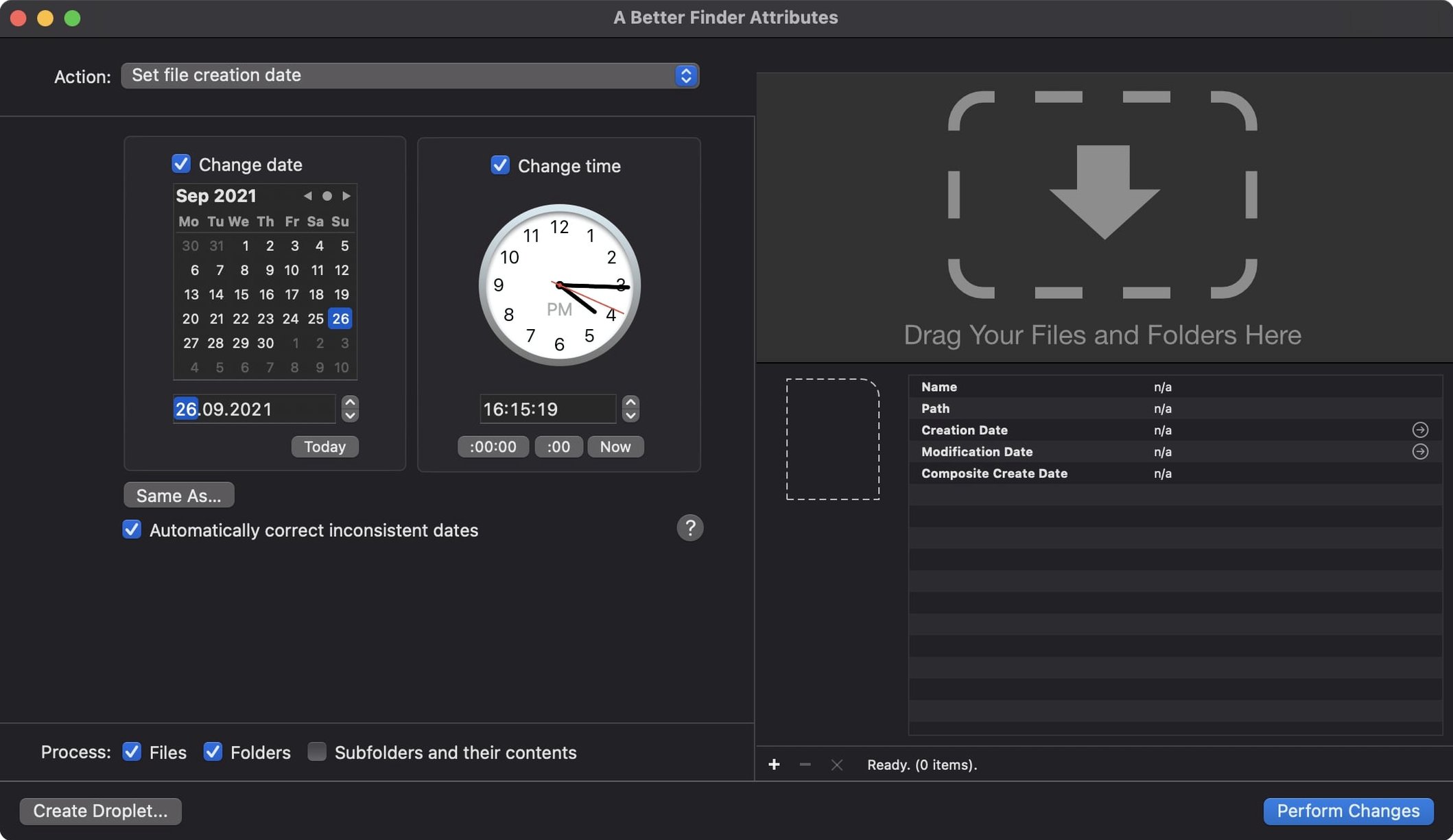
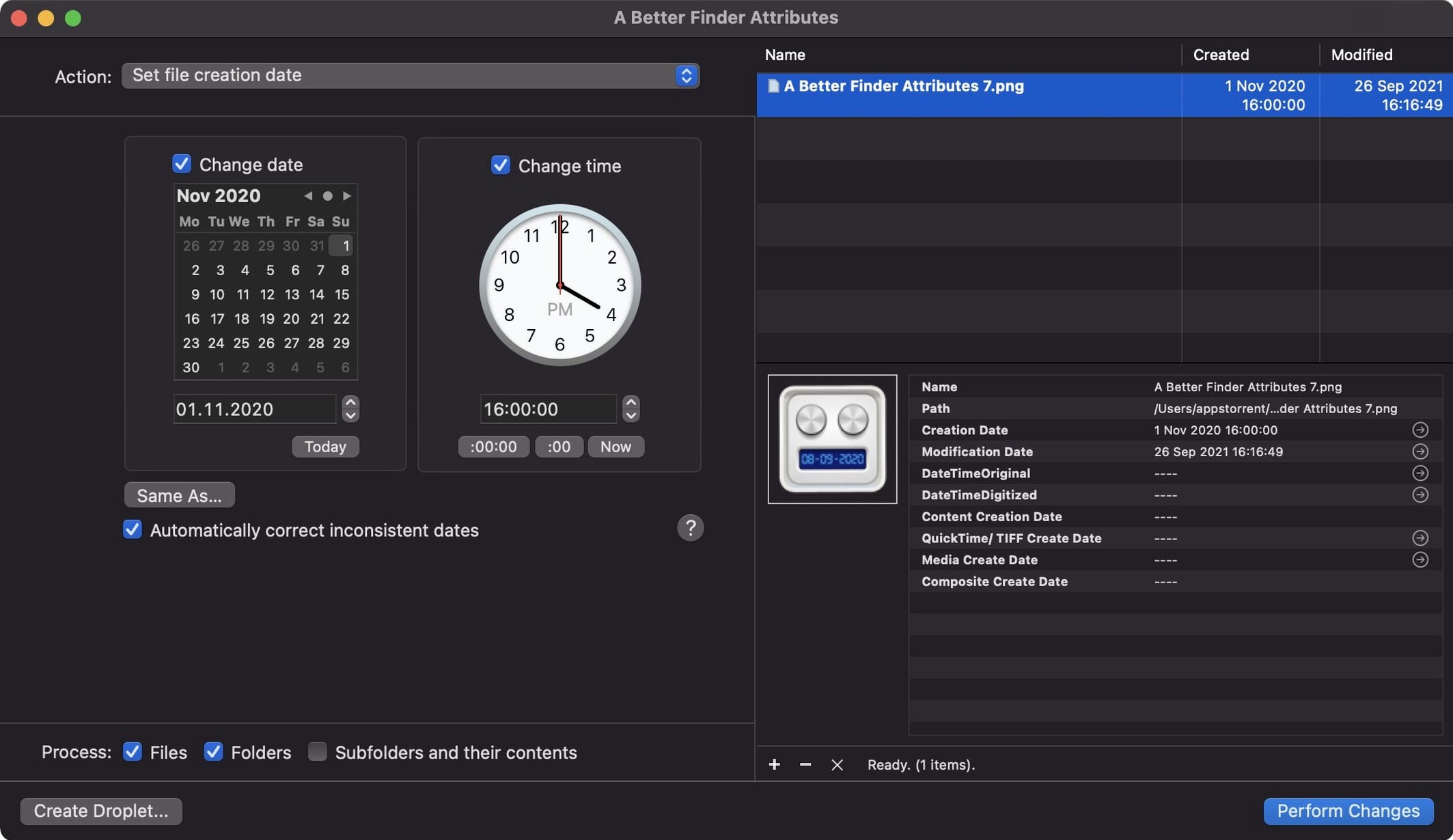
Version 7.50 of A Better Finder Attributes for Mac doesn’t reinvent the wheel — it refines the bits that matter most to photographers and archivists. The headline addition is broader GPS support: the change tag action now accepts more coordinate formats, which saves you from reformatting location data before a batch edit. A useful info button, small in size, appears in the title bar, plus two writing corrections relevant to those operating within Apple’s ecosystem — the software now records the Apple QuickTime creation date, enabling Photos and Final Cut Pro to access movie content creation dates, and it re-inserts shooting dates into Photoshop files.
Batch date editing for any file — You can change the last modified date of any file, or the creation date of a photo, in one go.
RAW and JPEG EXIF support — It adjusts date and time data inside JPEG EXIF, CIFF, NEF, and all the RAW formats the app covers.
Interface languages — English, German, and French.
System requirements — macOS 14.6 or later, 64-bit, Intel and Apple Silicon both supported.
Imagine you get handed an external hard drive from a colleague who has been shooting for three years without ever naming a folder properly. Every image file has the wrong creation date because it was copied between drives at different times. Your job is to turn that mess into a chronological archive without opening each photo in an editor.
This is where A Better Finder Attributes earns its place on the Mac. You select the whole batch, point the tool at the EXIF shooting dates inside the JPEG or RAW files, and let it rewrite the Finder creation and modification dates to match. A few seconds later, your folder sorts by date as it should have done from day one. No manual renaming, no scripts, no digging through metadata one file at a time.
The same workflow works for CR2, NEF, ARF, CRW and CIFF files — if the camera wrote a date, the tool can read it and apply it to the file system attributes.
There are a few ways to change file dates on macOS, and each takes a different approach.
It did the job if that was all you needed, but it lacked the RAW EXIF handling and the broader attribute controls that make A Better Finder Attributes useful for a photographer’s daily work.
It shares the same engine, so the date and EXIF editing is identical.
macOS Terminal commands like touch or SetFile can change dates, but they cannot read EXIF data, they do not handle RAW formats, and they certainly do not sync the QuickTime creation date for video files. For a one-off file it is fine. For a folder of two thousand wedding images it is not.
The update brought a handful of practical improvements rather than a redesign. Here is what they mean when you are working through a busy edit session.
None of these changes are flashy. They are the kind of fixes that save you a headache when you are already halfway through a batch and something does not look right.
Sign in or create your account to leave a comment.
No notes from photographers yet. If you have used this on a real folder, say which camera and which Mac.