Get it for my Mac (11 MB)
 Folx Pro
5.34
Folx Pro
5.34

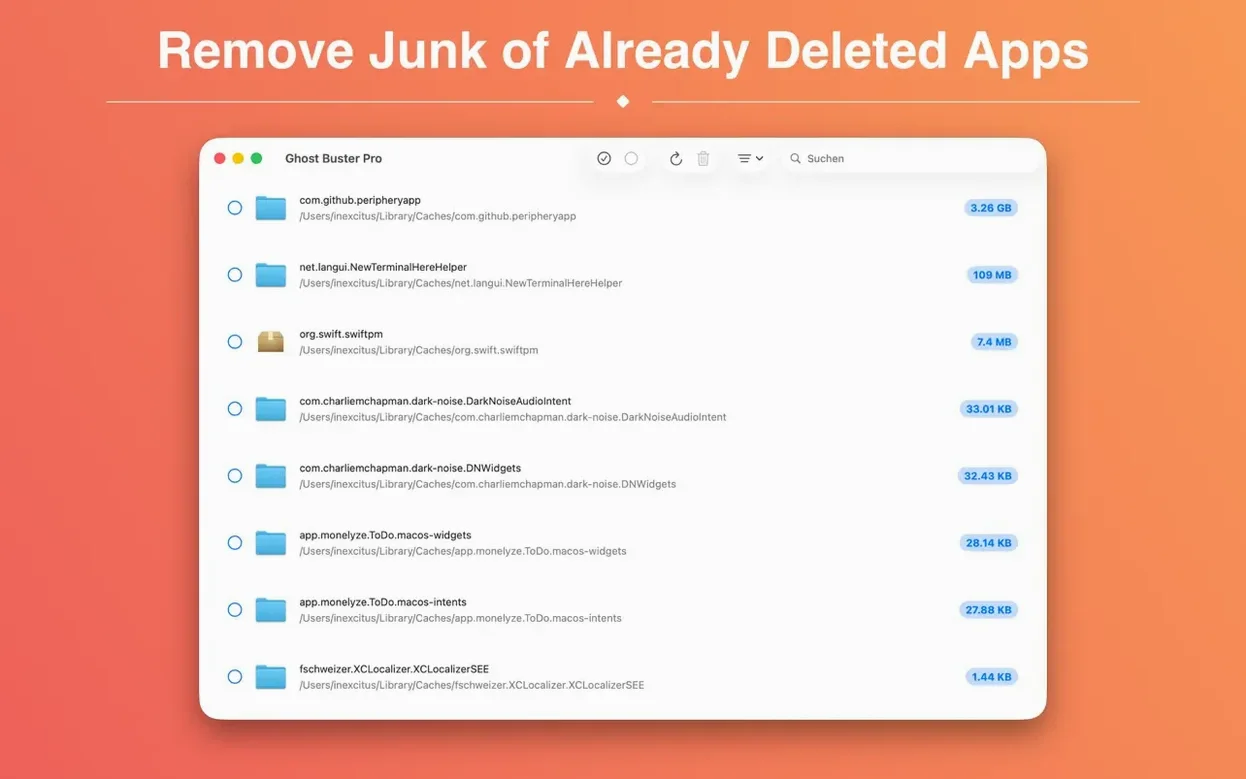
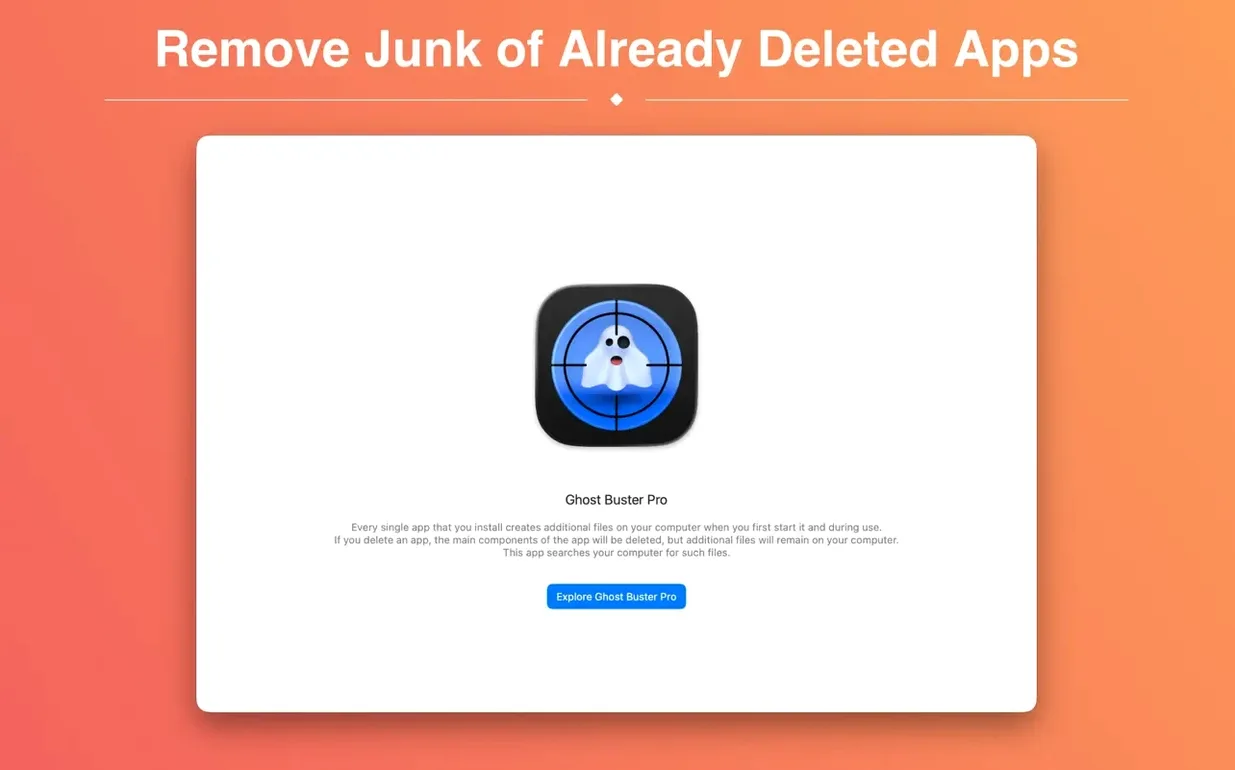
If you have ever used AppCleaner or CleanMyMac to sweep away app leftovers, you already know the feeling of finding a few stubborn files that slip through. Ghost Buster Pro is a focused utility that searches your Mac for orphaned files created by apps you have already uninstalled. It starts scanning the moment you launch it, no setup required.
Open the app and let it run its initial scan. It will list every leftover file it finds, grouped by the original app. You can review the list and delete files directly from within the window. The interface is straightforward — select what you want gone and confirm. The app supports ARM and Intel Macs and runs on macOS 15.6 or later.
Ghost Buster Pro is available in nine languages, including English, German, Spanish, French, Italian, Russian, Korean, Simplified Chinese and Polish. The app also supports Family Sharing, so everyone in your household can use it without buying separate copies.
I usually run Ghost Buster Pro on a Sunday evening, when the week's install-and-try cycle has left its mark. Launch the app, and it starts scanning immediately — no waiting for a button press. The scan itself is quick enough that I grab a coffee and come back to a full list of orphans.
The results panel shows each leftover file with its original app name, file size and location. I work through the list app by app. For a utility I might reinstall later, I leave its preferences files alone. The app does not delete anything without my say-so, which is exactly how a cleanup tool should behave.
Once I have made my selections, a single click removes everything. The app asks for confirmation — a sensible safety net — and then the files are gone. I close the window and move on. The whole thing takes about three minutes, and I never wonder whether something important got swept away.
Ghost Buster Pro does not try to be a system-wide cleaner. That focus is its strength. A few details make it easy to live with day to day:
These are small things, but they add up when you run the app regularly. I have used other cleaners that required more fiddling. Ghost Buster Pro keeps it simple.
Weeks later, you notice your startup disk is fuller than expected. Here is how I handle that with Ghost Buster Pro.
First, launch the app and let it scan. It usually appears near the top if the scan is fresh.
I check the file paths to see what is there. Most of it is stuff I will never need again: a preferences file for a version of the app I do not own, a cache of thumbnails from a project that is long delivered, a support folder full of logs. I select the whole group and delete it.
If there are leftover files from other apps in the same session, I deal with those too. A quick once-over of the list catches anything else worth removing. When I am done, the drive has more free space and I have not touched a single file I still need. No manual hunting through ~/Library, no guessing which folders belong to which app. Ghost Buster Pro handles the detective work, and I just confirm the deletions.
For anyone who installs and removes apps regularly — photographers, designers, developers — this workflow becomes a reliable habit. A ghost buster pro mac setup like this takes the guesswork out of system maintenance. And if you are looking for a ghost buster mac tool that does one thing well, this is it.
Yes, version 6.2.0 supports both ARM (Apple Silicon) and x86-64 (Intel) architectures.
Yes, you can review and delete leftover files straight from the Ghost Buster Pro window.
Sign in or create your account to leave a comment.
No notes from photographers yet. If you have used this on a real folder, say which camera and which Mac.