Get it for my Mac (28 MB)
 MacCleaner Pro
4.0.4
MacCleaner Pro
4.0.4
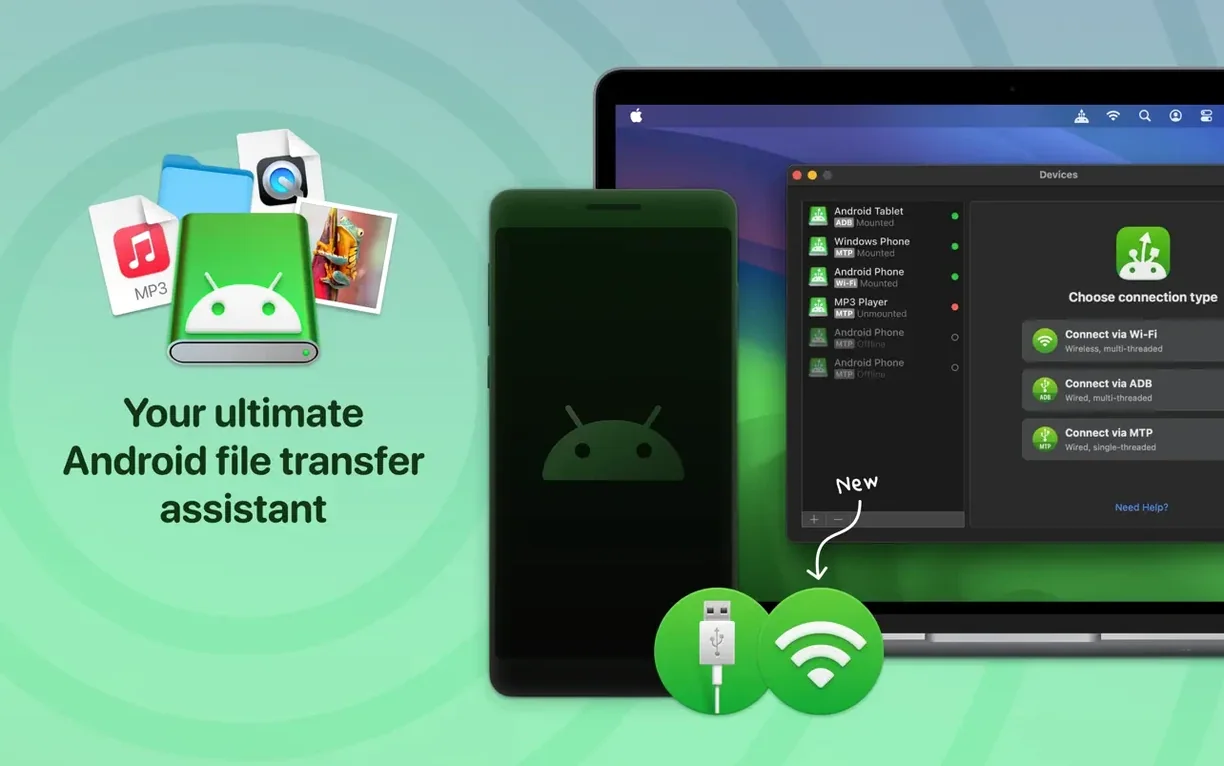
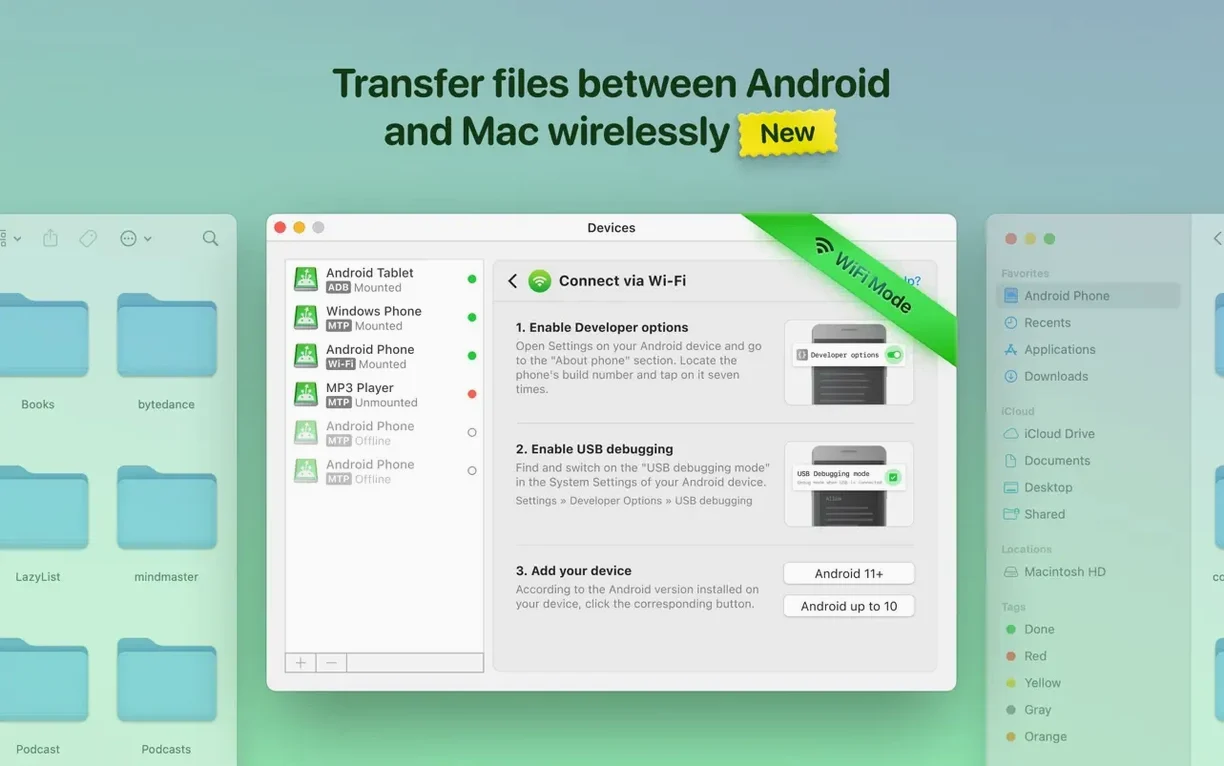
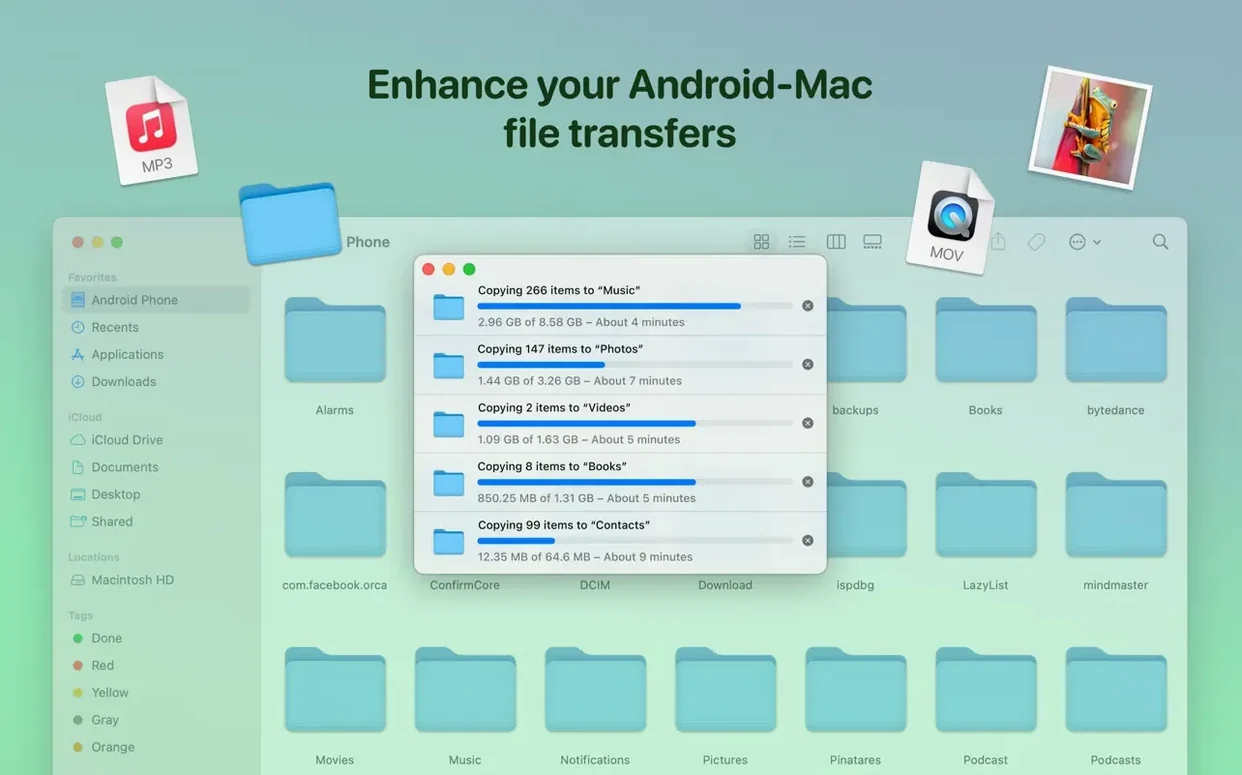
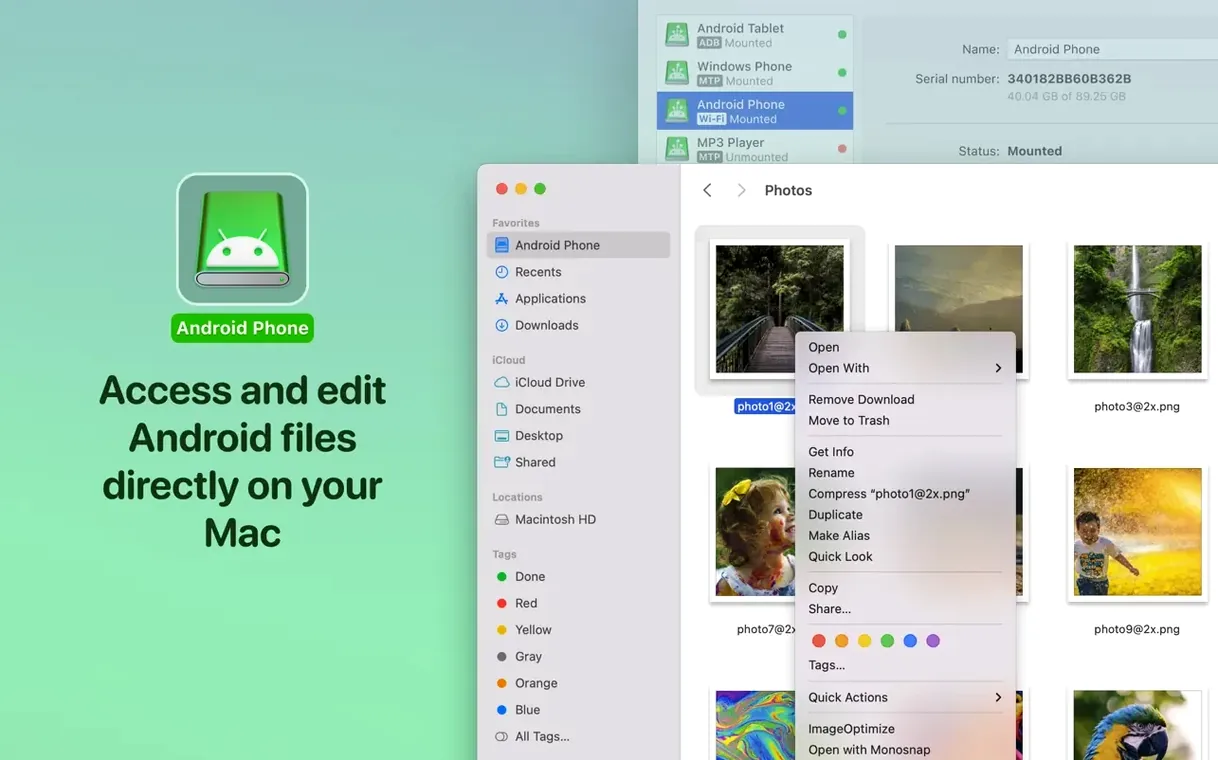
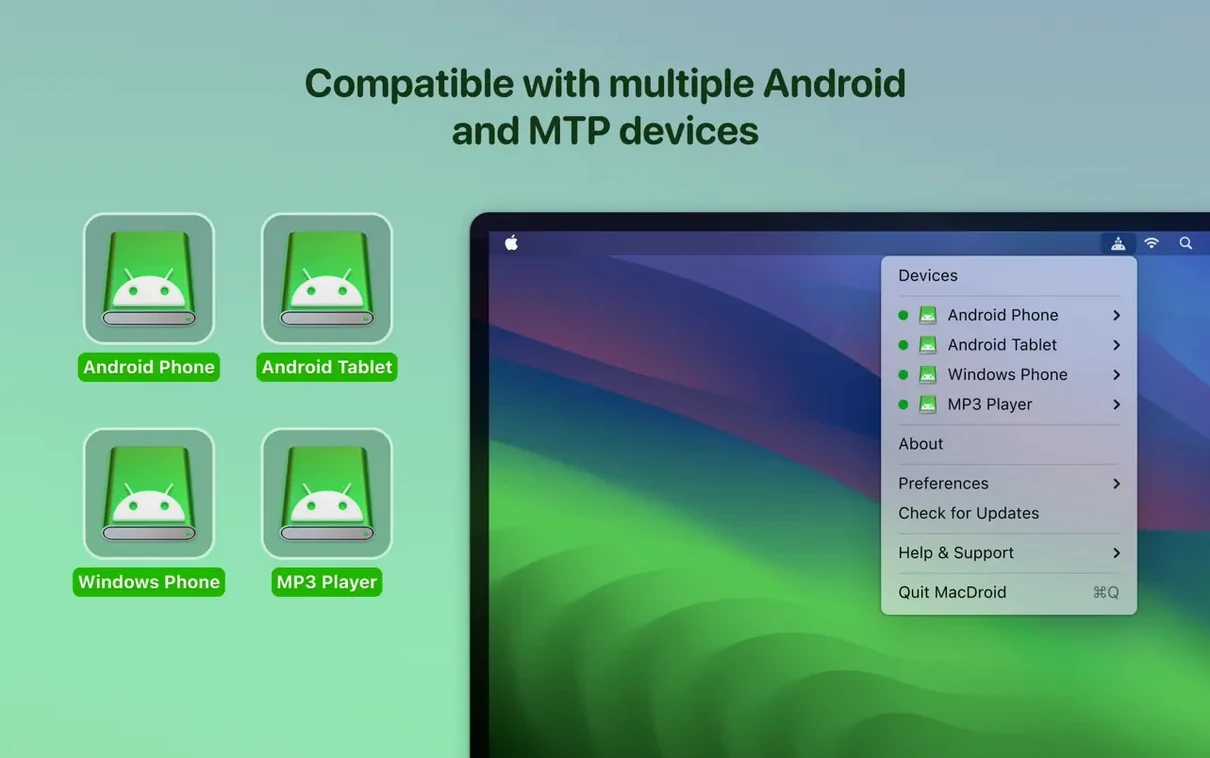
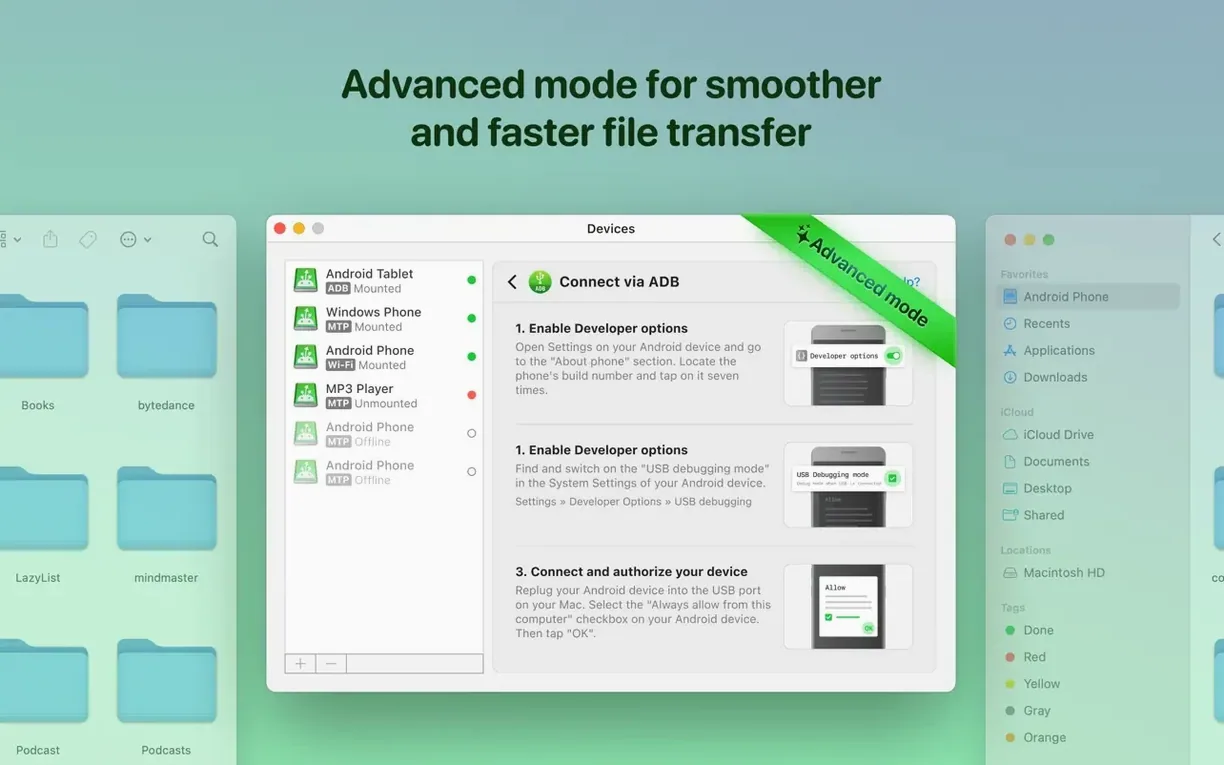
Three connection modes — MTP, ADB and Wi-Fi — cover just about every Android device you might plug into a Mac. Version 2.10.1206 makes the MTP connection more reliable and speeds up loading file and folder listings, which matters when you are digging through a phone full of photos.
The latest update also adds Traditional Chinese localisation and fixes the occasional incorrect file listing that used to trip people up mid-session. If you move music, videos or RAW files between a Mac and an Android phone regularly, MacDroid Pro keeps the workflow straightforward without extra steps.
MacDroid Pro runs on any Mac with macOS 11.5 or later — that covers Big Sur, Monterey, Ventura, Sonoma, Sequoia and anything newer. Both Intel and Apple Silicon machines are supported, so whether you are on an older Intel iMac or a current M-series MacBook, the app will open without a compatibility headache.
The app itself is a single lightweight download. After mounting the disk image, you bypass Gatekeeper once via Terminal, drag the app into Applications and you are done. No background services, no kernel extensions, no constant menu-bar process. It sits there until you connect a device.
Languages are plentiful: English, German, Spanish, Italian, Simplified Chinese, Korean, Portuguese, French, Hindi, Czech and Japanese. If you work in a multilingual studio or share the Mac with someone who prefers a different UI language, switching is straightforward.
Imagine you manage playlists for a small radio station. You receive new tracks on an Android tablet, organise them into folders by show date, and need those folders on the Mac for editing in Logic Pro. With MacDroid Pro, you plug the tablet in via USB, mount it as a drive, and drag the whole week's folders across in one go. No intermediate cloud upload, no emailing files to yourself. If a track needs a quick trim, you can open it straight from the Android storage in your audio editor, save the change, and it stays on the tablet. The faster file listing in version 2.10.1206 means that when you scroll through a folder with a hundred WAV files, the list populates quickly instead of hanging while it reads metadata.
These are not headline features — they are the kind of polish that makes a daily tool less frustrating. If you have been using MacDroid for a while, the faster navigation alone is worth the update.
Android File Transfer. Google's own tool is free and does the basics — drag files to and from an Android phone. But it is notoriously picky about cables, refuses to mount as a drive, and offers no wireless option. MacDroid Pro gives you three connection paths instead of one, mounts the device like a disk, and does not randomly disconnect mid-transfer.
Commander One. This dual-pane file manager includes Android device support as a plugin. It is powerful if you already use it as your primary file manager, but the Android features are an add-on rather than the core focus. MacDroid Pro is built specifically for Android transfers, so the connection setup and device handling are more streamlined — you plug in, choose a mode, and see your storage immediately without configuring plugins or panels.
OpenMTP. A free, open-source alternative that supports MTP connections. It works well for basic file moves and has a clean interface. But it lacks ADB mode and Wi-Fi support, and development can be slower. MacDroid Pro offers that extra flexibility if your device does not play nicely with MTP alone, and the faster loading in version 2.10.1206 gives it an edge when browsing large folders.
If you only move a photo now and then, any of these will do. If you work with Android devices daily — especially with mixed storage, large media files, or finicky phones — MacDroid Pro's extra connection modes and polished listing speed make the difference between a tool you tolerate and one you rely on.
Sign in or create your account to leave a comment.
No notes from photographers yet. If you have used this on a real folder, say which camera and which Mac.