Get it for my Mac (2.6 GB)
 Ableton Live
12.4.7
Ableton Live
12.4.7

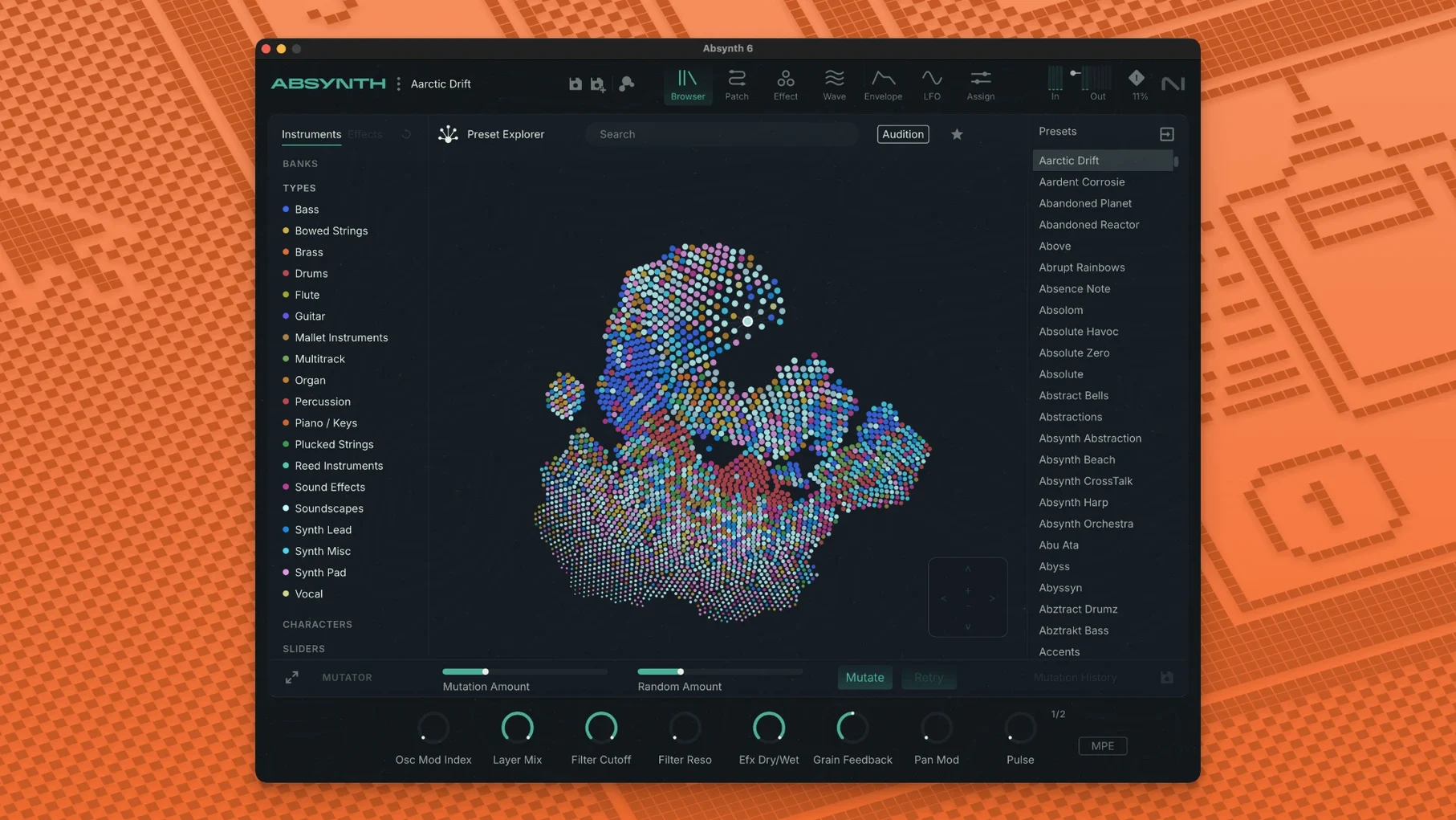
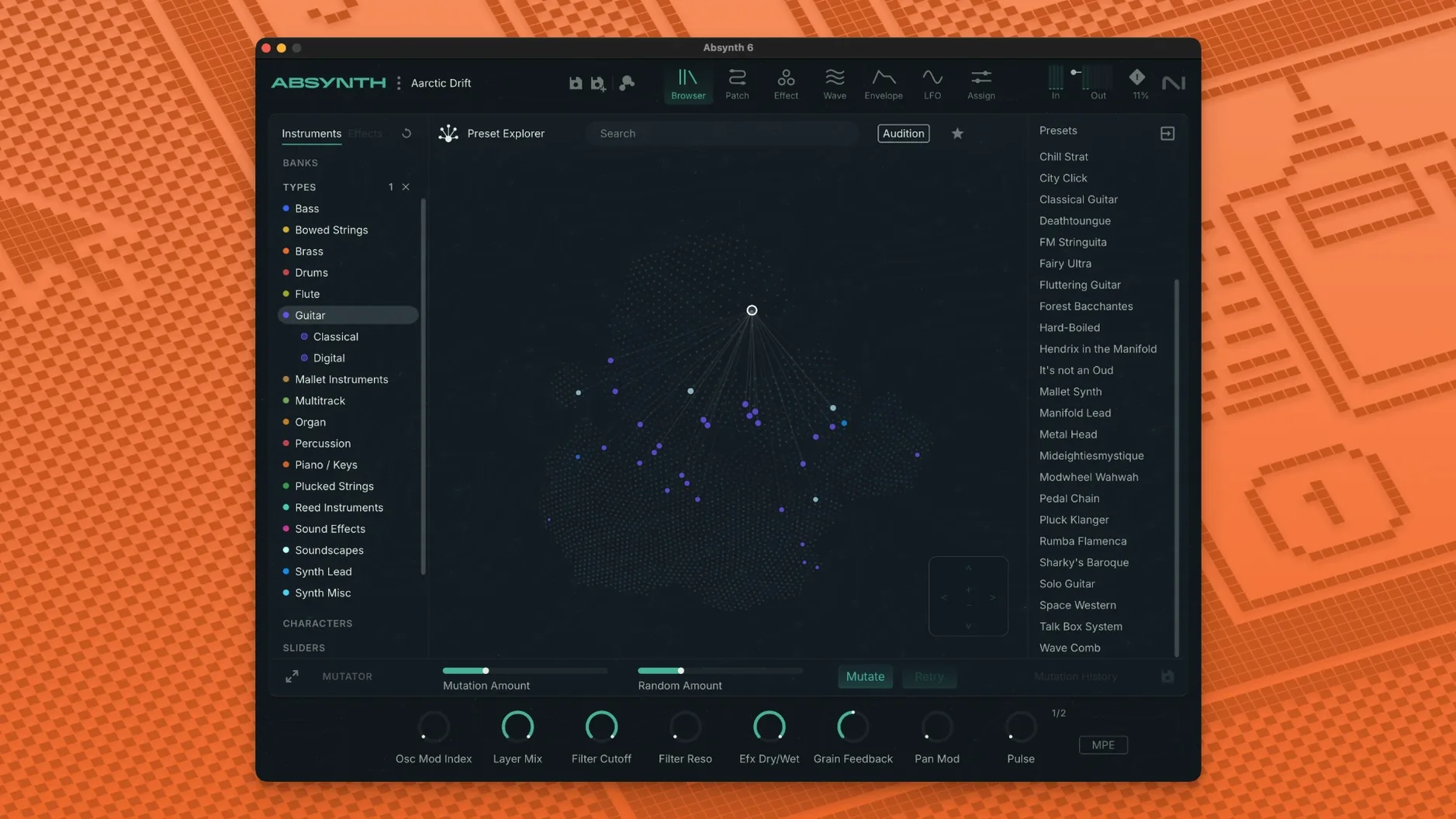
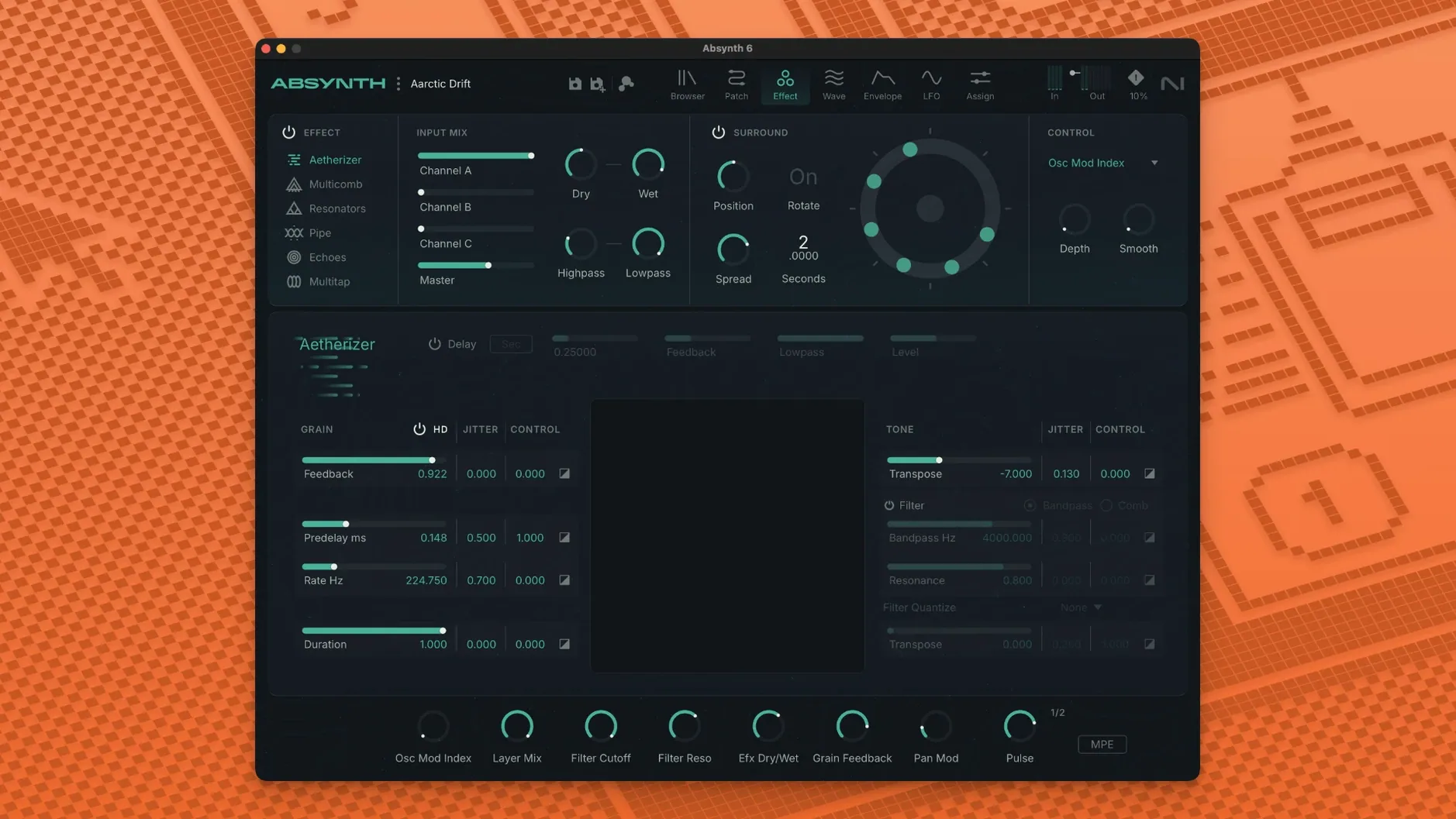
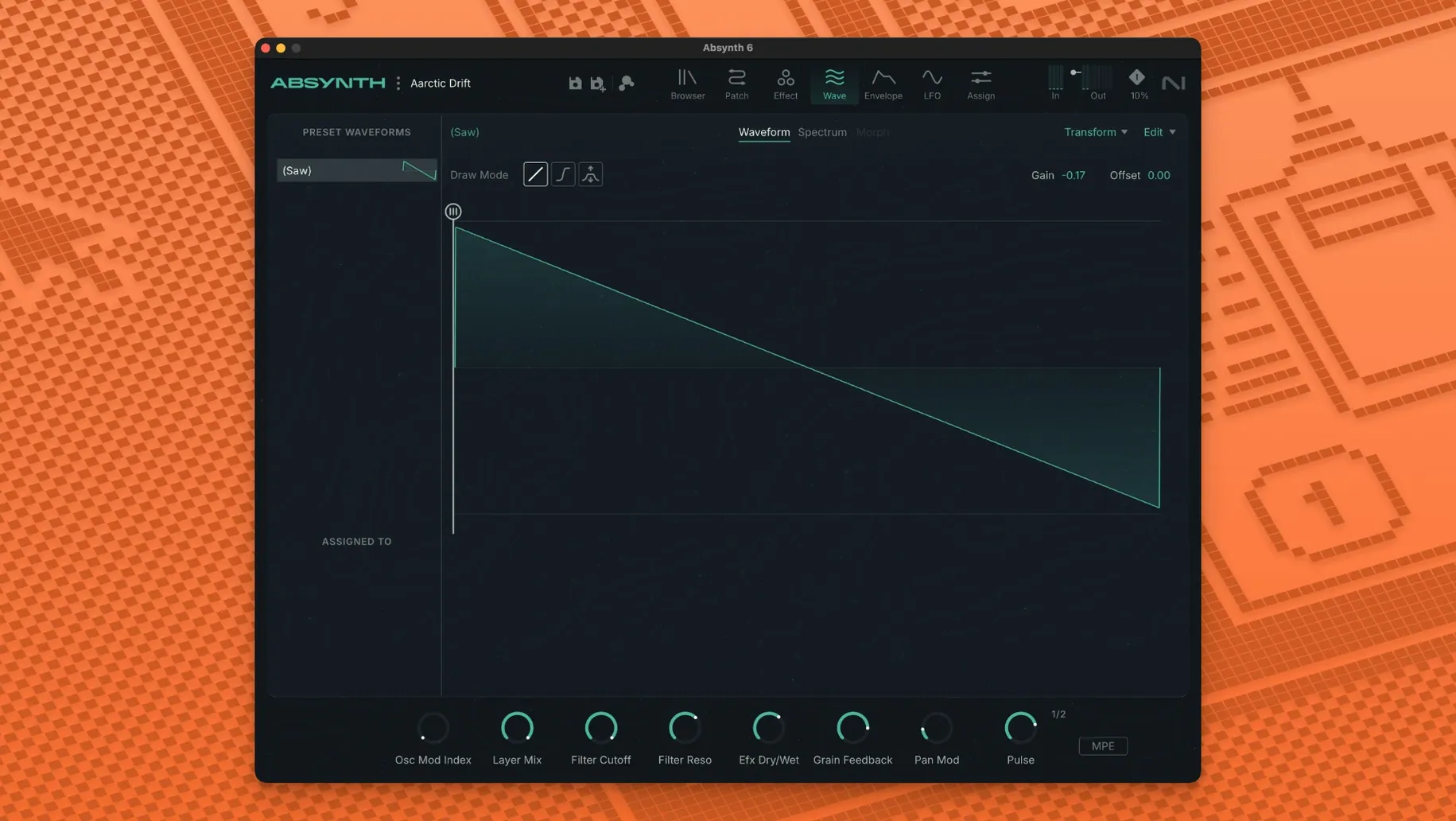
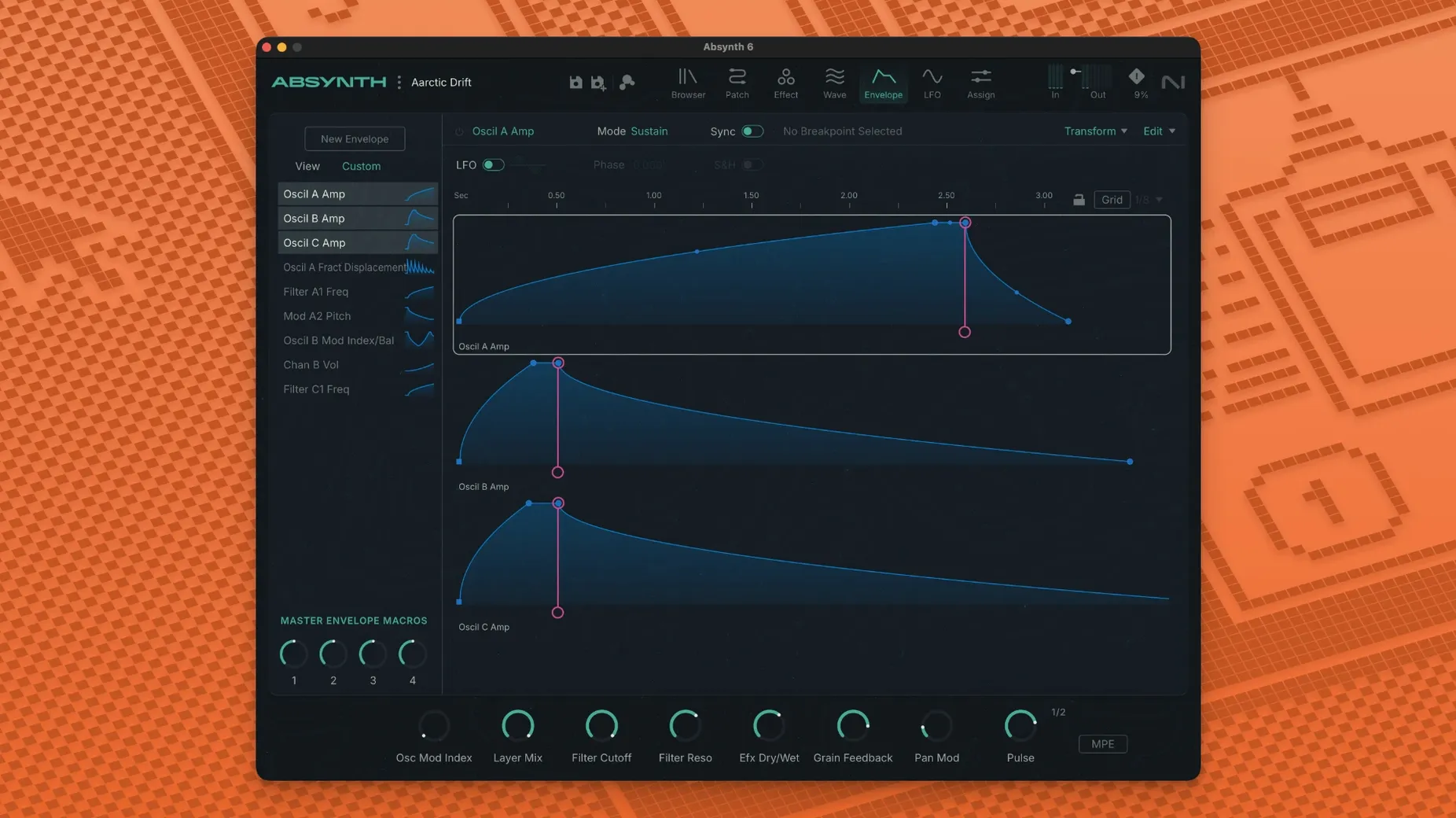
Absynth is a semi-modular software synthesiser built for deep sound design, combining subtractive, FM, wavetable and granular engines in one instrument.
When you first open Absynth, a few settings can save you from future headaches. Head into the preferences and check your audio output routing — especially if you work in surround. The default stereo path works for most, but if you plan to use the eight-channel formats, set the output configuration early. Changing it mid-session can reset your patch routing.
The MPE setup is worth a look too. If your controller supports polyphonic aftertouch, enable it in the global settings before loading any patches. Absynth remembers this per project, so it is one of those set-once-and-forget things once you get it right.
Also, take a moment to set your preset browser folder. By default, Absynth points at the factory library, but if you have custom sound banks or third-party presets, adding a secondary folder keeps everything searchable from one place. The browser is straightforward, but it only shows what it knows about.
Let us walk through creating a textured pad sound, using the different engines Absynth gives you. This is not the only way, but it shows how the semi-modular structure works in practice.
Step 1: Start with a blank patch. Clear the default preset so you begin with nothing. Pick a single oscillator and set it to wavetable mode. Choose a mellow waveform — something with movement built in, like a slow-swept table. Keep the pitch at root for now.
Step 2: Add a granular layer. Enable a second oscillator and switch it to granular. Load a short sample or use the built-in grain source. Set the grain size to medium, somewhere around 60 to 80 milliseconds, and spread the density so the grains overlap without crowding. Detune this oscillator slightly against the first one — about five or ten cents gives thickness without dissonance.
Step 3: Route through the Cloud Filter. This is where the sound starts to open up. Send both oscillators to the Cloud Filter and set the mix to around 30 percent wet. Adjust the diffusion so the signal spreads across the stereo field. The filter responds well to envelope modulation, so map a slow attack envelope to the cutoff for that rising, breathy feel.
Step 4: Apply the Sound Mutator. If you have a second sound loaded somewhere in the session, the Mutator can borrow its spectral character. This step is optional, but it is where Absynth starts sounding like nothing else.
Step 5: Set the envelope and modulation. Use a long attack, a medium decay, a low sustain and a long release. Map a second envelope to the granular density so the sound gets busier as it sustains. Add a slow LFO to the wavetable position for gentle movement across the table.
Step 6: Save and tag. Once you are happy, save the patch and give it tags in the preset browser. Something like "pad", "evolving", "granular" — whatever helps you find it later when you are in the middle of a mix.
The most common one is assuming it works like a standard subtractive synth. Absynth looks familiar at first, but its semi-modular routing catches people out. You can route almost anything to almost anything, which is great once you know it, but confusing when you are starting. Beginners sometimes stack oscillators without realising they are all feeding the same filter, or they wonder why a modulation has no effect when the destination is not properly assigned.
Another mistake is ignoring the Sound Mutator. It sits there like a bonus feature, but it is actually one of the quickest ways to get interesting results. People treat it as an afterthought, then spend hours manually tweaking parameters that the Mutator could have handled in seconds.
Overloading the granular engine is a classic too. Granular synthesis in Absynth is powerful, but it is easy to pile on too many grains, too much density, and too much detuning until the sound turns into a noisy mess. Start with fewer grains and lower density, then build up. You can always add more, but pulling back after everything is maxed out is harder.
Finally, people forget about the surround capabilities. If you are working in stereo only, that is fine, but Absynth can do quad, 5.1, and octaphonic. Beginners often do not check the output configuration, so they miss out on the spatial side of the instrument entirely. Even if you are not mixing in surround, playing with the panning options in the modulation matrix can give you movement that a standard panner cannot.
Does Absynth run on Apple Silicon natively?
Yes. Version 6.1.0 supports both ARM and x86 64-bit Macs, so it runs natively on Apple Silicon. No Rosetta workaround needed. It also works on Intel machines meeting the Core i5 or equivalent requirement.
Can I use it in Logic Pro or Ableton Live?
If your host supports VST3, Audio Unit or AAX, Absynth works. That covers Logic Pro, Ableton Live, Cubase, Pro Tools and most other modern DAWs. Just make sure your host is 64-bit — there is no 32-bit version.
What are the surround formats exactly?
Absynth supports Quadraphonic, 5.1, and Octaphonic. That means you can route sounds to four, six, or eight channels. Useful for film scoring, spatial audio work, or just creating wide soundscapes that go beyond stereo.
Do I need a Native Instruments account or controller to use it?
No. The instrument runs as a standard plug-in. You do not need any hardware controller, and you do not need a Native Instruments account to load or edit patches. It is a self-contained VST3, AU, or AAX instrument.
Is the preset browser any good?
It is straightforward. You browse by category, search by name, and tag your own patches. The factory library includes 250 new presets for version 6.1.0, which gives you a lot to start with. The browser is not the deepest out there, but it gets you to sounds quickly without fuss.
What about the installation itself?
Standard procedure. You open the downloaded disk image and run the installer. No extra steps, no activation wizard. Just point it at your plug-in folder and go.
Yes, it supports both Apple Silicon and Intel x86 64-bit Macs natively.
You need macOS 14, 15 or 26 with the latest update installed.
It runs as a 64-bit VST3, Audio Unit or AAX instrument on Mac.
Sign in or create your account to leave a comment.
No notes from photographers yet. If you have used this on a real folder, say which camera and which Mac.