Get it for my Mac (2.4 GB)
 Microsoft Office
16.93
Microsoft Office
16.93

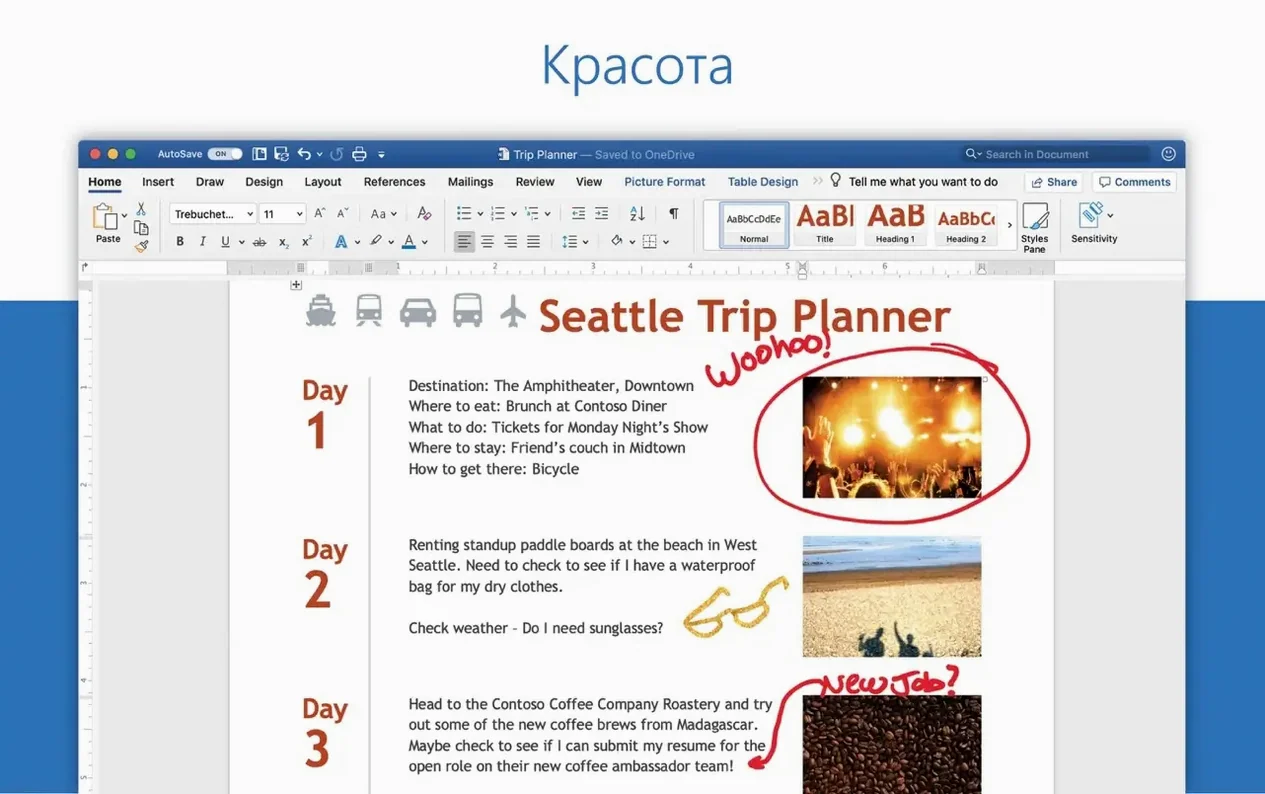
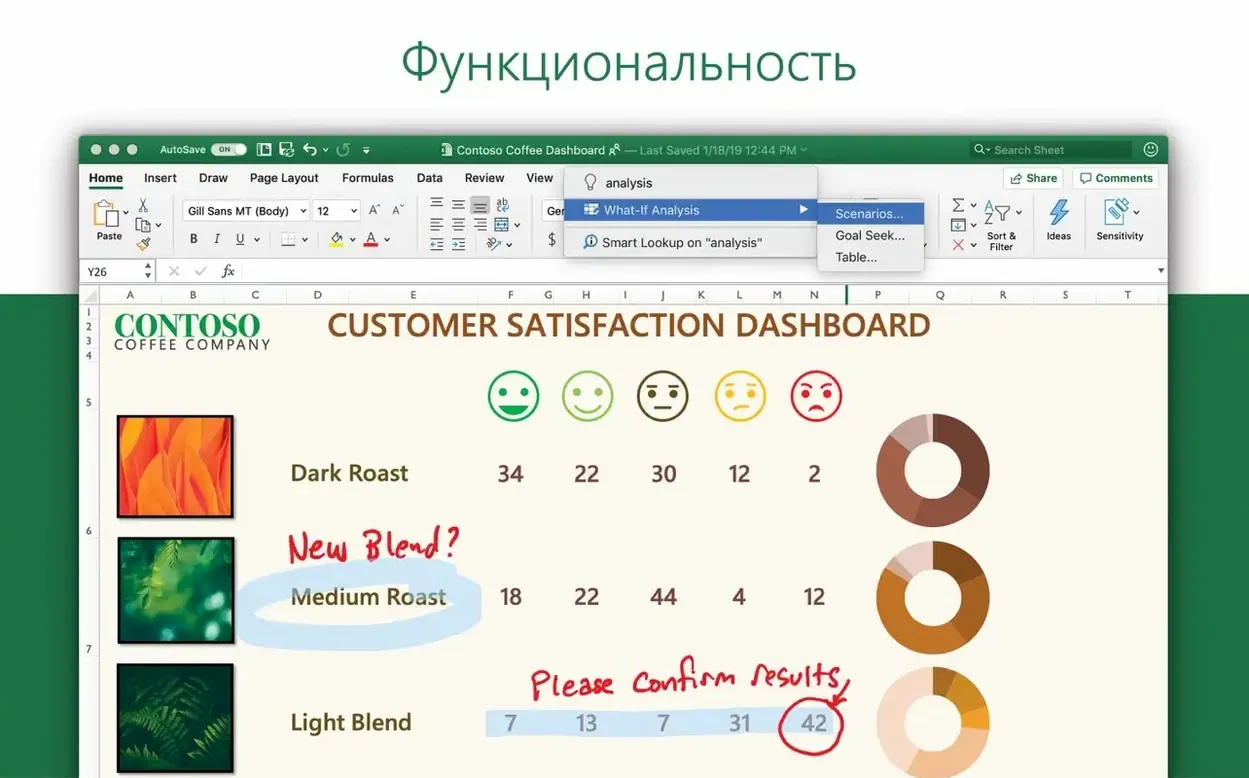
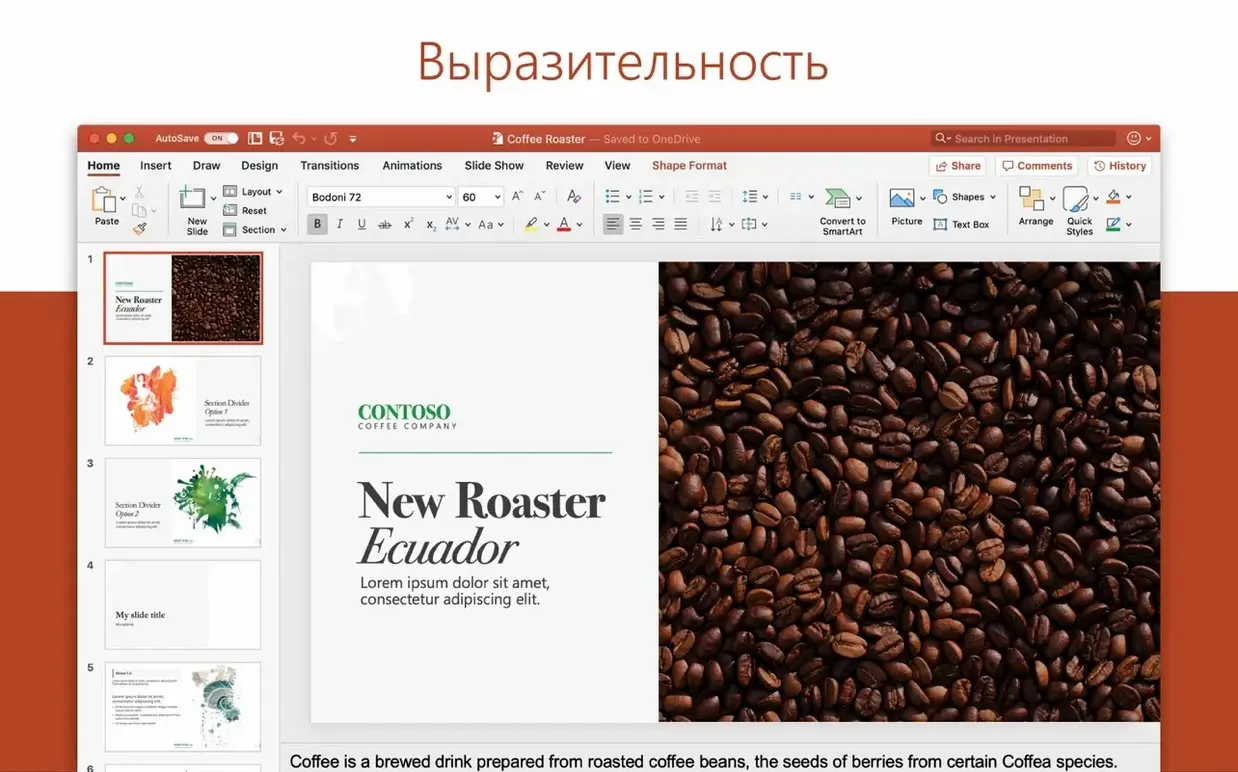
The current version, 16.93, was included in the Office suite release on January 28, 2025, with minor updates arriving on January 21 and January 14 before that. For a newcomer, the first thing to know is that Outlook combines Mail and Calendar into one window — no switching between apps to check your schedule or send a message.
Outlook runs on both ARM (Apple Silicon) and 64-bit Intel Macs, as long as you’re on macOS 13 or later. It’s available in 21 languages, including English, German, French, Spanish, and Japanese. If you’re setting it up fresh, install Office 2024 using the standard procedure, or download the Outlook package directly from Microsoft’s servers — then activate and install Microsoft AutoUpdate to keep it current.
If you juggle multiple email accounts for work, side projects and personal life, Outlook’s Profiles feature saves a lot of tab-switching. Freelancers and small business owners who rely on Microsoft 365 or Outlook.com will find the calendar and mail integration straightforward — one window for scheduling a shoot and replying to a client. Anyone in a school or corporate environment that uses Exchange or Microsoft 365 will find it fits right in. That said, it also works with Gmail, Yahoo!, POP and IMAP, so you’re not locked into Microsoft’s ecosystem. For a wedding photographer like me, the main draw is having a single place to manage booking enquiries, invoice reminders and calendar blocks for edit days.
The most frequent one is skipping Profiles and trying to cram every account into the same inbox. You end up with a mess of personal messages alongside client emails, and it’s easy to miss something important. Another is forgetting that Outlook treats Gmail and Yahoo! accounts a bit differently than native Apple Mail — you might need to generate an app-specific password for those services. People also tend to ignore the calendar sharing options. If you’re collaborating on a project or planning a family schedule, sharing your calendar saves the back-and-forth of “are you free on Tuesday?” emails. And a small but common one: not running Microsoft AutoUpdate after the initial install, so you miss the small fixes like the 16.93.2 update from January 28.
These aren’t flashy features, but they’re the kind of thing you notice after a few weeks of daily use. If you’re coming from Apple Mail and Calendar, the adjustment is mainly about getting comfortable with one interface instead of two. For anyone who already uses microsoft outlook for mac in a work setting, the transition is straightforward. Microsoft Outlook integrates with Word, Excel, PowerPoint, and OneNote, making it ideal for professional email and calendar management.
Sign in or create your account to leave a comment.
No notes from photographers yet. If you have used this on a real folder, say which camera and which Mac.