Get it for my Mac (1.3 GB)
 MAMP PRO
6.9.0
MAMP PRO
6.9.0

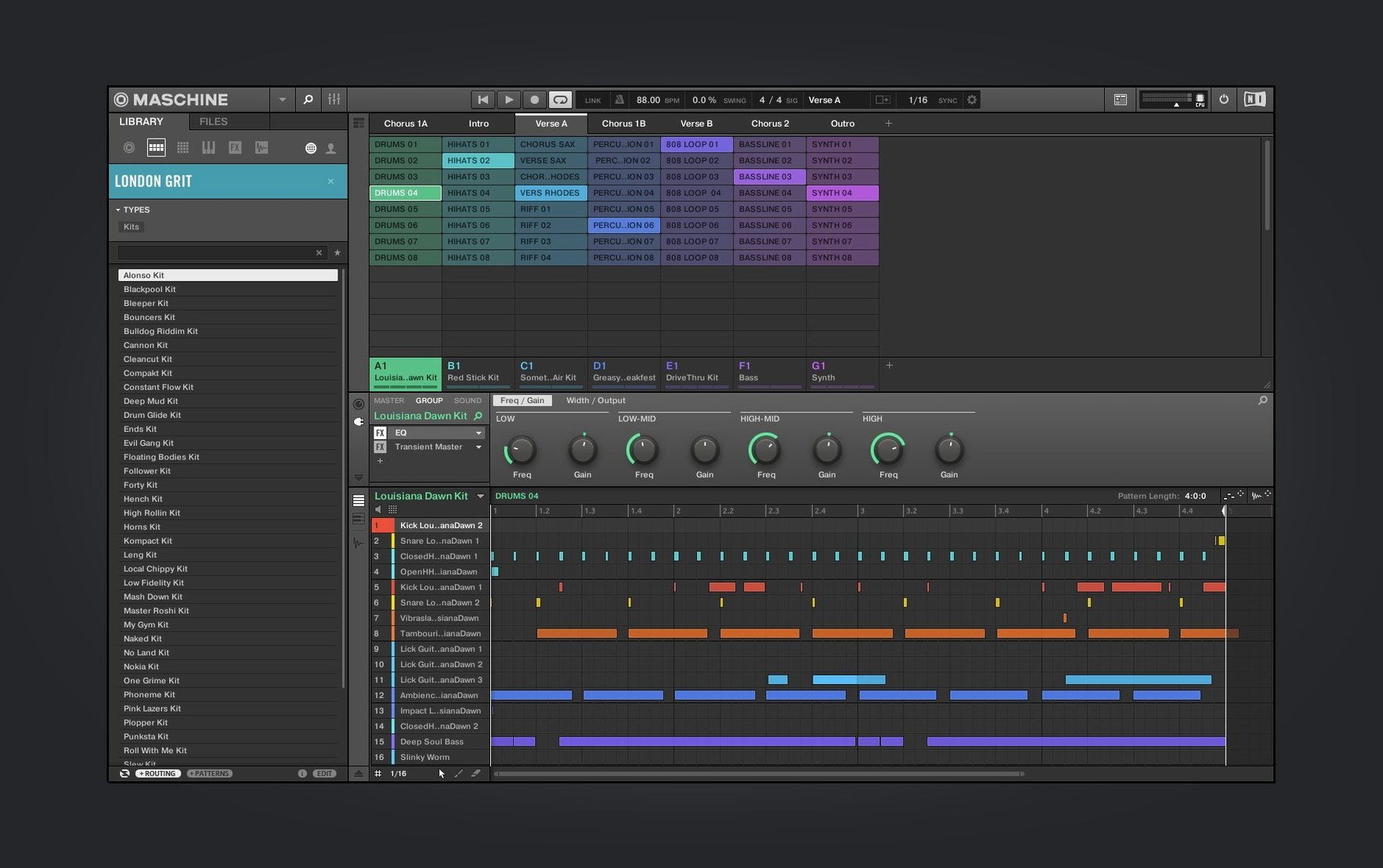
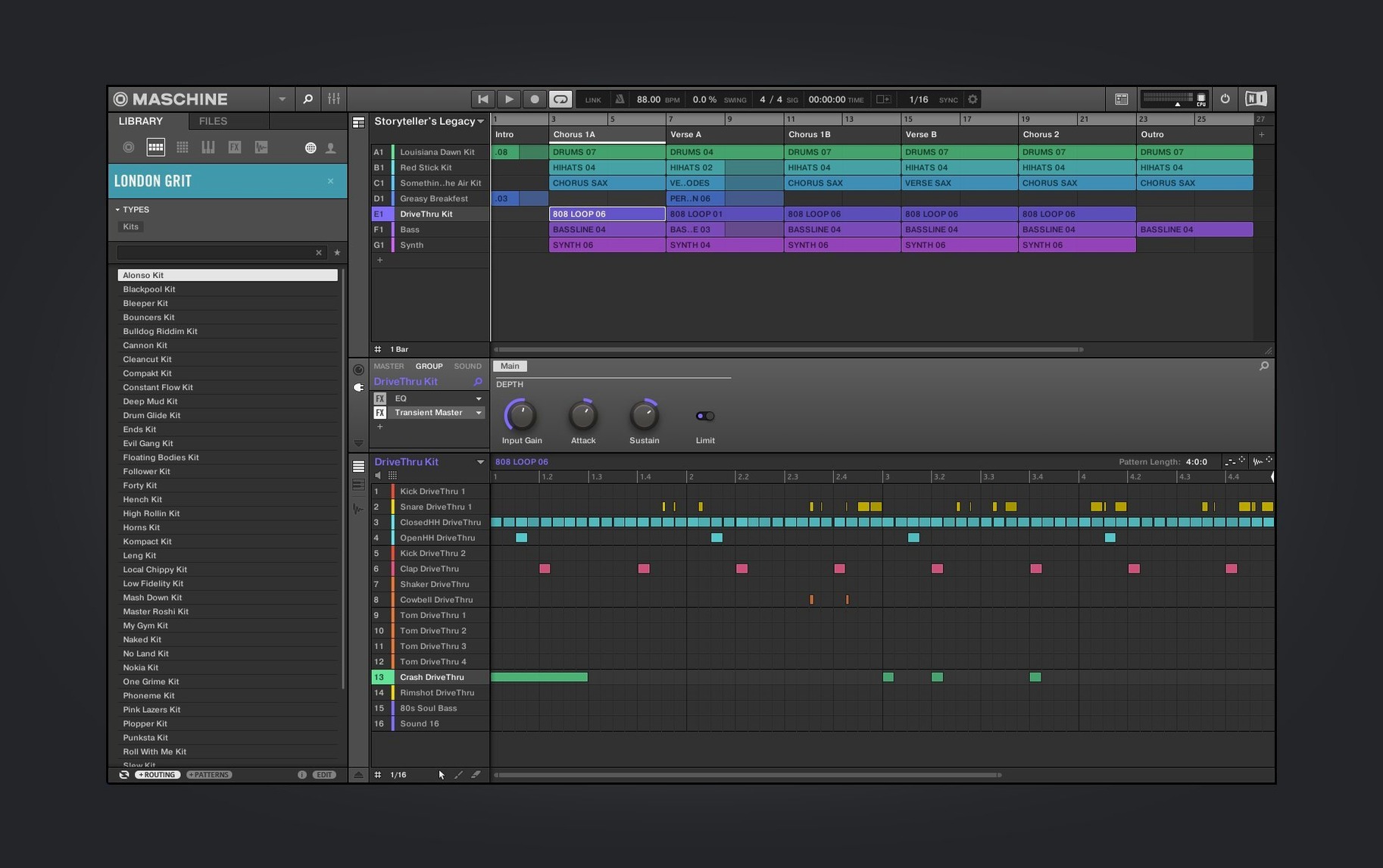
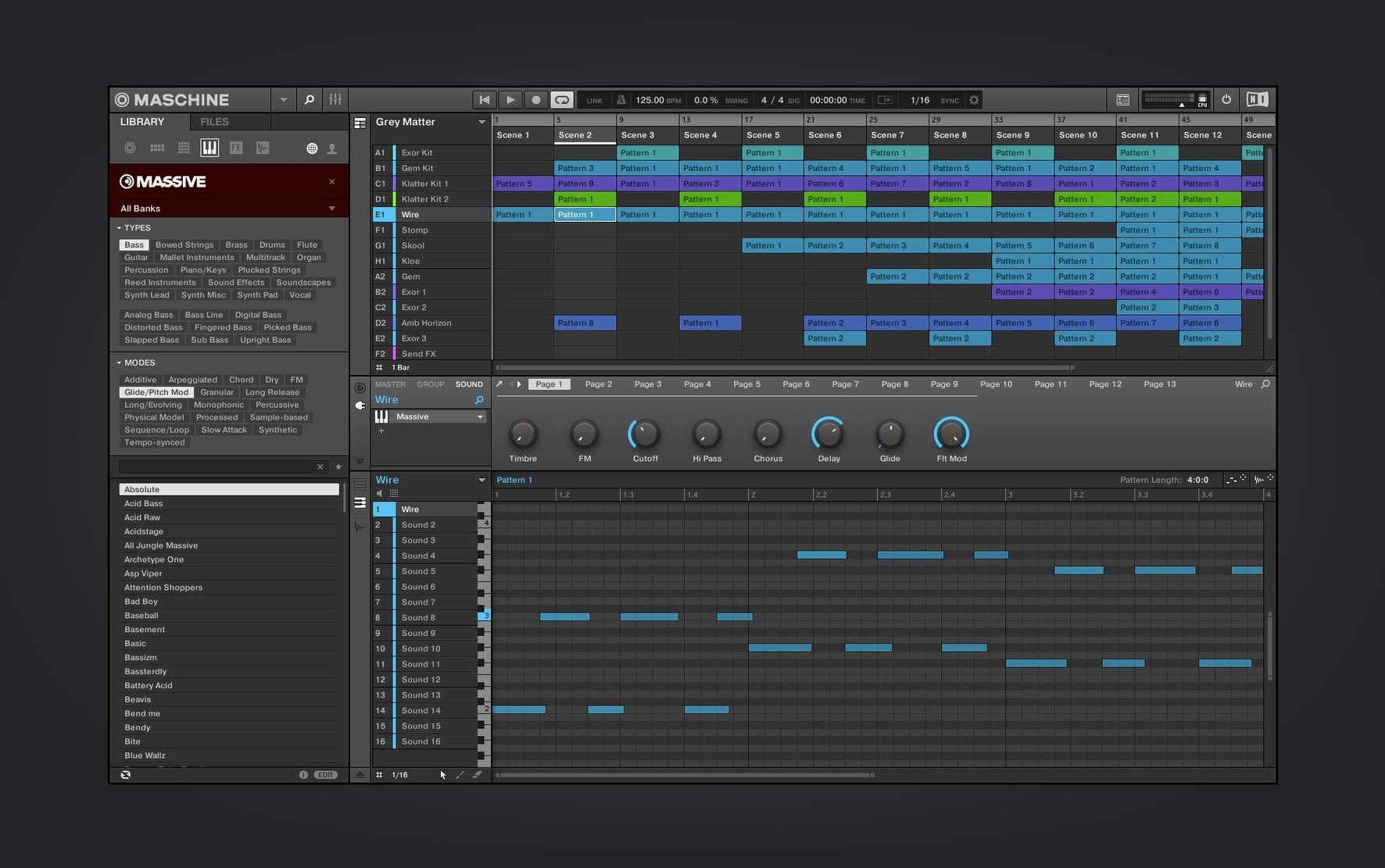
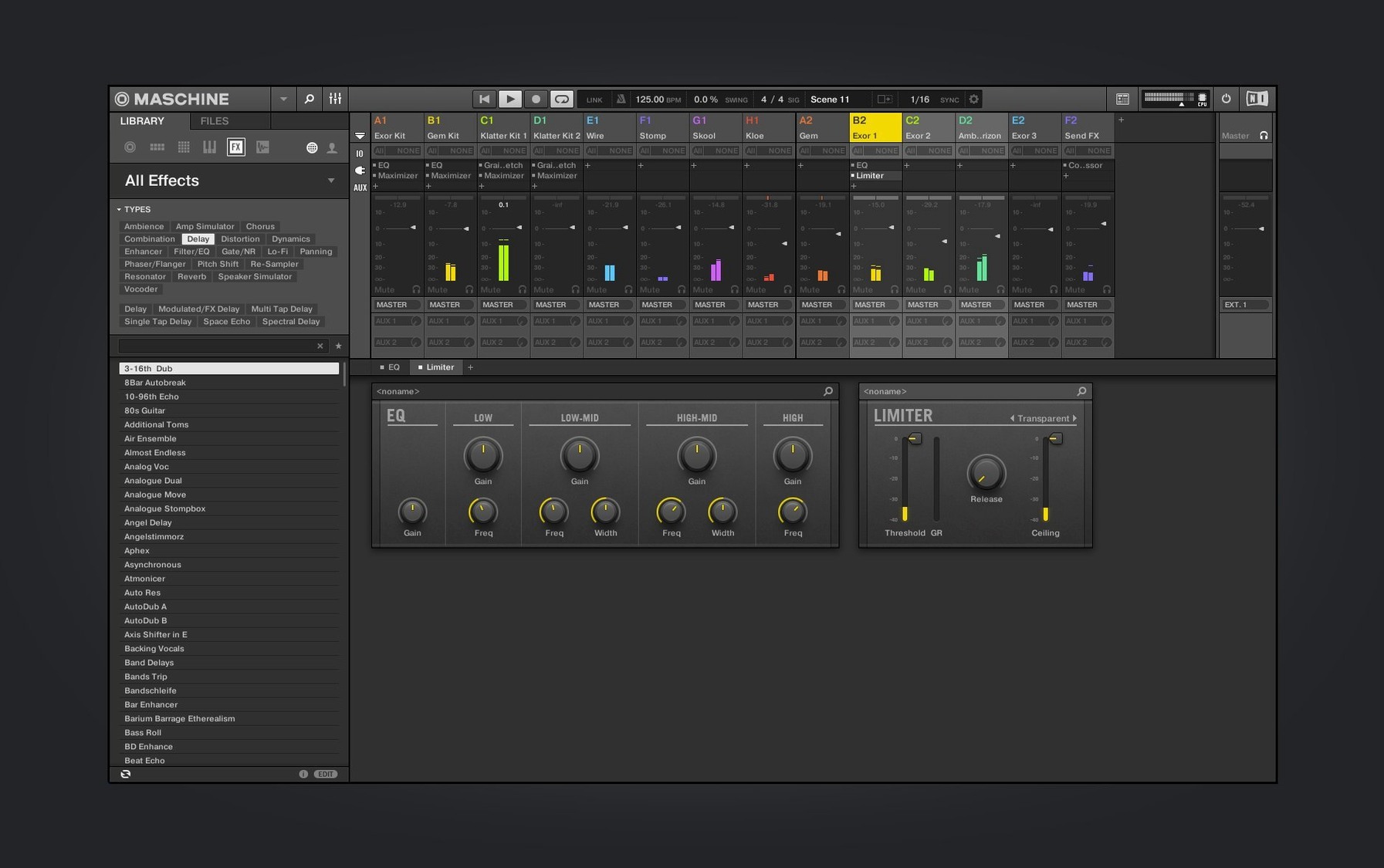
You have a beat in your head and a MIDI controller on the desk. Maschine is the software that catches that idea and builds it into a track, using sampling, a pattern-based sequencer, and effects all in one window. Version 3.6.0 keeps the workflow tight while adding some thoughtful updates.
If you already run a DAW or a photo-and-video editing workflow on your Mac, Maschine sits alongside them without fuss. It handles the rhythm and arrangement side of music production, so you can sketch beats and layers quickly, then export or drag stems into Logic, Ableton, or whatever you use for final mixing. The built-in audio interface and drum sequencer mean you do not need extra hardware to get started, though the NKS Connect support in this version — starting with the AKAI MPK mini IV — makes it easy to plug in a controller and play.
The redesign work on the Mixer view continues, and the Audio, Poly Synth, and Drum Synth modules now have a refreshed interface that is clearer when you are deep in a session. NKS Mode integration for compatible NKS Connect controllers means less time mapping controls and more time playing. It is a solid update for anyone who already has Maschine in their toolkit, and a good entry point if you are bringing it in alongside the other creative apps on your Mac.
When you open Maschine for the first time, a few adjustments make the daily session feel more natural. The new welcome screen in 3.6.0 gives you quick access to demo projects and tutorial video links, so you can see how things work before diving into your own arrangement. That is a good place to start if you are new to the pattern-based sequencer.
After that, head into the audio preferences and set your buffer size according to how you work. A lower buffer keeps latency down when you are playing pads live; a higher one gives the system more headroom when you stack multiple instances. Because Maschine runs standalone or as a plug-in, you might want different buffer settings for each mode — worth checking both. The mixer view redesign in this version makes it easier to see your levels and effects routing at a glance, so take a moment to customise the channel strip layout to match your usual workflow.
Maschine 3.6.0 runs on macOS 13 and later, and it supports both Apple Silicon and Intel-based Macs with 64-bit architecture. That covers the M-series machines and the last few generations of Intel models, so you are likely good whether you are on a MacBook Pro, a Mac Studio, or an iMac. The installer is a standard disk image: mount it, run the setup, and you are ready. The interface language is English, which matches the workflow for most production environments. Because the software includes a sampler, a drum sequencer, effects, and a mixer all in one package, it asks a fair amount from your system when you have multiple groups and patterns running — but the requirements are straightforward and in line with what you would expect from a modern music production tool.
Can I use Maschine without a hardware controller?
Yes. The software runs on its own, and you can build beats, sample audio, and arrange patterns using just the mouse and keyboard. That said, the NKS Connect support in 3.6.0 — starting with the AKAI MPK mini IV — gives you a more hands-on experience if you decide to add a controller later.
Does it work as a plug-in inside my DAW?
It does. Maschine runs standalone or as a plug-in, so you can open it inside Logic, Ableton Live, or any compatible host. That is useful when you want to keep your beat-making inside a larger arrangement without bouncing audio back and forth.
What kind of music is it best for?
The pattern-based sequencer and sampling tools lend themselves to hip-hop, electronic, and pop production, but the loop slicing and poly synth modules work well for any genre where rhythm and texture matter. It is a flexible system once you learn the pattern workflow.
Is the installation straightforward on Apple Silicon?
Yes. The package supports ARM and x86 64-bit architectures natively, so there is no translation layer needed. Mount the disk image and run the standard installation process — it is the same routine whether you are on an M2 MacBook Air or an Intel Mac Pro.
Do I need an internet connection to use it?
Not for the core features. The welcome screen links to demo projects and tutorial videos, so you will want a connection for those, but the sampler, sequencer, mixer, and effects all work offline once installed.
It supports macOS 13 and later.
Sign in or create your account to leave a comment.
No notes from photographers yet. If you have used this on a real folder, say which camera and which Mac.