Get it for my Mac (472 MB)
 MainStage
4.3.1
MainStage
4.3.1

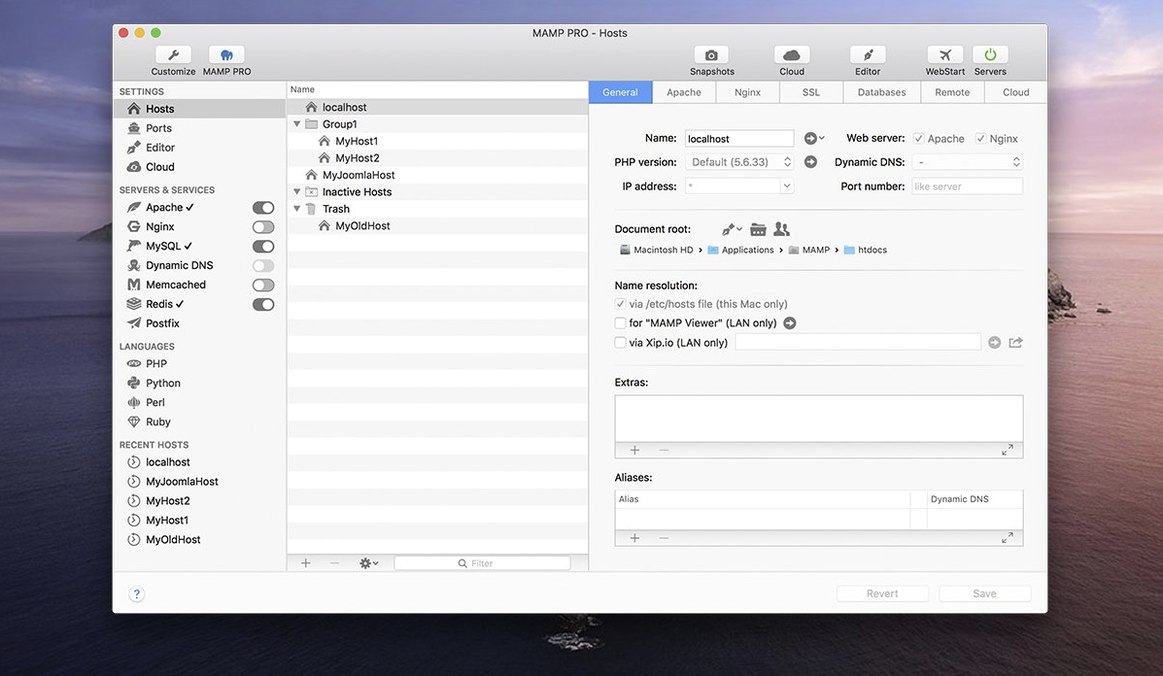
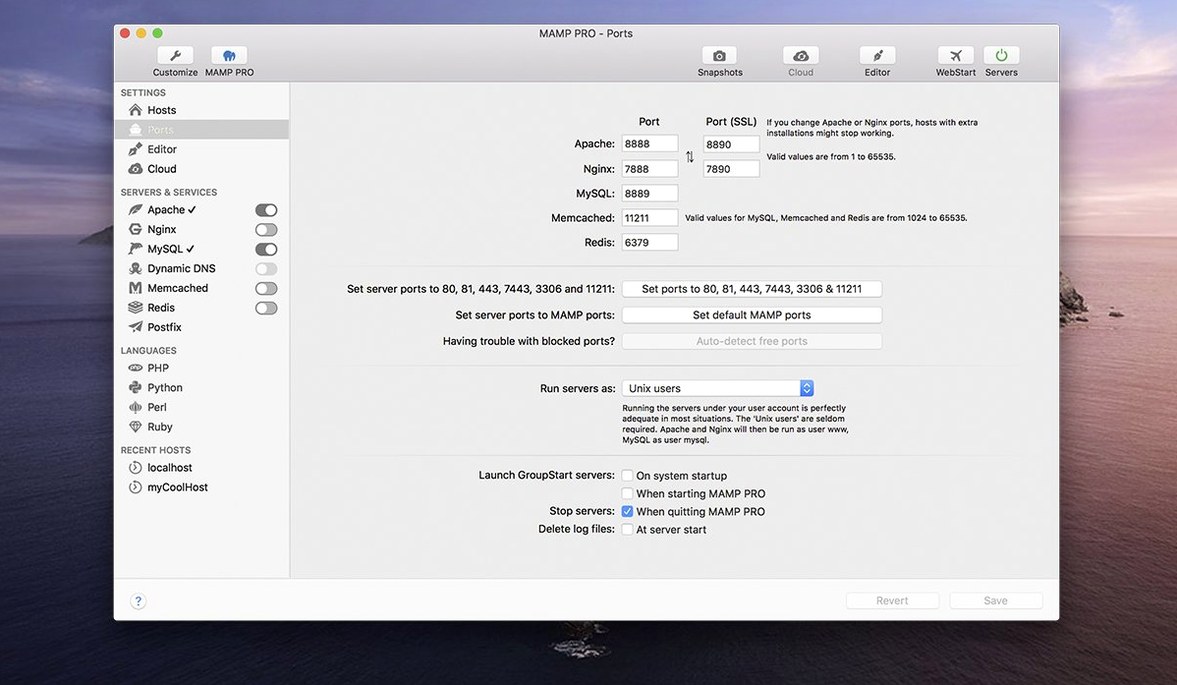
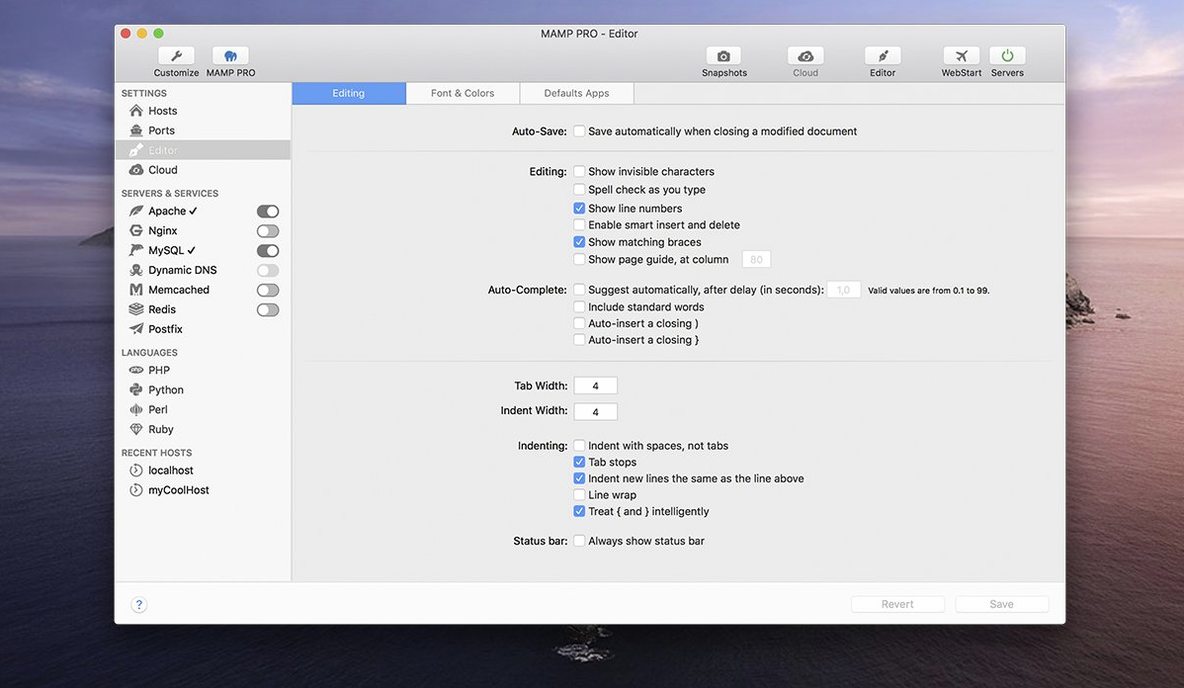
Web developers and designers who need a local server environment that doesn't get in the way are the ones who reach for MAMP PRO. It is the commercial front end for the classic MAMP stack, and it turns your Mac into a proper development machine for PHP, MySQL, and more. Each web project gets its own host, its own server config, and its own PHP version — which means you can work on a WordPress site, a Laravel app, and a static HTML prototype without any cross-contamination.
Under the hood, MAMP PRO handles Apache or Nginx, MySQL 5.7 and 8.0, Redis, Memcached, and multiple PHP and Python versions. WordPress can be installed with a single click, and phpMyAdmin opens when you need to poke around the database. The 6.9 release brought a redesigned toolbar, better PHP version installation, and fixes for host-specific server configuration crashes and MAMP Cloud network issues.
It is a tool for people who need to develop, test, and manage any number of websites locally without tripping over configuration files every time they switch projects. If you spend your day in a browser, a code editor, and a terminal, MAMP PRO keeps the server side out of sight and running.
If you juggle multiple clients or projects, each with its own server requirements, MAMP PRO is where the time savings add up. WordPress developers who maintain a handful of sites — each with different plugin stacks, PHP versions, or database setups — can spin up a fresh host in moments and give it exactly what it needs. Freelance web designers who switch between a Craft CMS build in the morning and a Magento migration in the afternoon will appreciate that each host remembers its own Apache or Nginx settings, PHP version, and MySQL configuration without any manual file editing.
Agencies and small teams benefit too. When a colleague sends over a site export or a database dump, you can import it as its own host and have it running before the next standup. The same goes for developers who need to reproduce a staging environment locally: set the PHP version, pick the database engine, and you are working against something close to the live setup. And if you are the kind of Mac user who prefers a graphical interface over editing httpd.conf and php.ini by hand, MAMP PRO removes that friction entirely.
MAMP PRO does not ask you to abandon your existing workflow. It runs as a standard Mac application with its own menu bar icon, so you can start and stop servers without switching windows. The built-in web server stack replaces the need for separate installations of Apache, Nginx, MySQL, or PHP — everything is bundled and managed from one place.
For developers who use version control, each host lives in its own document root, which makes it straightforward to point a Git repository at the right folder. The app also works well alongside code editors like VS Code, Sublime Text, or PHPStorm: you edit files in your editor, refresh the browser, and MAMP PRO serves the changes immediately. If you rely on Sequel Pro, TablePlus, or another MySQL client, you can connect to the local database instance using the same credentials MAMP PRO shows in its interface.
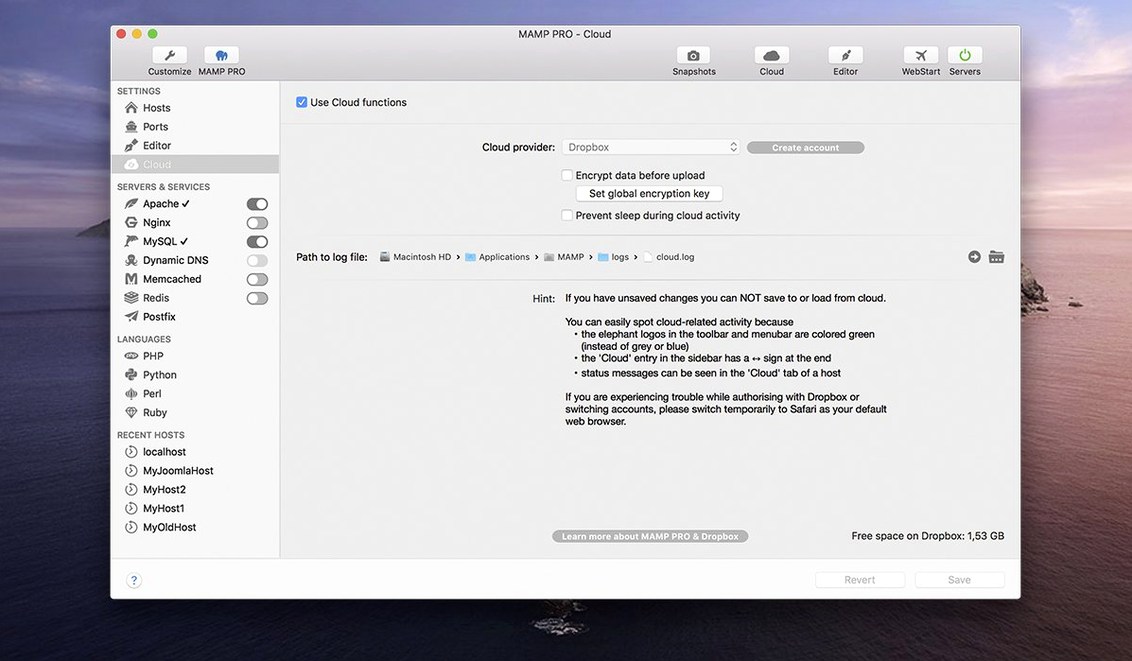
The remote editing feature means you can work on files stored on a server as if they were local, which is useful when you need to make quick changes to a live site without pulling the whole thing down. And the MAMP Cloud feature — which saw network fixes in version 6.9 — lets you sync hosts and their configurations across multiple Macs, so your development environment travels with you.
A few details in MAMP PRO do not get much attention but make daily use smoother. The host ordering feature lets you arrange your list of projects in whatever order makes sense to you, rather than alphabetically or by date. When you have twenty-odd hosts on the go, that small bit of control keeps the most active projects near the top.
The screenshot capture tool is an odd but handy inclusion. If you need to grab a full-page preview of a site at a specific stage of development — for a client sign-off or a portfolio update — you can take it directly from the app without reaching for another utility.
After creating a WordPress site with one click, the publishing workflow continues inside MAMP PRO: you can push the finished site to a live server, import an existing WordPress site from a server, or migrate a WordPress site from one server to another. That means the same interface you used for local development can also handle deployment, which cuts down on context switching.
The optimised host create dialog in version 6.9 also deserves a mention. It streamlines the process of setting up a new project, so you spend less time filling in fields and more time actually building the site.
MAMP PRO 6.9.0 is a 64-bit Intel build, and it runs on macOS 10.12 or later for Intel Macs. If you are on Apple Silicon, the same version requires macOS 11.0 or later. Both architectures are supported, so whether you are on an older Mac Pro or a newer MacBook with an M-series chip, the app will run.
The interface is in English, and installation follows the usual Mac pattern: mount the disk image, drag the application to your Applications folder, and launch it. Because the app is signed by the developer, you may need to open Gatekeeper-friendly by pressing Enter in Terminal to bypass the block — a one-time step that takes seconds.
Once installed, MAMP PRO manages the full stack locally. You get Apache and Nginx, MySQL 5.7 and 8.0, Redis, Memcached, and multiple PHP and Python versions all handled from one application window. There is no need to install Homebrew, compile modules, or maintain separate configuration files. The app takes care of starting and stopping services, and it keeps each host's settings isolated so changes to one project do not affect another.
For developers who search for mamp pro download or mamp pro torrent, this is the version that current projects rely on. The same build is also available for those looking at mamp pro crack mac or mamp pro 7 crack mac — but the version discussed here is 6.9.0, and it remains a solid choice for local WordPress and PHP development on macOS.
Yes, MAMP PRO runs on both Intel and Apple Silicon Macs, and it requires macOS 10.12 or later.
Sign in or create your account to leave a comment.
No notes from photographers yet. If you have used this on a real folder, say which camera and which Mac.