Get it for my Mac (356 MB)
 ArchiCAD
29.2.1
ArchiCAD
29.2.1


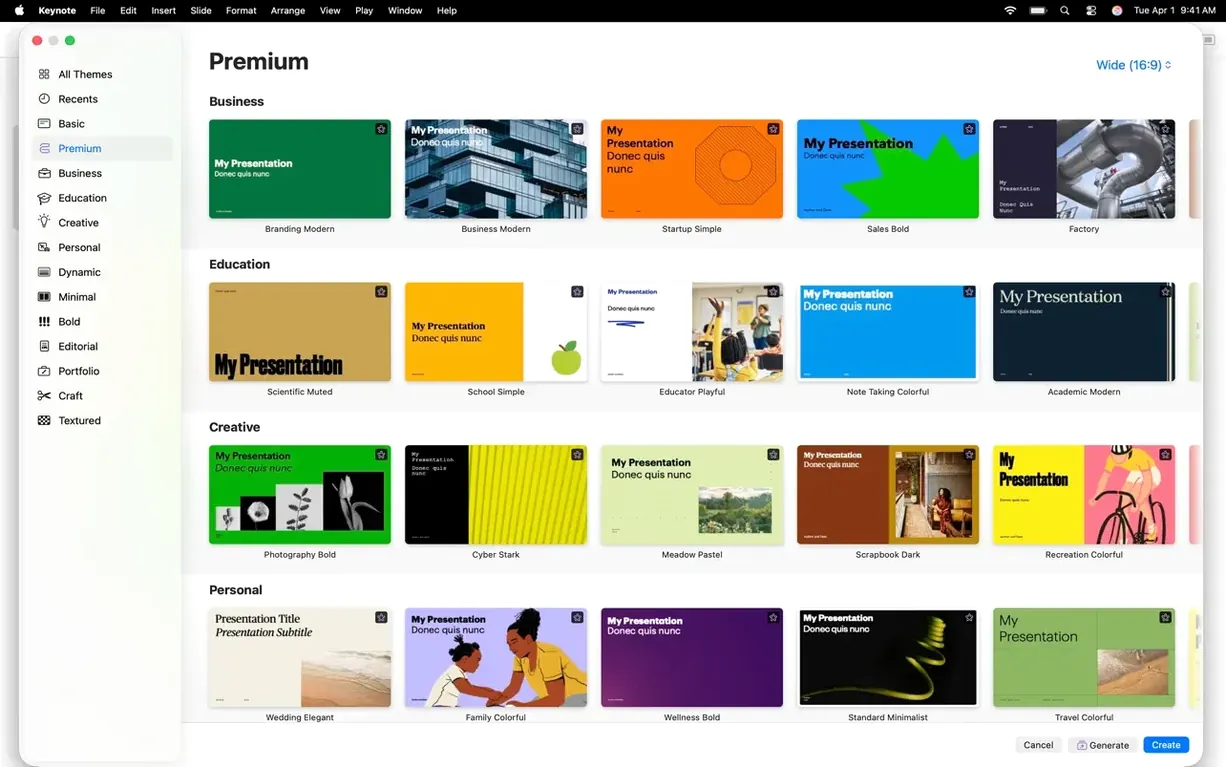
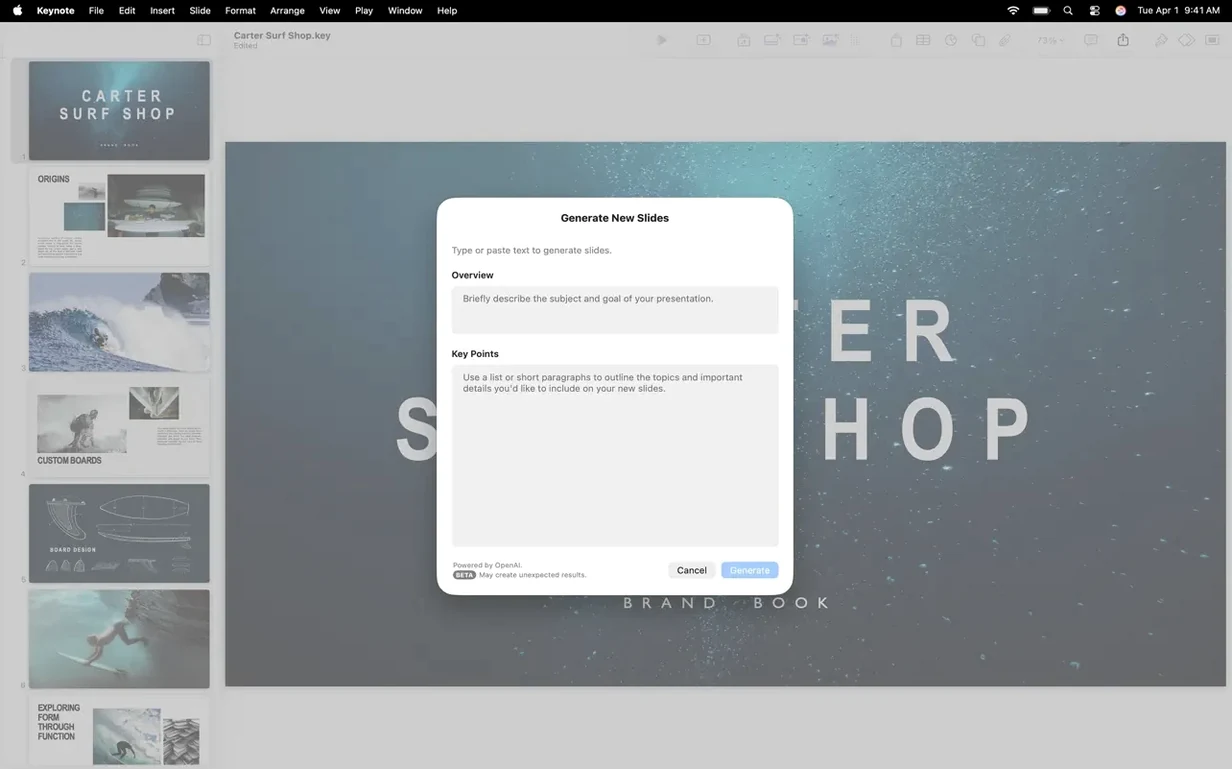
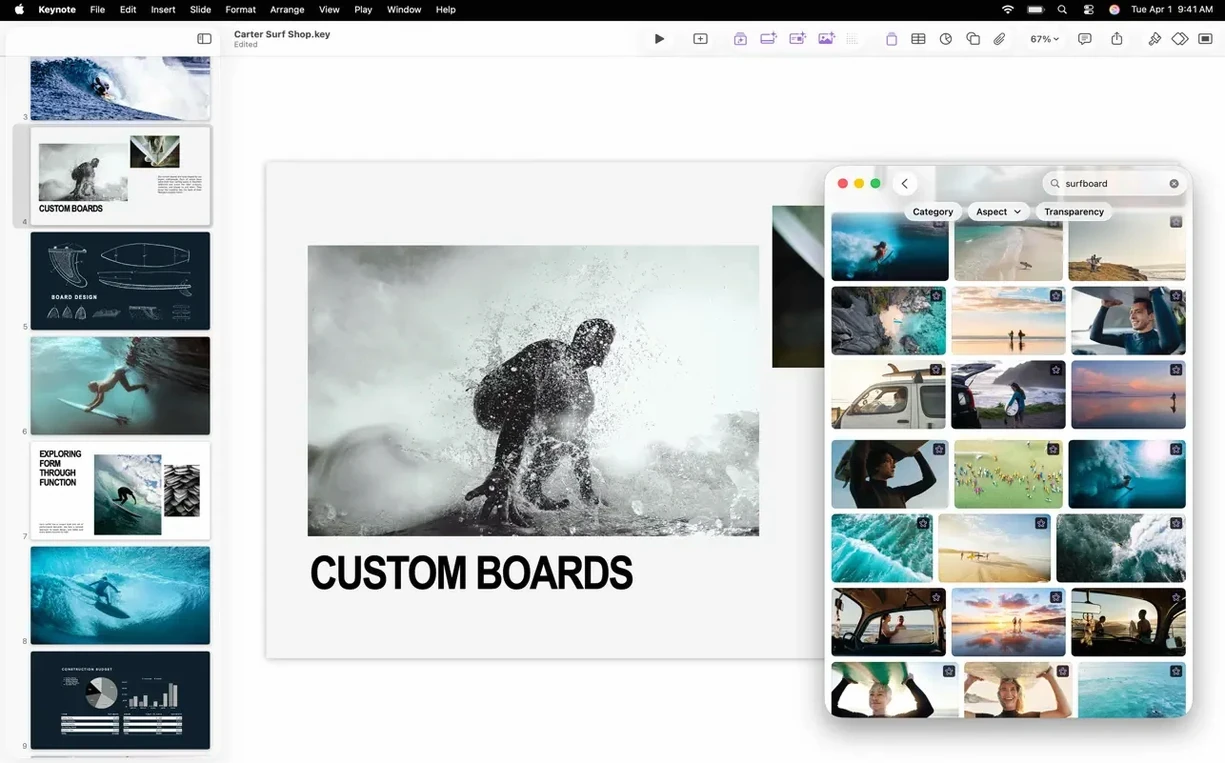
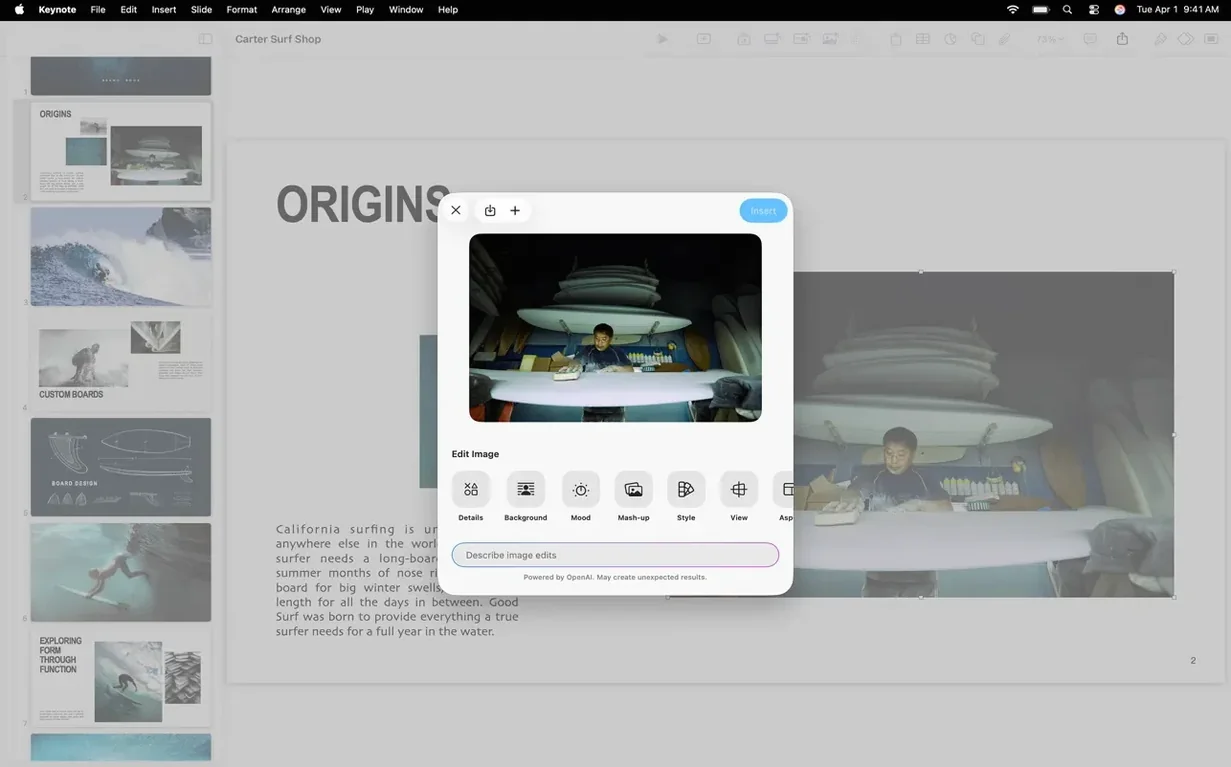
You have a batch of wedding photos to show a couple, or maybe you are putting together a quick pitch for a client. You open Keynote, drop in a few images, add a short video clip, and the presentation is ready in minutes. It is the presentation app that lives alongside Pages and Numbers on your Mac, and it handles the job without fuss.
Keynote — Presentation app from Apple for creating and presenting slides on Mac.
Add video to Keynote — Drag a movie file onto any slide; it plays inline during the presentation or on export.
Magic Move — A transition that animates objects between two slides so they appear to move, scale, or rotate smoothly.
PowerPoint import/export — Open a .pptx file, edit it, and save back to the same format when you need to share with someone on Windows.
Export formats — Save as PDF, HTML, movie files, or image files depending on where the presentation needs to go.
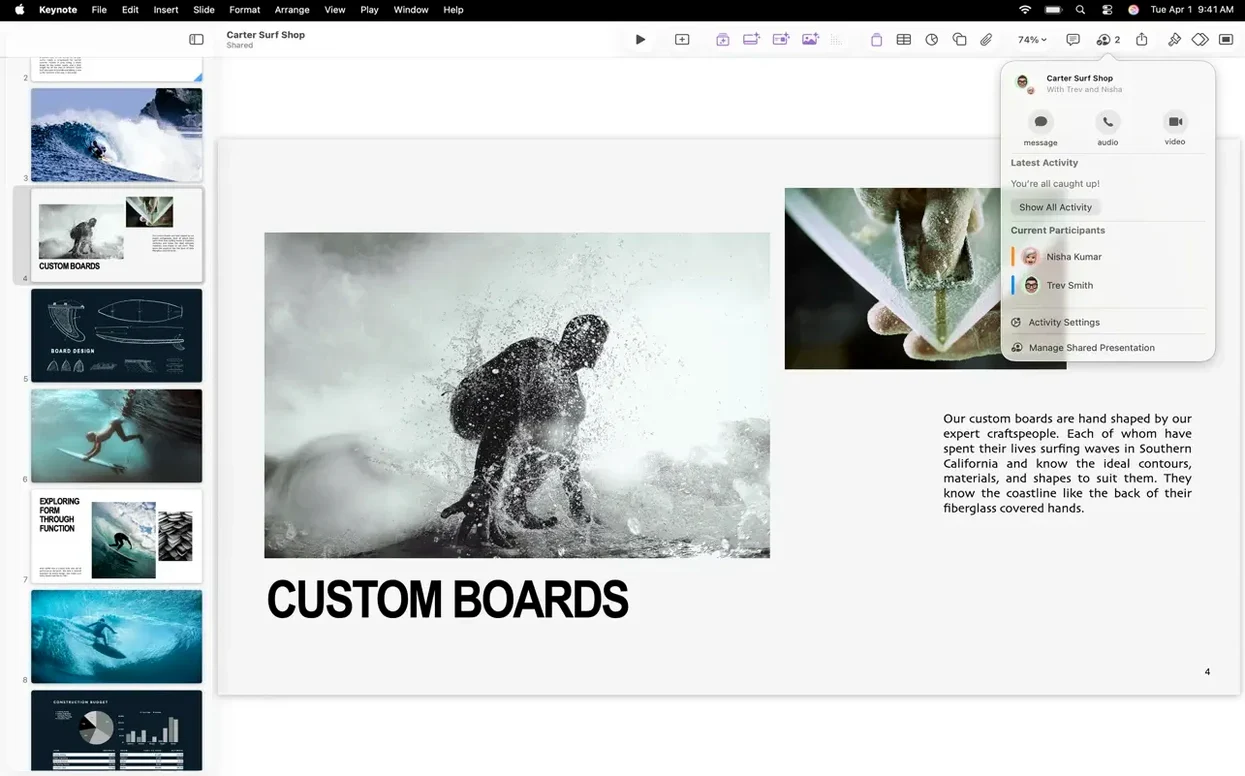
Real-time collaboration — Multiple people edit the same presentation on different devices, with change tracking visible to everyone.
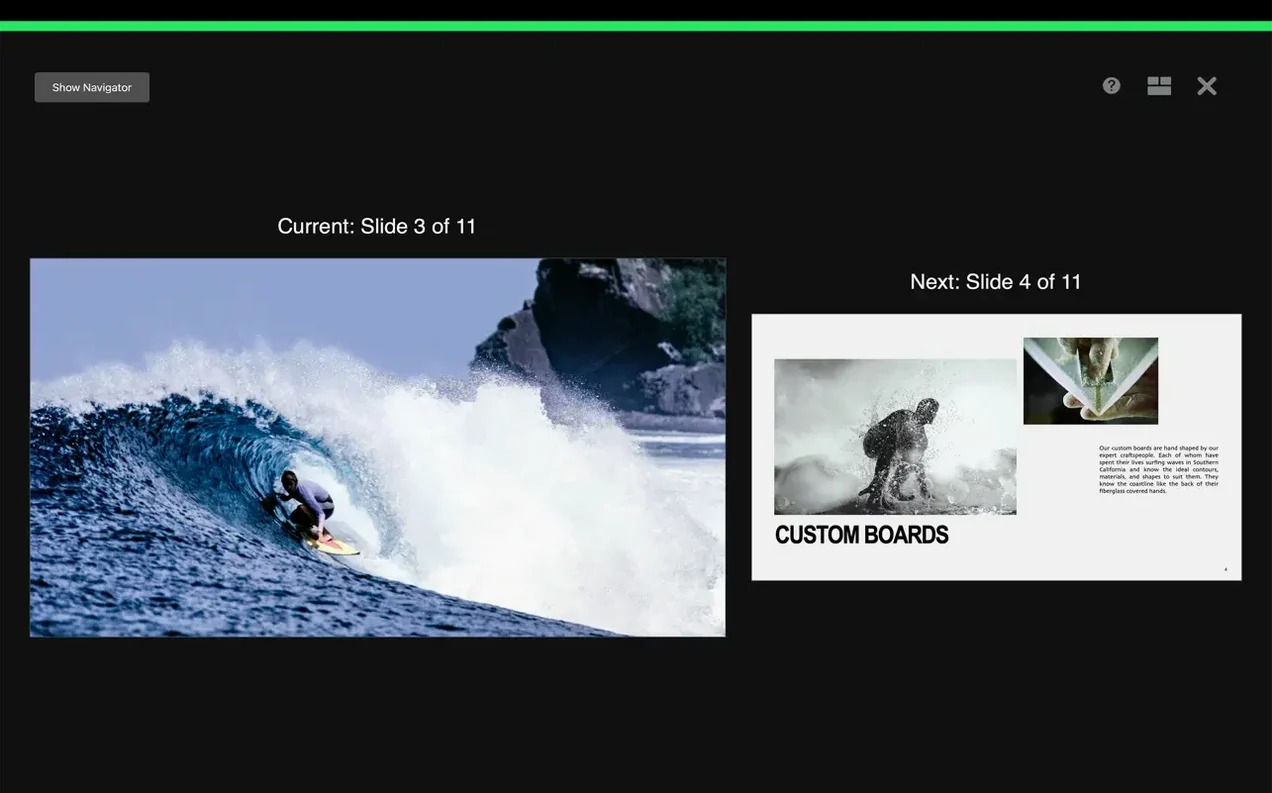
Presenter display — Rehearse with a custom view that shows notes, a timer, and the next slide while the audience sees only the current slide.
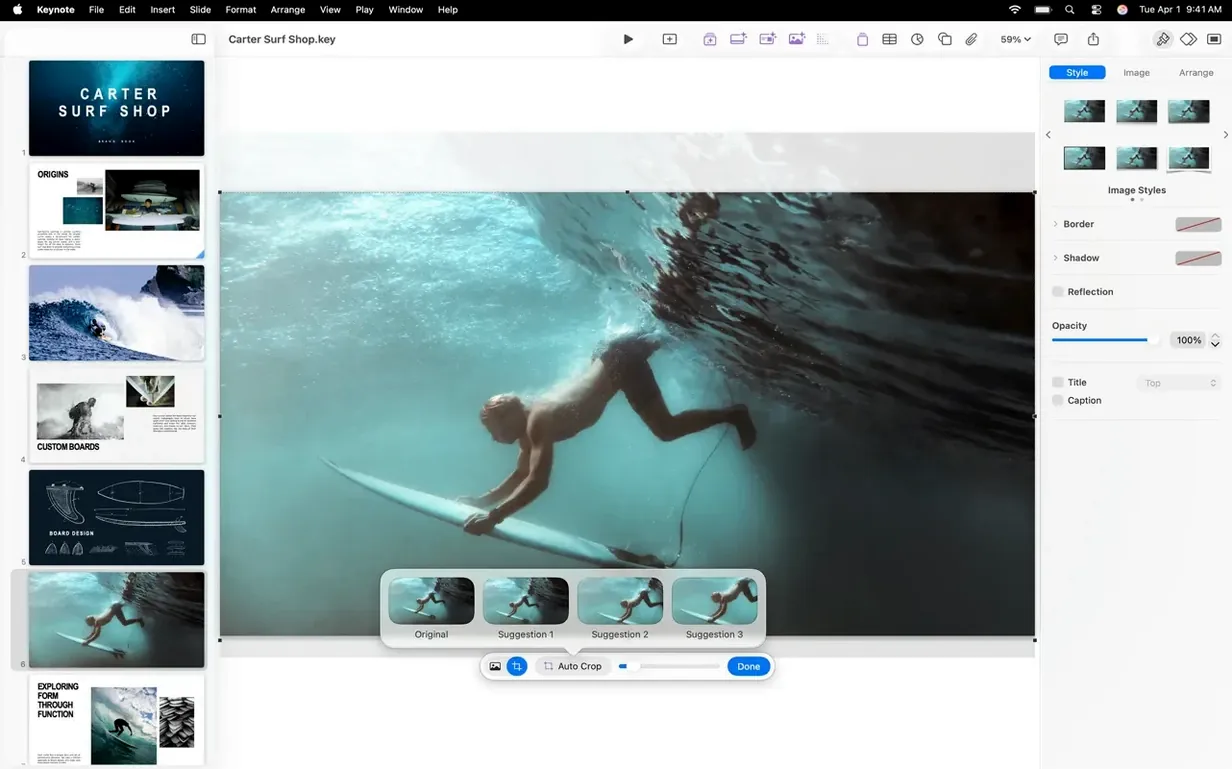
A secondary school teacher in London has thirty minutes between periods to turn a set of notes and a couple of diagrams into something the class can follow. Keynote fits that gap. She opens one of the Apple-designed themes, picks the one with a clean title and body layout, and starts typing. The image gallery tool lets her drop a sequence of labelled diagrams onto one slide without resizing each one by hand. When she needs to show a short video of a science experiment, she drags the file straight onto the slide and it plays during the lesson. The real-time collaboration means the other science teacher can add a correction from their own Mac while she is still building the deck. By the time the bell goes, the presentation is done and shared through iCloud.
Keynote vs. Microsoft PowerPoint. PowerPoint is the heavy-lifter of the presentation world, especially in corporate environments. Keynote handles .pptx files well — you can open a PowerPoint deck, edit it, and export back without losing the layout. Where Keynote stands apart is the animation engine. The Magic Move transition and the newer shift, radial wipe, and character blur builds look polished with very little effort. PowerPoint can do similar things, but it takes more clicks to get there. For anyone who values speed over a deep feature list, Keynote wins the quick-start argument.
Keynote vs. Google Slides. Google Slides is the go-to for browser-based collaboration across Windows, Chromebooks, and Macs. It is free and syncs instantly. But it runs inside a browser, which means performance drops with large image files or embedded video. Keynote runs natively on the Mac, so a deck with forty high-resolution wedding photos or a five-minute video clip plays back smoothly. The trade-off is that Keynote files are not as portable — you need to export to PDF or PowerPoint if the recipient does not have a Mac or an iCloud account.
Keynote vs. Canva Presentations. Canva brings a library of stock images, templates, and design elements that make it easy to produce visually rich slides without any design skill. It works well for social media graphics and one-off presentations. But Canva is a web app first, and its offline Mac app still feels like a wrapper around the browser version. Keynote gives you more control over typography, animation timing, and export quality. For a photographer who needs pixel-accurate placement of images and video, Keynote is the more reliable tool.
Can I open a PowerPoint file in Keynote without losing the formatting? Mostly, yes. Keynote imports .pptx files and keeps the text, images, and basic transitions. Complex animations and embedded media from PowerPoint sometimes need a quick check after import. For a straightforward deck, you can open, edit, and export back to PowerPoint format without rebuilding anything.
Will Keynote run on an older Mac? The current version 15.3.1 requires macOS 15.6 or later. If your Mac supports that system version, you can run Keynote. It works on both Intel and Apple Silicon Macs. For older macOS versions, you would need an earlier release of the app.
Can I present without an internet connection? Yes. Keynote is a local app. You build and present entirely offline. iCloud sync and collaboration need a connection, but the slides themselves live on your Mac. For a keynote torrent or a keynote dmg download, the app installs and runs without any online check after that.
How do I add video to a Keynote presentation? Drag a movie file from Finder onto any slide. The video becomes an inline element that plays during the presentation or when you export to a movie file. Keynote supports common formats like MP4 and MOV. You can also add audio recordings and image galleries to the same slide.
Can I export a Keynote presentation to a video file? Yes. The export menu includes a movie option. Keynote renders the slide transitions, animations, and any embedded video into a single file. This is useful for sending a walkthrough to someone who does not have presentation software, or for uploading to a site that expects video format.
Does Keynote support real-time collaboration? Yes. Multiple people can edit the same presentation at the same time through iCloud. Changes appear in real time, and you can see who is editing which slide. This works across Mac, iPad, and iPhone, so a team can finish a deck even when they are not in the same room.
Yes. Keynote can import and edit Microsoft PowerPoint presentations, and you can export back to PowerPoint format when you are done.
Keynote exports to Microsoft PowerPoint, PDF, HTML, movie files, and image files.
Sign in or create your account to leave a comment.
No notes from photographers yet. If you have used this on a real folder, say which camera and which Mac.