Get it for my Mac (370 MB)
 ArchiCAD
29.2.1
ArchiCAD
29.2.1

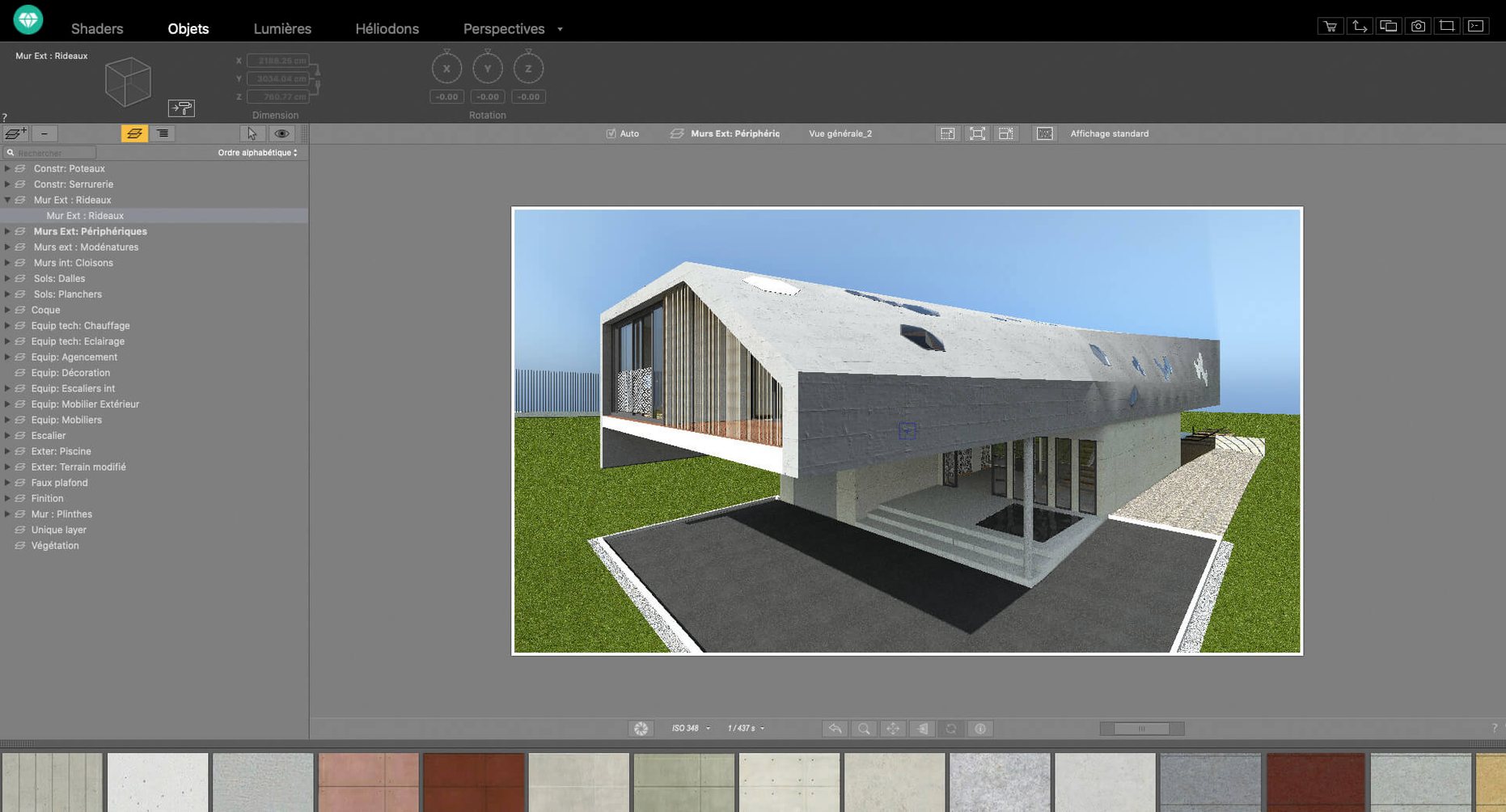
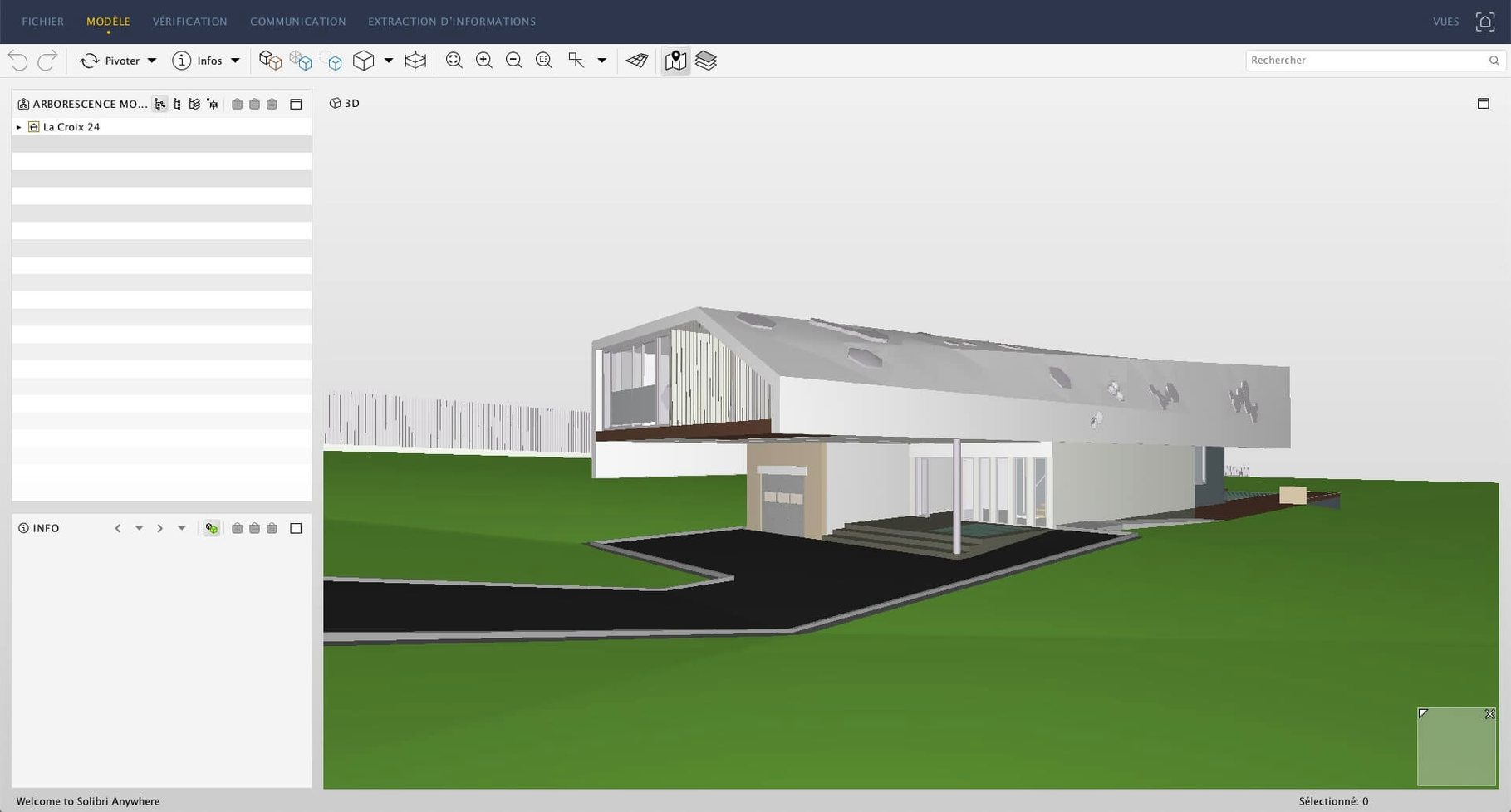
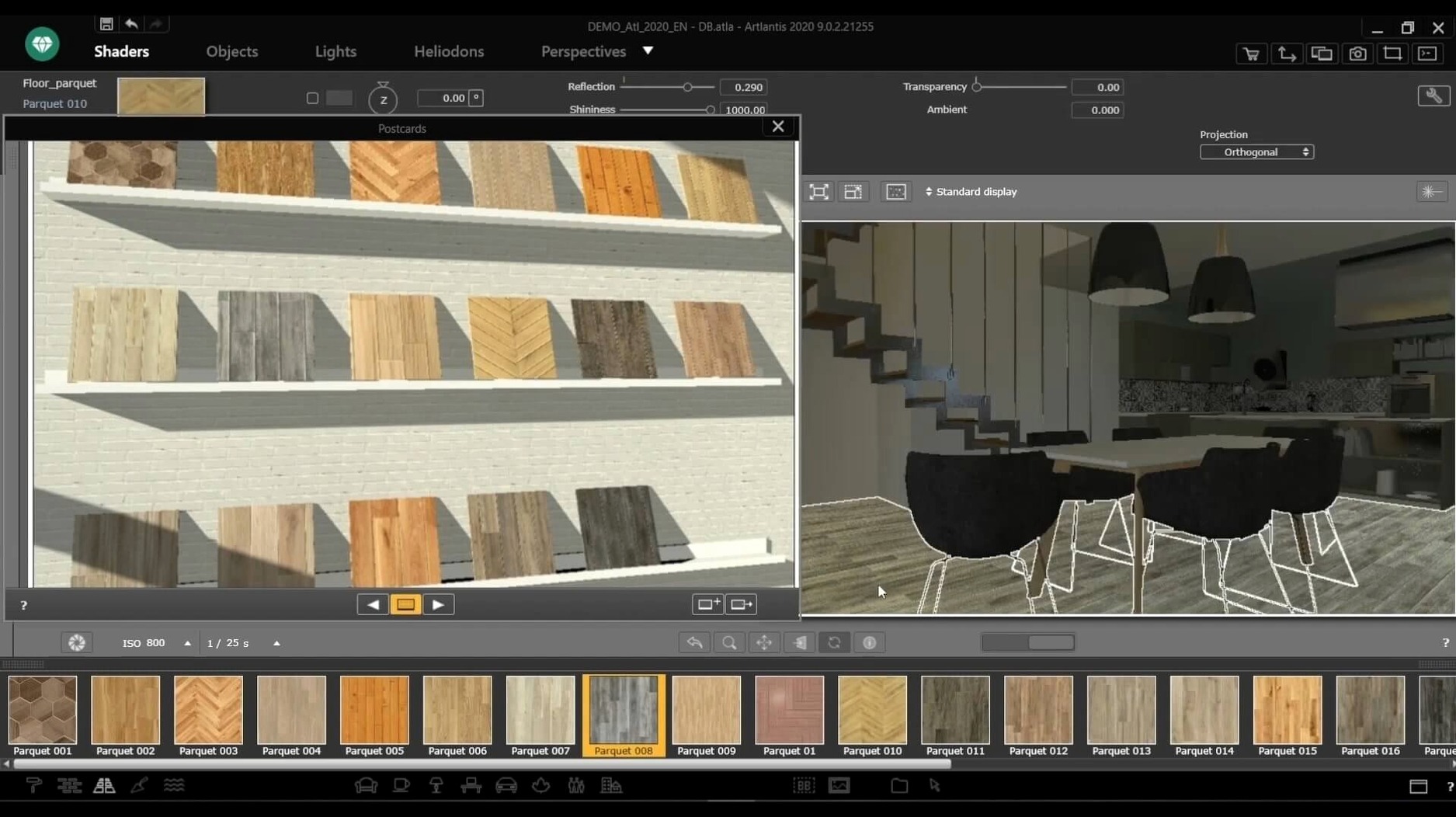
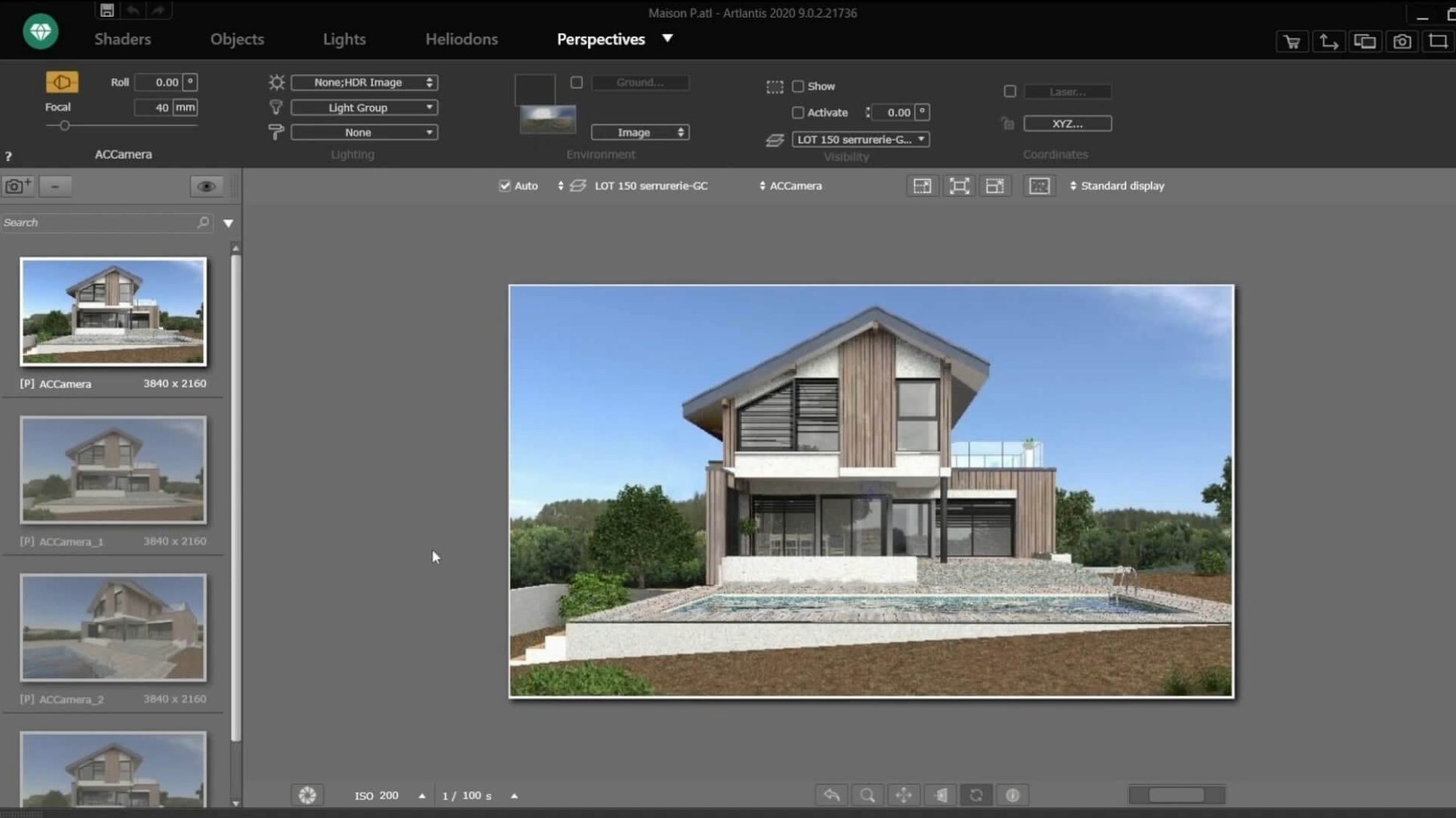
Shader tools are the first thing you should open. Artlantis gives you direct control over texture creation, so you can build surfaces that catch light the way you want — no detours through other apps. Import your DXF, DWG, or 3DS file, and the material and object collection means you aren't starting from a blank room. The post-processing tools for brightness, contrast, and colour tables live right there, so you can finish a render without switching software.
| Detail | Info |
|---|---|
| Developer | Abvent |
| Version | 9.5.2.32853 |
| macOS support | 10.13 and later, Intel 64-bit |
| Interface languages | English, French, German, Spanish, Italian, Portuguese, Polish, Russian, Chinese, Korean, Japanese |
| Key formats | Import: DXF, DWG, 3DS |
Start with a simple scene: import a DWG, pick a shader from the library, adjust the light, and run a test render. Once you see how fast the engine responds to changes, you'll know why this app stays in the workflow of people who need realistic images and VR panoramas without endless tweaking.
The most common slip is treating Artlantis like a modelling app. It isn't one. Beginners import a half-finished CAD file and try to fix geometry inside the renderer, which leads to frustration. Artlantis expects your model to be clean before it arrives — closed polys, sensible layers, no stray lines. Another frequent mistake is ignoring the shader tools until the final render. By then you're fighting with reflections that don't read right or a floor that looks flat. Spend ten minutes with the shader editor early on; it saves an hour of post-processing later.
Lighting also trips people up. New users often drop in the default sun and call it done, then wonder why the scene feels artificial. Artlantis handles natural and artificial sources separately, so take the time to place a few interior lights or adjust the sun angle. A single render test with adjusted shadows tells you more than five minutes of guessing. And don't forget the material catalog is there to be dragged onto surfaces, not stared at. I've watched people manually assign textures one by one when the catalog could have done it in seconds.
Artlantis sits in a specific spot: it's a dedicated renderer that talks directly to ArchiCAD, VectorWorks, SketchUp, and AutoCAD. That direct data exchange is rare. Most comparable tools either work as plug-ins inside the host app or require an export-import loop for every change. Artlantis lets you adjust a scene and update it without re-importing the whole model.
Against a general-purpose renderer like KeyShot, Artlantis feels more architectural. KeyShot excels at product shots and industrial design, with a huge material library, but its CAD import pipeline isn't as tight with architecture-specific formats. Artlantis also produces VR panoramas and QuickTime VR files natively, which KeyShot doesn't do.
Compared to Lumion — another popular choice for architects — Artlantis is lighter on system demands. Lumion leans hard on GPU power and prefers modern graphics cards, while Artlantis runs on Intel Macs with macOS 10.13 and doesn't need a top-tier GPU. The trade-off is that Lumion's real-time walkthrough feel is more immediate, whereas Artlantis focuses on the quality of the final rendered frame and animation. If your workflow is about polished stills and controlled animation paths, Artlantis has the edge.
Architects working solo or in small practices are the obvious fit. You're producing client visuals regularly, but you don't have a dedicated visualization team. Artlantis gives you control without demanding you become a rendering specialist. The drag-and-drop material assignment and the shader tools mean you can produce a presentable image in the same afternoon you finish the model.
Interior designers also benefit heavily. The ability to set natural and artificial light sources separately, and to tweak brightness and contrast after the render, suits the iterative nature of interior work — move a lamp, change a wall colour, re-render. The VR panorama feature is particularly useful for showing clients a space before it's built. Export a QuickTime VR file and they can look around the room on their own machine.
Students and educators in architecture programmes also get good mileage. Artlantis's direct links to SketchUp and AutoCAD mean you can jump between modelling and rendering without learning a third interface. The material and object collection helps when you're still building your own library. And because the app is self-contained — no plug-in dependencies — it installs cleanly on lab machines or personal laptops.
Once you've run through these, the rest of the interface starts to feel familiar. The material collection, the shader editor, the post-processing tools — they all connect to the same goal: getting a good render out without rebuilding your scene in another app.
Yes, it can create virtual reality scenes and VR panoramas, which makes it useful for presenting interior or architectural designs.
Artlantis is a 64-bit Intel app. It runs on macOS 10.13 and later, but it is not natively optimised for Apple Silicon.
Sign in or create your account to leave a comment.
No notes from photographers yet. If you have used this on a real folder, say which camera and which Mac.