
 Get it for my Mac (8.3 GB)

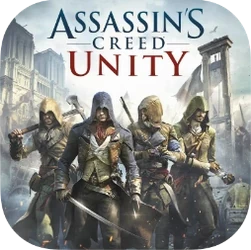 Assassin's Creed Unity
1.5
- Version
- 1.1.0 [Wineskin] Fix
- Developer
- Ubisoft Sofia, Ubisoft Kiev
- Interface in
- Russian, English
- Licence on file
- Not required
- Chip support
- Apple Silicon
- Edited with it on
- macOS Sonoma, Mac mini 2024 M4
- Out on
- 10.03.2015
- Voices in
- Russian, English
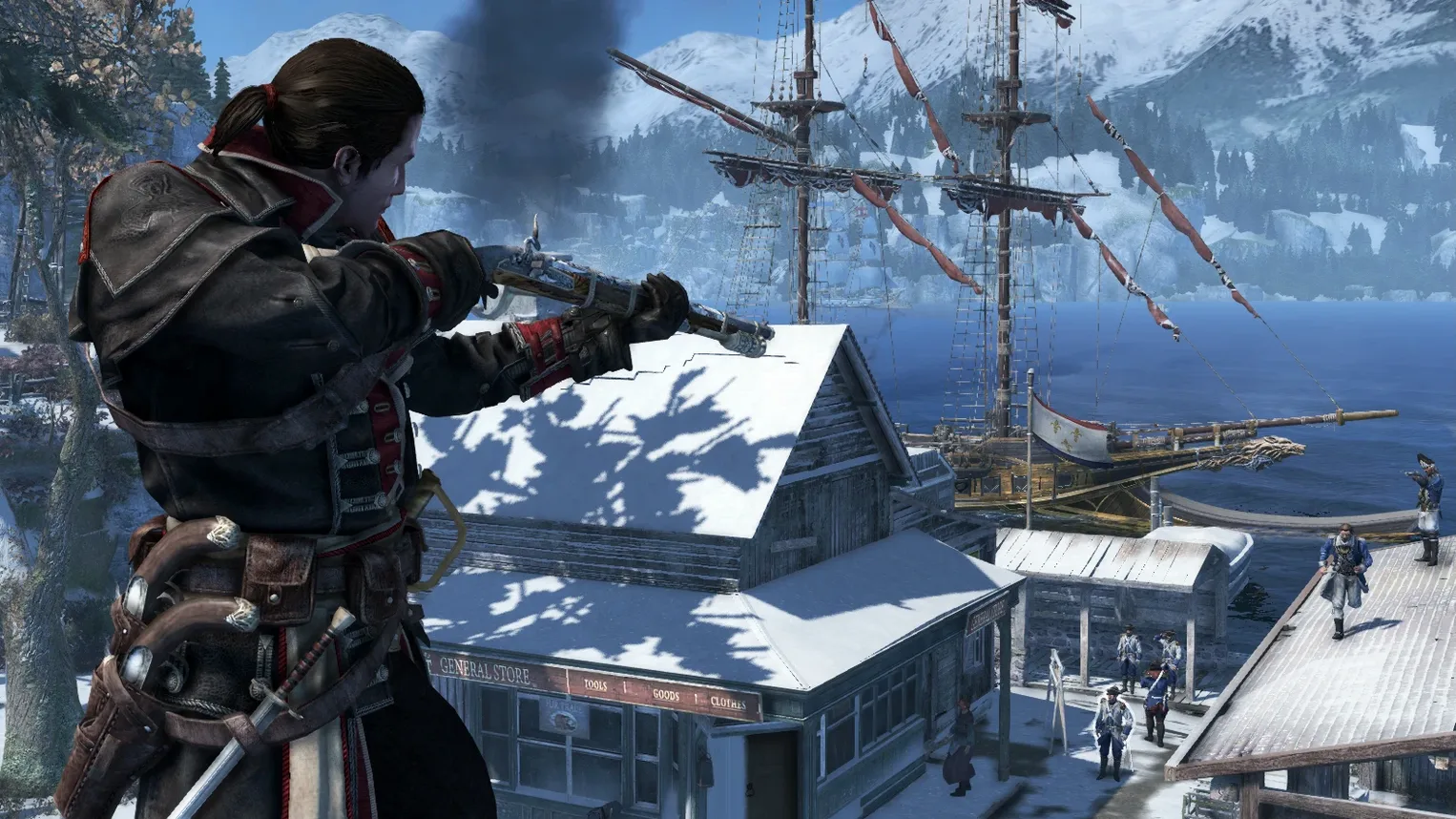
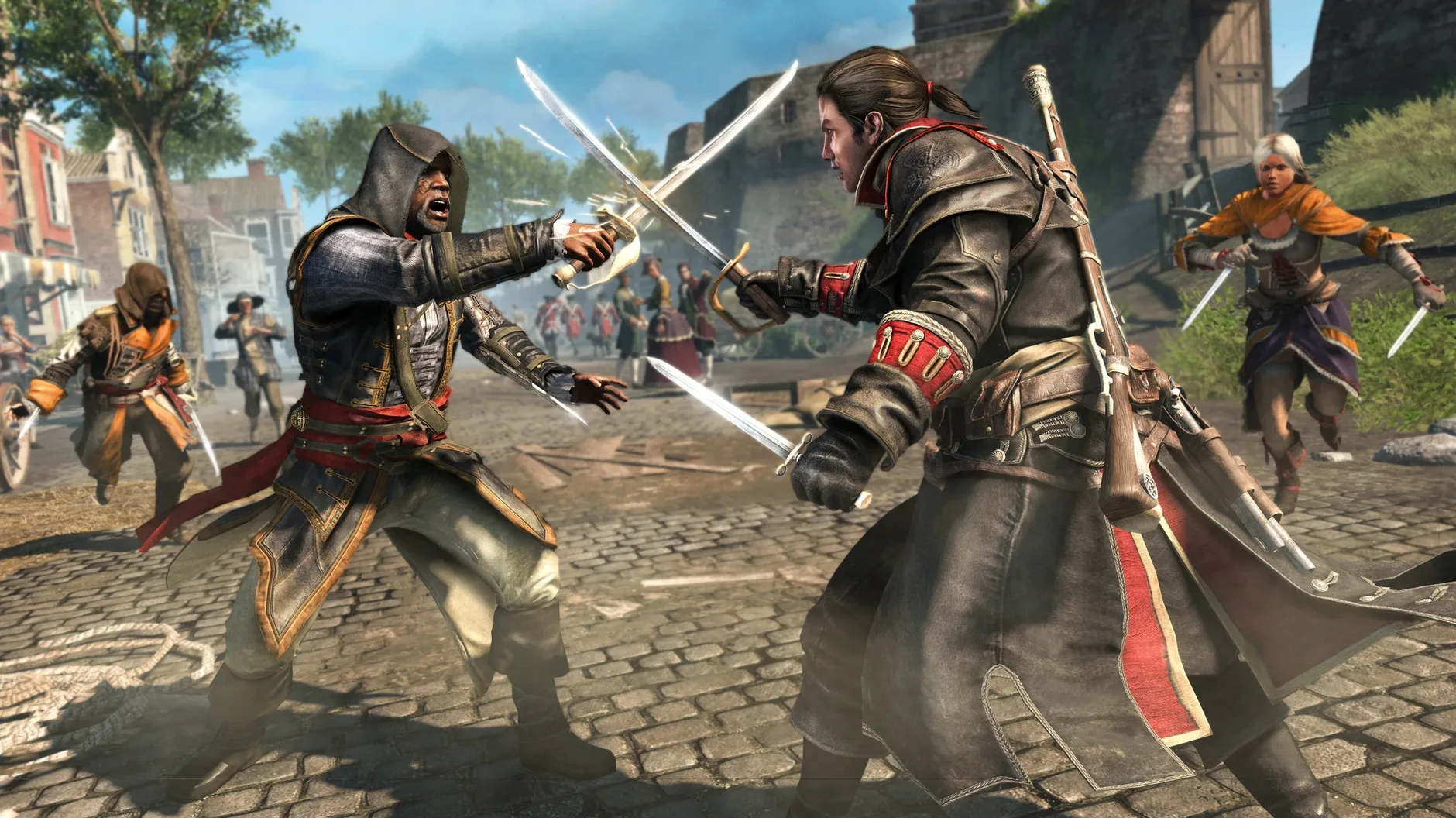
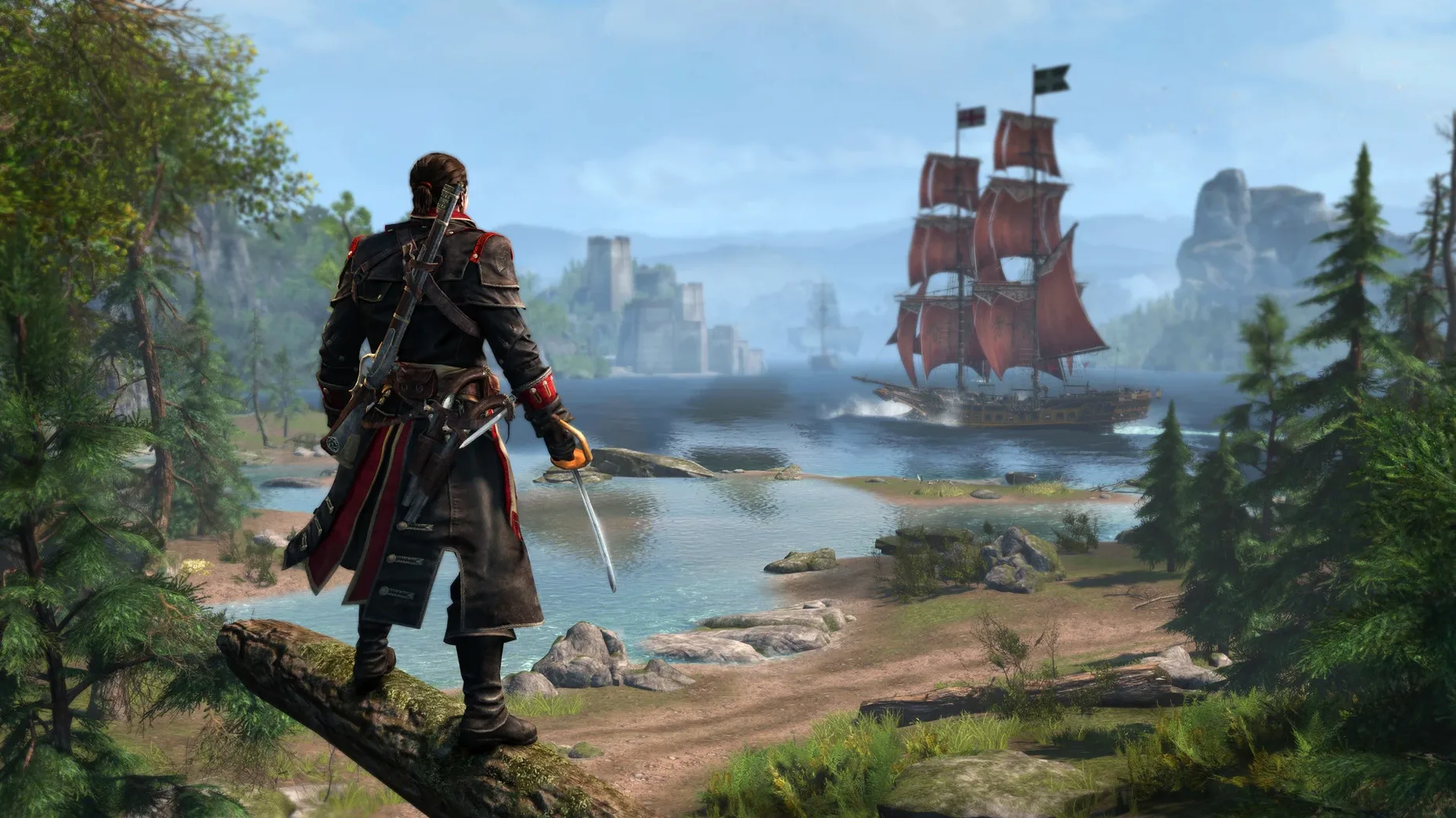
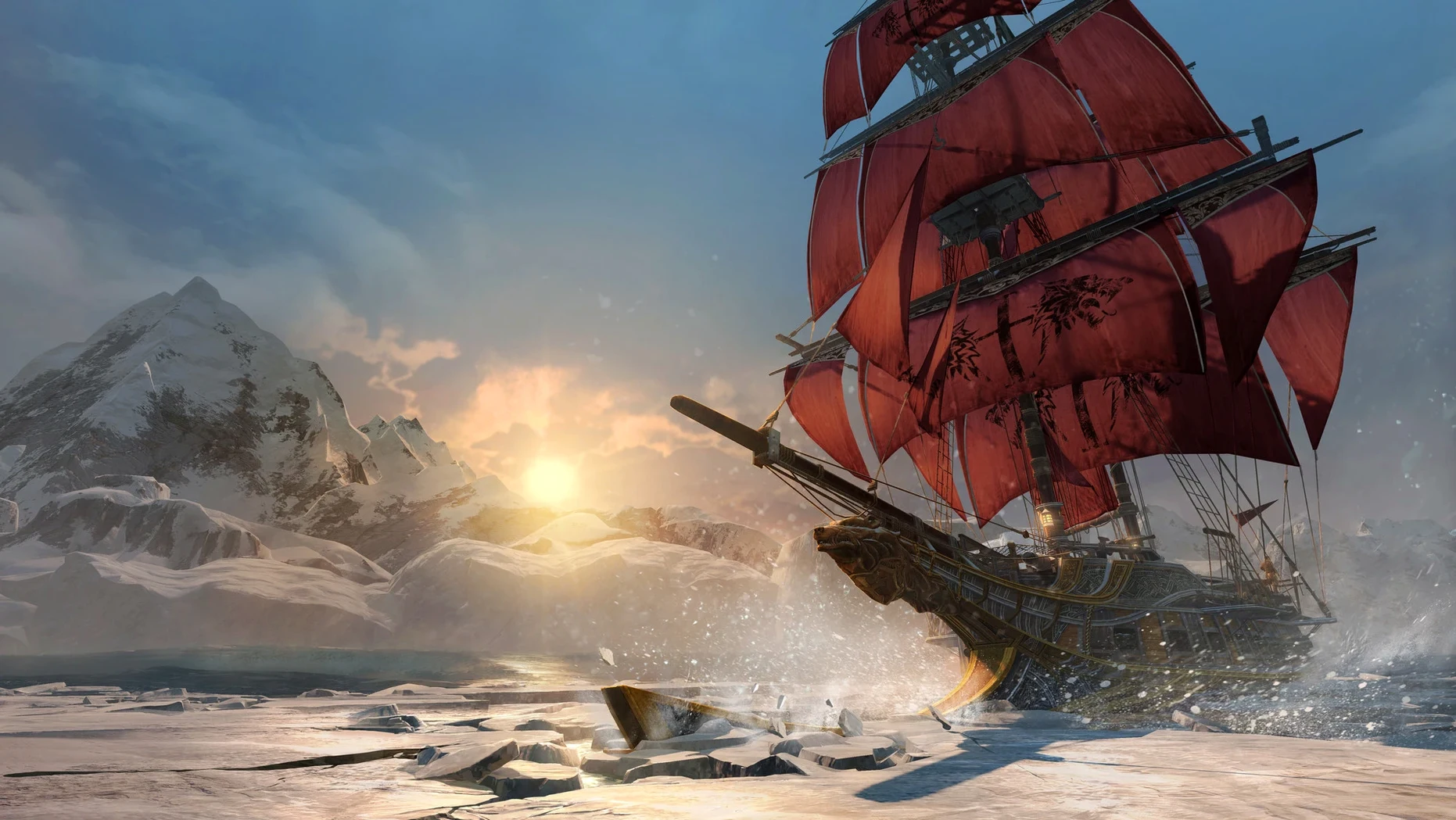
In the edit
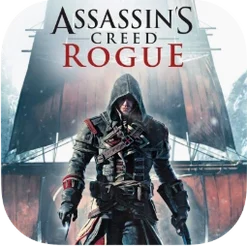
You are Shay Patrick Cormac, an Assassin who turns hunter. The year is the 18th century, and the North American wilderness is your hunting ground. New York, river valleys, and the North Atlantic are all open to you in the Morrigan, your ship. This is not the typical Assassin’s Creed story; you are the one chasing the brotherhood.
A fresh take on the Assassin's Creed world with solid naval combat
Players who want a different perspective on the Assassin's Creed world will find it here. The naval combat is solid, and the updated Eagle Vision ability helps you track targets. If you liked the ship-to-ship action in Black Flag but want a shorter, tighter story, this fits.
Smaller scale and less polish than main numbered entries
If you expect the scale and polish of the main numbered entries, this might feel smaller. The game originally launched on older consoles, so the world is not as dense as later releases. The remastered version on other platforms added 4K support, but this Mac port does not include those upgrades.
What about the Mac version specifically?
The Mac build is Apple Silicon native and runs on modern hardware. Interface and voice languages are English and Russian. The current version (1.1.0) includes a Wineskin Fix in the disk image if you run into launch issues.
Mount the disk image and locate the Fix file first
Once the app is in your Applications folder, take a moment before diving in. Mount the disk image again and locate the Fix file – keep it handy. A lot of people jump straight into the game and only look for it after something goes wrong. Copy it somewhere you can find easily, maybe your desktop or a dedicated games folder.
Check the language setting on first launch. The game defaults to Russian, so if you want English, you will need to switch it in the options menu before you start the story. Doing this early saves you restarting later.
Test the controls in the first few minutes of gameplay. The naval sections rely on quick reactions, and the rifle combat needs you to switch between close and long range smoothly. Adjust sensitivity to your preference before you face real enemies.
Don't ignore the Morrigan's boarding and oil attacks
The biggest one is ignoring the ship. The Morrigan is not just a way to travel between locations; boarding defence and burning oil are part of the combat loop. Some players treat it like a taxi and miss half the gameplay. Spend time in the North Atlantic early on to get a feel for ship handling.
Another mistake is treating Shay like a standard Assassin. He fights differently. The rifle is not a stealth weapon in the traditional sense, and you cannot rely on the same tactics you used in other games. The story is built around hunting the brotherhood, so expect to fight more directly than you might be used to.
Players also forget about the updated Eagle Vision. It is easy to rely on the minimap, but Eagle Vision highlights targets and objectives in a way that the standard interface does not. Use it regularly, especially in crowded areas or when tracking a specific target through the wilderness.
Finally, do not skip the river valleys. New York gets most of the attention, but the open areas between locations contain side missions and collectibles that make the world feel larger than the main story suggests.
A Wineskin wrapper tested on macOS Sonoma with M4 chips
The build is a Wineskin wrapper, so it is not a native Mac port in the traditional sense. The Russian download page lists it as tested on macOS Sonoma on a Mac mini with an M4 chip, so it works on Apple Silicon hardware. The architecture is ARM, meaning it runs on modern Macs without needing Rosetta 2.
Interface and voice are available in Russian and English only. If you speak neither, you will struggle with the menus and story. The game does not include subtitles in other languages, so check before you commit.
Activation is not required. That is one less thing to worry about – no account logins or online checks. You install it, you play it.
The remastered features from other platforms, like 4K support and high-resolution textures, are not part of this Mac build. What you get is the original game running through a Wineskin wrapper on Apple Silicon. The improved shadows and lighting from the remastered version are not here, so manage expectations around visual quality.
If the game refuses to launch, run the Fix file from the disk image. That is the standard troubleshooting step for this build, and it resolves most common errors.
New this release
- Wineskin Fix is included in the build label.
Mac it needs
- Architecture: Apple Silicon
Questions I actually get
Can I play Assassin's Creed Rogue on an Intel Mac?
The Mac version is listed as Apple Silicon only, so it will not run on Intel-based Macs.
Installing on a Mac
- Mount the downloaded disk image.
- Drag the application into the Applications folder shortcut.
- After copying finishes, launch the app from Launchpad.
- If the game shows an error at launch, run the Fix file from the disk image.
Notes from photographers
Sign in or create your account to leave a comment.
No notes from photographers yet. If you have used this on a real folder, say which camera and which Mac.
