Get it for my Mac (31 GB)
 Factorio
2.1.23 Native
Factorio
2.1.23 Native
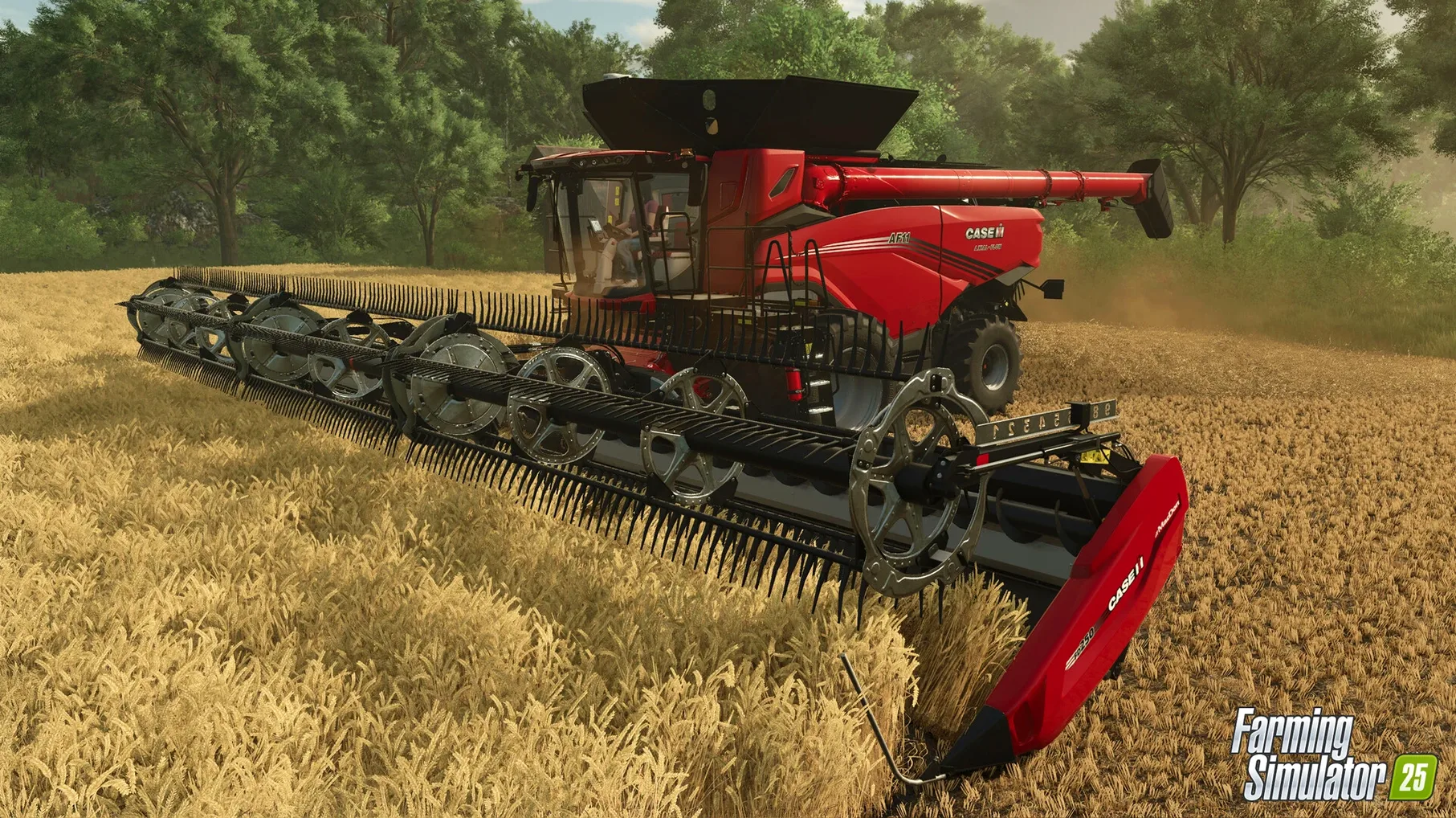
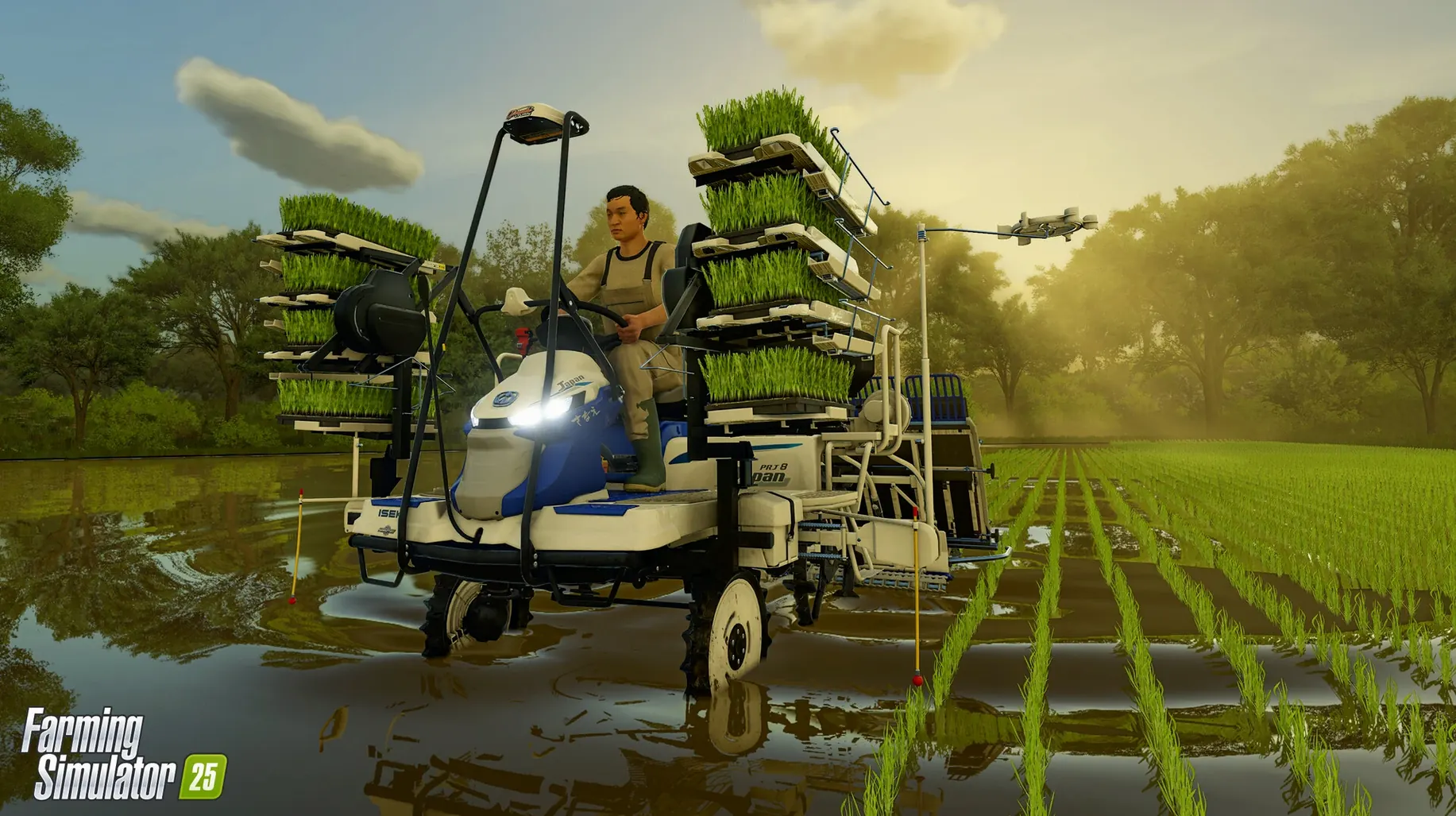
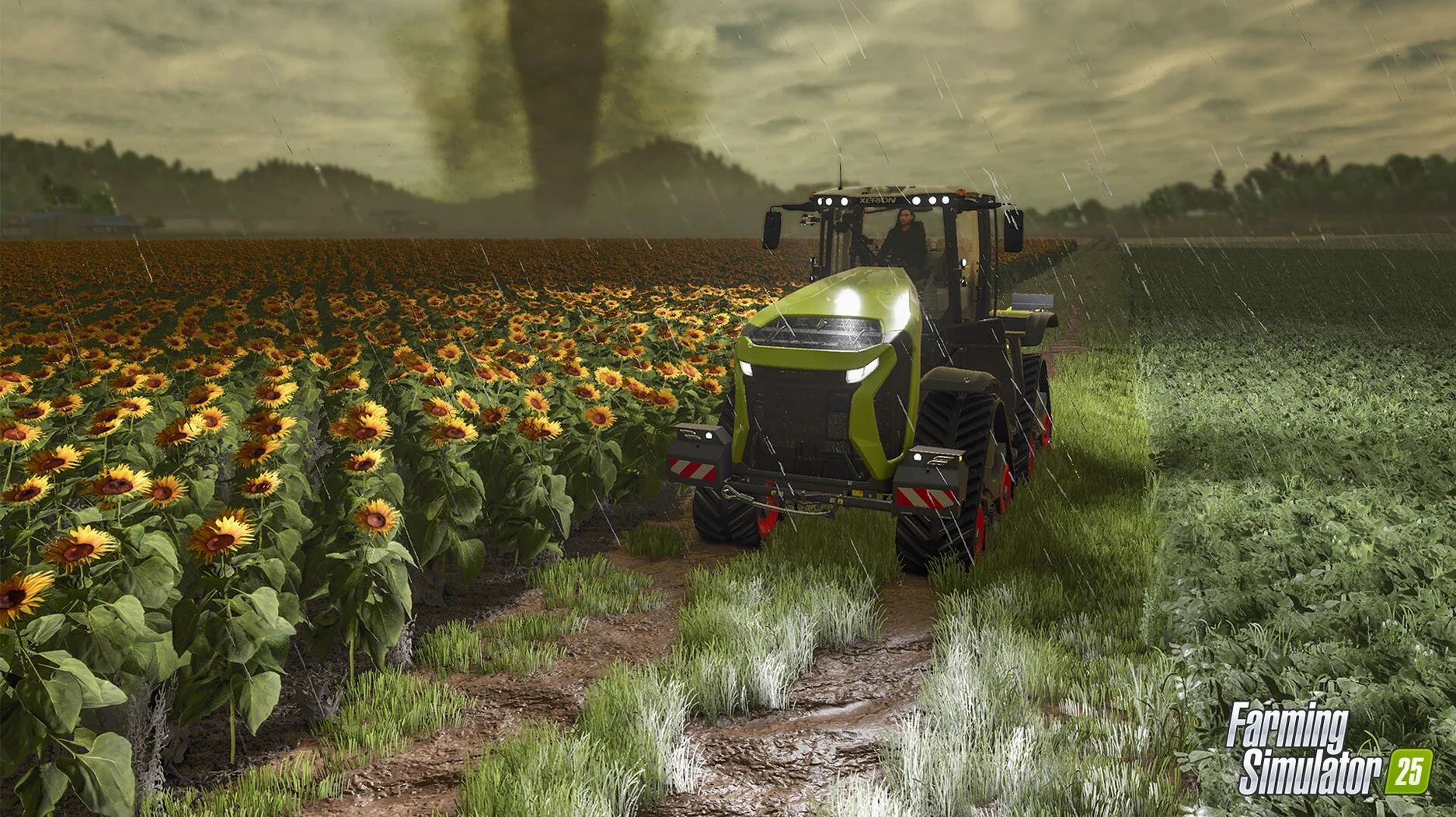
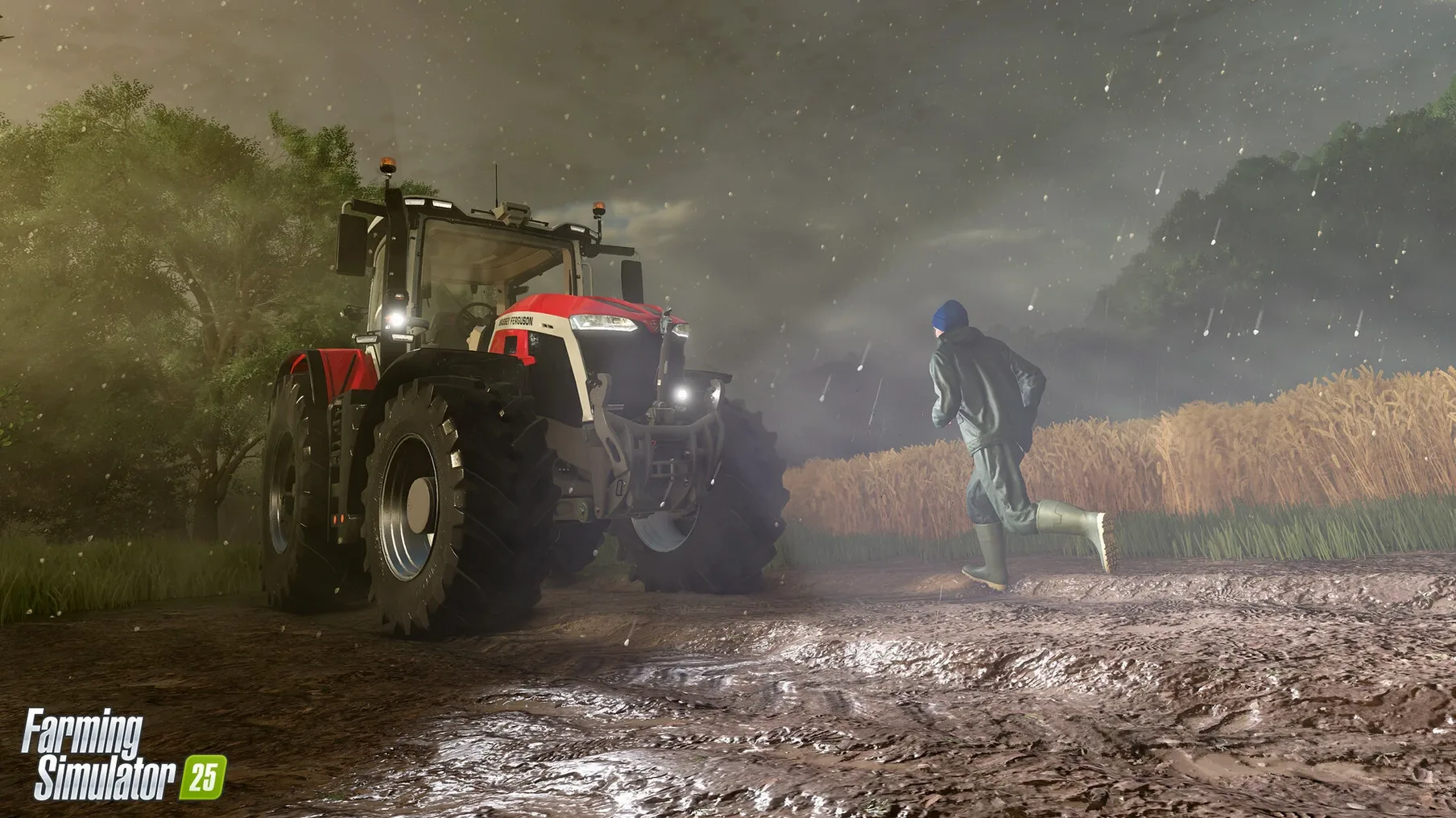
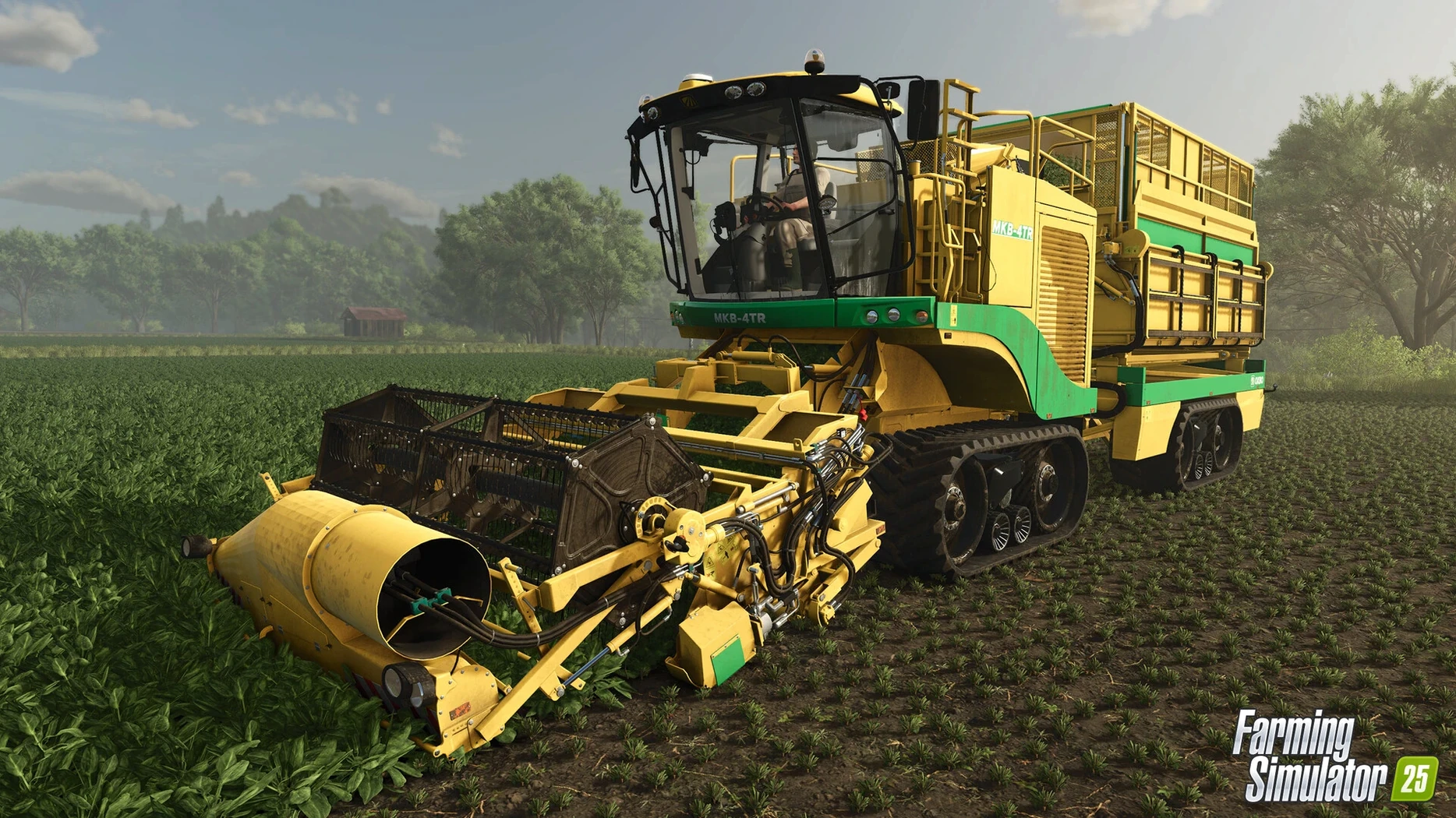
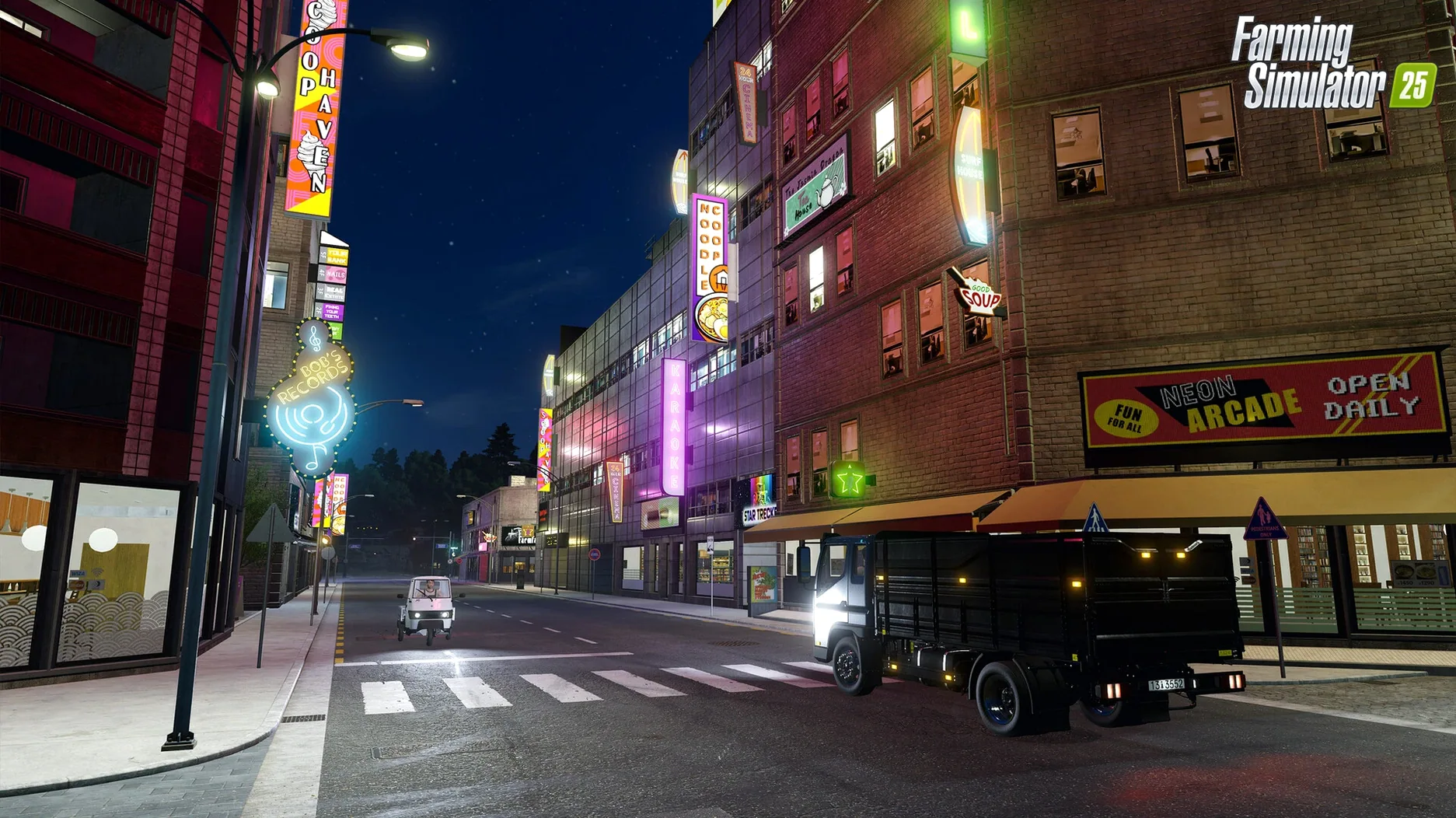
You've got a field to plant, a hailstorm rolling in, and the rice seedlings are sitting in the yard. That's the kind of problem Farming Simulator 25 solves on a Mac: it lets you run a full farm operation when real life is already complicated enough.
GIANTS Engine 10 — the game engine that handles everything from tire tracks that stay in the mud to hurricane-force winds and hail. It's what makes the dirt feel real.
Rice (two kinds) — you can grow both paddy and dry rice, which changes how you manage water levels in your fields. It's a proper addition for anyone who's bored of wheat.
400+ machines — tractors, harvesters, sprayers from more than 150 manufacturers. If you've got a favourite brand in real life, it's probably in here.
Animals and babies — water buffalo, cows, sheep, and the young ones that grow up over time. You feed them, they produce, the cycle keeps going.
ModHub — user-created maps, tools, and vehicles you can drop into the game. Keeps things fresh long after you've harvested your first field.
If you're the kind of person who spends an evening planning which tractor to buy next, this game is aimed squarely at you. It works well for players who like a slow burn — planting, growing, harvesting, selling, repeating — rather than quick matches or leaderboards. The Mac audience here tends to be people who already own a few simulation games and want something that runs natively on Apple Silicon without needing Windows. Co-op multiplayer means you can share a save with a friend who also plays on Mac, which is handy if you prefer splitting tasks rather than running the whole operation solo.
The game also suits anyone curious about modern farming beyond the stereotype. The East Asia setting, for instance, introduces rice terraces and water management that feels genuinely different from the European and American maps. If you've ever wondered how water buffalo fit into a working farm, or what happens to a field when a hurricane passes through, the game gives you that without getting your boots muddy. And for players who enjoy tinkering with mods, the ModHub support means you can keep adding content well past the first hundred hours.
Update 1.23.1.0, released in September 2026, is mostly about stability and polish rather than big new features. If you've been playing since launch in November 2024, you'll notice that the game handles better after long sessions — things like save file corruption and occasional crashes during autosave have been addressed. The patch notes list bug fixes and game improvements, which in practice means fewer moments where a hired worker gets stuck on a fence or a tree falls through the ground.
For anyone downloading the game fresh, version 1.23.1.0 is the one you want. It includes all the earlier updates, so you don't need to worry about patching separately. The GPS-assisted steering still works the same way, the deformation system still leaves tyre tracks in the field, and the weather events still roll in without warning. What changed is the reliability underneath — the game feels less likely to throw a surprise at you mid-harvest.
The most common one is buying too much equipment too early. You start with a modest budget, and it's tempting to grab a big harvester and a fancy tractor right away. But the loans system adds interest, and if you haven't got a steady income from crops or animals, you can end up selling machinery at a loss just to stay afloat. Start with the basic gear, do a few harvests, then expand.
Another mistake is ignoring the weather forecast. Hurricanes and hail aren't just visual effects — they can flatten crops and damage fields. If you see a storm coming, it's worth rushing the harvest or delaying planting until it passes. Beginners often treat the weather as background noise, but in Farming Simulator 25 it directly affects your yield.
People also forget to check the soil type before planting. Rice, for example, needs flooded fields for one variety and dry conditions for the other. Plant the wrong type in the wrong place and you'll waste a season. Similarly, water buffalo have different needs than cows, and feeding them the wrong food slows down production. Read the crop and animal descriptions before you commit.
Finally, new players often skip the GPS-assisted steering feature. It's not mandatory, but it makes straight rows and efficient field work much easier. Without it, you'll leave gaps or overlap, which wastes time and seed. Turn it on early and get used to it.
Let's say you load your save on a Saturday afternoon. You're on the North American map, early autumn, and the forecast shows clear skies for the next three days. Your main field has peas ready to harvest, and you've got a new rice paddy that needs planting.
First, you check the animals. The water buffalo have been fed, but the calves need another day before they mature, so you top up their water and move on. The chickens are fine — they don't need much attention. You sell the eggs that have accumulated and pocket the cash.
Next, you head to the field with the peas. You've already got a harvester attached, so you drive out, lower the header, and start the run. With GPS-assisted steering on, the machine follows a straight line while you adjust the speed and monitor the fill level. Halfway through, the trailer fills up, so you call a second vehicle to collect the load and take it to the shop. You keep harvesting while the grain is sold.
With the peas cleared, you switch to the rice paddy. This field needs flooding, so you check the water level and open the irrigation channel. The ground slowly becomes muddy, and you can see the tyre tracks from your tractor sinking in. You switch to the rice planter, fill it with seeds, and start the rows. It's slower than planting wheat because the water affects traction, but the GPS keeps you straight.
By the time the rice is planted, the sun is starting to set in-game. You save the game, check the forecast for tomorrow — a small chance of hail, but nothing major — and call it a day.
The game won't launch after installation. This usually happens if you skipped the step where you drag the app into the Applications folder. Double-clicking the DMG and running it from there doesn't always work properly. Open the disk image again, drag the app into your Applications folder, and launch it from Launchpad. If it still doesn't start, check that your Mac is running macOS 11.3 or later and that you have at least 8 GB of RAM.
Mods from ModHub don't show up in the game. You need to activate them from the main menu before they appear in your save. Go to the mod hub section, find the mod you downloaded, and toggle it on. Some mods also require a specific map or version of the game, so check the description.
Hired workers stop working halfway through a field. This happens when they hit an obstacle — a tree, a fence, a water channel — or when the field shape is irregular. You can either finish the job manually or use the landscaping tools to clear the obstruction before hiring them again. It's a known quirk that hasn't been fully fixed in updates, but it's manageable.
Performance feels sluggish on an Intel Mac. The game supports both Apple Silicon and Intel architectures, but it runs better on M-series chips. If you're on an older Intel Mac, try lowering the graphics settings — especially the deformation quality and draw distance.
Can't find a specific machine in the store. With over 400 machines and tools from more than 150 manufacturers, the store menu can be overwhelming. Use the search function or filter by category and brand. If you still can't find it, check the ModHub — someone may have added it as a mod.
Yes, the game supports cooperative multiplayer, so you can run a farm together or split tasks like planting and harvesting.
Yes, the game includes hurricanes and hail as weather events, which affect your crops and how you plan your work.
The game includes water buffalo and baby animals alongside the usual cows, sheep, and pigs, all of which you can care for.
Sign in or create your account to leave a comment.
No notes from photographers yet. If you have used this on a real folder, say which camera and which Mac.