Get it for my Mac (5.7 GB)
 Farming Simulator 25
1.25.0.0 Native
Farming Simulator 25
1.25.0.0 Native

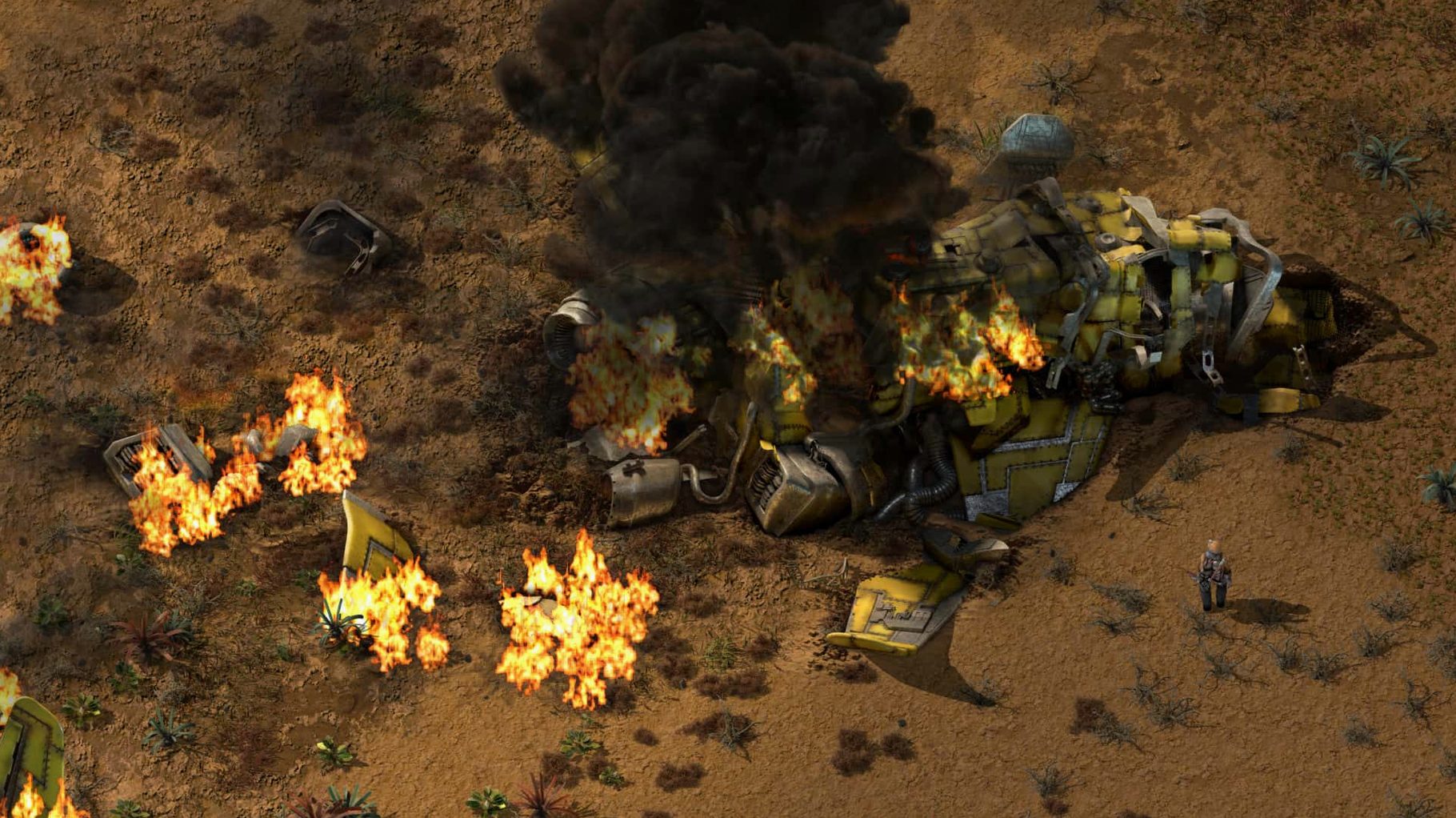
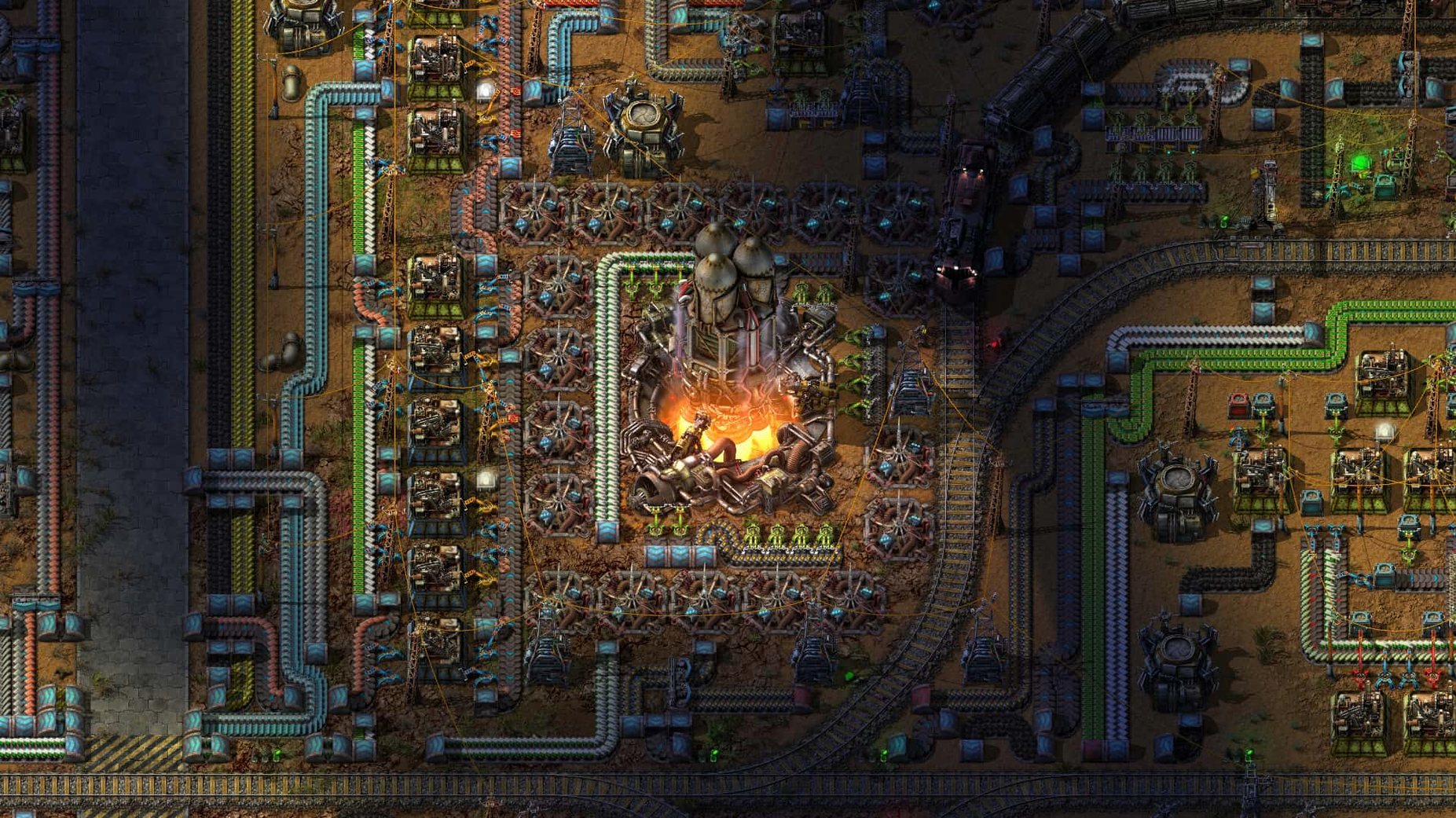
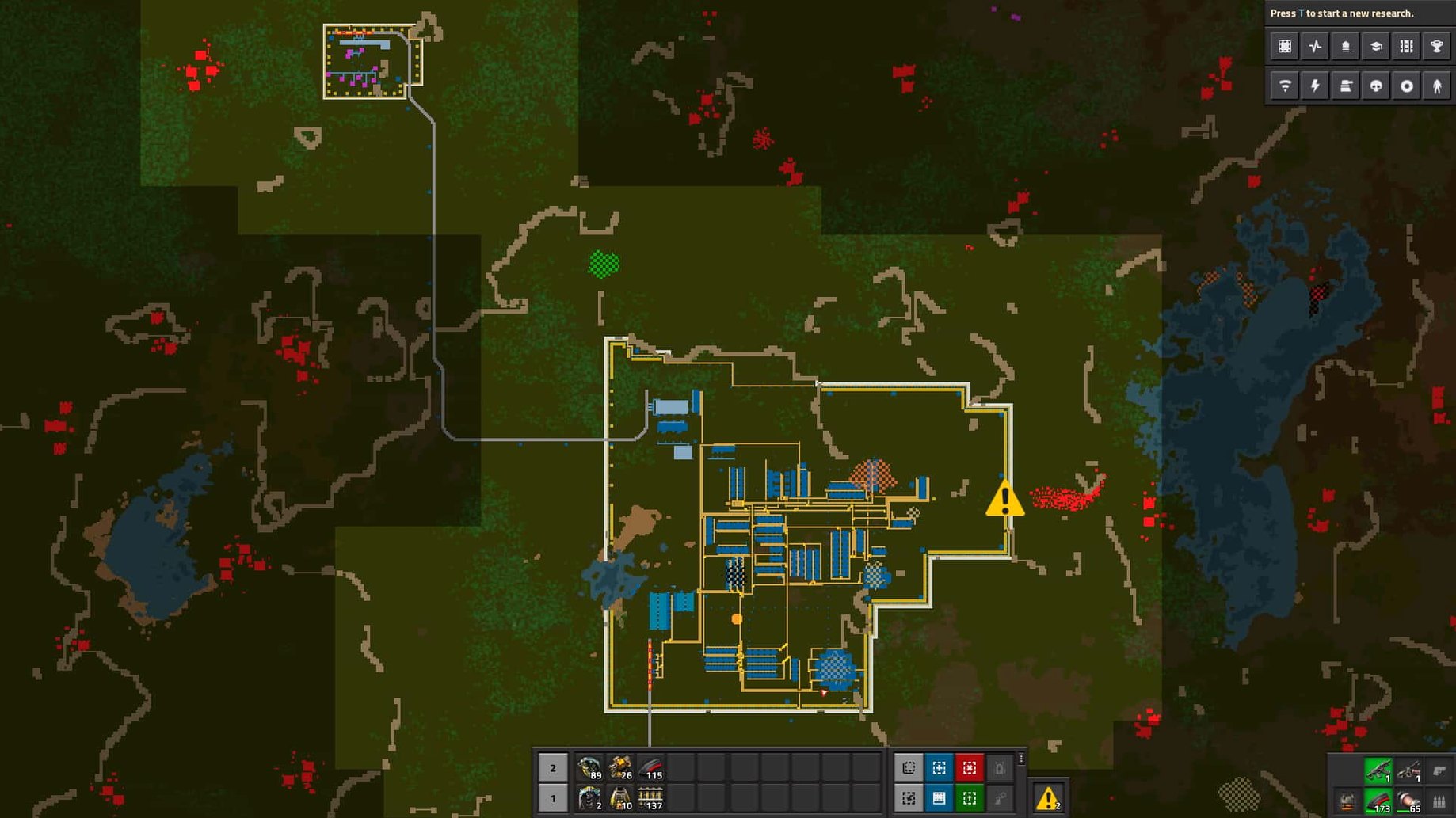
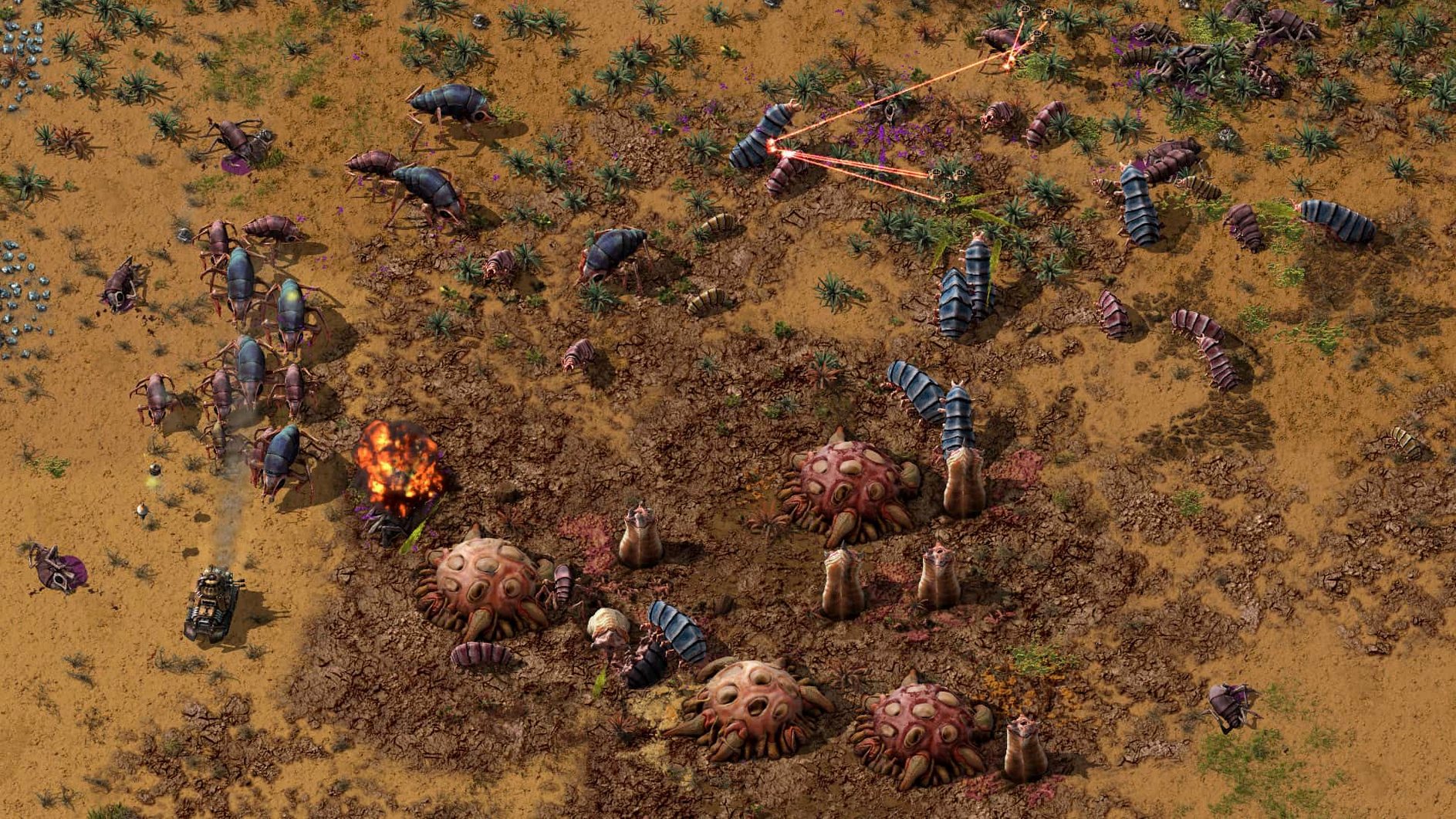
Factorio runs on just about any Mac made in the last decade, but it really shines on Apple Silicon. Version 2.0.77 was tested on macOS Tahoe with an M4 Mac mini, and performance was smooth throughout. The game supports both Intel and Apple Silicon architectures natively, so whether you’re on an older Intel MacBook Pro or a recent M-series machine, it will launch and play without emulation overhead.
Controls are straightforward: mouse and keyboard are all you need for the main sandbox mode. You start by cutting trees and mining ore by hand, then build basic inserters and transport belts to automate production. As you expand, you’ll research technologies, set up solar farms and oil processing, deploy robots and a logistics network, and defend against enemies. The in-game map editor is included, and mods live in ~/Library/Application Support/factorio/mods.
Factorio is famously well-optimised. Even large, complex factories stay responsive on modern Macs. The current version 2.0.77 fixes several rare crash cases — cargo pod clipping, inserter deadlocks, rocket silo deadlocks — and adds new Lua prototype reads for quality values and fluid properties. If you’re running a busy factory with hundreds of machines, the M-series chips handle it comfortably. The interface is available in 22 languages including English, German, French, Japanese and Simplified Chinese.
Before you jump into the endless 2D world, a few things people often ask about. Installation is simple: open the downloaded disk image, drag the game to the Applications folder shortcut, and after it copies across, launch it from Launchpad. No extra launcher, no account creation, no internet check — it’s DRM-free, so it stays portable. You can copy it between Macs or store it on an external drive if you like.
Once loaded, head into the display options. If you’re on a high-resolution Retina screen, check the window scaling setting — Factorio’s UI can render very small on a 4K display at default zoom. A notch up on the interface scale makes the tooltips and production menus much easier to read during long sessions. The other setting worth adjusting early is the autosave interval. The default is fine for most, but if you tend to build fast and experiment, a shorter interval means less ground lost when a spaghetti belt layout goes wrong.
Factorio appeals to a few distinct types. If you enjoy logistics puzzles — the kind where you optimise a supply chain in your head before placing a single belt — the sandbox mode will hold your attention for weeks. Multiplayer groups also get plenty of mileage: the co-op support means you can split a continent-sized factory between friends, with one person refining oil while another sets up the bot army. Mod creators are well served too, thanks to the built-in map editor and the newly expanded Lua prototype reads in 2.0.77. If you like opening the game’s internals and writing your own production scripts, this version adds more hooks for quality values and fluid properties, which opens up custom scenario design.
Factorio sits well beside other creative or technical tools. I often run it alongside a web browser for wiki lookups or a notes app for sketching belt layouts. On macOS, it respects standard window management — you can drag it to a virtual desktop or put it in a full-screen space while keeping Slack or Discord on another workspace for co-op chat. The mods folder sits in the usual ~/Library/Application Support path, so you can zip and share your creations with friends or back them up with the rest of your AppData. If you use Apple’s screen recording tools for sharing builds or tutorials, Factorio doesn’t complain about being captured — it’s a straightforward windowed application with no launcher overlay or DRM nag screens. Factorio Mac torrent aside, the game’s factory-building logic puzzle suits players who enjoy creative problem-solving.
Yes, version 2.0.77 runs natively on both Intel and Apple Silicon Macs. It was tested on macOS Tahoe with an M4 Mac mini.
It is a factory-building sandbox game set in an endless 2D world. You mine resources, automate production, research technologies and fight enemies.
Mods go into ~/Library/Application Support/factorio/mods. The game includes an in-game map editor as well.
Sign in or create your account to leave a comment.
No notes from photographers yet. If you have used this on a real folder, say which camera and which Mac.