
 Get it for my Mac (55 MB)







 Garbanzo Quest
1.3.0

- Version
- 1.1.0
- Developer
- Picogram
- Interface in
- English
- Licence on file
- Not required
- Chip support
- Intel 64-bit
- Edited with it on
- macOS Sequoia, MacBook Air (M1. 2020)
- Out on
- 11.08.2021
- Voices in
- Music only
In the edit
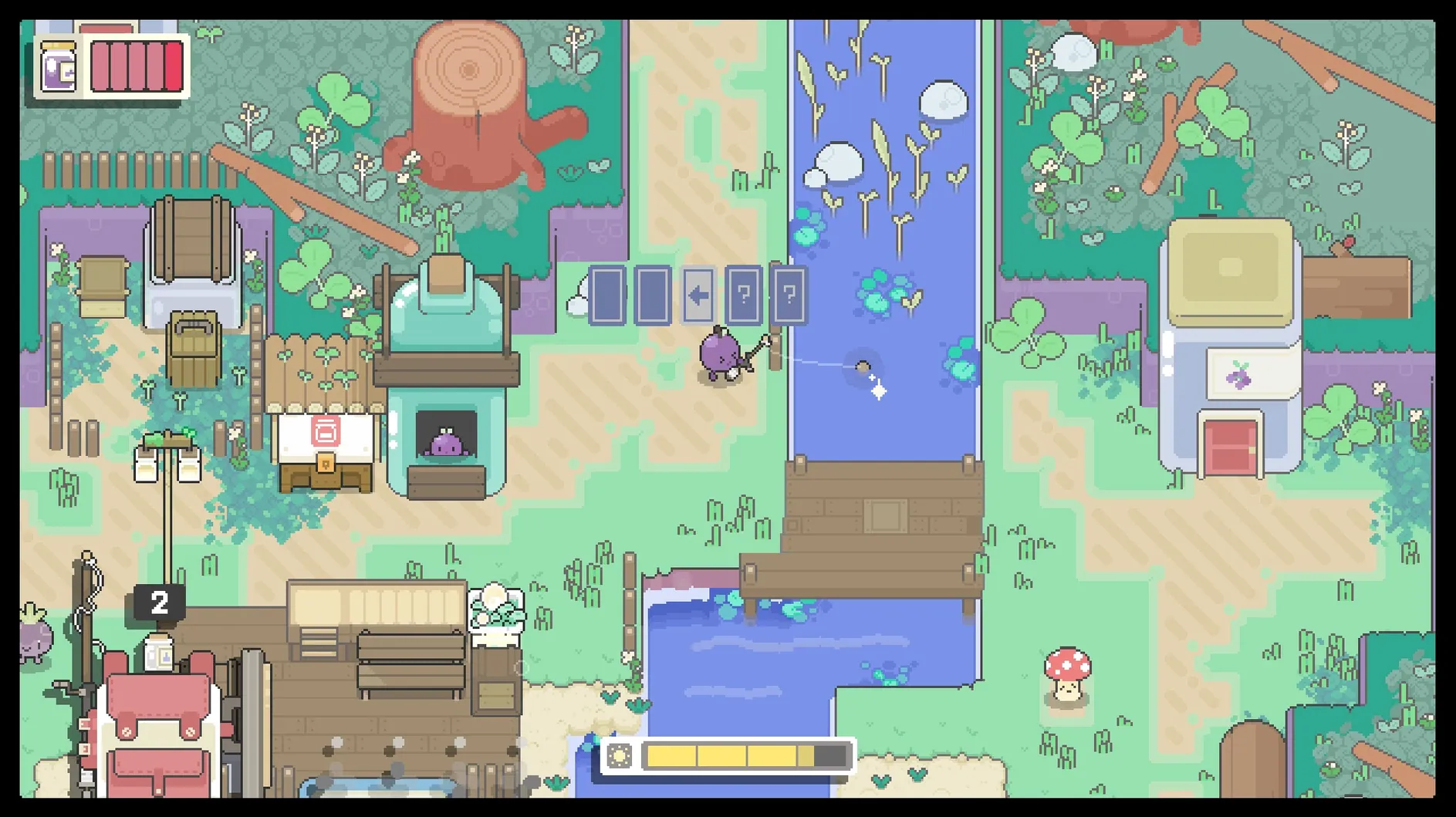
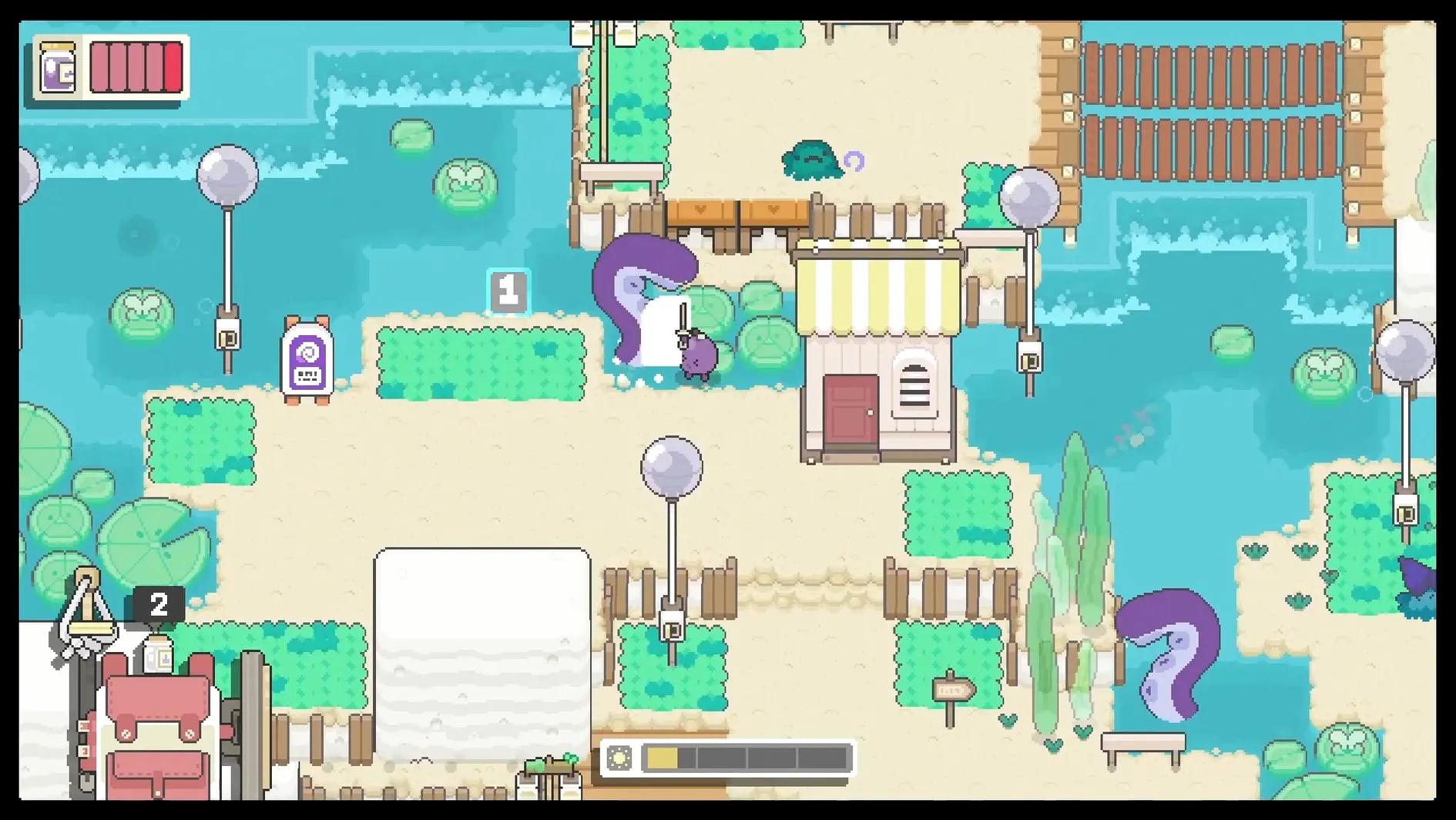
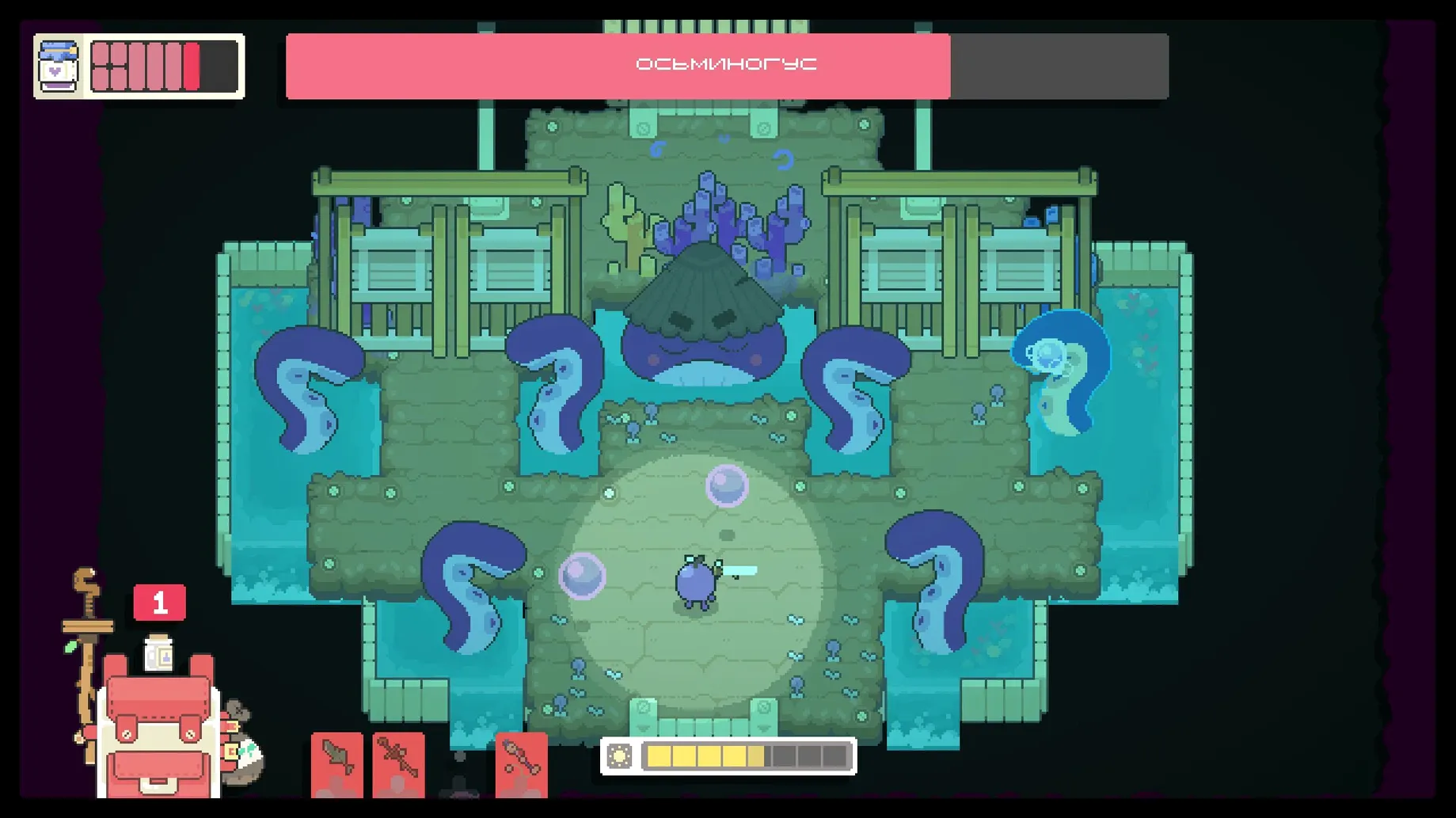
Concord, the young grape, wakes to a world that needs mending. Garden Story drops you into a four-season island overrun with rot and asks you to rebuild Perennial Plaza, befriend its odd fruit-and-vegetable residents and uncover what happened to the place. Picogram’s adventure RPG leans hard into cosy exploration — you fish, forage, fight slimes with a sword and unlock shortcuts between areas as the days pass.
Who will enjoy Garden Story?
Players who like gentle RPGs with a clear purpose. If you enjoyed the village-restoration loop of Stardew Valley or the isometric combat of early Zelda games, the rhythm here will feel familiar. The musical score and seasonal changes give each area a distinct mood, and the new shops and travel shortcuts in version 1.1.0 make the loop smoother for longer sessions.
Not for those wanting deep combat or branching stories
Anyone looking for deep combat mechanics or a branching story. The fights are simple — timed hits and dodges — and the quests follow a mostly linear path. If you prefer games that challenge your reflexes or offer multiple narrative endings, this one may feel too straightforward.
Runs on Apple Silicon via Rosetta without issues
The build is for Intel 64-bit Macs. It was tested on macOS Sequoia on an M1 MacBook Air via Rosetta 2, and it ran without issues. If you are on Apple Silicon, you will need Rosetta installed.
Garden Story doesn't ask for much from your machine. The minimum requirement is macOS with an Intel 64-bit processor, and the disk image is a straightforward drag-and-drop install — mount it, copy the app to Applications, and launch. The download itself is modest, so it won't test your internet connection or your drive space. One thing worth noting: the tested setup was macOS Sequoia on an M1 MacBook Air, but because the build is x86, anyone on Apple Silicon will need Rosetta 2 already in place. If you haven't used Rosetta before, the system prompts you to install it the first time you try to open an Intel app; it takes a minute and then you are set. Beyond that, no extra frameworks or plugins are required. The game runs in a window by default, and the settings menu lets you adjust dialogue text effects, timed puzzle elements, weather VFX and lighting — all part of the 1.1.0 accessibility additions — so you can tune the visual experience to your taste.
A rainy afternoon of simple, meaningful gardening
Imagine it is a rainy Saturday afternoon and you have just finished a week of back-to-back wedding edits. You want something that asks little of you but still feels meaningful. You launch Garden Story, and within minutes you are picking weeds outside Perennial Plaza, talking to a tomato about her missing recipe book, and planning which building to repair next. The day-night cycle is gentle — no real penalty for staying out late — and the combat against the rot creatures is forgiving enough that you can fight half-asleep. You spend an hour fishing by the pond, then another exploring a new region that opened after you fixed the bridge. By the time you save and quit, you have repaired two structures, unlocked a shortcut back to the plaza and found a new hat for Concord. Nothing about the session felt urgent, and that was exactly what you needed.
Don't ignore tool upgrades early on
Garden Story is forgiving, but a few things catch new players off guard. The most common mistake is ignoring the tool upgrades. You start with basic equipment, and the game does not force you to upgrade early, so it is easy to wander into a tougher area with a weak sword and wonder why the rot takes so many hits. Make a habit of checking the upgrade bench after each major quest.
Another misstep is hoarding resources. The inventory screen can hold a fair amount, but you will fill it quickly if you pick up everything in sight. Beginners often hold onto early-game materials long after they are useful, leaving no room for the rarer items that appear in later regions. Use what you have, donate extras to the town board, and sell what is left.
Lastly, new players sometimes skip talking to residents between story beats. The characters drop hints about hidden areas, shortcuts and side tasks that are easy to miss if you only speak to them when a quest marker points at them. A quick chat with everyone in the plaza every few in-game days keeps those threads from going cold.
New this release
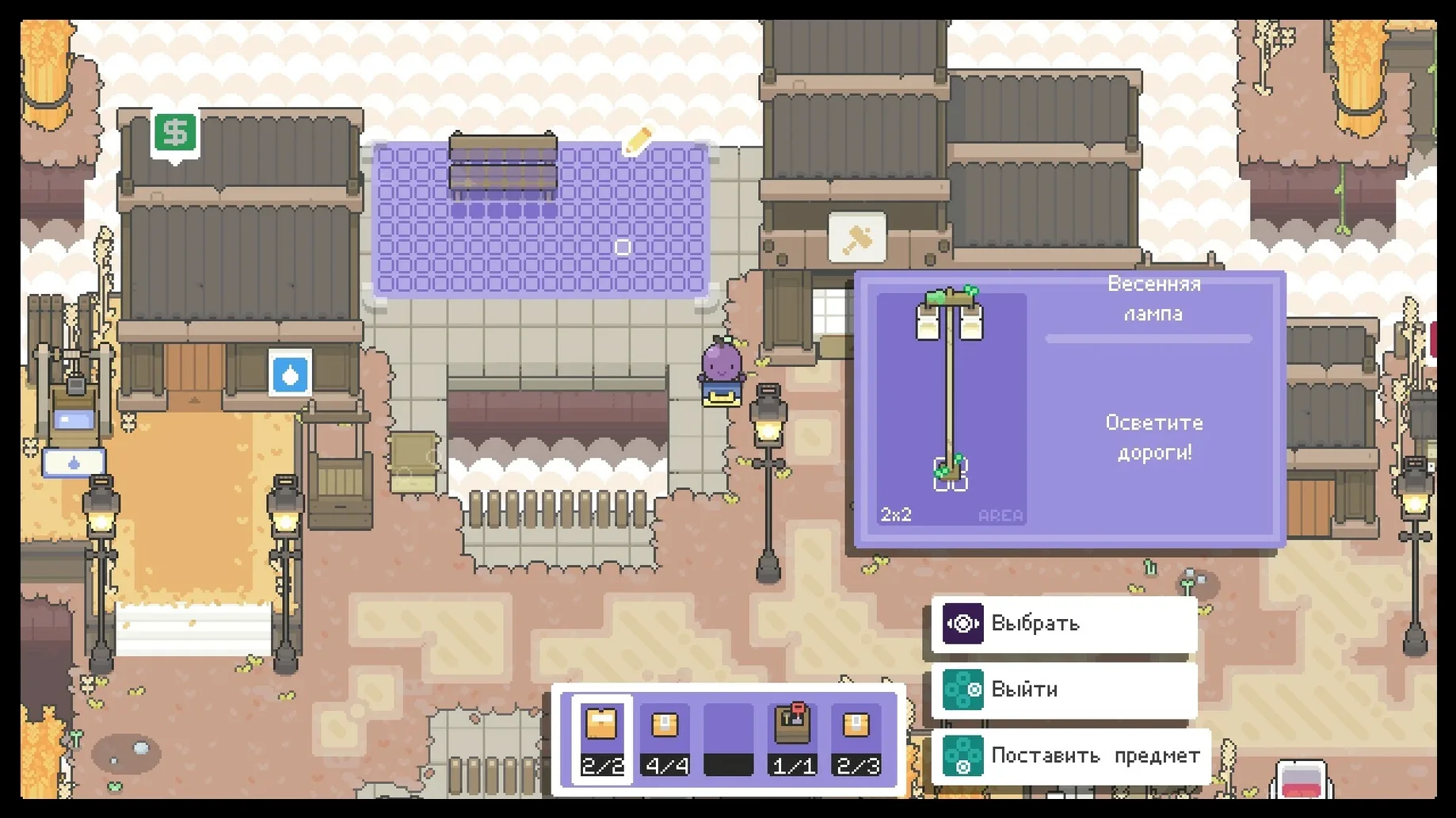
- New shops in Perennial Plaza.
- More hats and backpacks for Concord.
- Accessibility options for dialogue text effects, timed puzzle elements, weather VFX and lighting.
- Additional building plots and more shortcuts for travel.
- Final upgrade levels for tools.
Mac it needs
- macOS version not specified by the developer.
- Intel 64-bit processor.
- Interface language: English.
Questions I actually get
Can I play Garden Story with a controller on Mac?
The game supports controller input on macOS, though the specific controller support is not detailed by the developer. Keyboard and mouse work as well.
How long does it take to finish Garden Story?
A typical playthrough takes around 15 to 20 hours, depending on how much time you spend exploring, fishing and completing side tasks.
Is there multiplayer or co-op in Garden Story?
No. Garden Story is a single-player experience with no co-op or multiplayer modes.
Installing on a Mac
- Mount the downloaded disk image.
- Drag the app into the Applications folder shortcut.
- Launch the app from Launchpad after copying finishes.
Notes from photographers
Sign in or create your account to leave a comment.
No notes from photographers yet. If you have used this on a real folder, say which camera and which Mac.
