
 Get it for my Mac (2.3 GB)



 Little Inferno
2.0.3
- Version
- 1.0.32526 [Wineskin]
- Developer
- Killmonday Games AB
- Interface in
- Russian, English, German, Spanish, Portuguese, French, Japanese
- Licence on file
- Not required
- Chip support
- Apple Silicon
- Edited with it on
- macOS Tahoe, Mac mini 2024 M4
- Out on
- 18.09.2019
- Voices in
- English
In the edit
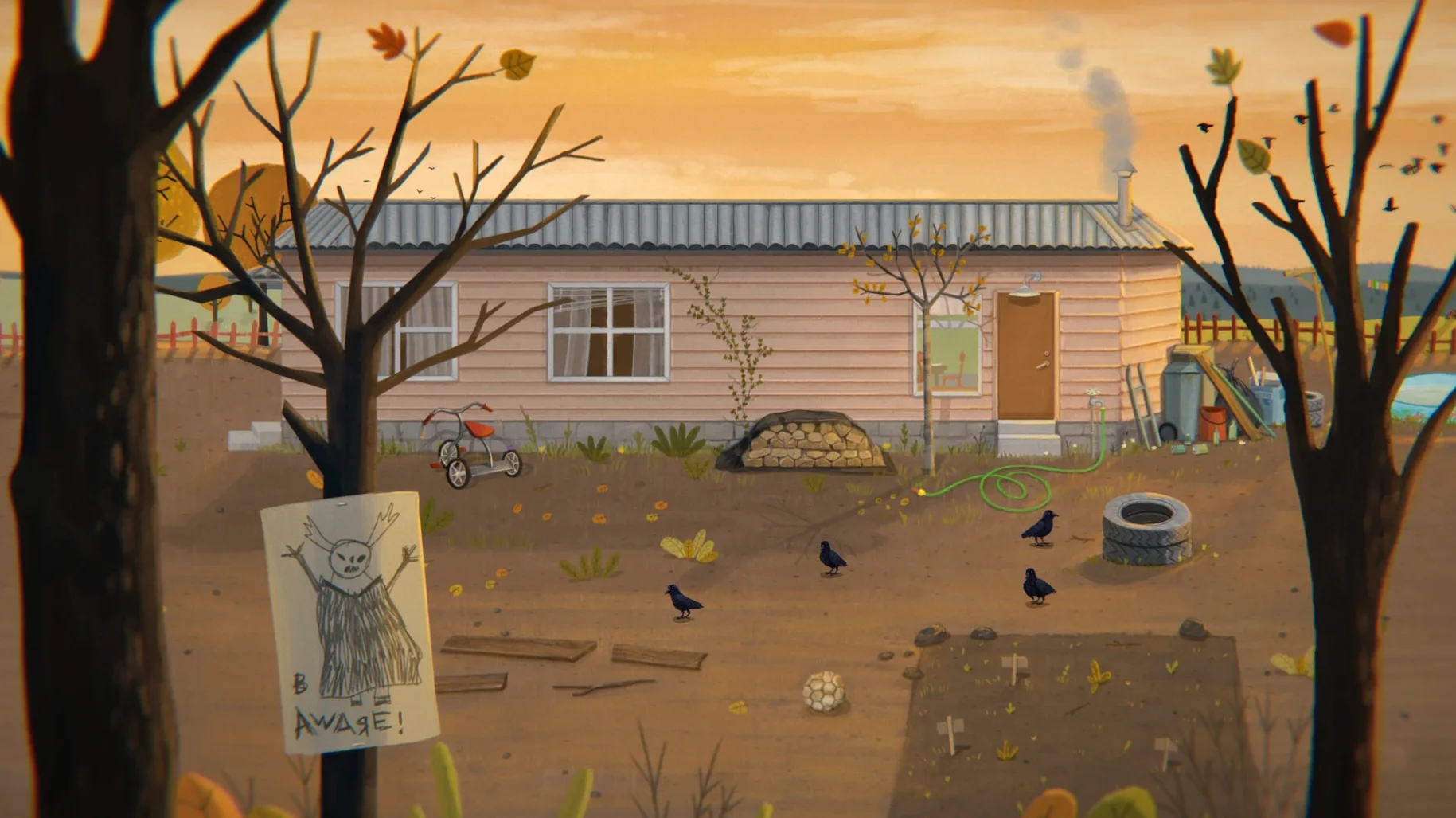
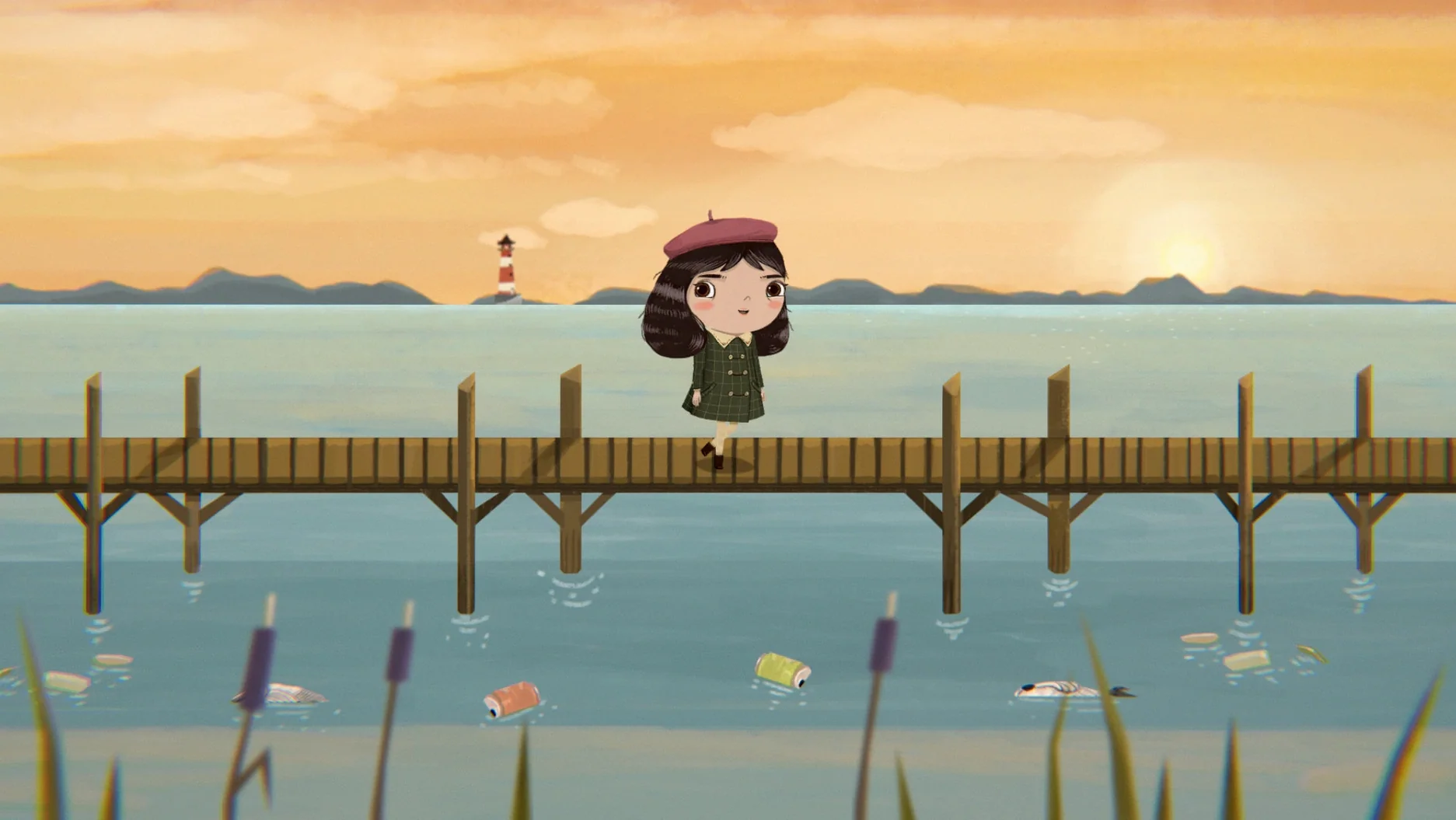
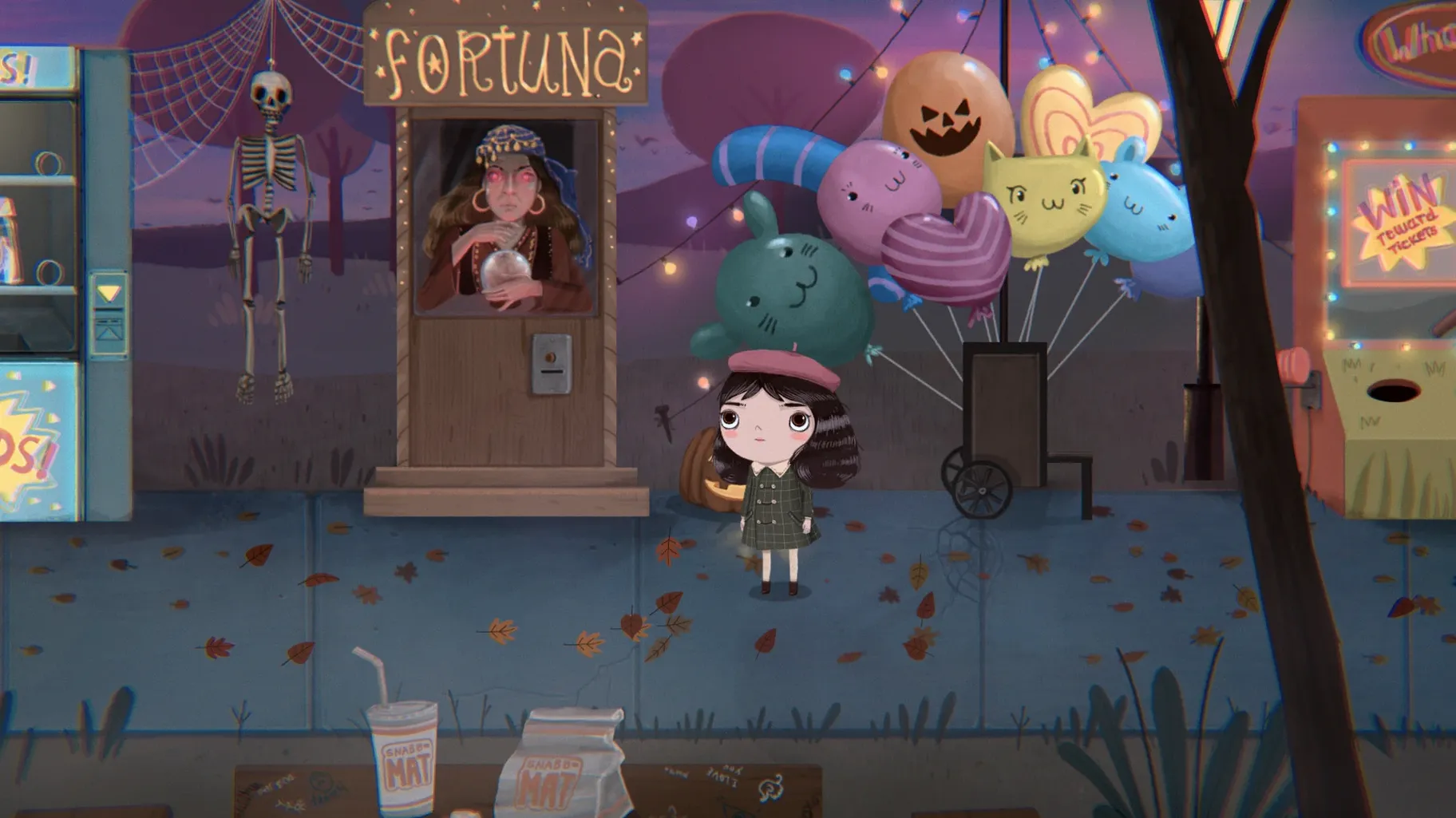
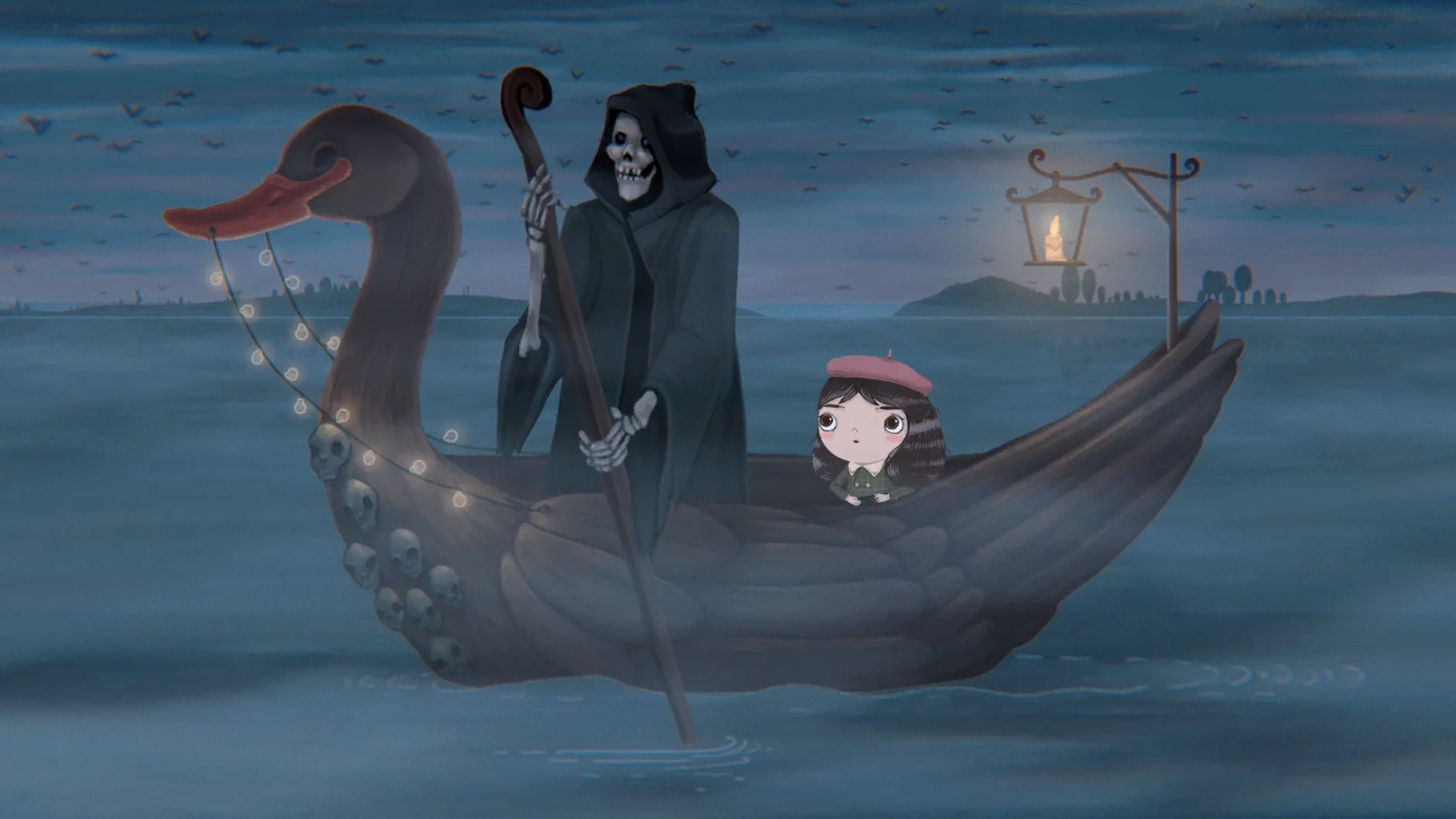
Version 1.0.32526 brings the latest build of Little Misfortune to Apple Silicon Macs. This interactive story game, set in the same universe as Fran Bow, follows eight-year-old Misfortune Ramirez Hernandez through a world of mystery, dark humour, and surprising warmth.
What makes the story stand out
- Choices shape the narrative. Every decision you make as Misfortune influences how the story unfolds, revealing different paths and outcomes across the woods and beyond.
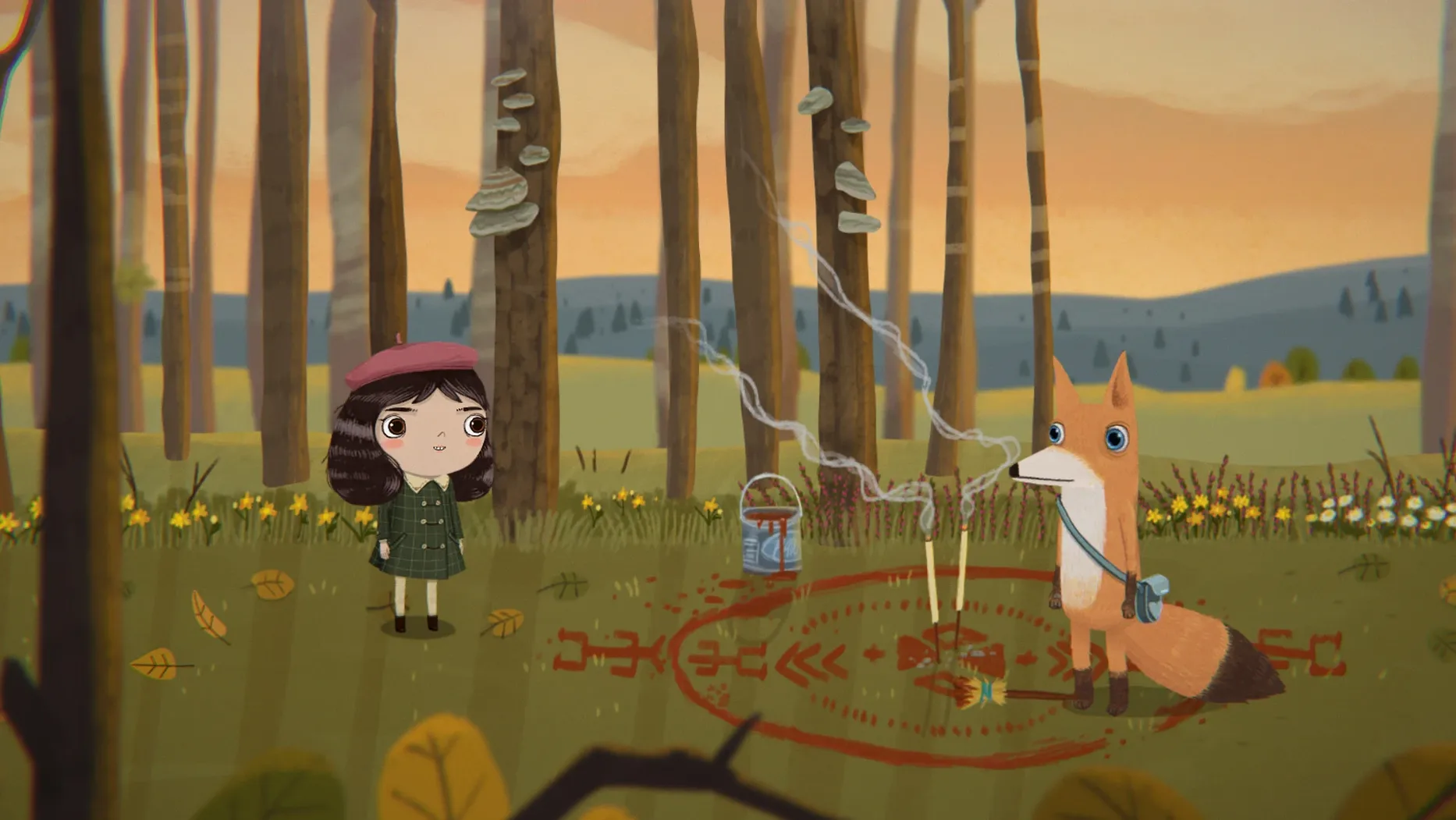
- A world full of characters to meet. From a Kraken to a talking fox, the game is packed with odd, memorable beings. You can even pet the dog, fish, wolf, kitten, and fox — because sometimes that matters.
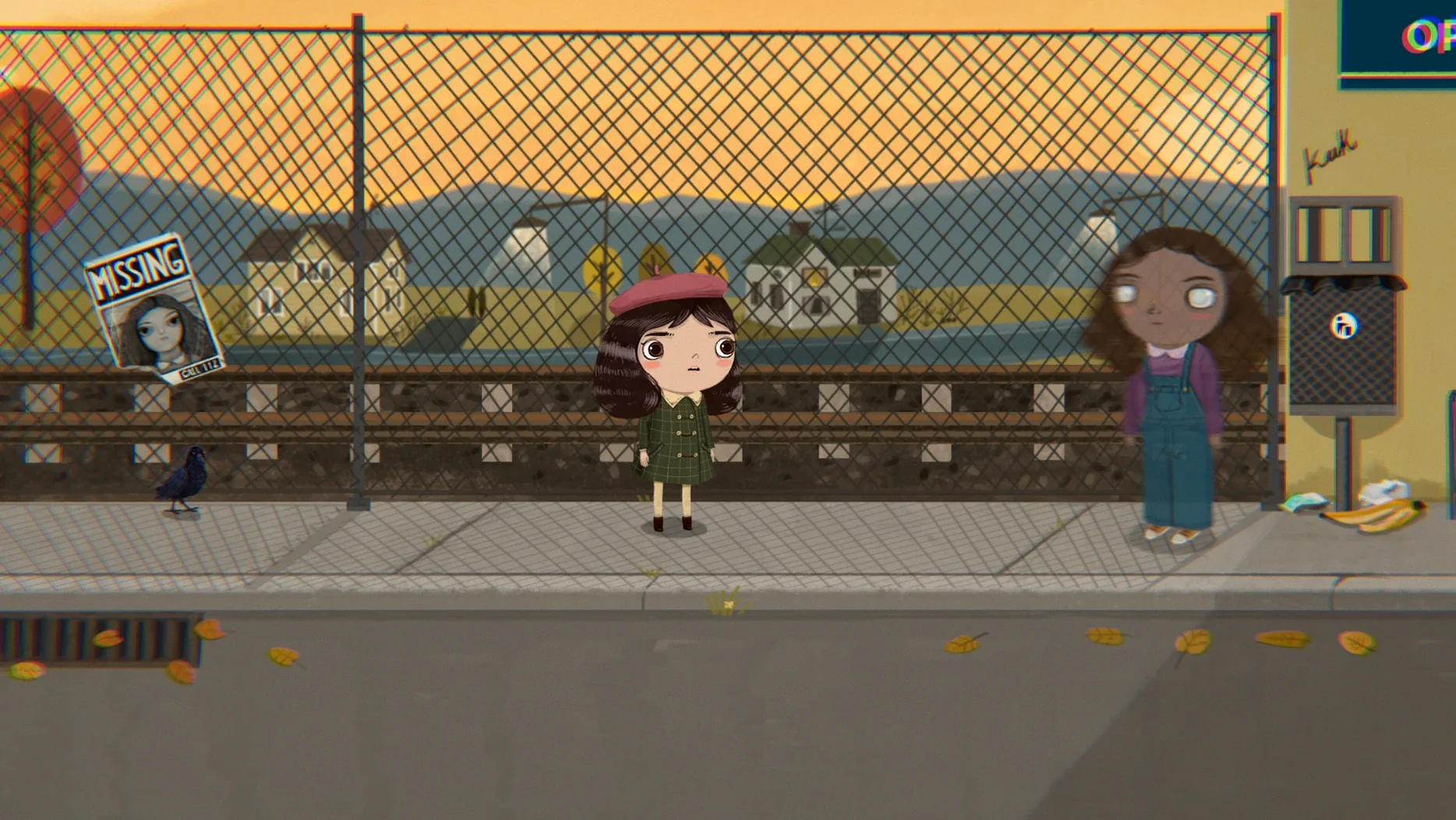
- Mysteries hidden in the environment. Missing children, strange voices, and the secrets of the forest all tie together in a story that rewards exploration and curiosity.
With voice acting in English and interface text in Russian, English, German, Spanish, Portuguese, French, and Japanese, the game keeps its dialogue accessible without losing its tone. It’s a short but memorable journey, built for anyone who likes their adventures with a side of melancholy and a lot of heart.
A session with Misfortune, from start to woods
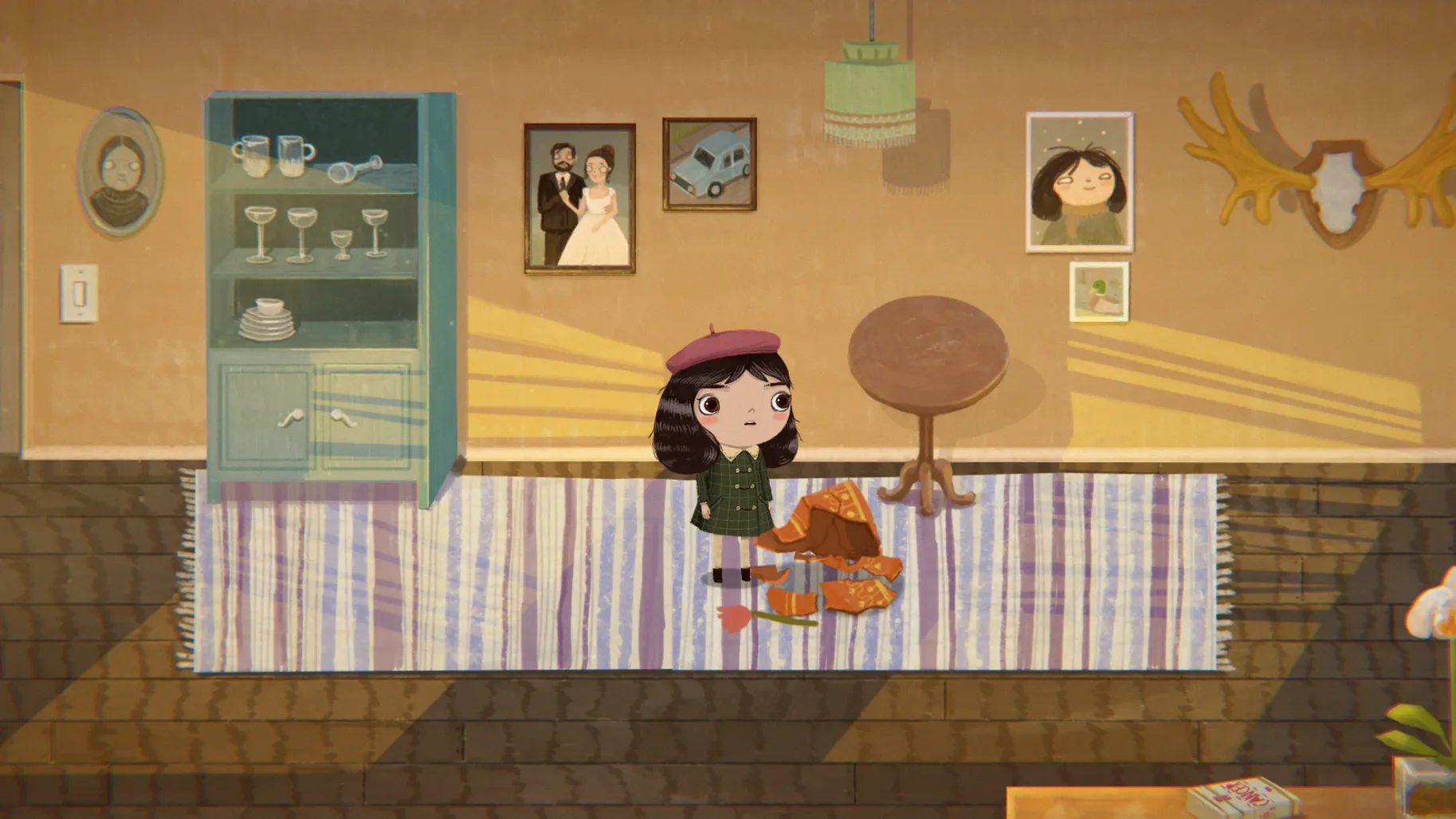
The game opens on Misfortune’s bedroom — a space that already tells you more than any intro screen could. You pick up objects, look around, and get your first feel for how the world responds. Mr. Voice speaks to you early, setting the tone: part guide, part riddle, part something else you haven’t quite figured out yet.
From there, it’s out of the house and into the woods. The path isn’t linear in the traditional sense — you wander, you notice things, you decide whether to investigate a strange sound or follow a trail of glitter. Each little choice nudges the story forward, sometimes in ways you won’t notice until later.
Petting, pausing, and the quiet moments
Between the darker themes — missing children, a pet cemetery, a monster that lurks somewhere — the game gives you room to breathe. You can stop and pet nearly every animal you meet. The dog wags. The fish swims in place. The Kraken, somehow, also appreciates the attention. These moments don’t advance the plot, but they ground you in Misfortune’s perspective. She’s eight, imaginative, and sees wonder where an adult would see only danger.
Exploring thoroughly reveals more of the backstory. Notes, drawings, and environmental details fill in the edges of the world. If you played Fran Bow, you’ll recognise the visual style and some thematic threads. If you haven’t, it still stands on its own.
A Wineskin wrapper built for Apple Silicon
The version listed here is 1.0.32526, built as a Wineskin wrapper for Apple Silicon. It was tested on macOS Tahoe running on a Mac mini 2024 M4, and the architecture is ARM-native in execution. No activation is required — you install, you play.
The process is straightforward: open the downloaded disk image, drag the app into the Applications folder, and launch it from Launchpad. If the game throws an error on first startup, there’s a Fix file included in the disk image — run that, and it should sort things out. The whole thing takes a couple of minutes.
Mac it needs
- macOS (compatible with Apple Silicon)
- Architecture: ARM
Installing on a Mac
- Open the downloaded disk image.
- Drag the app into the Applications folder shortcut.
- Once copying finishes, launch the game from Launchpad.
- If the game shows an error at startup, run the Fix file from the disk image.
Notes from photographers
Sign in or create your account to leave a comment.
No notes from photographers yet. If you have used this on a real folder, say which camera and which Mac.
